Top Rated Apple Laptop For College Student
Finding the best Apple laptop for college starts with your coursework, budget, and daily campus routine. Compare MacBook options by screen size, memory, and storage, while considering portability and battery life. Before choosing, check that your major’s required software is compatible with macOS.
What to look for in an Apple laptop for college
The best Apple laptop for a college student should fit your coursework, campus routine and budget.
1. Course Software Compatibility
2. Performance and Storage
3. Portability and Battery Life
4. Budget and Accessories
-
1
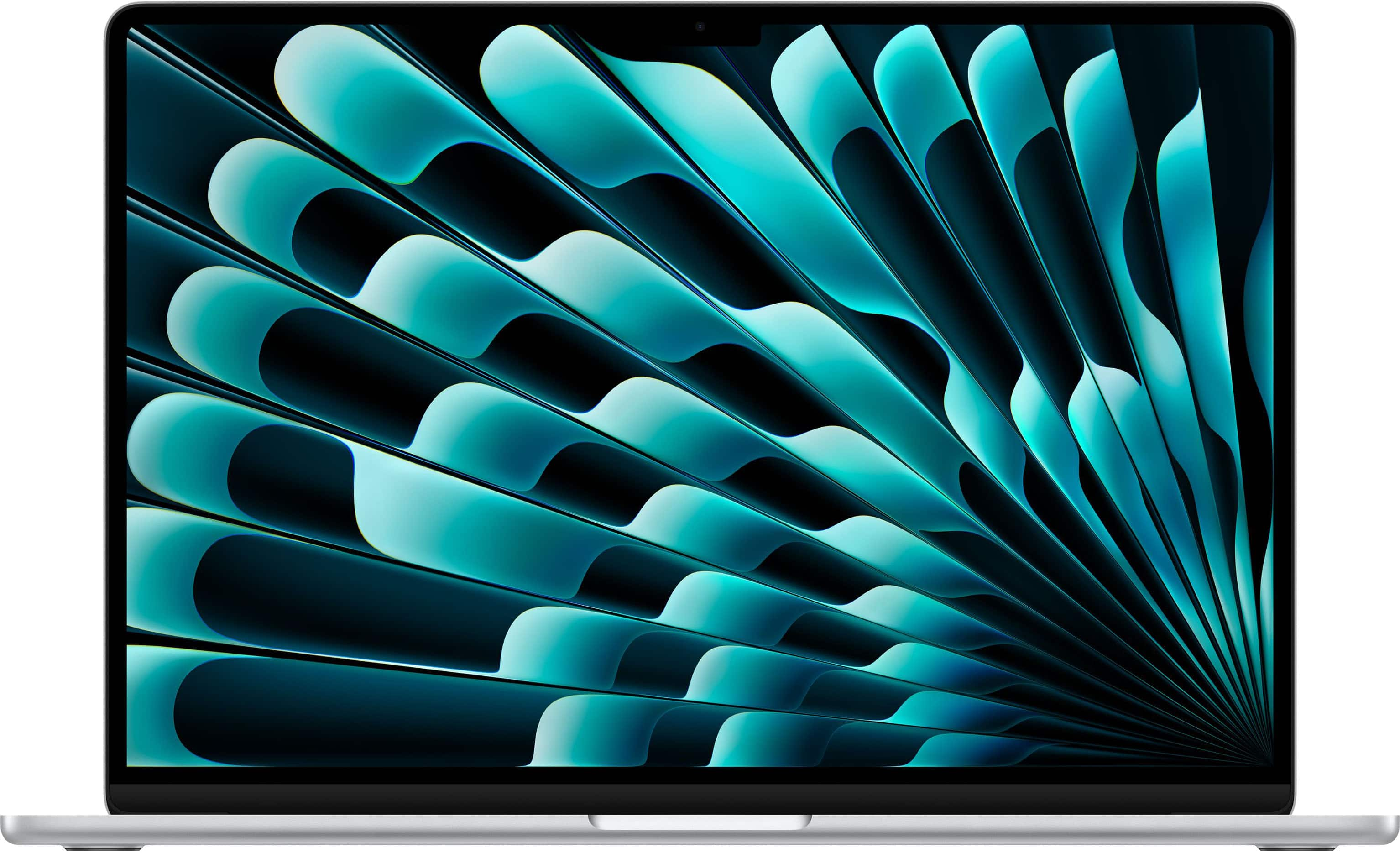
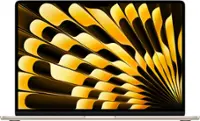
Apple - MacBook Air 15-inch Laptop - M5 chip with 10-core CPU and 10-core GPU - 24GB Memory - 1TB SSD - Silver
About this product
A sleek silver laptop featuring an M5 chip, 24GB memory, 1TB SSD, and Retina display.
What customers like
(21)$1,749.00Your price for this item is $1,749.00SAVE $250.00 -
2
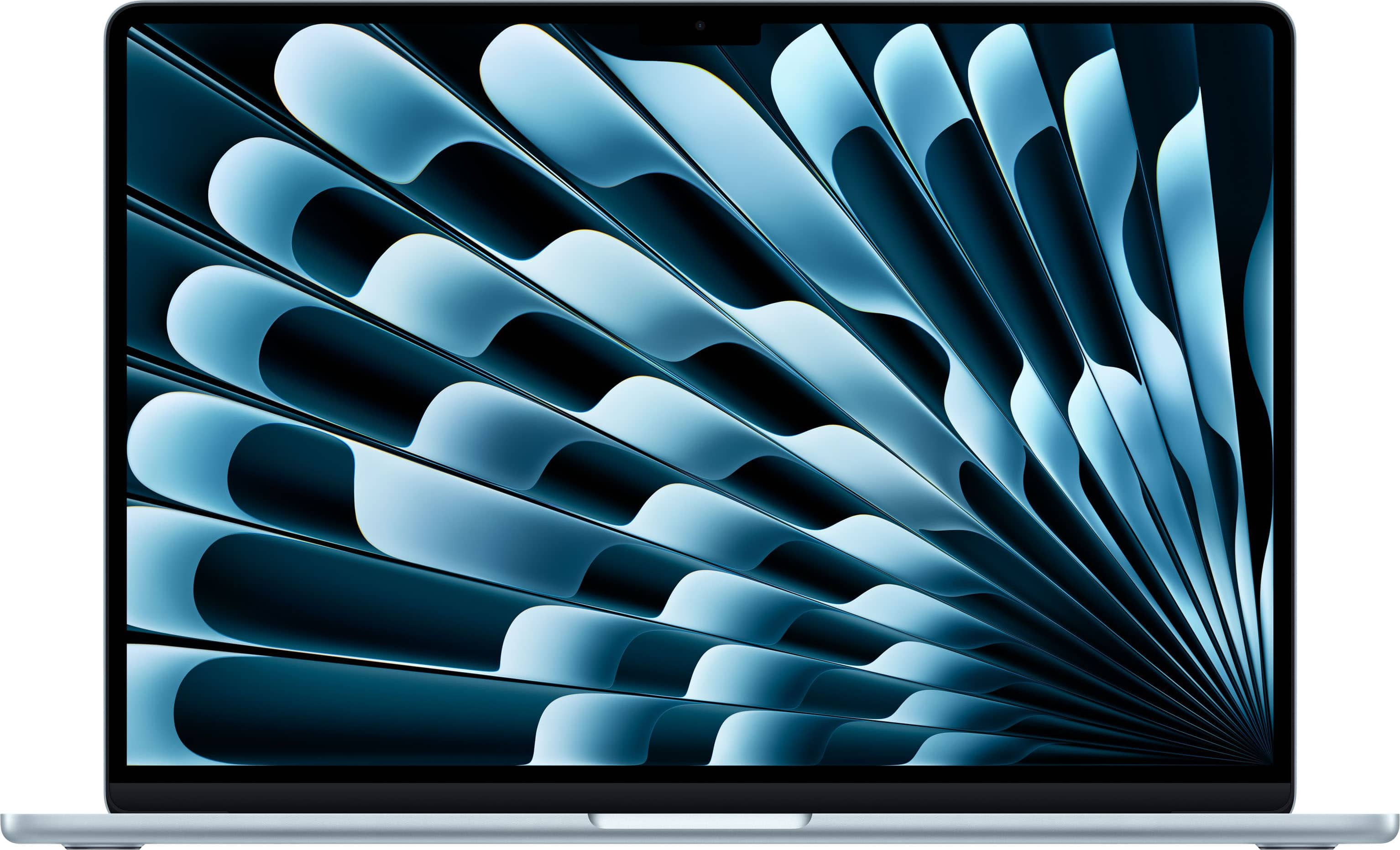
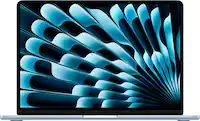
Apple - MacBook Air 15-inch Laptop - M5 chip with 10-core CPU and 10-core GPU - 16GB Memory - 512GB SSD - Sky Blue
About this product
A sleek sky blue laptop featuring the M5 chip, 16GB memory, and 512GB SSD for high performance.
What customers like
(174)$1,249.00Your price for this item is $1,249.00SAVE $250.00 -
3
Apple - MacBook Air 15-inch Laptop - M5 chip with 10-core CPU and 10-core GPU - 16GB Memory - 512GB SSD - Silver
About this product
A sleek silver laptop featuring an M5 chip, 16GB memory, 512GB SSD, and integrated graphics.
What customers like
(79)$1,249.00Your price for this item is $1,249.00SAVE $250.00 -
4
Apple - MacBook Air 15-inch Laptop - M5 chip with 10-core CPU and 10-core GPU - 24GB Memory - 1TB SSD - Sky Blue
About this product
A sleek sky blue laptop featuring an M5 chip, 24GB memory, 1TB SSD, and Retina display.
What customers like
(264)$1,749.00Your price for this item is $1,749.00SAVE $250.00 -
5
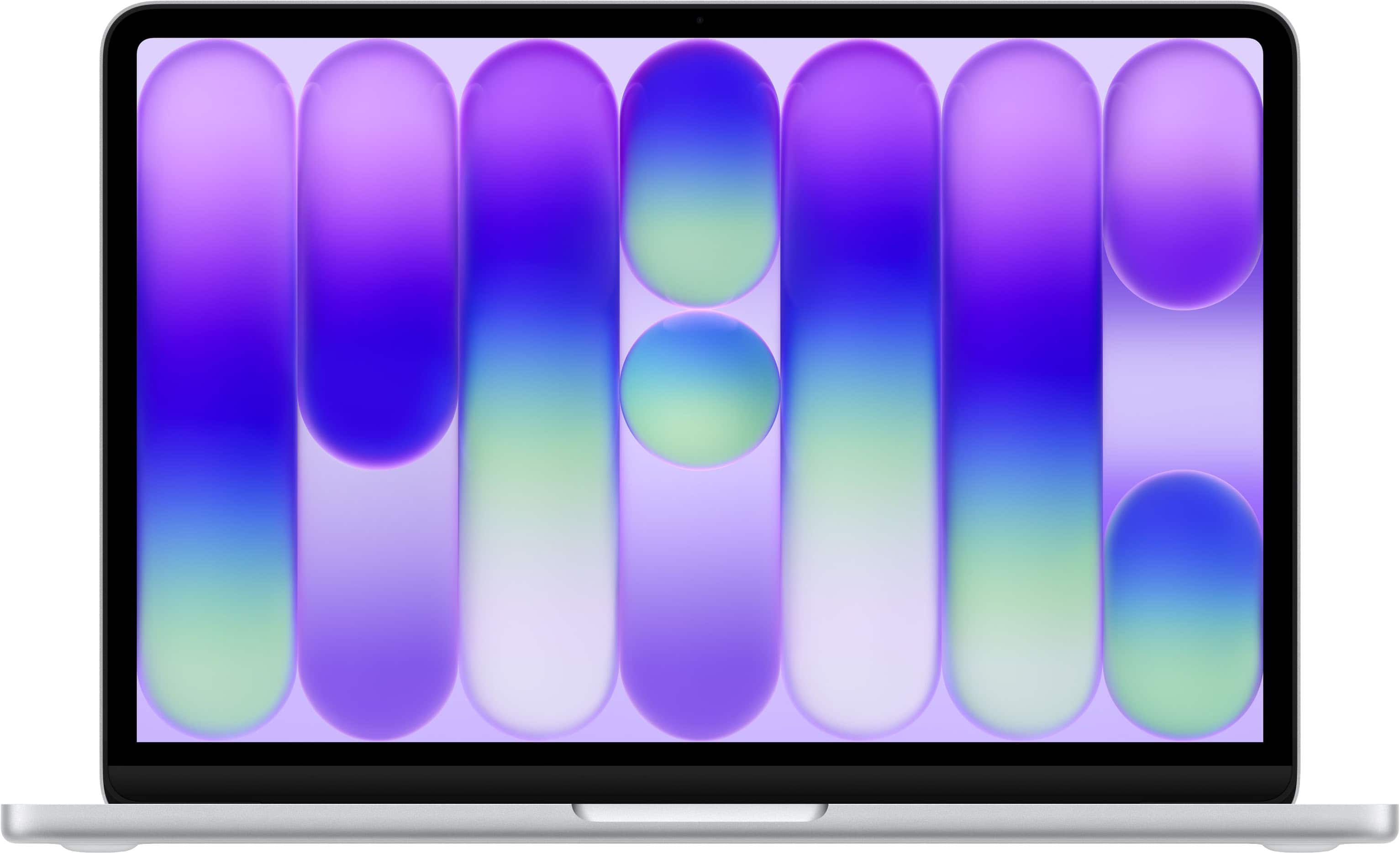
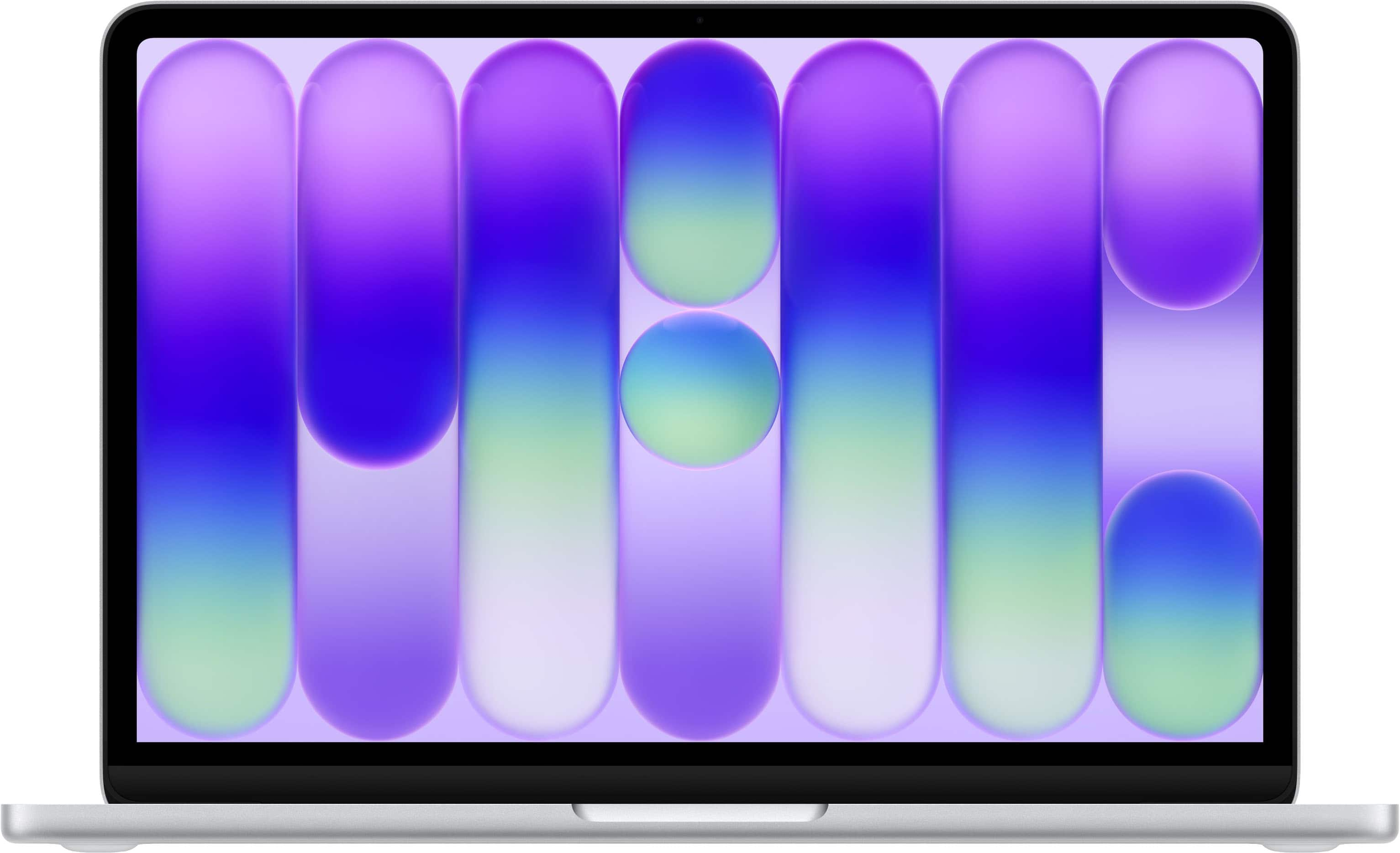
Apple - MacBook Neo 13-inch Laptop - A18 Pro chip with 6‑core CPU and 5‑core GPU - 8GB Memory - 512GB SSD - Silver
About this product
A sleek silver laptop featuring an A18 Pro chip, 8GB memory, and a 512GB SSD for productivity.
What customers like
(1,596)$749.00Your price for this item is $749.00SAVE $50.00 -
6
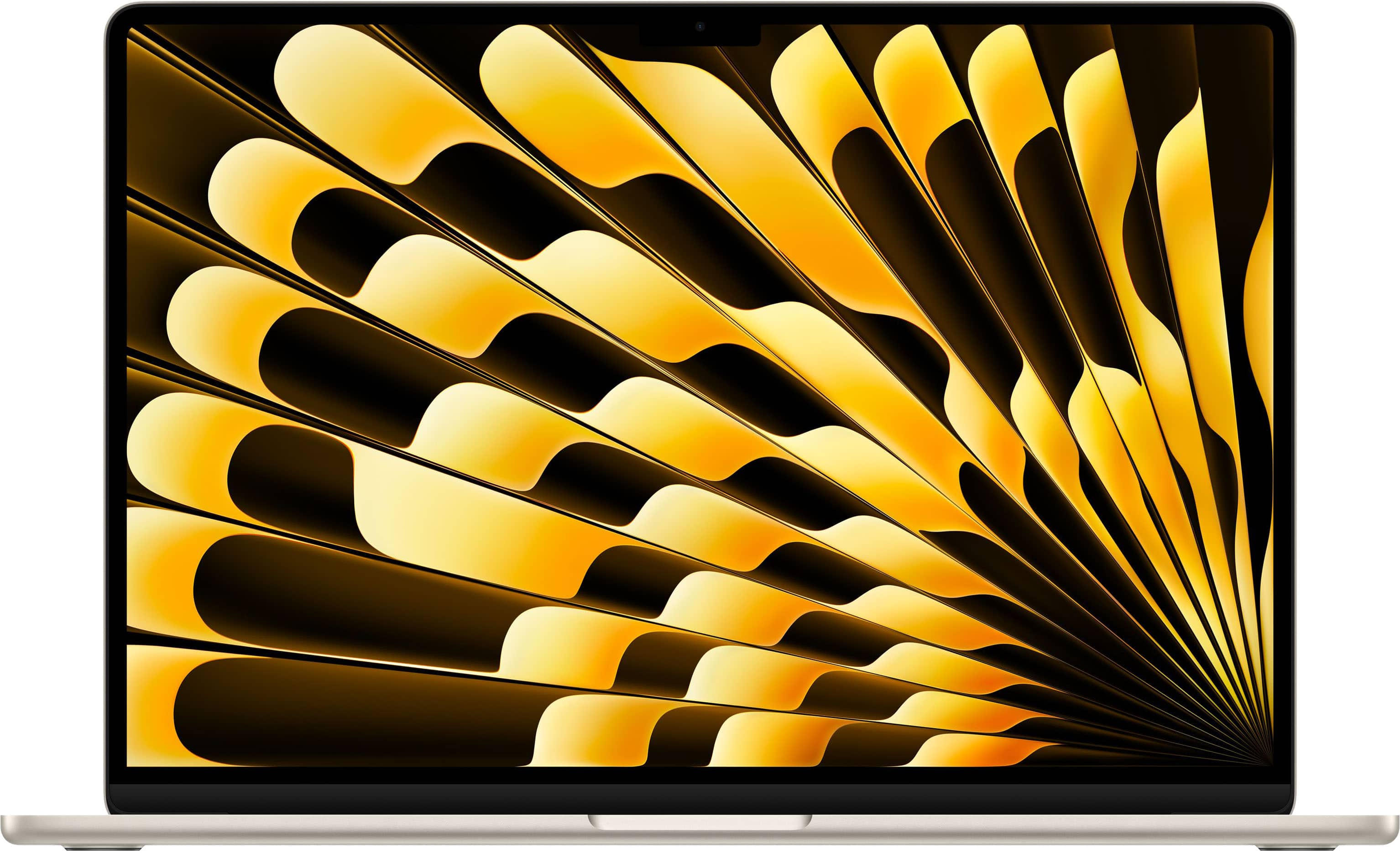
Apple - MacBook Air 15-inch Laptop - M5 chip with 10-core CPU and 10-core GPU - 16GB Memory - 1TB SSD - Starlight
About this product
A sleek Starlight laptop featuring an M5 chip, 16GB memory, 1TB SSD, and Retina display.
What customers like
(133)$1,549.00Your price for this item is $1,549.00SAVE $250.00 -
7
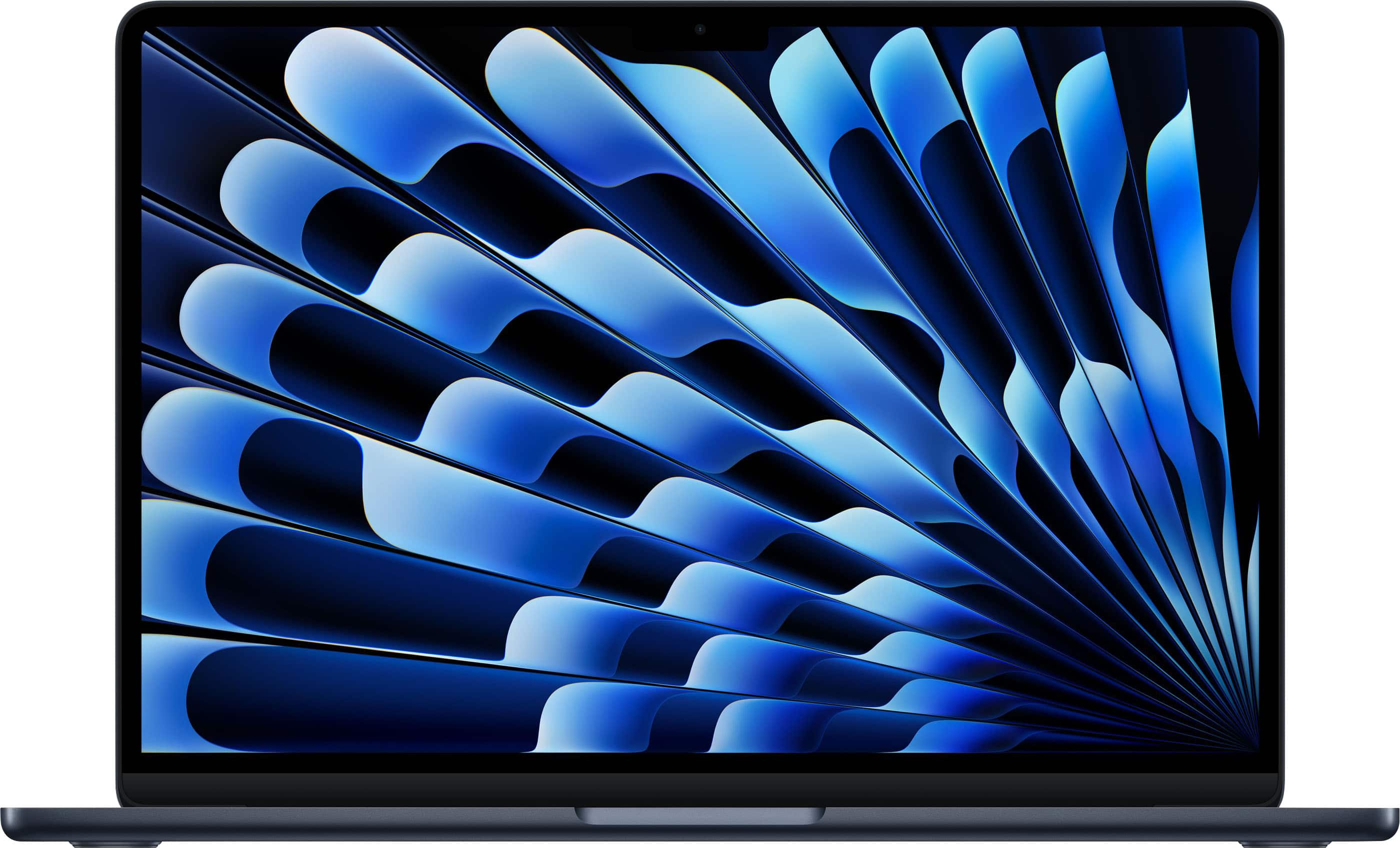
Apple - MacBook Air 13-inch Laptop - M5 chip with 10-core CPU and 10-core GPU - 16GB Memory - 1TB SSD - Midnight
About this product
A lightweight midnight laptop featuring an M5 chip, 16GB memory, 1TB SSD, and integrated graphics.
What customers like
(449)$1,349.00Your price for this item is $1,349.00SAVE $250.00 -
8

Apple - MacBook Neo 13-inch Laptop - A18 Pro chip with 6‑core CPU and 5‑core GPU - 8GB Memory - 512GB SSD - Citrus
About this product
A lightweight citrus aluminum laptop featuring an A18 Pro chip, 8GB memory, and 512GB SSD storage.
What customers like
(1,596)$749.00Your price for this item is $749.00SAVE $50.00 -
9
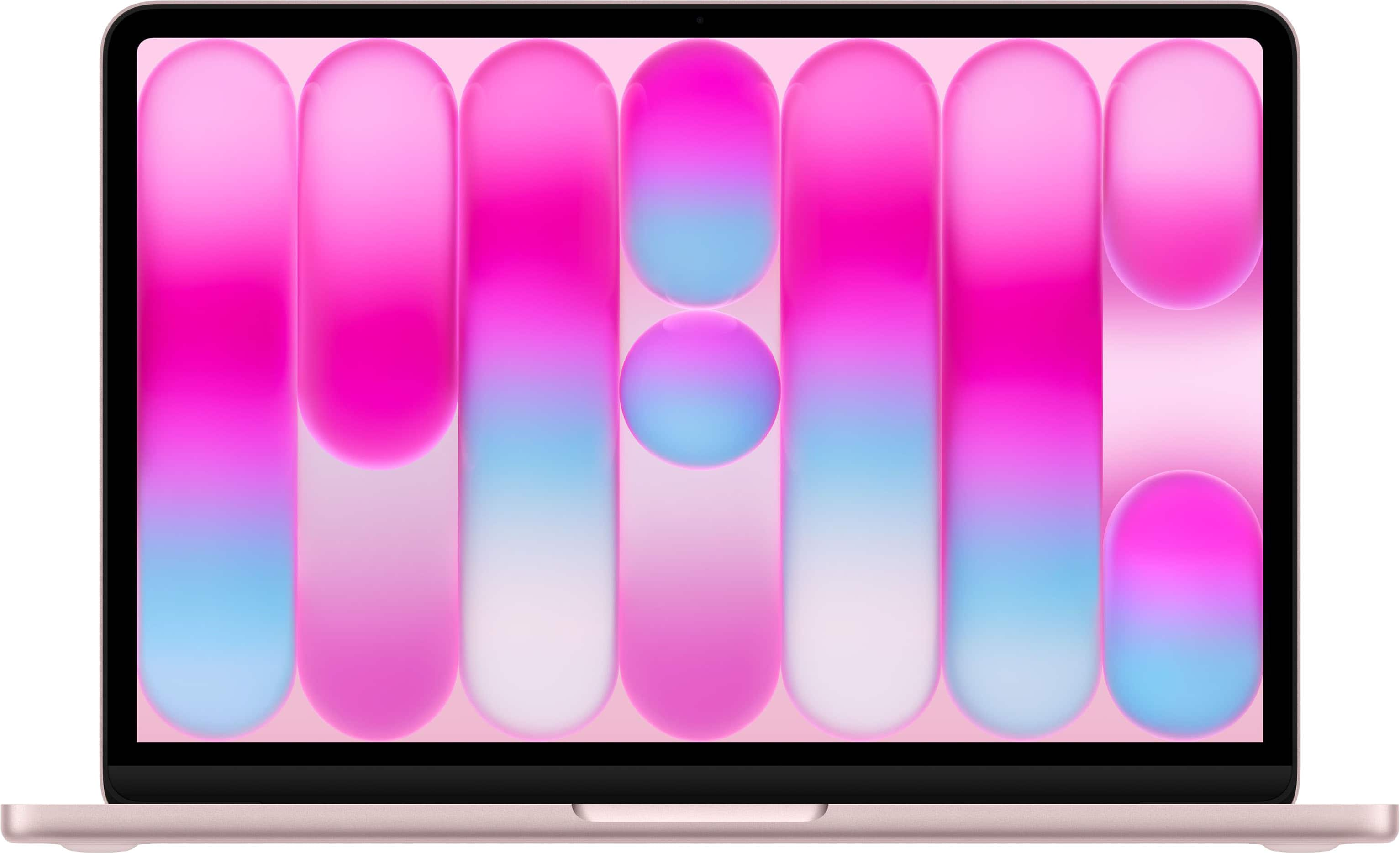
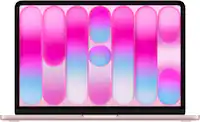
Apple - MacBook Neo 13-inch Laptop - A18 Pro chip with 6‑core CPU and 5‑core GPU - 8GB Memory - 512GB SSD - Blush
About this product
A lightweight blush aluminum laptop featuring an A18 Pro chip, 8GB memory, and 512GB SSD storage.
What customers like
(1,596)$749.00Your price for this item is $749.00SAVE $50.00
Top Rated Apple Laptop For College Student
FAQs
Start with your major’s technology requirements, the applications used in your courses, and the connections you need for accessories. Check your department’s guidance on macOS compatibility, especially for classes that require specialized engineering, design, or data-analysis software.
Review each software developer’s macOS system requirements and your college’s recommended-computer guidelines. Some courses require Windows-only applications, so ask your department whether browser-based versions or campus computer labs are accepted alternatives.
Compatible Apple devices can share files through AirDrop and sync supported content through iCloud when signed in to the same Apple Account. Features such as Handoff and Universal Clipboard can also connect activities across devices, depending on hardware, software, and settings.
Common accessories include headphones, an external keyboard or mouse, an external display, and an external drive for backups. Depending on the laptop’s ports, you may need a compatible hub or adapter to connect classroom displays, USB accessories, or other equipment.
Create folders by semester and course, and use consistent file names for lecture notes, assignments, and readings. Calendar and reminder apps can track deadlines, while browser bookmarks can keep course portals and research resources organized. Follow your college’s requirements for storing and submitting coursework.