Best Class 10 Memory Card
Compare Class 10 memory cards by storage capacity, SD or microSD format, and device compatibility to find the right fit. The Class 10 rating indicates a minimum sequential write speed of 10 MB/s. Before choosing, check your device’s supported card format and capacity limits, along with any additional speed requirements for tasks such as video recording.
What to look for in a Class 10 memory card
Choosing the best Class 10 memory card for your needs means matching its format, capacity and speed ratings to your device and the files you plan to store.
1. Device Compatibility
2. Storage Capacity
3. Write Speed and Recording Needs
4. Read Speed and File Transfers
-
1
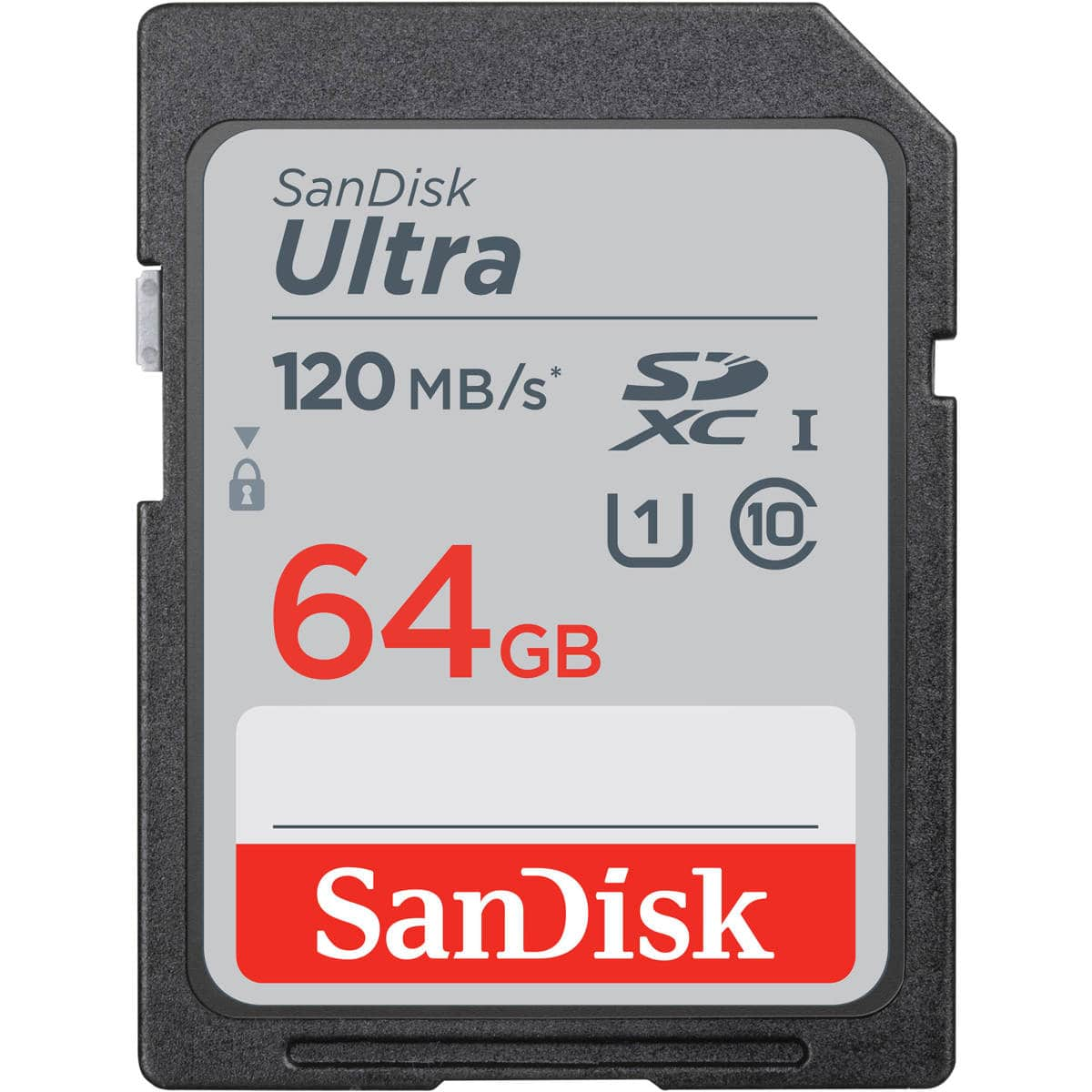
SANDISK - 64GB Ultra UHS-I Class 10 U1 SDXC Memory Card
About this product
A black SDXC memory card offering 64GB storage, up to 140MB/s read speed, and water resistance.
(9)$27.99Your price for this item is $27.99SAVE $2.00 -
2

Verbatim - 96871 UHS-I V10 U1 Class 10 32 GB up to 90 MB/S Read Speed Premium SDHC Memory Card
About this product
A blue, water-resistant SDHC flash card offering 32GB storage and Class 10 performance for reliable data transfer.
(1)$35.17 Your price for this item is $35.17 -
3
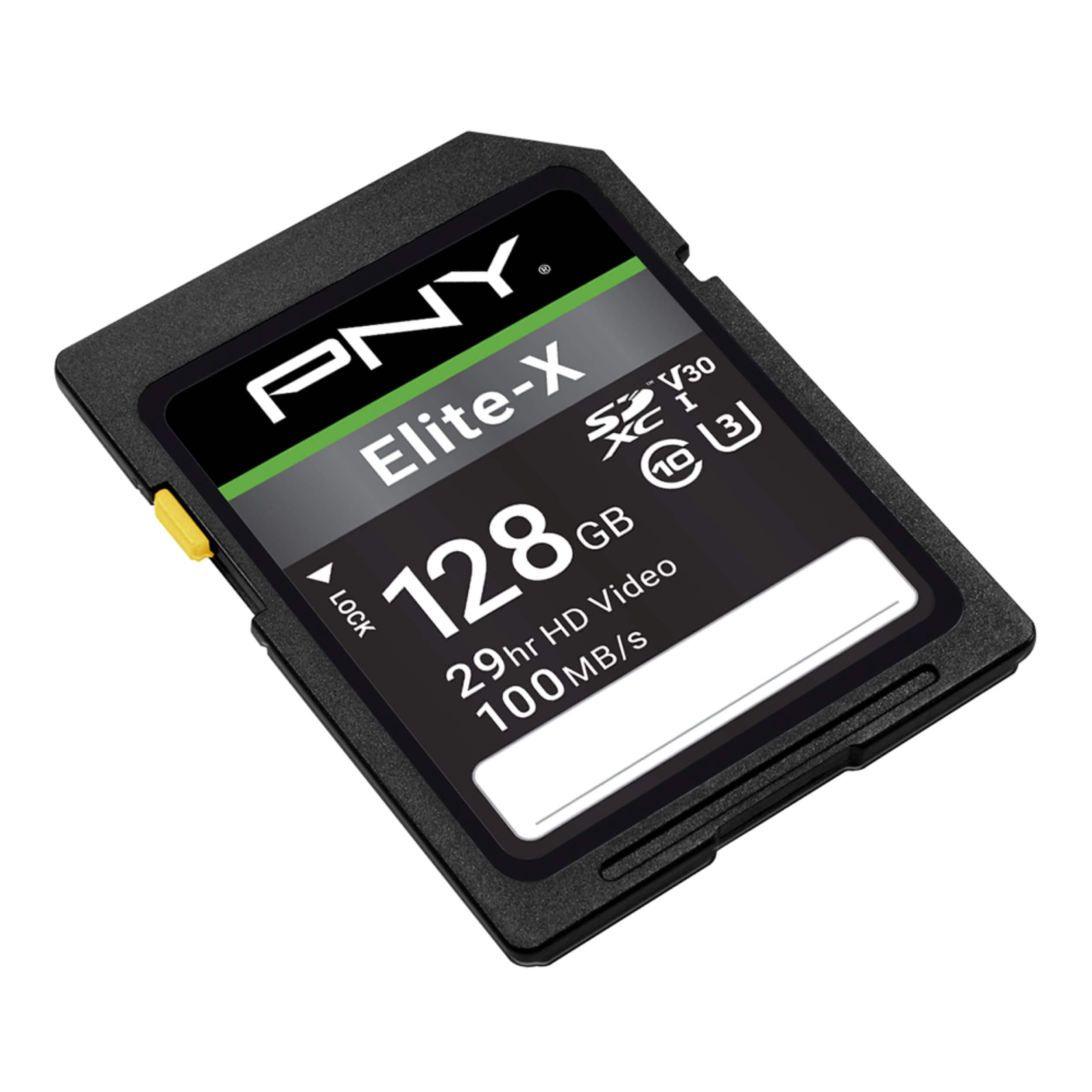
PNY - 128GB Elite-X Class 10 U3 V30 SDXC Flash Memory Card
About this product
A water-resistant black SDXC card offering 128GB storage and fast 100MB/s read speeds for 4K video.
(7)$54.99 Your price for this item is $54.99 -
4

Verbatim - 44085 UHS-I V10 U1 Class 10 Up to 90 mb/s Read Speed 128 GB Premium MICROSDXC Memory Card with Adapter
About this product
A durable microSDXC card with 128GB storage, UHS-I U1 speed, and up to 90MB/s read speed.
(0)$45.49 Your price for this item is $45.49 -
5

Verbatim - 96318 8GB UHS-1 V10 U1 Class 10 Premium SDHC Memory Card Up to 70MB/s Read Speed
About this product
A water-resistant, shockproof SDHC memory card offering 8GB storage and up to 70MB/s read speed.
(0)$38.32Your price for this item is $38.32SAVE $4.12 -
6

Kodak - 64GB Class 10 UHS-I U1 SDXC Memory Card
About this product
A 64GB Class 10 UHS-I U1 memory card for Full HD video and high-resolution photos.
(1)$31.83Your price for this item is $31.83SAVE $6.16 -
7

SanDisk - Ultra 16GB SDHC UHS-I Memory Card
About this product
A water-resistant SDHC memory card with 16GB capacity, Class 10 speed, and up to 80MB/s read speed.
(66)$35.36 Your price for this item is $35.36 -
8

Team Group - Team 32GB microSDHC UHS-I/U1 Class 10 Memory Card with Adapter, Speed Up to 100MB/s (TUSDH32GCL10U03)
About this product
A high-speed 32GB microSDHC memory card with UHS-I/U1 Class 10 performance and included adapter.
(1)$12.99Your price for this item is $12.99SAVE $2.00 -
9

Verbatim - 128GB Premium SDXC UHS-I Class 10 Memory Card
About this product
A durable SDXC memory card offering 128GB storage, up to 90MB/s read speed, and water resistance.
(0)$68.13 Your price for this item is $68.13 -
10
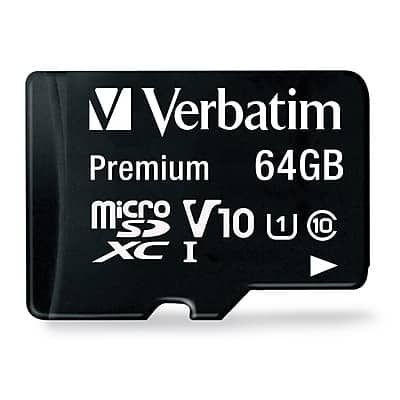
Verbatim - Premium 64GB microSDXC Memory Card with Adapter, Class 10, UHS-I, V10
About this product
A durable 64GB microSDXC card with adapter, offering Class 10, UHS-I, V10 speed and waterproof protection.
(1)$22.12Your price for this item is $22.12SAVE $5.42
Best Class 10 Memory Card
FAQs
Look for the number 10 inside a C-shaped symbol on the card or its packaging. This marking identifies the card's Speed Class rating. Other symbols may appear alongside it to indicate additional classifications.
Check your device's manual or manufacturer's support page for supported memory card standards and required ratings. A Class 10 label alone does not establish compatibility, so compare all listed requirements before choosing a card.
No. Class 10 is a Speed Class designation. Roman numerals such as UHS-I and UHS-II identify the card's bus interface, while a number inside a U-shaped symbol identifies its UHS Speed Class. A memory card can display multiple markings because they describe different classifications.
Insert the card into a compatible computer card slot or an external memory card reader. Open File Explorer on Windows or Finder on a Mac to copy files. Some cameras and other devices also support file transfers through a direct USB connection.
Copy any files you want to keep before formatting, since formatting erases the card's contents. Insert the card into a compatible camera and follow the formatting option in its settings menu. Consult the camera's manual for the exact steps and supported card requirements.