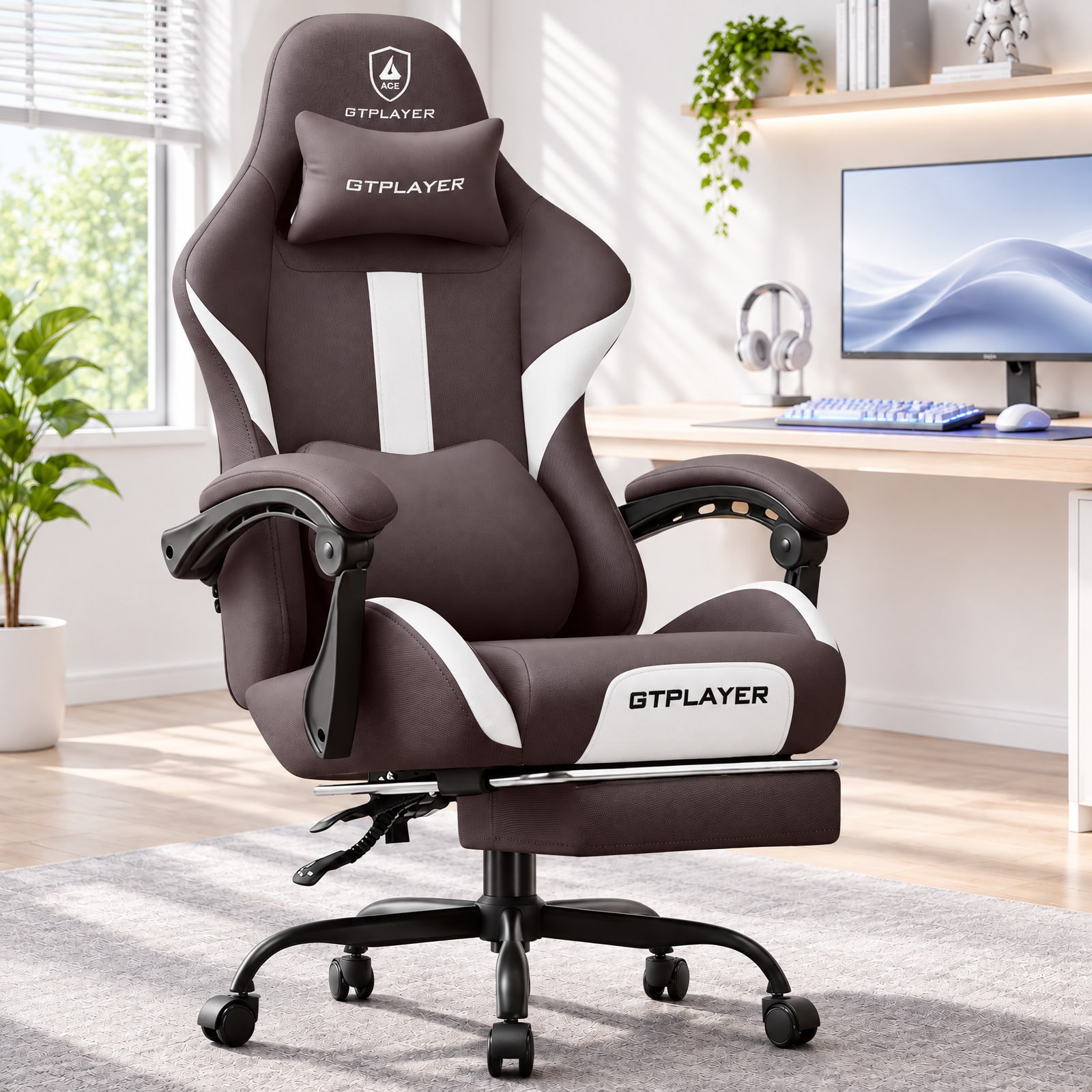
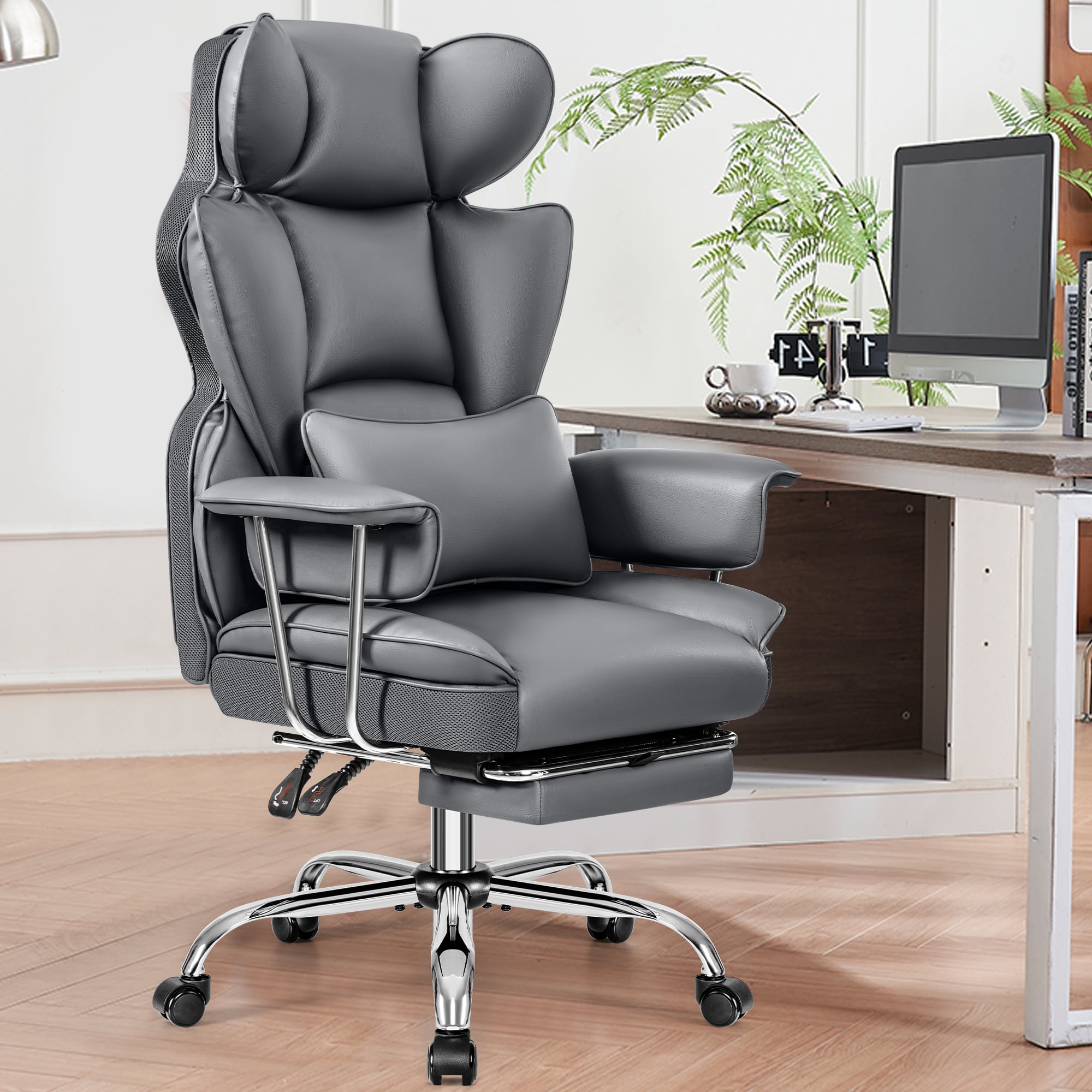
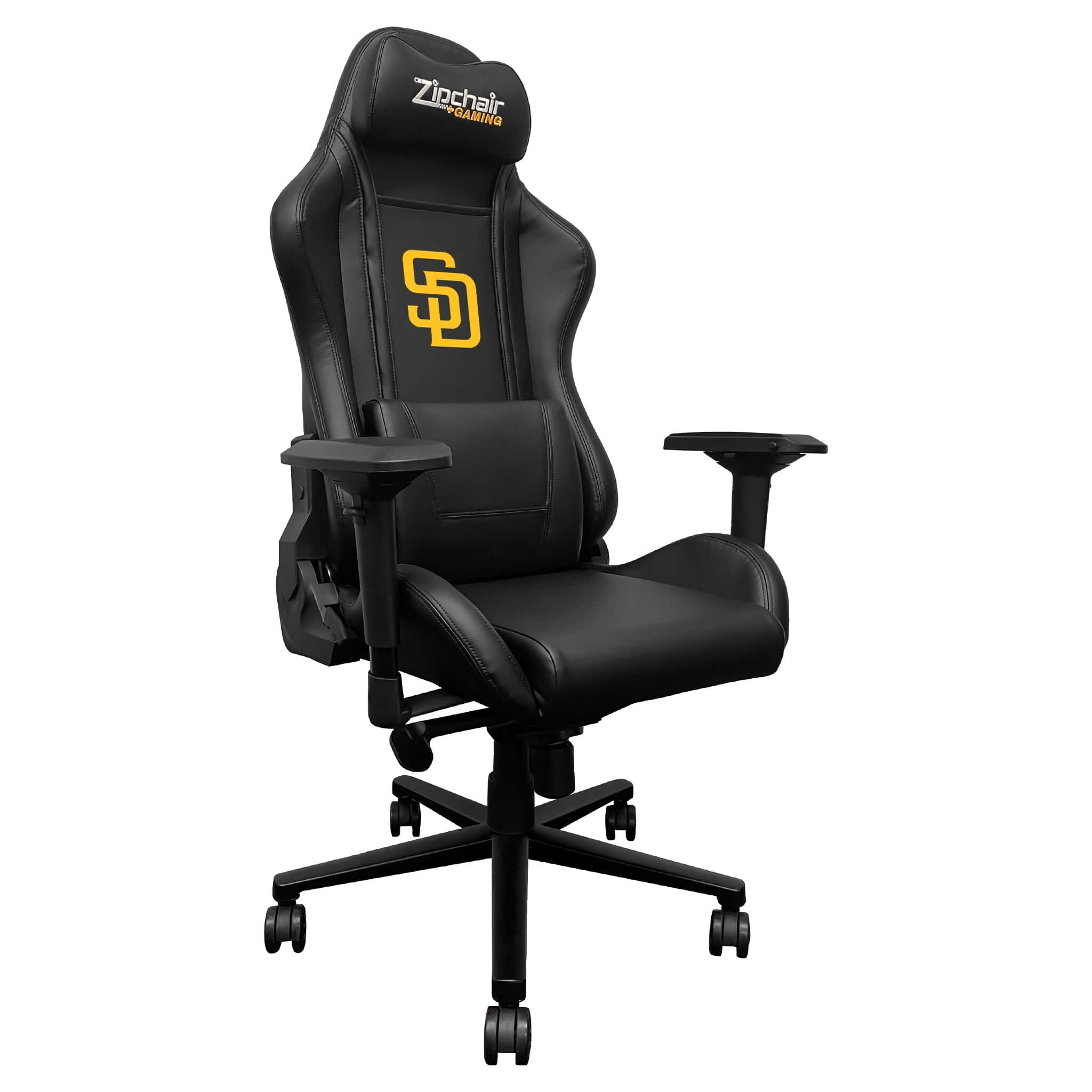
Top Rated Ergonomic Gaming Chair
Find the best ergonomic gaming chair for your setup by comparing fit, support, and adjustability. As you browse the selection, check seat dimensions, backrest design, and available adjustments to see how each chair suits your height, desk setup, and preferred sitting position.
What to look for in an ergonomic gaming chair
The best ergonomic gaming chair for your setup should fit your body, support a comfortable seated position and offer adjustments for gaming and everyday use.
1. Fit and Weight Capacity
2. Back and Lumbar Support
3. Seat Height and Armrest Adjustments
4. Tilt and Recline Controls
-
1
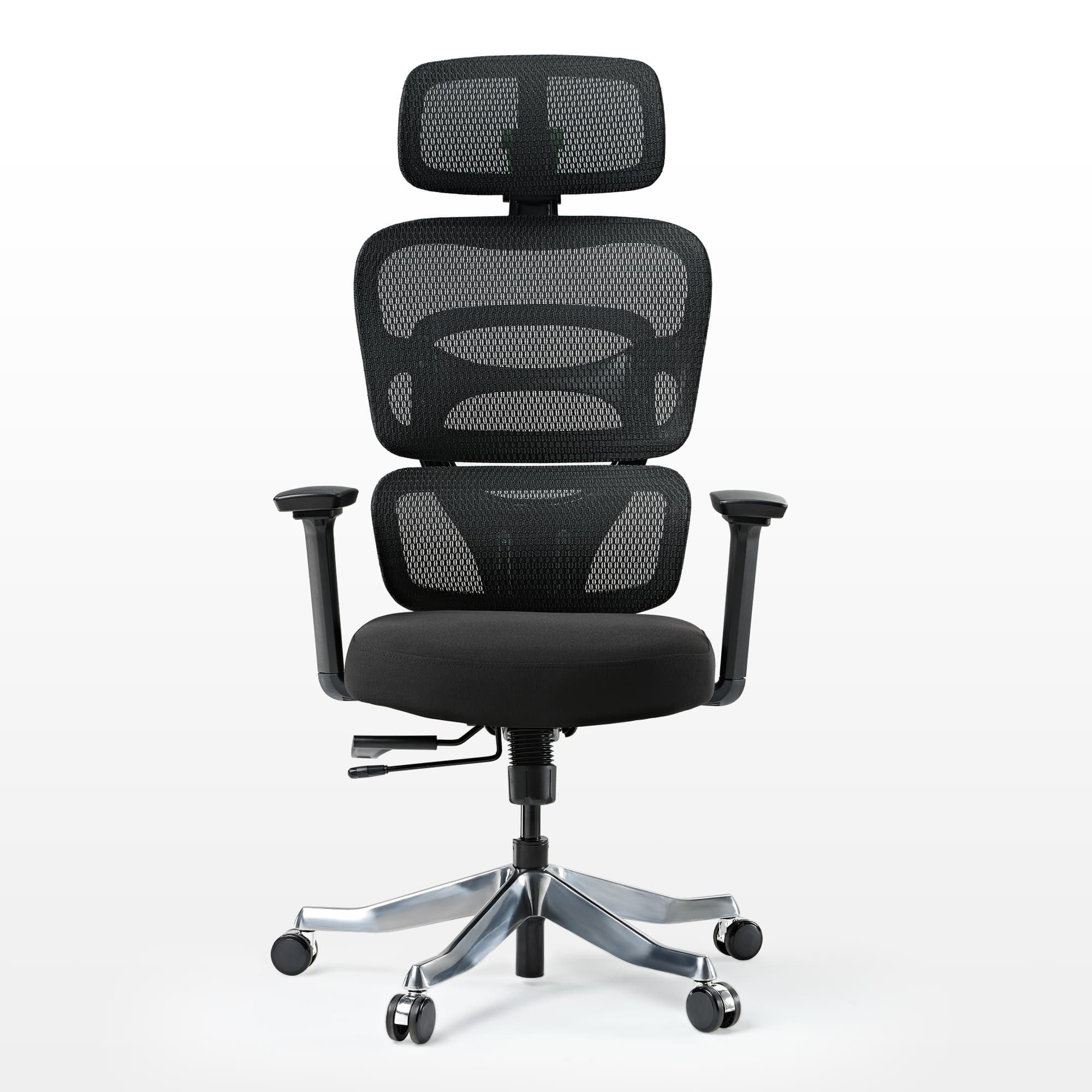
Eureka Ergonomic - Ergonomic Gaming Chair with Adjustable Lumbar Support - Green
About this product
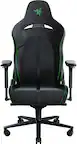
An ergonomic green upholstered chair featuring adjustable lumbar support, 4D headrest, and 3D armrests for comfort.
(0)$469.99 Your price for this item is $469.99 -
2
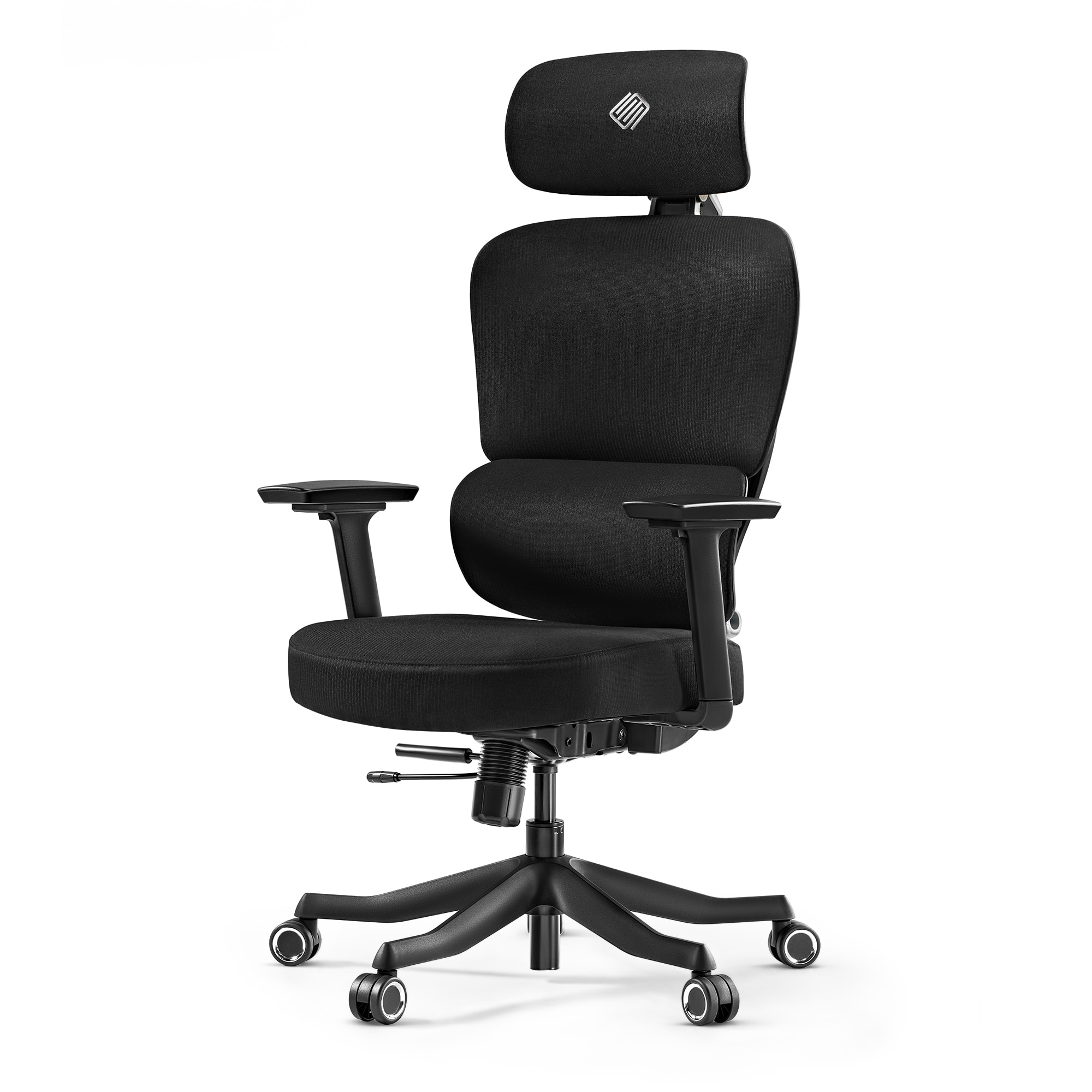
Eureka Ergonomic - Ergonomic Gaming Chair with Adjustable Lumbar Support - Gray
About this product
An ergonomic gray upholstered chair featuring adjustable lumbar support, 4D headrest, and 3D armrests for comfort.
(0)$469.99 Your price for this item is $469.99 -
3
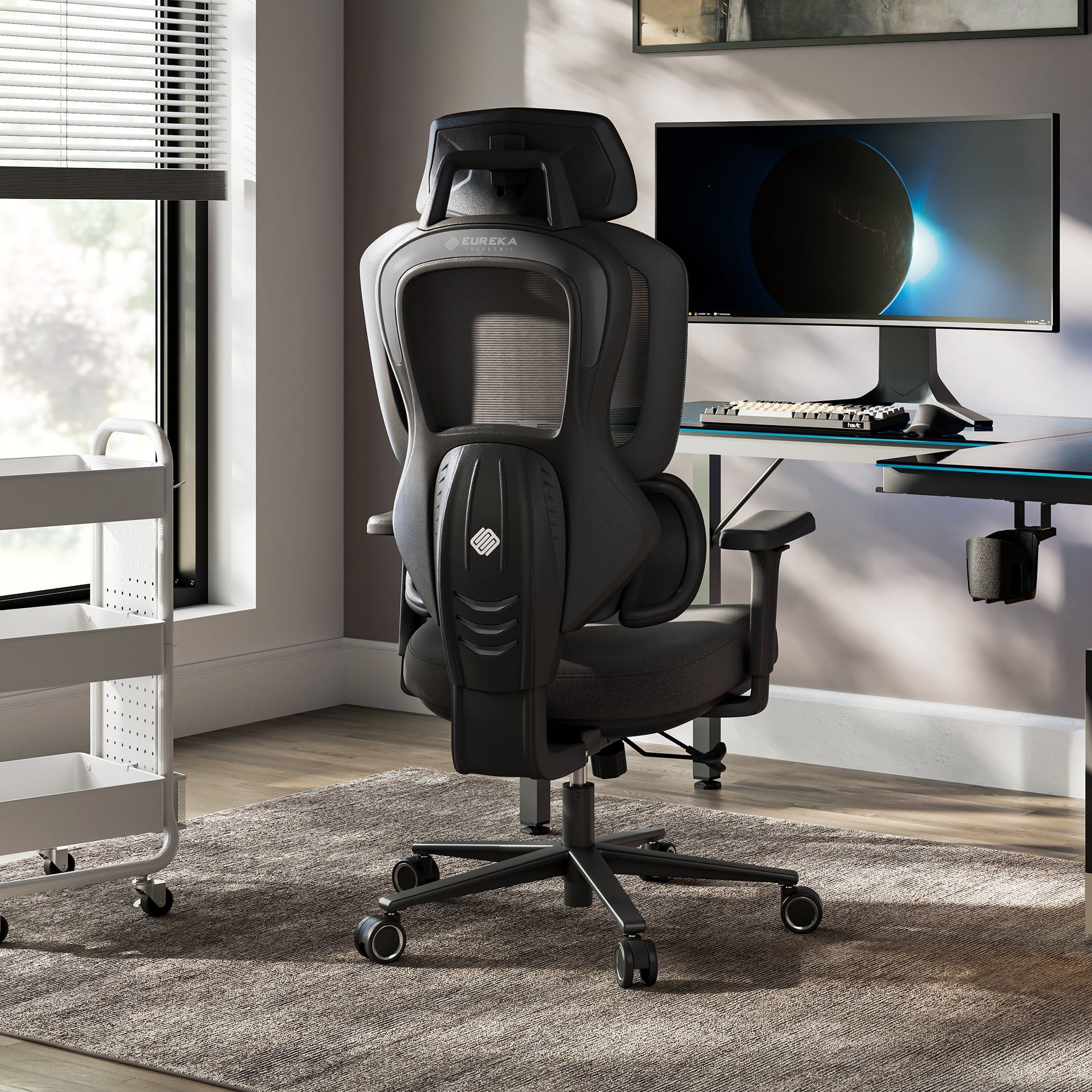
Eureka Ergonomic - Ergonomic Gaming Chair with Adjustable Armrest Headrest & Lumbar Support - Black
About this product
An ergonomic black upholstered chair featuring adjustable armrests, headrest, and lumbar support for gaming comfort.
(0)$499.00 Your price for this item is $499.00 -
4
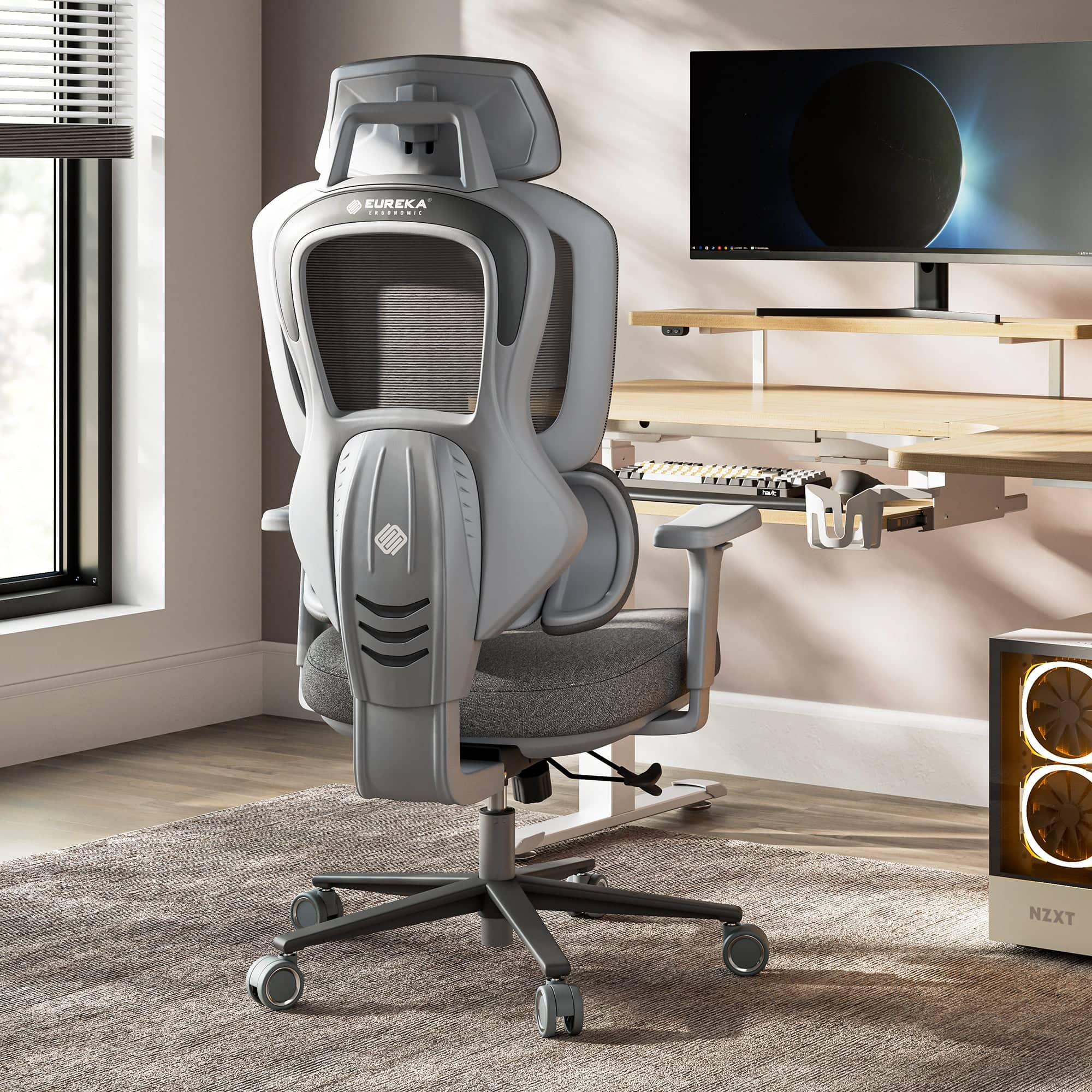
Eureka Ergonomic - Ergonomic Gaming Chair with Adjustable Armrest Headrest & Lumbar Support - Gray
About this product
An ergonomic gray upholstered chair with adjustable armrests, headrest, and lumbar support for gaming or work.
(0)$499.99 Your price for this item is $499.99 -
5
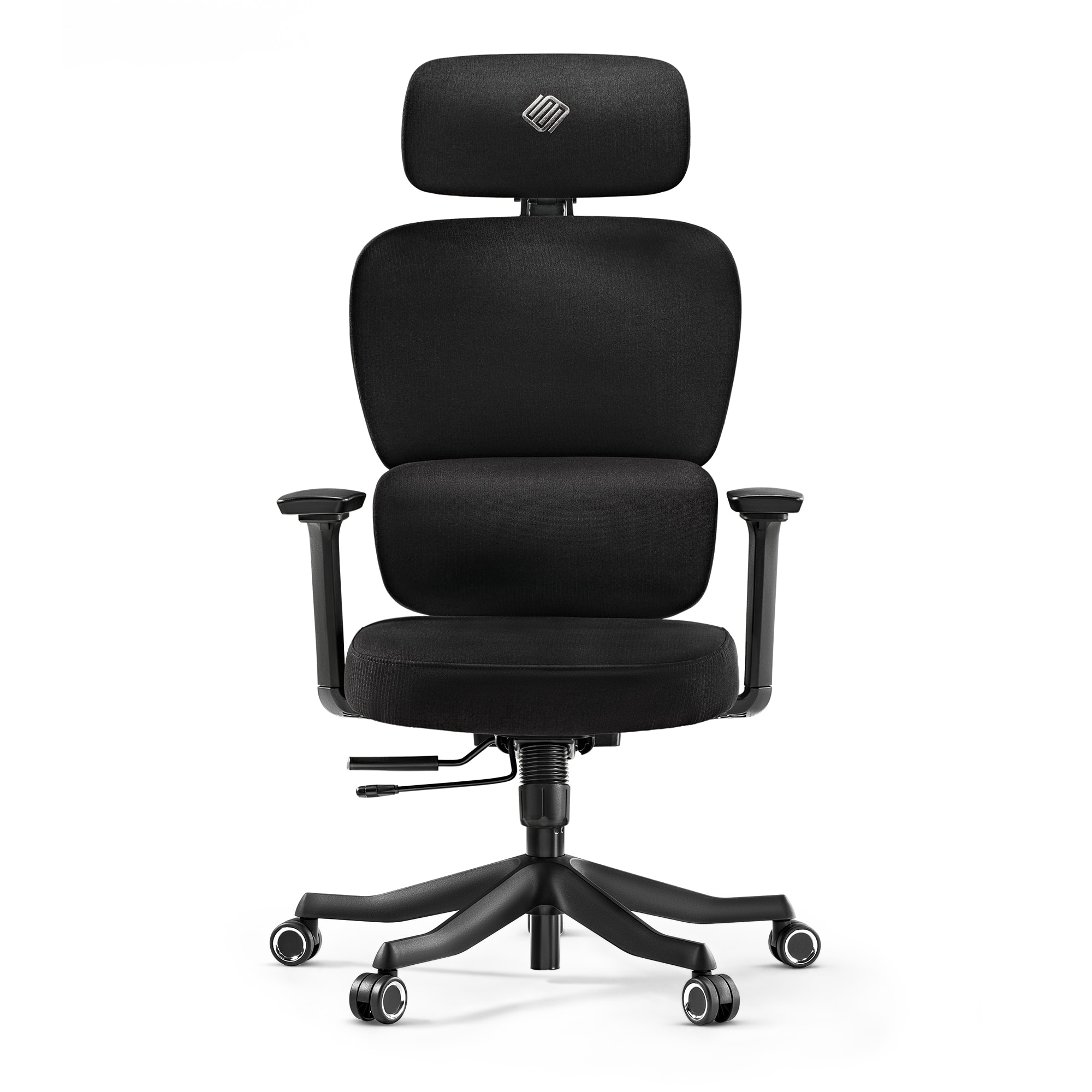
Eureka Ergonomic - Ergonomic Gaming Chair with Adjustable Lumbar Support - Blue
About this product
An ergonomic blue gaming chair with adjustable lumbar support, 4D headrest, and 3D armrests for comfort.
(0)$469.99 Your price for this item is $469.99 -
6
Eureka Ergonomic - Ergonomic Gaming Chair with Adjustable Lumbar Support - Red
About this product
An ergonomic red gaming chair with adjustable lumbar support, 4D headrest, and 3D armrests for comfort.
(0)$469.99 Your price for this item is $469.99 -
7
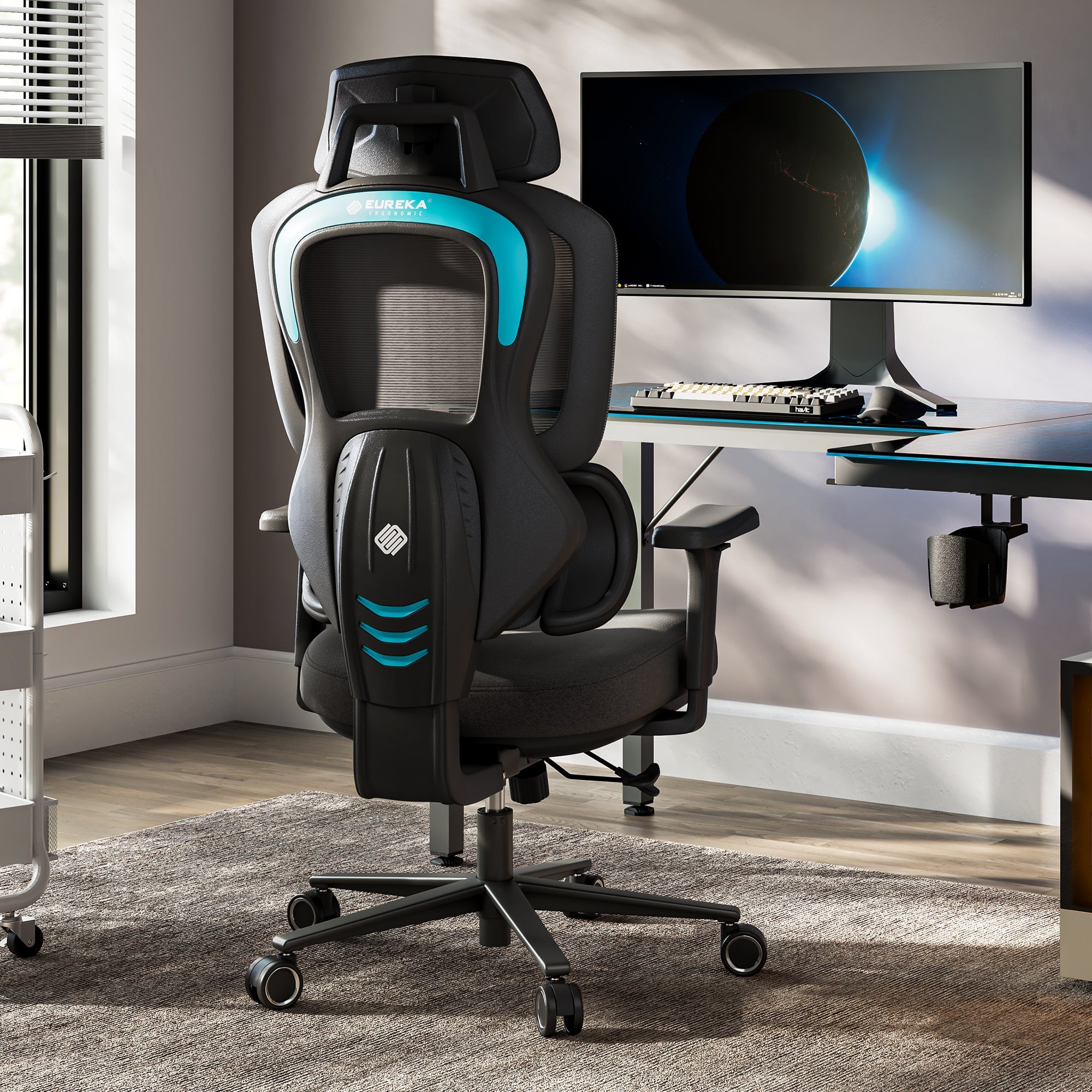
Eureka Ergonomic - Ergonomic Gaming Chair with Adjustable Armrest Headrest & Lumbar Support - Blue
About this product
An ergonomic blue gaming chair with adjustable armrests, headrest, lumbar support, and comfortable upholstery.
(0)$499.99 Your price for this item is $499.99 -
8
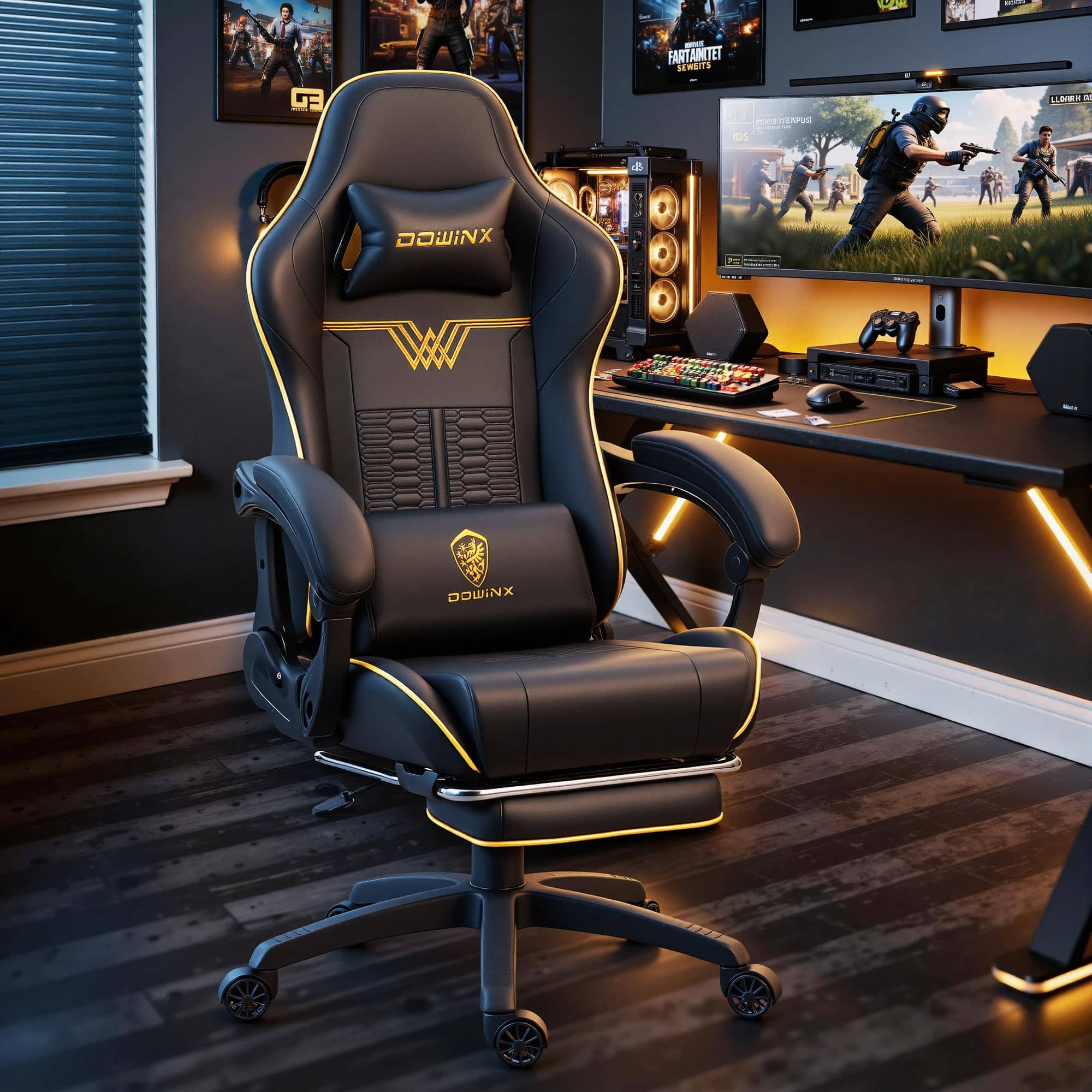
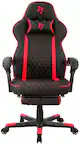
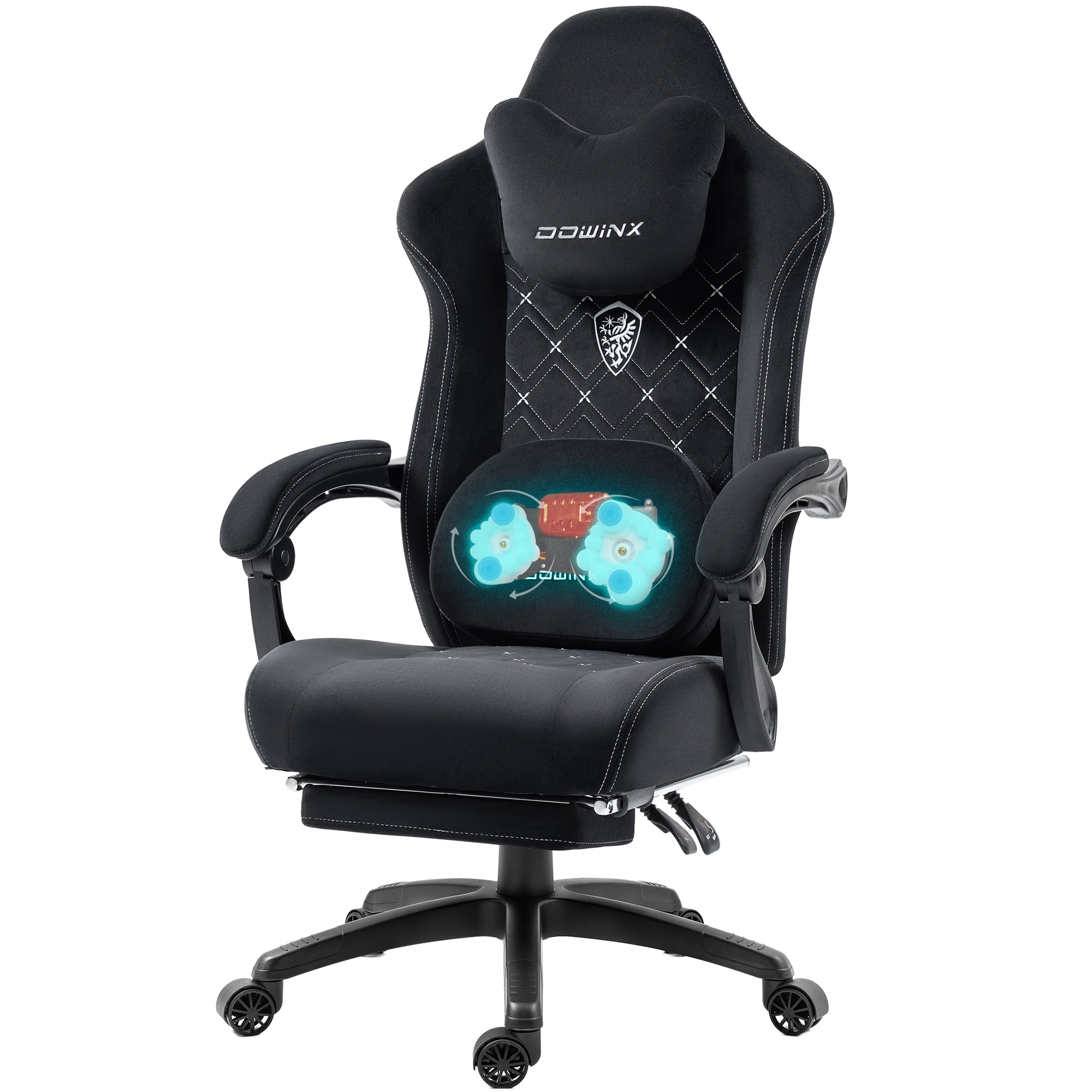
Dowinx - Gaming Chair Big and Tall for E-Sports Gamers, Ergonomic Game Chair with Footrest & Headrest for Gaming Rooms - Black
About this product
An ergonomic black upholstered chair featuring a USB massage lumbar support, pocket spring cushion, and reclining function.
(0)$159.99Your price for this item is $159.99SAVE $50.00 -
9
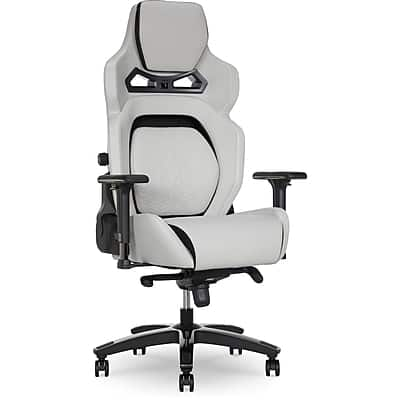
Sharper Image - SGX300 Ergonomic Racing Gaming Chair - Black
About this product
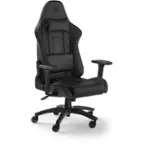
An ergonomic black gaming chair featuring 4-way lumbar support, multi-layered foam cushion, and adjustable armrests.
(0)$494.99 Your price for this item is $494.99
Top Rated Ergonomic Gaming Chair
FAQs
Compare adjustment controls, including armrest movement, backrest recline, tilt tension, and lumbar adjustment. Also review how the controls operate and which positions can be locked. The best ergonomic gaming chair for your setup depends on the features and design you prefer.
Gaming chairs often feature racing-inspired shapes, bold colors, and prominent branding, while office chairs tend toward understated styling. Both categories can include adjustable armrests, reclining backrests, and tilt controls. Compare individual features rather than relying on the gaming or office label alone.
Recline generally changes the backrest angle relative to the seat. Tilt allows the chair to rock or lean through its underlying mechanism, sometimes moving the seat and backrest together. Tilt tension controls resistance, while locking controls hold designated positions. Exact operation varies by chair design.
Armrest adjustments may include up-and-down, forward-and-backward, and side-to-side movement, along with inward or outward rotation. Terms such as 2D, 3D, and 4D describe adjustment directions, but naming conventions can vary. Review the listed movements to understand what each control does.
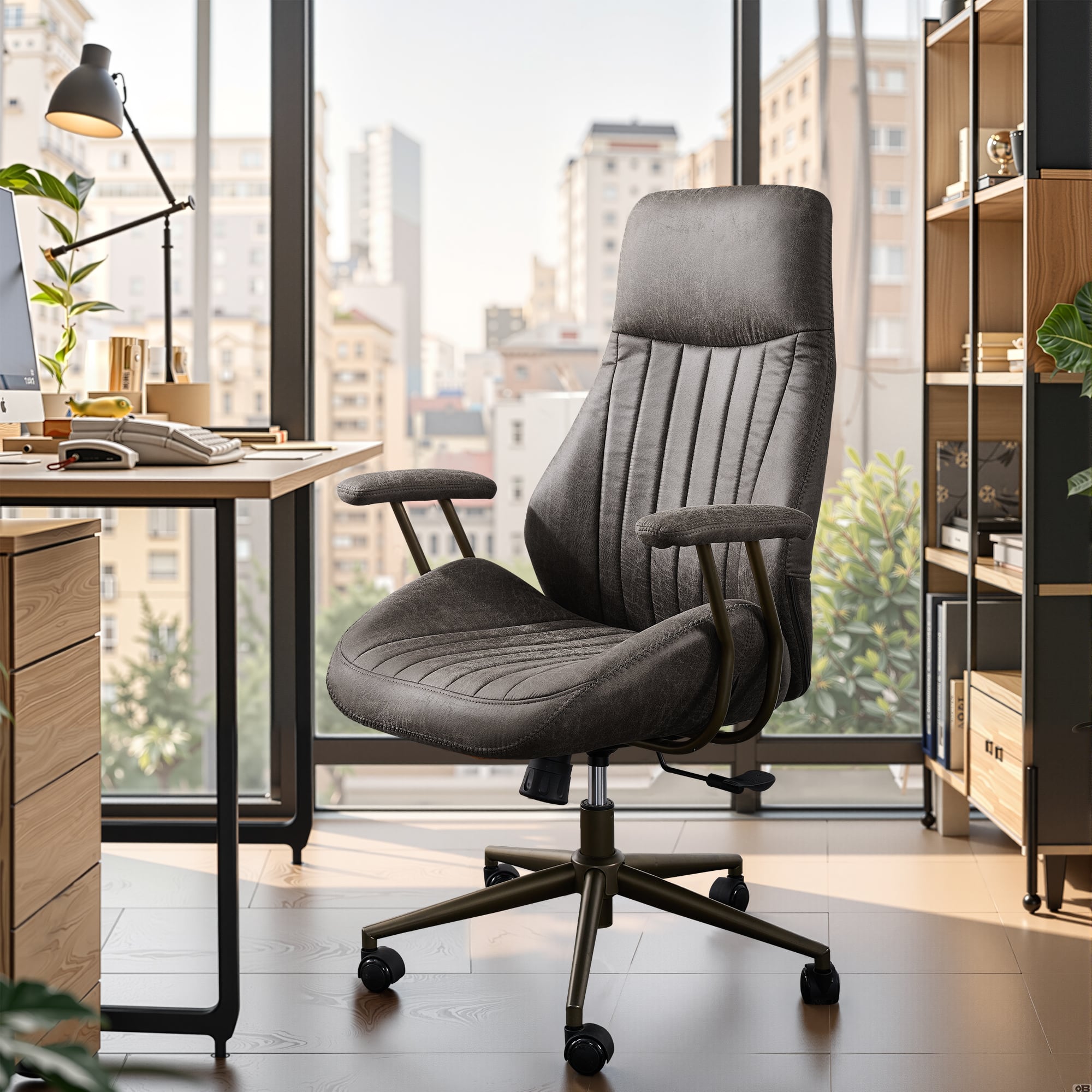
Use your desk, peripherals, and room decor as a starting point for choosing colors and styling. A neutral chair can blend into a multipurpose space, while contrasting accents can create a more gaming-focused look. Consider details such as stitching, logos, and the backrest silhouette when comparing designs.