Best iPad Case For Reading
Find the best iPad case for reading by considering fit, comfort, and how you prefer to hold or position your tablet. Browse iPad cases and covers, checking model compatibility, case weight, grip, and any listed stand features. Look for a design that suits your reading routine, whether you hold your iPad or rest it on a table.
What to look for in an iPad case for reading
The best iPad case for reading should fit your device, feel comfortable to hold and support your preferred reading position.
1. iPad Compatibility
2. Comfort and Weight
3. Reading Positions
4. Protection and Convenience
-
1

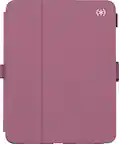
Dteck - For Apple iPad Pro (M4) 13'' 2024/ iPad Pro (M5) 13" 2025 Embossed Flower Pattern Folio Case Card Slots Kickstand Cover - Rose
About this product
A rose-colored PU leather folio case with embossed floral pattern, card slots, and kickstand for iPad Pro.
(1)$29.88Your price for this item is $29.88SAVE $6.11 -
2

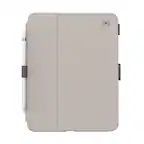
Apple - Smart Folio for iPad (A16) - Sky
About this product
A thin, lightweight folio in Sky color offering magnetic attachment and front-back protection with auto wake/sleep.
What customers like
(55)$79.00 Your price for this item is $79.00 -
3

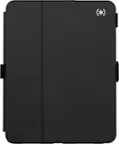
Apple - Smart Folio for iPad (A16) - White
About this product
A thin, white folio offering magnetic attachment, front and back protection, and automatic wake/sleep functionality.
What customers like
(55)$79.00 Your price for this item is $79.00 -
4
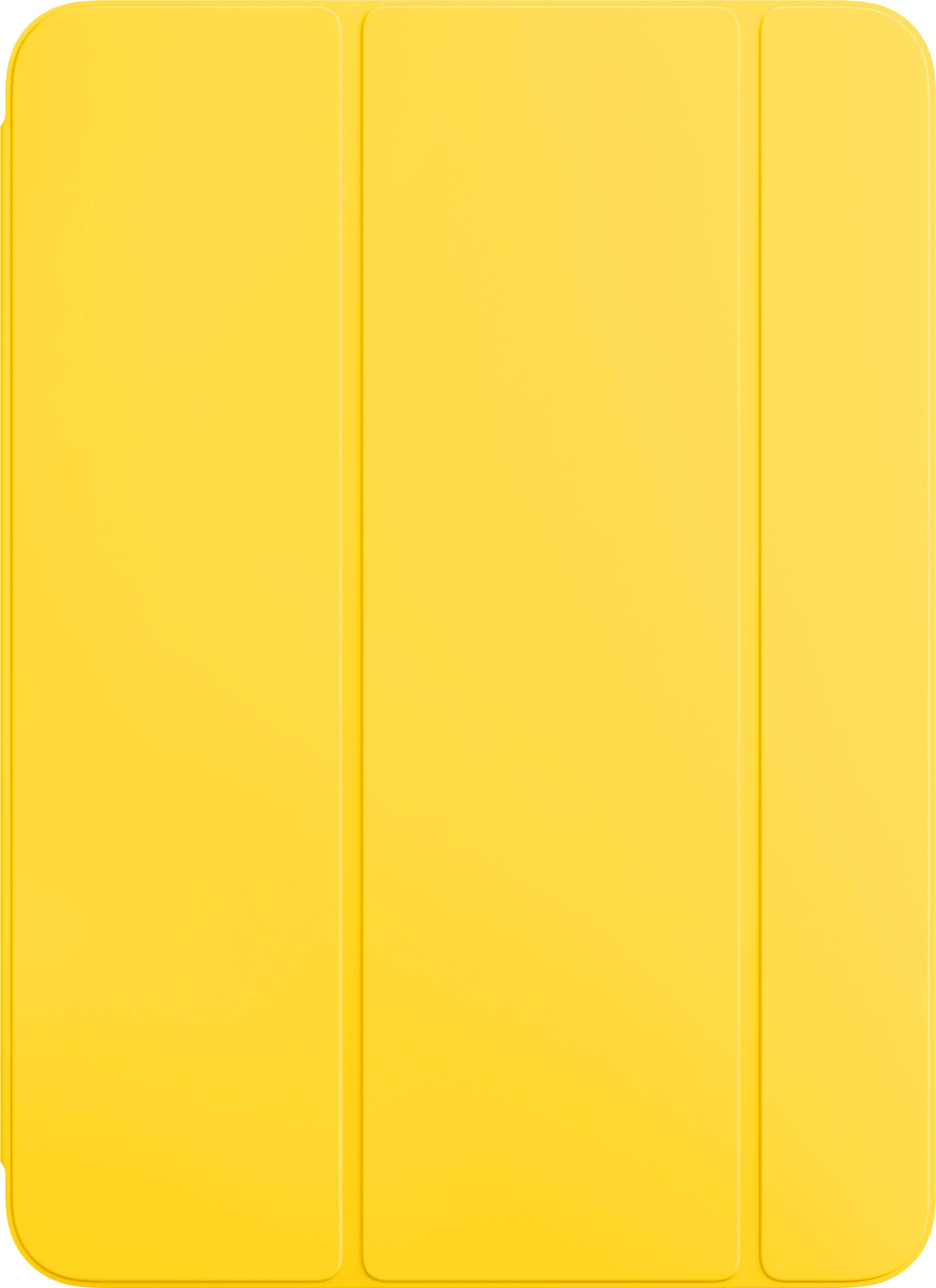
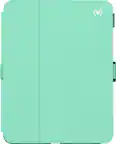
Apple - Smart Folio for iPad (A16) - Lemonade
About this product
A thin, lightweight Lemonade cover offering magnetic attachment, auto wake/sleep, and versatile stand options.
What customers like
(55)$79.00 Your price for this item is $79.00 -
5

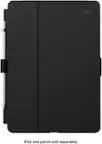
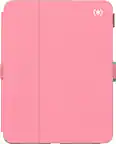
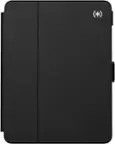
Speck - Case-E case for Apple iPad 10.2" - Red
About this product
A red EVA foam case with adjustable arms, antimicrobial protection, and 6-foot drop resistance for iPad 10.2".
(2)$39.95 Your price for this item is $39.95 -
6

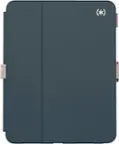
Apple - Smart Folio for iPad Air 13-inch (M3) and iPad Air 13-inch (M2) - Sage
About this product
A thin sage folio offers front and back protection with auto wake/sleep and magnetic adjustability.
What customers like
(34)$99.00 Your price for this item is $99.00 -
7

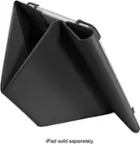
ZUGU - Slim Protective Case for Apple iPad 10.2 Case (7th/8th/9th Generation, 2019/2020/2021) - Red
About this product
A slim red protective case offering drop-tested durability and versatile viewing angles for your iPad.
What customers like
(27)$55.99 Your price for this item is $55.99 -
8

Kitcheniva - iPad Air 11 Inch M3 2025 Multi Angle Viewing Case For Air 5th 4th 10.9 Inch - Glittering Marble
About this product
A glittering marble case with multi-angle viewing, Apple Pencil charging support, and a handy card pocket.
(1)$31.99 Your price for this item is $31.99 -
9

Kitcheniva - iPad Air 11 Inch M3 2025 Multi Angle Viewing Case For Air 5th 4th 10.9 Inch - Emerald Marble
About this product
An emerald marble synthetic leather case with multi-angle viewing, Apple Pencil charging support, and card pocket.
(1)$31.99 Your price for this item is $31.99 -
10

Kitcheniva - iPad Air 11 Inch M3 2025 Multi Angle Viewing Case For Air 5th 4th 10.9 Inch - Starry Sky
About this product
A starry sky synthetic leather case with multi-angle viewing, Apple Pencil charging support, and card pocket.
(1)$31.99 Your price for this item is $31.99
Best iPad Case For Reading
FAQs
Consider how you prefer to read. An adjustable stand offers tabletop viewing, a hand strap provides a handheld option, and a folding cover creates a book-style opening. Check whether buttons and the charging port remain accessible with the case attached.
A folio case includes a front cover that opens like a book, while a back-cover case leaves the screen uncovered. Some folio covers also fold into a stand, making them an option for switching between handheld and tabletop reading.
Stand designs vary: some hold an iPad in landscape orientation only, while others offer portrait positioning or a rotating design. Portrait orientation resembles a book page, while landscape orientation offers a wider layout for magazines, comics, and supported two-page views.
A hand strap typically sits against the back of the case and lets you slide your hand underneath while holding the iPad. A carrying handle is designed for grasping when moving the device. Check the case description, since these terms describe different features.
On supported iPad and case combinations, automatic sleep/wake turns on the display when you open the cover and puts it to sleep when you close it. Not every folding-cover case includes this feature, so look for it in the case specifications.