Best Keyboard For Fortnite
Find the best keyboard for Fortnite by comparing gaming keyboards based on layout, key feel, and how you play. Consider keyboard size for mouse space and how easily you can reach movement, building, and editing controls. Check connection options and compatibility with your gaming platform to narrow down the right fit for your setup.
What to look for in a keyboard for Fortnite
Choosing the best keyboard for Fortnite means balancing responsive controls, comfortable key feel, and a layout that suits your setup.
1. Switch Feel and Actuation
2. Input Responsiveness
3. Keyboard Size and Layout
4. Compatibility and Customization
-
1
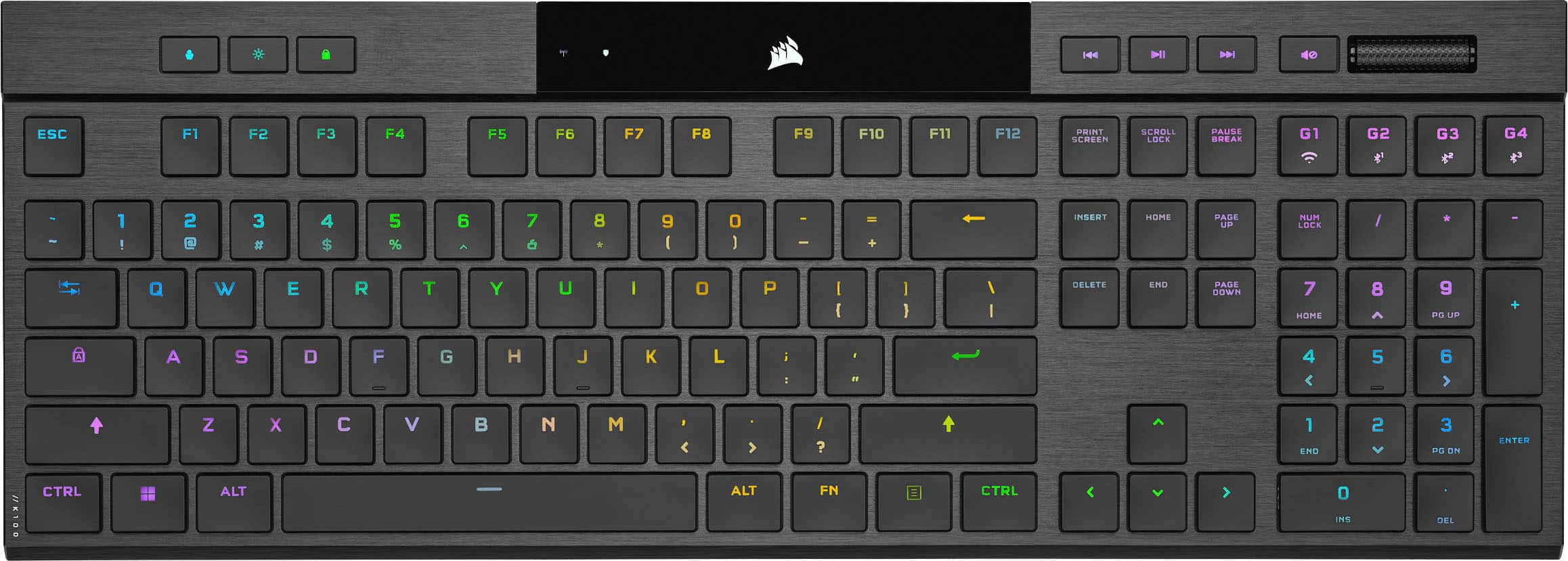
CORSAIR - K100 Air Wireless Full-Size Bluetooth RGB Mechanical Cherry MX Ultra Low Profile Tactile Switch Gaming Keyboard - Black
About this product
A sleek black wireless mechanical keyboard featuring ultra low profile tactile switches and customizable RGB lighting.
What customers like
(374)$222.57Your price for this item is $222.57SAVE $10.85 -
2

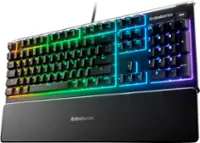
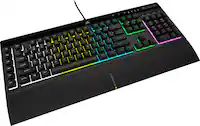
CORSAIR - SKIFF 100 PLUS Gaming Keyboard – 10-Zone RGB – 100% - Rotary Dial - Quiet, Responsive Switches – IP53 - Black
About this product
A black, full-size gaming keyboard featuring quiet, responsive switches, 10-zone RGB lighting, and IP53 spill resistance.
What customers like
(49)$69.99 Your price for this item is $69.99 -
3

AULA - F99 Pro 99-Key Wireless Mechanical Gaming Keyboard, RGB, Tri-Mode, Hot-Swappable, Knob, Compact 96%, 8000mAh, Numpad - Blue
About this product
A wireless blue mechanical keyboard with hot-swappable switches, RGB lighting, control knob, and quiet five-layer padding.
(4)$79.99 Your price for this item is $79.99 -
4

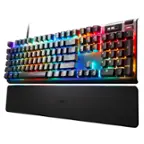
Turtle Beach - Vulcan II Max Full-size Wired Mechanical TITAN Switch Gaming Keyboard with RGB lighting and palm rest - White
About this product
A full-size white mechanical gaming keyboard featuring TITAN II switches, vibrant RGB lighting, and a soft palm rest.
What customers like
(104)$206.59Your price for this item is $206.59SAVE $23.40 -
5

Razer - BlackWidow V4 Full Size Wired Mechanical Green Clicky Switch Gaming Keyboard with Chroma RGB Backlighting - Black
About this product
A full-size black wired mechanical keyboard featuring green clicky switches, Chroma RGB lighting, and dedicated macro keys.
What customers like
(353)$169.99Your price for this item is $169.99SAVE $10.00 -
6

Turtle Beach - Vulcan II Max Full-size Wired Mechanical TITAN Switch Gaming Keyboard with RGB lighting and palm rest for PC - Black
About this product
A black full-size wired mechanical keyboard featuring TITAN II switches, vibrant RGB lighting, and a soft palm rest.
What customers like
(104)$229.99 Your price for this item is $229.99 -
7

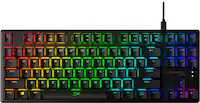
SteelSeries - Apex Pro TKL Gen 3 Wired Magnetic Hall Effect OmniPoint Adjustable Gaming Keyboard with Rapid Tap - Black
About this product
A black wired gaming keyboard with adjustable Hall-effect switches, Rapid Trigger, Rapid Tap, and OLED display.
What customers like
(156)$199.99Your price for this item is $199.99SAVE $40.00 -
8

AULA - F75 Max 81-Key Wireless Mechanical Gaming Keyboard, RGB, Tri-Mode, Hot-Swappable, Knob, Smart Screen, Compact 75% - Gradient Grey Topographic Side-Engraved Keycaps
About this product
A wireless mechanical gaming keyboard in gradient grey with RGB lighting, hot-swappable switches, and customizable screen.
(1)$79.99Your price for this item is $79.99SAVE $30.00 -
9

AULA - F108 Pro 104-Key Wireless Mechanical Gaming Keyboard, RGB, Tri-Mode, Hot-Swappable, Knob, Smart Screen, Full-Size - Gradient Pink
About this product
A wireless mechanical keyboard in gradient pink featuring hot-swappable keys, RGB lighting, knob, and digital screen.
(1)$89.99Your price for this item is $89.99SAVE $3.50 -
10
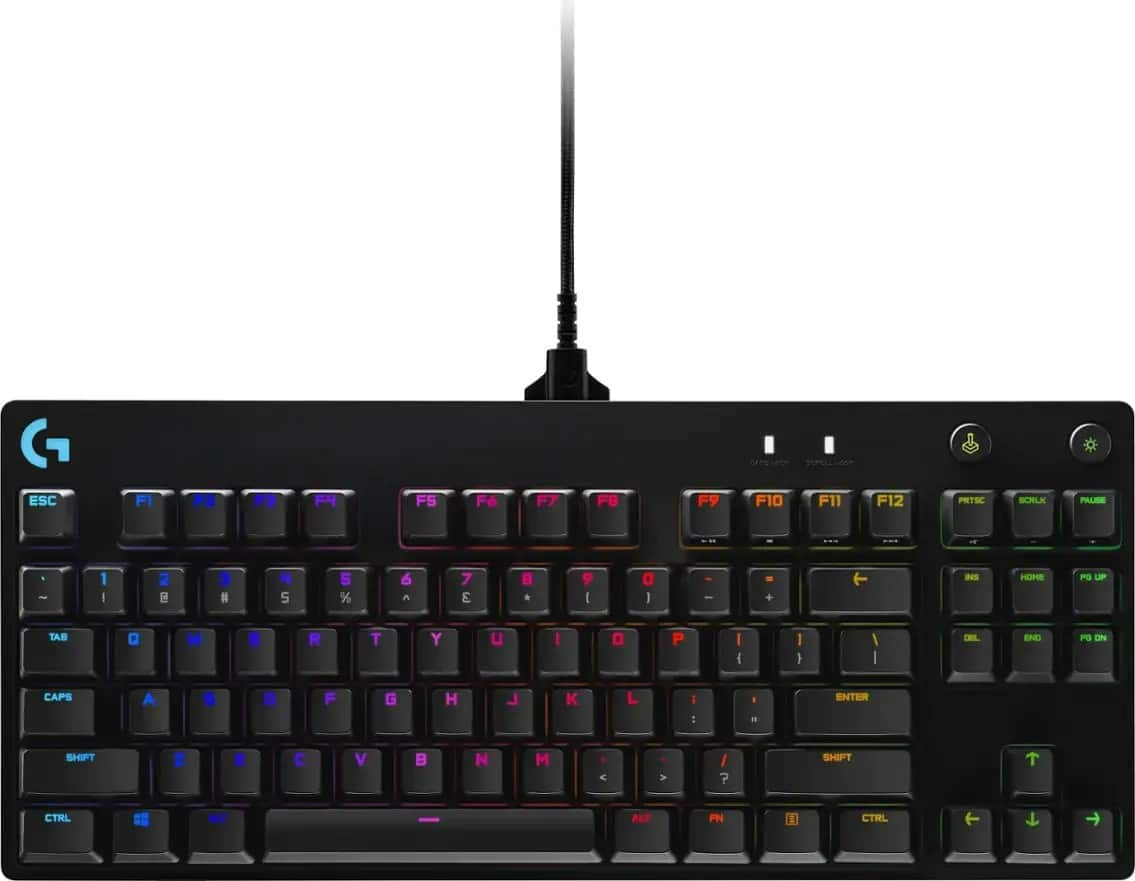
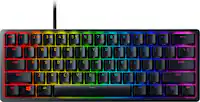
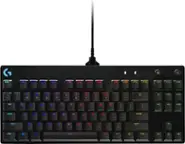
Logitech - G PRO TKL Wired Mechanical GX Blue Clicky Switch Gaming Keyboard with RGB Backlighting for PC - Black
About this product
A compact black mechanical gaming keyboard featuring GX Blue Clicky switches, customizable RGB lighting, and detachable cable.
What customers like
(981)$109.99Your price for this item is $109.99SAVE $10.00
Best Keyboard For Fortnite
FAQs
Mechanical gaming keyboards commonly use linear, tactile, or clicky switches. Linear switches have a smooth keystroke, tactile switches have a noticeable bump, and clicky switches add an audible click. The choice comes down to your preferred typing feel and sound.
Fortnite lets you assign keyboard controls through its in-game settings, including keybinds for movement, building, editing, and inventory actions. Some gaming keyboards also offer compatible software for additional key remapping.
Gaming keyboards may connect through a USB cable, a dedicated wireless USB receiver, or Bluetooth. Some support more than one connection method. Check the keyboard’s supported connections and operating systems against your gaming setup.
Gaming keyboards may offer single-color backlighting, multicolor lighting zones, or individually customizable RGB keys. Depending on the keyboard, lighting colors and effects can be adjusted with onboard controls or compatible software.
Onboard memory stores supported settings directly on the keyboard rather than only in computer software. Depending on the model, saved profiles may include key assignments and lighting preferences. The settings that can be stored vary by keyboard.