Best Mechanical Keyboard Under 100
Finding the best mechanical keyboard under $100 starts with matching your budget to your typing or gaming needs. Compare options by switch feel, keyboard size, and connectivity, and consider whether you need a number pad or prefer a space-saving layout. Check each model’s specifications for compatibility with your computer before choosing.
What to look for in a mechanical keyboard under $100
Finding the best mechanical keyboard under $100 means balancing typing feel, desk space, compatibility, and the features you’ll use most.
1. Switch Type
2. Keyboard Size and Layout
3. Connectivity and Compatibility
4. Features and Value
-
1

Topteng - 104-Key Hot-Swappable Mechanical Keyboard -Linear Switches, RGB Lighting, PBT Keycaps & Metal Top Plate for Gaming - White
About this product
A white mechanical keyboard with linear switches, RGB lighting, PBT keycaps, and a durable metal top plate.
(3)$46.99 Your price for this item is $46.99 -
2

Topteng - K1000 Hot-Swappable Mechanical Keyboard - 104 Key Red Switch, RGB Backlit, PBT Keycaps, Knob Control for Gaming - Black
About this product
A black full-size wired keyboard with hot-swappable red switches, RGB backlighting, PBT keycaps, and control knob.
(0)$38.99Your price for this item is $38.99SAVE $21.00 -
3

AULA - F99 Pro 99-Key Wireless Mechanical Gaming Keyboard, RGB, Tri-Mode, Hot-Swappable, Knob, Compact 96%, 8000mAh, Numpad - Black White Green
About this product
A wireless mechanical keyboard in black, white, and green with RGB lighting, hot-swappable switches, and multifunction knob.
(4)$76.99Your price for this item is $76.99SAVE $25.00 -
4

Keychron - C2PX 100% Custom Wired RGB Mechanical Gaming Keyboard with Programmable QMK Hot-Swappable Brown Switch - Retro White
About this product
A retro white wired mechanical keyboard with RGB lighting, hot-swappable brown switches, and programmable QMK/VIA support.
(4)$54.99 Your price for this item is $54.99 -
5

Topteng - 104-Key Hot-Swappable Mechanical Keyboard - Linear Switches, Customizable RGB Backlit, PBT Keycaps for Gaming - Black
About this product
A black wired mechanical keyboard with hot-swappable linear switches, customizable RGB lighting, and durable PBT keycaps.
(0)$41.99 Your price for this item is $41.99 -
6

AULA - F99 Pro 99-Key Wireless Mechanical Gaming Keyboard, RGB, Tri-Mode, Hot-Swappable, Knob, Compact 96%, 8000mAh, Numpad - Blue White
About this product
A wireless mechanical keyboard in blue and white with RGB lighting, hot-swappable switches, and multifunctional knob.
(4)$71.99Your price for this item is $71.99SAVE $4.50 -
7

Glorious - GMMK 3 65% Barebones Wired Mechanical Gaming Keyboard with Modular Gasket System - Black
About this product
A black wired mechanical keyboard featuring modular gasket system, RGB lighting, and customizable performance for gamers.
(1)$59.99Your price for this item is $59.99SAVE $20.00 -
8

AULA - F99 Pro 99-Key Wireless Mechanical Gaming Keyboard, RGB, Tri-Mode, Hot-Swappable, Knob, Compact 96%, 8000mAh, Numpad - Blue
About this product
A wireless blue mechanical keyboard with hot-swappable switches, RGB lighting, control knob, and quiet five-layer padding.
(4)$79.99 Your price for this item is $79.99 -
9

AULA - F99 Pro 99-Key Wireless Mechanical Gaming Keyboard, RGB, Tri-Mode, Hot-Swappable, Knob, Compact 96%, 8000mAh, Numpad - Black
About this product
A wireless black mechanical keyboard featuring hot-swappable switches, RGB lighting, control knob, and quiet five-layer padding.
(4)$69.99Your price for this item is $69.99SAVE $11.00 -
10
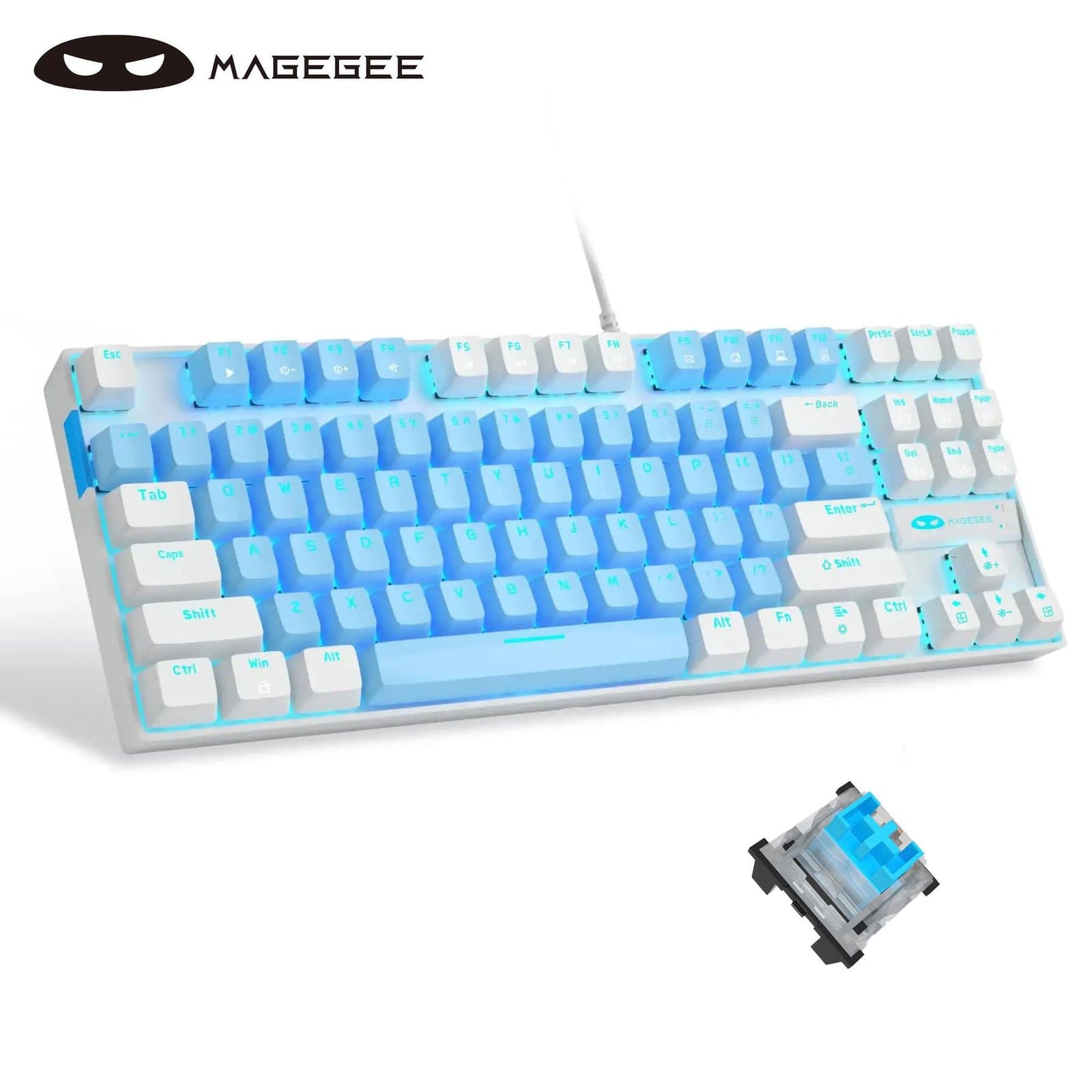
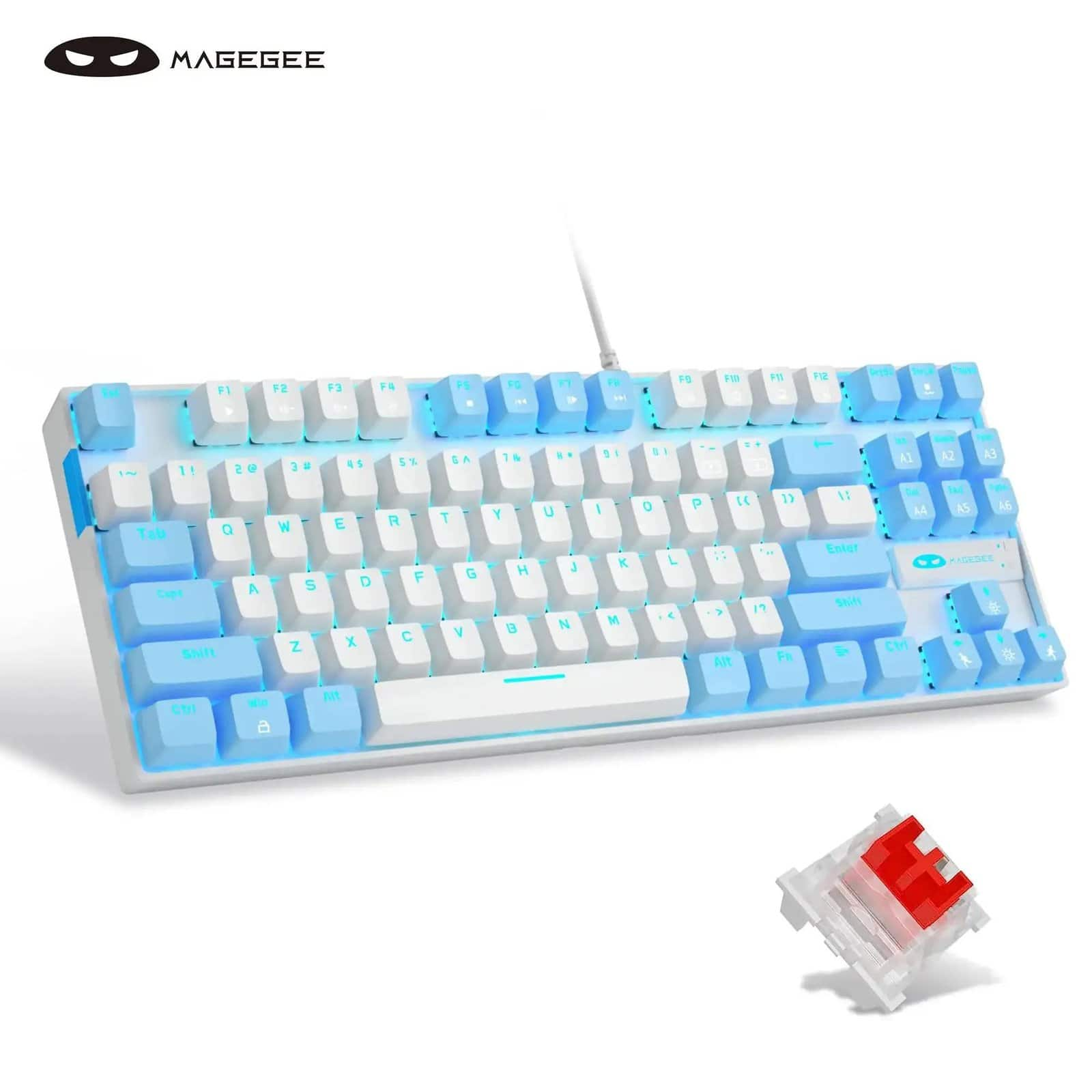
MageGee - 75% Mechanical Gaming Keyboard, Blue Switch, LED Blue Backlit, 87 Keys Compact TKL - Blue/White - White/Blue
About this product
A compact 75% wired mechanical keyboard with blue switches, blue LED backlighting, and 87-key blue-and-white design.
(0)$29.99Your price for this item is $29.99SAVE $30.00
Best Mechanical Keyboard Under 100
FAQs
Linear switches have a smooth keystroke without a tactile bump. Tactile switches provide a noticeable bump as you press a key, while clicky switches add a distinct clicking sound. Your choice depends on the typing feel and sound you prefer.
A hot-swappable mechanical keyboard lets you replace compatible switches without soldering. This allows you to experiment with different switch feels or replace individual switches. Compatibility varies, so check the keyboard’s supported switch types before choosing replacements.
Mechanical keyboards may connect through a USB cable, Bluetooth, or a wireless USB receiver. Some support more than one connection method. Check the keyboard’s connection options and operating system requirements to confirm compatibility with your computer or other device.
Single-color backlighting illuminates the keys in one hue, while RGB backlighting offers multiple color choices. Depending on the keyboard, lighting controls may include preset effects, adjustable brightness, lighting zones, or individual key customization. Some mechanical keyboards have no backlighting.
Key remapping changes what an individual key does, such as assigning a different key command. A macro assigns a sequence of actions to one key or shortcut. Support varies by keyboard, and customization may use onboard controls or compatible software.