Best Mechanical Keyboard Under 50
Looking for the best mechanical keyboard under $50? Compare budget-friendly options by switch type, keyboard layout, and device compatibility to find a fit for work, gaming, or everyday typing. Check each listing for connection details and current pricing to help narrow your choices while staying within budget.
What to look for in a mechanical keyboard under $50
When choosing the best mechanical keyboard under $50 for your needs, compare switch feel, layout, compatibility, and everyday features.
1. Switch Feel and Sound
2. Keyboard Size and Layout
3. Connectivity and Compatibility
4. Features and Overall Value
-
1
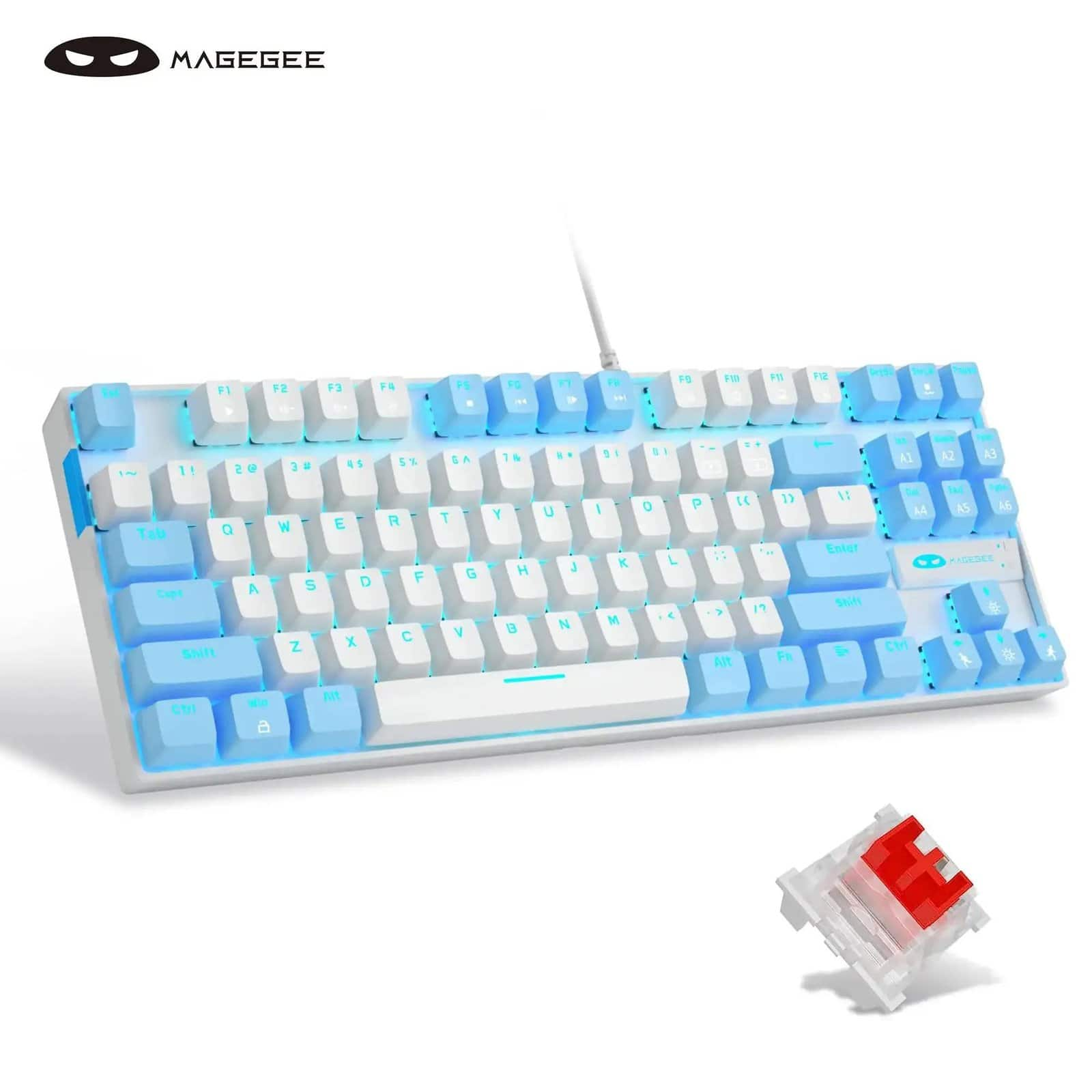
MageGee - 75% Mechanical Gaming Keyboard, Red Switch, LED Blue Backlit, 87 Keys Compact TKL - White/Blue
About this product
A compact wired mechanical keyboard with red switches, blue LED backlighting, 87 keys, and white-and-blue styling.
(0)$29.99Your price for this item is $29.99SAVE $30.00 -
2
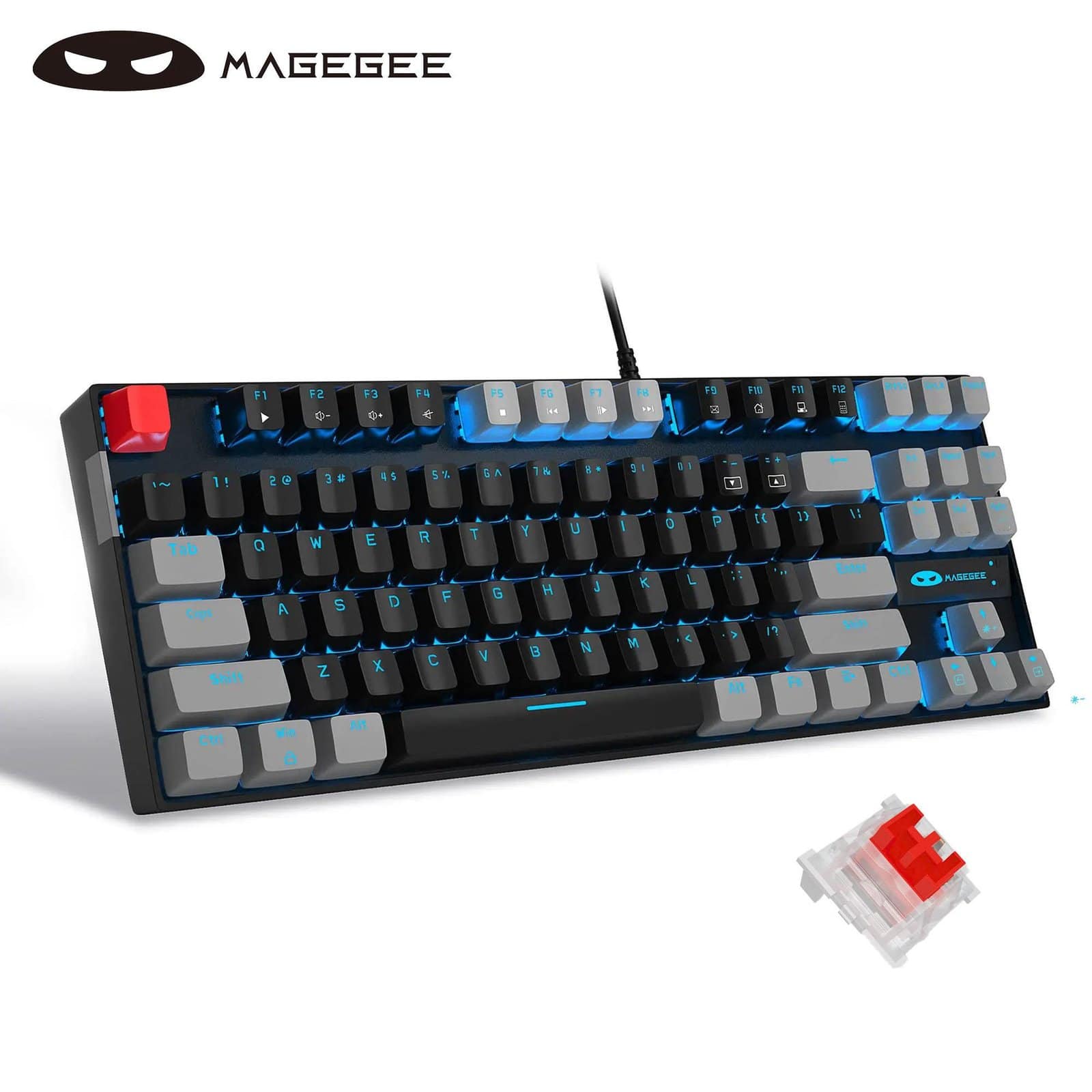
MageGee - 75% Mechanical Gaming Keyboard, Red Switch, LED Blue Backlit, 87 Keys Compact TKL Wired - Black/Grey - Black/Gray
About this product
A wired mechanical keyboard with red switches, blue LED backlighting, 87 keys, and black-and-gray styling.
(0)$29.99Your price for this item is $29.99SAVE $30.00 -
3

Womier - SK68 65% Wired Mechanical Keyboard with 66 Keys,QMK RGB Backlit Aluminum Gaming Keyboard for Wins/Mac - Kanagawa
About this product
A wired 65% mechanical gaming keyboard in Kanagawa blue with 66 keys and customizable RGB backlighting.
(0)$46.99Your price for this item is $46.99SAVE $1.00 -
4

Acer - Nitro NKW202 Full-size Wired Mechanical Gaming Keyboard - Black
About this product
A full-size black wired mechanical gaming keyboard featuring RGB lighting, ergonomic keycaps, and a sturdy metal panel.
(1)$45.99Your price for this item is $45.99SAVE $9.00 -
5

REDRAGON - Kumara K552 RGB Wired TKL Gaming Mechanical Blue Switch Keyboard with RGB Backlighting - Black
About this product
A compact black mechanical keyboard featuring blue switches, RGB backlighting, and durable aluminum and ABS construction.
What customers like
(146)$43.99 Your price for this item is $43.99 -
6

GAMDIAS - HERMES E7 TKL Wired Mechanical Gaming Keyboard with Hot-Swappable Red Switches - Black and Blue
About this product
A tenkeyless wired gaming keyboard in black and blue with red mechanical switches and durable PBT keycaps.
(0)$42.99 Your price for this item is $42.99 -
7

Womier - VK66 Pro 65% Wired Gaming Keyboard, QMK/VIA Creamy Mechanical Keyboard - Green
About this product
A green 65% wired mechanical keyboard with hot-swappable keys, gasket mount, RGB lighting, and translucent keycaps.
(1)$47.99 Your price for this item is $47.99 -
8
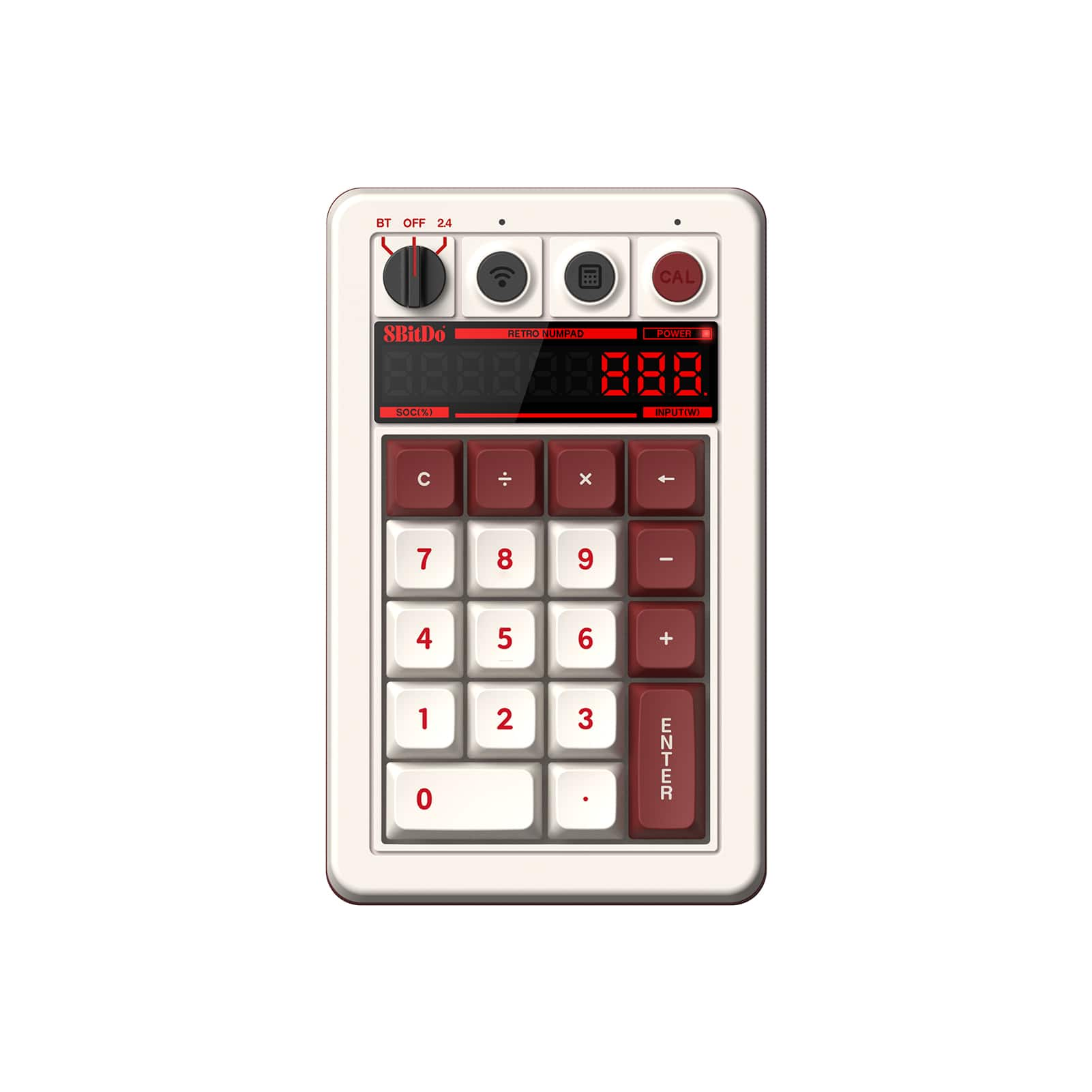
8BitDo - Retro Mechanical Keypad - Fami Edition
About this product
A retro-inspired mechanical keypad in Fami Edition color with programmable keys, Bluetooth, and wired connectivity.
What customers like
(27)$44.99 Your price for this item is $44.99 -
9

8BitDo - Retro Mechanical Keypad - N Edition
About this product
A programmable mechanical keypad with Bluetooth and wired connectivity, featuring a rechargeable battery and N Edition design.
What customers like
(27)$44.99 Your price for this item is $44.99 -
10

Womier - WK61 PRO 60% Mechanical Keyboard with QMK, Wired Gaming Keyboard for Gamer - Black
About this product
A compact black wired mechanical keyboard featuring hot-swappable POM red switches and vibrant RGB lighting.
(0)$49.19 Your price for this item is $49.19
Best Mechanical Keyboard Under 50
FAQs
Linear switches have a smooth keystroke without a tactile bump. Tactile switches provide a noticeable bump when pressed, while clicky switches add a distinct clicking sound along with tactile feedback.
A hot-swappable mechanical keyboard lets you replace compatible switches without soldering. Switch compatibility varies, so check the keyboard’s specifications before choosing replacement switches.
Single-color backlighting illuminates keys in one color, while RGB backlighting can display multiple colors. Depending on the keyboard, lighting controls may include preset effects, adjustable brightness, or individual key customization.
Mechanical keyboards may connect through a wired USB connection, Bluetooth, or a wireless USB receiver. Some support more than one connection method, so check the listed connectivity options for compatibility with your devices.
Some mechanical keyboards support key remapping through onboard controls or compatible software. Depending on the keyboard, you may also be able to create macros, assign shortcuts, and save different profiles.