Best Thermal Printer For Small Business
-
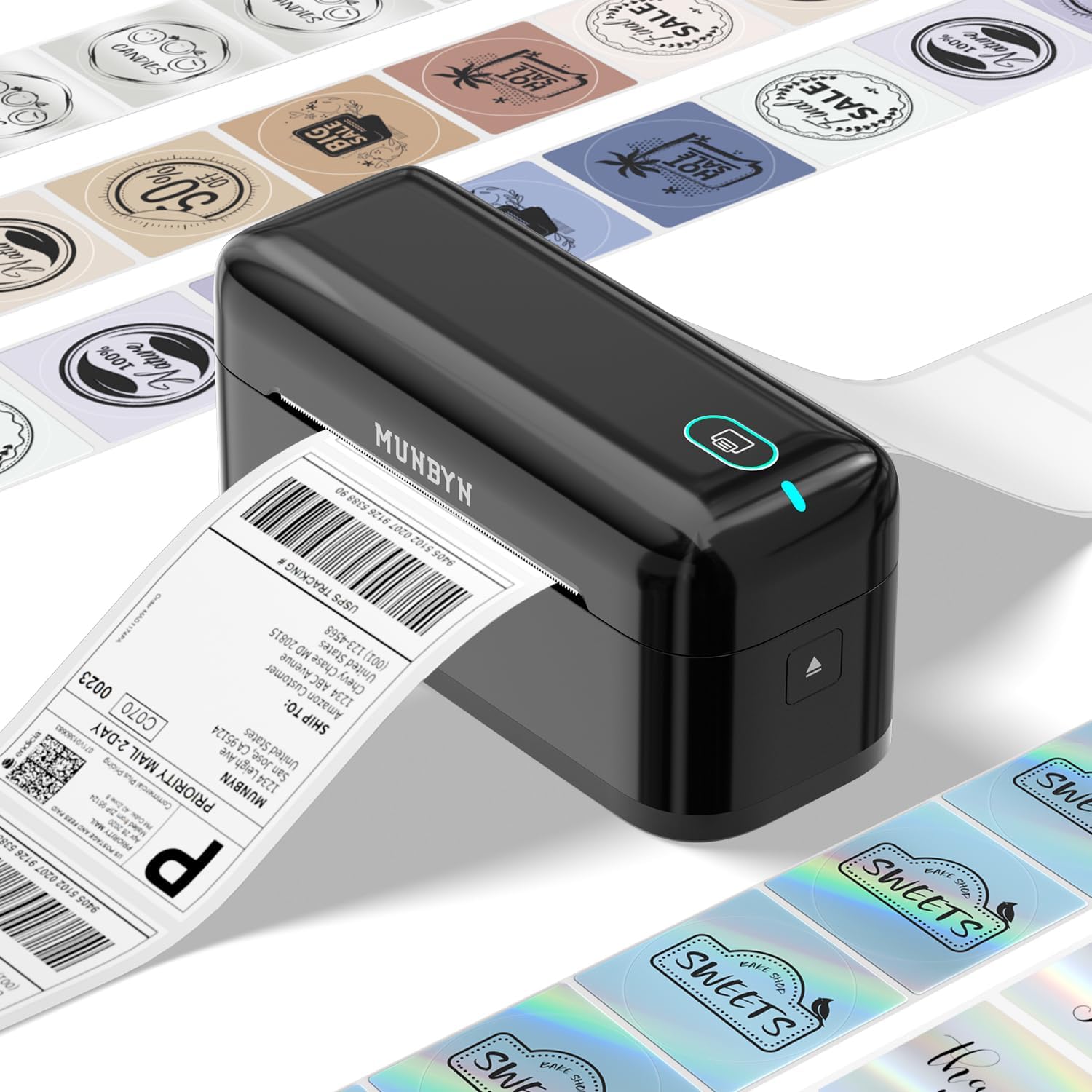
MUNBYN - Bluetooth Thermal Label Printer RealWriter RW402B - Black
SKU: J3R8Z4VFXRSee all All PrintersProduct Description
A black wireless thermal label printer with Bluetooth, compatible with Android, iPhone, Windows, Mac, and Chromebook.Your price for this item is $78.99Save $11The previous price was $89.99 -
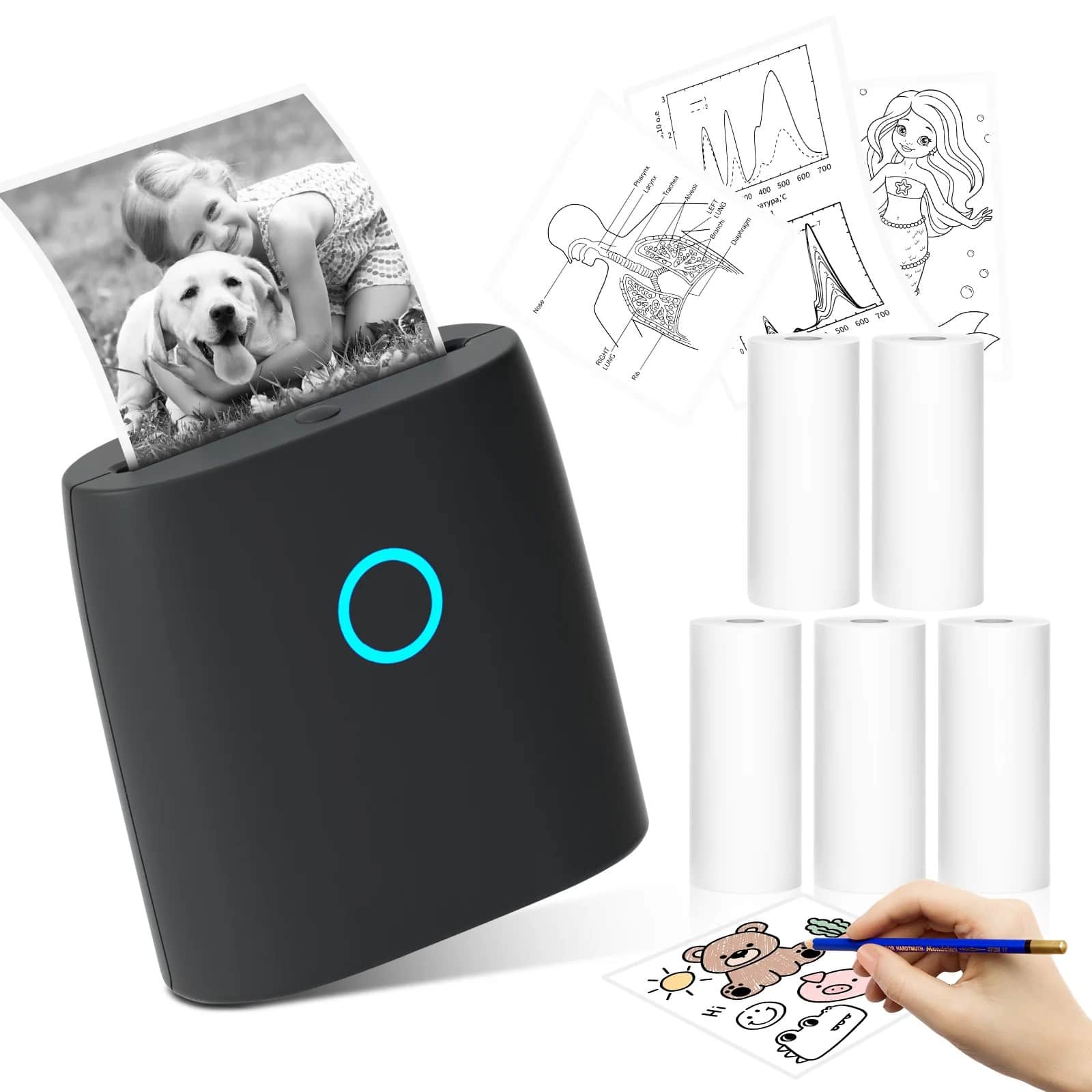
JADENS - JD-21 Mini Instant Thermal Printer - Handheld Label Maker - Black
SKU: J3R85PHQJ9See all Label Makers & AccessoriesProduct Description
A portable black handheld thermal printer offering vivid, ink-free prints via Bluetooth and an app with templates.Your price for this item is $15.99Save $14The previous price was $29.99 -
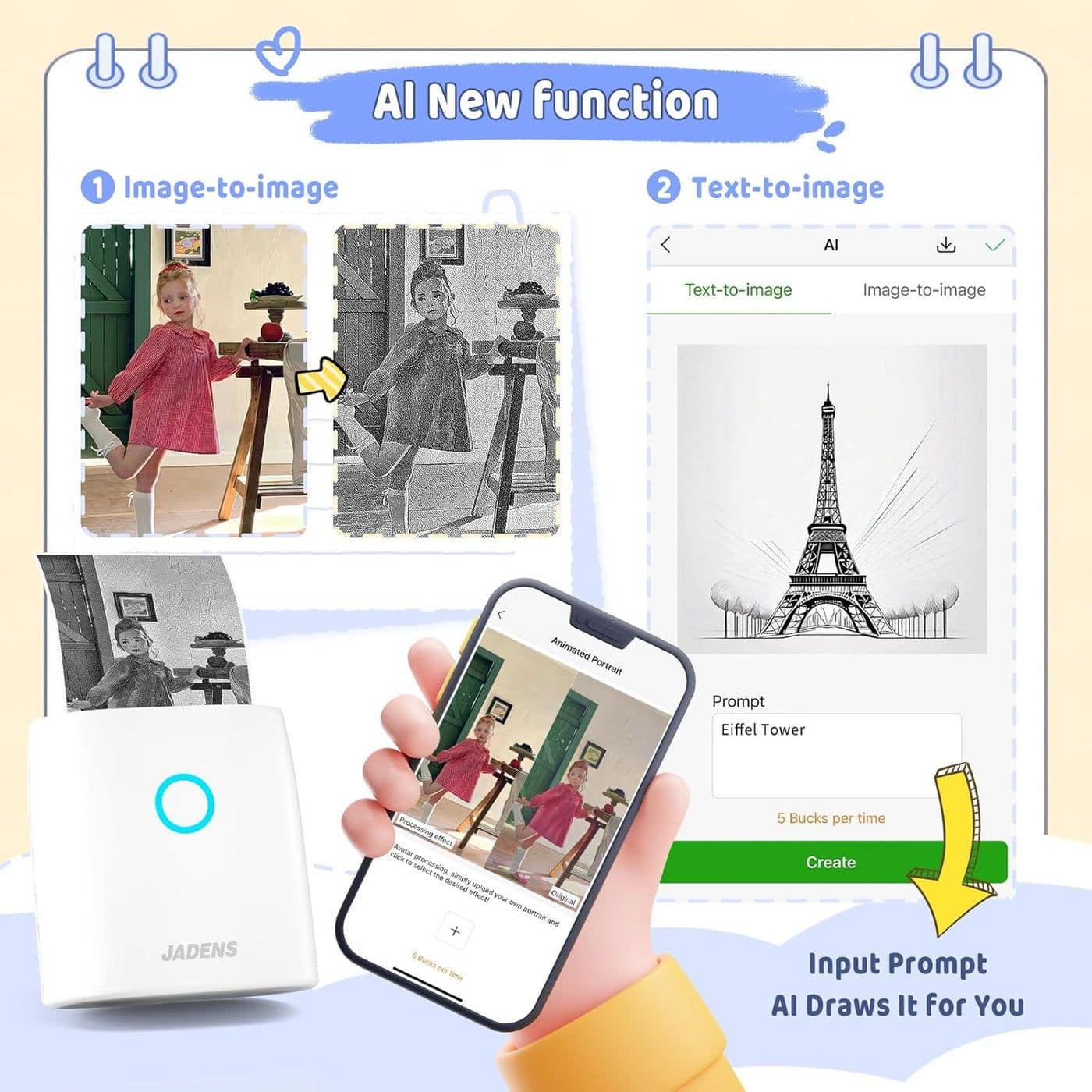
JADENS - JD-21 Mini Instant Thermal Printer - White
SKU: J3R84H93K7See all Label PrintersProduct Description
A compact white Bluetooth thermal printer delivering vivid, ink-free prints for photos, memos, and labels.Your price for this item is $15.99Save $14The previous price was $29.99 -
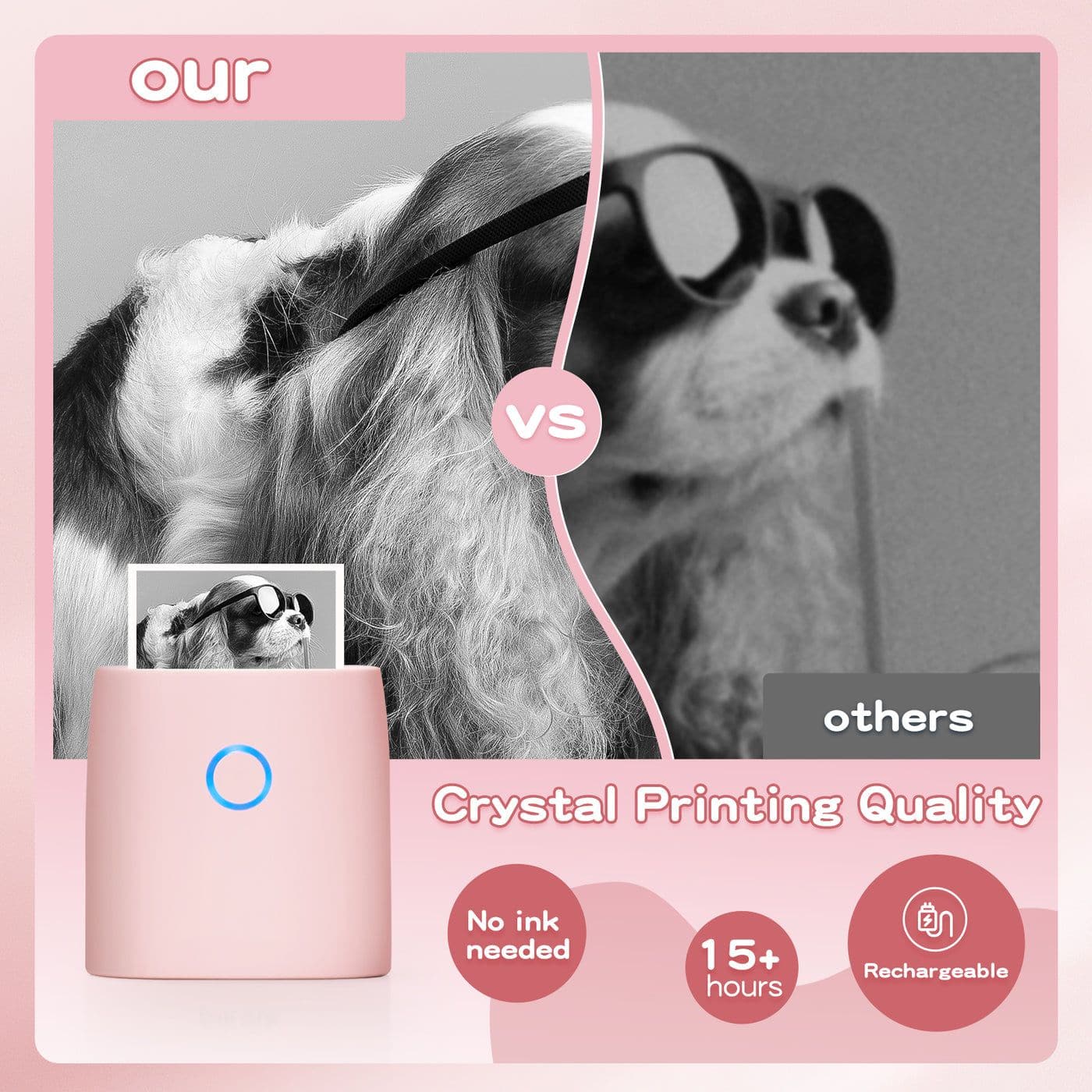
JADENS - JD-21 Mini Instant Thermal Printer - Handheld Label Maker - Pink
SKU: J3R84H93WWSee all Label Makers & AccessoriesProduct Description
A portable pink thermal label maker offering Bluetooth connectivity, vivid prints, and up to 15 hours of use.Your price for this item is $15.99Save $14The previous price was $29.99 -
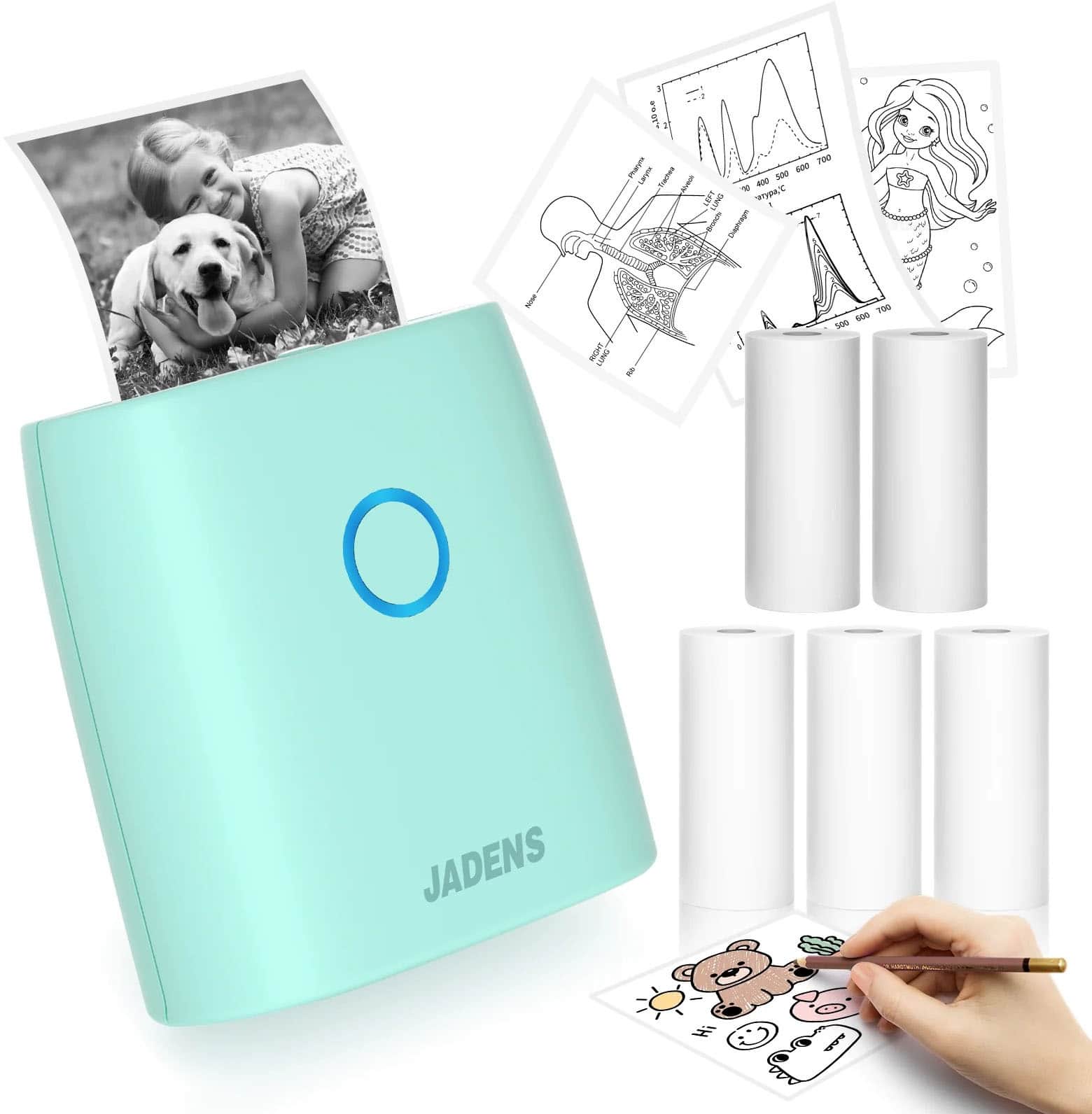
JADENS - JD-21 Mini Instant Thermal Printer - Handheld Label Maker - Green
SKU: J3R84H93KTSee all Label Makers & AccessoriesProduct Description
A handheld green thermal label maker offering Bluetooth connectivity, vivid prints, and up to 15 hours of use.Your price for this item is $16.99Save $13The previous price was $29.99
Best Sellers




Related Pages



FAQ
When choosing a thermal printer for your small business, consider features such as print speed, connectivity options (USB, Bluetooth, Wi-Fi), compatibility with your operating system or point-of-sale software, ease of use, and reliability. Additional features like label customization, mobile printing support, and compact design can also be beneficial for small business environments.
Yes, many thermal printers are versatile and can print both receipts and labels. Some models are specifically designed for one or the other, so it's important to check the printer’s specifications to ensure it supports the type of printing you need for your small business.
Thermal printers are ideal for a variety of small businesses, including retail stores, restaurants, warehouses, logistics companies, healthcare offices, and e-commerce shops. They are commonly used for printing receipts, shipping labels, barcode labels, and order tickets due to their speed and low maintenance.
No, thermal printers do not require ink or toner. They use heat-sensitive paper or labels, which react to the thermal print head to create text and images. This makes them cost-effective and low-maintenance compared to traditional inkjet or laser printers.
Most thermal printers offer multiple connectivity options such as USB, Ethernet, Bluetooth, or Wi-Fi. To connect your thermal printer to your POS system, simply follow the manufacturer’s instructions for your chosen connection type and ensure that your POS software supports the printer model. Many printers also come with driver software to facilitate easy setup and integration.