Black Friday Deals On Student Laptops
-
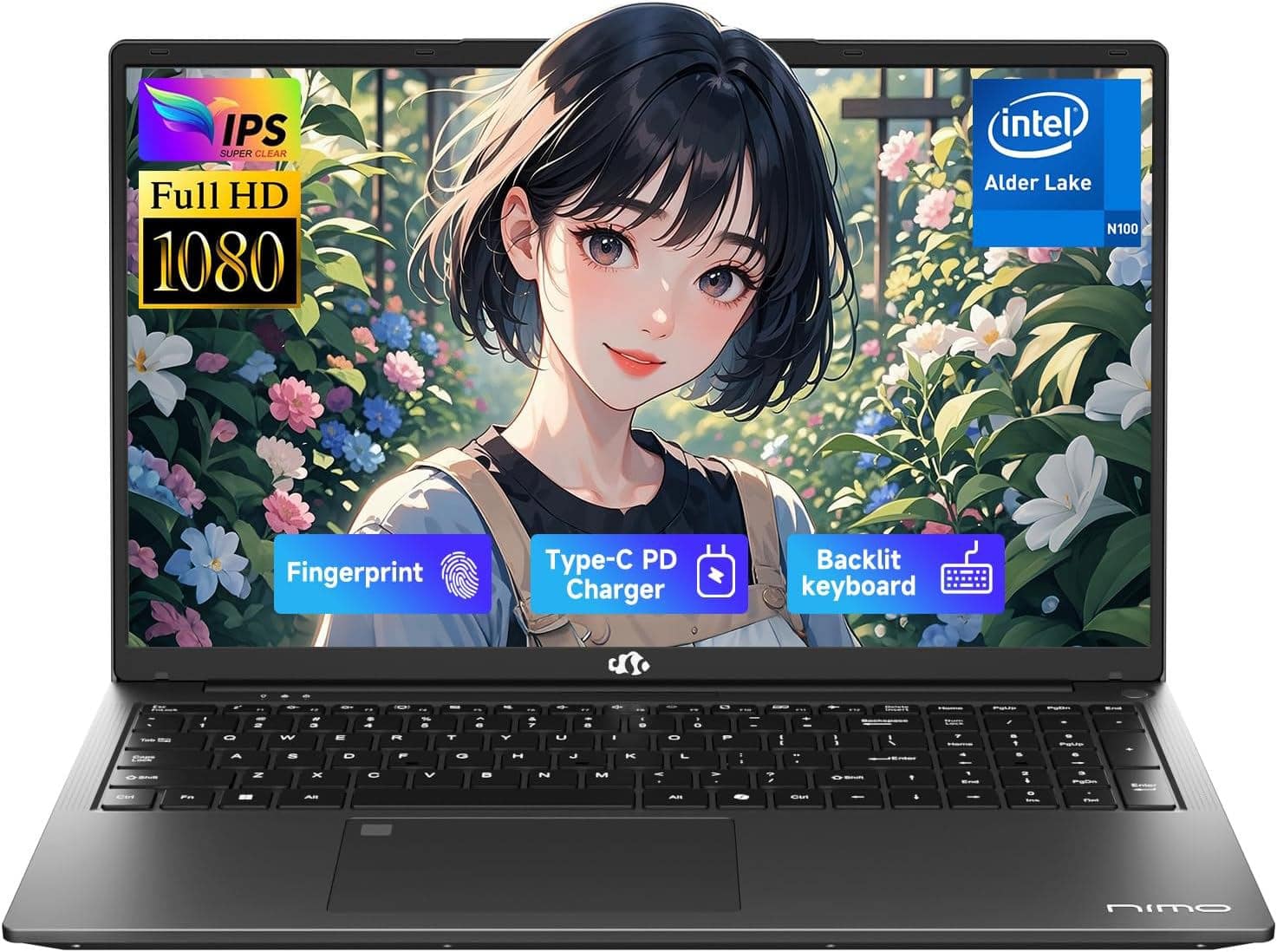
NIMO - 17.3" IPS FHD-Student-Laptop- 16GB RAM 1TB SSD, Intel Pentium 4 Cores N100(Beat i3-1115G4, Up to 3.4GHz) Computer - Gray
SKU: JJGHQYTL7HSee all Windows LaptopsProduct Description
A gray laptop featuring a 17.3" FHD IPS display, 16GB RAM, 1TB SSD, and fingerprint security.Your price for this item is $579.00 -
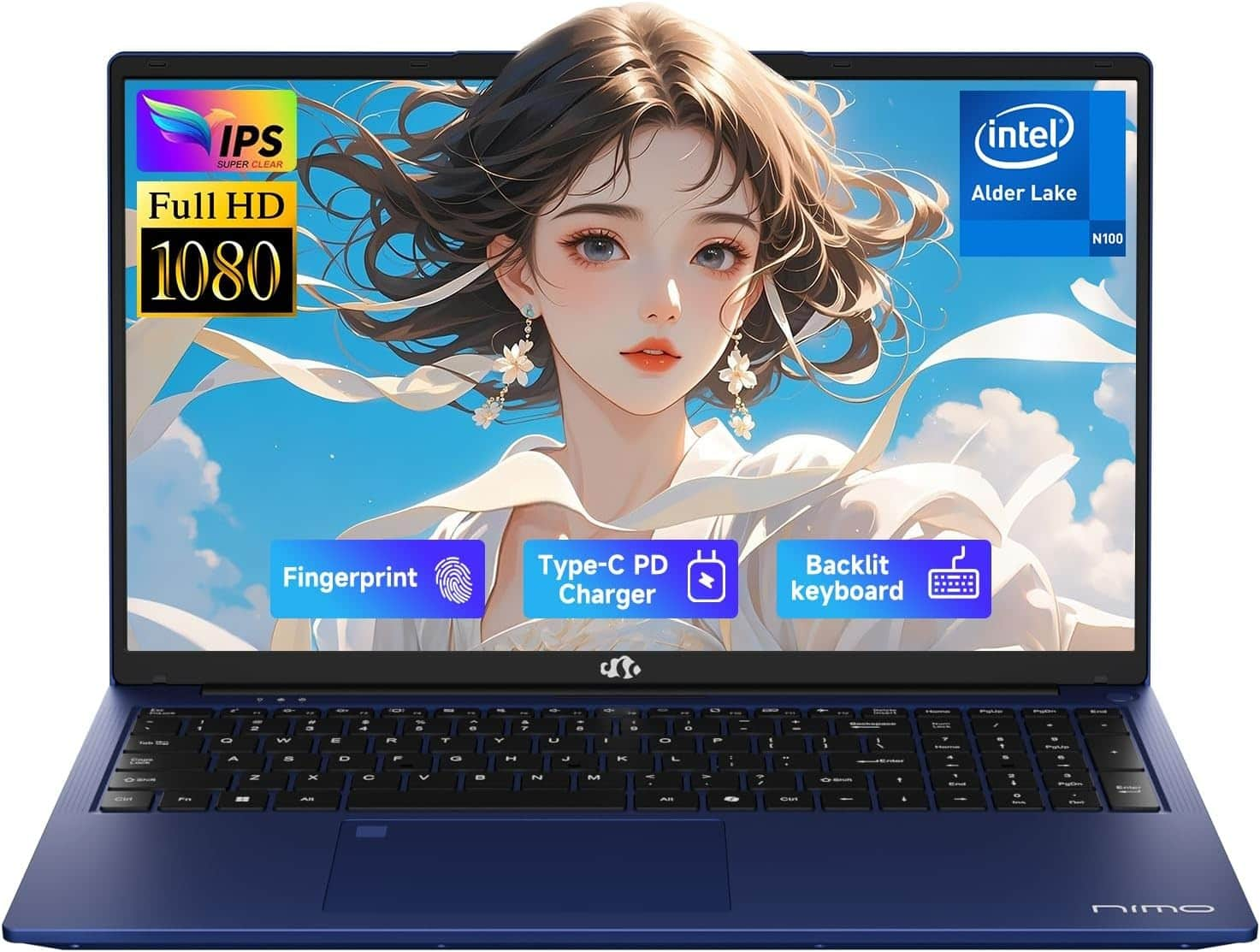
NIMO - 17.3" IPS FHD-Student-Laptop- 8GB RAM 256GB SSD, Intel Pentium 4 Cores N100(Beat i3-1115G4, Up to 3.4GHz) Computer - Blue
SKU: JJGHQYTGF5See all Windows LaptopsProduct Description
A blue laptop featuring a 17.3" FHD IPS display, 8GB RAM, 256GB SSD, and fingerprint security.Your price for this item is $399.00Save $100The previous price was $499.00 -
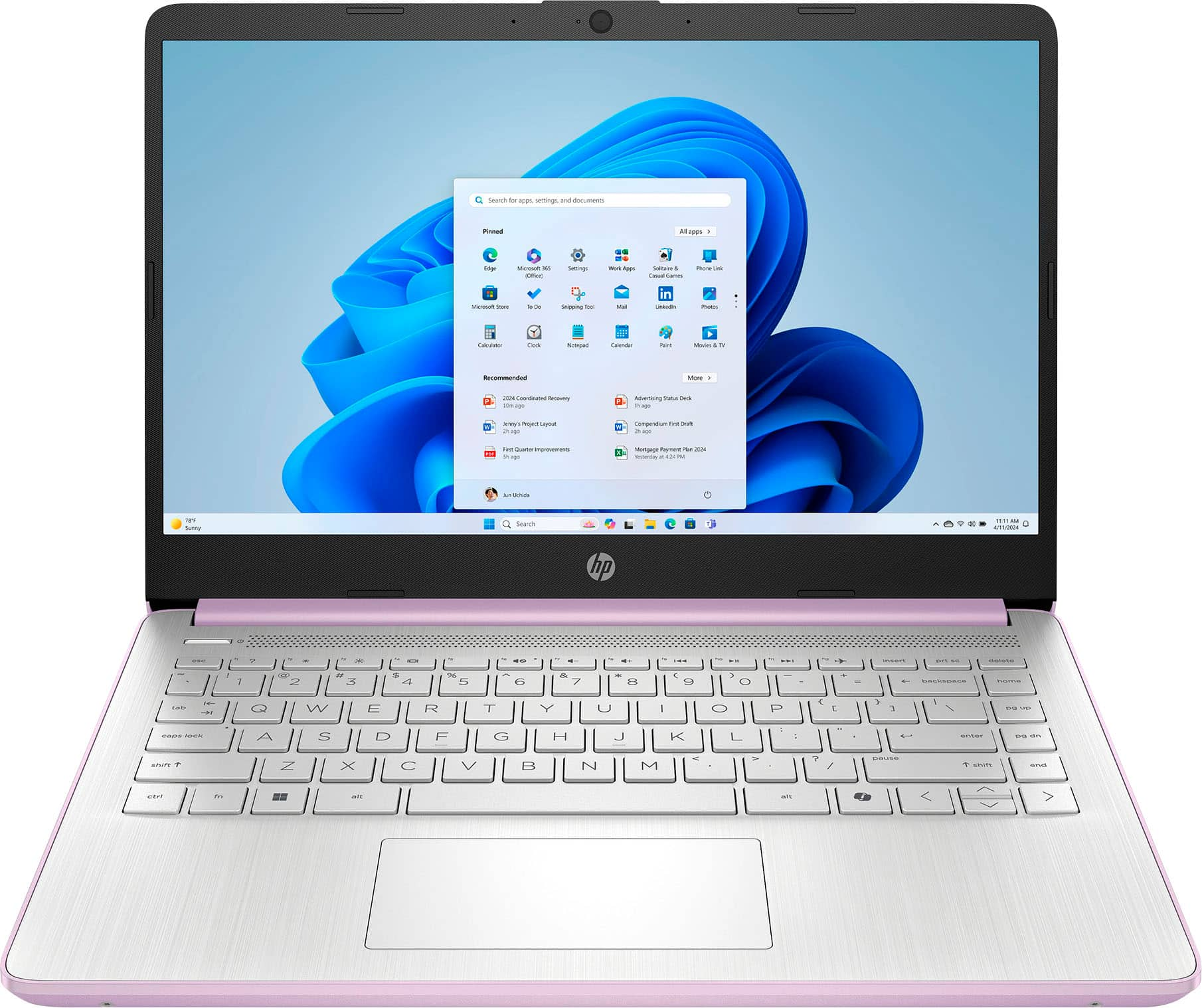
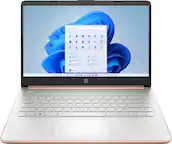
HP - 14" Laptop - Intel Processor N150 2025 - 4GB Memory - 128GB Storage - Honey Lavender
SKU: JJGQJQR8C2It runs great and I love the color my kids even love to play on it...Love my computer!!!...Great purchase for a good price!! I love my computer, Most definitely a great purchase no regrets !
See all Windows LaptopsProduct Description
A thin, portable honey lavender laptop with Intel N150 processor, 4GB RAM, 128GB storage, and Wi-Fi 6.Your price for this item is $268.00Save $1The previous price was $269.99 -
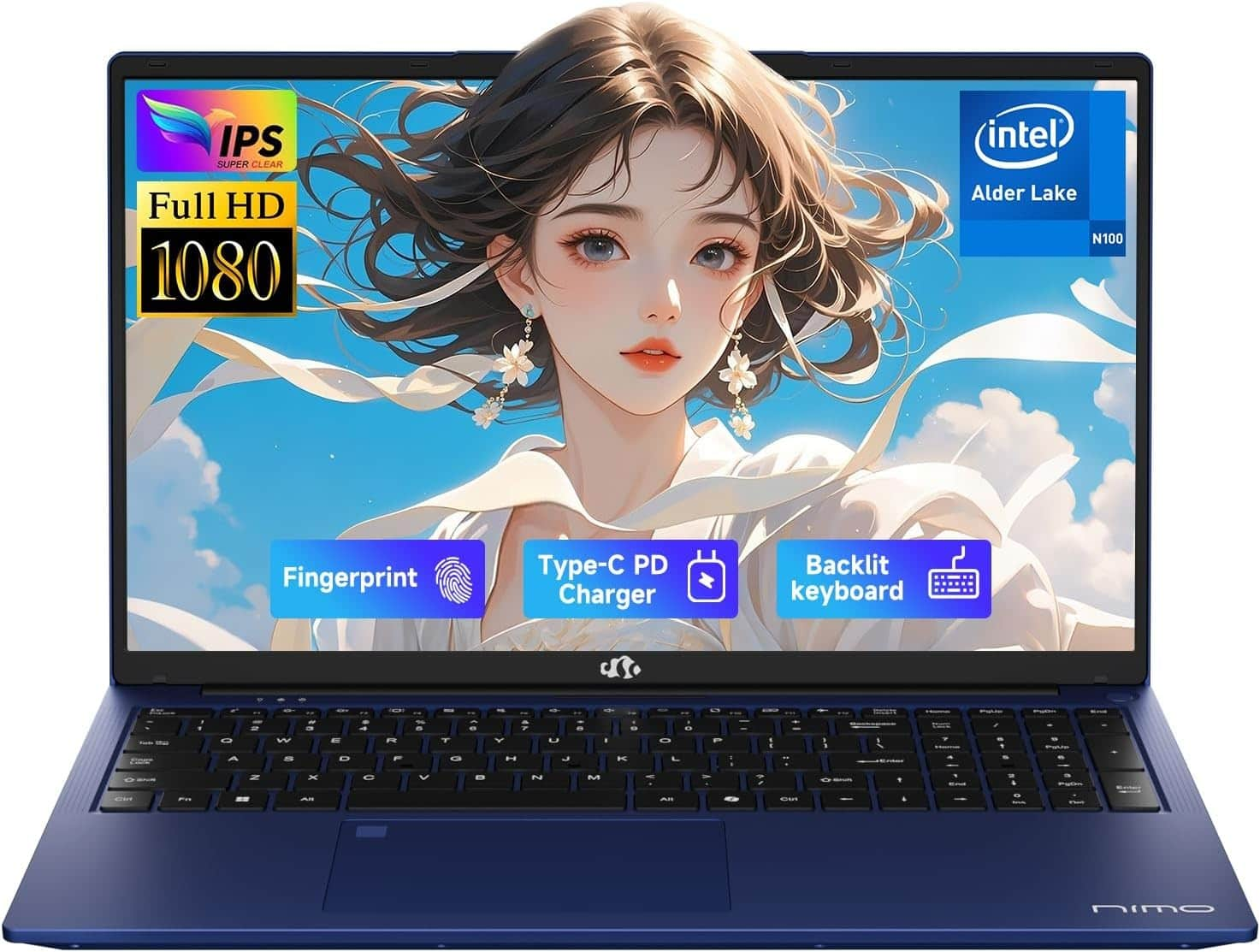
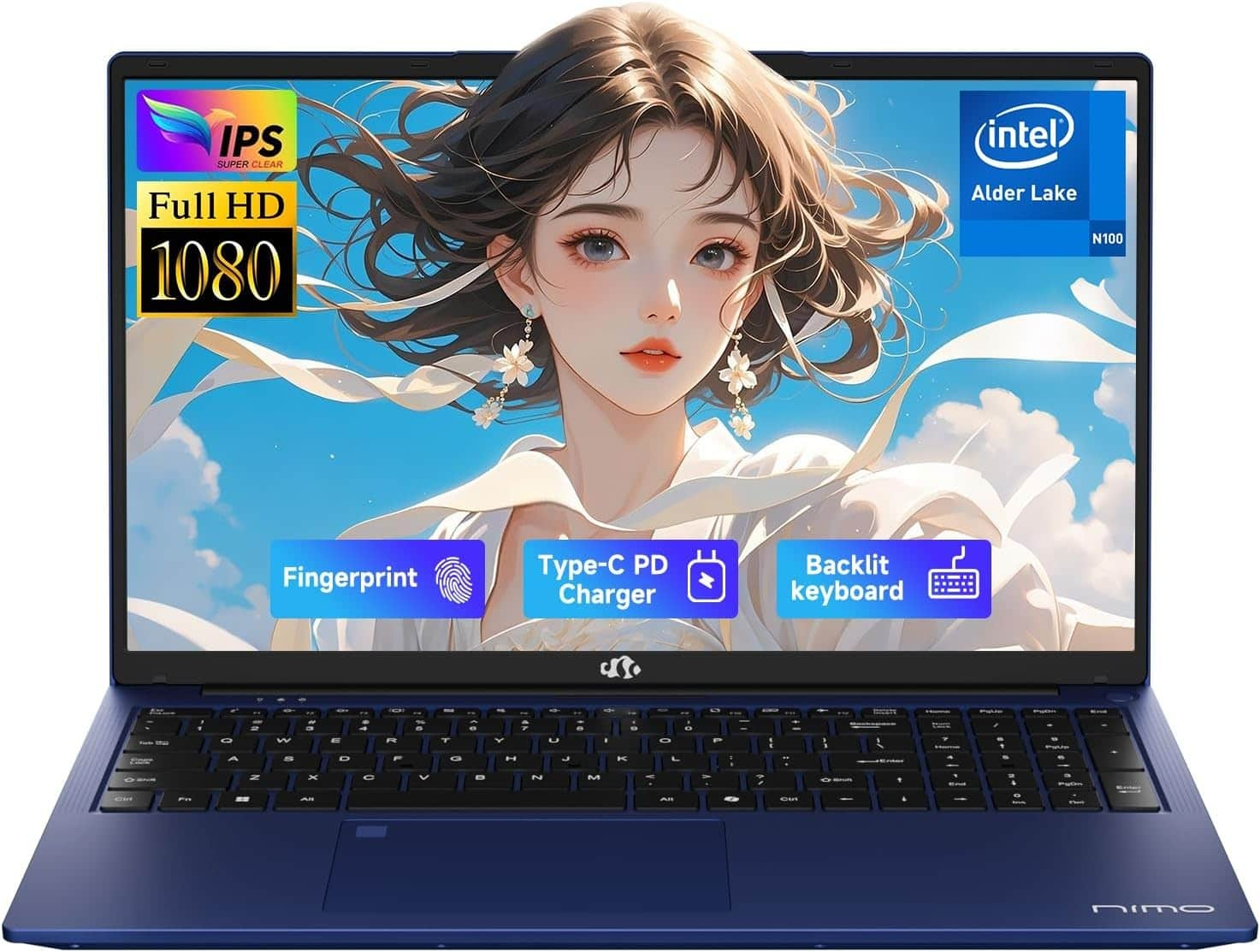
NIMO - 17.3" IPS FHD-Student-Laptop- 16GB RAM 512GB SSD, Intel Pentium 4 Cores N100(Beat i3-1115G4, Up to 3.4GHz) Computer - Blue
SKU: JJGHQYTGV2See all Windows LaptopsProduct Description
A blue laptop featuring a 17.3" FHD IPS display, 16GB RAM, 512GB SSD, and fingerprint security.Your price for this item is $499.00Save $100The previous price was $599.00 -
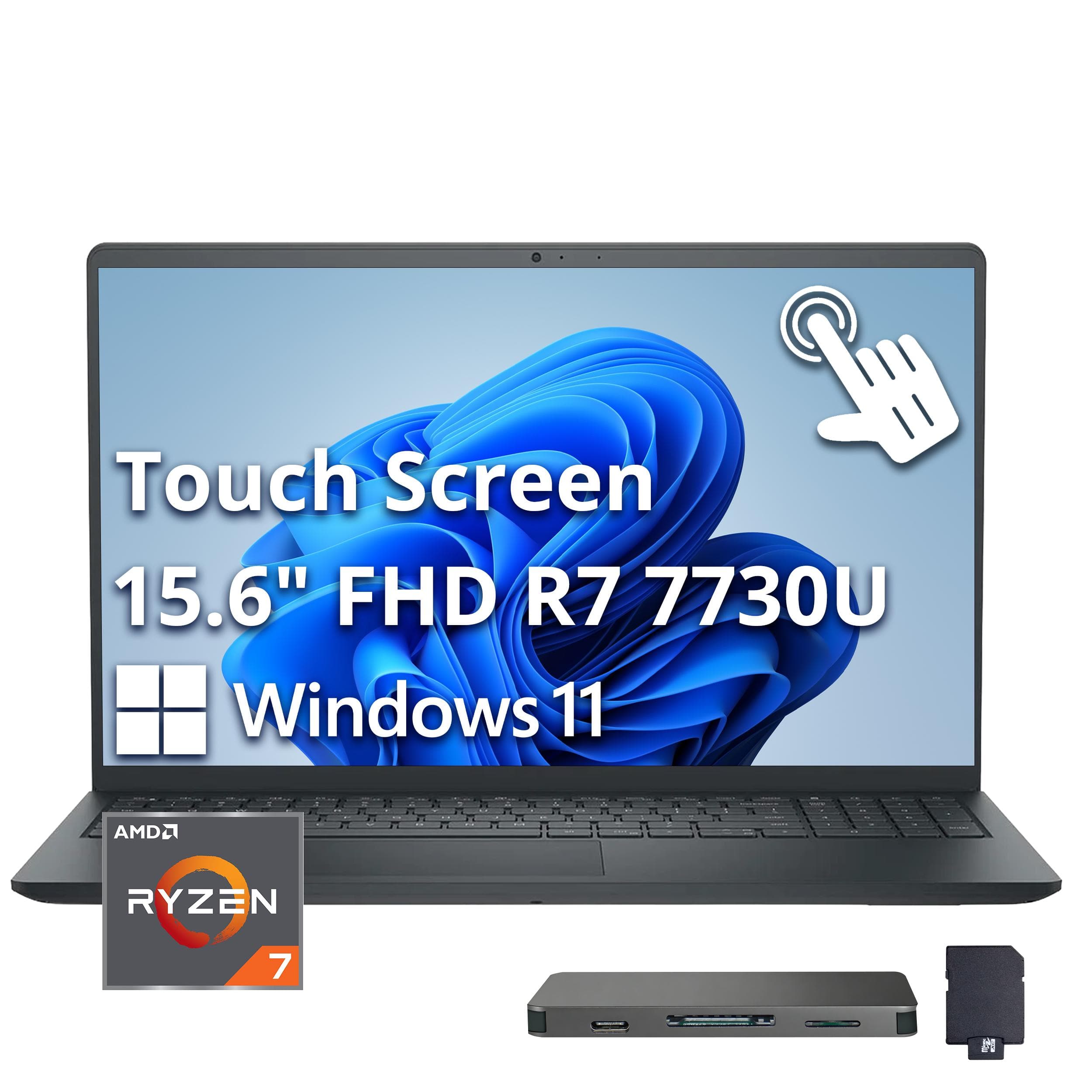
Dell - 15.6" FHD Laptop - AMD Ryzen 7 7730U 2023 - 16GB Memory - 1TB Storage - Black
SKU: J3K4L9ZLXCSee all Windows LaptopsProduct Description
A sleek carbon black laptop featuring AMD Ryzen 7, 16GB RAM, 1TB SSD, and FHD touchscreen.Your price for this item is $869.00Save $10The previous price was $879.00 -
NIMO - 17.3" IPS FHD-Student-Laptop- 16GB RAM 1TB SSD, Intel Pentium 4 Cores N100(Beat i3-1115G4, Up to 3.4GHz) Computer - Blue
SKU: JJGHQYTGVPSee all Windows LaptopsProduct Description
A blue laptop featuring a 17.3" FHD IPS display, 16GB RAM, 1TB SSD, and fingerprint security.Your price for this item is $579.00Save $120The previous price was $699.00 -
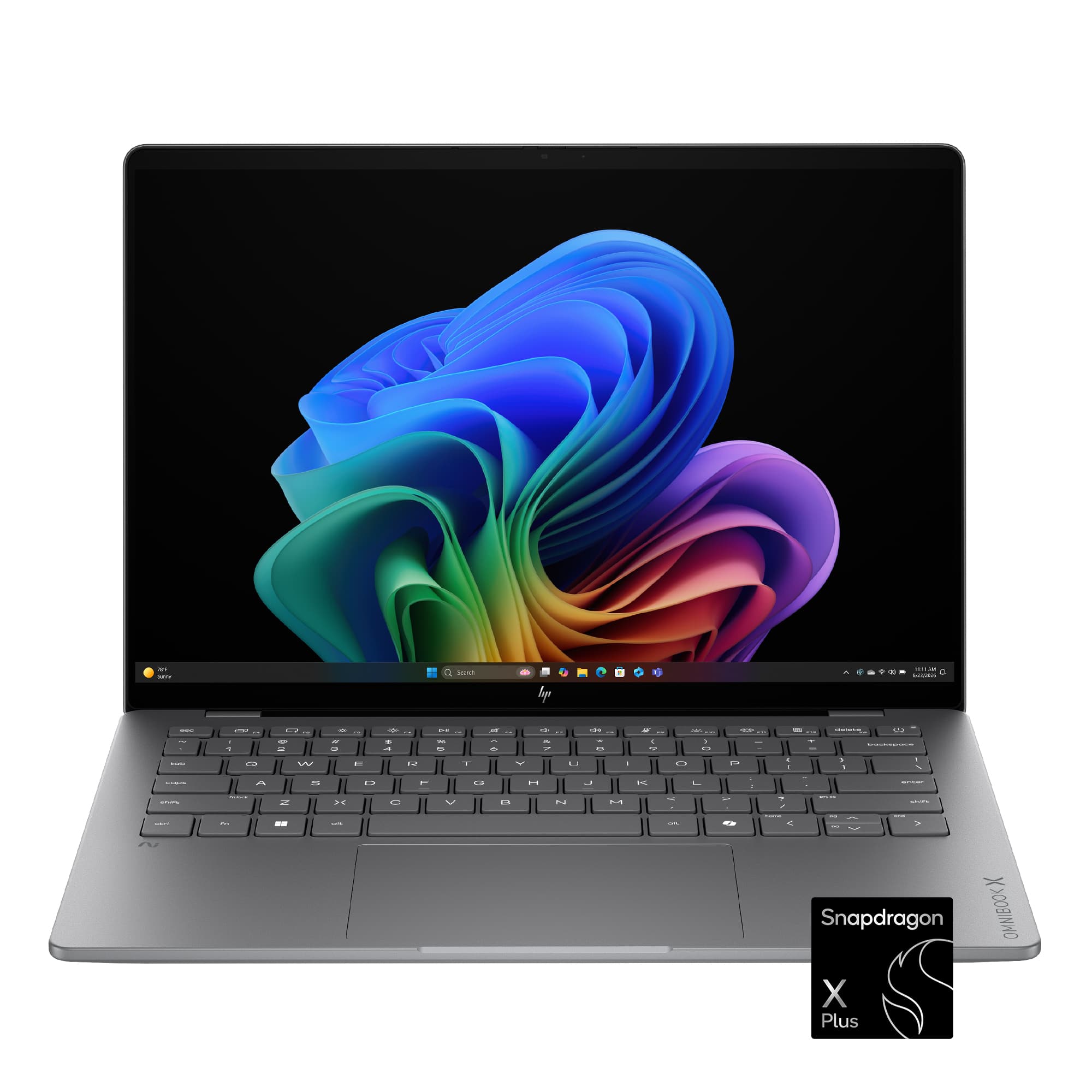
HP - OmniBook X - 14" 2K OLED Touchscreen Laptop - Snapdragon X Plus (2024) - 16GB Memory - 512GB SSD - Copilot+ PC - Meteor Silver
SKU: JJGWKY44RCThe best thing about this laptop is that it is compact, easy to carry around and very powerful for almost...We went to Best Buy and this HP OmniBook X is usually priced at $1,099 but since it was their...
See all Windows LaptopsProduct Description
A sleek meteor silver touchscreen laptop featuring a 2K OLED display, Snapdragon X Plus processor, and 16GB memory.Your price for this item is $699.99Save $400The previous price was $1,099.99 -
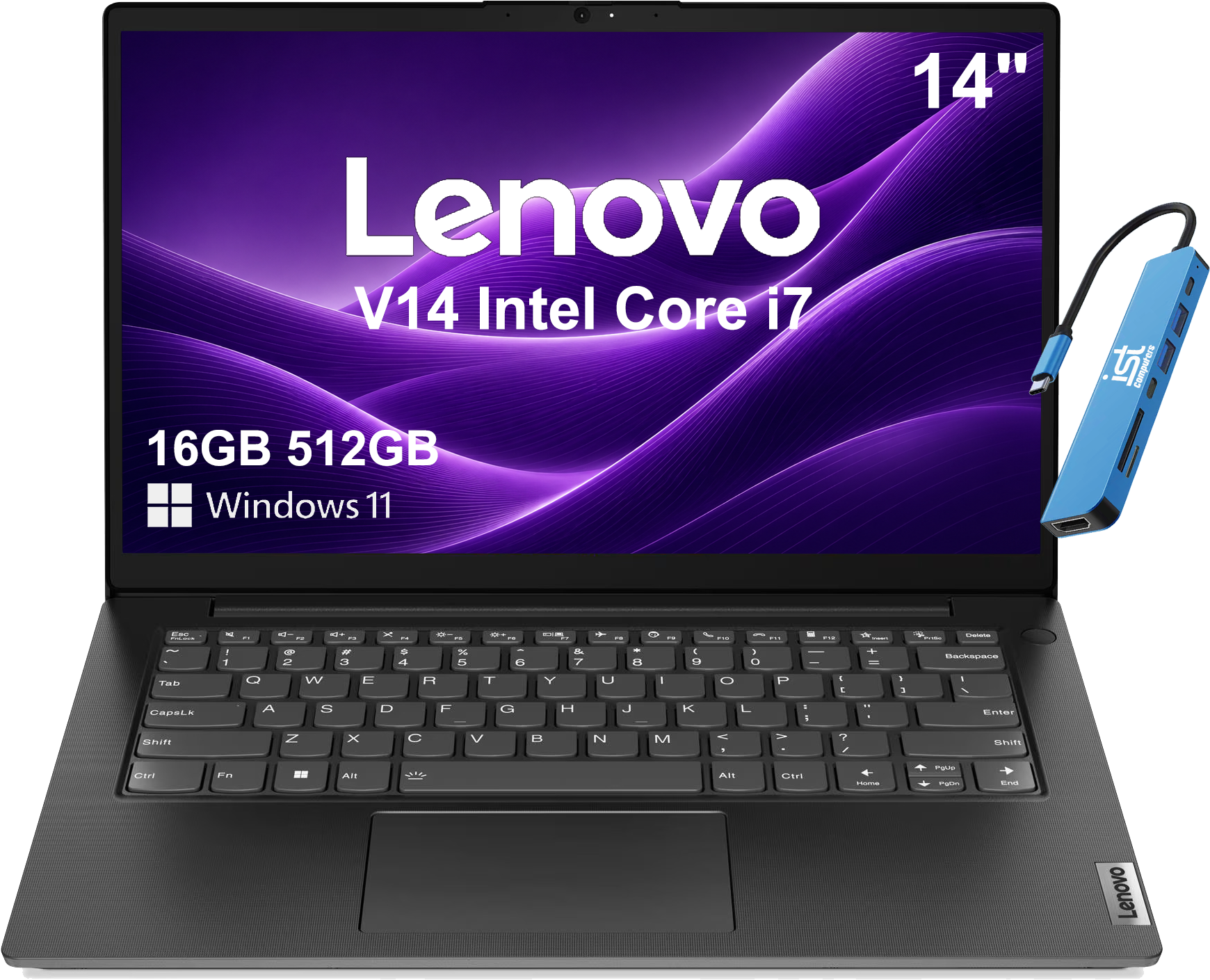
Bundle - Lenovo - V Series V14 Gen 4 14" FHD Laptop - Intel Core i7-13620H - 16GB RAM-512GB SSD - For Business, College & Home -Windows 11 - Business Black
SKU: J3GWQRF993Light Weight, works great. I would recommend this laptop....Honestly after searching and searching for a month, this is the right option...really thankful for Best
See all Windows LaptopsProduct Description
A business laptop with black finish, Intel Core i7, 16GB RAM, 512GB SSD, and Wi-Fi 6.Your price for this item is $699.99 -
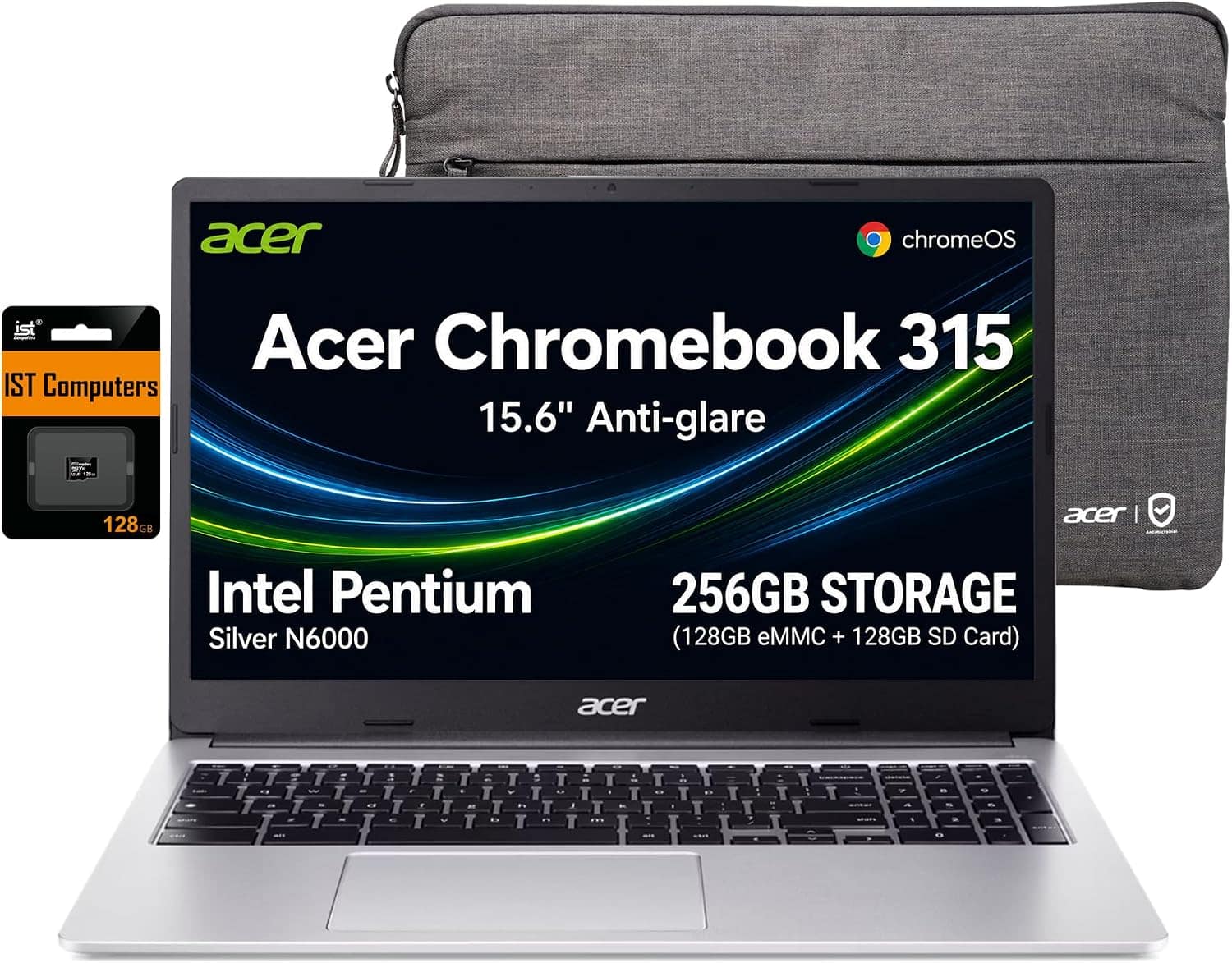
Bundle - Acer - Chromebook 315 – 15.6" HD Laptop with Google AI - Intel Pentium N6000 – 4GB Memory – 128GB eMMC+128GB SD Card - Silver
SKU: J3GWT6QTGGSee all ChromebooksProduct Description
A silver Chromebook with Intel Pentium N6000, 4GB RAM, 256GB combined storage, ChromeOS, and number pad.Your price for this item is $319.99Save $180The previous price was $499.99 -
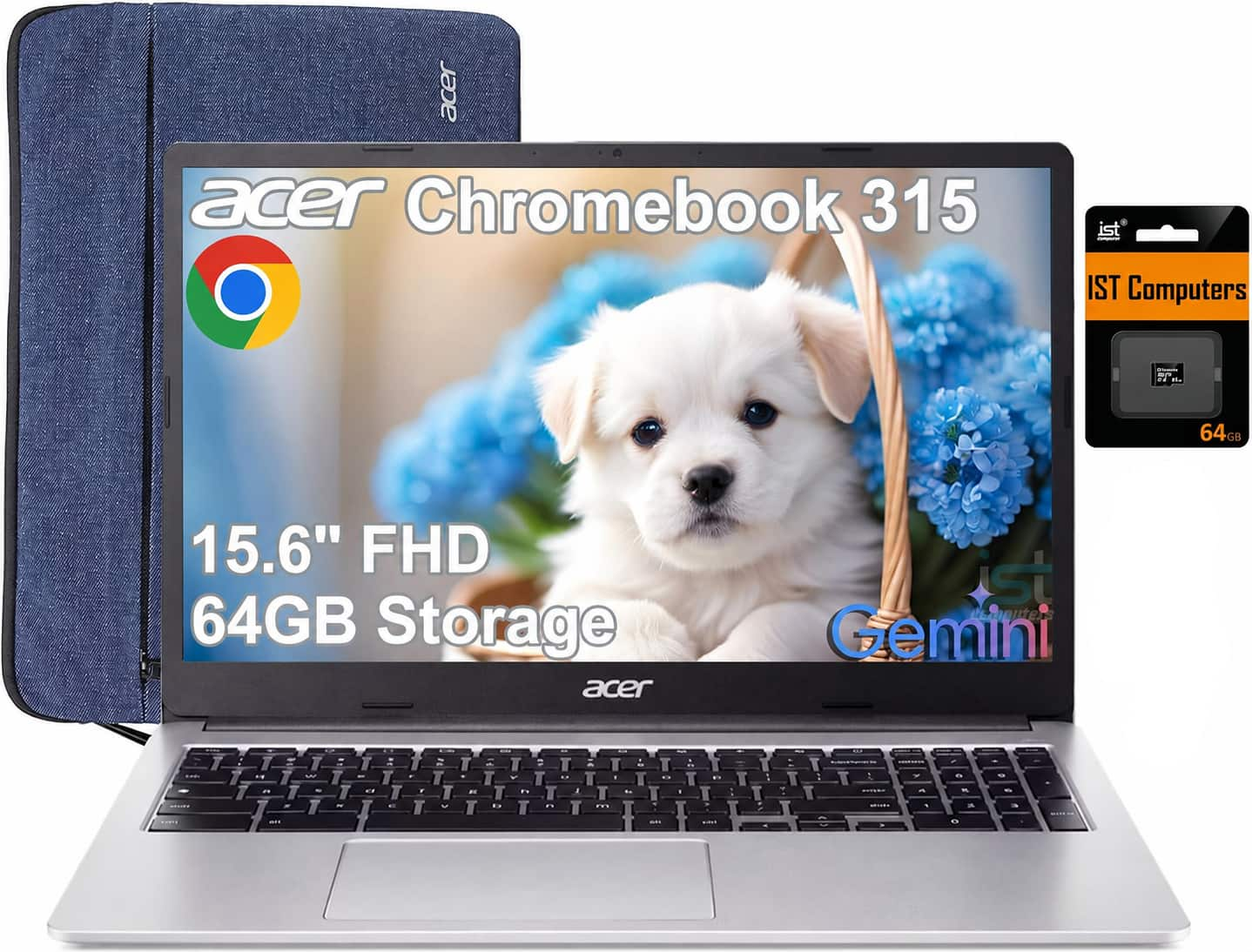
Acer - Chromebook 315 – 15.6" FHD Laptop with Google AI - Intel Celeron N4500 - 4GB LPDDR4X - 64GB eMMC+64GB SD Card - Silver
SKU: J3GWQRFR7RSee all ChromebooksProduct Description
A silver laptop with a 15.6" Full HD display, Intel Celeron processor, and 128GB storage.Your price for this item is $249.99Save $150The previous price was $399.99
Best Sellers




Related Pages





FAQ
Start with your school’s technology guidelines and the requirements for your courses. Check the required operating system, software compatibility, keyboard features, and connections for classroom accessories. Some programs specify hardware requirements for applications used in engineering, design, or other specialized coursework.
Student laptops commonly use Windows, macOS, or ChromeOS. Windows and macOS support desktop applications developed for their respective platforms, while ChromeOS centers on browser-based tools and supported apps. Check whether your school’s learning platform, testing software, and course applications support the operating system you choose.
A traditional laptop has a keyboard and a display that opens on a hinge. A 2-in-1 adds a touchscreen and either a folding hinge or a detachable keyboard for tablet-style use. Some 2-in-1 models also support a compatible stylus for handwritten notes and annotation, though stylus support and inclusion vary.
Consider the connections used by your accessories and classroom equipment, such as USB-A for peripherals, HDMI for external displays, and a headset jack for wired audio. USB-C capabilities vary by laptop: a port may support data transfer, charging, video output, or a combination. Review the specifications for both the laptop and any adapters.
Schools may provide access to productivity apps, cloud storage, or specialized software through a student account. Check your school’s software portal for license terms, supported operating systems, and installation instructions. Access may depend on enrollment status, and some applications require a separate installation rather than running entirely in a browser.