Budget-Friendly iPads For Families
-
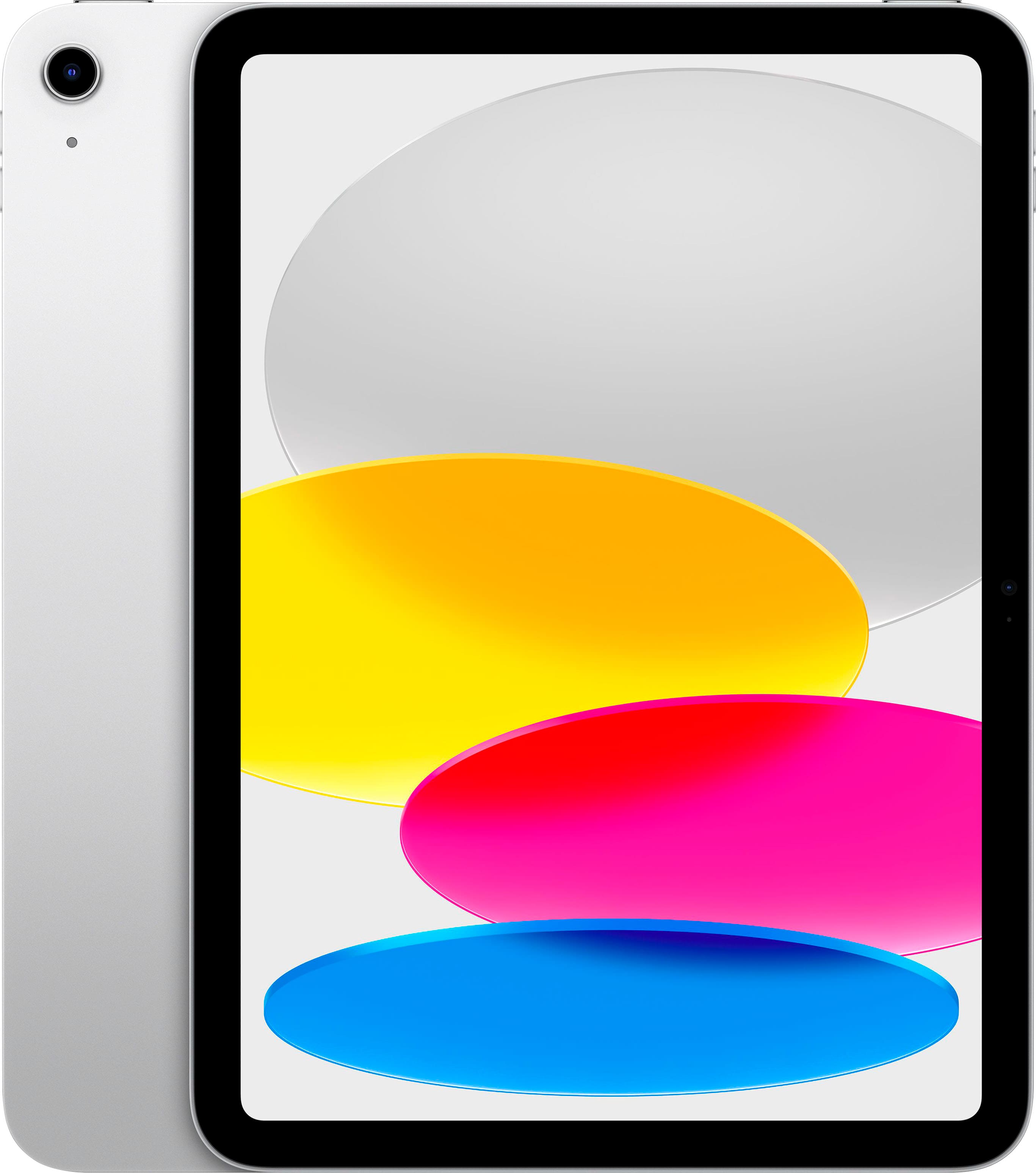
Apple - 11-inch iPad A16 chip with Wi-Fi - 128GB - Silver
SKU: JJGCQG39VGGreat experience easy to access love Best Buy products....Love it great device easy purchase through Best Buy
See all iPadProduct Description
A sleek silver tablet featuring the A16 chip, 11-inch Liquid Retina display, Wi-Fi 6, and 128GB storage.Your price for this item is $449.00 -
Apple - 11-inch iPad A16 chip with Wi-Fi - 128GB - Yellow
SKU: JJGCQG36TQLove it for school. Great battery life, processing and easy note taking!!...great product really love it best buy will recommend...Best iPad they’ve come out with yet
See all iPadProduct Description
A vibrant yellow tablet featuring a fast A16 chip, 128GB storage, Liquid Retina display, and Wi-Fi 6.Your price for this item is $449.00 -
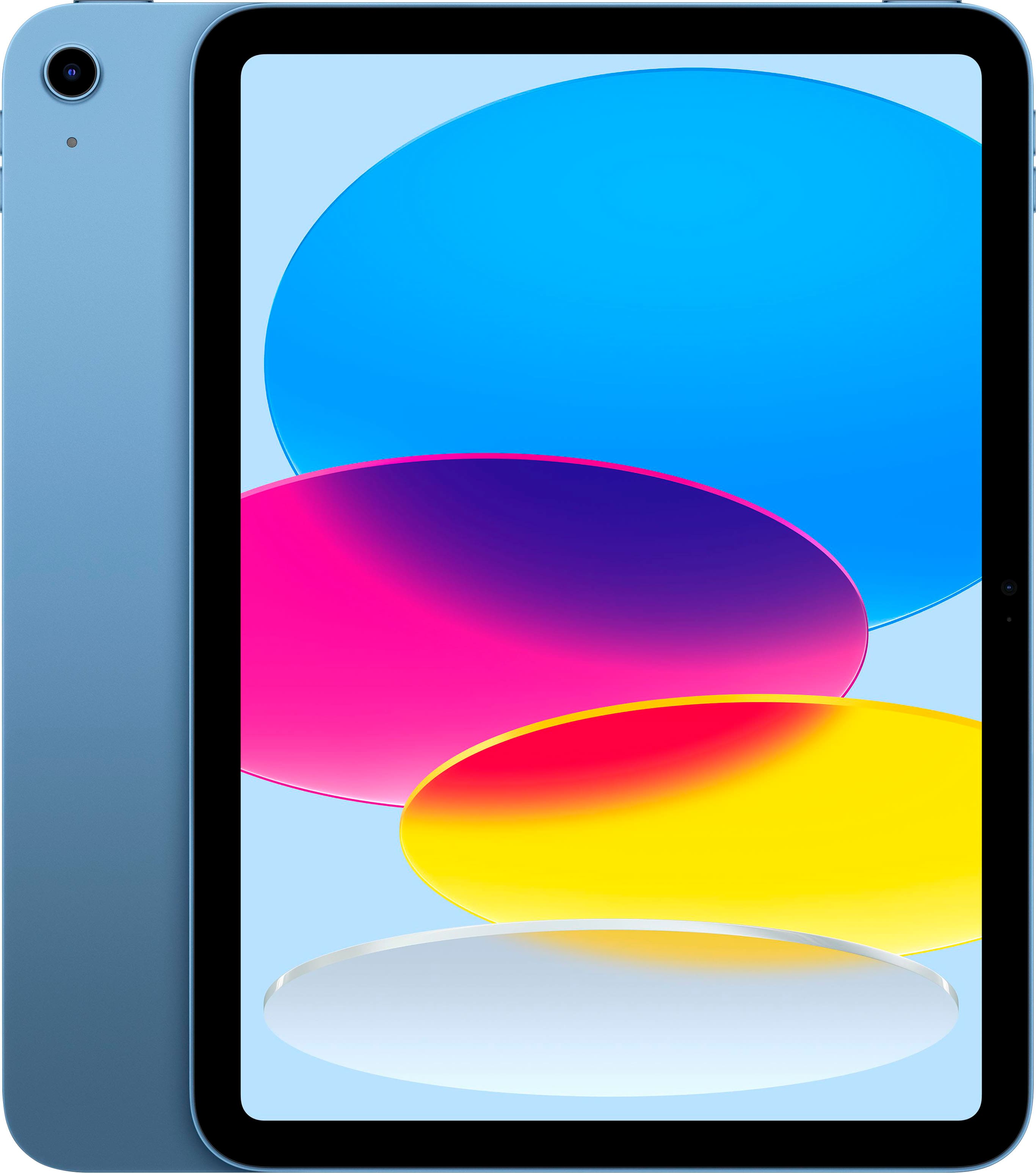
Apple - 11-inch iPad A16 chip with Wi-Fi - 128GB - Blue
SKU: JJGCQG36LSLove love love it, works well, Best Buy experience was great!...Love Best Buy great products, very helpful and nice.
See all iPadProduct Description
A sleek blue tablet featuring the A16 chip, 128GB storage, Liquid Retina display, and Wi-Fi 6.Your price for this item is $449.00 -
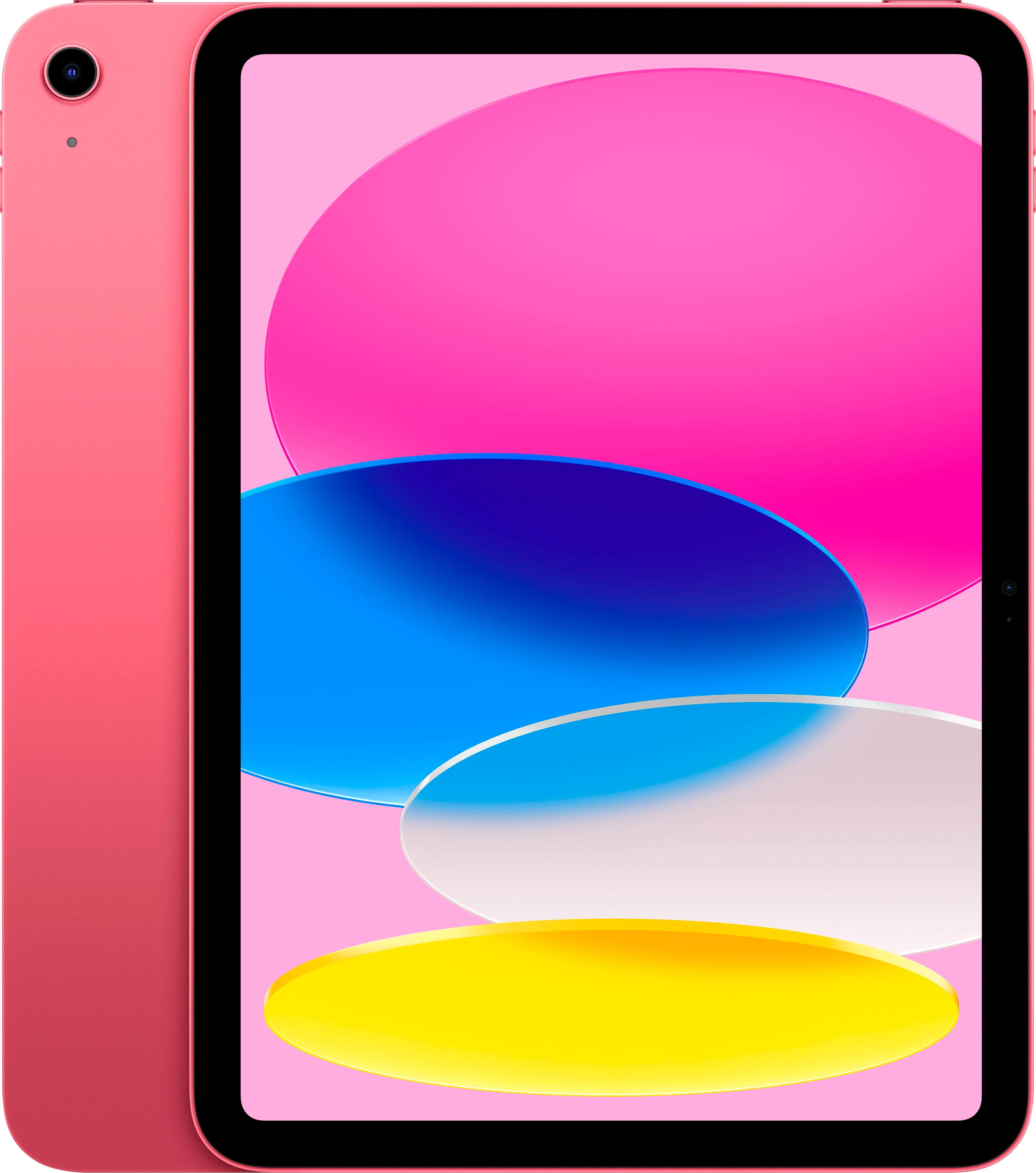
Apple - 11-inch iPad A16 chip with Wi-Fi - 128GB - Pink
SKU: JJGCQG3RC2Great customer service great product i love best buy...Great product !!! I love this material and the product with Best Buy!!!
See all iPadProduct Description
A powerful pink tablet featuring the A16 chip, 128GB storage, Liquid Retina display, and Wi-Fi 6.Your price for this item is $449.00

Best Sellers






Related Pages










FAQ
Families should consider features such as long battery life, durable build quality, parental controls, and compatibility with educational and entertainment apps when choosing a budget-friendly iPad.
Yes, many budget-friendly iPads offer versatile functionality that makes them suitable for both kids' learning and entertainment needs as well as adults' productivity and communication tasks.
While iPads do not support multiple user profiles like some other devices, they do offer Family Sharing, which allows family members to share apps, music, movies, and more while keeping personal data separate.
Most budget-friendly iPads are compatible with a wide range of educational apps and popular streaming services, making them a great choice for learning and entertainment at home.
Parents can use Apple's built-in Screen Time feature to set app limits, schedule downtime, and monitor usage across all family devices linked through Family Sharing.