CarPlay Cable
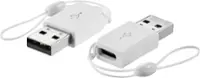
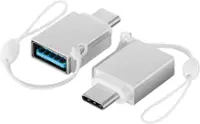
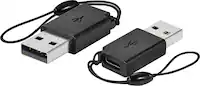
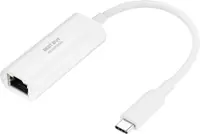
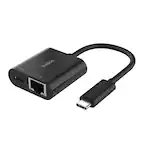
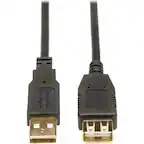
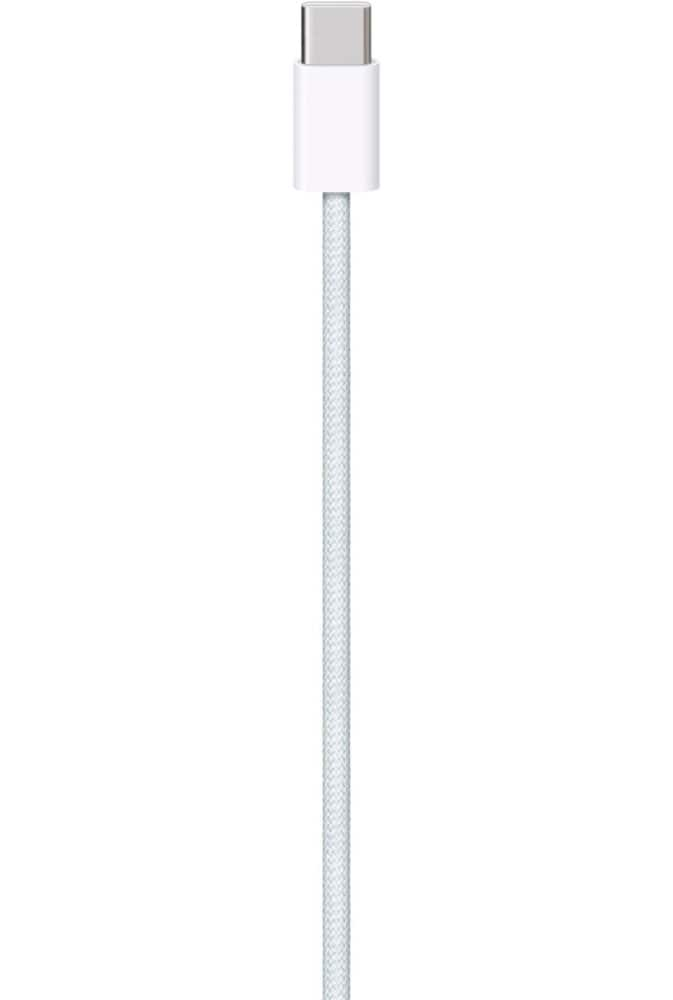
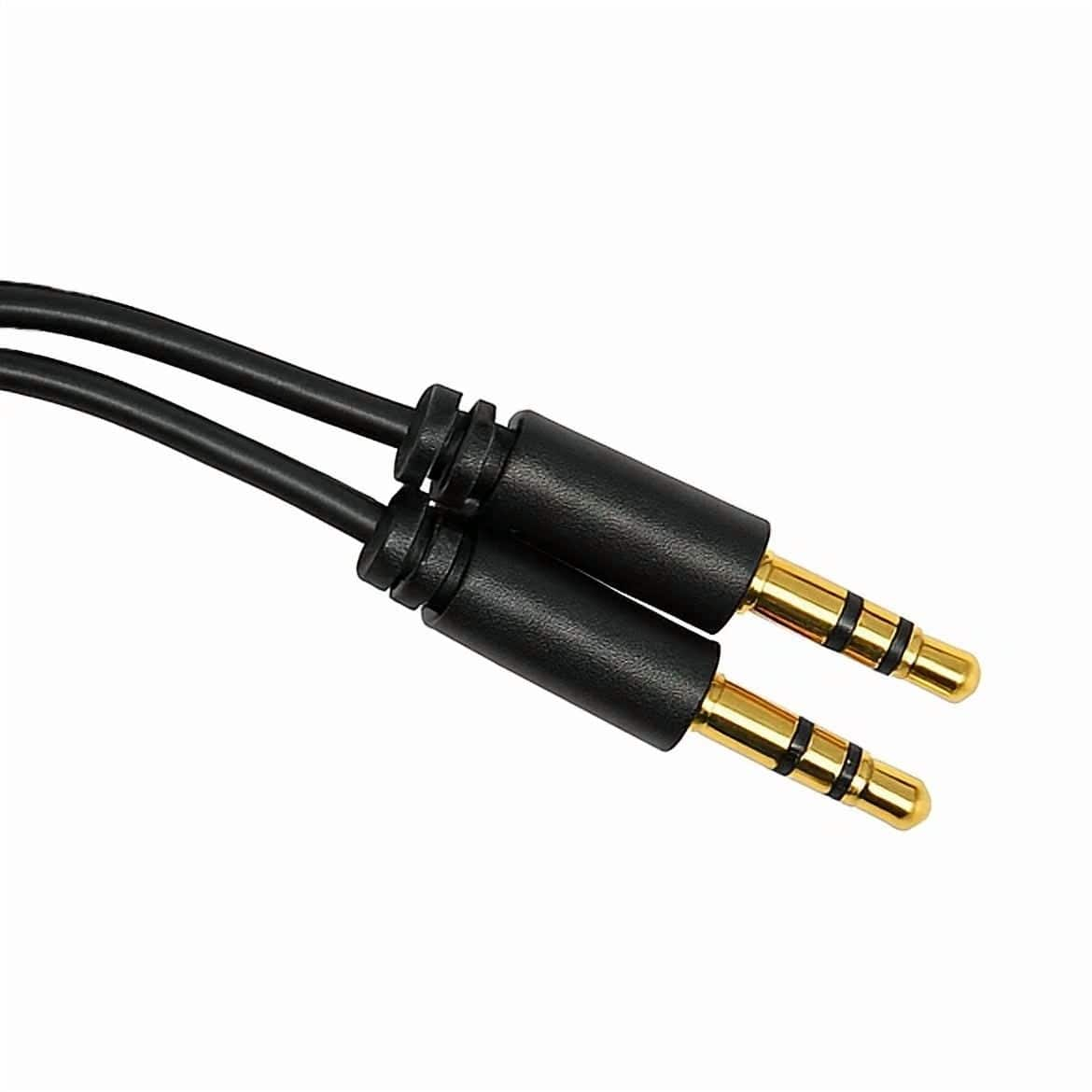
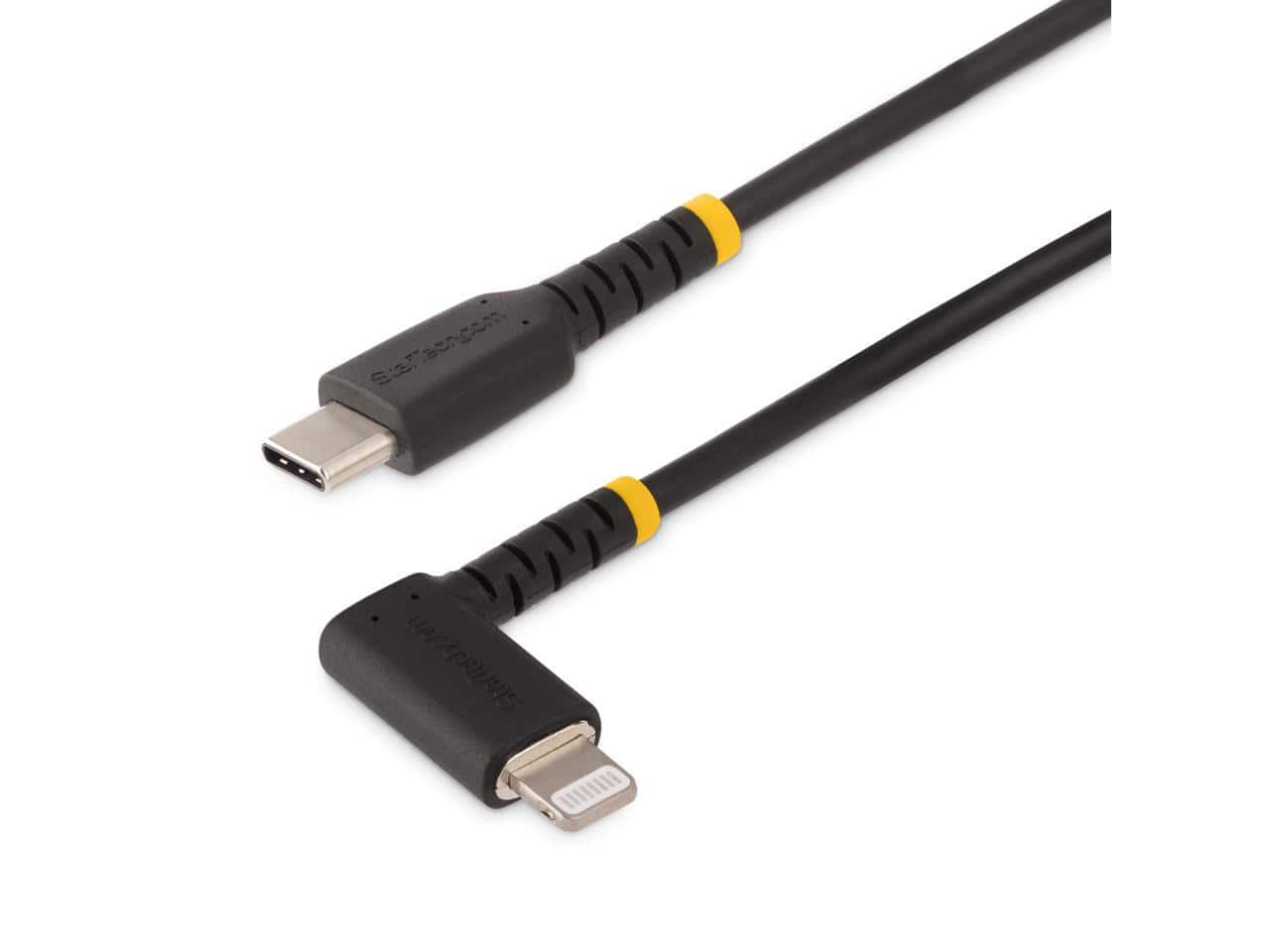
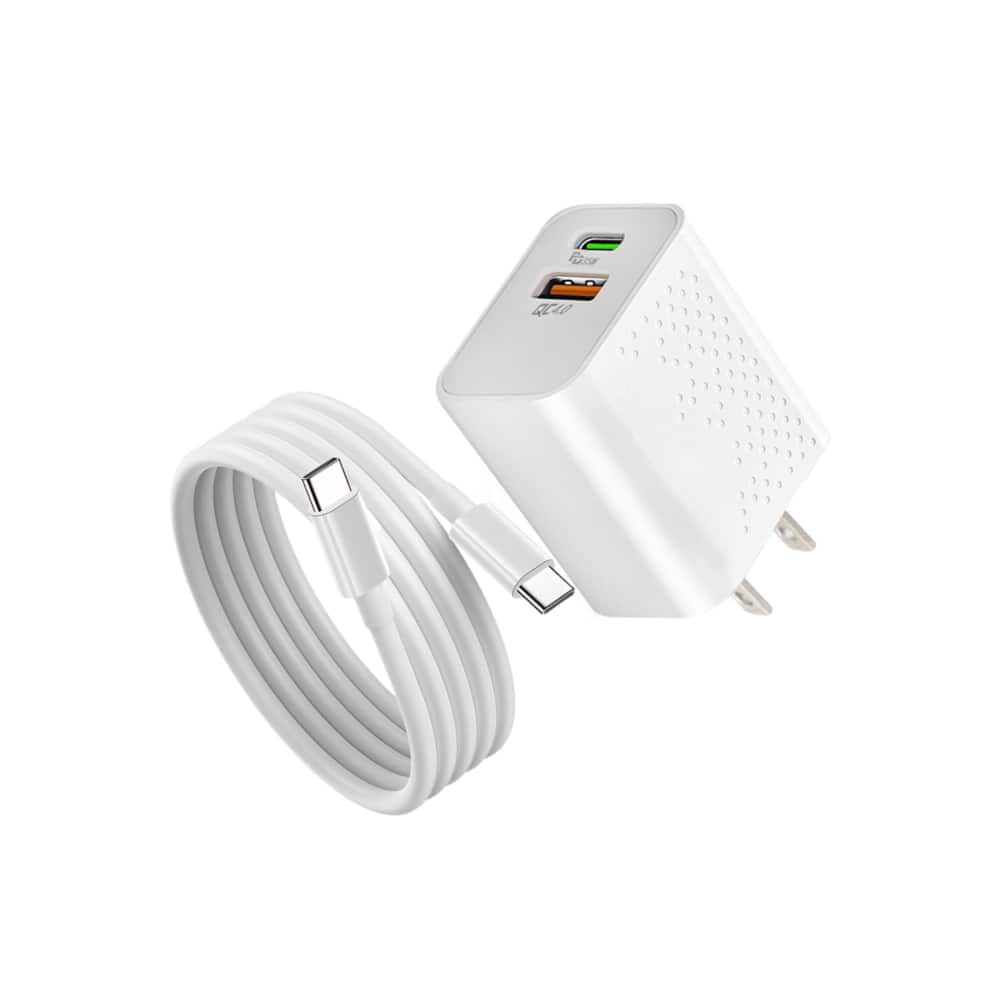
Find a CarPlay cable to connect your iPhone to a compatible vehicle’s USB port. For wired Apple CarPlay, look for a cable that supports data transfer as well as charging, and match the connectors to both your phone and car. Choose a length that fits your console setup without leaving excess cord in the way.
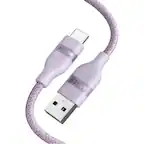
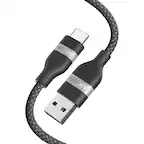

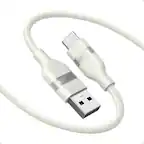
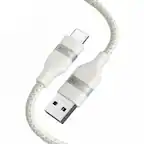


CarPlay Cable
FAQs
A CarPlay cable is a USB cable that connects a compatible iPhone to a vehicle’s wired Apple CarPlay system. It carries the data needed to access supported apps, navigation, calls, and messages through the vehicle’s display.
The iPhone end uses either USB-C or Lightning, depending on the phone. The vehicle end typically uses USB-A or USB-C. Check the ports on both your iPhone and your vehicle before choosing a cable.
Wired Apple CarPlay requires a cable that supports data transfer, not just charging. A charge-only cable does not provide the data connection CarPlay needs, even if its connectors fit your phone and vehicle.
Wireless Apple CarPlay does not require a cable for its ongoing connection, although setup steps vary by vehicle. Vehicles that support only wired CarPlay require a USB data cable to connect an iPhone.
Use the vehicle’s USB port designated for smartphone integration or Apple CarPlay. It may be marked with a smartphone or CarPlay icon. Check your owner’s manual, since some USB ports are intended only for charging.