Chromebook Hard Drive
-
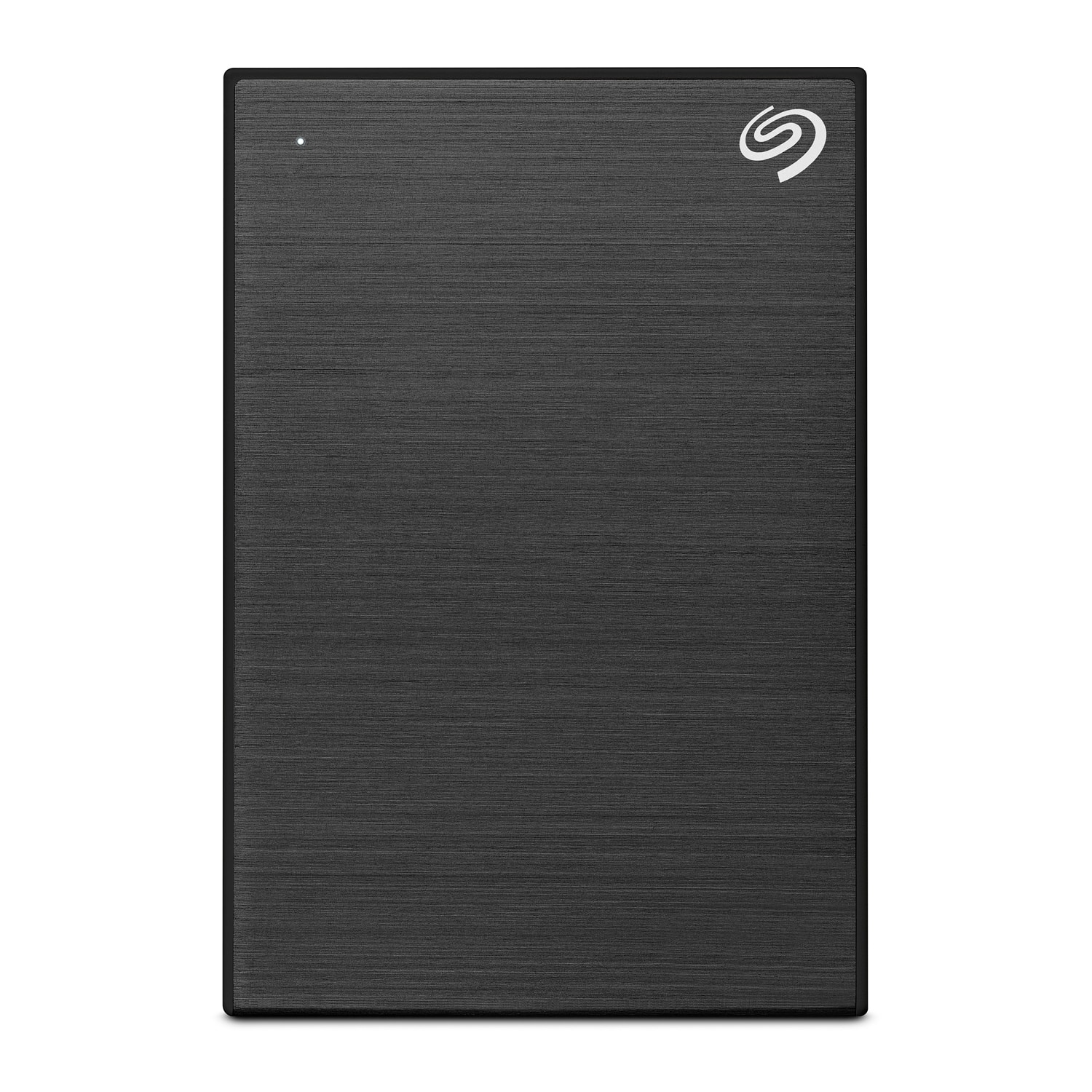
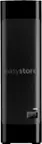
Seagate - One Touch with Password 5TB External USB 3.0 Portable Hard Drive with Rescue Data Recovery Services - Black
SKU: J37C5H4WQ2See all External Hard DrivesProduct Description
A black portable hard drive featuring 5TB storage, USB 3.0 connectivity, and password-activated hardware encryption.Your price for this item is $199.99 -
Seagate - One Touch with Password 4TB External USB 3.0 Portable Hard Drive with Rescue Data Recovery Services - Black
SKU: J37C5H4WRSSee all External Hard DrivesProduct Description
A portable black hard drive offering 4TB storage, USB 3.0 connectivity, password protection, and data recovery.Your price for this item is $191.49 -
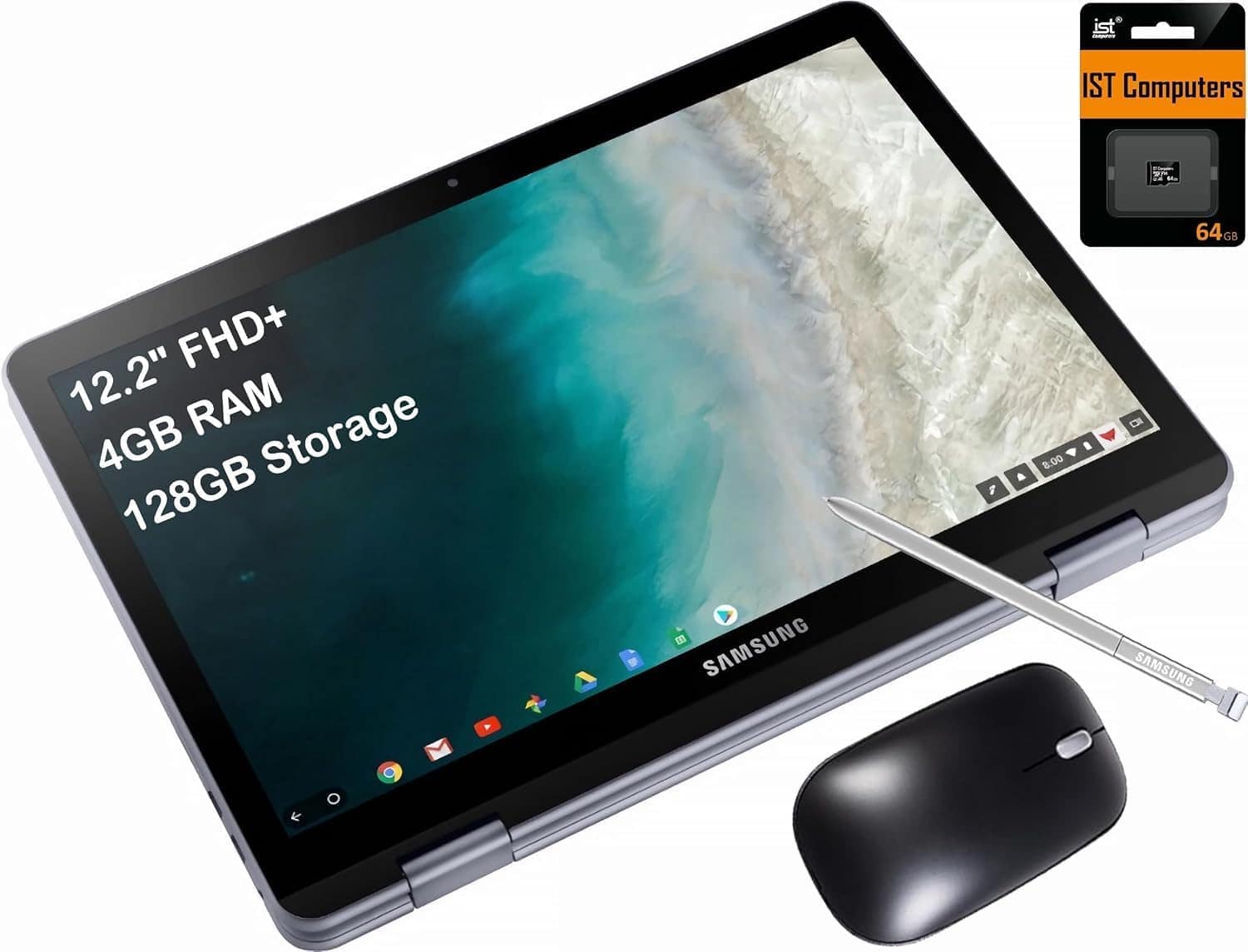
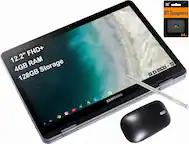
Samsung - Chromebook Plus V2 12.2 FHD+ 2-in-1 Touch Laptop -Intel Celeron - 4GB RAM- 64GB + 64GB SD Card - Chrome OS - Silver
SKU: J3GWQRFLJJfor the price of this device, you get great specs, touchscreen and a 2 in 1 laptop....My new Chromebook is great. It’s lightand easy to use....I love that it stands up in a triangular position.
See all Touchscreen ChromebooksProduct Description
A versatile silver 2-in-1 Chromebook with a 12.2" FHD+ touchscreen, Intel Celeron, and 128GB storage.Your price for this item is $378.99Save $21The previous price was $399.99 -
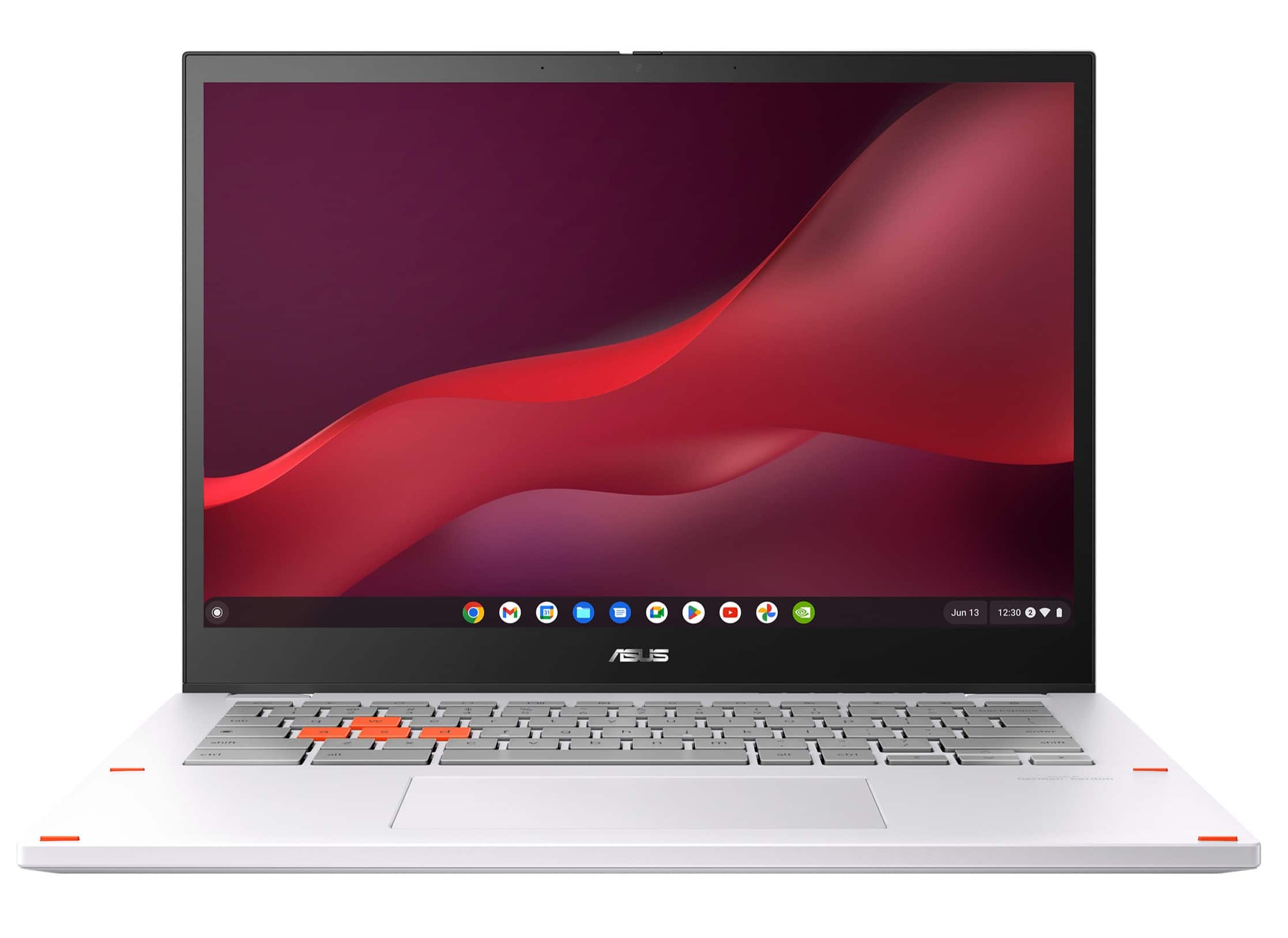
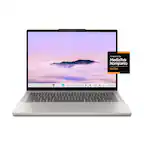
ASUS - Chromebook Vibe CX34 Flip 14" FHD Touch Chromebook Laptop - Intel Core i5 with 8GB Memory - 256GB SSD - Pearl White
SKU: JJG7VWX3W6See all Touchscreen ChromebooksProduct Description
A pearl white 2-in-1 Chromebook with Intel Core i5, 8GB RAM, 256GB SSD, and 144Hz touchscreen.Your price for this item is $499.99Save $300The previous price was $799.99
Best Sellers

Related Pages



FAQ
eMMC (embedded MultiMediaCard) is a type of flash storage commonly found in entry-level Chromebooks, offering reliable performance for basic tasks. SSDs (Solid State Drives), on the other hand, provide faster data transfer speeds and improved overall performance, making them ideal for users who require quicker boot times and multitasking capabilities.
Most Chromebooks are designed with storage components that are soldered onto the motherboard, making it difficult or impossible to upgrade the internal hard drive. However, you can expand your storage using external drives or cloud storage solutions.
Chromebooks are integrated with Google Drive, allowing you to seamlessly save and access files in the cloud. This helps you maximize your device's local storage by keeping files online and only downloading what you need for offline use.
You can store a variety of file types on your Chromebook hard drive, including documents, images, videos, music, and application files. Chromebooks support popular formats such as .docx, .pdf, .jpg, .mp4, and .mp3.
Yes, Chromebooks support a range of external storage options, including USB flash drives, external SSDs, and microSD cards. These can be used to expand your available storage and transfer files between devices.