iPad Hard Drive
-
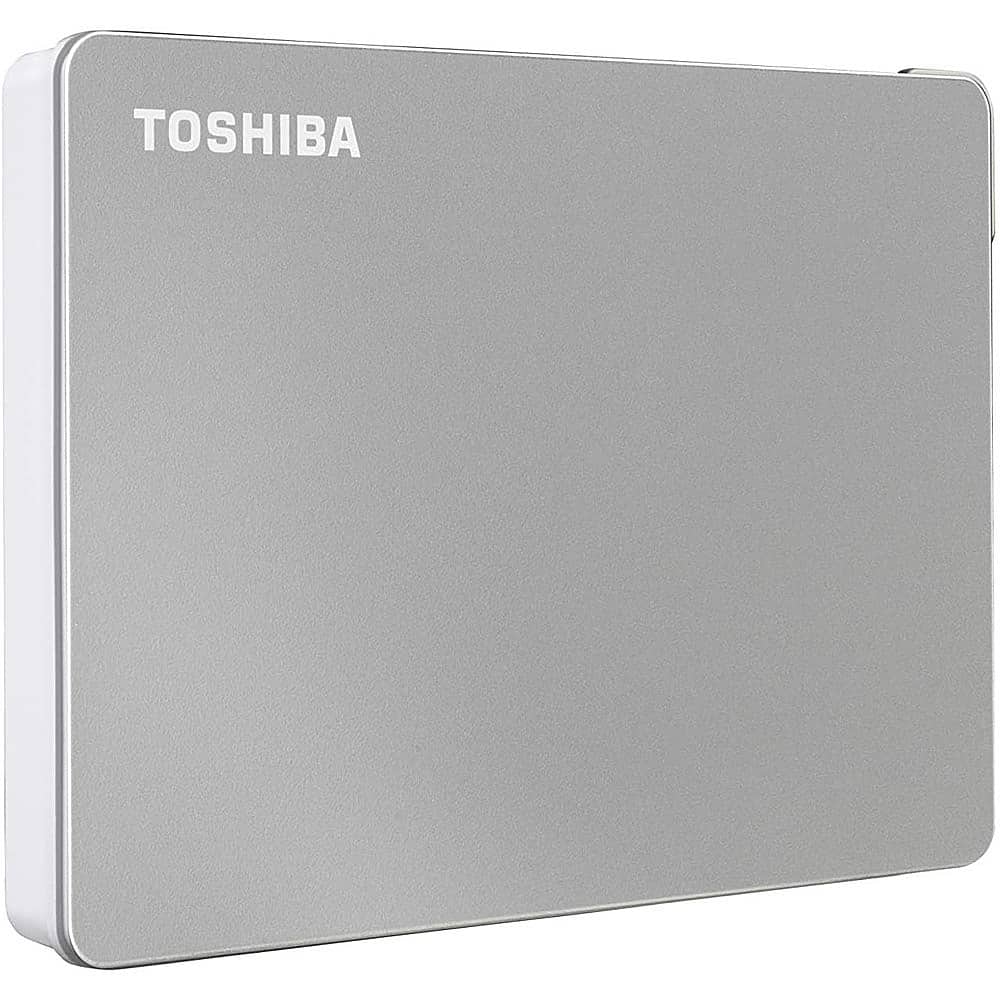
Toshiba - Canvio Flex 4TB External USB 3.0 Portable Hard Drive - Silver
SKU: JXWR4QHJG6See all External Hard DrivesProduct Description
A versatile silver external hard drive offering 4TB storage and USB 3.0 compatibility for multiple devices.Your price for this item is $227.05 -
Toshiba - Canvio Flex 2TB External USB 3.0 Portable Hard Drive - Silver
SKU: JXWR4QHJG8See all External Hard DrivesProduct Description
A versatile silver external hard drive offering 2TB storage and USB 3.0 compatibility for multiple devices.Your price for this item is $158.08Save $34The previous price was $192.24 -
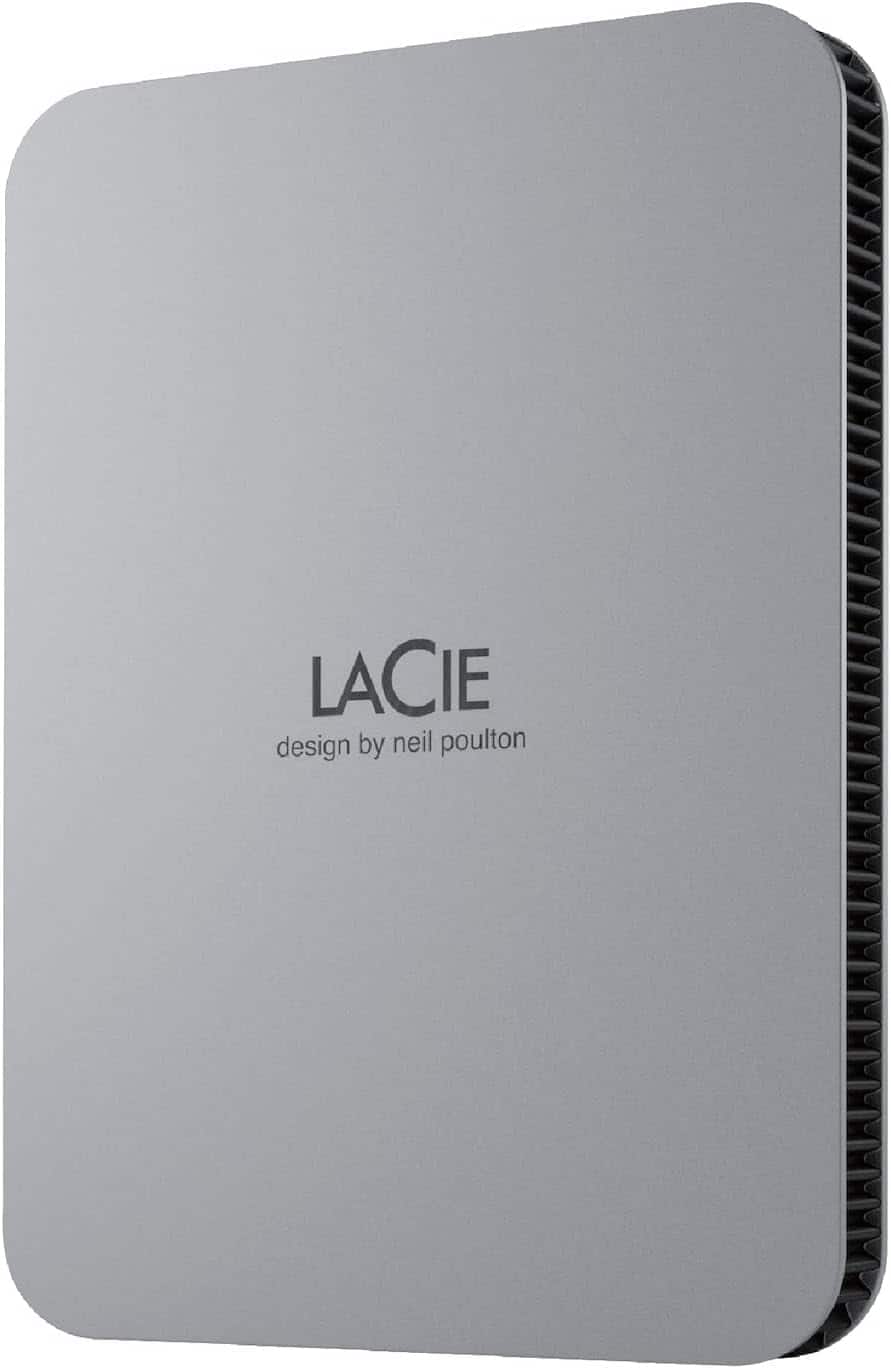
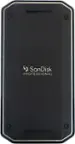
Seagate - LaCie STLP1000400 1 TB Portable Hard Drive - External - Moon MAC, Desktop PC Device Supported - USB 3.1 Type C - Silver
SKU: J37C5H52FLSee all External SSDsProduct Description
A sleek silver portable hard drive with USB-C connectivity, automatic backup, and eco-friendly recycled materials.Your price for this item is $99.99Save $26The previous price was $126.06 -
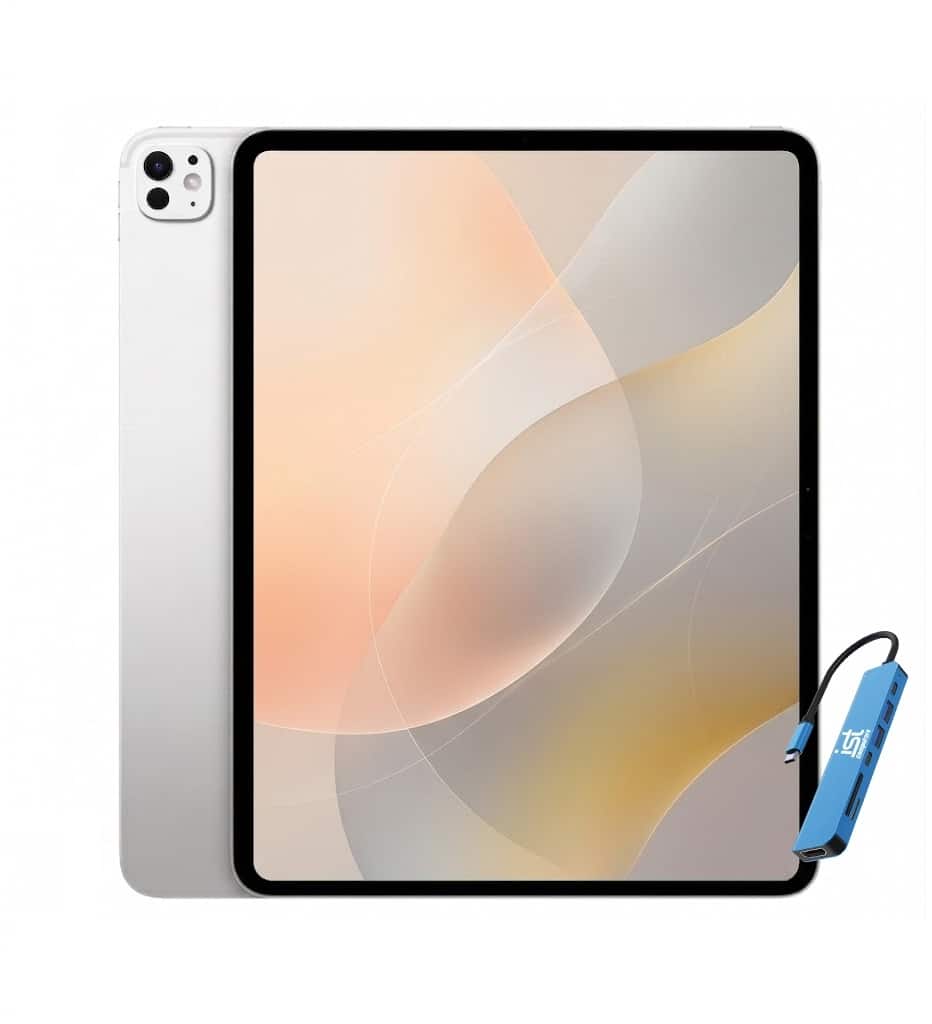
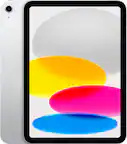
Apple - 11-inch iPad Pro M4 chip Built for Apple Intelligence Wi-Fi 2TB with OLED - IST HUB - IST HUB - Silver
SKU: J3GWQRFH7GSee all iPad ProProduct Description
An ultra-thin silver tablet with an M4 chip, OLED display, 2TB storage, and Wi-Fi 6E.Your price for this item is $1,599.99Save $300The previous price was $1,899.99 -
Toshiba - Canvio Flex 1TB External USB 3.0 Portable Hard Drive - Silver
SKU: JXWR4QHJ8QSee all External Hard DrivesProduct Description
A versatile silver external hard drive offering 1TB storage and USB 3.0 compatibility for multiple devices.Your price for this item is $155.61


Best Sellers
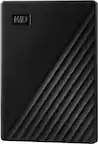
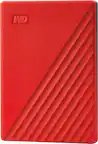
Related Pages
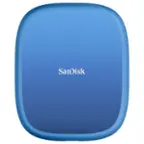

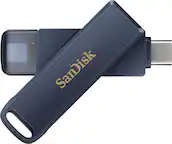

FAQ
An iPad hard drive refers to the built-in storage capacity of the device, which is not user-replaceable. External storage options, such as portable drives or flash drives compatible with iPad, allow you to expand your storage by connecting them via USB-C or Lightning ports.
Yes, many iPad models support external hard drives through the USB-C or Lightning port. You may need an appropriate adapter, and your iPad should be running iPadOS 13 or later to access files from external drives using the Files app.
iPads can read a variety of file formats from external hard drives, including FAT32, exFAT, and APFS. This allows you to transfer and access documents, photos, videos, and other files directly from your drive.
Yes, some wireless hard drives can connect to your iPad via Wi-Fi, allowing you to access and transfer files without a physical connection. These drives often come with companion apps for easy file management.
To transfer files, connect your external hard drive to the iPad using the appropriate cable or adapter. Open the Files app, select the files you want to move, and drag them between the iPad’s local storage and the external drive.