External Drives For iPad
-
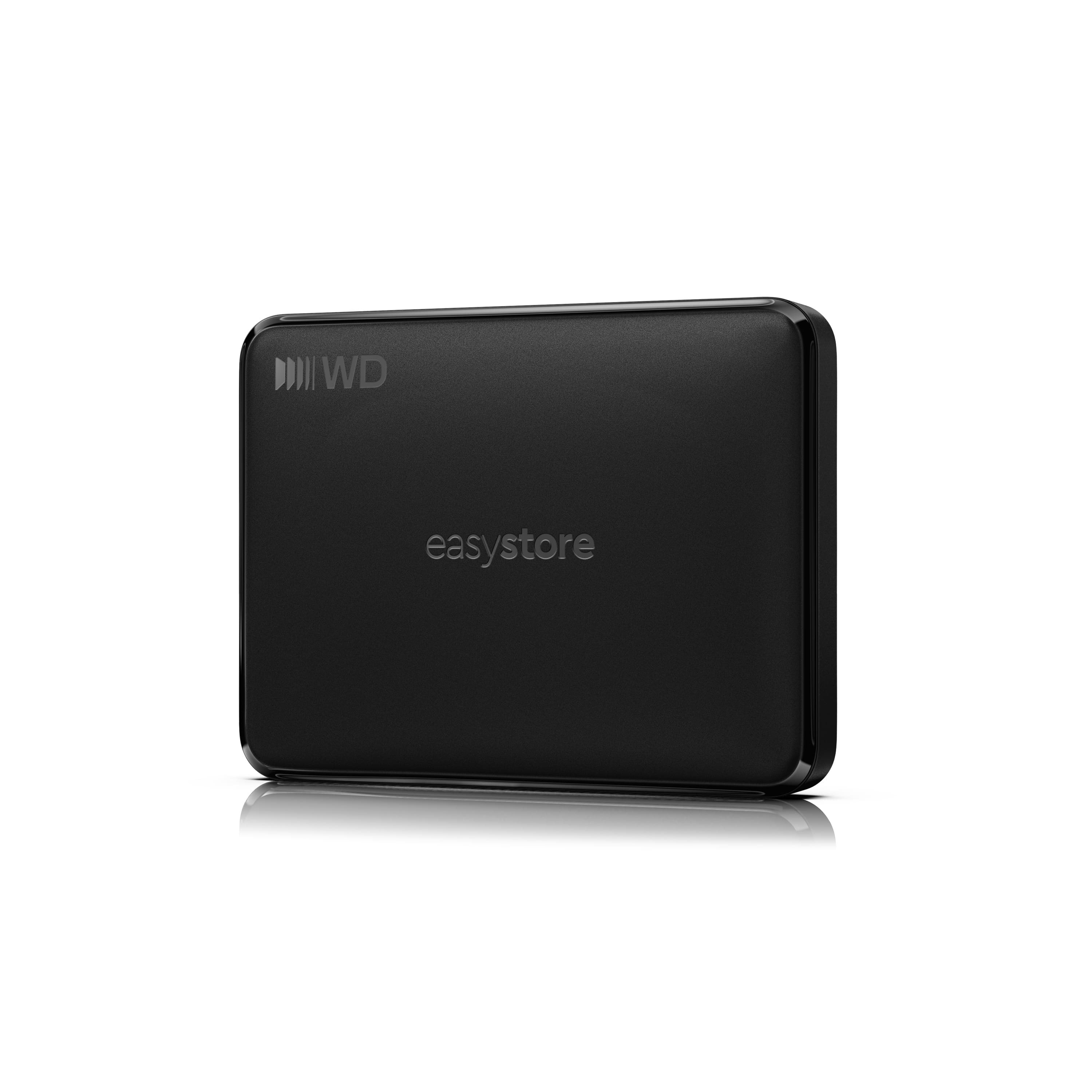
WD - 1TB easystore Portable HDD for Windows, Mac and compatible devices - Black
SKU: JXTHCCJSWGGreat data backup device. No issues. Love it! Highly recommended!...This is a great product for what storage is needed
See all Internal Hard DrivesProduct Description
A black 1TB portable external hard drive with USB-C, plug-and-play Windows, Mac, Android and iOS compatibility.Your price for this item is $149.99 -
WD - 5TB easystore Portable HDD for Windows, Mac and compatible devices - Black
SKU: JXTHCCJSFXGreat product
See all Internal Hard DrivesProduct Description
A black portable external HDD with USB-C connectivity, plug-and-play compatibility, and file backup across multiple devices.Your price for this item is $284.99 -
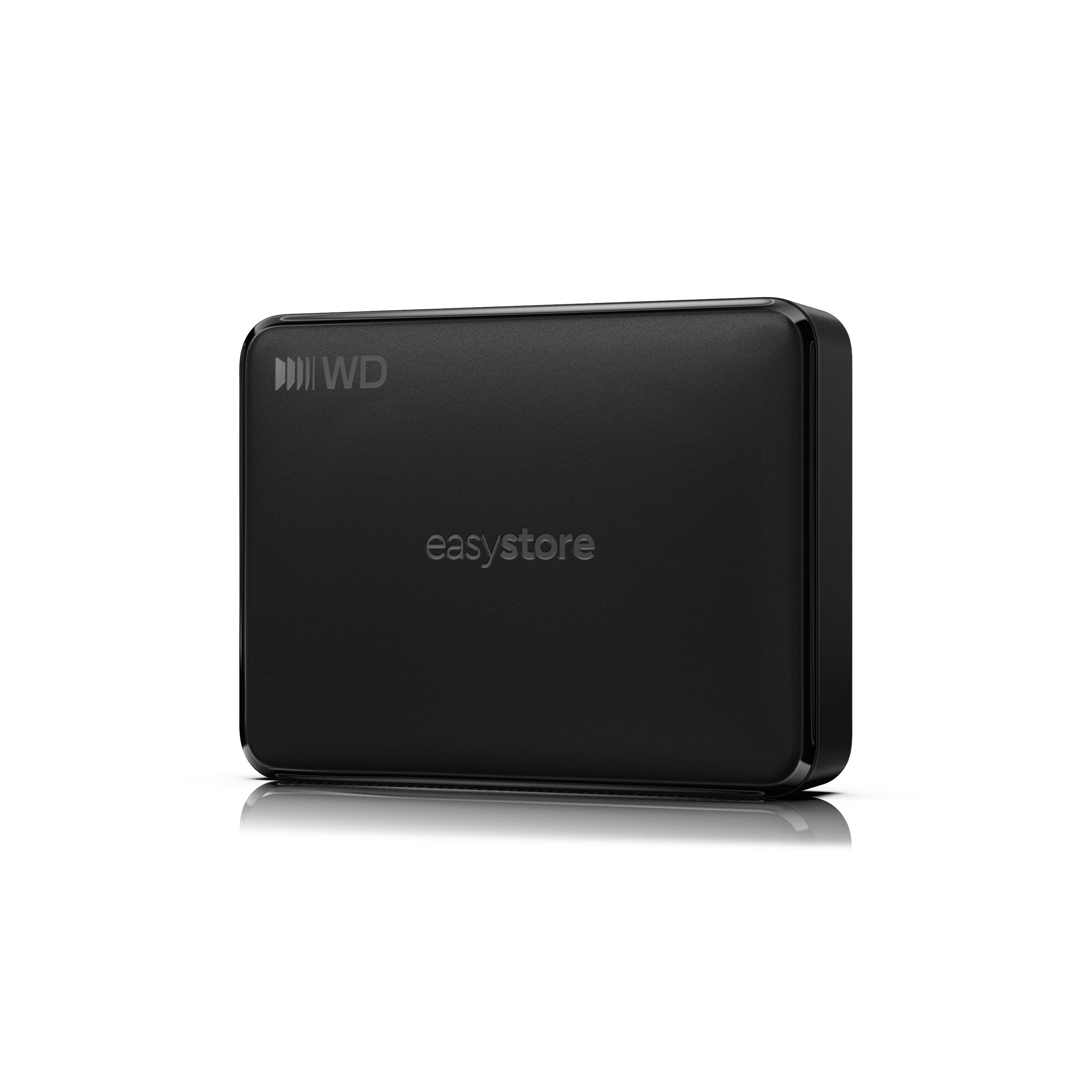
WD - 2TB easystore Portable HDD for Windows, Mac and compatible devices - Black
SKU: JXTHCCJSK9Great value, plenty of extra storage!
See all Internal Hard DrivesProduct Description
A black 2TB external hard drive with USB-C connectivity and plug-and-play Windows and Mac compatibility.Your price for this item is $169.99 -
WD - 6TB easystore Portable HDD for Windows, Mac and compatible devices - Black
SKU: JXTHCCJSVPSee all Internal Hard DrivesProduct Description
A black external hard drive offering USB-C plug-and-play storage across Windows, Mac, Android, and iOS.Your price for this item is $329.99 -
G-DRIVE - ArmorATD 2TB External USB-C Portable Hard Drive - Space Gray
SKU: JXTHCC7K35Great product and price...My old external hard drive failed so I started looking around for the best deal and option....Best Buy came through again as it has many times in the past. Great price and great...
See all External Hard DrivesProduct Description
A rugged, space gray portable hard drive with USB-C connectivity, anodized aluminum enclosure, and IP54 resistance.Your price for this item is $217.28 -
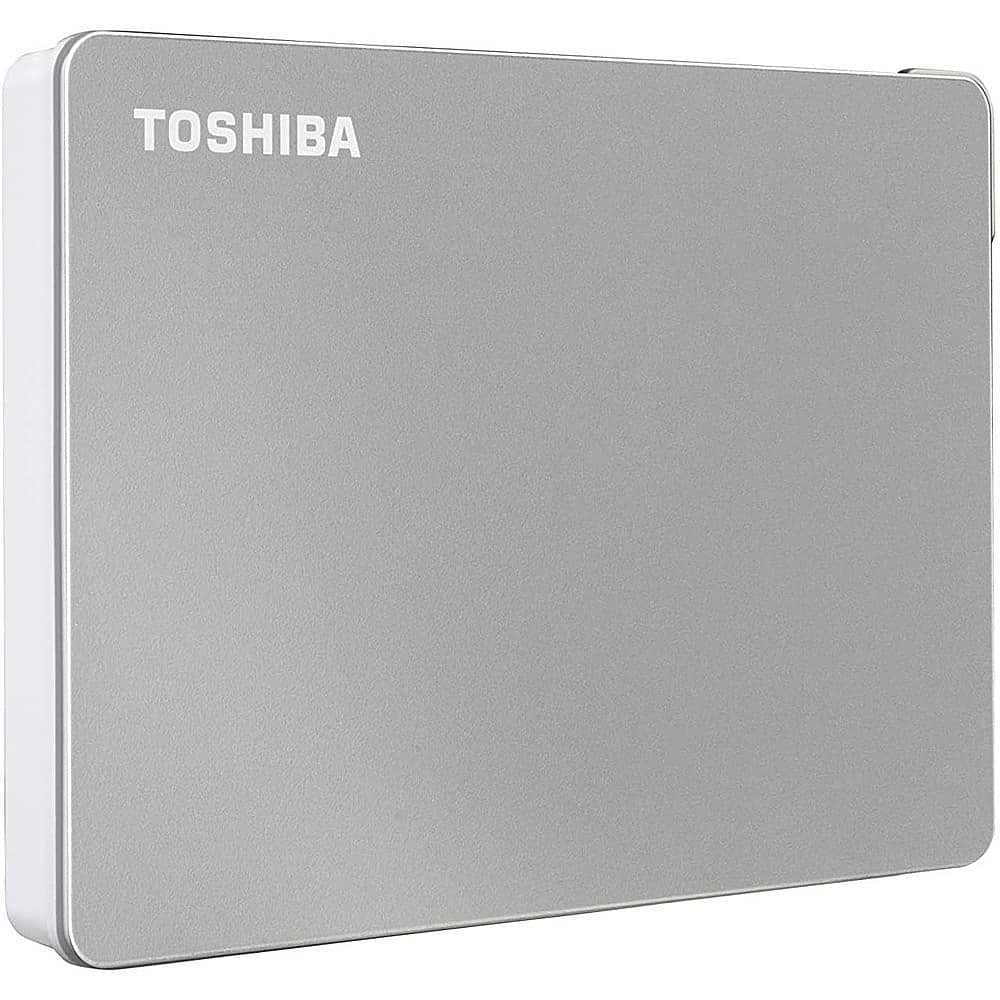
Toshiba - Canvio Flex 2TB External USB 3.0 Portable Hard Drive - Silver
SKU: JXWR4QHJG8See all External Hard DrivesProduct Description
A versatile silver external hard drive offering 2TB storage and USB 3.0 compatibility for multiple devices.Your price for this item is $216.93 -
Toshiba - Canvio Flex 1TB External USB 3.0 Portable Hard Drive - Silver
SKU: JXWR4QHJ8QSee all External Hard DrivesProduct Description
A versatile silver external hard drive offering 1TB storage and USB 3.0 compatibility for multiple devices.Your price for this item is $147.11 -
Toshiba - Canvio Flex 4TB External USB 3.0 Portable Hard Drive - Silver
SKU: JXWR4QHJG6See all External Hard DrivesProduct Description
A versatile silver external hard drive offering 4TB storage and USB 3.0 compatibility for multiple devices.Your price for this item is $252.52 -
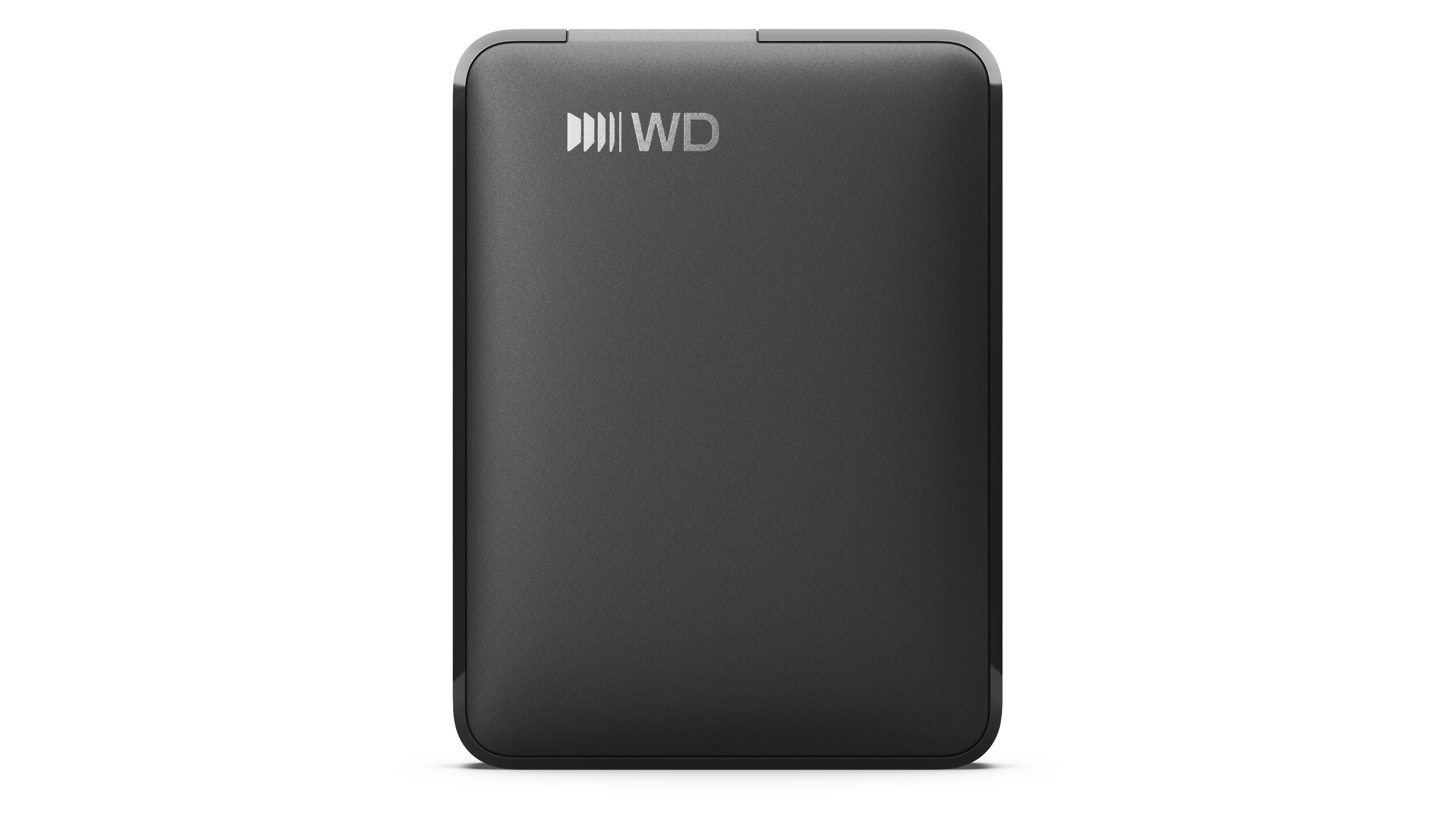
1TB WD Elements® Portable Hard Drive for Windows, Mac and compatible devices - Black
SKU: JXTHCCJPY6See all Internal Hard DrivesProduct Description
A portable black external hard drive offering 1TB storage with USB-C connectivity for multiple devices.Your price for this item is $164.59



Best Sellers

Related Pages



FAQ
Most external drives that use USB-C or Lightning connectors are compatible with iPads that have the corresponding ports and support external storage. Newer iPad models, especially those running iPadOS 13 or later, generally support a wide range of external drives.
Yes, you can use external drives to transfer photos and videos to your iPad. The Files app makes it easy to move, copy, or view media directly from the drive.
No special app is required; the built-in Files app on iPadOS allows you to browse, open, and manage files stored on most external drives.
You can store and access a variety of file types, including documents, photos, videos, music, and more, as long as the iPad supports those file formats.
Depending on your iPad model and the drive’s connector, you may need a USB-C or Lightning adapter to connect the external drive. Some drives are designed specifically for iPads and may not require an adapter.