Portable Hard Drive For iPhone
-
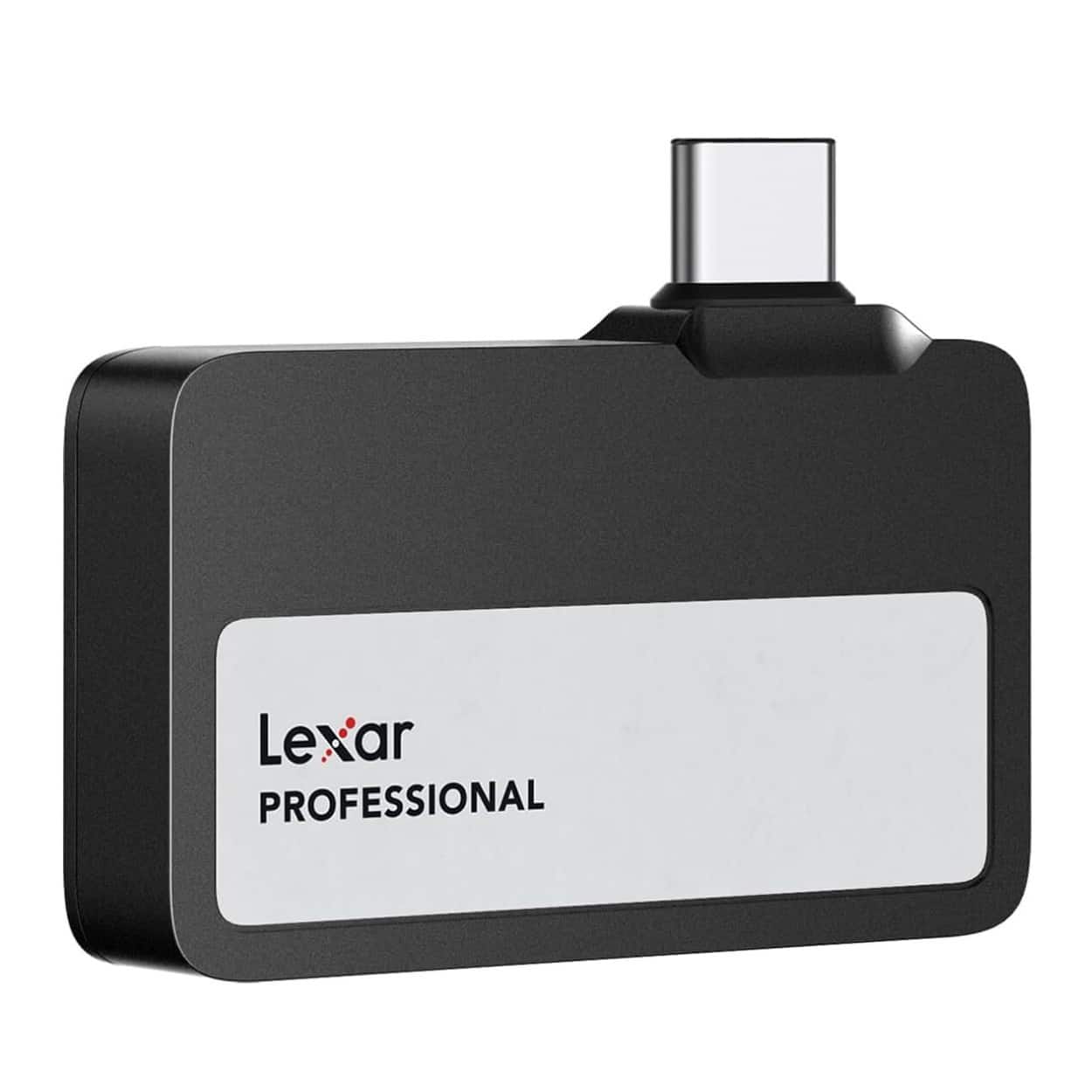
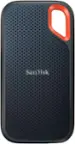
Lexar - 1TB Professional Go USB 3.2 Gen 2 Type-C Portable SSD - Black
SKU: J36XPK4TV3See all External SSDsProduct Description
A compact black portable SSD offering 1 TB storage and fast USB 3.2 Gen 2 transfer speeds.Your price for this item is $209.99 -
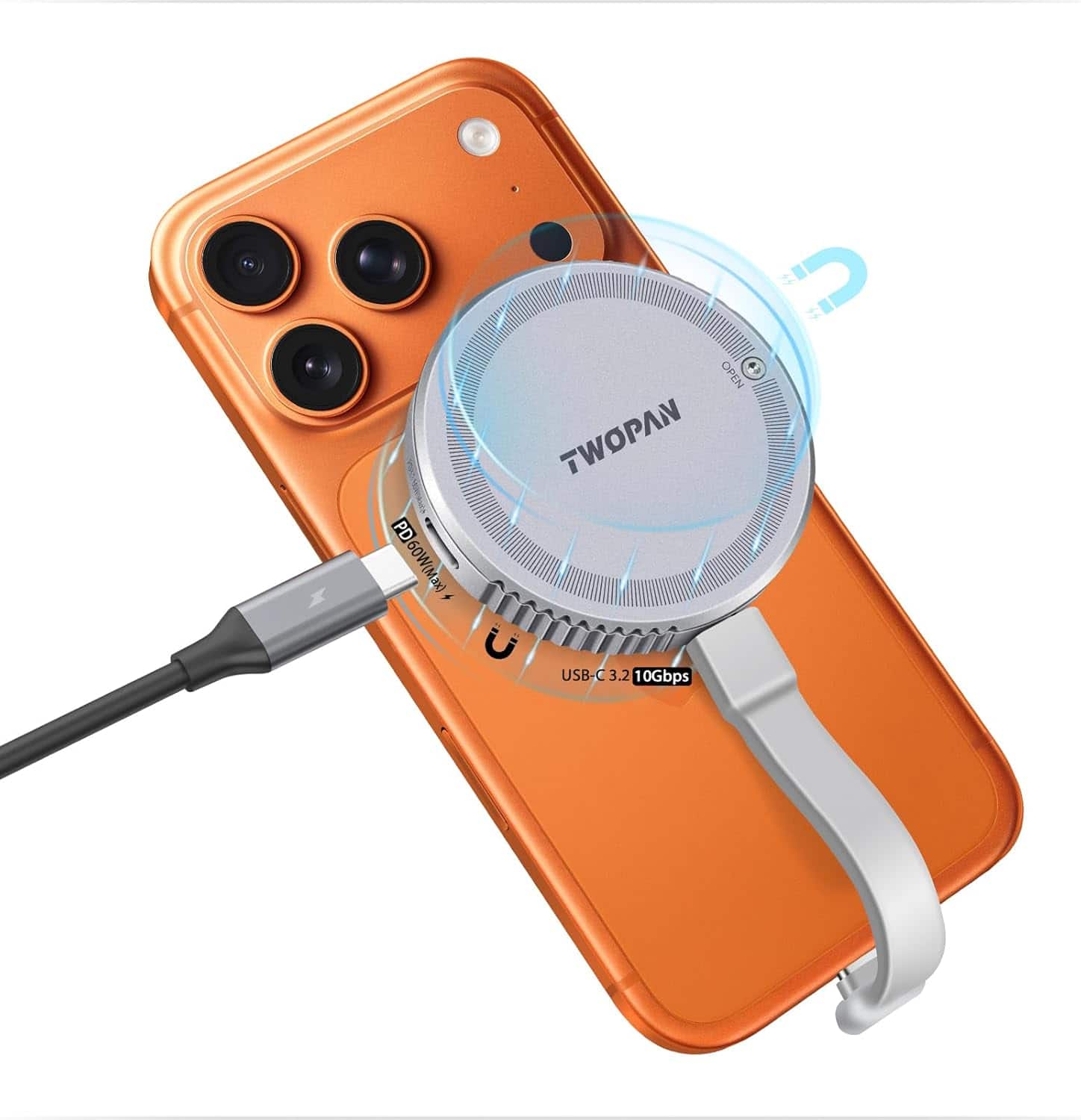
TWOPAN - M.2 2230 NVMe iPhone SSD Enclosure with Dual-Sided MagSafe, 10Gbps USB-C External SSD Case for 4K ProRes Video - Gray
SKU: J37ZXVHH82See all Hard Drive Cables & AccessoriesProduct Description
An aluminum alloy gray enclosure offering 10Gbps USB-C transfers and MagSafe compatibility for portable SSD storage.Your price for this item is $26.99Save $9The previous price was $35.99 -
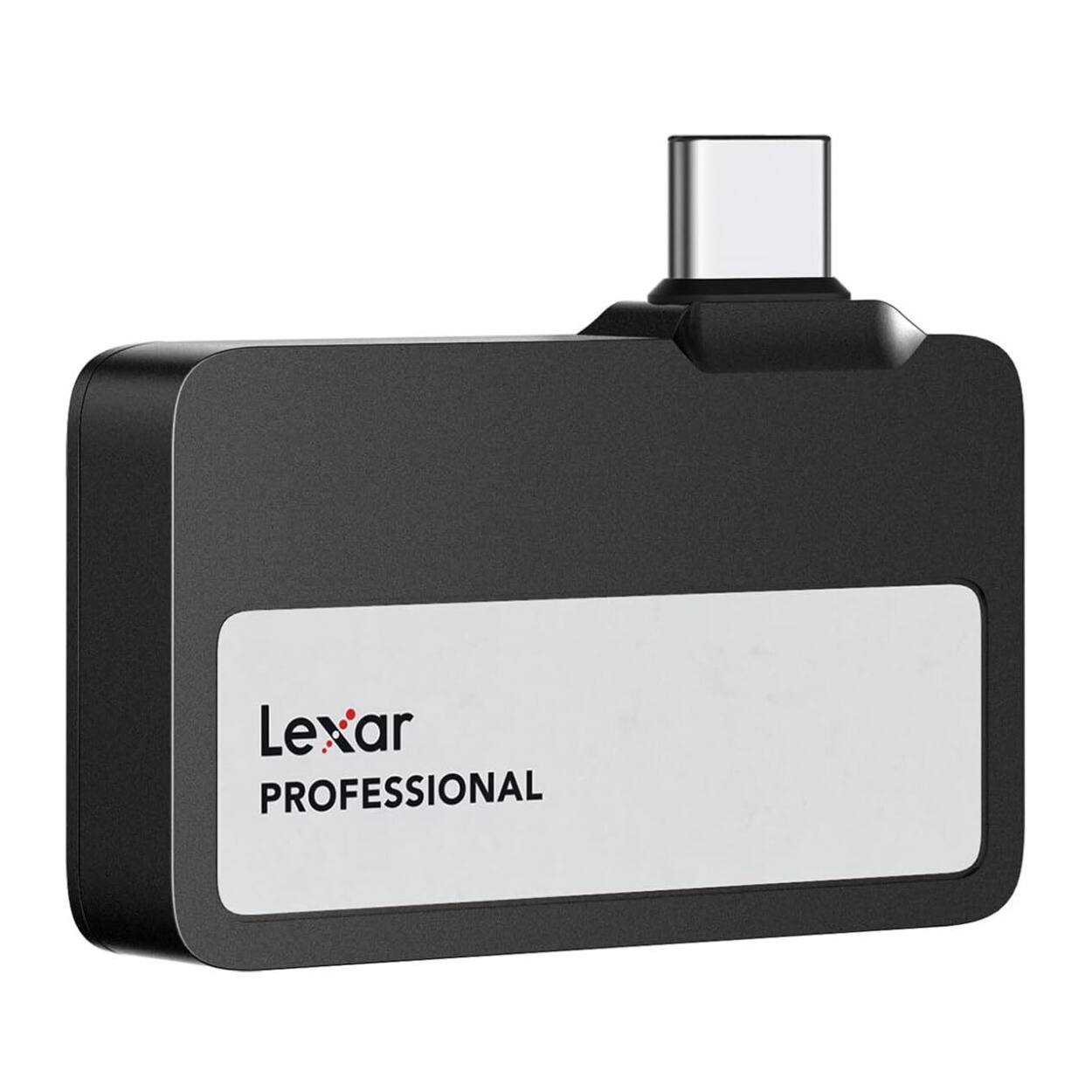
Lexar - 2TB Professional Go USB 3.2 Gen 2 Type-C Portable SSD - Black
SKU: J36XPK4TV5See all External SSDsProduct Description
A compact black portable SSD offering 2TB storage and fast USB 3.2 speeds for seamless 4K video capture.Your price for this item is $289.99 -
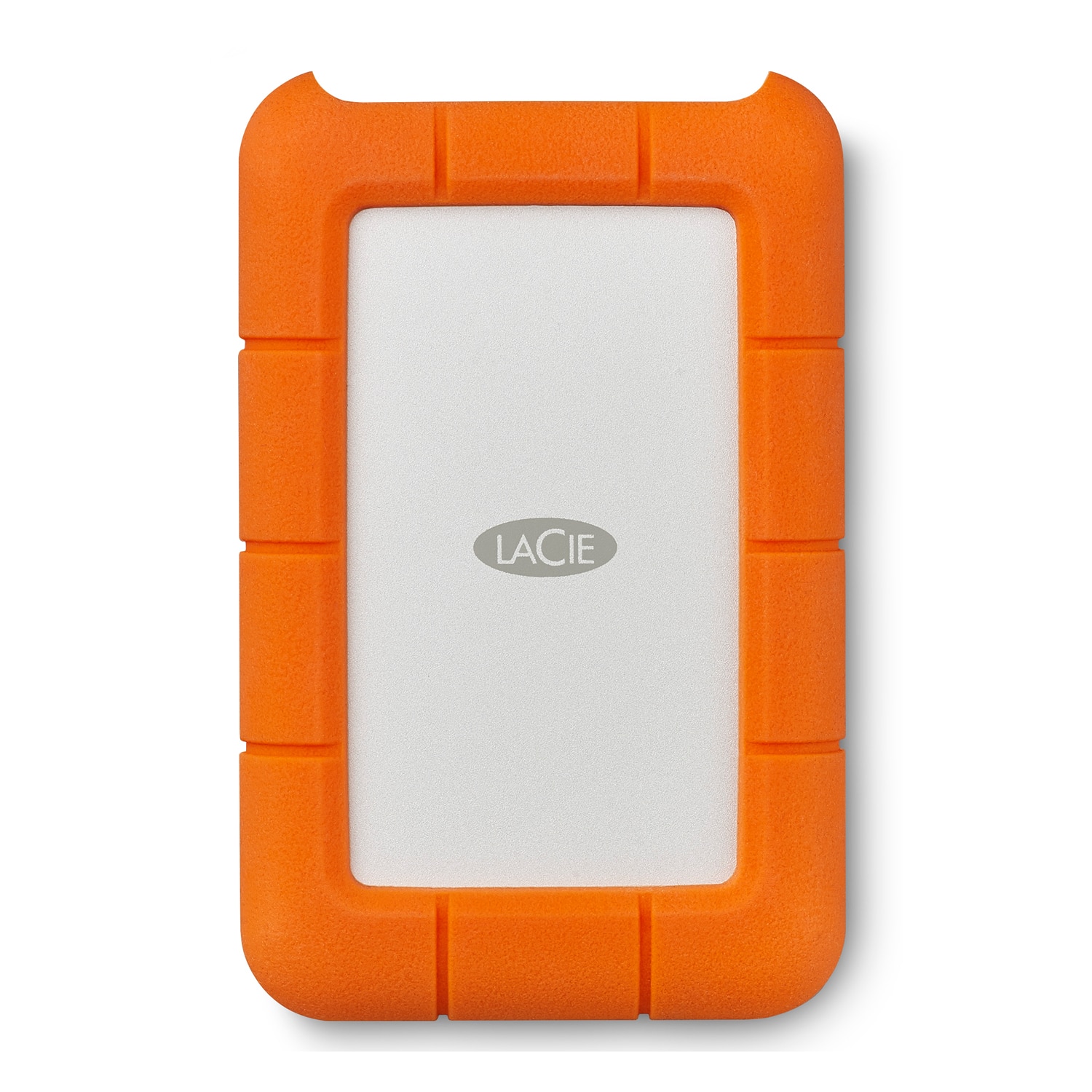
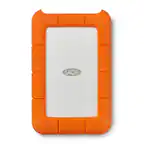
LaCie - Rugged 5TB External USB-C, USB 3.1 Gen 1 Portable Hard Drive - Orange/Silver
SKU: J37C5HKJ4LI love Laice!! 5tb in that price is crazy!!!! Love best buy...Always a great portable hard drive! Best price at Best Buy!...Best of the Best Buy...Love laice
See all External Hard DrivesProduct Description
A rugged orange and silver portable hard drive with 5TB storage, USB-C compatibility, and drop resistance.Your price for this item is $239.99
Best Sellers

Related Pages


FAQ
Most portable hard drives for iPhone connect using a Lightning or USB-C port, depending on your iPhone model. Some drives may also support wireless connections via Wi-Fi or Bluetooth. Simply plug the drive into your phone or follow the manufacturer's instructions for wireless setup.
Some portable hard drives require you to download a companion app from the App Store to manage files or enable certain features. Others may work directly with the Files app on your iPhone for easy access and file management.
Yes, most portable hard drives designed for iPhone allow you to back up your photos and videos easily. You can transfer files manually or use the manufacturer's app to automate the backup process.
Many portable hard drives that work with iPhones are also compatible with iPads, especially if the devices share the same connector type. Always check the product details to confirm compatibility with your specific iPad model.
Yes, you can often stream music or videos directly from a portable hard drive using the manufacturer's app or the Files app, depending on the drive's features and file formats supported by your iPhone.