Micro Sd Card Chromebook
-
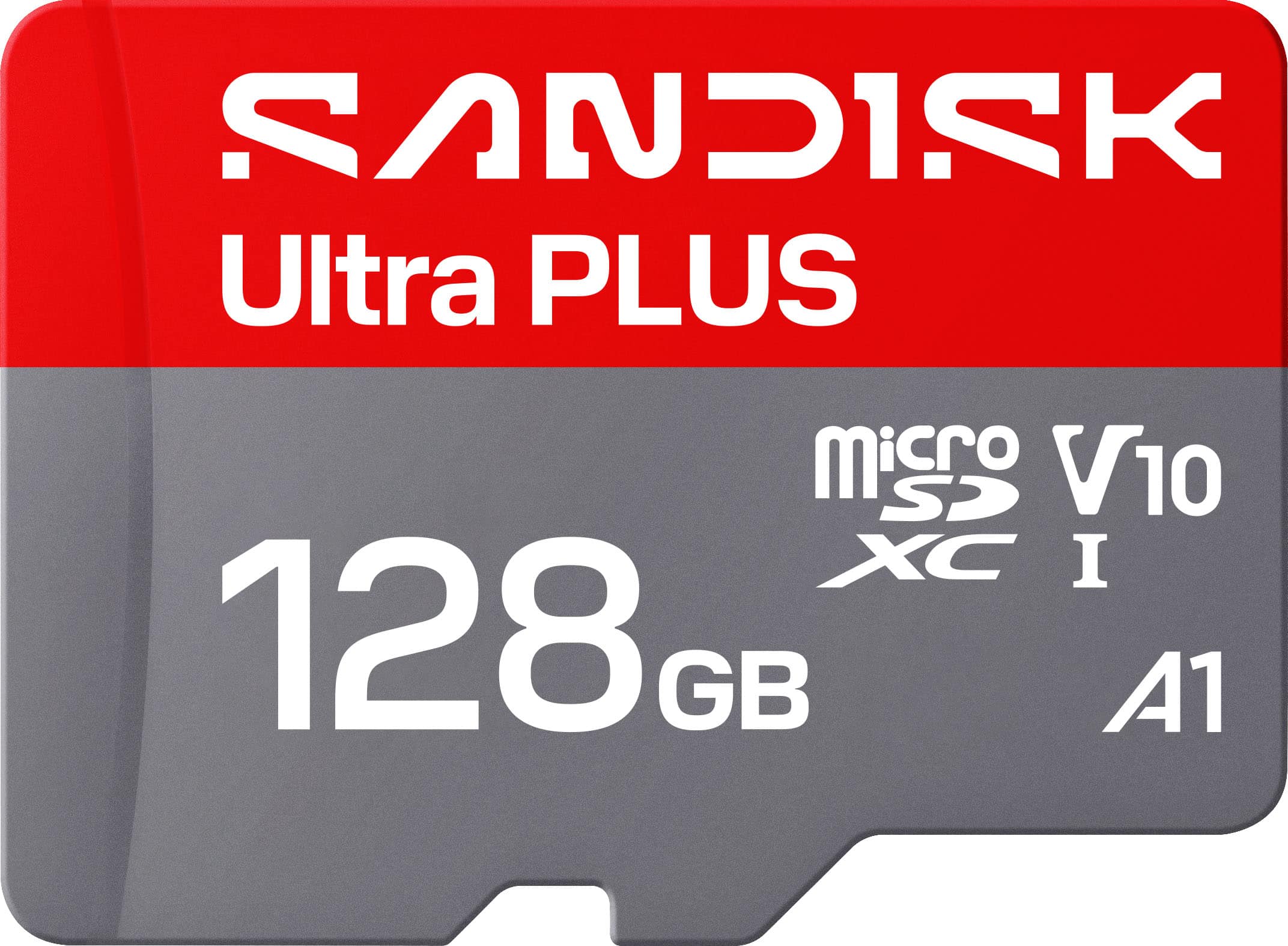
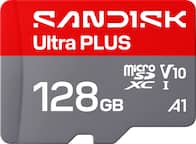
SANDISK - 128GB Ultra PLUS microSD UHS-I Memory Card, Read Speeds up to 200MB/s
SKU: JXJ62CQP6RGreat Price...Best Buy had the best deal on it and had it ready for pick up in no time!...Best Buy goodie’s...This works great in my car camera....I had great customer service when I purchased it, I also...
See all microSDXCProduct Description
A silver microSDXC card offering 128GB storage, 200MB/s read speed, and robust waterproof durability.Your price for this item is $54.99 -
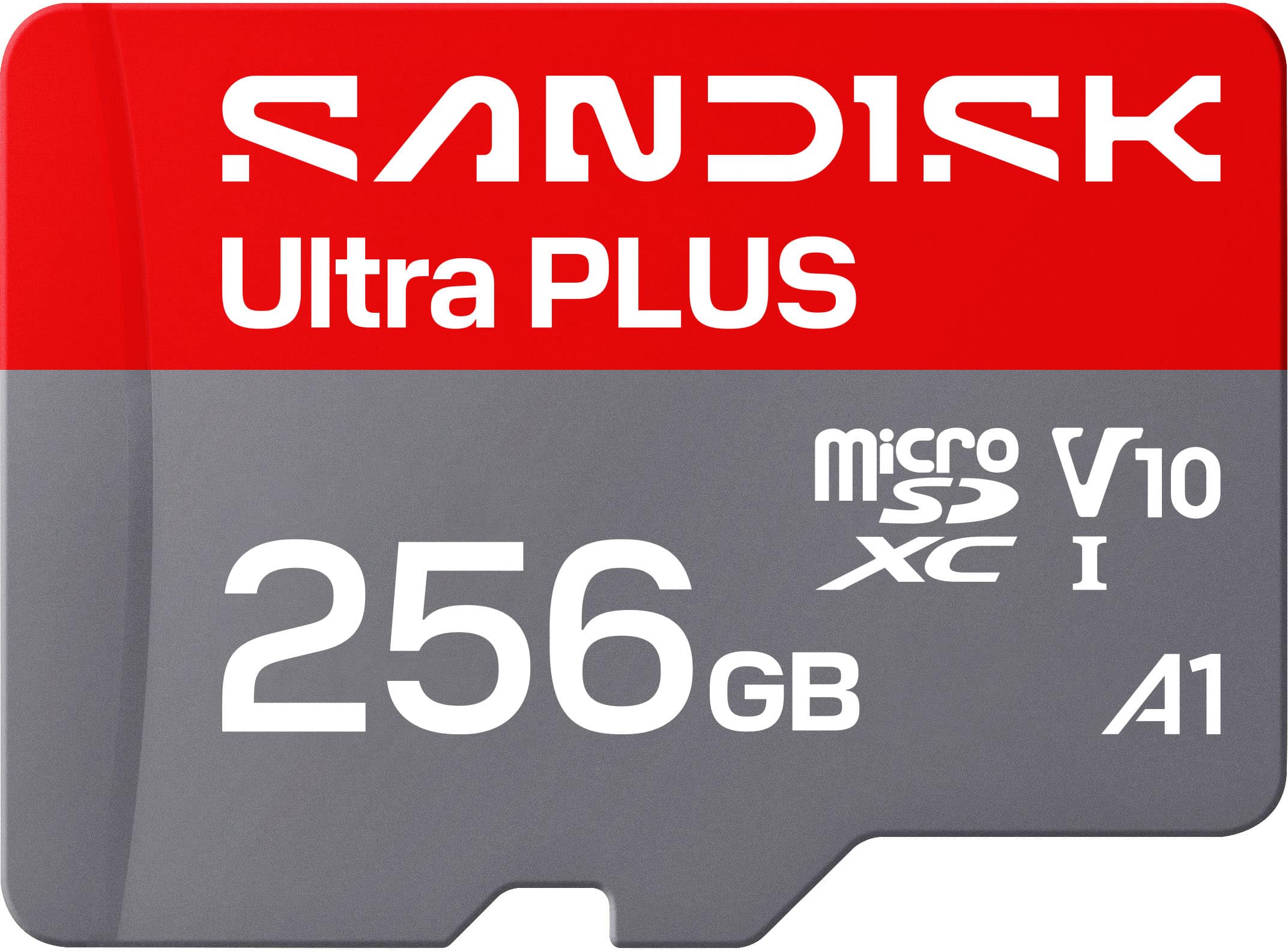
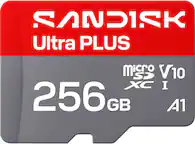
SANDISK - 256GB Ultra PLUS microSD UHS-I Memory Card, Read Speeds up to 200MB/s
SKU: JXJ62CQL8QIt works great, and Best Buy had a very good price....Working great with our doorbell camera. No issues make sure its formatted for your device....Best value the 512 card was not a good value.
See all microSDXCProduct Description
A silver microSDXC card offering 256GB storage, 200MB/s read speed, and rugged, waterproof durability.Your price for this item is $89.99 -
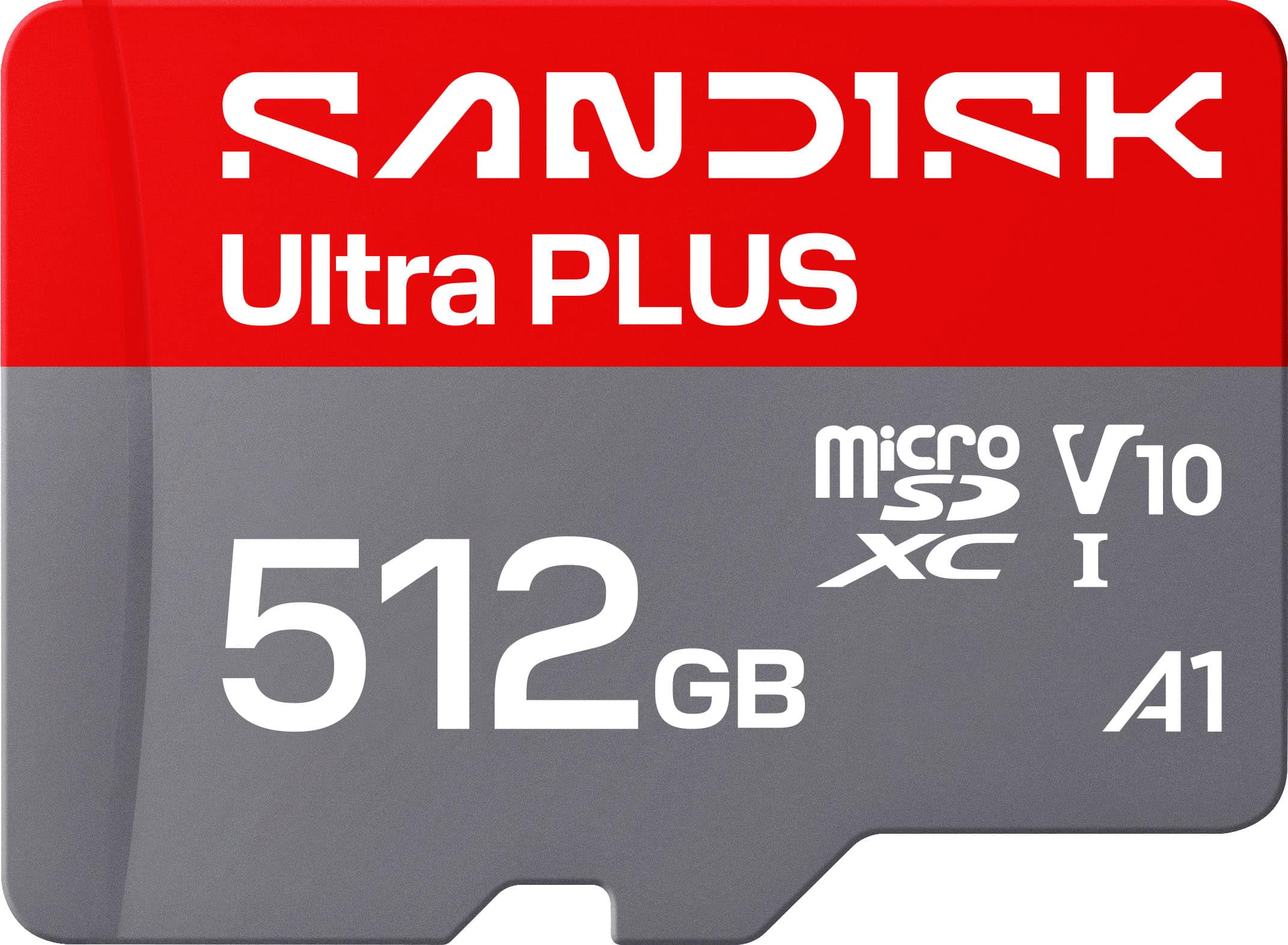
SANDISK - 512GB Ultra PLUS microSD UHS-I Memory Card, Read Speeds up to 200MB/s
SKU: JXJ62CQLG4Great product and holds a good amount of storage would reccomend...Great chips use them all the time reliable inexpensive
See all microSDXCProduct Description
A silver microSD card offering 512GB storage, 200MB/s read speed, and robust water-resistant durability.Your price for this item is $169.99 -
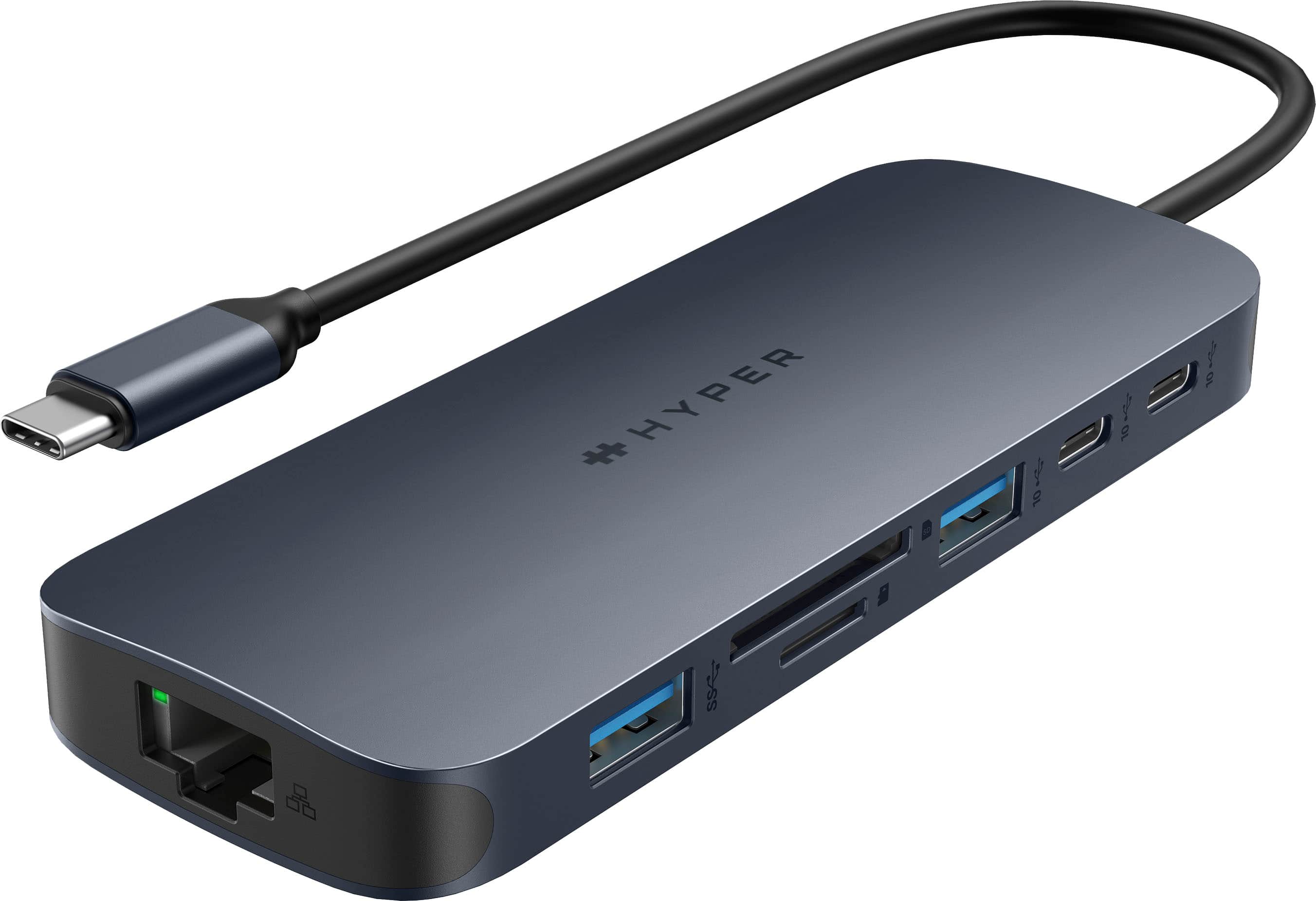
Hyper - HyperDrive Next 11 Port USB-C Hub, dual 4K HDMI, Ethernet, 2 USB-C, 2 USB-A, microSD/SD, travel dock for PC/Chromebook - Midnight Blue
SKU: J3L45JHCYRGreat add...Great add to your PC. Love it! Definitely a good add to your PC for additional ports....Love this port, and it has so many uses....I love an all in one unit highly recommend and I love that...
See all USB HubsProduct Description
An 11-port midnight blue USB-C hub offering dual 4K HDMI, Ethernet, and ultra-fast data transfers.Your price for this item is $77.99Save $42The previous price was $119.99 -
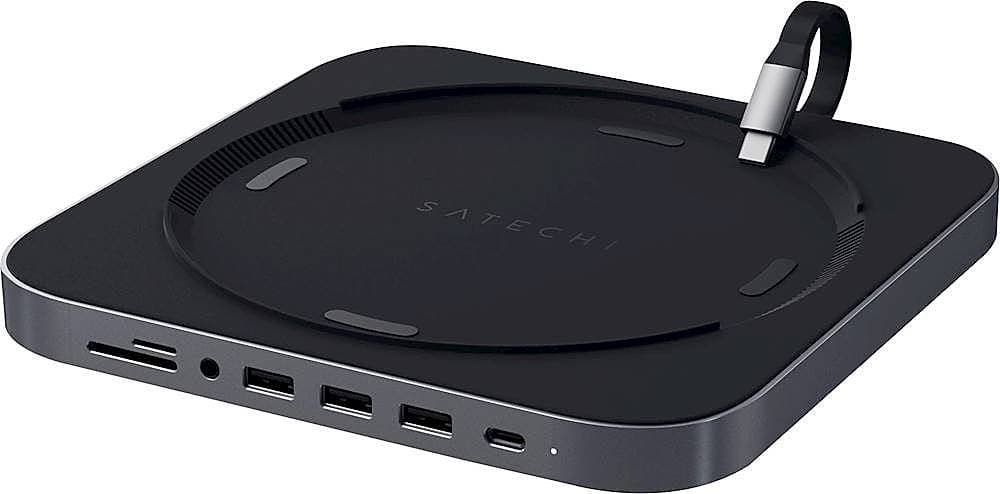
Satechi - Type-C Aluminum Stand and Hub for Mac Mini & Mac Studio - USB-C Data Port, Micro/SD Card Reader, 3 USB 3.0 & Audio Jack - Space Gray
SKU: J3KXL7X69KBest Accessory...Love it
See all Docking StationsProduct Description
An aluminum space gray hub that adds USB-C, USB 3.0, SD card, and audio ports to your Mac.Your price for this item is $79.99 -
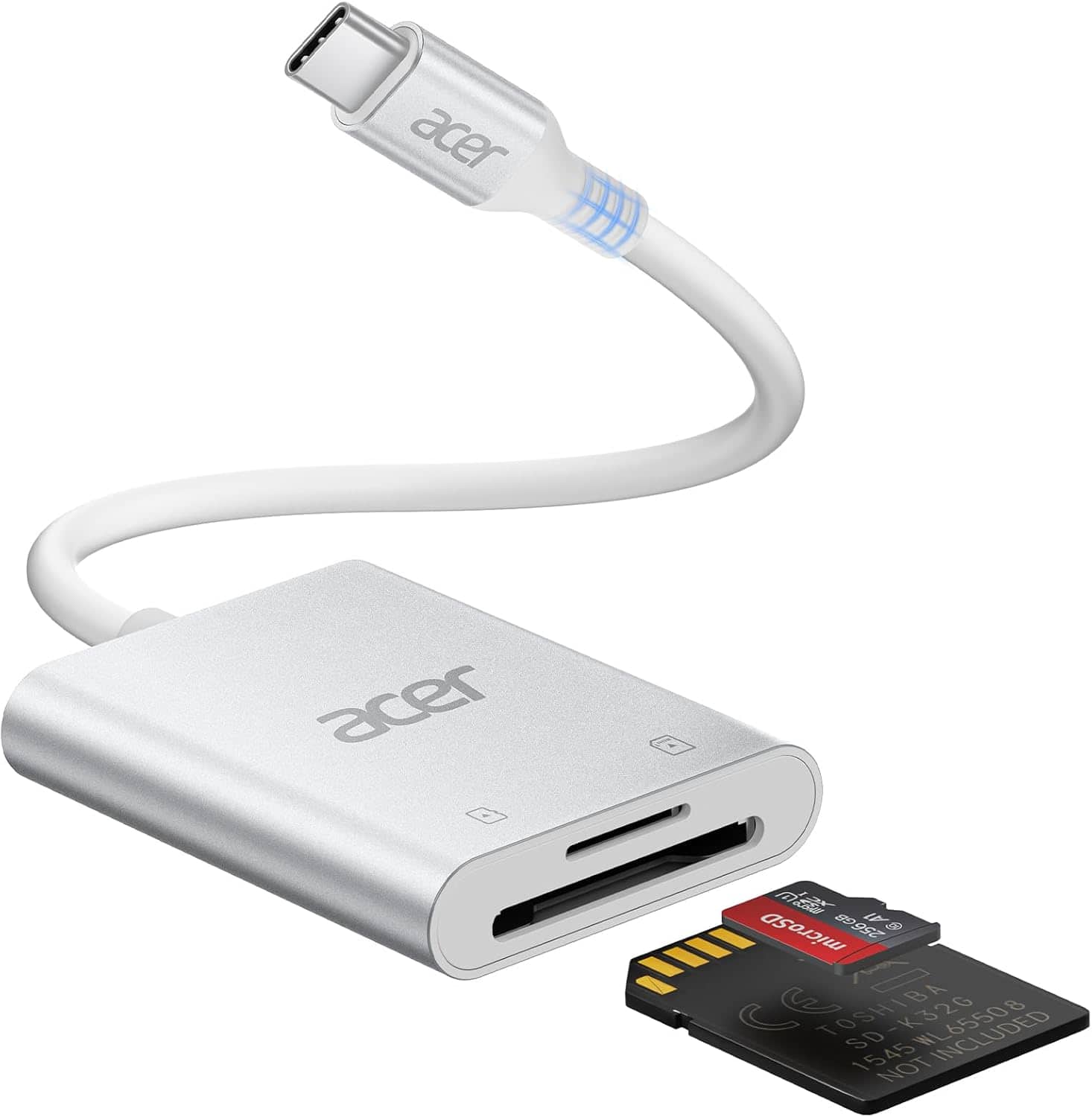
Acer - SD Card Reader USB C, Dual Slots Type C to Memory Card Reader, Aluminum Micro SD Card Camera Adapter - SLIVER
SKU: JJ8V8HLYX6See all Memory Card Readers & AdaptersProduct Description
A silver aluminum USB-C card reader with dual slots, supporting MicroSD, SDHC, and SDXC cards.Your price for this item is $15.99Save $10The previous price was $25.99
Best Sellers



Related Pages

FAQ
Locate the microSD card slot on your Chromebook, gently insert the card with the contacts facing the correct direction, and press until it clicks into place. ChromeOS should recognize it automatically.
Open the Files app from the Chromebook launcher. The microSD card should appear in the left navigation panel, where you can browse, open, move, copy, or organize files.
Yes. You can copy files from a Chromebook to a microSD card, then insert the card into another compatible device to access those files.
Open the Files app, select the microSD card, click the three-dot menu, and choose “Format device.” Formatting erases the card, so back up any files you want to keep first.
Open the Files app, find the microSD card in the left navigation panel, and click the eject icon next to it. Once it disappears from the list, you can remove the card.