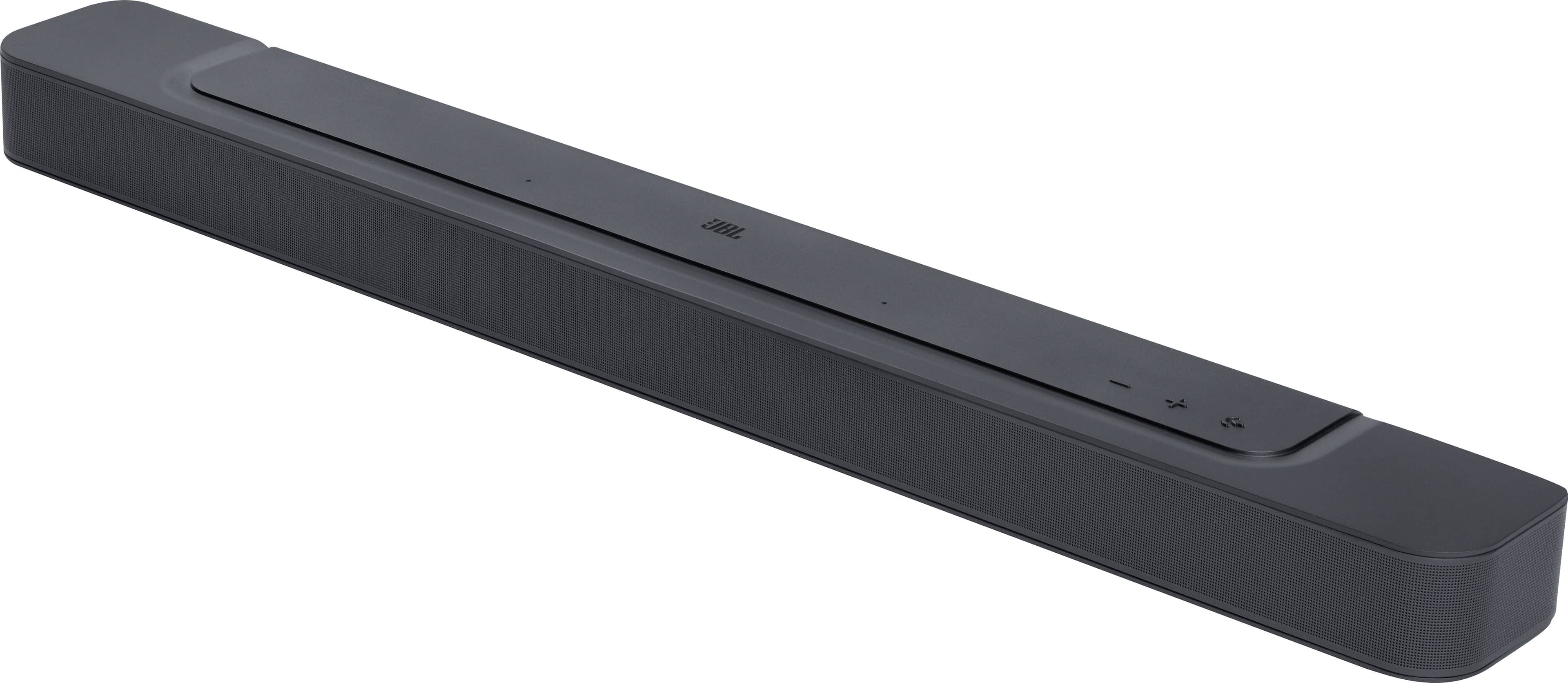
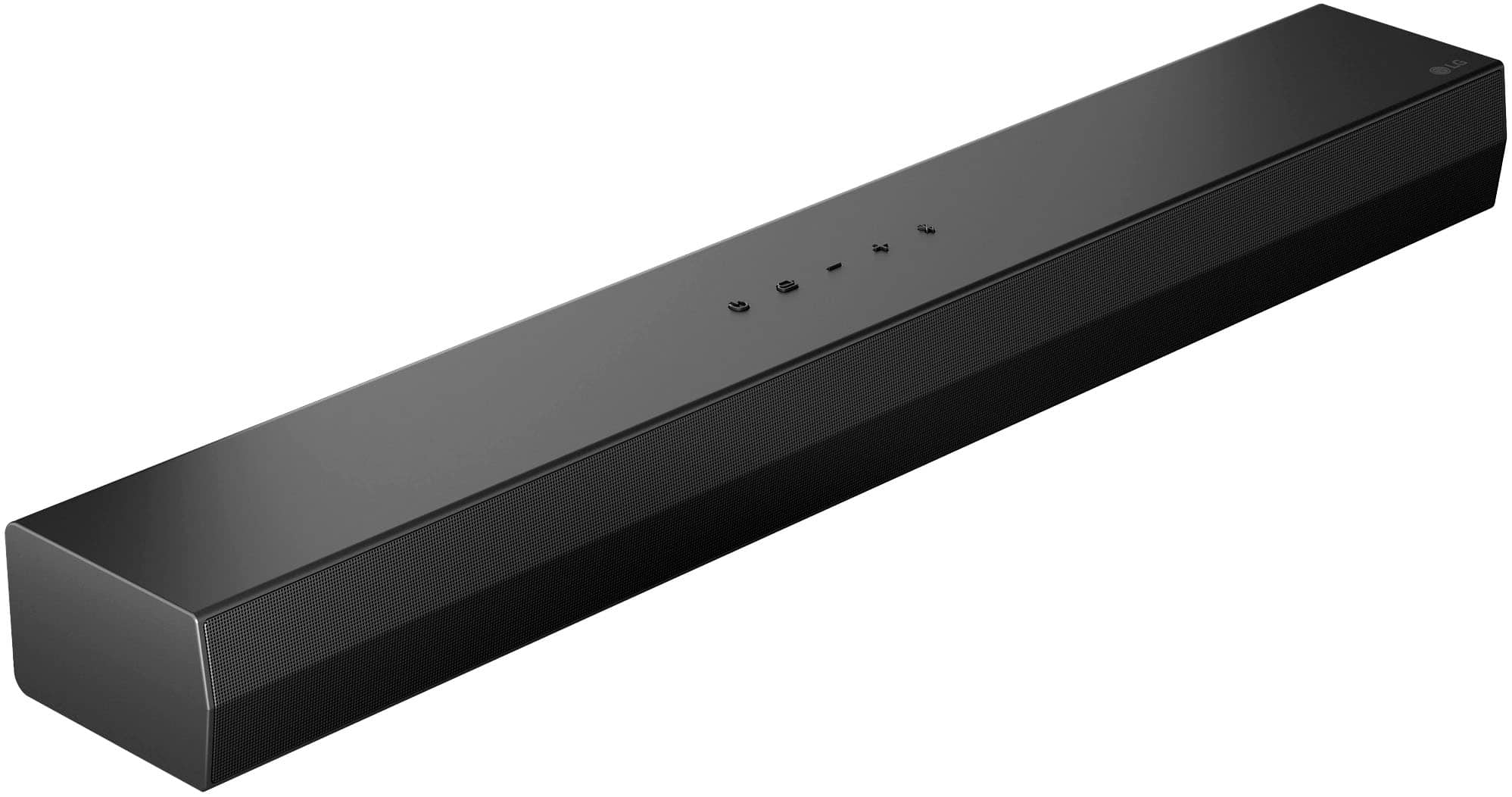
Compact All-in-One Soundbars
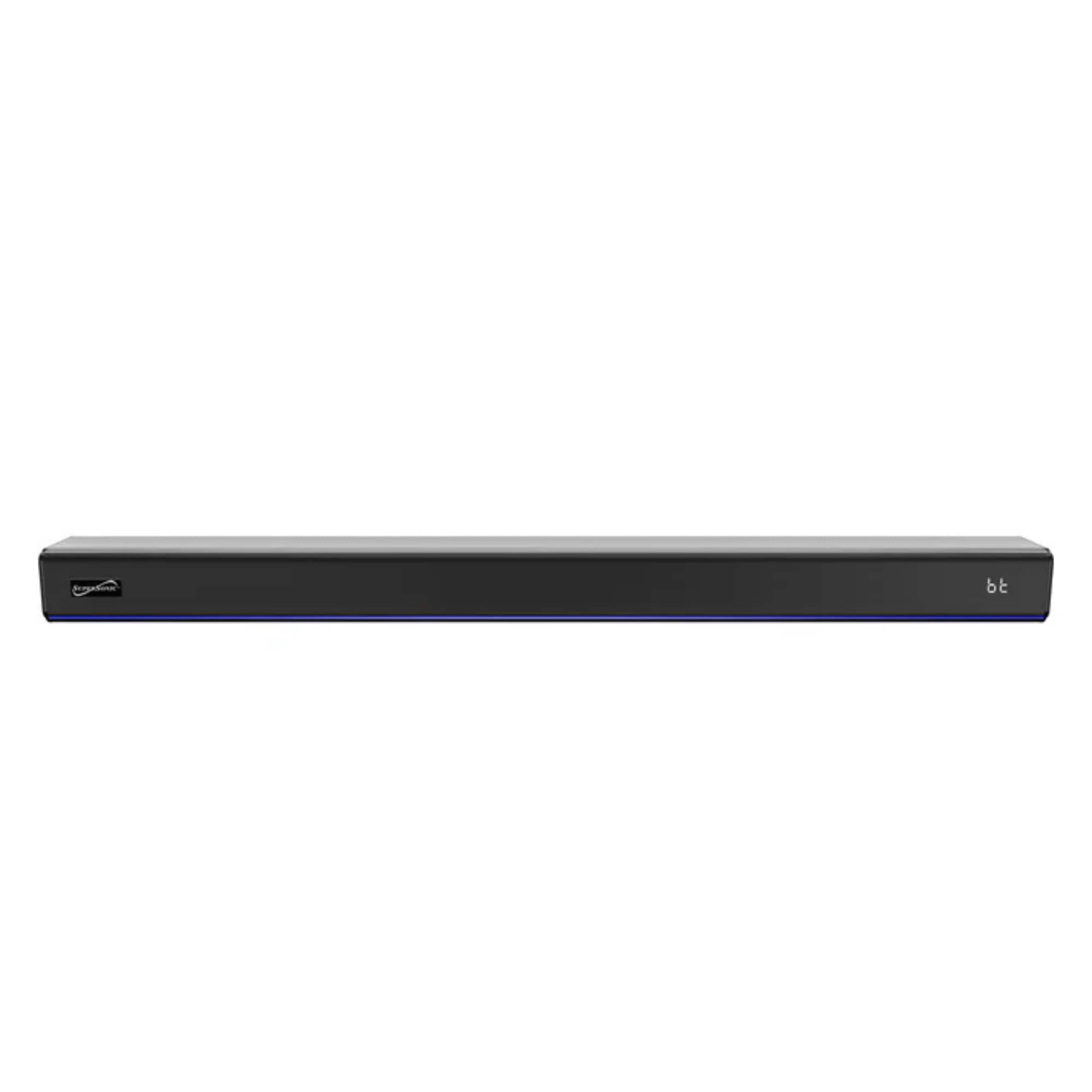
A compact all-in-one soundbar offers a TV audio upgrade without finding space for a separate subwoofer or rear speakers. Browse single-enclosure options for everyday viewing and shared movie nights, then compare TV connections, playback features and controls to find a setup that suits your living room. Optional speaker expansion is a separate consideration, not a requirement for listening.






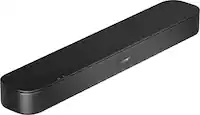


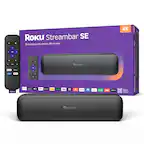


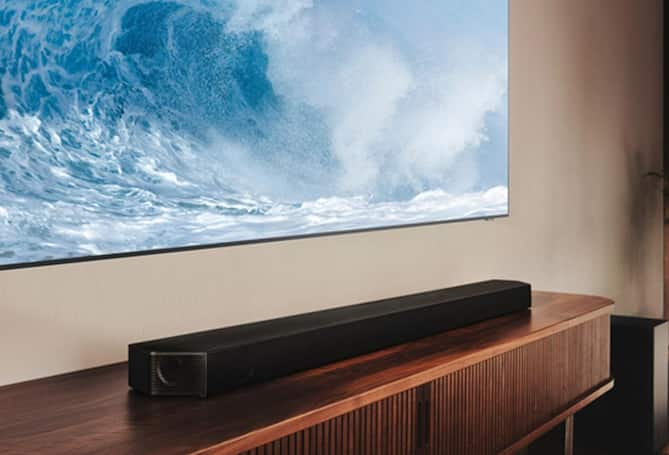
Check how your soundbar will fit beneath the TV before choosing. Measure the available width, height and depth, allow room for cable connections, and keep the screen and TV remote sensor unobstructed. If audio is one part of a larger refresh, explore living room upgrade options to plan the setup together.
FAQs
An all-in-one soundbar plays TV audio from a single speaker enclosure without requiring a separate subwoofer or rear speakers. It still needs power, a compatible TV connection and any setup specified for the model.
Depending on the model, connection options can include HDMI ARC or optical audio. Match the TV's audio output to a supported soundbar input, and check the setup instructions for the required cable and TV audio settings.
Models with compatible Bluetooth or Wi-Fi playback features can play music from supported devices or services. Check the specific connection method and app requirements, since wireless playback features differ among soundbars.
TV-remote control depends on the soundbar, TV, connection and remote compatibility. Look for supported HDMI-CEC or remote-control setup options, and confirm whether the functions you want are available with your TV.
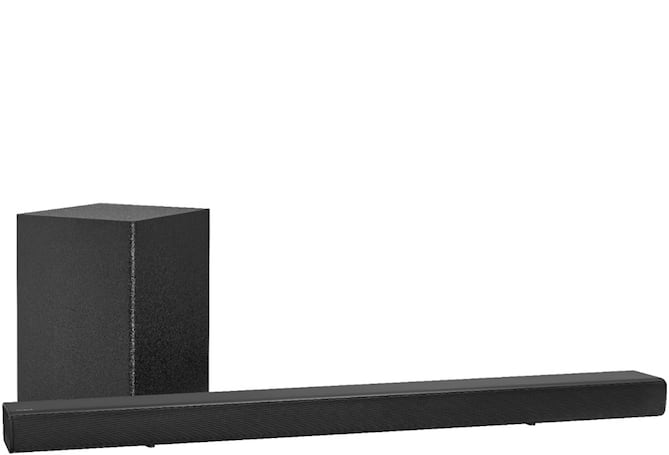
Some models support optional compatible subwoofers or surround speakers, while others are intended to remain standalone. Check the model's expansion options and connection requirements. Optional components are not necessarily included with the soundbar.