Compact Drives
-
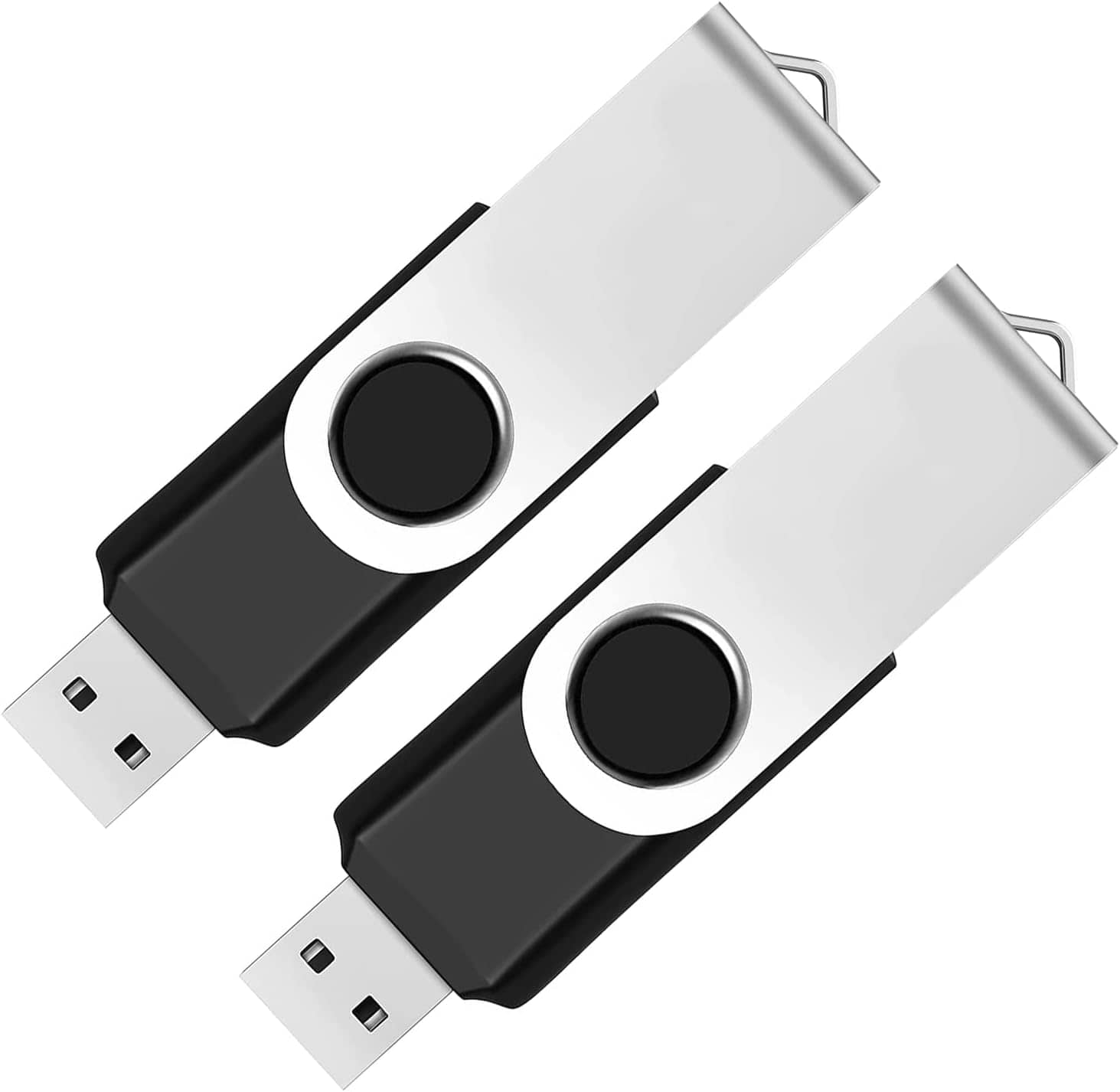
Core Tech - 2-Pack 64GB USB 2.0 Flash Drives – Swivel Design Thumb Drives for Storage & File Transfer – - Black
SKU: JXYZGGY2G3See all USB Flash DrivesProduct Description
A pair of black swivel USB 2.0 flash drives offering 64GB each for secure, portable file storage.Your price for this item is $32.99 -
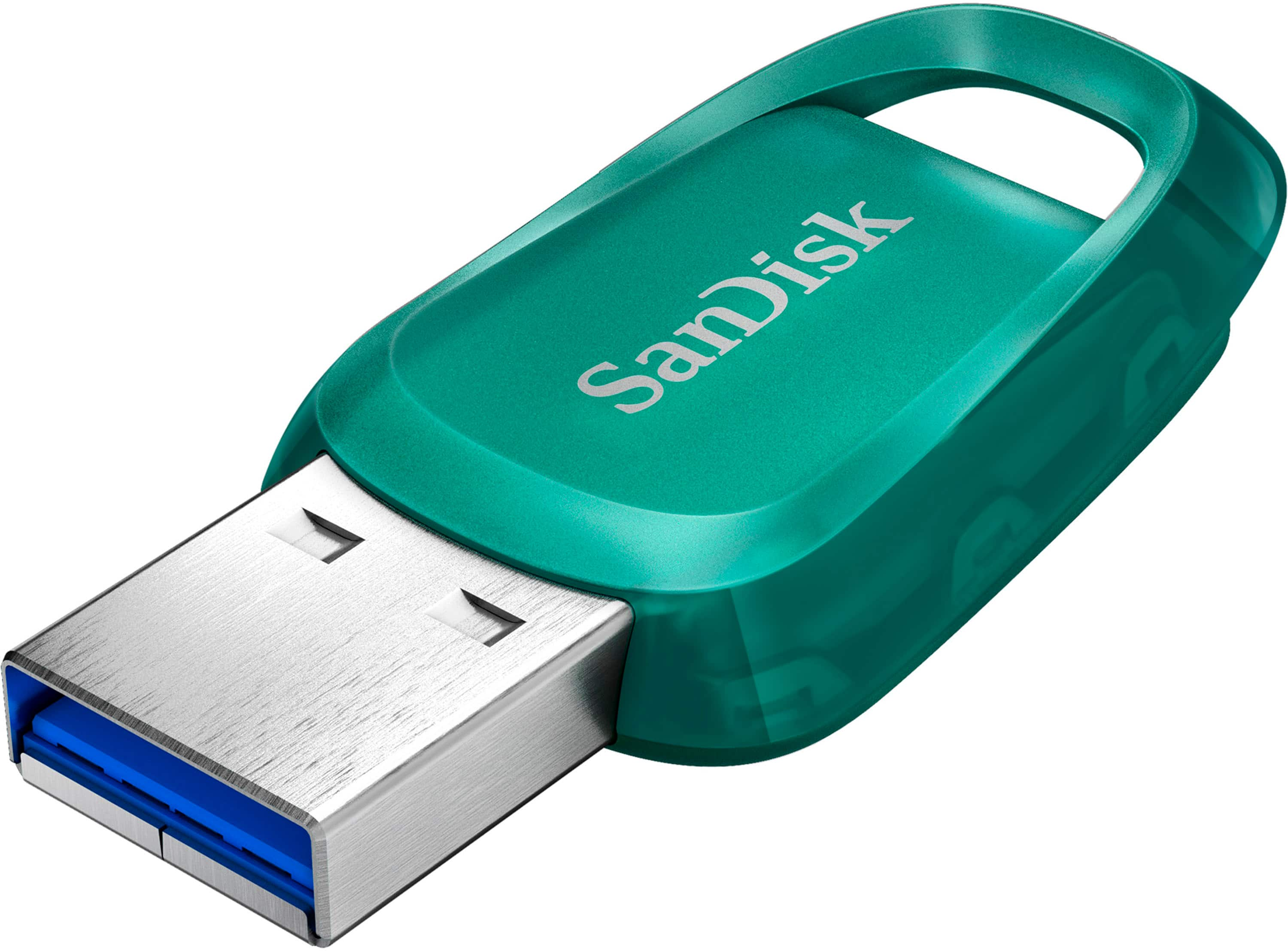
SANDISK - Ultra Eco 256GB USB 3.2 Gen 1 Type-A Flash Drive - Green
SKU: JXJ62C6RL9This is a great product and can’t recommend Best Buy enough they are awesome...Great buy thanks...Love it!
See all USB Flash DrivesProduct Description
A green USB 3.2 flash drive offering 256GB storage, fast transfers, and a built-in lanyard loop.Your price for this item is $42.99Save $8The previous price was $50.99 -
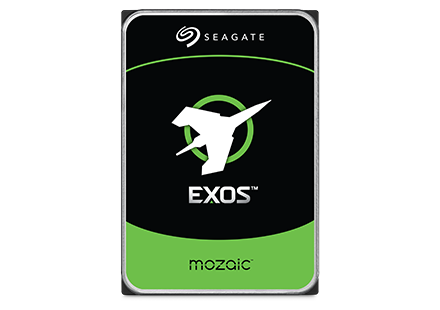
Seagate - Exos M 28TB Internal Hard Drive
SKU: J37C5H5TG3See all Internal Hard DrivesProduct Description
An internal 28TB hard drive featuring 3TB per platter for high-capacity, AI-driven data center efficiency.Your price for this item is $1,229.99 -
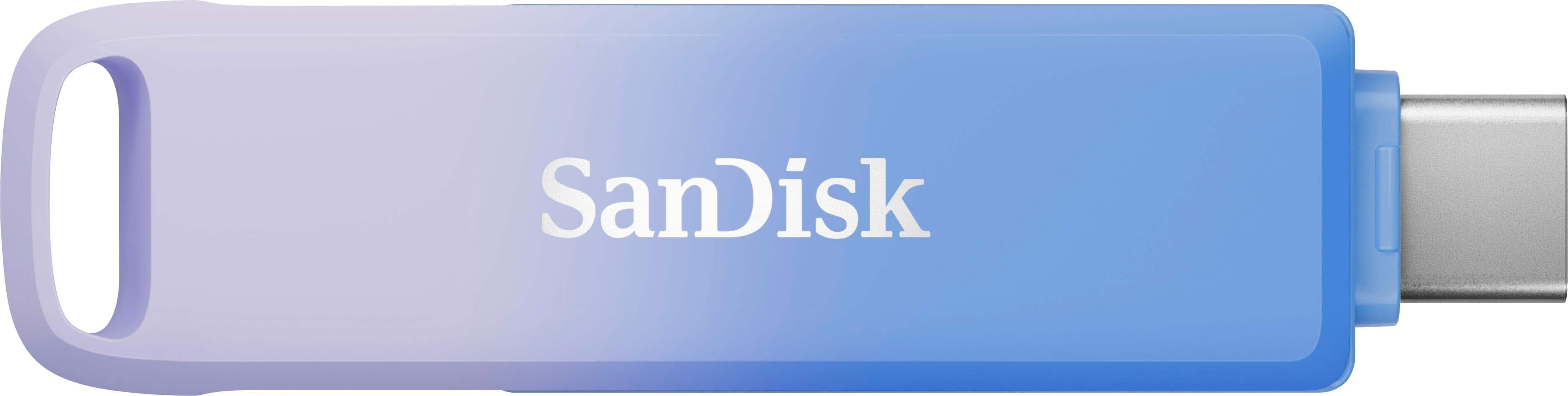
SANDISK - Creator Phone Drive 256GB USB Type C and Lightning connectors - Blue
SKU: JXJ62CRT3WLove it!...Absolutely love this drive as a content creator - it has made is so easy to store my videos and not have...I think the product works great and is super convenient for content creators like...
See all USB Flash DrivesProduct Description
A compact blue drive offering 128GB storage with USB-C and Lightning connectors for seamless device transfers.Your price for this item is $99.99Save $19The previous price was $118.99
Best Sellers
Related Pages


FAQ
Compact drives are compatible with a wide range of devices, including desktop computers, laptops, gaming consoles, and select smart TVs. Always check your device's specifications to ensure compatibility with the drive's connection type, such as USB, Thunderbolt, or SATA.
Yes, many compact drives can be used with both Windows and Mac computers. Some drives come pre-formatted for one operating system but can be reformatted for the other. Look for drives labeled as 'cross-platform' or check the product details for compatibility information.
Compact drives are commonly used for expanding storage, backing up important files, transferring data between devices, and storing media such as photos, videos, and music. They are also popular for portable gaming libraries and on-the-go file access.
Most compact drives are powered directly through the device they are connected to via USB or similar connections, so they typically do not require an external power source. However, always check the product specifications to confirm power requirements.
To maintain optimal performance, safely eject your compact drive before disconnecting it, avoid exposing it to extreme temperatures or moisture, and periodically check for firmware updates from the manufacturer. Regularly scanning for malware and keeping the drive organized can also help prolong its lifespan.