Computer With HDMI Output
-
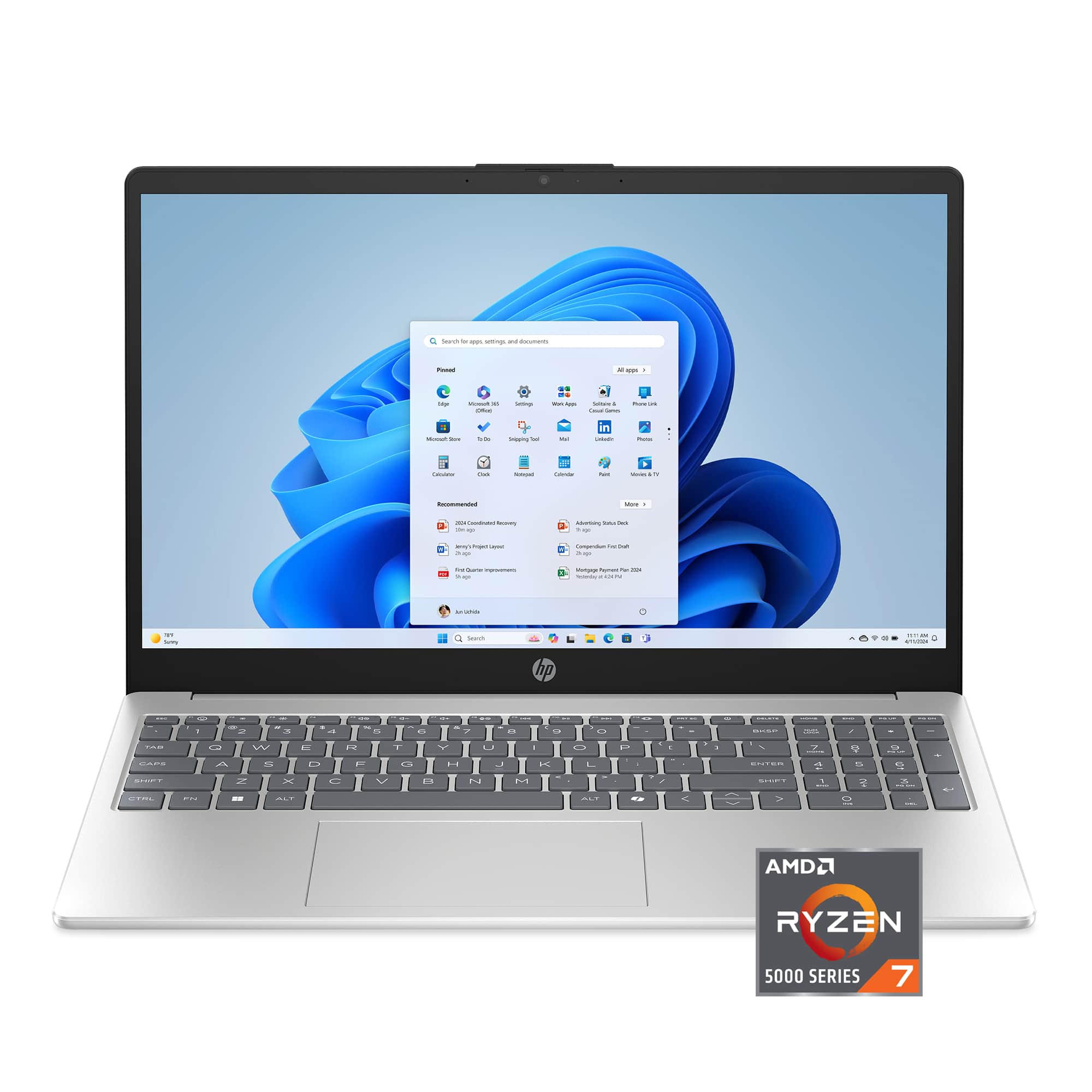
HP - 15.6" Full HD Laptop - AMD Ryzen 7 5825U 2022 - 16GB Memory - 1TB SSD - Natural Silver
SKU: JJGH2LXT99Great laptop...Great valve for the money...This is a great laptop, I like it better than my old Apple laptop, and I was able to sync it to my desktop
See all Windows LaptopsProduct Description
A sleek natural silver laptop with AMD Ryzen 7, 16GB memory, 1TB SSD, and Full HD display.Your price for this item is $759.00 -
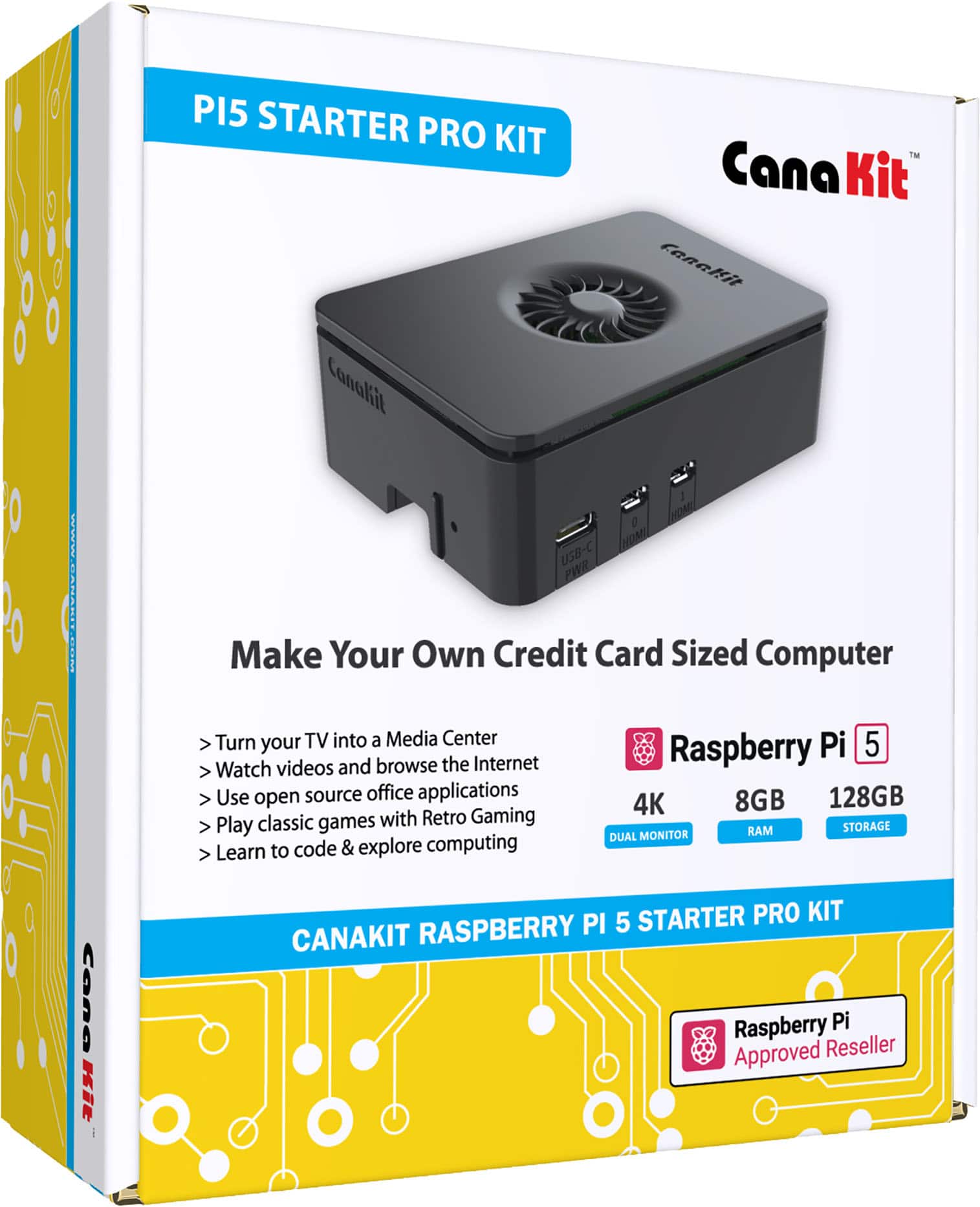
CanaKit - Raspberry Pi 5 Starter Kit - Turbine (8GB) - Black
SKU: JXS4YQCXZFBest purchase I’ve ever made! I’m learning how to program and code....The setup was extremely easy and all I can say is, I LOVE IT!...Great computer...Runs my home automations no problem and also best...
See all Single-Board ComputersProduct Description
A compact black single-board computer kit featuring 8GB RAM, 128GB memory card, and advanced cooling.Your price for this item is $269.95 -
HP - 15.6" Touch-Screen Laptop - Intel Core i3 1315U 2023 - 8GB Memory - 256GB SSD - Natural Silver
SKU: JJGRPJV922See all Windows LaptopsProduct Description
A natural silver touchscreen laptop with Intel Core i3, 8GB memory, 256GB SSD, and Windows 11.Your price for this item is $519.90 -
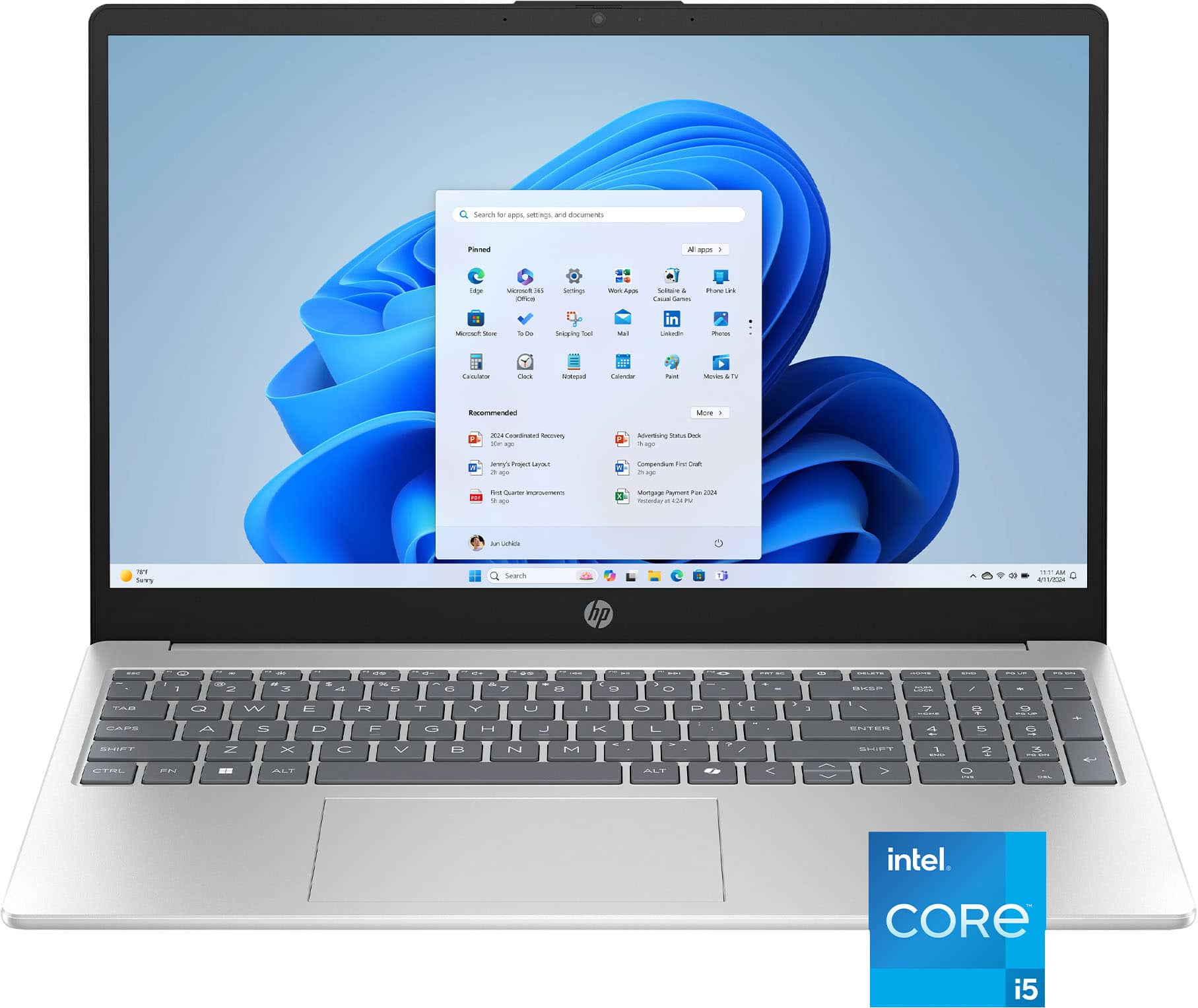
HP - 15.6" Full HD Touch-Screen Laptop - Intel Core i5 1334U 2023 - 16GB Memory - 512GB SSD - Natural Silver
SKU: JJGH2YK5Q5Great Deal...I love this computer and the price was great!...My husband and I both always buy our computers at Best buy!...Best buy awesome...awesome product unbeliviable price Best buy always have great...
See all Windows LaptopsProduct Description
A natural silver touch-screen laptop with Intel Core i5, 16GB memory, and 512GB SSD storage.Your price for this item is $619.00Save $25The previous price was $644.99 -
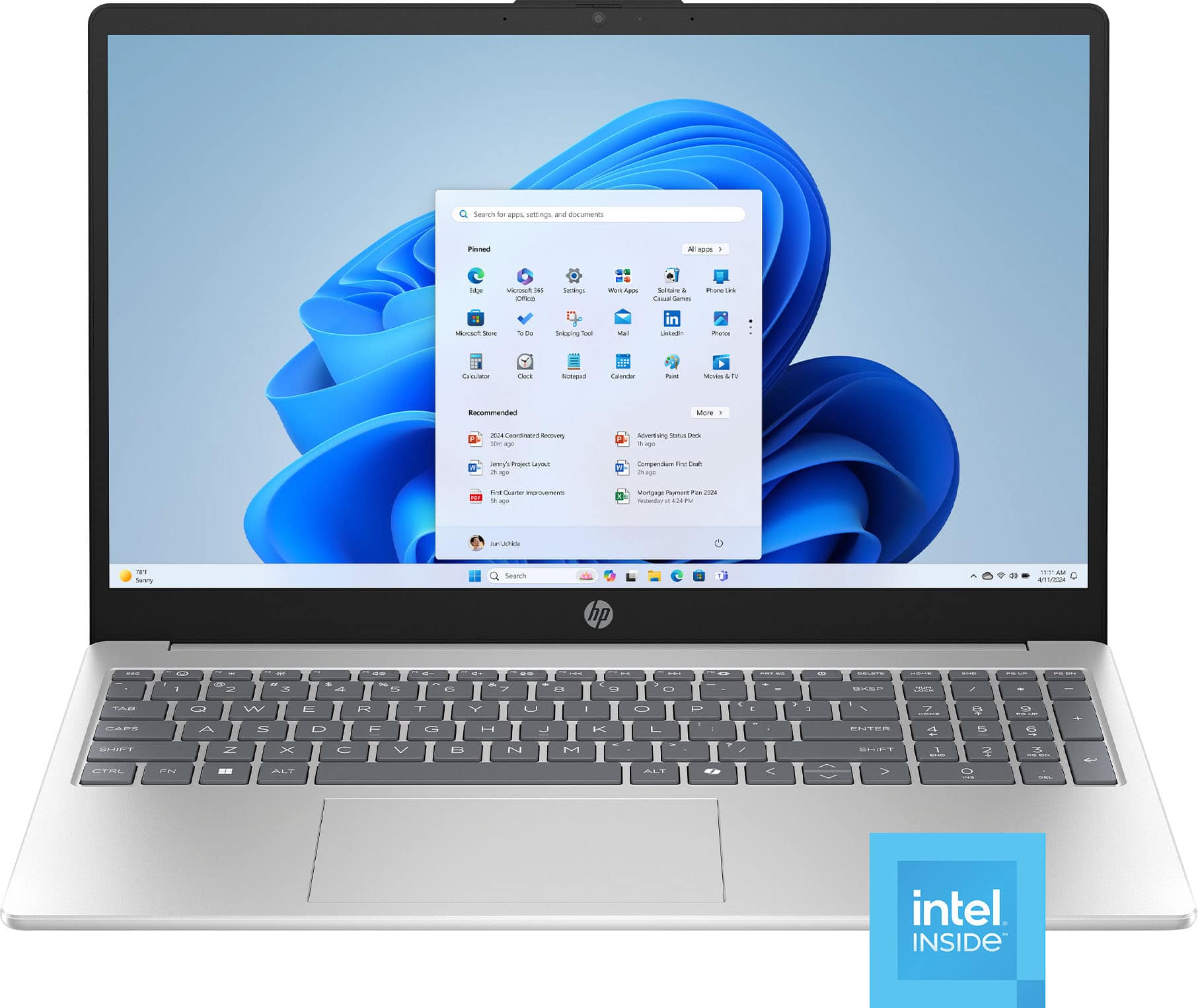
HP - 15.6" Laptop - Intel N100 2023 - 4GB Memory - 128GB UFS - Natural Silver
SKU: JJGH2YK4Z2Price was affordable, quality of the device is great, clear screen, and great service from Best Buy....I love this laptop. It's great for Internet browsing or to view security cameras via a web browser.......
See all Windows LaptopsProduct Description
A natural silver laptop featuring Intel N100, 4GB memory, 128GB storage, and Windows 11 Home.Your price for this item is $324.70Save $31The previous price was $356.00 -
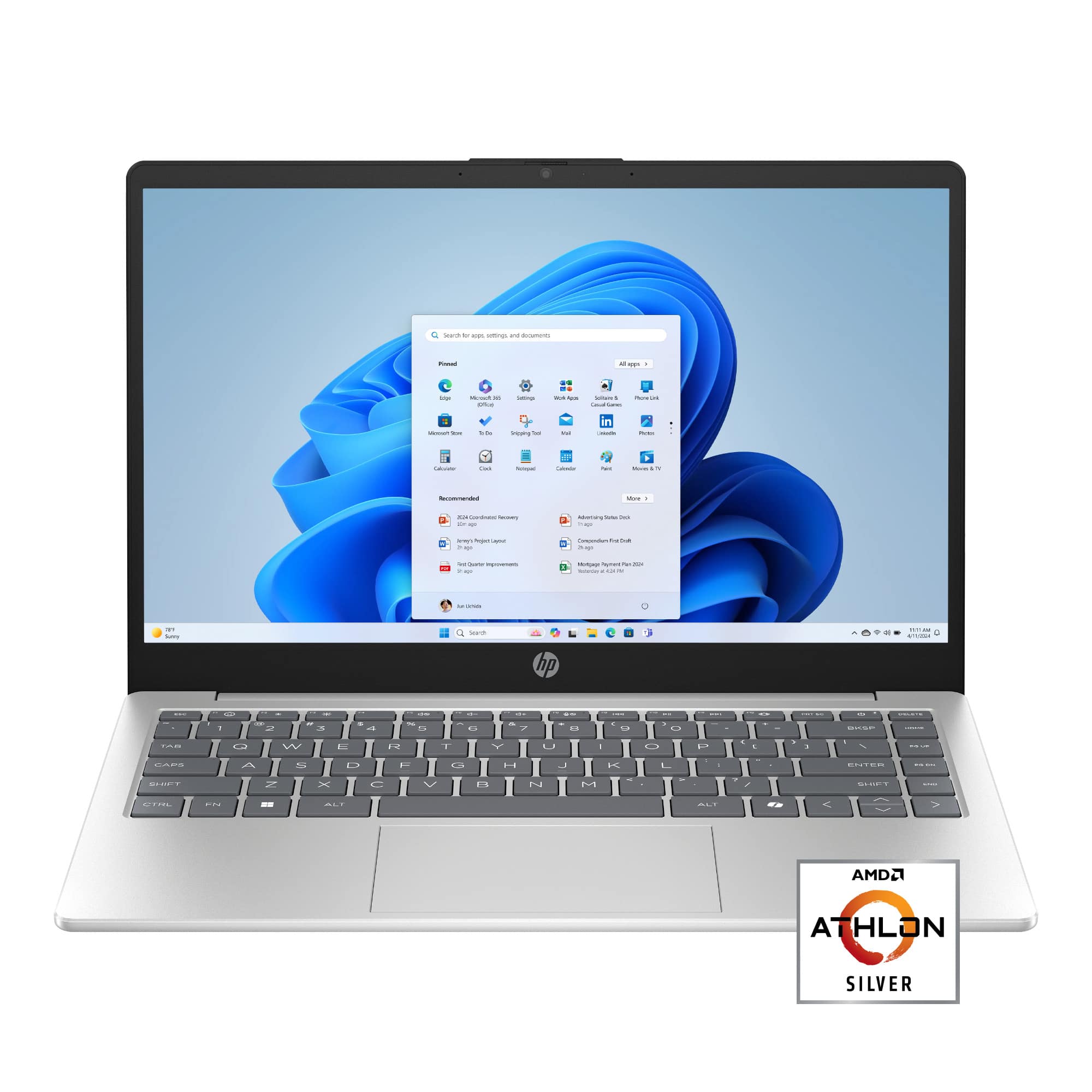
HP - 14" Laptop - AMD Athlon Silver 7120U - 4GB Memory - 256GB SSD - Natural Silver
SKU: JJGW3FLY6HSee all Windows LaptopsProduct Description
A slim natural silver laptop with AMD Athlon processor, 4GB RAM, 256GB SSD, and Windows 11 Home.Your price for this item is $307.00Save $38The previous price was $345.00

Best Sellers




Related Pages







FAQ
HDMI output on a computer allows you to connect your device to external displays such as monitors, TVs, or projectors using an HDMI cable. This connection transmits both high-definition video and audio signals for a seamless multimedia experience.
Yes, many computers with HDMI output support multi-monitor setups. You can connect one monitor per HDMI port, and some computers also offer additional video outputs such as DisplayPort or USB-C for connecting more screens.
Not all computers include an HDMI output. While most modern desktops and many laptops feature HDMI ports, some ultra-thin laptops or compact devices may require an adapter to connect to HDMI displays.
You can connect a wide range of devices to your computer’s HDMI output, including external monitors, HDTVs, projectors, and some audio receivers for enhanced display and sound quality.
No special software is typically required to use HDMI output. Most operating systems automatically detect the connection and allow you to configure display settings through system preferences or control panels.