Connecting Computers
-
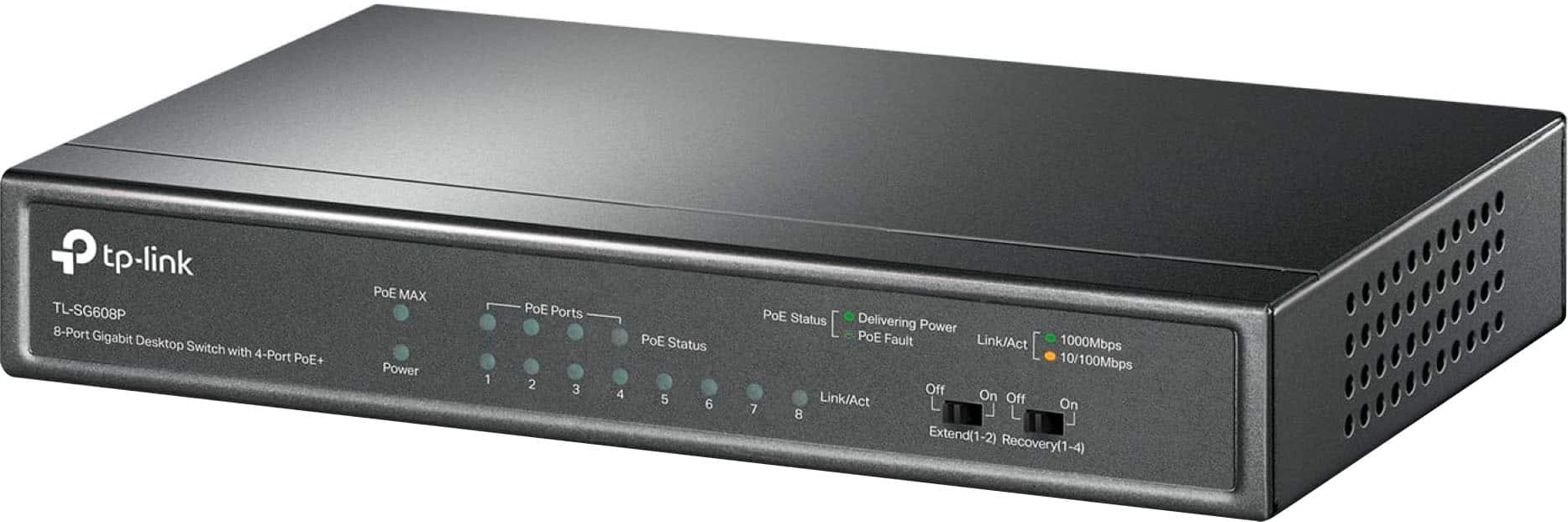
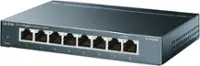
TP-Link - 8-Port Gigabit (10/100/1000Mbps) Desktop Unmanaged PoE Switch - Black
SKU: J39QK2QSQCWorks great for extending our security system! Easy to set up & use! Plug & play!...LOVE IT!...Best Buy sticks them so when my other PoE Switch went out I was able to replace it within hours from...Best...
See all Network SwitchesProduct Description
A black metal desktop switch with 8 gigabit ports, including 4 PoE+ for easy device connectivity.Your price for this item is $79.99 -
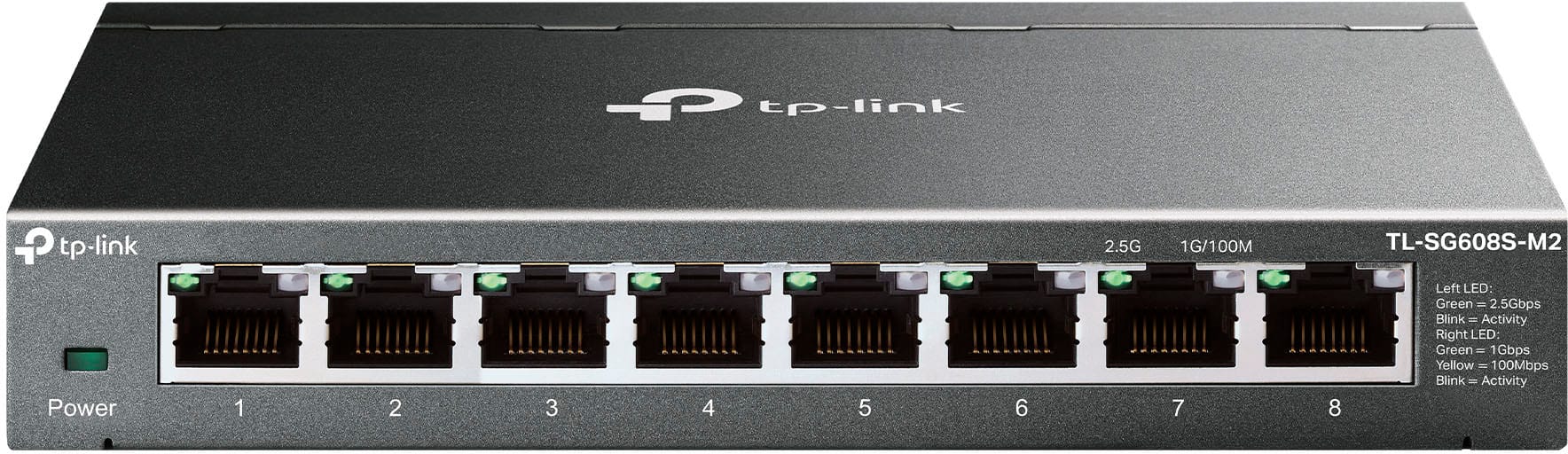
TP-Link - 8-Port 2.5G Multi-Gigabit Desktop Switch - Black
SKU: J3GWLQQR6Vgreat switch...didn't use for hardwired connection so with the amounts of ports it has im able to suffice speed is great
See all Network SwitchesProduct Description
A black desktop switch with eight 2.5G ports for ultra-fast, silent, multi-gigabit wired networking.Your price for this item is $129.99 -
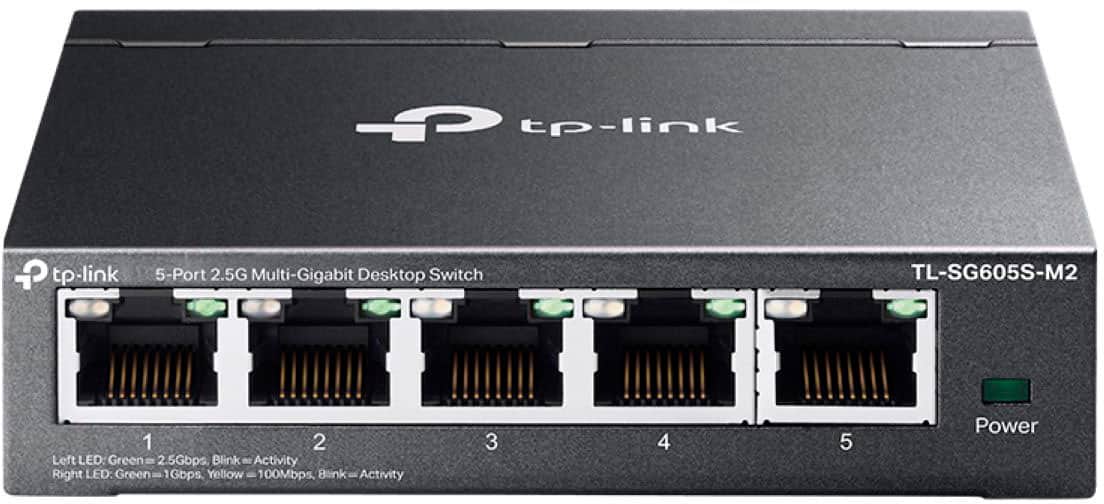
TP-Link - 5-Port 2.5G Multi-Gigabit Desktop Switch - Black
SKU: J3GWLQQR6GThe five switches are the best thing ever for the system in our home...Great value
See all Network SwitchesProduct Description
A black desktop switch offering five 2.5G multi-gigabit ports and silent, fanless operation.Your price for this item is $99.99 -
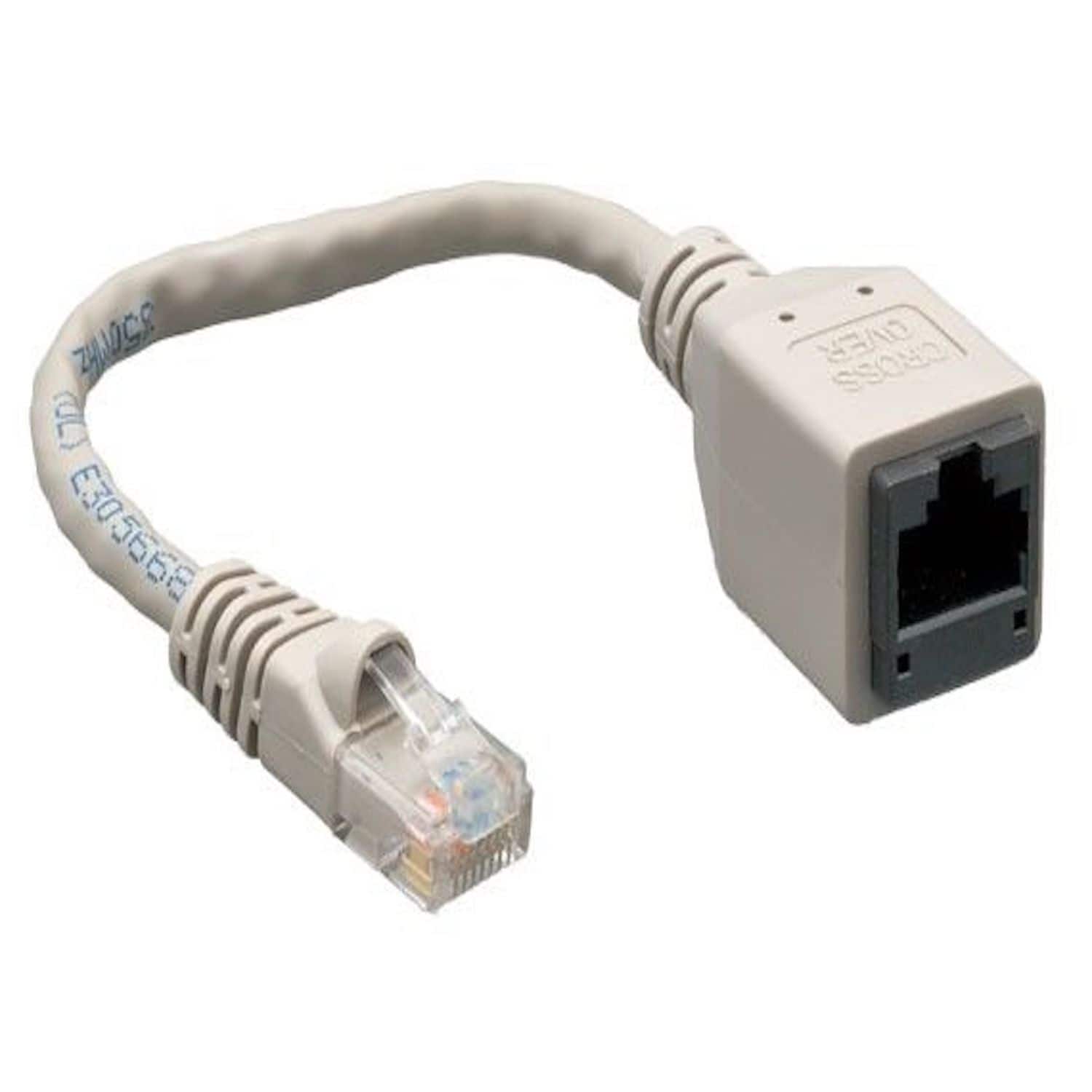
Sanoxy - Cables and Adapters; 2-PACK of 7.5" Cat5e Male to Female Crossover Network Adapter - Gray
SKU: B8SKTQ6LQPSee all Ethernet CablesProduct Description
A gray Cat5e RJ45 male-to-female crossover adapter pair for connecting two PCs with standard network cables.Your price for this item is $15.99 -
PoE Gateway - Wired eero Router and 10-port PoE+ Smart Network Switch - Black
SKU: J39HW6RWQVGreat way to boost your speed with your home internet....Works great with the eero 6E router....This is great center to my mesh WiFi system the poe is strong enough to run all of my access points with...
See all Network SwitchesProduct Description
A black wired router and 10-port PoE+ smart switch delivering up to 9.4 Gbps network speeds.Your price for this item is $499.99 -
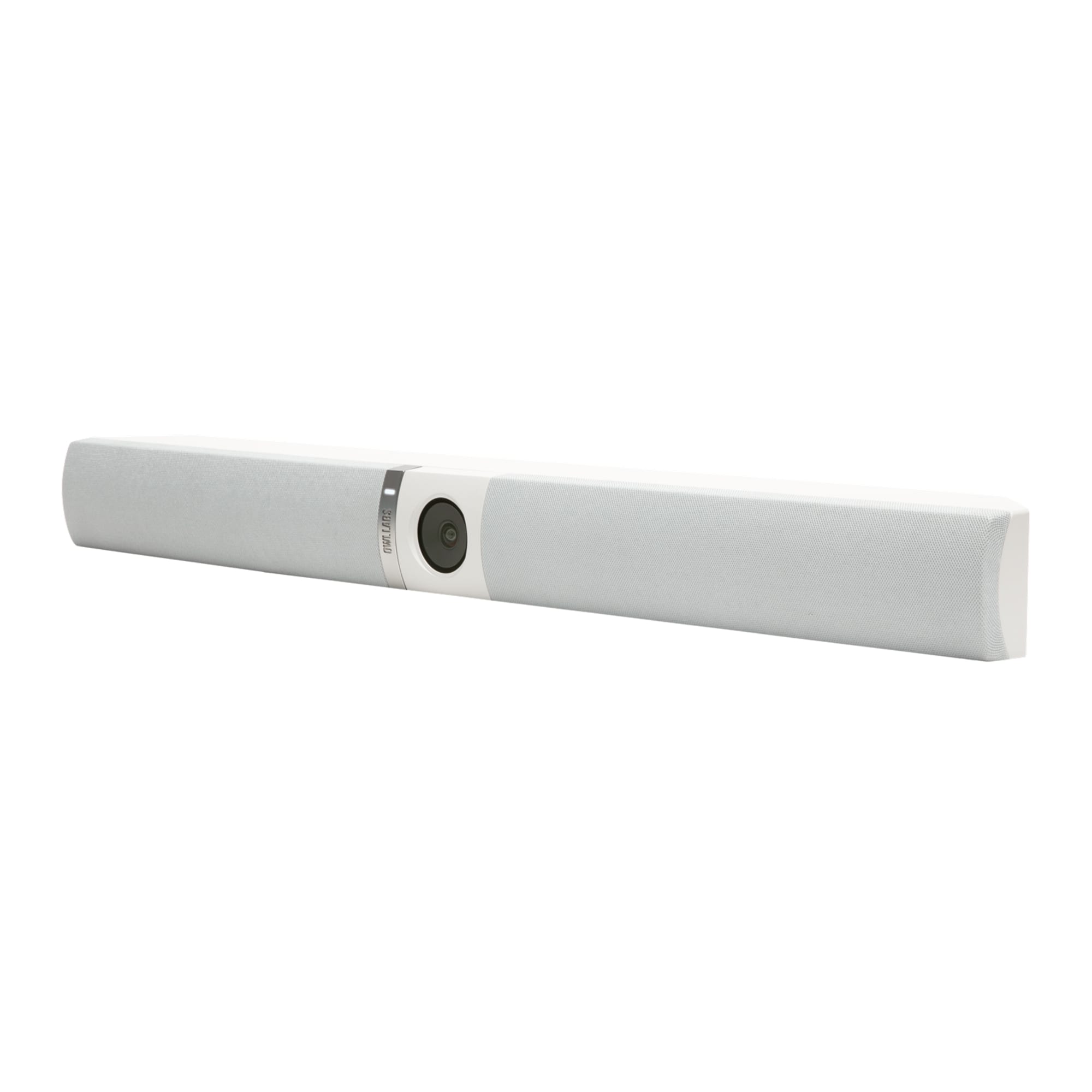
Owl Labs - Owl Bar (Gray) - White
SKU: J3R8T847W4Great for our meetings !...We love it.
See all WebcamsProduct Description
A plug-and-play gray and white conferencing bar with 4K video, built-in microphone, and USB-C connectivity.Your price for this item is $1,439.00Save $360The previous price was $1,799.99 -
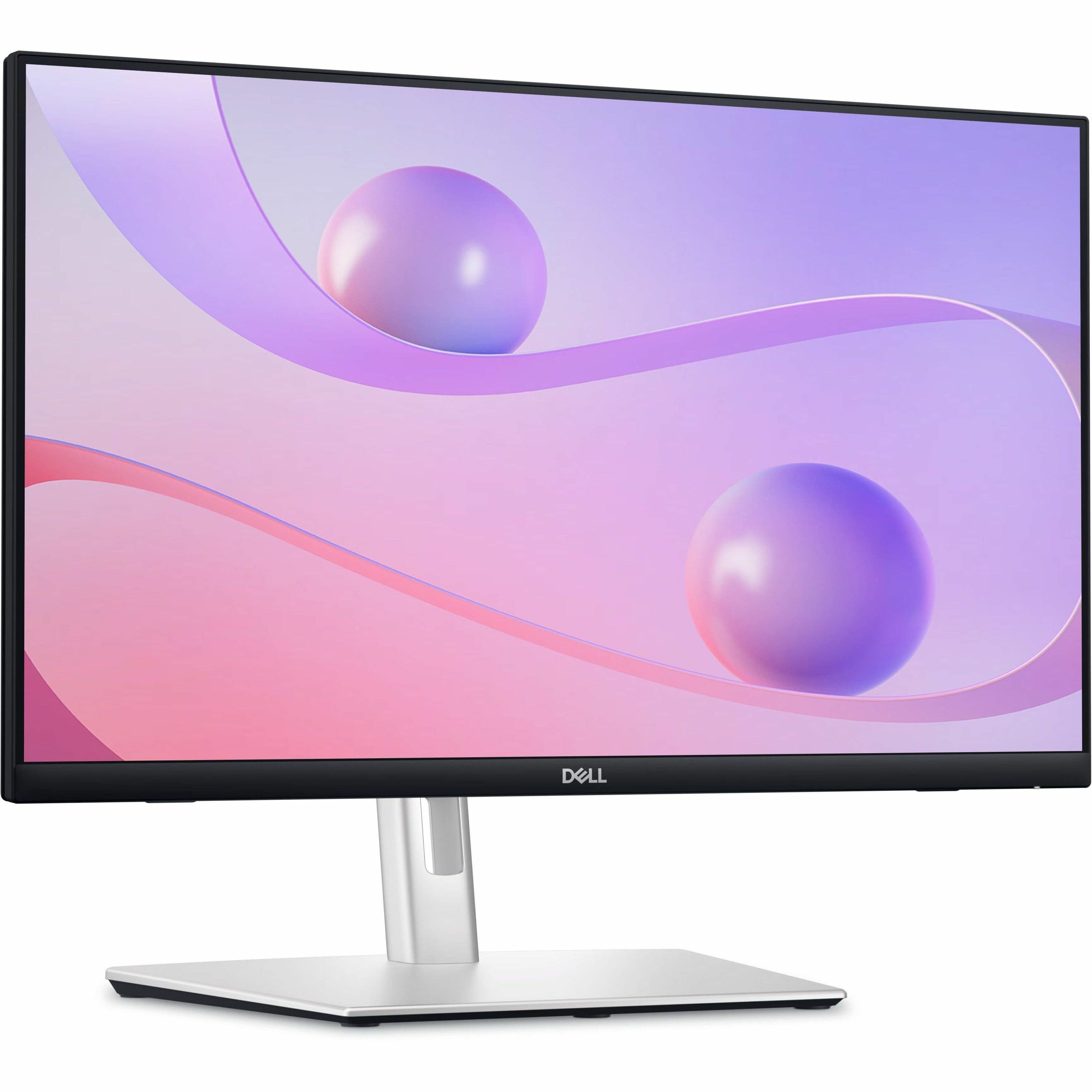
Dell - 23.8" IPS LED FHD 60Hz Monitor (USB, HDMI) - Black
SKU: J3K4L6C5V2See all All MonitorsProduct Description
A black IPS LED monitor featuring 10-point touch, USB-C hub connectivity, and integrated cable management.Your price for this item is $389.99Save $70The previous price was $459.99 -
Samsung - ViewFinity 24" S6 (S60D) QHD HDR10 Monitor with USB-C and Daisy Chain (HDMI, USB, DisplayPort) - Black
SKU: J3ZYG2T9Y2See all All MonitorsProduct Description
A black IPS QHD monitor with HDR10, USB-C 90W charging, Ethernet, and daisy chain connectivity.Your price for this item is $249.99Save $70The previous price was $319.99 -
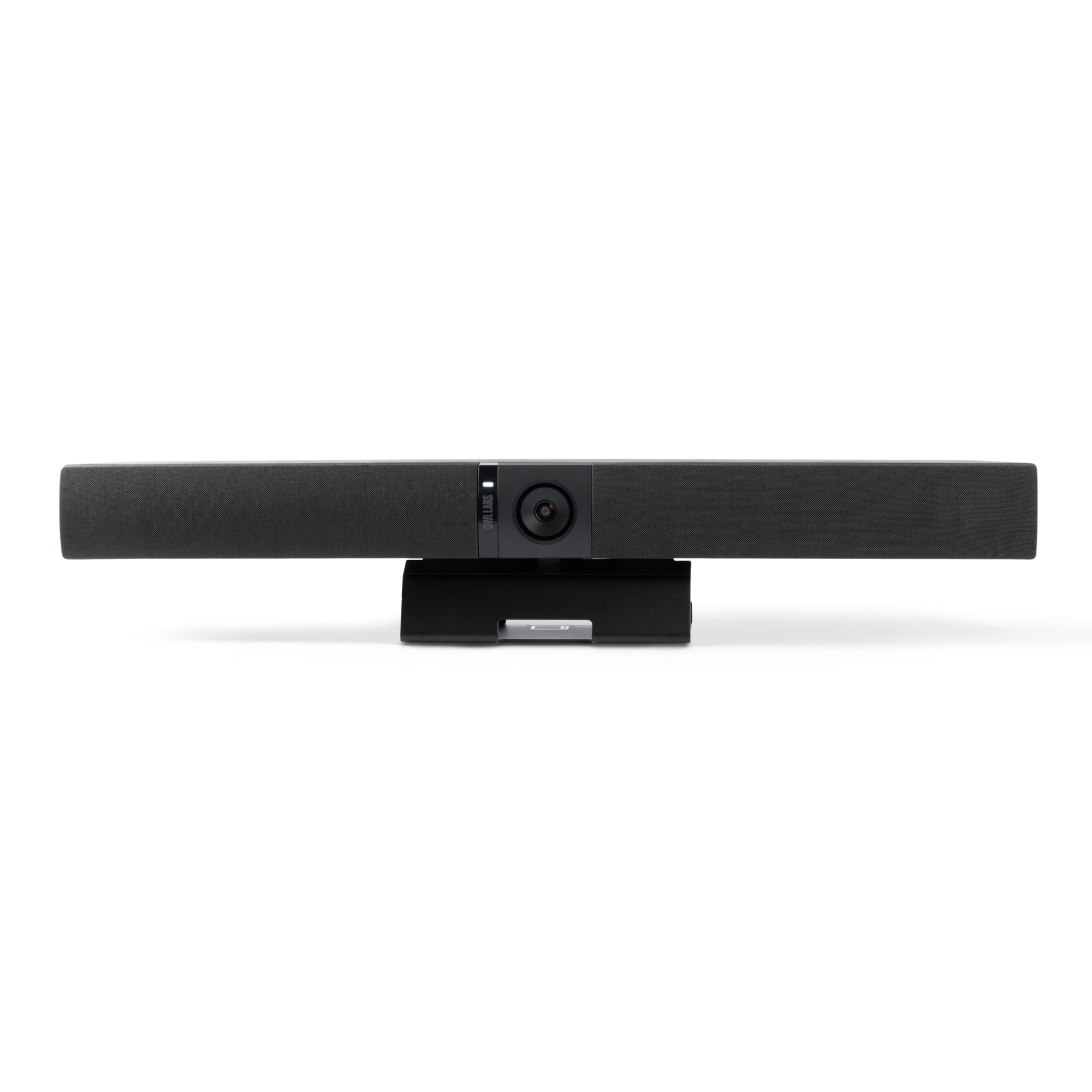
Owl Labs - Owl Bar - Charcoal
SKU: J3R8T84JLXSee all WebcamsProduct Description
A charcoal plug-and-play conferencing bar with 4K UHD video, autofocus, built-in microphone, and speaker.Your price for this item is $1,439.00Save $360The previous price was $1,799.99 -
Sanoxy - USB 2.0 Hi-Speed 4-Port Splitter Hub For PC Notebook High Speed Computer - White
SKU: J3HXSWW62XSee all Docking StationsProduct Description
A compact white USB 2.0 hub that instantly adds four high-speed ports for easy device connectivity.Your price for this item is $15.99



Best Sellers

Related Pages





FAQ
You can connect multiple computers using devices such as network switches, routers, hubs, and Ethernet cables. Wireless connections using Wi-Fi routers or mesh systems are also popular options for creating a computer network.
A wired connection uses physical cables, like Ethernet, to link computers, offering faster speeds and more stable connections. Wireless connections, such as Wi-Fi, use radio signals for flexibility and convenience, though they might have slightly slower speeds or be affected by interference.
Yes, once computers are connected to the same network, you can share files and folders between them. Most operating systems have built-in file sharing features that allow you to set permissions and access shared content securely.
Some multiplayer games and collaboration tools require specific software or apps to connect computers over a network. However, many modern operating systems support basic networking features for file sharing and communication without additional software.
To connect to a network printer, ensure both your computer and the printer are on the same network. Then, use your computer’s operating system to add a new printer, select the network printer from the list, and follow the prompts to complete the setup.