Student Computers
-
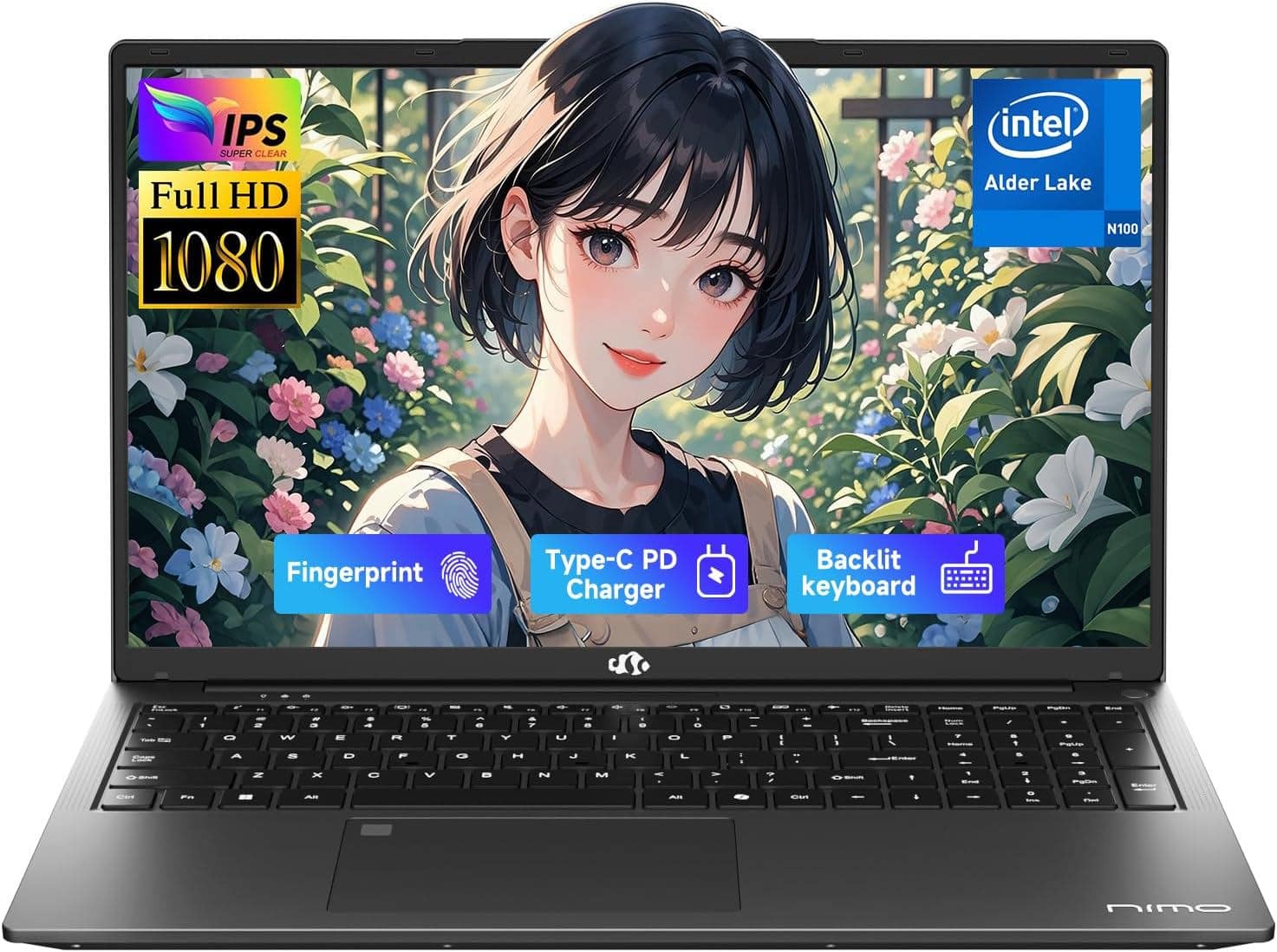
NIMO - 17.3" IPS FHD-Student-Laptop- 16GB RAM 512GB SSD, Intel Pentium 4 Cores N100(Beat i3-1115G4, Up to 3.4GHz) Computer - Gray
SKU: JJGHQYTL7YSee all Windows LaptopsProduct Description
A sleek gray laptop featuring 16GB RAM, 512GB SSD, Intel N100 processor, and a backlit keyboard.Your price for this item is $499.00 -
NIMO - 17.3" IPS FHD-Student-Laptop- 16GB RAM 1TB SSD, Intel Pentium 4 Cores N100(Beat i3-1115G4, Up to 3.4GHz) Computer - Gray
SKU: JJGHQYTL7HSee all Windows LaptopsProduct Description
A gray laptop featuring a 17.3" FHD IPS display, 16GB RAM, 1TB SSD, and fingerprint security.Your price for this item is $579.00Save $120The previous price was $699.00 -
NIMO - 17.3" IPS FHD-Student-Laptop- 8GB RAM 256GB SSD, Intel Pentium 4 Cores N100(Beat i3-1115G4, Up to 3.4GHz) Computer - Gray
SKU: JJGHQYTL7CSee all Windows LaptopsProduct Description
A sleek gray laptop featuring a 17.3" FHD IPS display, 8GB RAM, 256GB SSD, and fingerprint security.Your price for this item is $399.99 -
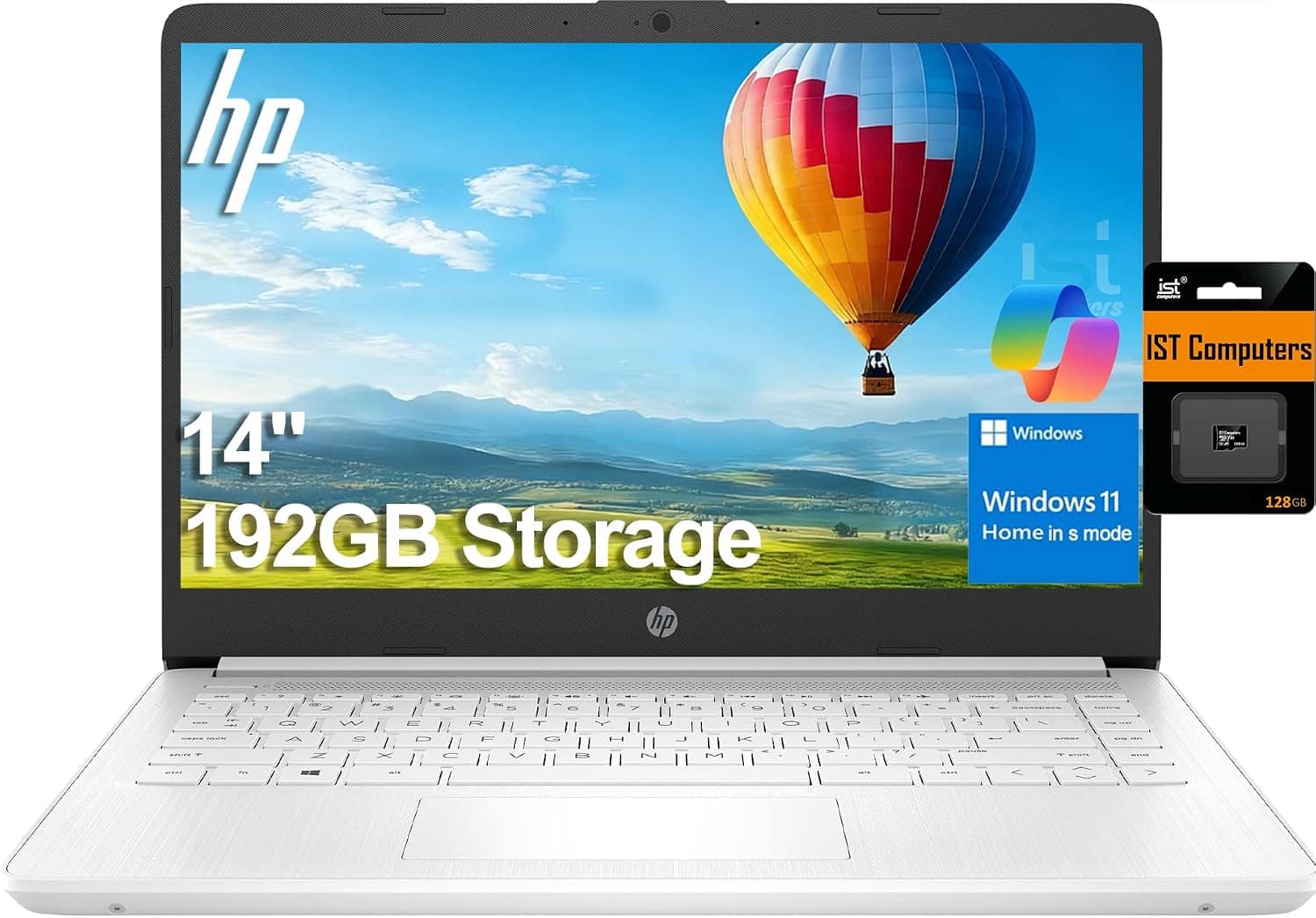
HP - Upgraded - 14 14" HD Laptop - Intel Celeron with 16GB Memory - 192GB Storage - IST SDCard - Win 11 Home in S Mode - White
SKU: J3GWQRFLJQSee all Windows LaptopsProduct Description
A thin white laptop with Intel Celeron, 16GB RAM, 192GB storage, and Windows 11 Home in S Mode.Your price for this item is $379.99Save $120The previous price was $499.99 -
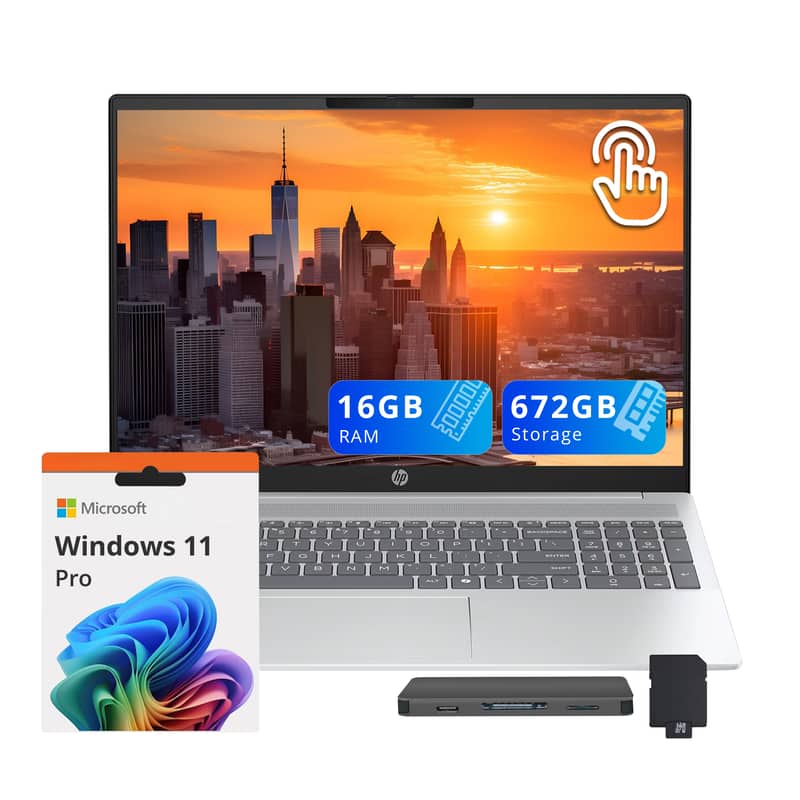
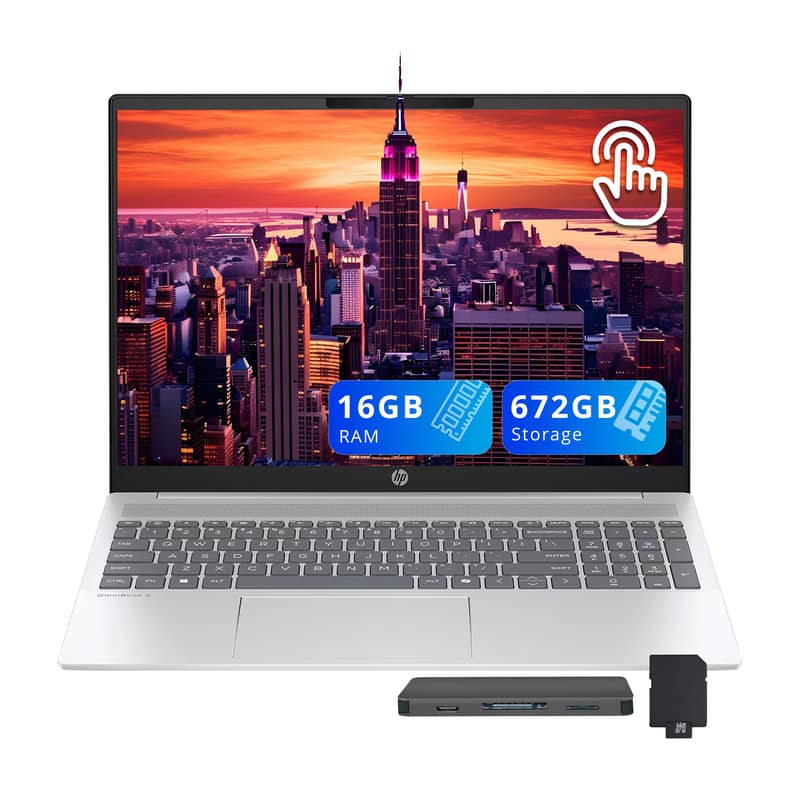
HP - Upgraded - OmniBook 5 16" Touch Laptop,Intel Core Ultra 5 225U,16GB RAM,512GB SSD+160GB Dock Set,Fingerprint,Win11 Pro - Silver
SKU: JJG2RWR257See all Windows LaptopsProduct Description
A sleek silver laptop with 2K touch display, Intel Core Ultra 5, 16GB RAM, and fingerprint security.Your price for this item is $869.00Save $30The previous price was $899.00 -
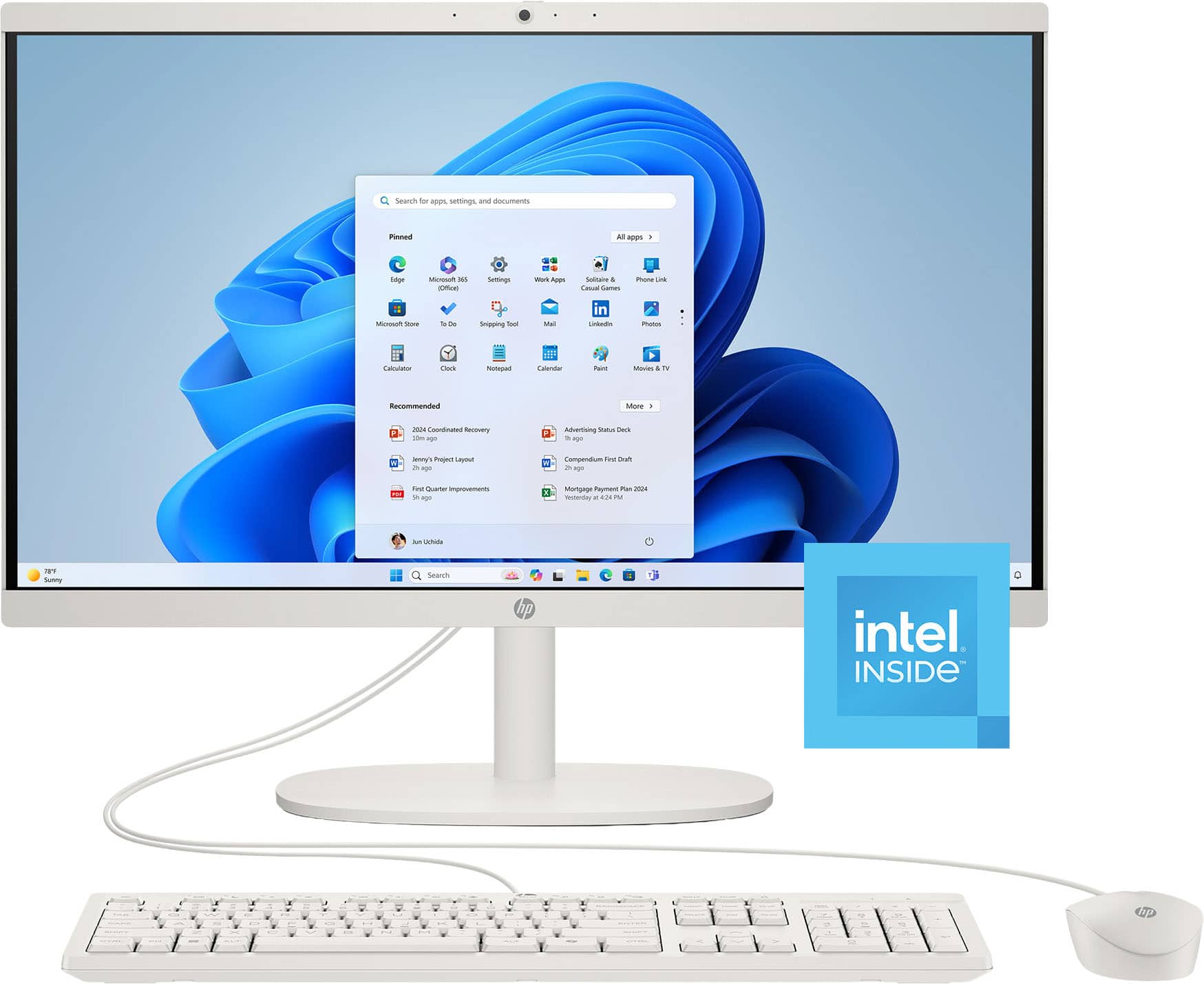
HP - 21.5" All-in-One - Intel Processor N100 2023 - 8GB Memory - 128GB UFS - Cashmere White
SKU: JJGH2Y5H5HPerfect price and great for my internet browsing, love the all in one for its compact size....Love it easy to use...Great Computer
See all Non-Touchscreen All-in-One ComputersProduct Description
A sleek cashmere white all-in-one PC with Intel N100, 8GB memory, and 128GB storage.Your price for this item is $469.00Save $71The previous price was $540.43 -
HP - Upgraded - OmniBook 5 16" Touch Laptop,Intel Core Ultra 5 225U,16GB RAM,512GB SSD+160GB Dock Station,Fingerprint,Win11 - Silver
SKU: JJG2RT5Y4RSee all Windows LaptopsProduct Description
A sleek silver laptop with 2K touch display, Intel Core Ultra 5, 16GB RAM, and fingerprint security.Your price for this item is $849.00 -
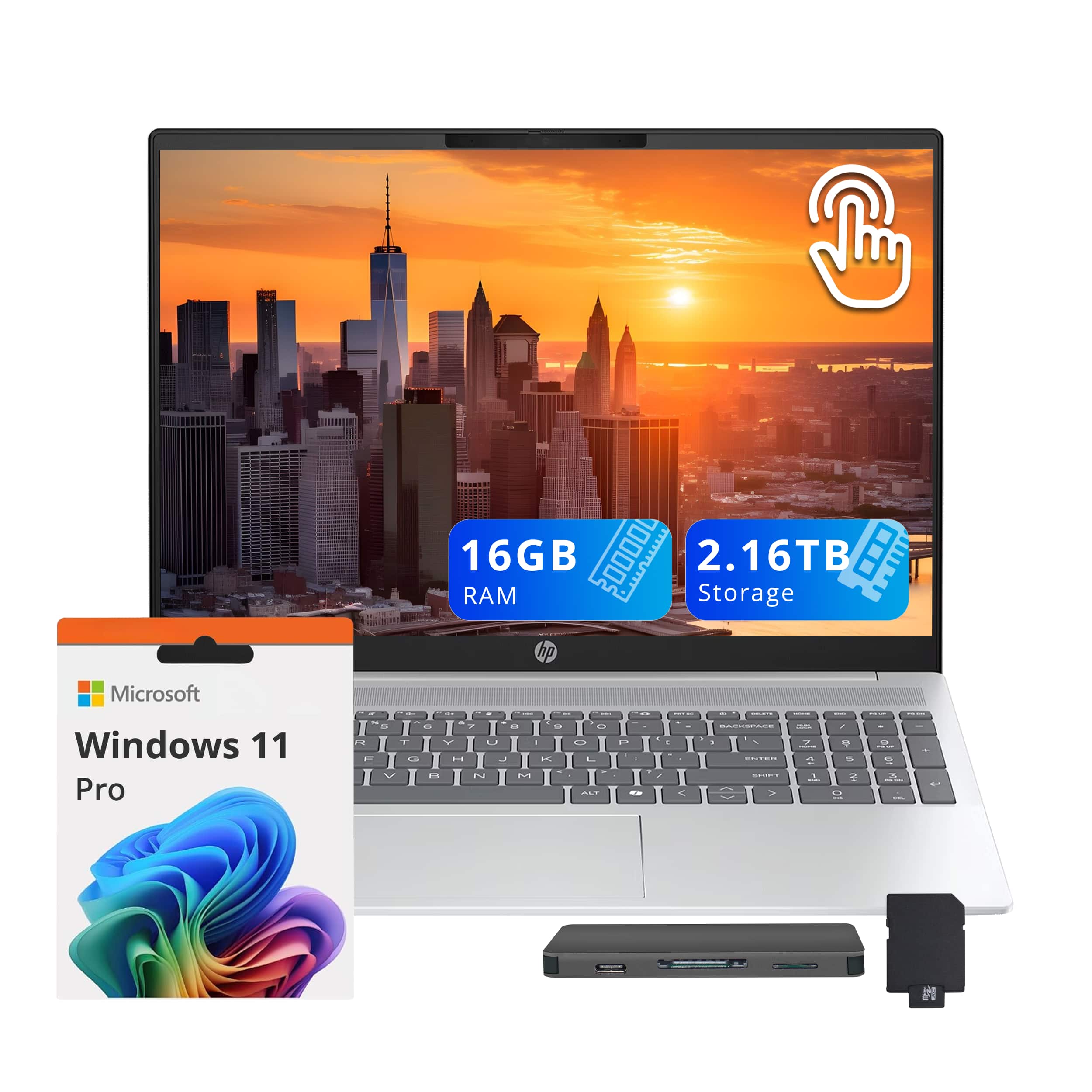
HP - Upgraded - OmniBook 5 16" Touch Laptop,Intel Core Ultra 5 225U,16GB RAM,2TB SSD+160GB Dock Set,Fingerprint,Win11 Pro - Silver
SKU: JJG2RT95W4See all Windows LaptopsProduct Description
A sleek silver laptop with 2K touch display, Intel Core Ultra 5, 32GB RAM, and fingerprint security.Your price for this item is $1,149.00 -
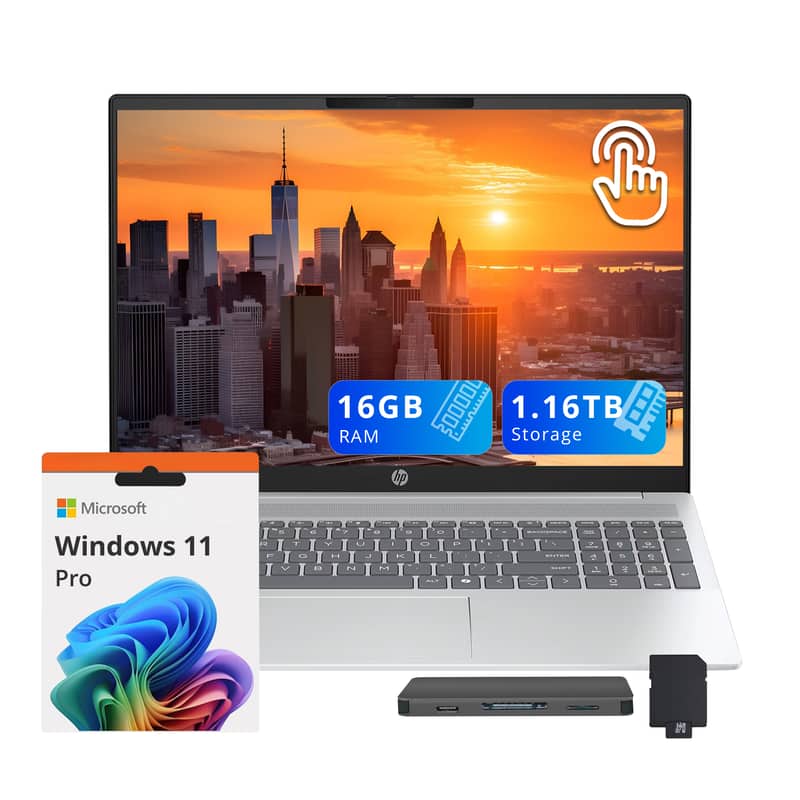
HP - Upgraded - OmniBook 5 16" Touch Laptop,Intel Core Ultra 5 225U,16GB RAM,1TB SSD+160GB Dock Set,Fingerprint,Win11 Pro - Silver
SKU: JJG2RH6LCZSee all Windows LaptopsProduct Description
A sleek silver laptop with 2K touch display, Intel Core Ultra 5, 16GB RAM, and fingerprint security.Your price for this item is $969.00Save $30The previous price was $999.00 -
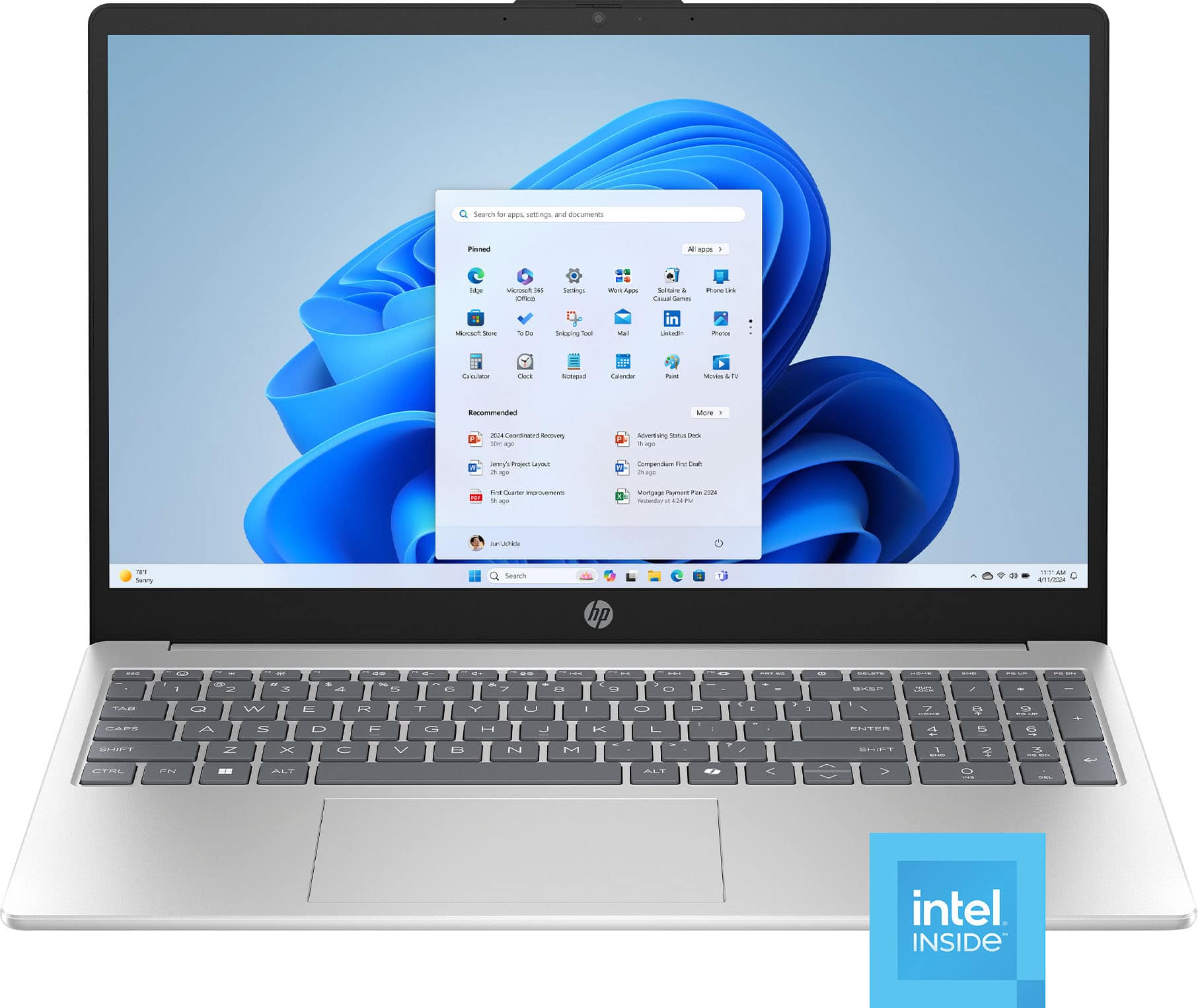
HP - 15.6" Laptop - Intel N100 2023 - 4GB Memory - 128GB Storage - Natural Silver
SKU: JJGH2YK4Z2Not to big and not to small but just right for grad school. love it!
See all Windows LaptopsProduct Description
A natural silver laptop featuring Intel N100, 4GB memory, 128GB storage, and Windows 11 Home.Your price for this item is $316.00Save $23The previous price was $339.99
Best Sellers




Related Pages




FAQ
When choosing a student computer, consider features such as battery life, portability, processing power, memory (RAM), storage capacity, and compatibility with essential software. A lightweight design and a durable build are also important for students on the go.
Yes, Chromebooks are a popular choice for students due to their affordability, fast boot times, and ease of use. They are ideal for web-based tasks, word processing, and online learning platforms. However, students with specialized software needs may require a Windows or Mac laptop.
Most student computers can run a wide range of educational software, including word processors, presentation tools, coding platforms, and virtual classroom applications. Make sure to check the system requirements of any specific software you need before purchasing.
Laptops are generally preferred by students due to their portability, making it easy to take them to classes or study sessions. However, desktops can offer more power and larger screens, which may benefit students working on graphic design, video editing, or gaming.
Recommended accessories for student computers include a protective laptop case or sleeve, a wireless mouse, a reliable backpack, noise-cancelling headphones, and an external hard drive or cloud storage for backups. These accessories can help enhance productivity and protect your device.