Controllers For MacBook
-
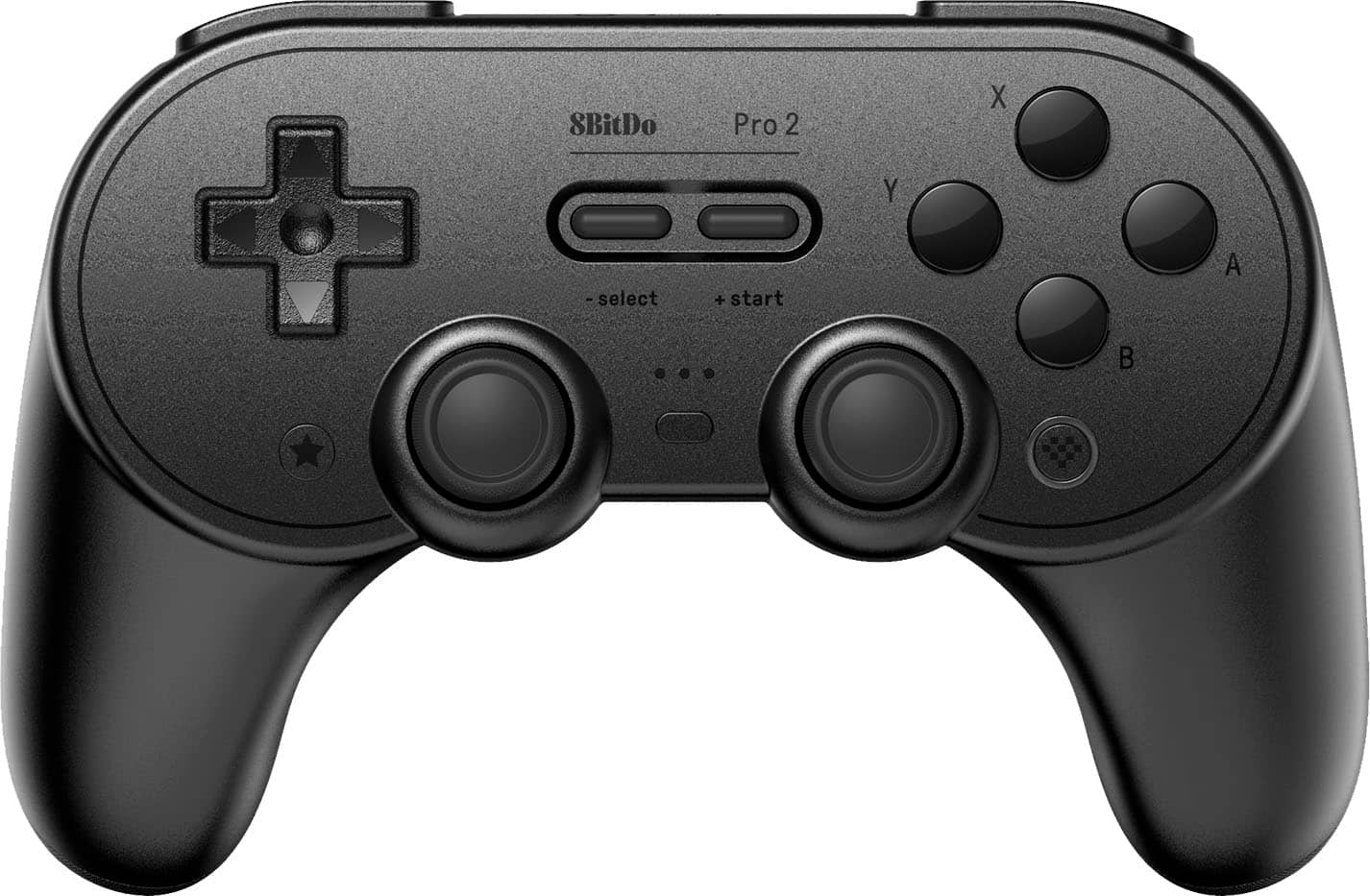
8BitDo - Pro 2 Bluetooth Controller for Switch, Windows, macOS, Android, and Steam Deck with Hall Effect Joysticks - Black
SKU: CZY3JSJLCJGreat packaging and great customer service as well thank you Best Buy I love ya...One of the best feeling controllers....I just wish best buy provided more 8bitdo stuff as all of it feels great to use!...
See all Gaming ControllersProduct Description
A versatile black Bluetooth controller with Hall Effect joysticks, customizable buttons, and USB-C charging.Your price for this item is $39.99Save $10The previous price was $49.99 -
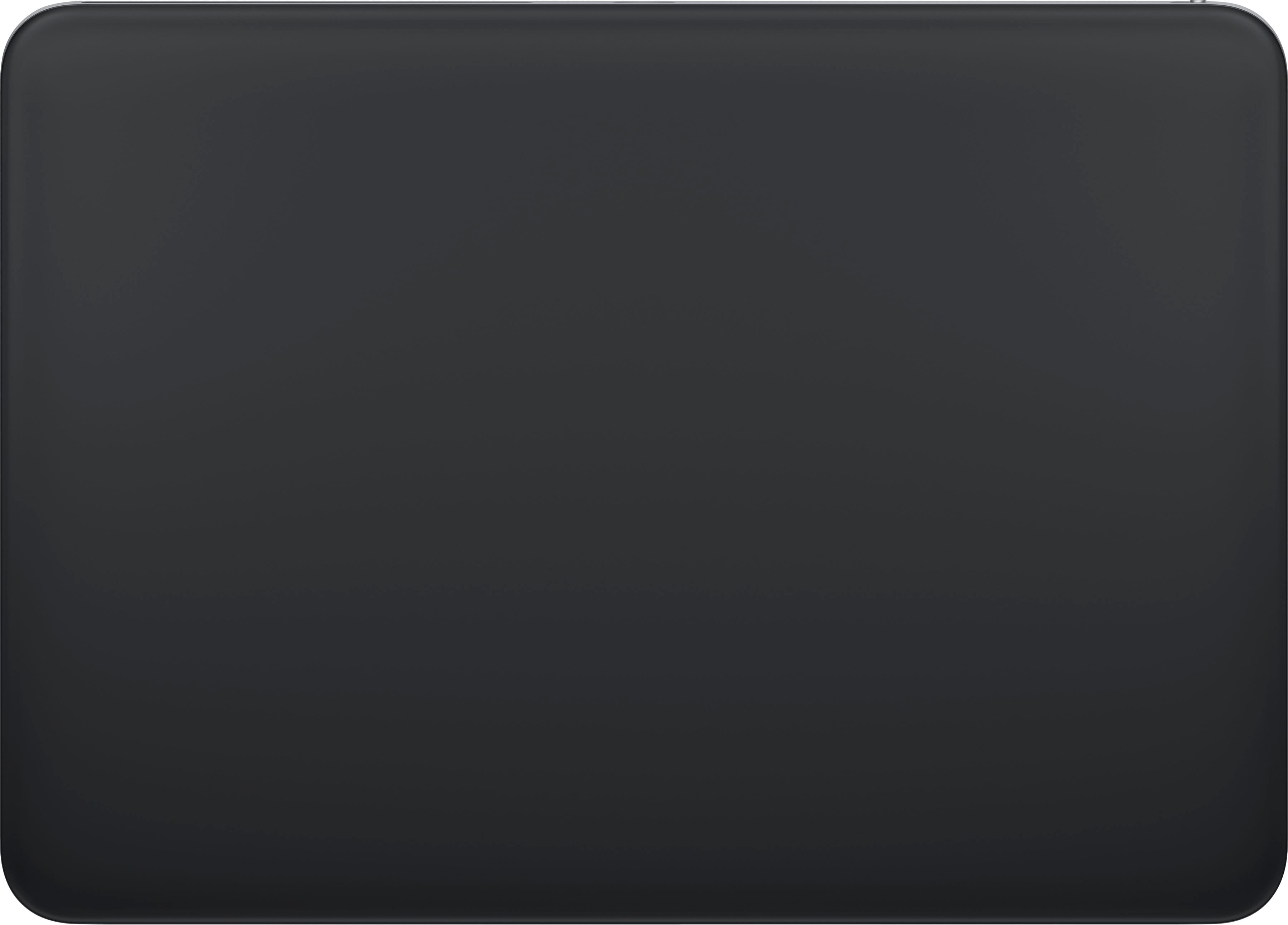
Apple - Magic Trackpad - Multi-Touch Surface (USB-C) - Wireless - Black Multi-Touch Surface
SKU: JJGCQ8C5JSGreat addition to my iMac...I love Best Buy!...Love it and it may be the best mouse/track pad cre...Love jt
See all MiceProduct Description
A sleek black wireless trackpad featuring a large glass multi-touch surface, Force Touch, and USB-C charging.Your price for this item is $149.99 -
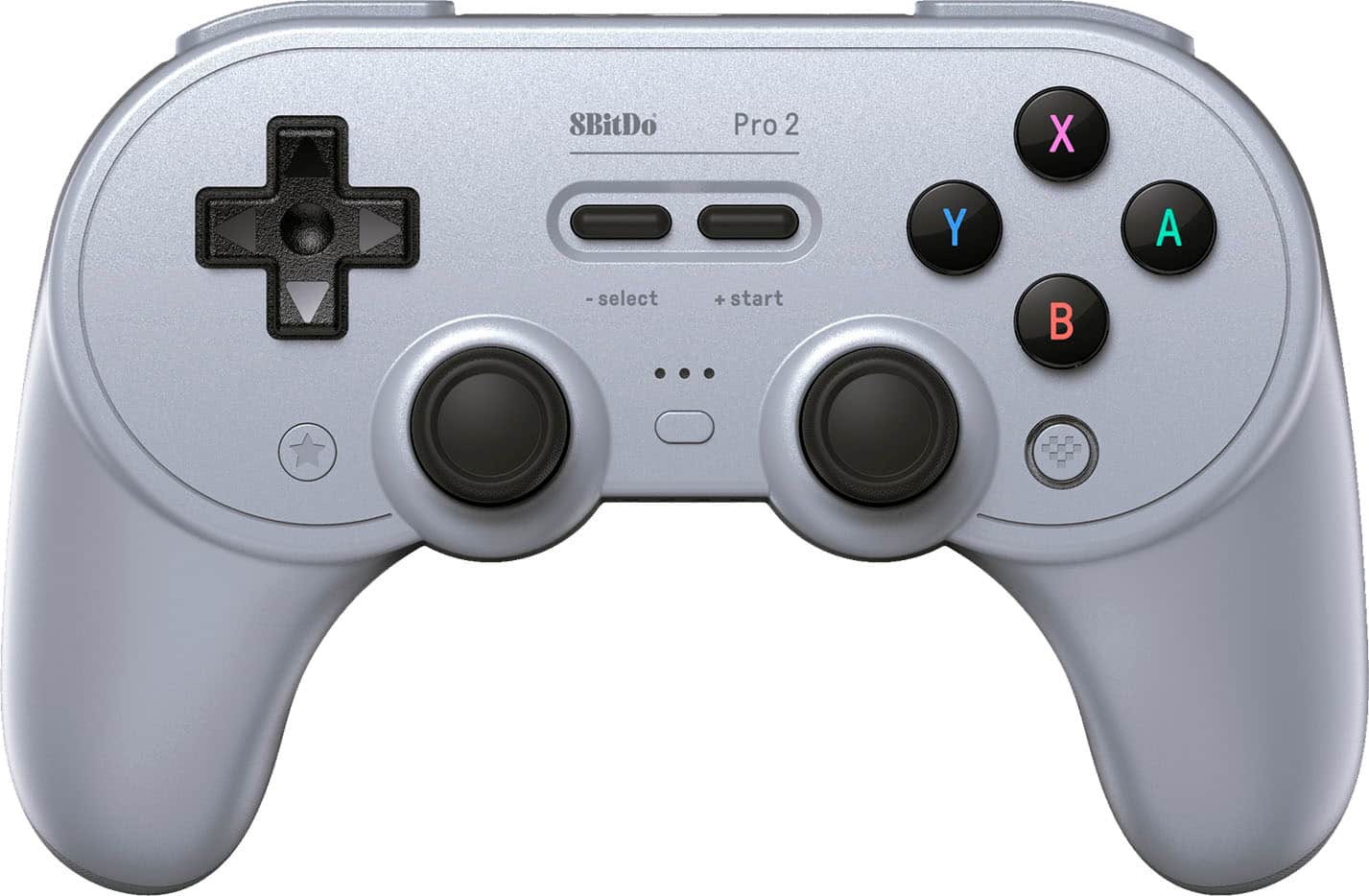
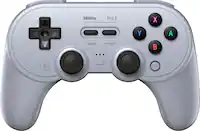
8BitDo - Pro 2 Bluetooth Controller for Switch, Windows, macOS, Android and Steam Deck with Hall Effect Joysticks - Gray
SKU: CZY3JSJL78I love that you can switch between switch and Xbox controller mode with the switch on the back....The price was great, too....Works great!
See all Gaming ControllersProduct Description
A versatile gray Bluetooth controller with Hall Effect joysticks, customizable buttons, and USB-C charging.Your price for this item is $42.99Save $7The previous price was $49.99 -
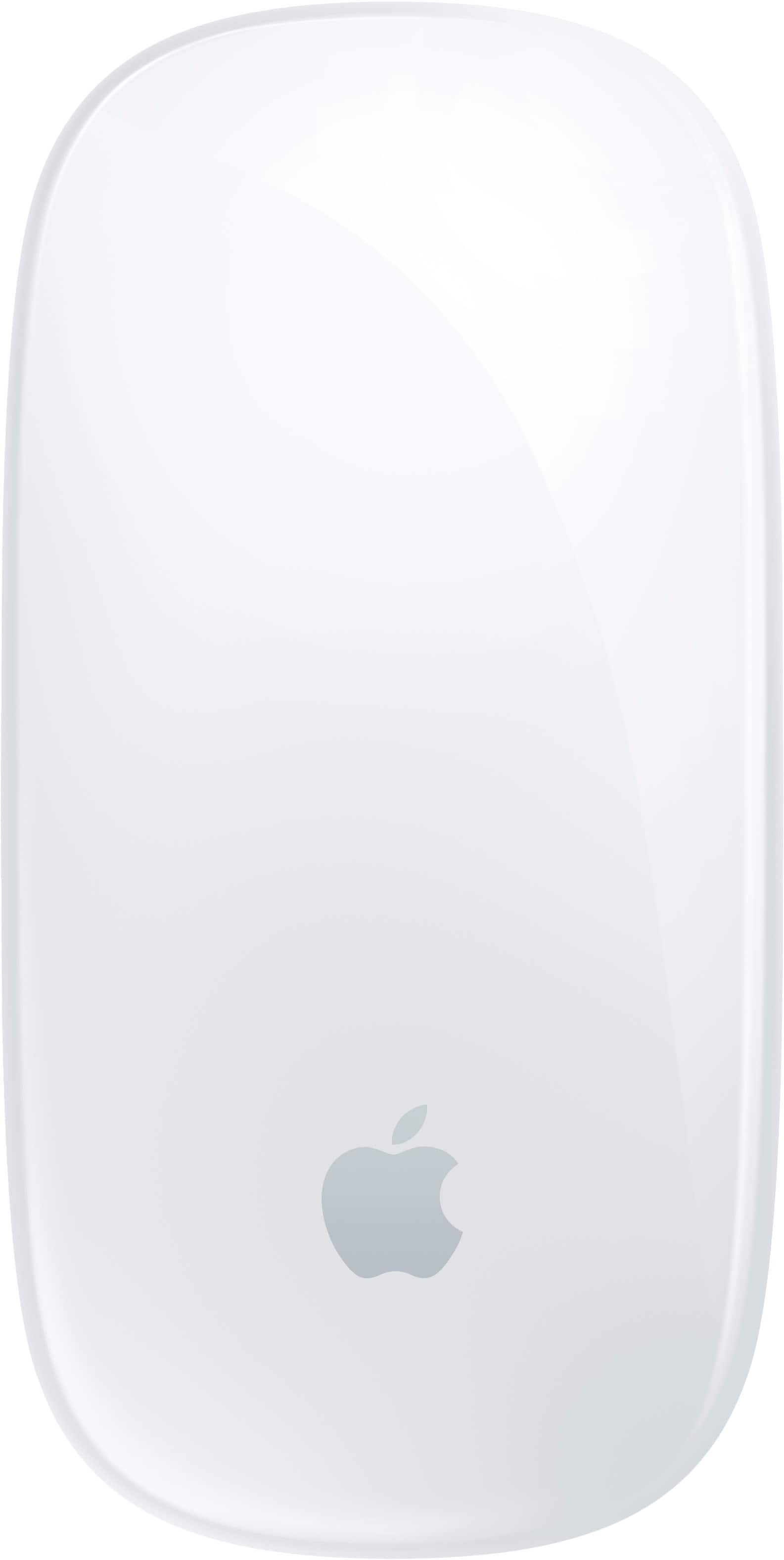
Apple - Magic Mouse - Multi-Touch Surface (USB-C) - Wireless - White Multi-Touch Surface
SKU: JJGCQ8CVPLBest mouse i use it everyday for photo editing and i love the touch system...Love this mouse...Best mouse for my MacBook Pro or any Apple MacBook or computer
See all MiceProduct Description
A wireless white mouse with a rechargeable battery and Multi-Touch surface for intuitive gesture controls.Your price for this item is $79.99
Best Sellers


Related Pages
FAQ
Not all gaming controllers are compatible with MacBook. Look for controllers that specifically mention macOS support or offer Bluetooth/USB connectivity with Mac. Always check the product specifications for compatibility details.
Many modern controllers work with macOS out of the box via Bluetooth or USB. However, some models may require you to download additional drivers or software for full functionality. Refer to the manufacturer's instructions for setup details.
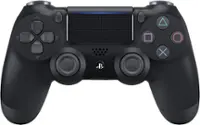
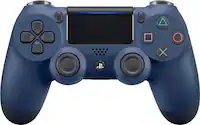
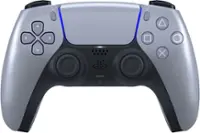
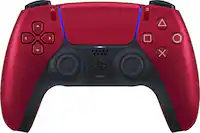
Yes, many PlayStation and Xbox controllers are compatible with MacBook via Bluetooth or USB connection. Make sure your macOS version supports the controller model you wish to use.
You can use controllers with a wide range of games on your MacBook, including action, adventure, racing, and platformer titles. Many games on platforms like Steam and Apple Arcade offer controller support.
To connect a wireless controller, enable Bluetooth on your MacBook and put the controller into pairing mode. Then, select the controller from the list of available devices in your MacBook’s Bluetooth settings to complete the connection.