Deals for every list.Start early, save early.Shop now

Main Content
Skip to contentGo to Product Search

Deals for every list.Start early, save early.Shop now

Main Content
Categories & Filters

Cyber Monday Deals On Computer Graphics Cards

Find Cyber Monday deals on computer graphics cards for gaming, content creation, or upgrading a desktop PC. Explore a range of GPUs from leading brands and compare performance, memory, size, power requirements, and display support to find a graphics card that fits your system and workload.

Read More
Results
Main Results
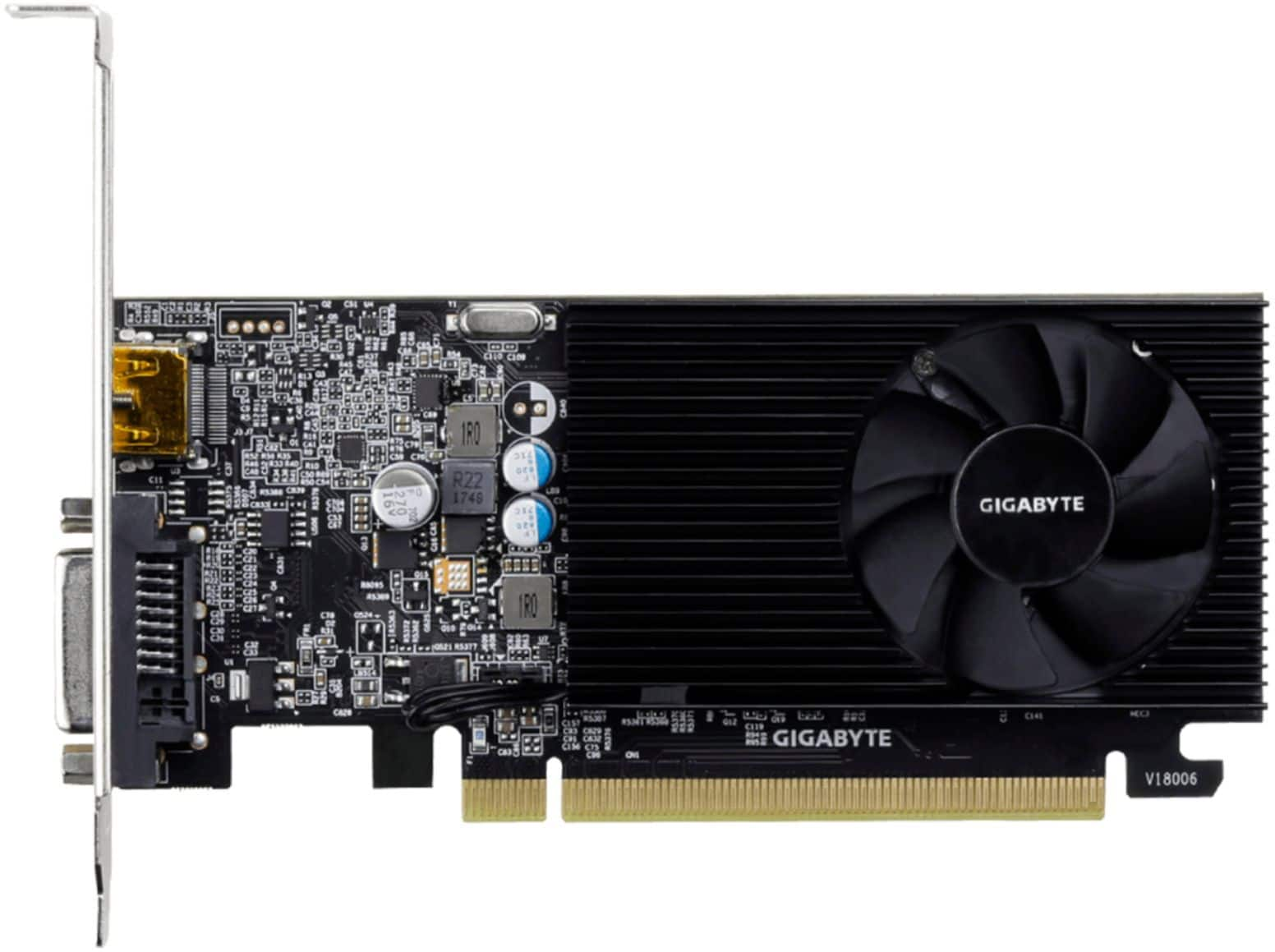
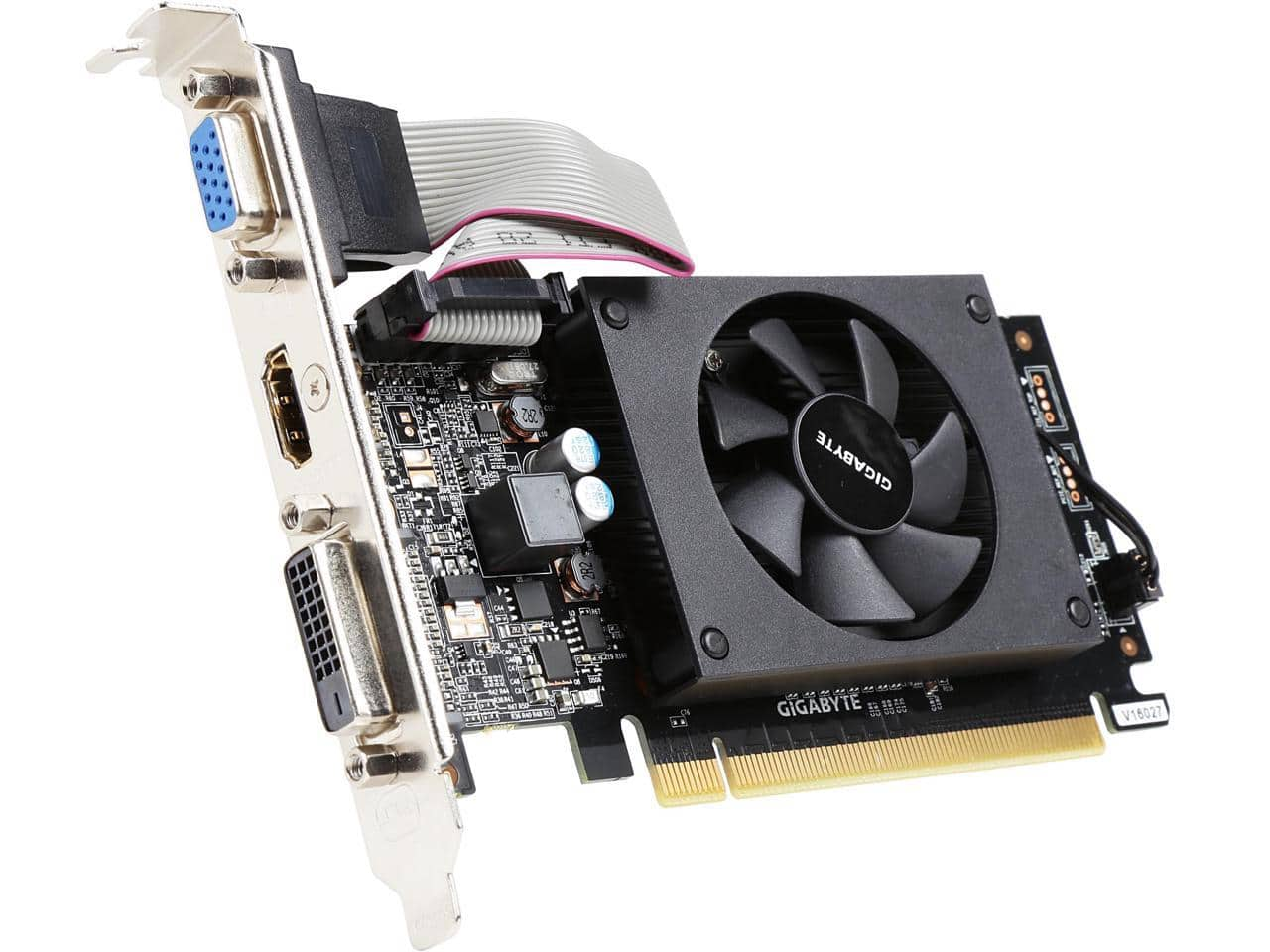
  1. GIGABYTE - NVIDIA GeForce GT 1030 2GB GDDR4 PCI Express 3.0 Graphics Card - Black

    SKU: J3ZW9254YH

    Product Description

    A low-profile black graphics card with 2GB GDDR4 memory, HDMI and DVI-D ports, supporting 4K resolution.
    See all GPUs / Video Graphics Cards
    Your price for this item is $138.67
    Save $6
    The previous price was $145.20
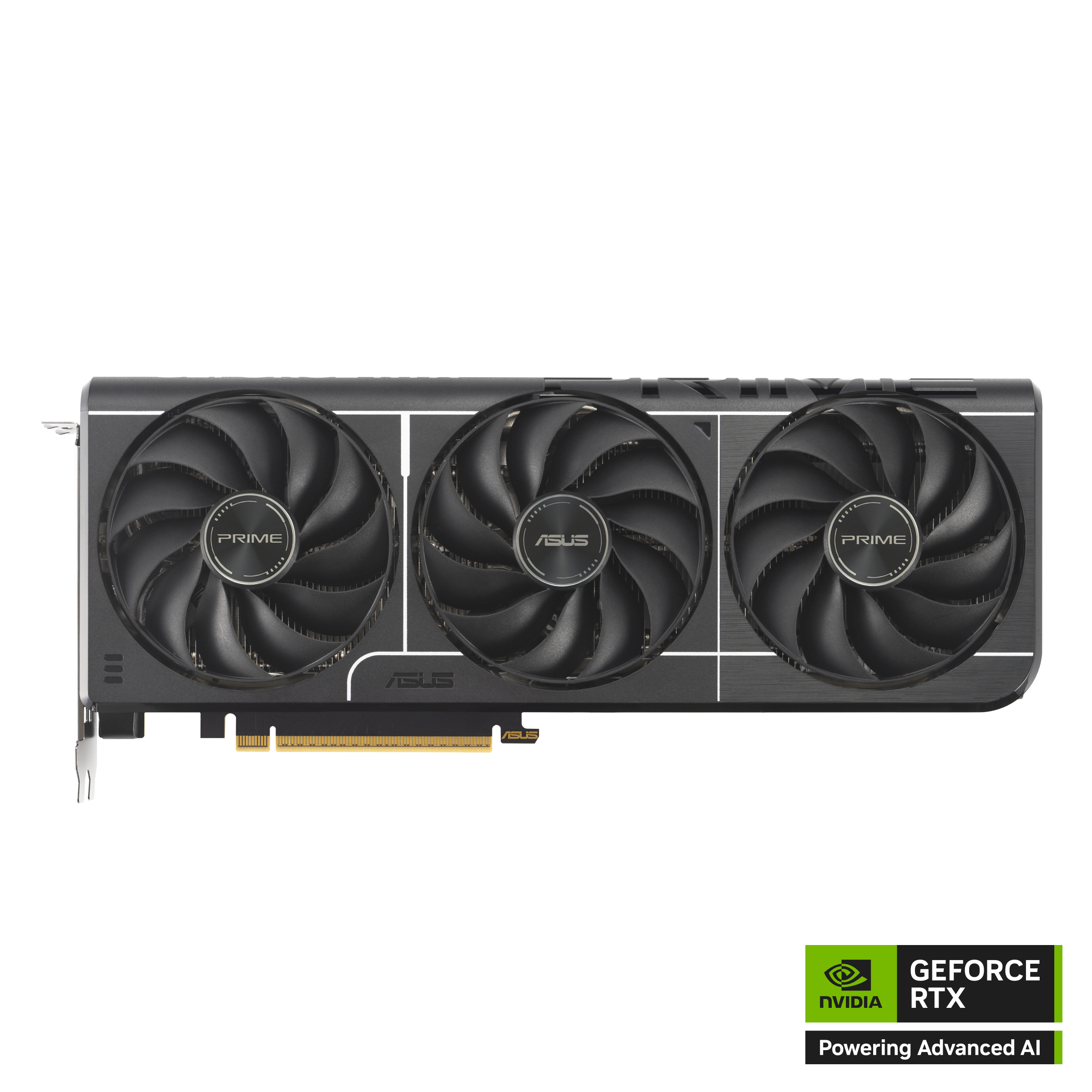
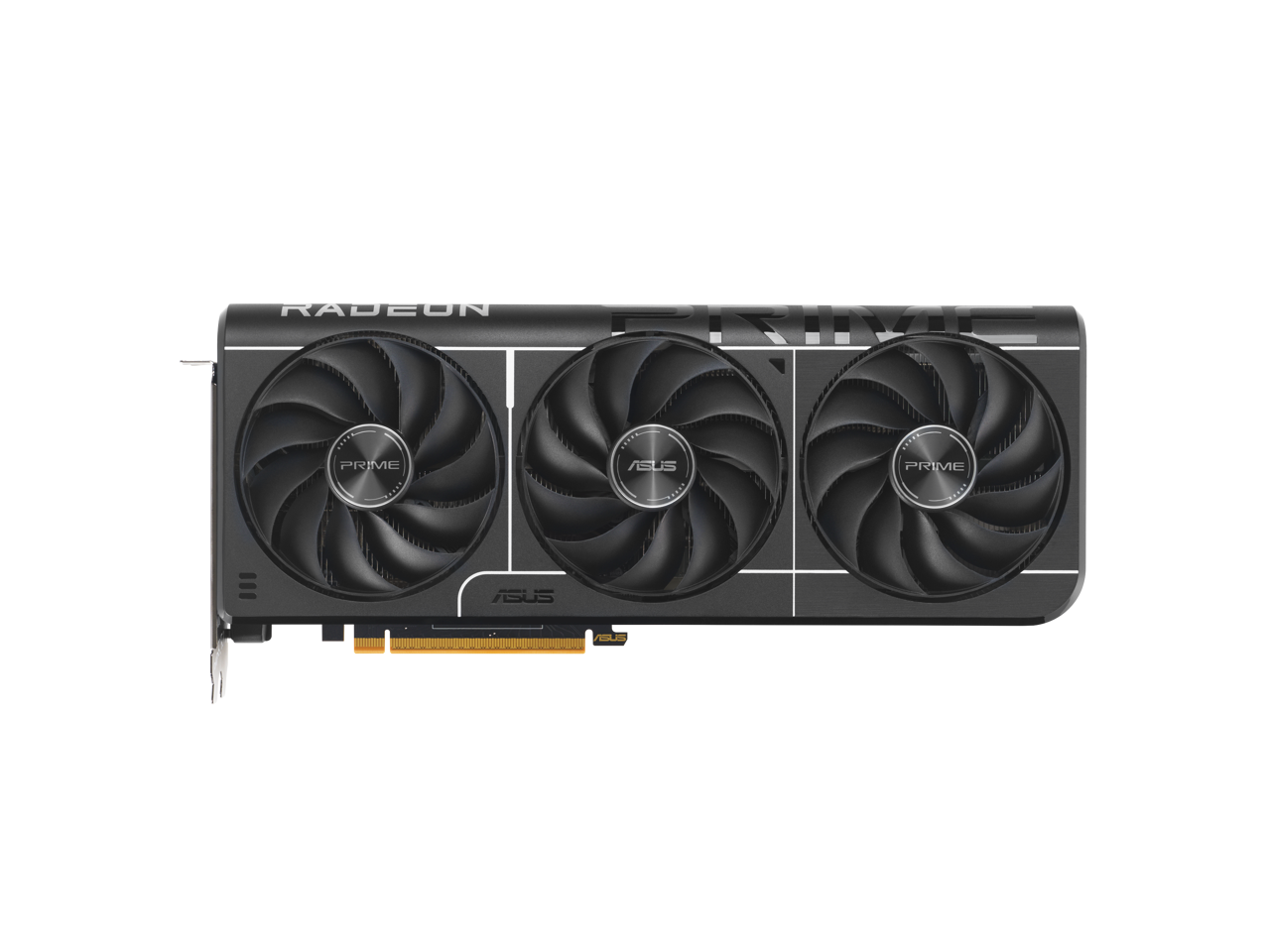
  2. ASUS - PRIME NVIDIA GeForce RTX 5060 Ti OC Edition 8GB GDDR7 PCI Express 5.0 Graphics Card - Black

    SKU: JJGHGYVFFX

    Product Description

    A black PCI Express 5.0 graphics card with 8GB GDDR7, triple-fan cooling, and 8K resolution support.
    See all GPUs / Video Graphics Cards
    Your price for this item is $646.49
    Save $32
    The previous price was $678.57
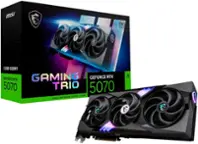
  3. MSI - NVIDIA GeForce RTX 5070 12G SHADOW 2X OC 12GB GDDR7 PCI Express Gen 5 Graphics Card - Black

    SKU: J3P7TX6V35

    Product Description

    A high-performance black graphics card with 12GB GDDR7 memory, PCIe Gen 5, and 8K resolution support.
    See all GPUs / Video Graphics Cards
    Your price for this item is $1,059.99
    Save $61
    The previous price was $1,121.47
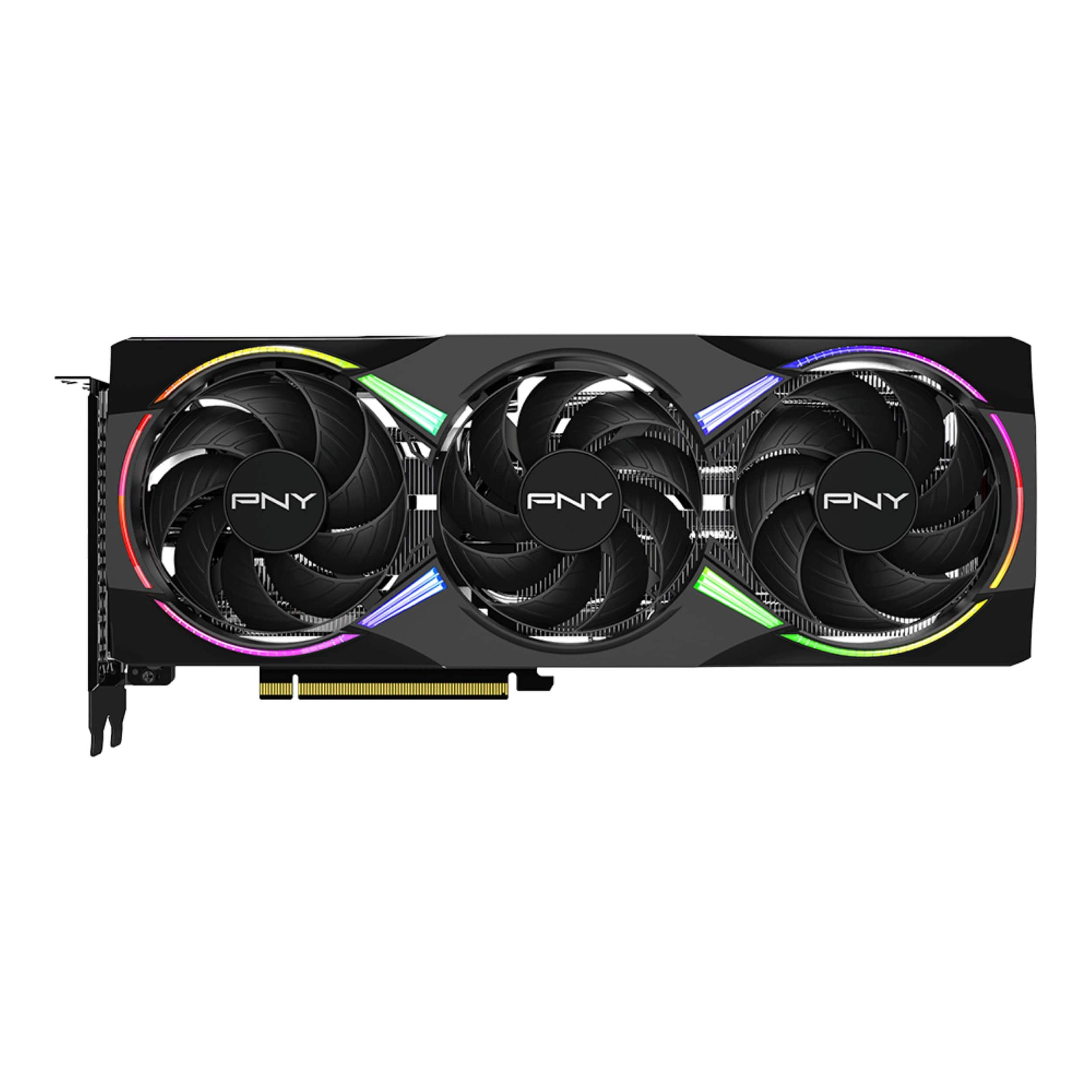
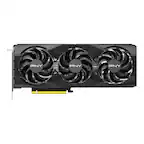
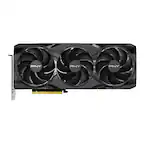
  4. PNY - NVIDIA GeForce RTX 5060 Ti Epic-X RGB Overclocked 8GB GDDR7 PCI Express 5.0 Graphics Card with Triple Fan - Black

    SKU: JXF2C465V4

    No issues after installation and great customer service as always by the Geek squad!!

    Product Description

    A black triple-fan graphics card with 8GB GDDR7 memory, ray tracing, RGB lighting, and PCIe 5.0.
    See all GPUs / Video Graphics Cards
    Your price for this item is $529.99
  5. GIGABYTE - GeForce GT 710 2GB DDR3 PCI Express 2.0 Low Profile Graphics Card GV-N710D3-2GL REV2.0

    SKU: J3ZW925LKC

    Works great and programs load fast Easy install and detected by computer.

    Product Description

    A low profile graphics card with 2GB DDR3 memory, HDMI and DisplayPort outputs, and 4K support.
    See all GPUs / Video Graphics Cards
    Your price for this item is $68.99
    Save $24
    The previous price was $93.21
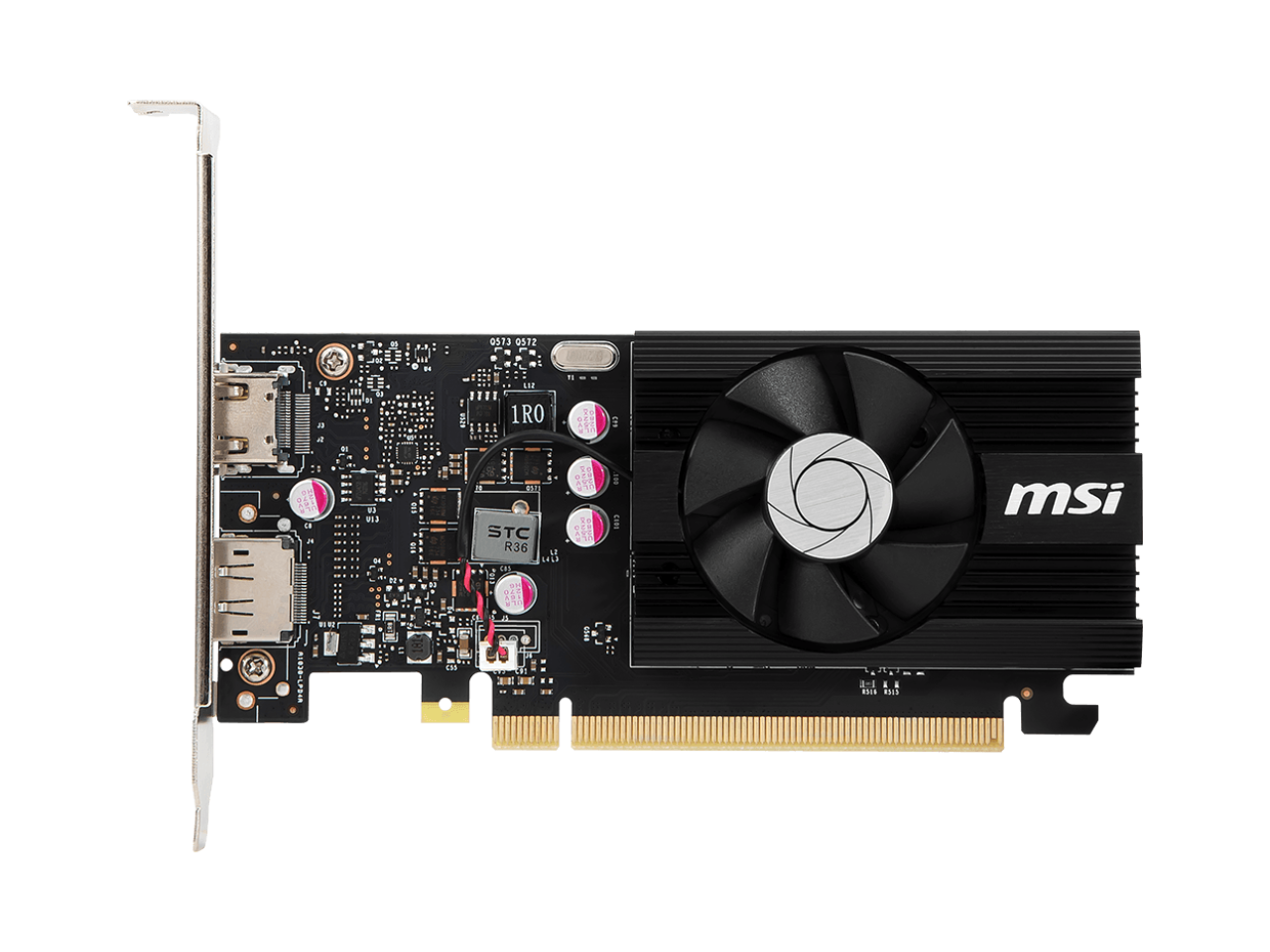
  6. MSI - GeForce GT 1030 4GB GDDR4 PCI Express 3.0 x16 (uses x4) ATX Graphics Card GT 1030 4GD4 LP OC

    SKU: J3P7TXLV8X

    Anyhow great quick upgrade diverting video away from your processor and much better experience on your...Great for non Gamers light gamers.

    Product Description

    A single-slot graphics card with 4GB GDDR4 memory, HDMI 2.0, DisplayPort 1.4, and PCI Express 3.0.
    See all GPUs / Video Graphics Cards
    Your price for this item is $134.65
    Save $5
    The previous price was $139.99
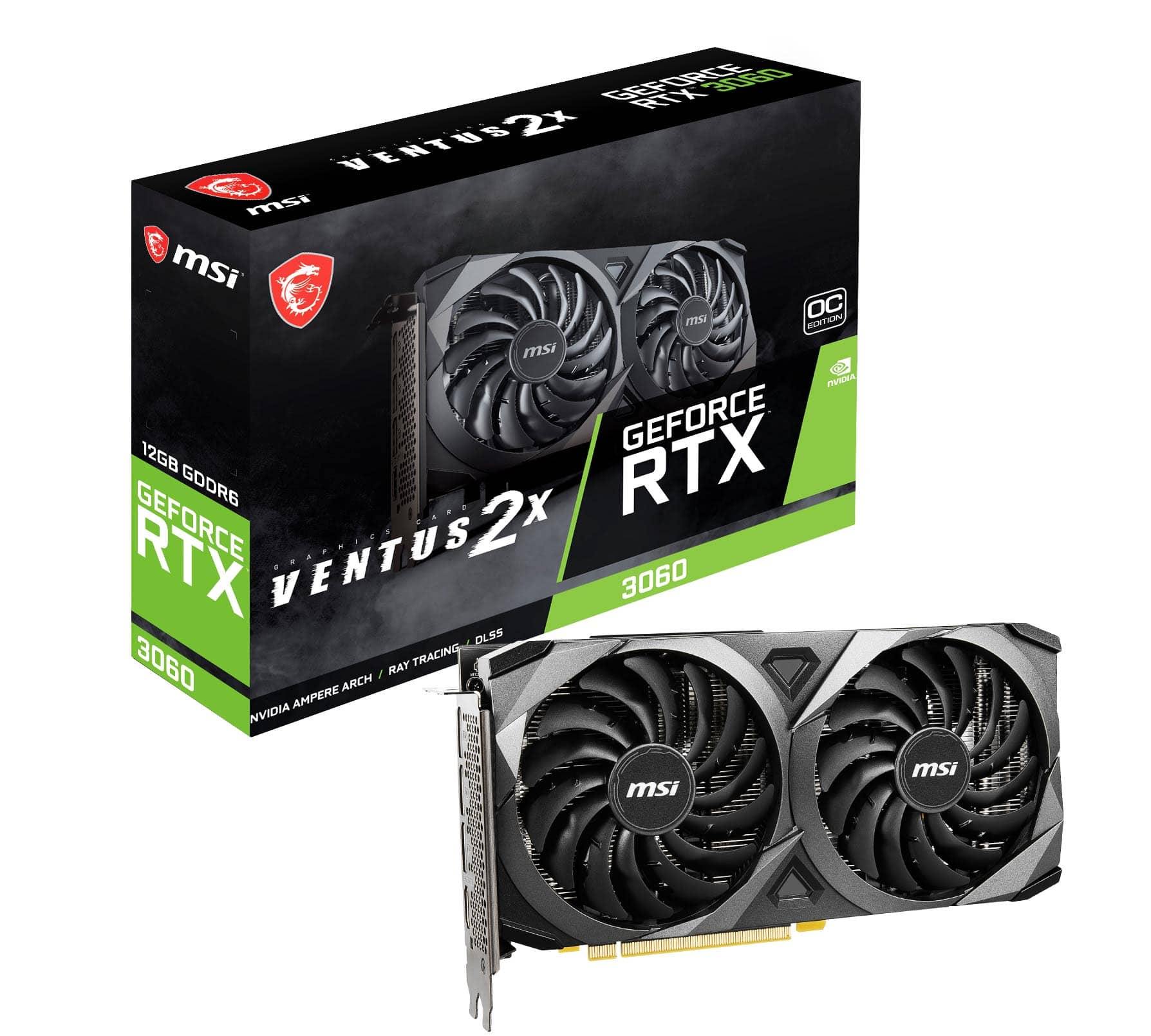
  7. MSI - NVIDIA GeForce RTX 3060 VENTUS 2X 12G OCV1 12GB GDDR6 PCI Express Gen 4 Graphics Card - Black

    SKU: J3P7TXTV66

    Product Description

    A black dual-fan RTX 3060 graphics card with 12GB GDDR6 memory, PCIe 4.0, and 8K support.
    See all GPUs / Video Graphics Cards
    Your price for this item is $479.99
  8. ASRock - AMD RX 7600 Challenger 8GB GDDR6 OC PCIe 4.0 Graphic Card - Black

    SKU: C34K265G89

    Product Description

    A black PCIe 4.0 graphics card with 8GB GDDR6 memory, supporting 8K visuals and advanced upscaling.
    See all GPUs / Video Graphics Cards
    Your price for this item is $413.49
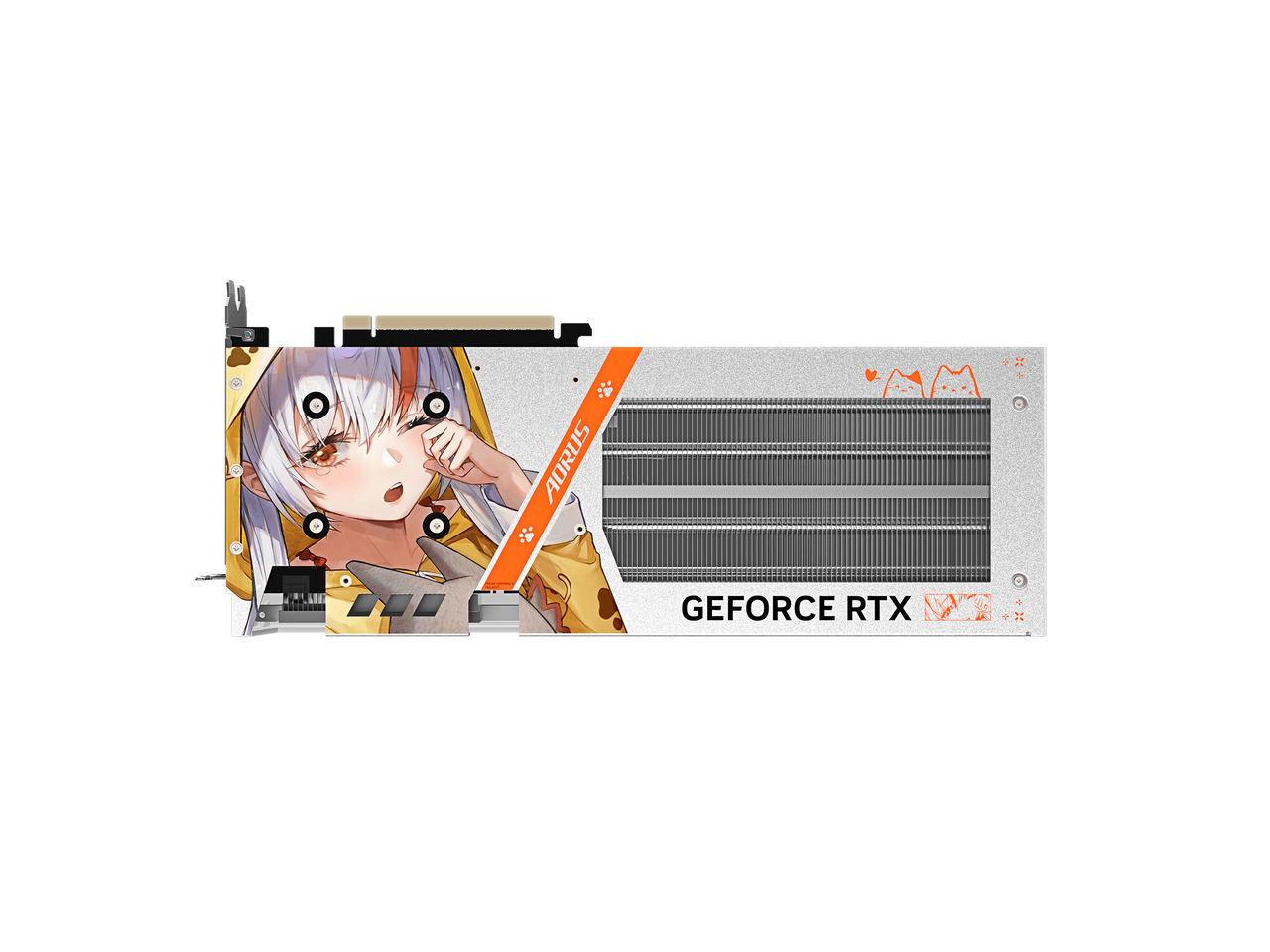
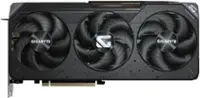
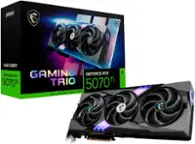
  9. GIGABYTE - AORUS GeForce RTX 5060 8GB GDDR7 PCI Express 5.0 x8 Graphics AORUS GeForce RTX 5060 ARI

    SKU: J3ZW9X7FHR

    Product Description

    A graphics card with 8GB GDDR7 memory, PCIe 5.0 x8, three DisplayPort outputs, and 8K support.
    See all GPUs / Video Graphics Cards
    Your price for this item is $572.49
    Save $60
    The previous price was $632.49
  10. ASUS - PRIME Radeon RX 9070 GRE 12GB GDDR6 PCI Express 5.0 ATX Graphics Card PRIME-RX9070GRE-O12G-EVO

    SKU: JJGHGSSV92

    Product Description

    A high-performance graphics card with 12GB GDDR6 memory, PCIe 5.0 support, and 8K resolution capability.
    See all GPUs / Video Graphics Cards
    Your price for this item is $826.99
Computer graphics cards bring the worlds on a monitor to life, from rain-slick streets in a racing game to the fine textures of a three-dimensional architectural model. For shoppers exploring computer graphics cards for Cyber Monday, the most useful distinctions go beyond appearance: intended use, display resolution, software compatibility, cooling, and physical fit all help define a suitable match. A dedicated graphics card contains a graphics processing unit, or GPU, along with its own video memory and cooling hardware, allowing it to handle demanding visual workloads separately from the computer’s main processor. For gaming, that can mean smoother motion, more detailed environments, and support for advanced lighting effects when the game and hardware support them. A player focused on fast competitive matches at 1080p may prioritize consistent frame rates and responsiveness, while someone exploring expansive landscapes at 1440p or 4K may place greater emphasis on image detail and performance at higher resolutions. Resolution alone does not determine the experience, however; game settings, processor performance, and the monitor’s refresh rate also matter. Ray tracing simulates aspects of how light behaves to create effects such as realistic reflections and shadows, but it adds processing demands. Supported upscaling technologies can improve performance by reconstructing a higher-resolution image from a lower-resolution render, with results that vary by game, settings, and implementation. Video memory, often called VRAM, holds resources such as textures and other graphics data close to the GPU. Greater capacity can help with demanding workloads, but memory size by itself does not establish how fast a card will perform. GPU architecture, memory bandwidth, and application support also shape the result. These differences make graphics cards relevant to a wide range of users, including students building a first desktop, longtime PC enthusiasts refreshing a familiar setup, and gamers preparing an entertainment space for more indoor time during the cooler months. The best match is one that suits the actual games, display, and computer rather than a single impressive specification.

Physical compatibility is just as important as graphics performance because a desktop graphics card must work within the space, power connections, and airflow of the entire computer. Cards typically connect to a compatible motherboard expansion slot, but their length, height, and thickness vary considerably. A compact enclosure may need a shorter card, while a larger design can extend across multiple expansion-slot positions and sit close to front-mounted fans, drive cages, or liquid-cooling hardware. Clearance also includes room for the power connector and cable routing, not merely enough space to close the side panel. Many performance-oriented cards require supplemental power connections, and the appropriate power supply depends on both the card manufacturer’s guidance and the demands of the rest of the system. Connector compatibility matters alongside wattage; a power supply with sufficient rated output still needs the correct supported cables or adapters. Cooling construction helps explain some of the differences in card size and weight. Common designs combine metal heatsinks, often using aluminum fins and copper heat-transfer components, with one or more fans that move heat away from the graphics processor. Some include metal backplates or reinforced structures, though their functions vary by design and should not be assumed to guarantee better cooling. Larger coolers can provide more heat-dissipation capacity, but fan tuning, case ventilation, and workload all influence operating temperature and sound. In a desktop positioned beside a microphone or on a shared living-room desk, fan noise may be especially noticeable during a long gaming session or video export. Heavier cards may also benefit from a compatible support bracket to reduce sag, following the manufacturer’s installation guidance. Long-term care centers on keeping ventilation unobstructed, limiting dust buildup, and cleaning according to the computer and component manufacturers’ recommendations with the system powered down and disconnected. Stable mounting, properly seated power connections, and adequate airflow support dependable operation. Display connections deserve equal attention: the card’s outputs, monitor inputs, and cable capabilities must support the desired resolution and refresh rate together. A familiar monitor can remain part of a refreshed setup, but its connection requirements still need to align with the new hardware.

Beyond gaming, computer graphics cards serve people who work with moving images, complex models, and visually demanding projects. A video editor assembling family footage or a student cutting a short film may benefit from GPU-accelerated effects, playback, or exports in supported software. Hardware video encoding and decoding can reduce certain processing demands, although support depends on the card, application, codec, and media format. A designer navigating a detailed three-dimensional scene may need enough graphics memory for larger assets, while a photographer’s experience can depend more on which editing tools actually use GPU acceleration. Not every creative task runs faster with a more capable graphics card, and some applications rely heavily on the central processor, system memory, or storage. That is why software requirements and workload-specific performance are more informative than assuming all creative work has the same needs. Streamers have another set of considerations, balancing game performance with capture, encoding, and a stable broadcast. Multiple-monitor users may value compatible display outputs and support for their particular screen arrangement, whether the desk holds a main editing display, a preview screen, or a separate chat window. Even a powerful graphics card cannot compensate for every limitation elsewhere in the computer, so a balanced system helps its capabilities translate into a useful everyday experience. As a gift for a PC gamer, aspiring animator, or hands-on builder, a graphics card is most thoughtful when the recipient’s case dimensions, power supply, monitor, and preferred software are known. Desktop expansion cards are not generally drop-in upgrades for laptops, and external graphics setups require specific computer and enclosure compatibility. Those practical details can make the difference between a welcome weekend project and a component that does not fit the intended machine. Cyber Monday graphics card browsing can bring together very different goals, from making favorite games feel more fluid to supporting ambitious creative projects through the cooler months. For another related collection, the Labor Day Sale On Graphics Cards page provides an additional place to explore the category.

FAQ

Consider compatibility with your computer, the graphics card’s memory capacity, available display connections, power requirements, and support for the games or creative applications you use.

No. Compatibility depends on the desktop’s motherboard slot, power supply connectors, available internal space, operating system, and case design. Check your computer’s specifications before selecting a graphics card.

Graphics card memory, commonly called VRAM, stores visual data such as textures, images, and video frames. The amount needed varies by the games, software, display resolution, and creative tasks you plan to use.

Many graphics cards include HDMI and DisplayPort connections. These ports can support monitors, TVs, and other displays, but supported resolutions and refresh rates depend on the graphics card and connected equipment.

Many graphics cards support multiple monitors through their available display outputs. Check the card’s specifications to confirm the number and types of displays it can support, along with the required cables or adapters.