Deals for every list.Start early, save early.Shop now

Main Content
Skip to contentGo to Product Search

Deals for every list.Start early, save early.Shop now

Main Content
Categories & Filters

Cyber Monday Deals On Internal Solid State Drives

Cyber Monday deals on internal solid state drives help you find storage upgrades for desktops, laptops and compatible gaming PCs. Compare available SSDs by storage capacity, form factor, interface and performance to choose the right balance of speed, space and compatibility for your system.

Read More
Results
Main Results
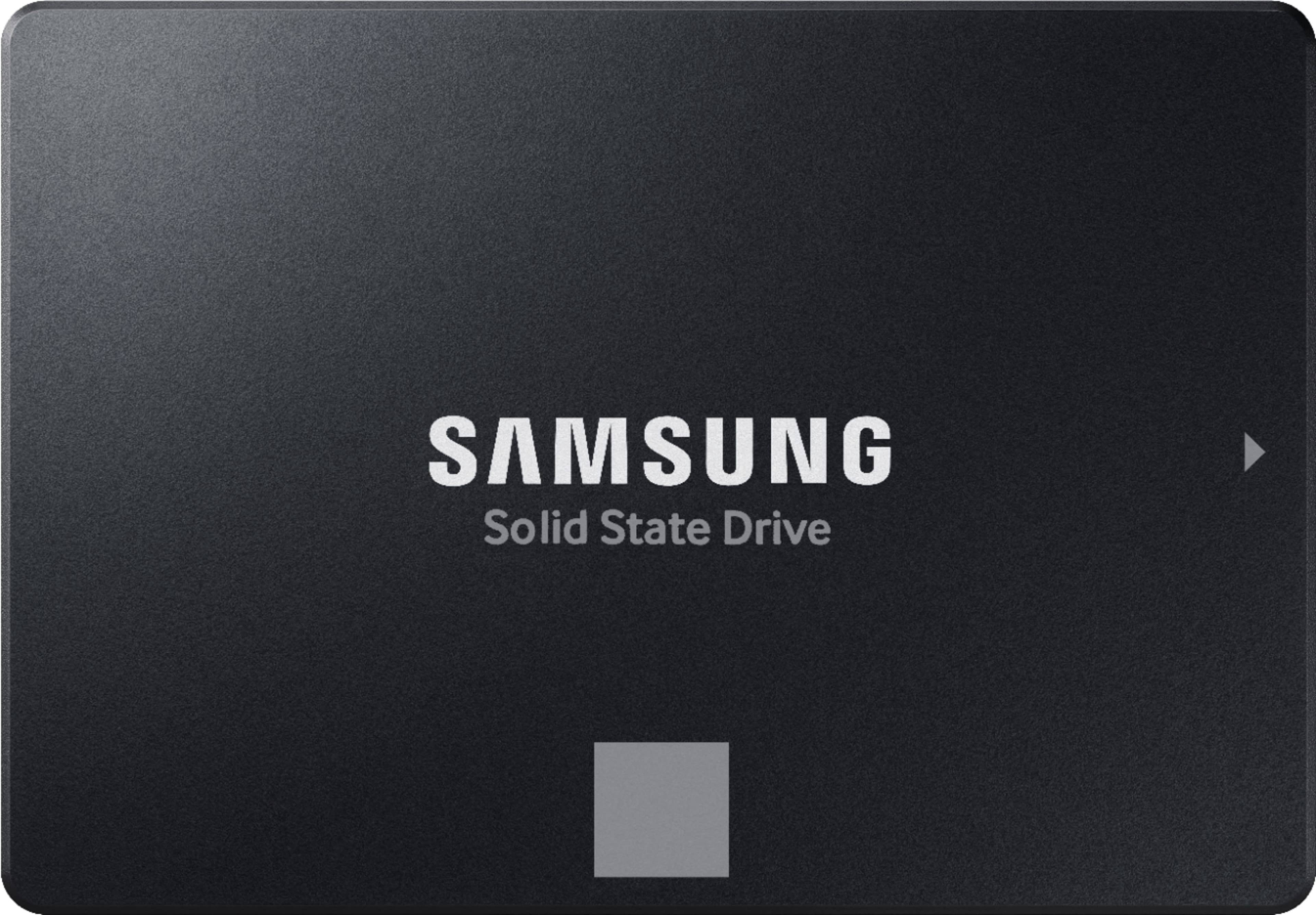
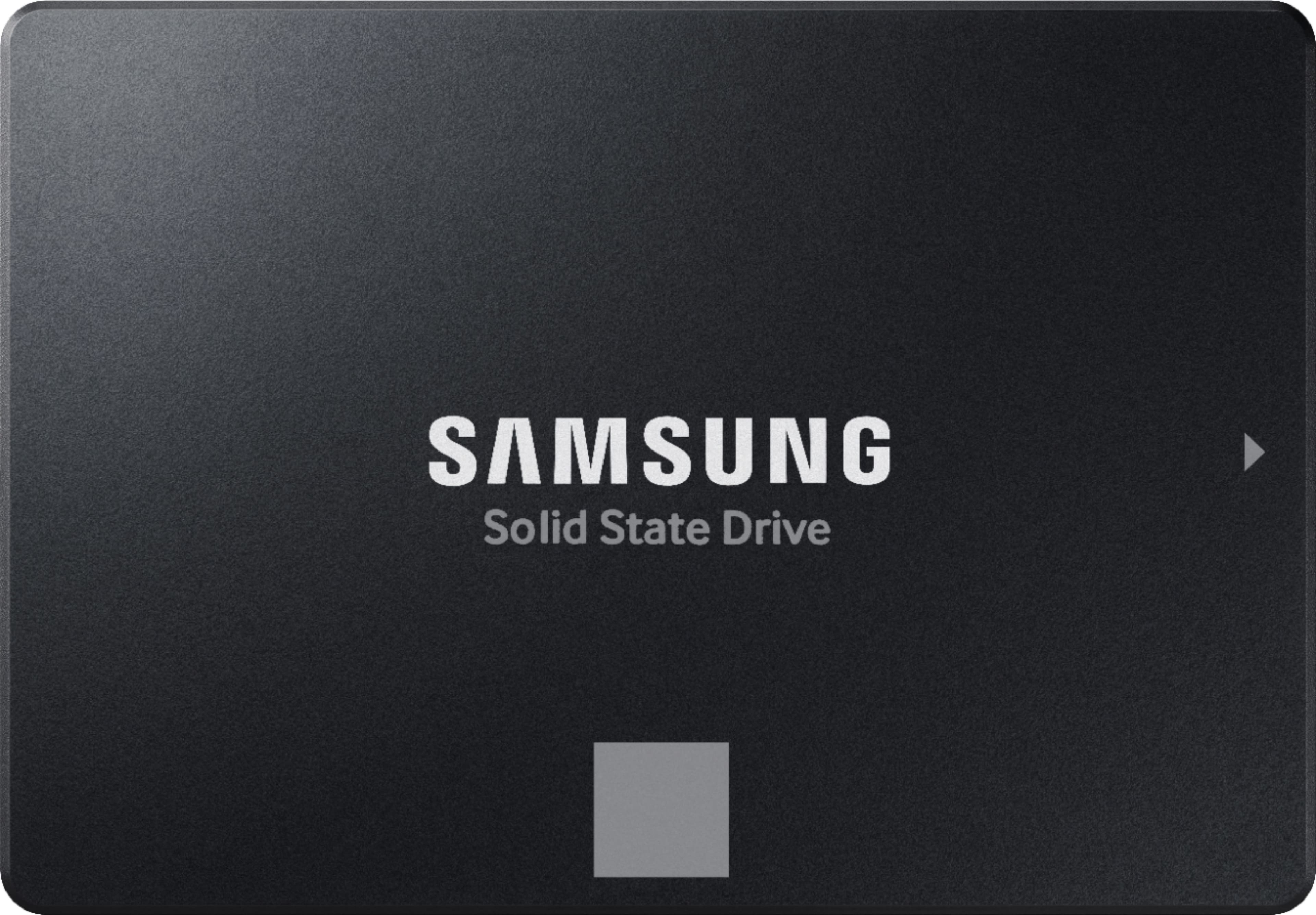
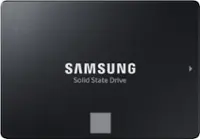
  1. Samsung - 870 EVO 1TB Internal SSD SATA

    SKU: J3ZYGCHH2Z

    Love it...Love this product..fast and reliable and best deals...Great Upgrade...I love it, since I installed this on my laptop, life is easier for me....It might not be the best option, but it was a great...

    Product Description

    A high-performance black internal SSD offering fast boot times, reliable storage, and built-in data encryption.
    See all Internal SSDs
    Your price for this item is $349.99
    Save $65
    The previous price was $414.99
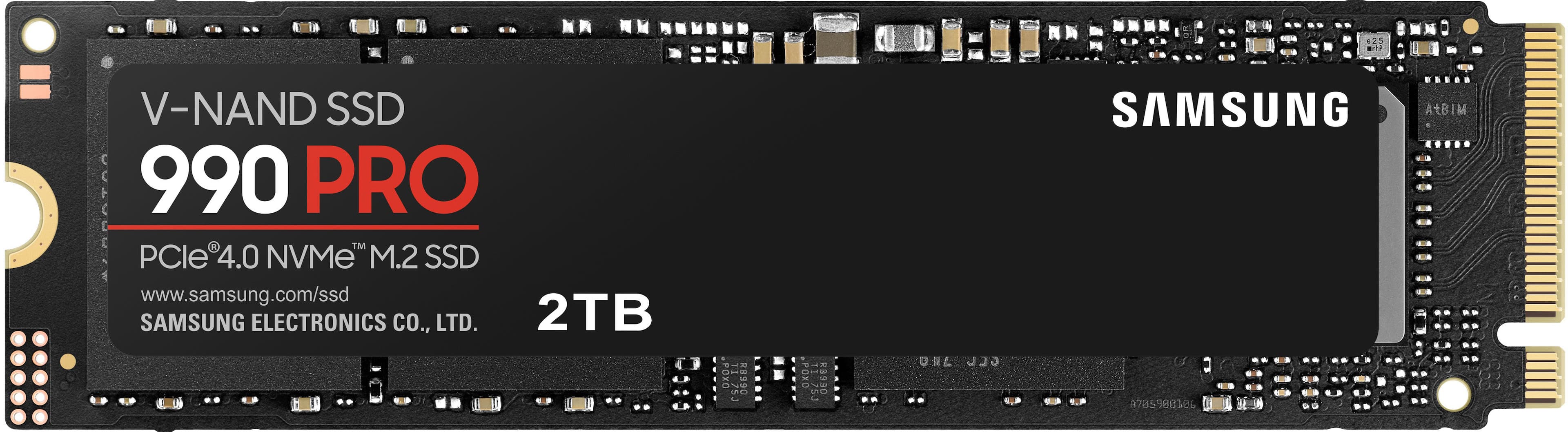
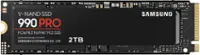
  2. Samsung - 990 PRO 2TB Internal SSD PCle Gen 4x4 NVMe

    SKU: J3ZYG28J3S

    Best purchase....Love how small they are! Definitely recommend....best value for the buck. absolutely love the performance. my 3k gaming pc is complete now.

    Product Description

    A high-performance black internal SSD offering up to 7,450 MB/s read and 6,900 MB/s write speeds.
    See all Internal SSDs
    Your price for this item is $389.99
    Save $250
    The previous price was $639.99
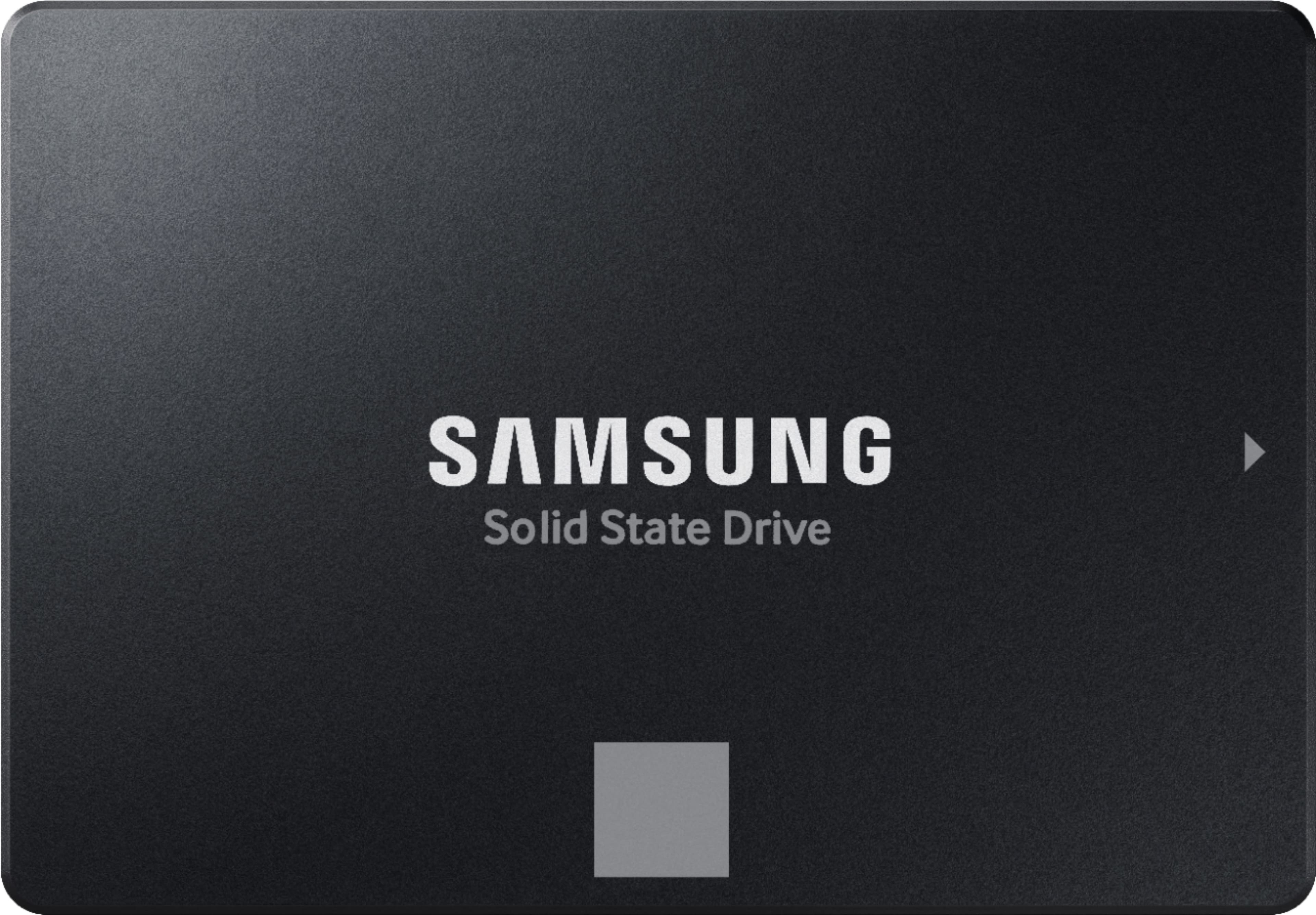
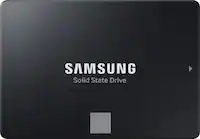
  3. Samsung - 870 EVO 500GB Internal SSD SATA

    SKU: J3ZYGCHHX9

    Great SSD...Simply the best in Solid State Drives. Love the price too...Sam Amazing Business love everything about it Best Quality best place to shop for anything.

    Product Description

    A reliable black internal SSD offering fast boot times, data encryption, and high performance for everyday use.
    See all Internal SSDs
    Your price for this item is $249.99
    Save $50
    The previous price was $299.99
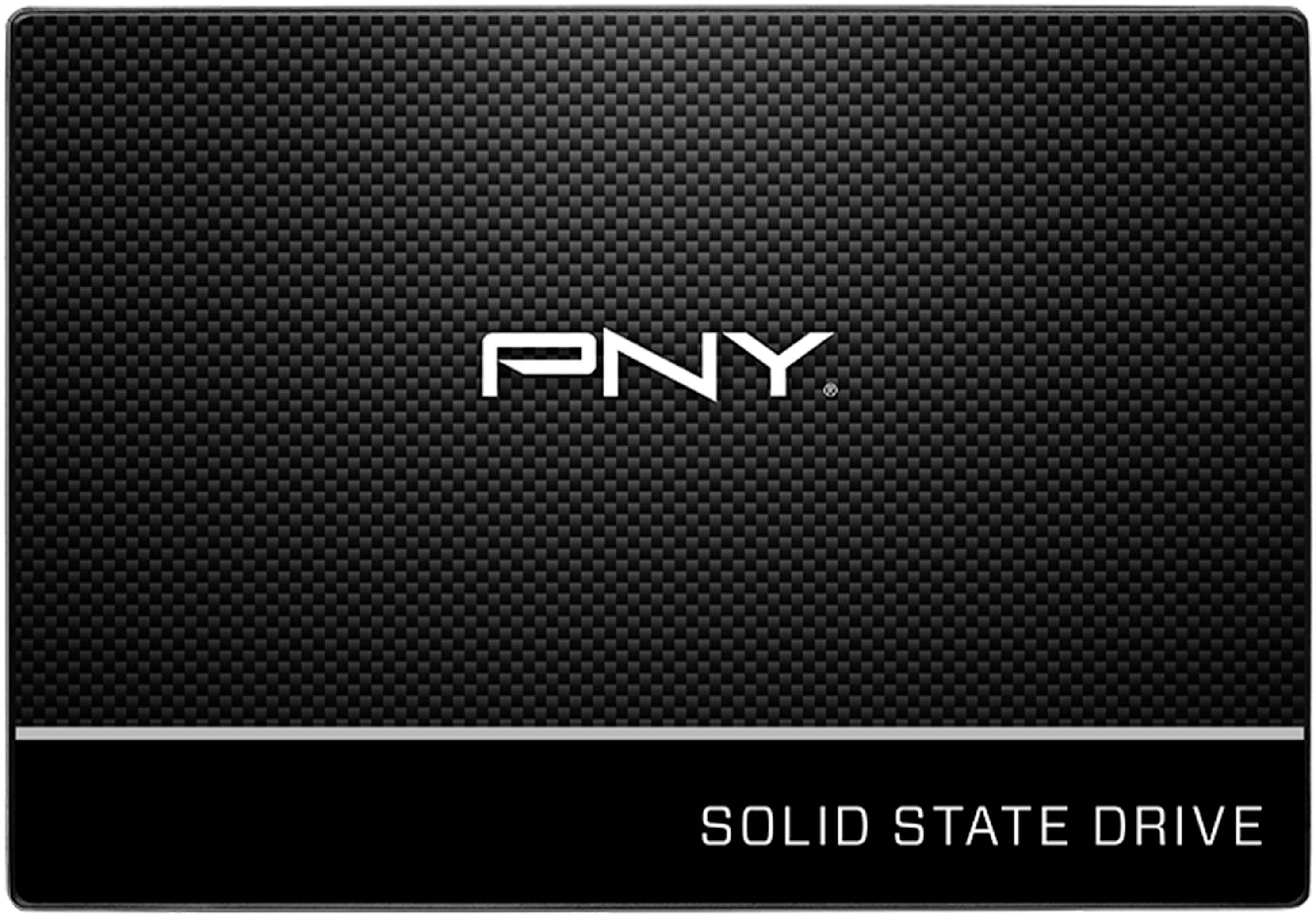
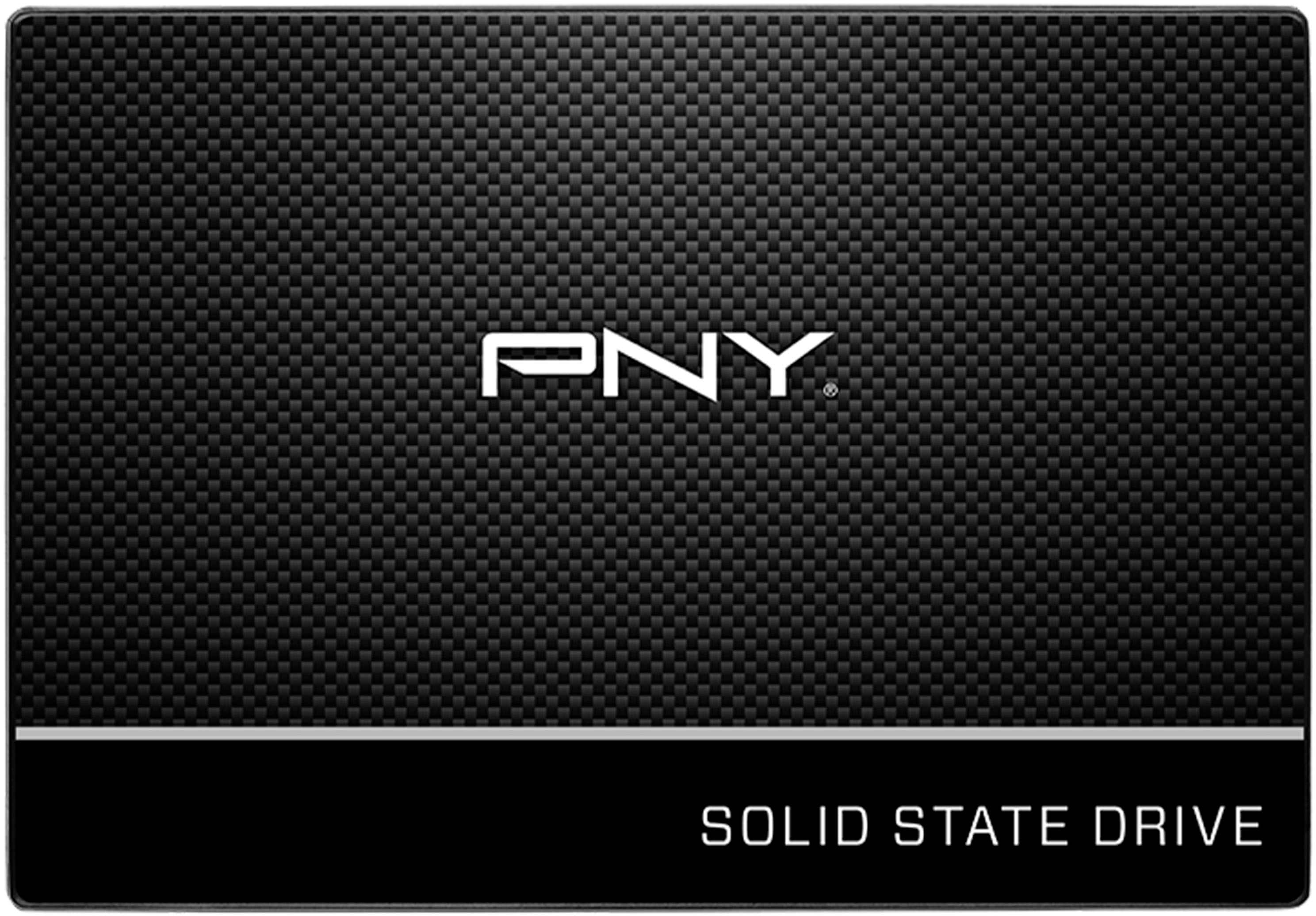
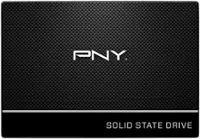
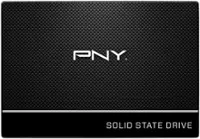
  4. PNY - CS900 500GB Internal SSD SATA

    SKU: JXF2C42GFG

    Great product and great price. Best Buy shipped the item quickly and service was excellent...Great hardware, and Best Buy made preordering easy.

    Product Description

    A black 500GB internal SSD with SATA III interface delivers fast boot-ups and up to 550MB/s read speeds.
    See all Internal SSDs
    Your price for this item is $89.99
    Save $30
    The previous price was $119.99
  5. PNY - CS900 1TB Internal SSD SATA

    SKU: JXF2C42GFR

    Great price good product, Tell a friend, best buy is great...My computer is running great now! Geek Squad is the best!

    Product Description

    A black 1TB internal SSD offering fast SATA III connectivity and up to 535MB/sec. read speeds.
    See all Internal SSDs
    Your price for this item is $149.99
    Save $50
    The previous price was $199.99
  6. Samsung - 870 EVO 2TB Internal SSD SATA

    SKU: J3ZYGCHH26

    best internal...Best internal drive for older iMacs, Great performance, Great quality...Samsung is the best this is no exception got it had a great price too thanks Best buy

    Product Description

    A high-performance black internal SSD offering fast speeds, reliable storage, and built-in data encryption.
    See all Internal SSDs
    Your price for this item is $499.99
    Save $380
    The previous price was $879.99
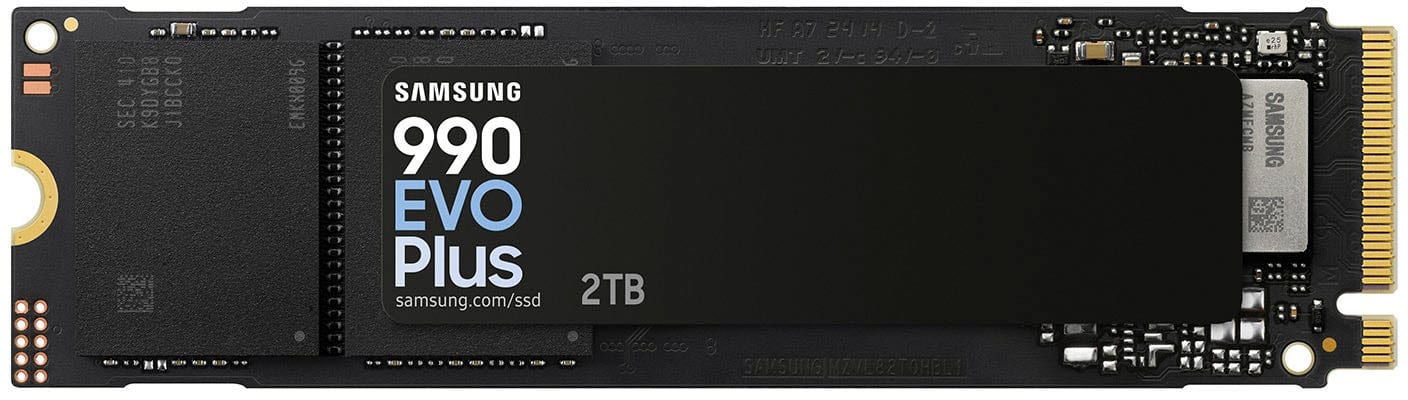
  7. Samsung - 990 EVO PLUS SSD 2TB, PCIe Gen 4x4 | 5x2 M.2 2280, Speeds Up to 7,250 MB/s

    SKU: J3ZYG2TV4V

    BEST EVER THIS PRODUCT PER MY GRANDSONS. THEY LOVE IT....Great SSD...Best buy had the best price at the time of purchase and the SSD works great

    Product Description

    A high-performance black internal SSD offering 2TB storage and read speeds up to 7,250 MB/s.
    See all Internal SSDs
    Your price for this item is $559.00
    Save $20
    The previous price was $579.99
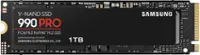
  8. Samsung - 990 PRO 1TB Internal SSD PCle Gen 4x4 NVMe

    SKU: J3ZYG28J3X

    Love it , Best bang for your buck SSD !!!!!!!!!!!!Great deals at best buy...Love the speed. Would buy again! Best SSD I have had!

    Product Description

    A high-performance black internal SSD offering blazing-fast read/write speeds and advanced data encryption for demanding users.
    See all Internal SSDs
    Your price for this item is $259.99
    Save $60
    The previous price was $319.99
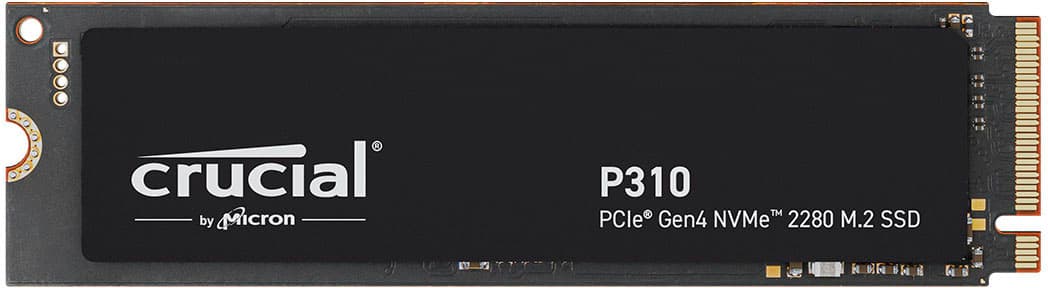
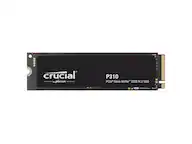
  9. Crucial - P310 1TB Internal SSD PCIe Gen 4 x4 NVMe M.2

    SKU: JX8PSKCGL8

    Product works great and good price. Delivered late though....Awesome deals and working great on my laptop

    Product Description

    A high-performance black NVMe M.2 SSD offering up to 7,100MB/s read speeds and advanced 3D NAND technology.
    See all Internal SSDs
    Your price for this item is $199.99
    Save $50
    The previous price was $249.99
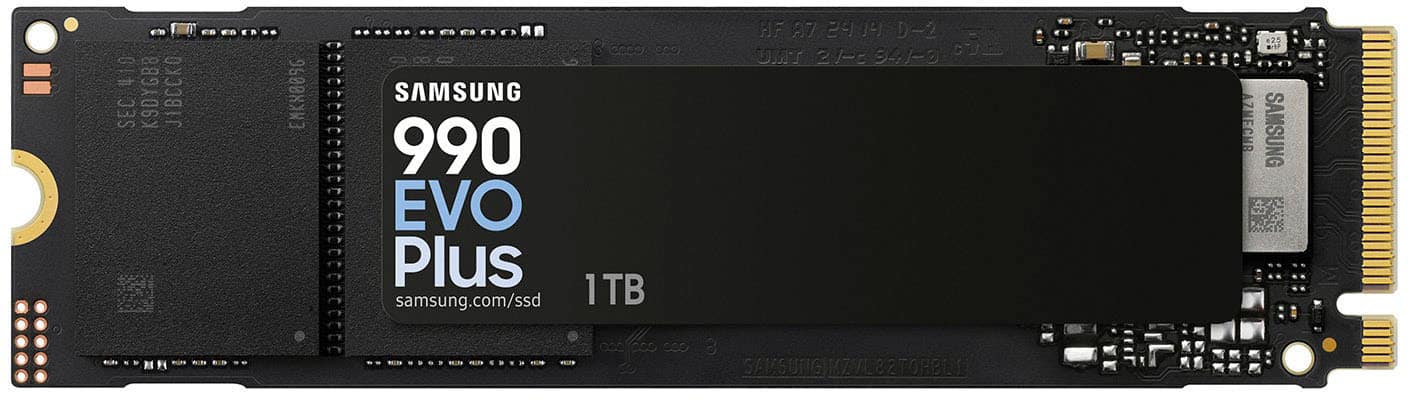
  10. Samsung - 990 EVO PLUS SSD 1TB, PCIe Gen 4x4 | 5x2 M.2 2280, Speeds Up to 7,150 MB/s

    SKU: J3ZYG2TVFS

    Is best brand hard drive , i love it , best value number one...Love best buy...Great item, fits my budget and is enough space for me

    Product Description

    A high-performance black internal SSD offering up to 7,150 MB/s speeds and advanced data encryption.
    See all Internal SSDs
    Your price for this item is $269.02
    Save $20
    The previous price was $289.99
Internal solid-state drives give a computer a faster, quieter place to store the operating system, applications, games, and everyday files. For shoppers exploring internal SSDs around Cyber Monday, the appeal often comes down to making a familiar machine feel more responsive or giving a new build room to grow. Unlike a mechanical hard drive, an SSD stores data in flash memory and has no spinning platters or moving read heads. That difference can shorten startup times, reduce the wait when opening large applications, and make a busy desktop feel less bogged down when several tasks compete for storage access. A student moving between research notes and presentations, a photographer sorting a weekend’s worth of images, and a gamer loading a sprawling game world can all benefit, though the improvement depends on the rest of the system and the drive being replaced. Internal SSDs are designed to live inside a compatible computer or supported gaming console rather than travel between devices. Their compact construction ranges from circuit boards protected by an enclosure to slim, exposed modules that attach directly to a motherboard. Since there are no moving parts, these drives tolerate vibration better than mechanical storage, but their connectors and electronic components still require careful handling. They also remain vulnerable to liquid, electrical damage, and data loss, so durability does not replace a separate backup. During the cooler months, when school projects, indoor gaming, and family photo collections may put more demands on a shared computer, additional internal storage can make everyday use less cramped. An SSD can also be a thoughtful gift for someone building a desktop or upgrading a compatible laptop, provided the recipient’s exact hardware requirements are known. For that kind of gift, the right connection and physical fit matter much more than an impressive performance figure on its own.

Compatibility is the foundation of choosing an internal solid-state drive, because similar-looking drives do not necessarily work in the same systems. A 2.5-inch SATA SSD fits a compatible drive bay and uses the SATA interface; in a desktop, it generally needs both a data connection and a power connection. Some desktop cases also require a mounting bracket when a smaller drive goes into a larger bay. An M.2 SSD is a narrow module that mounts on the motherboard, but M.2 describes the physical format rather than guaranteeing a particular interface. Some M.2 drives use SATA, while others use NVMe over PCIe, and the slot must support the drive’s protocol. A common size designation, M.2 2280, means the module is 22 millimeters wide and 80 millimeters long. Length, connector compatibility, mounting position, and clearance all affect fit, especially in thin laptops or compact desktops. Some computers have soldered storage or no accessible expansion slot, making the device’s documentation particularly important. PCIe generation is another consideration: a newer-generation NVMe drive will often operate in a compatible older-generation slot, but its connection speed is limited by the slower interface. Certain motherboard slots also share resources with other connections, so installing a drive can affect which ports remain usable. Heat management belongs in the same compatibility conversation. High-performance NVMe drives can become warm during sustained transfers, and some use a metal heatsink to help dissipate that heat. A tall heatsink may suit a roomy desktop while preventing installation beneath a laptop cover or inside a console’s expansion compartment. Supported gaming consoles can have their own requirements for interface, dimensions, cooling, and performance. For someone replacing a laptop’s main drive, physical compatibility is only part of the transition: transferring the operating system may require cloning equipment or a fresh installation. Those practical details distinguish a straightforward storage addition from a project that needs extra preparation.

Capacity and performance make the most sense when matched to what the device actually does. A 500GB internal SSD can accommodate an operating system, common applications, and a modest collection of files, while 1TB offers more breathing room for a mix of work and entertainment. A 2TB or larger drive can better suit substantial game libraries, high-resolution photo collections, video projects, or several users sharing one computer. The capacity shown by the operating system will differ from the label because of measurement conventions, formatting, and space used by system files. Some unused space also helps support normal drive management, so a nearly full existing drive is a good reason to consider more than a like-for-like replacement. Performance involves more than the highest advertised transfer speed. Sequential read and write figures describe movement of large, contiguous files, while random access and response times are often more relevant to opening programs and handling many small files. A SATA SSD can be a substantial upgrade from a mechanical hard drive even though NVMe drives support higher transfer rates. Fast NVMe storage is especially useful for compatible systems working with large media files, but it does not automatically raise game frame rates or overcome limited memory or an underpowered processor. Sustained writing can also behave differently from a short transfer because some drives use a faster cache that fills during lengthy workloads. Flash type, controller design, cooling, and firmware all influence that behavior. Endurance specifications, often expressed as terabytes written, and warranty terms offer additional context for people who regularly move or create large amounts of data; neither is a promise that files cannot be lost. Everyday care centers on suitable airflow, secure mounting, compatible firmware updates when appropriate, and consistent backups rather than mechanical maintenance. Internal storage is well suited to files and applications that belong with one machine, while portable storage serves a different role for moving projects or keeping a separate copy. The related Labor Day Sale On External SSDs page covers that portable category. Together, the distinction between internal and external storage, the system’s physical requirements, and the user’s workload provide a useful foundation for a storage setup that stays practical as files accumulate.

FAQ

An internal solid state drive, or SSD, is a storage device installed inside a desktop computer or laptop. It uses flash memory rather than spinning disks to store operating systems, applications and files.

Common types include SATA SSDs and NVMe SSDs. They use different interfaces and connectors, so compatibility depends on the computer’s motherboard or storage bay.

Check your computer or motherboard documentation for supported drive interfaces, connectors and form factors. You can also consult the manufacturer’s specifications before selecting an internal SSD.

Yes. An internal SSD can serve as a boot drive for a compatible computer, allowing the operating system and startup files to be installed on the drive.

Compare the drive’s interface, connector type, compatibility, software support and included accessories. Checking these specifications can help you choose an SSD that fits your computer and intended setup.