Deals for every list.Start early, save early.Shop now

Main Content
Skip to contentGo to Product Search

Deals for every list.Start early, save early.Shop now

Main Content
Categories & Filters

Cyber Monday Deals On Digital Drawing Graphics Tablets

Explore Cyber Monday deals on digital drawing graphics tablets for sketching, illustration, photo editing and design. Compare models by size, display type, pen features and computer compatibility to find a graphics tablet that fits your creative workflow, whether you’re getting started or upgrading your setup.

Read More
Results
Main Results
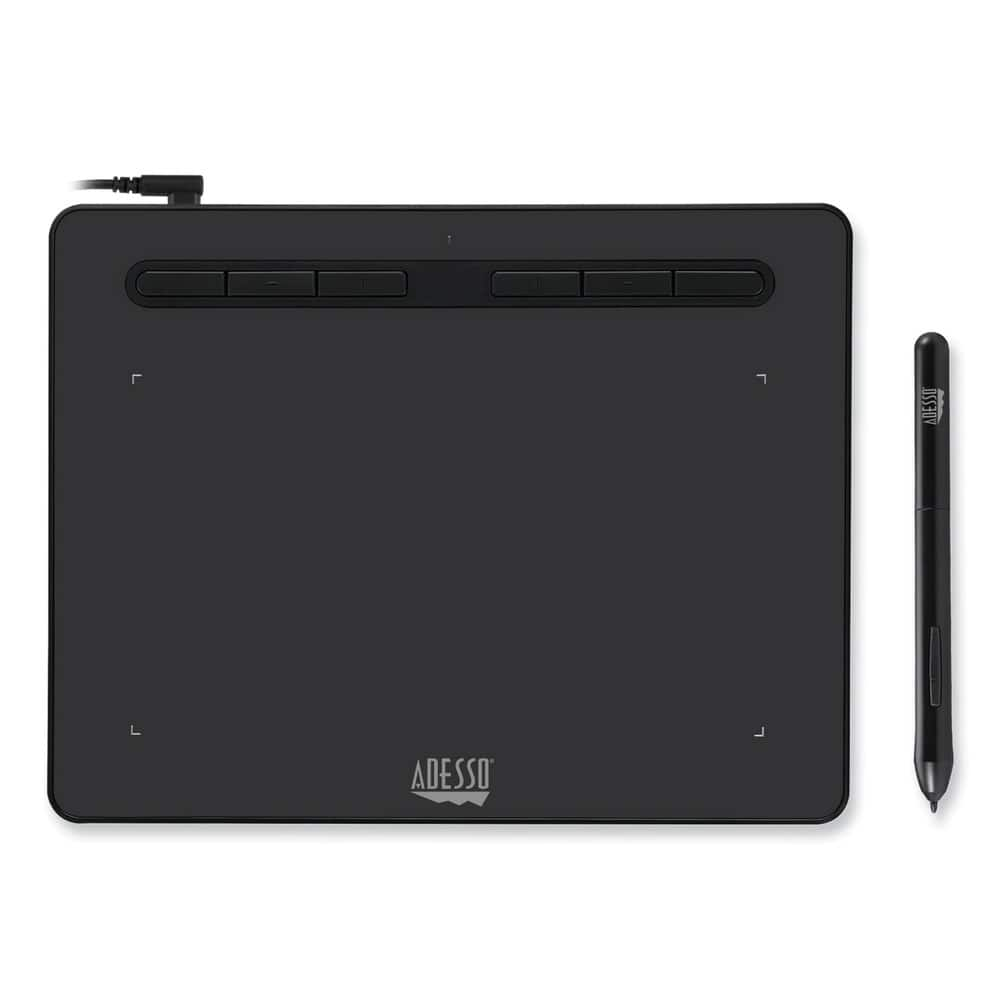
  1. Adesso - CYBRTABLETK8 Cybertablet K8 8 in. x 5 in. Screen Tablet - Black

    SKU: J32P877W2Y

    Product Description

    A black graphic tablet with 8,192 pressure levels, USB-C charging, and six programmable shortcut keys.
    See all Drawing Tablets
    Your price for this item is $69.99
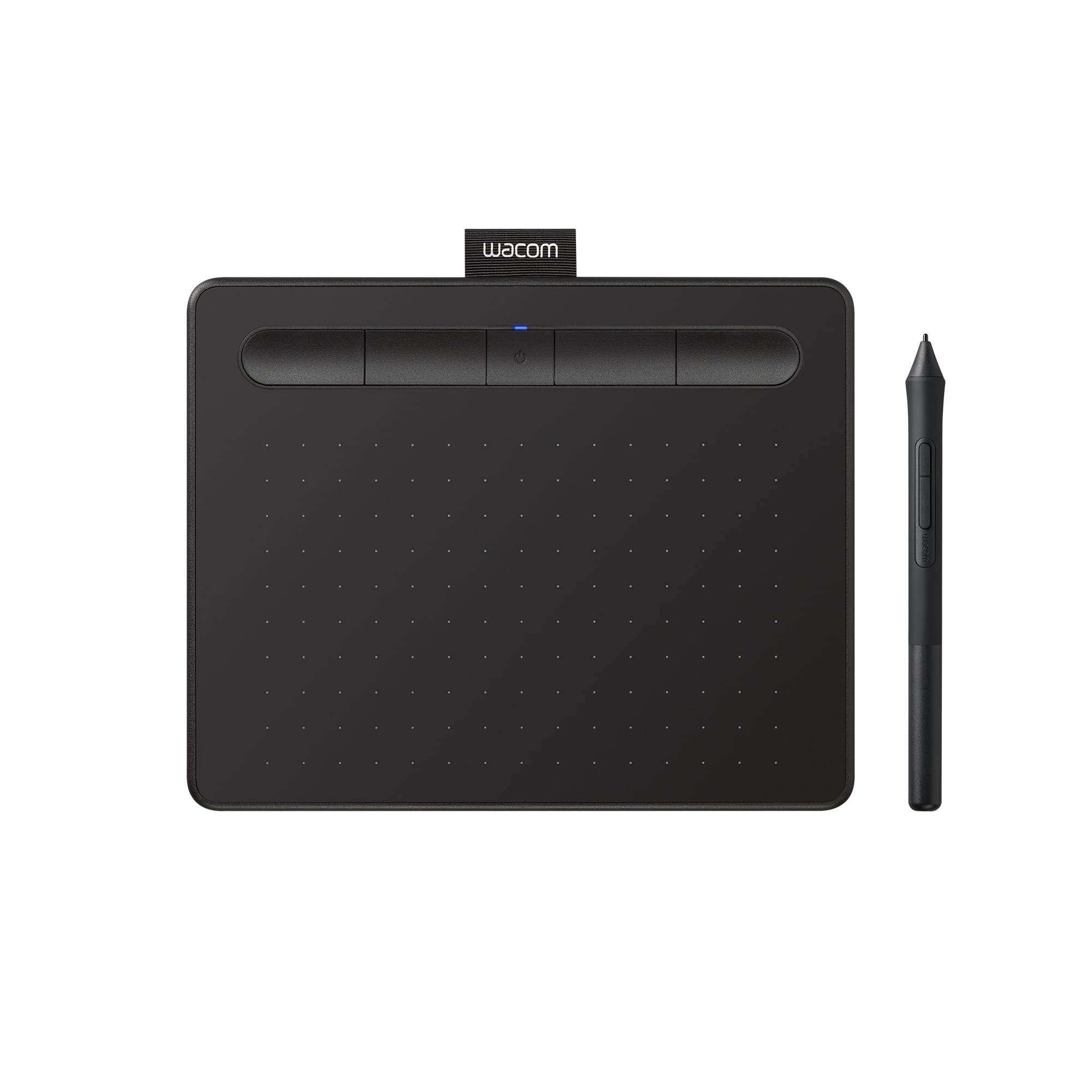
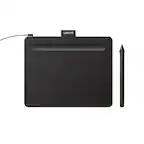
  2. Wacom - Intuos Small Bluetooth Graphics Drawing Tablet, Includes Training & Software; Works w/ Chromebook Mac Android & Windows - Black

    SKU: JXFPXQQ2VZ

    Great...Kids love. Great purchase. Checked out various products and concluded this was our best fit....Great Product...I love it. it is the best product to use when your editing your photos

    Product Description

    A wireless black drawing tablet with pressure-sensitive pen, Bluetooth connectivity, and software for digital creativity.
    See all Drawing Tablets
    Your price for this item is $79.95
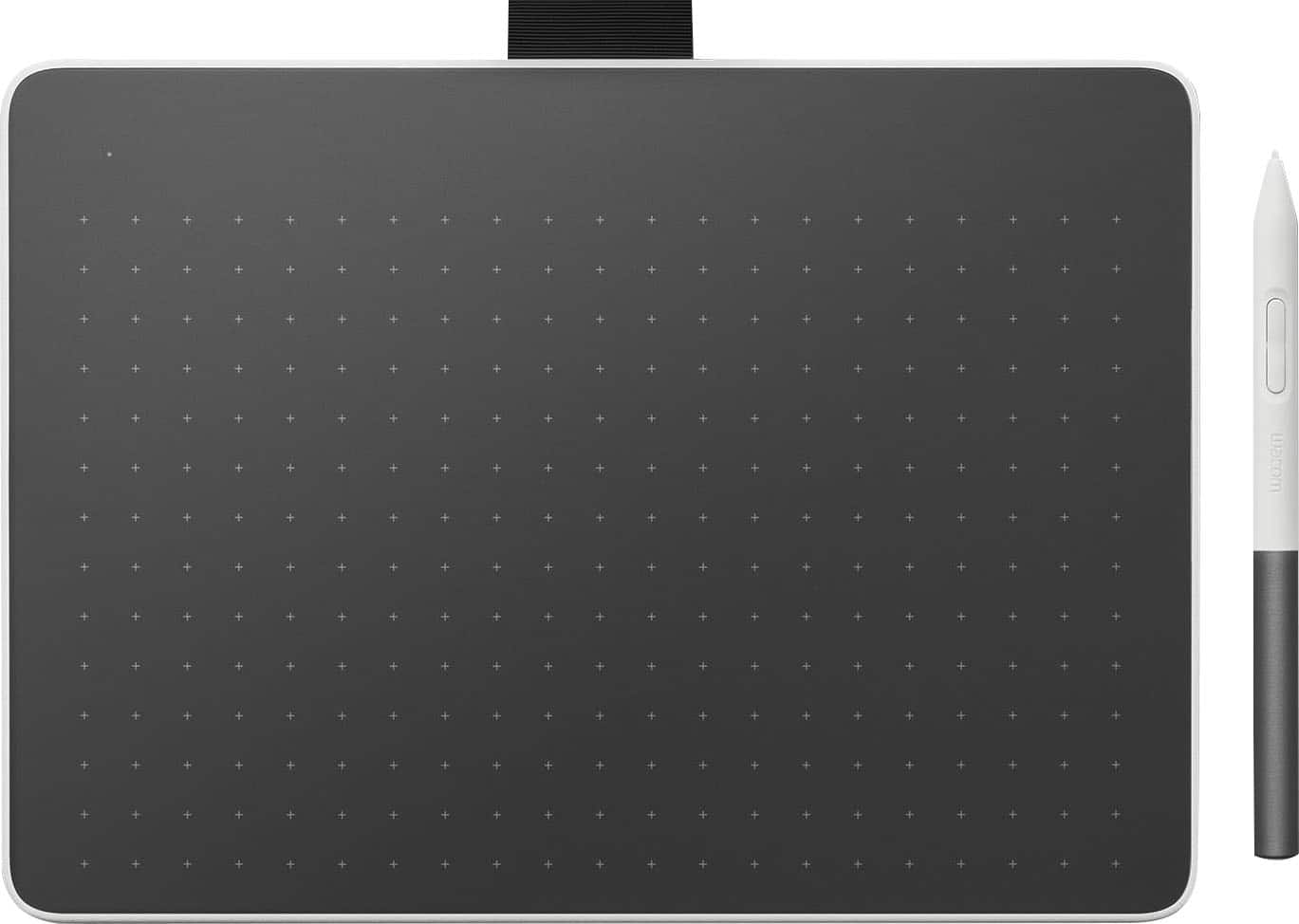
  3. Wacom - One Medium Wireless Pen Tablet for PC, Mac, Chromebook & Android; with Battery-Free Pen, Bluetooth, USB-C - White

    SKU: JXFPXQQ728

    Absolutely love this thing!...Works Great!

    Product Description

    A white Bluetooth drawing tablet offering a natural pen-on-paper feel and broad device compatibility.
    See all Drawing Tablets
    Your price for this item is $149.95
    Save $19
    The previous price was $169.00
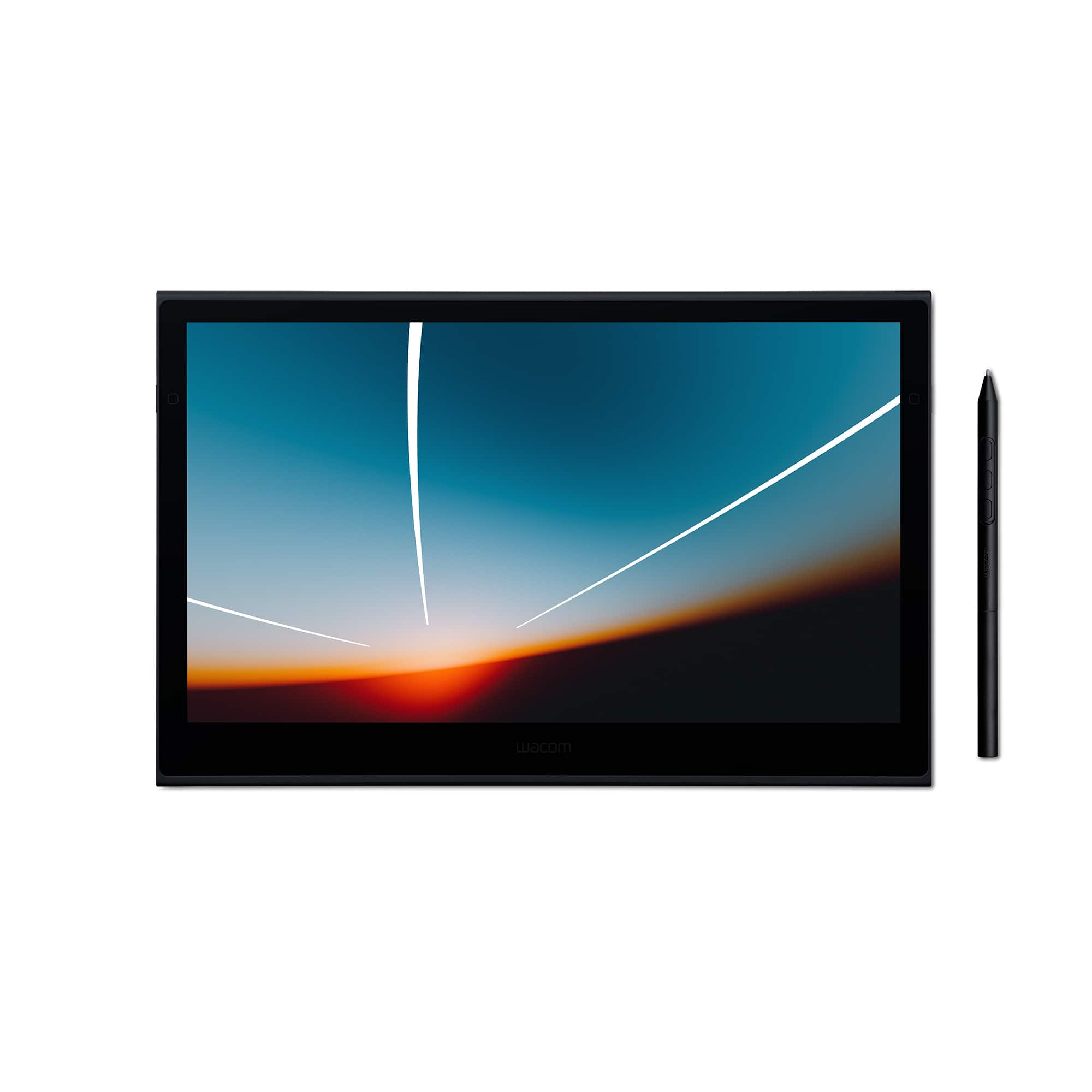
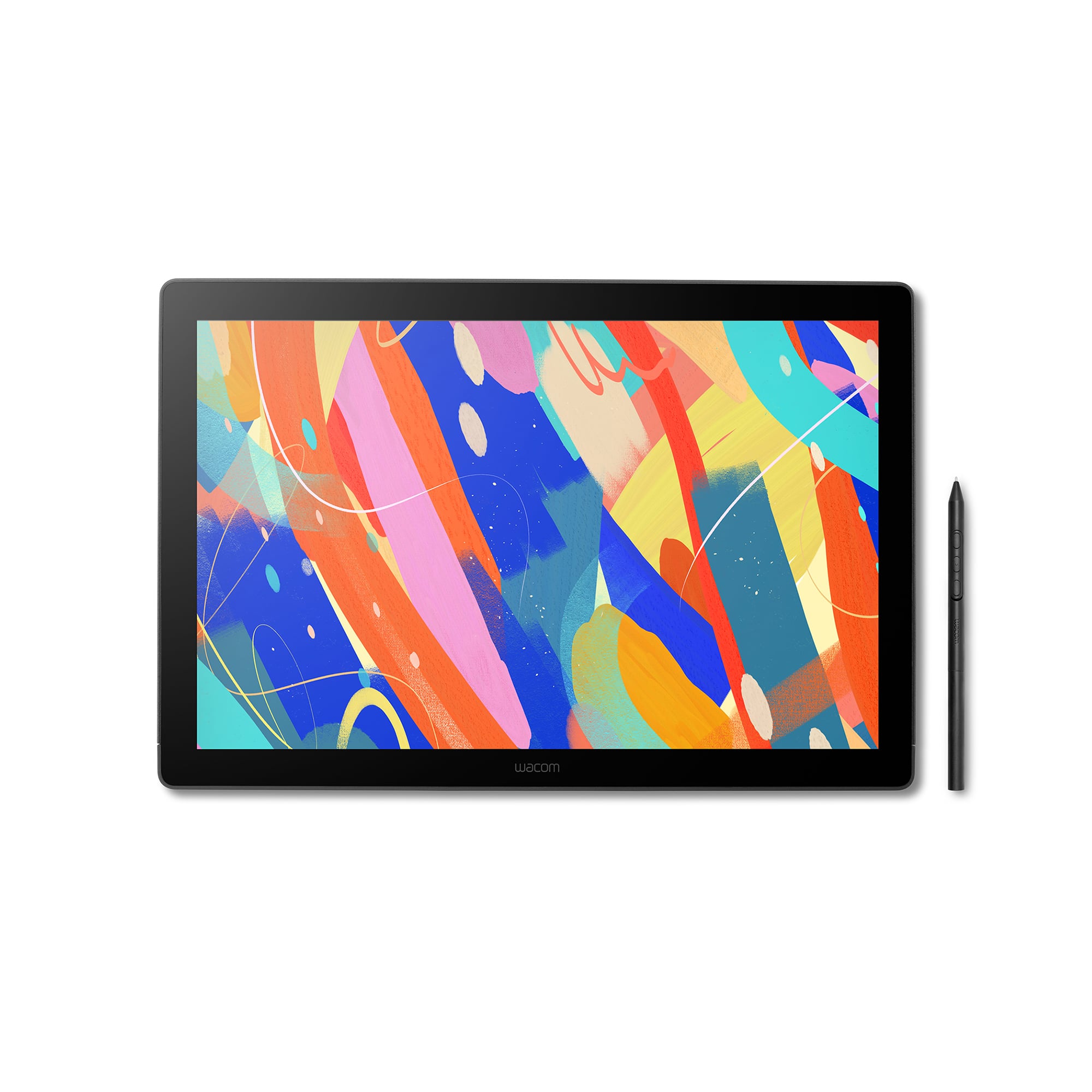
  4. Wacom - Movink 13" Creative Pen Drawing Tablet with Touch Display - Black

    SKU: JXFPXQRVQP

    Product Description

    A lightweight black drawing tablet with OLED touch display and sturdy magnesium alloy exterior for creative professionals.
    See all Drawing Tablets
    Your price for this item is $599.95
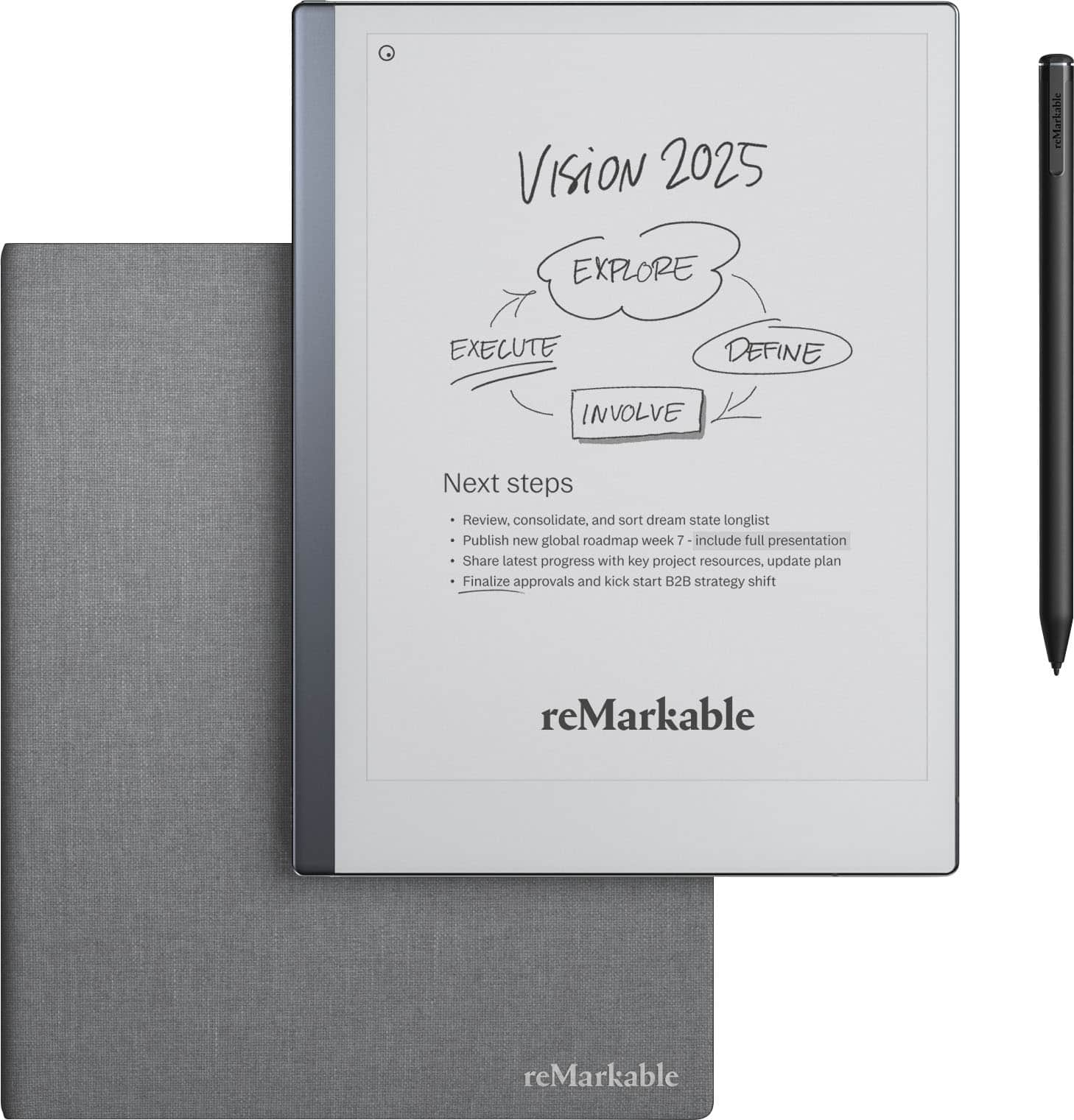
  5. reMarkable - 2 - 10.3” Paper Tablet with Marker Plus and Polymer Weave Book Folio - Gray

    SKU: C4SQZQ4JFJ

    Best one...Great my granddaughter love it she was expecting like this...Love it!...One of my best buys - very light, no glitches Love it

    Product Description

    A gray digital tablet offering a paper-like writing experience with Marker Plus and a stylish polymer weave folio.
    See all Digital Notebooks
    Your price for this item is $512.99
    Save $56
    The previous price was $569.00
  6. Wacom - Cintiq 16 Drawing Tablet - Black

    SKU: JXFPXQRV68

    Best tool for School...I have used previous Cintiq displays and this one is easily the best one that I have experienced.

    Product Description

    A black drawing tablet featuring a 2.5K display, Pro Pen 3, and vibrant, professional-grade color accuracy.
    See all Drawing Tablets
    Your price for this item is $699.95
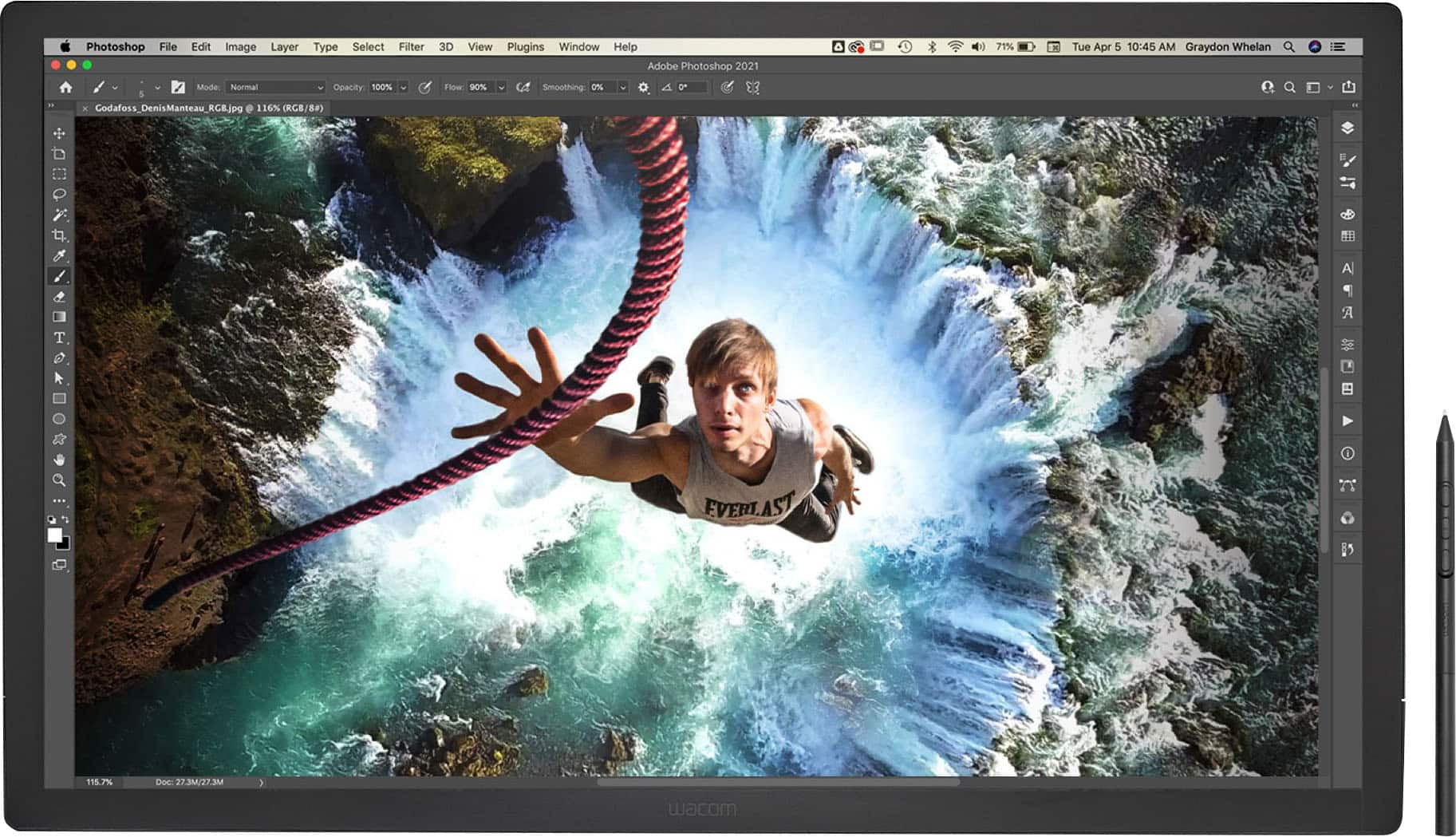
  7. Wacom - Cintiq Pro 27 Creative Pen Drawing Tablet with Touch Display - Black

    SKU: JXFPXQQJCG

    Product Description

    A professional black drawing tablet featuring a high-resolution touch display and advanced Pro Pen 3 performance.
    See all Drawing Tablets
    Your price for this item is $3,499.95
    Save $99
    The previous price was $3,599.00
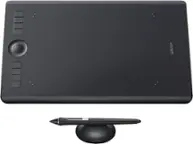
  8. Wacom - Intuos Pro Pen Drawing Tablet (Medium) - Black

    SKU: JXFPXQQ83Z

    Product Description

    A black pen drawing tablet with 8,192 pressure levels, tilt recognition, Bluetooth, and customizable ExpressKeys.
    See all Drawing Tablets
    Your price for this item is $300.99
    Save $79
    The previous price was $379.99
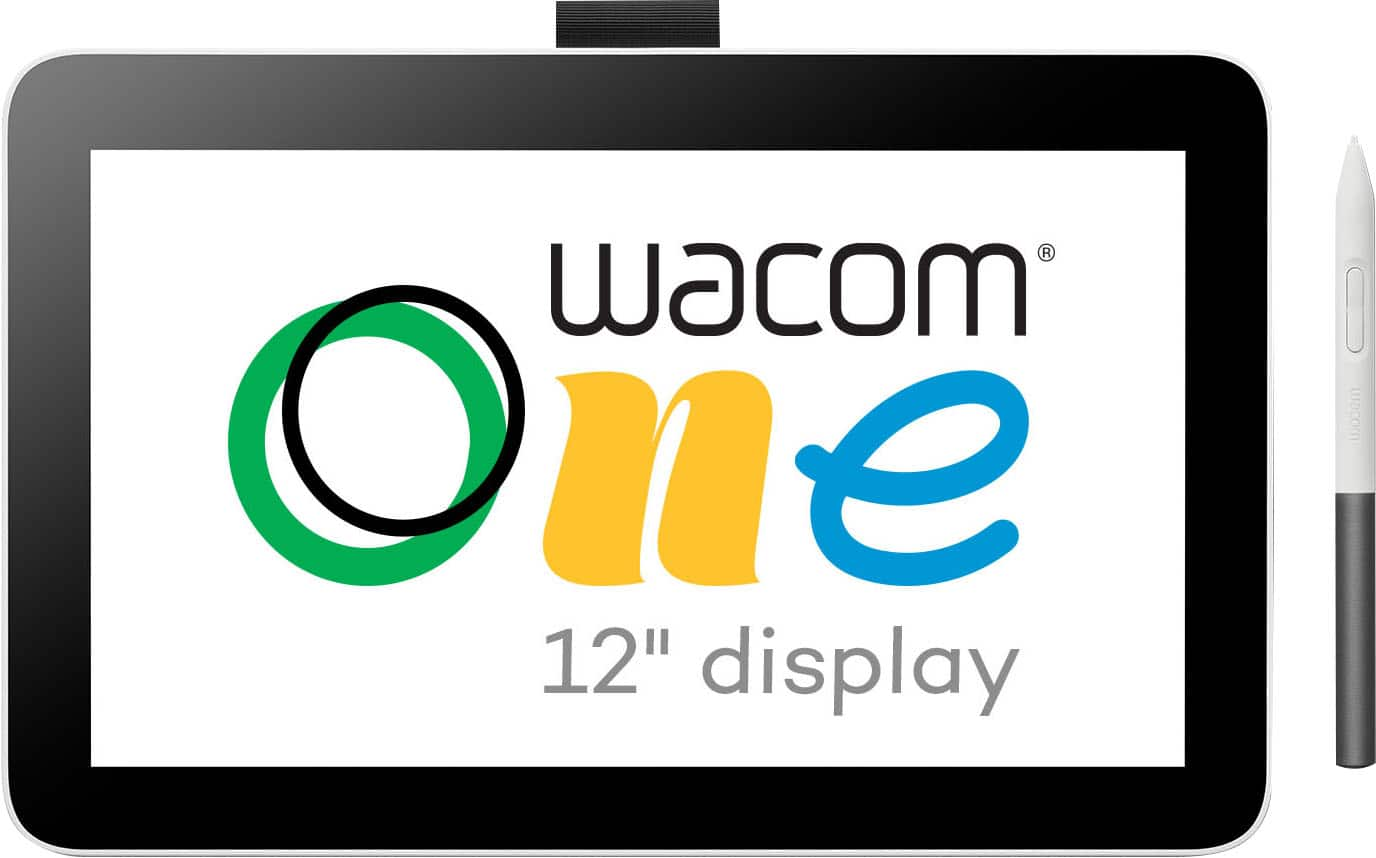
  9. Wacom - One 12 (2023 Version) 11.6” Pen Display Drawing Tablet - White

    SKU: JXFPXQQ7HH

    Product Description

    A lightweight white pen display tablet offering a natural drawing experience on an 11.6" HD screen.
    See all Drawing Tablets
    Your price for this item is $264.95
    Save $35
    The previous price was $299.95
  10. Wacom - Cintiq Pro 17 Creative Pen Drawing Tablet with Touch Display - Black

    SKU: JXFPXQQ737

    Product Description

    A black creative pen drawing tablet featuring an Ultra HD/4K touch display and customizable Pro Pen 3.
    See all Drawing Tablets
    Your price for this item is $2,340.66
    Save $159
    The previous price was $2,499.95
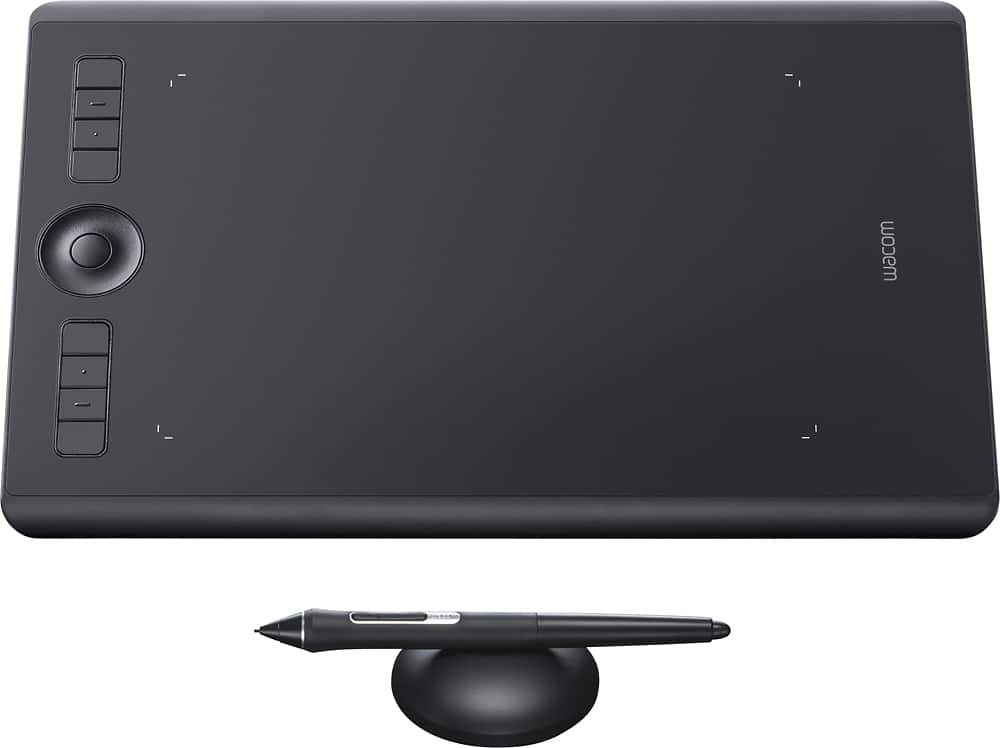
Digital drawing graphics tablets bring the control of a pen or pencil into a digital workspace, supporting everything from quick character sketches and handwritten annotations to detailed illustrations, photo retouching, and animation. For shoppers exploring digital drawing tablets for Cyber Monday, the main distinctions are how the tablet displays artwork, where it connects, and how its pen feels during everyday use. A screenless graphics tablet captures pen movements on a drawing surface while the artwork appears on a connected computer monitor. This arrangement leaves the image unobstructed by the drawing hand, although looking at a monitor while drawing on the desk takes some practice. A pen display places the image beneath the stylus, creating a more direct connection between hand movements and visible marks. Most pen displays still require a compatible computer; a built-in screen does not automatically mean the device works independently. Standalone drawing tablets combine a screen with their own computing hardware and operating system, allowing compatible creative apps to run without a separate computer. Each format suits different routines, from a student marking up lecture notes between classes to an illustrator refining a comic panel at a dedicated desk. Compact drawing surfaces fit shared workspaces and travel bags, while larger active areas give broad arm movements more room. The active area matters more than the tablet’s overall dimensions because it determines the space that actually responds to the pen. A generous screen can also leave space for layers, brush palettes, and reference images without crowding the canvas. During the cooler months, these tools can support indoor creative projects such as designing greeting cards, building a digital scrapbook, or practicing portrait drawing from family photographs. Their usefulness extends beyond traditional art: compatible software can turn pen input into diagrams, presentation annotations, architectural sketches, or handwritten feedback. The right format depends on the setting and the work, rather than on screen size alone.

The drawing experience comes from the interaction among the stylus, surface, software, and workspace. Pressure sensitivity allows supported brushes to respond to lighter and firmer strokes, creating effects such as delicate pencil shading or a broad sweep of ink. A higher advertised pressure-level count does not, by itself, guarantee a more natural feel; initial activation force, tracking accuracy, and consistent response also influence how comfortably a pen handles small details. Tilt support can simulate the side of a pencil or the angle of certain brushes when the application recognizes it. Some pens operate without batteries, while others need charging or a replaceable battery, which affects the routine of keeping a workspace ready. Pen shape, weight, grip texture, and side-button placement can become especially noticeable during longer sessions. A comfortable stylus should be easy to hold without squeezing, with controls positioned where they are useful rather than repeatedly pressed by accident. Drawing surfaces vary, too. Textured coatings or films introduce resistance that can feel closer to paper, while smoother glass permits a more fluid glide. Neither fully reproduces a sketchbook, and a rougher surface can wear pen nibs more quickly. Replaceable nibs and manufacturer-approved surface care help maintain consistent contact over time. On pen displays, resolution affects the clarity of fine linework and small interface text, while brightness, glare control, and viewing angles influence visibility in different lighting. A laminated display can reduce the apparent gap between the pen tip and the image, helping strokes feel more closely aligned with the hand. Color coverage and accuracy matter for illustration and photo editing, especially when work will move between screens or into print, though display specifications alone do not guarantee matching results. Adjustable stands, stable supports, and room for a keyboard also shape everyday comfort. An angled display can make a long shading session easier on the neck, while a screenless tablet positioned near the keyboard keeps shortcuts within reach. Left-handed use may depend on reversible orientation, customizable controls, and cable placement, so physical layout deserves attention alongside drawing features.

Compatibility gives a graphics tablet its place in a creative setup. Operating-system support, driver requirements, and compatibility with preferred drawing or editing software determine which functions work as intended. A tablet may support basic pen input in one application while offering pressure, tilt, or customizable shortcuts in another. Connections also deserve careful consideration: a USB-C port does not necessarily carry video, and some pen displays require separate connections for image, pen data, and power. Wireless support on a screenless tablet should not be taken as evidence that a display can receive video wirelessly. For people moving between a home desk and a classroom, cable length, adapter needs, and the total weight of the tablet, stand, and accessories all affect portability. Durable housings, secure ports, and a protective carrying case can help equipment withstand ordinary travel, but screens and drawing surfaces still need protection from grit, keys, and pressure inside a bag. Routine care is generally straightforward: follow the manufacturer’s cleaning directions, remove surface dust gently, and replace worn nibs before they become sharp or uneven. A dedicated pen holder also helps keep the stylus from rolling off the desk or disappearing beneath papers. As a holiday gift, a drawing tablet can suit an aspiring illustrator, a photography enthusiast, a design student, or someone who enjoys lettering and journaling. The recipient’s existing computer, favorite apps, and preferred way of working matter more than an impressive specification list. Someone who draws at the kitchen table may appreciate a compact setup that stores easily, while an artist working on detailed compositions may value a larger drawing area and adjustable viewing angle. For workflows that also include 3D modeling, rendering, or GPU-accelerated effects, Cyber Monday Deals On Computer Graphics Cards provides a related category to explore, although many everyday drawing tasks do not require a high-end graphics card. A well-matched drawing tablet ultimately supports the creative habits already taking shape, whether that means practicing clean linework after class, retouching a portrait, or spending a quiet evening developing an illustration from its first loose sketch.

FAQ

Digital drawing graphics tablets let you create and edit digital artwork, illustrations, animations, photo retouching projects and handwritten notes using a stylus and a computer or compatible device.

Look for features such as pressure-sensitive styluses, customizable shortcut buttons, wireless or wired connectivity, compatibility with your preferred operating system and support for creative software you already use.

A pen tablet has a separate drawing surface that connects to a computer, while a pen display has a built-in screen that allows you to draw directly on the displayed artwork.

Many graphics tablets work with widely used illustration, animation, photo-editing and design applications. Check the tablet's compatibility information to confirm support for your operating system and preferred programs.

Common accessories include replacement stylus nibs, tablet stands, protective covers, drawing gloves and compatible cables or adapters. Some models may also support optional wireless accessories.