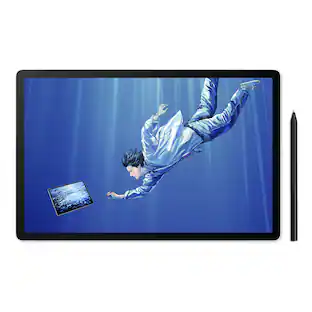
Adesso - CYBRTABLETK8 Cybertablet K8 8 in. x 5 in. Screen Tablet - Black
Reviews coming soon
About this product
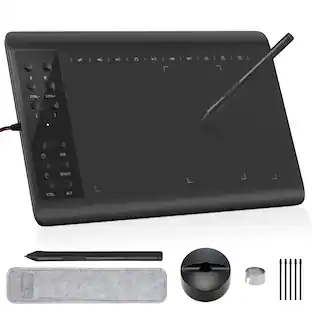
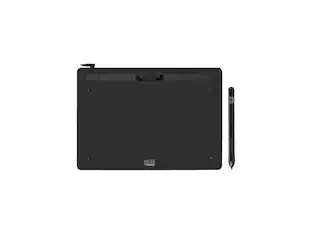
The Adesso Cybertablet K8 is an advanced graphic tablet that offers both PC and Mac users superior cursor control, greater productivity and higher efficiency. Perfect for art, business, presentations, and projects. The Cybertablet features 8,192 levels of pressure sensitivity. This high quality graphic tablet is ideal for document annotation, free-hand illustrations, graphic design, whiteboard presentations, or generally more precise cursor control. With an 8 x 5 Active Area, you can enjoy a drawing area with precise control. Six programmable shortcut keys give you more immediate access to setting and controls.
Features
Cybertablet K8 8 in. x 5 in. Screen Tablet - Black
The Adesso Cybertablet K8 is an advanced graphic tablet that offers both PC and Mac users superior cursor control, greater productivity and higher efficiency.
8192 Levels of Pressure Sensitivity
Perfect for art, business, presentations, and projects.
6 Customizable shortcut Keys
This high quality graphic tablet is ideal for document annotation, free-hand illustrations, graphic design, whiteboard presentations, or generally more precise cursor control.
Battery-Free Stylus
With an 8 x 5 Active Area, you can enjoy a drawing area with precise control.
Bundle With ArtRage Lite Drawing Software
Six programmable shortcut keys give you more immediate access to setting and controls.
Specifications
- Screen Size9.4 inchesActive Area8 x 5Total Storage Capacity0 gigabytesBattery ChemistryNot battery poweredPressure Levels8
Reviews
This product doesn't have any reviews yet.
Compare similar products
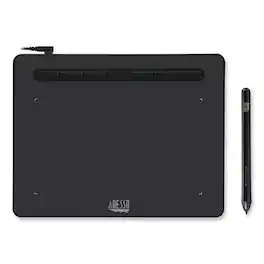
The Adesso Cybertablet K8 is an advanced graphic tablet that offers both PC and Mac users superior cursor control, greater productivity and higher efficiency. Perfect for art, business, presentations, and projects. The Cybertablet features 8,192 levels of pressure sensitivity. This high quality graphic tablet is ideal for document annotation, free-hand illustrations, graphic design, whiteboard presentations, or generally more precise cursor control. With an 8 x 5 Active Area, you can enjoy a drawing area with precise control. Six programmable shortcut keys give you more immediate access to setting and controls.
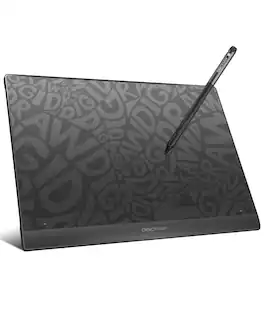
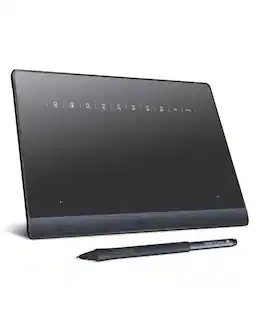
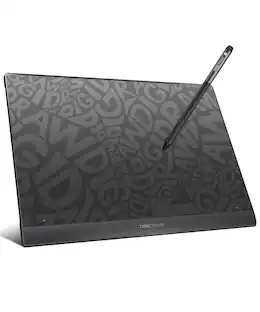
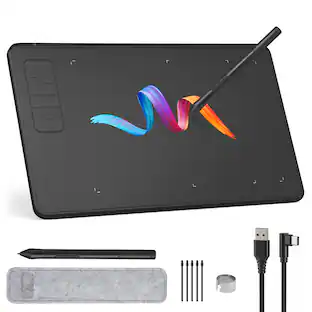
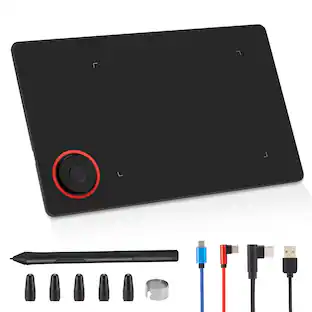
Unlock your full creative potential with DIGIDRAW T610, a streamlined USB-C graphics tablet built for digital artists, students, and design professionals who value precision and control. Combining a finely textured, paper-like drawing surface with high-accuracy stylus performance, T610 delivers a natural, intuitive workflow for sketching, illustrating, editing, and note-taking. Optimized for seamless compatibility with Windows, Mac, and Chromebook, T610 transforms every stroke into a smooth, responsive digital experience—empowering you to bring ideas to life with confidence and consistency.
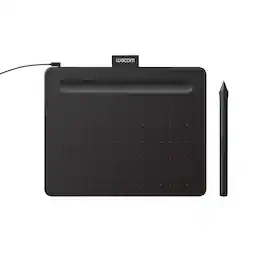
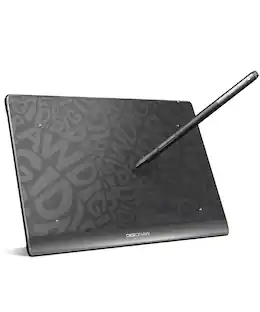
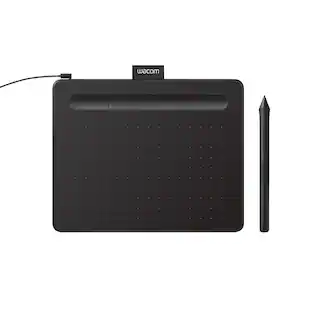
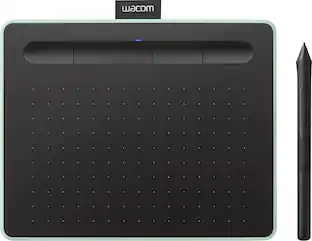
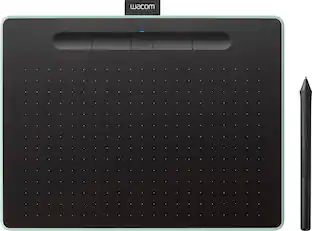
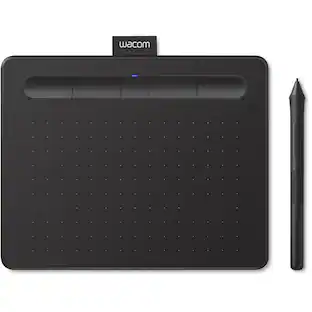
Transform your creative ideas into digital reality with Wacom Intuos drawing tablets. Perfect for casual or aspiring artists this compact graphics tablet delivers reliable Wacom-quality precision at an accessible price. The battery-free, pressure-sensitive pen provides natural, responsive drawing with no charging needed - just pick up and draw, with smooth, jitter-free lines and consistent pressure response. Get started immediately with over $240 in included downloadable creative software and trials, including 2 years of Clip Studio Paint Pro, 12 months of Boris FX Optics, and much more. The paper-like surface texture and four customizable ExpressKeys make digital art, photo editing, illustration, and design feel natural and efficient. Select models (CTL4100WL, CTL6100WL) offer Bluetooth wireless connectivity, letting you create freely at your desk, sofa, or anywhere in the room - with the option to switch to wired mode for ultimate flexibility. The wireless freedom is especially popular with educators and presenters who use the drawing tablet to control their computer while moving around a classroom or conference room. Certified to work with Chromebook and compatible with Windows and Mac, Wacom Intuos seamlessly integrates with Adobe, Corel, and all major creative applications. Backed by Wacom's 40+ years of industry leadership, you're choosing the same pen technology trusted by professional studios worldwide - at a creator-friendly price.
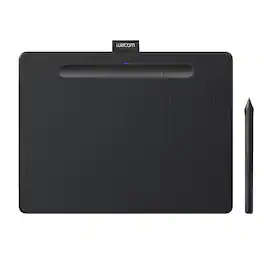
Transform your creative ideas into digital reality with Wacom Intuos drawing tablets. Perfect for casual or aspiring artists this compact graphics tablet delivers reliable Wacom-quality precision at an accessible price. The battery-free, pressure-sensitive pen provides natural, responsive drawing with no charging needed - just pick up and draw, with smooth, jitter-free lines and consistent pressure response. Get started immediately with over $240 in included downloadable creative software and trials, including 2 years of Clip Studio Paint Pro, 12 months of Boris FX Optics, and much more. The paper-like surface texture and four customizable ExpressKeys make digital art, photo editing, illustration, and design feel natural and efficient. Select models (CTL4100WL, CTL6100WL) offer Bluetooth wireless connectivity, letting you create freely at your desk, sofa, or anywhere in the room - with the option to switch to wired mode for ultimate flexibility. The wireless freedom is especially popular with educators and presenters who use the drawing tablet to control their computer while moving around a classroom or conference room. Certified to work with Chromebook and compatible with Windows and Mac, Wacom Intuos seamlessly integrates with Adobe, Corel, and all major creative applications. Backed by Wacom's 40+ years of industry leadership, you're choosing the same pen technology trusted by professional studios worldwide - at a creator-friendly price.
| Pros for Adesso - CYBRTABLETK8 Cybertablet K8 8 in. x 5 in. Screen Tablet - Black | |||
|---|---|---|---|
| There were no pros for this product— | There were no pros for this product— | Ease of use, Overall Performance, Size, Price, Software | Ease of use, Overall Performance, Size, Wireless, Pressure Sensitivity |
| Cons for Adesso - CYBRTABLETK8 Cybertablet K8 8 in. x 5 in. Screen Tablet - Black | |||
| There were no cons for this product— | There were no cons for this product— | Setup, Connectivity, Pen, Features | Setup, Software, Compatibility, Lag, Learning Curve |
Specs
Be the first to ask a question.
We’ll try to get your question answered within 24 hours by a Best Buy customer or brand representative.
Customers often buy these together
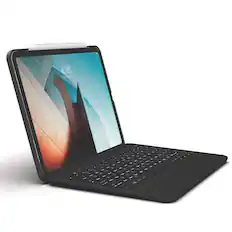
ZAGG - Backlit Folio Keyboard Case for Apple iPad Pro 11 (A1980, A2013, A1934, A1979) - Black
$86.99The price was $87.99


![@ Esc 1 2 ESC 1 Q Tab TAS A Caps Lock CAPSLOCK A Shift Z SHIPT Control Code All CTRL WIN
# S 3 4 W E S D X C AE
% 5 R F V
^ 6 T G
& 7 Y H N
* 8 U N M
/ K
( 9 <
J O O L > All Gr ALT
P
- { [ ? / Fn FN
Backspace BACKSPACE } Delete ] Enter PgUp ENTER Shift PgDn SHIFT A](https://pisces.bbystatic.com/image2/BestBuy_US/images/products/2a670933-a2fa-4134-92d3-09de9864ab13.jpg;maxHeight=232;maxWidth=233?format=webp)
More to consider
 $20.99The price was $30.99
 $20.99The price was $30.99
Explore tech essentials Sponsored
 $189.99The price was $229.99
 $2,399.00The price was $2,999.00