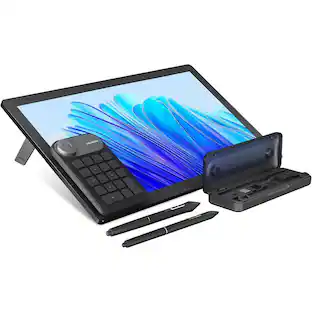
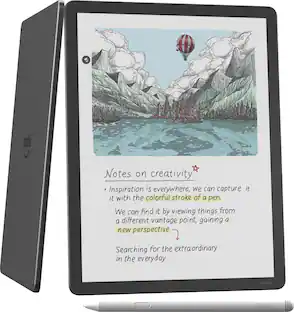
reMarkable - 2 - 10.3” Paper Tablet with Marker Plus and Polymer Weave Book Folio - Gray
Customers are saying
Customers are satisfied with the 2 - 10.3” Paper Tablet with Marker Plus and Polymer Weave Book Folio's ease of use, writing experience, and note-taking capabilities. Many appreciate its organizational features, impressive battery life, and lightweight design. However, some customers have expressed concerns about the lack of a backlight and the product's price. A few have also mentioned issues with speed, connectivity, and security.
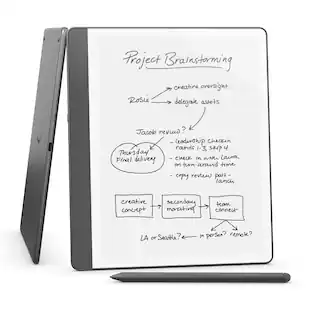
The Original Paper Tablet
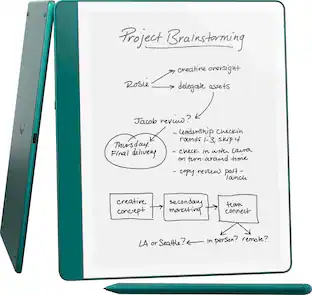
Meet the paper tablet that redefines note-taking, reading, and reviewing documents, with a paper-like writing experience.
Designed To Help You Focus
Distraction-free by design. No notifications, pop-up ads, or social media. Just you and your thoughts, so you can find the focus to do your best work.
All Your Notes, Organized
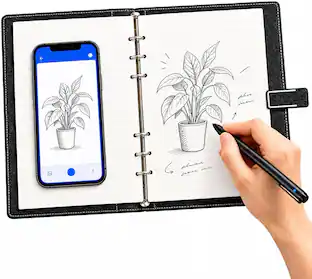
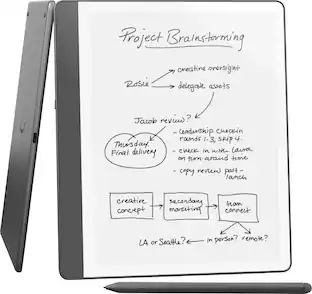
Keep all your handwritten notes, to-do lists, PDFs, ebooks, and sketches organized and in one place — easily accessible on multiple devices and platforms.
Mobile And Desktop Note-Taking
Create, edit, and organize notes from your smartphone or laptop with the reMarkable apps. Build the workflow that works for you. Enjoy seamless note-taking across devices with unlimited cloud storage and sync with a Connect subscription.*
Connect Subscription Access
Get access to mobile and desktop note-taking with a Connect subscription.*
Handwriting Conversion
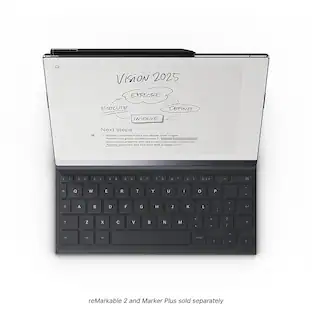
Make your handwritten notes easy to reuse by converting them into typed text. You can then refine or expand your converted notes with the Type Folio keyboard cover (sold separately), upload them to cloud storage services, or send by email to share them instantly.
Google Drive, Dropbox, And OneDrive Integration
Access popular cloud storage services right from your paper tablet to improve your workflow. Browse stored files, copy them to your reMarkable, and upload documents directly to your chosen service.
Take Notes Directly On PDFs
Read and review reports and presentations on an eye-friendly display, and write your thoughts directly onto the page. Signing PDFs and annotating documents has never been easier.
Send Content To Your reMarkable
Save any web page, Microsoft Word document, or PowerPoint presentation to your paper tablet for when you have time to focus and read in-depth. All it takes is a click with our Read on reMarkable extension.
Share Your Screen Live
Stream your notes and ideas directly onto a bigger screen. Turn your reMarkable into the perfect digital whiteboard to write, draw, and demonstrate tricky concepts live in meetings.
An Eye-Friendly Reading Experience
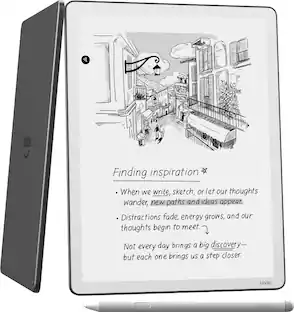
With no backlight or glare, reMarkable lets you comfortably read PDFs and ebooks for hours on end. Get a paper-like reading experience without the need to print a page.
Two Weeks Of Battery Life
With up to two weeks of battery life and 90 days of standby time, reMarkable is always ready to come out of your bag and get to work.
Also Included In The Bundle:
Marker Plus
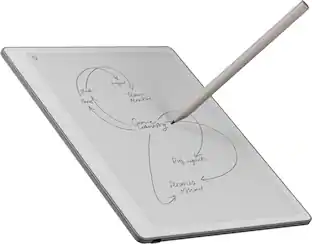
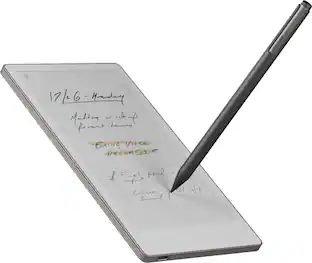
An exceptional digital writing instrument with a built-in eraser. Simply flip it upside down to erase, just like a regular pencil. Marker Plus is indispensable to reMarkable’s paper-like experience.
Book Folio
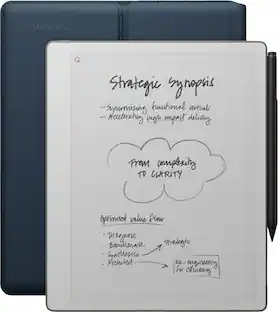
Smart and functional protection for your paper tablet. Book Folio is made from minimalist polymer weave that's designed to fit perfectly. The built-in magnets snap your reMarkable in place so you can keep it in its cover while you work.
Connect Subscription
*All new Connect subscribers get a 100-day free trial, at the end of the free trial the subscription automatically renews until cancelled. The current price is $4.99/mo to maintain all your work safely stored, up to date, and ready to use on your paper tablet and in our mobile and desktop apps. Cancel anytime.
- Screen Size10.3 inchesActive Area10.2Total Storage Capacity8 gigabytesBattery ChemistryLithium-ion
Reviews
Rating 4.6 out of 5 stars with 574 reviews
- Ease of use (128)
- Note Taking (61)
- Writing Experience (59)
- Organization (40)
- Battery Life (28)
- Backlight (18)
- Price (13)
- Speed (5)
- Connectivity (4)
- Security (3)
Customer Images
The vast majority of our reviews come from verified purchases. Reviews from customers may include My Best Buy members, employees, and Tech Insider Network members (as tagged). Select reviewers may receive discounted products, promotional considerations or entries into drawings for honest, helpful reviews.

Compare similar products

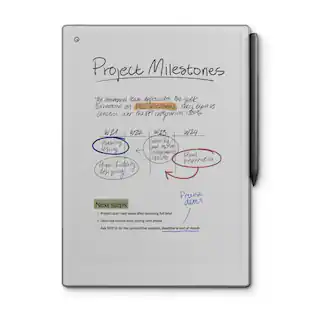
Replace all your notebooks and documents with a tablet that feels just like paper. Experience paper-like writing and reading on our thinnest and lightest design.
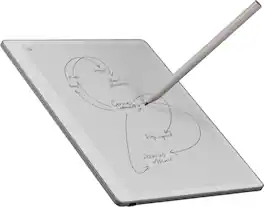
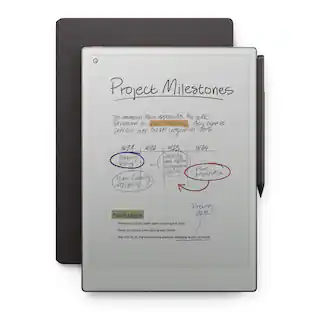
Close the gap between how you think and work with reMarkable Paper Pure. This paper tablet combines the proven benefits of handwriting with software that simplifies everyday work tasks, like getting your thoughts down on paper, reviewing documents, and staying focused in meetings. Write on a 10.3” display that feels like real paper, then refine your ideas with smart digital powers. It can even connect to cloud storage providers, productivity apps, and more, so work flows freely. And the battery lasts up to three weeks on a single charge, letting you focus on work without worrying about power.
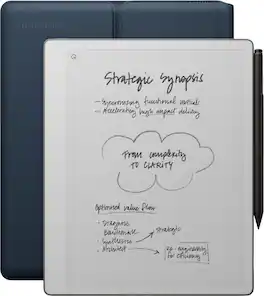
Close the gap between how you think and work with reMarkable Paper Pure. This paper tablet combines the proven benefits of handwriting with software that simplifies everyday work tasks, like getting your thoughts down on paper, reviewing documents, and staying focused in meetings. Write on a 10.3” display that feels like real paper, then refine your ideas with smart digital powers. It can even connect to cloud storage providers, productivity apps, and more, so work flows freely. And the battery lasts up to three weeks on a single charge, letting you focus on work without worrying about power.

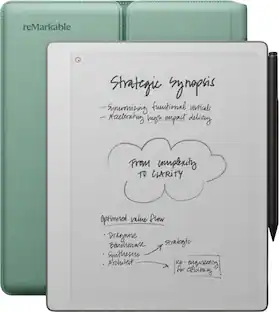
Bring paper into your digital workflow with reMarkable Paper Pro. Ultraslim and portable, but with a full-size 11.8” color display, adjustable reading light, and an unmatched paper-like writing experience.
| Pros for reMarkable - 2 - 10.3” Paper Tablet with Marker Plus and Polymer Weave Book Folio - Gray | |||
|---|---|---|---|
| Writing Experience, Organization, Battery Life, Ease of use, Note Taking | There were no pros for this product— | Battery Life, Writing Experience, Build Quality, Portability, Performance | Writing Experience, Battery Life, Organization, Overall Performance, Ease of Use |
| Cons for reMarkable - 2 - 10.3” Paper Tablet with Marker Plus and Polymer Weave Book Folio - Gray | |||
| Backlight, Price, Speed, Connectivity, Security | There were no cons for this product— | Backlight | Software |
Specs
More to consider
 Clearance$118.99The price was $169.00
 Clearance$149.99The price was $199.00

Explore tech essentials Sponsored
 Top Deal$189.99The price was $299.99
Discover related products
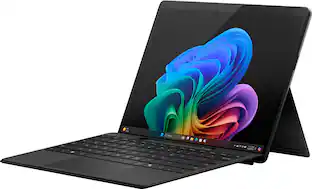 $849.99The price was $1,499.99




Keep exploring
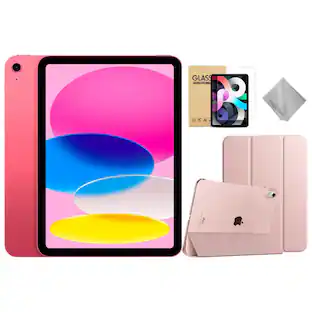
 $295.00The price was $365.00