Early Black Friday Deals & DoorbustersEnds Nov. 8.Shop now

Main Content
Skip to contentGo to Product Search

Early Black Friday Deals & DoorbustersEnds Nov. 8.Shop now

Main Content
Categories & Filters

Black Friday Sale On Drawing Tablets

Shop the Black Friday sale on drawing tablets to find graphics tablets and pen displays for digital art, photo editing, note-taking and more. Compare available models by screen size, stylus support, connectivity and compatibility to choose the right fit for your creative setup and budget.

Read More
Results
Main Results
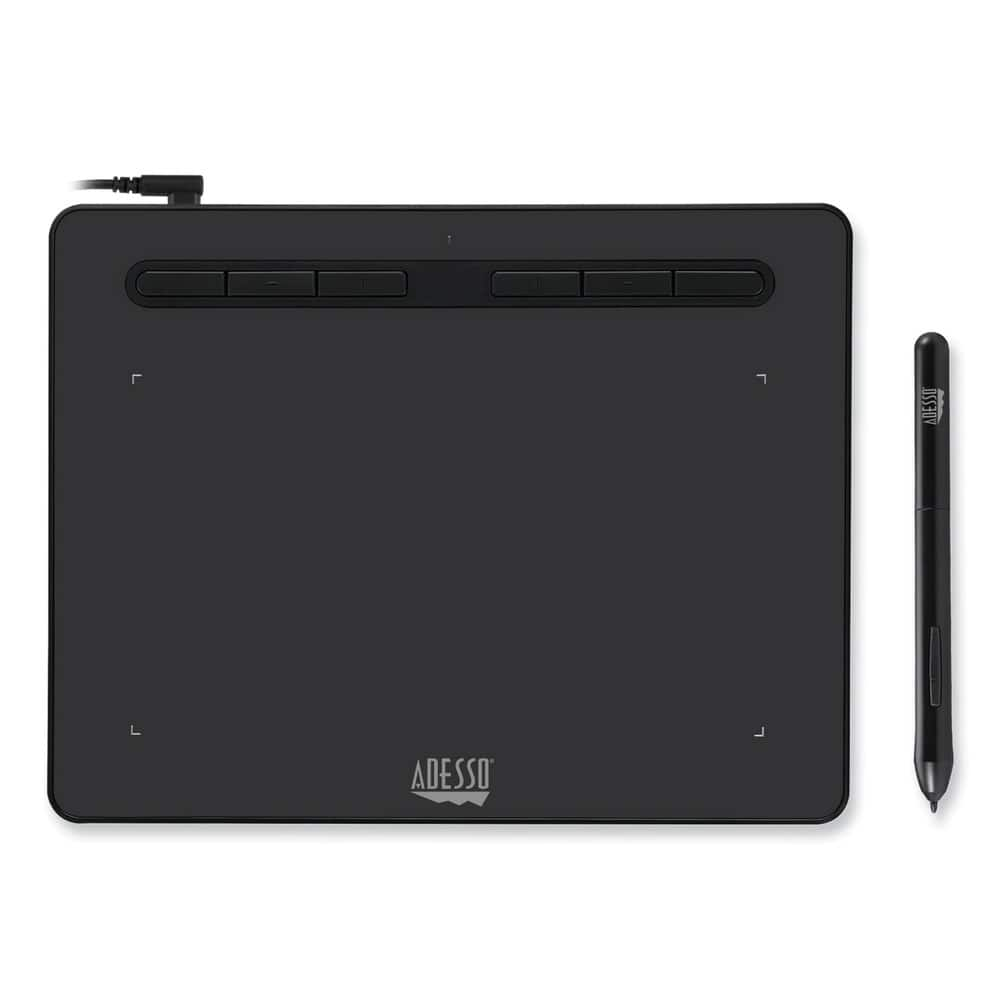
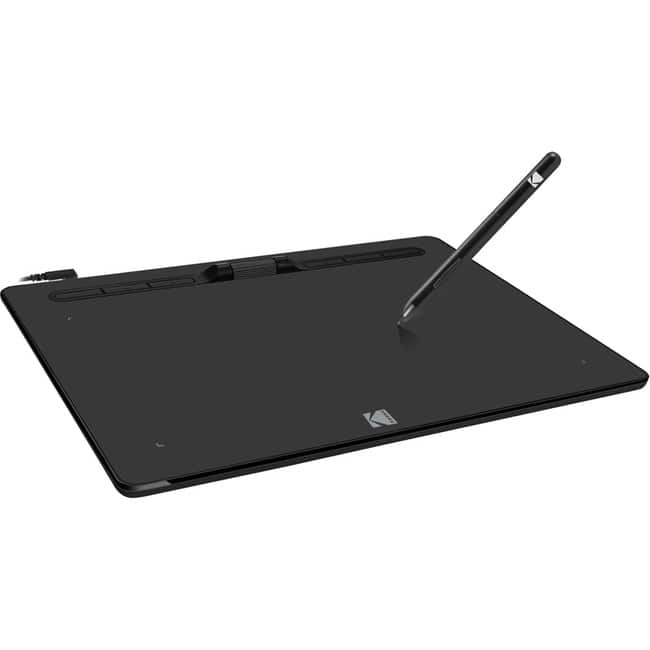
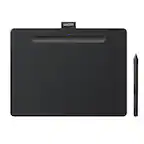
  1. Adesso - CYBRTABLETK8 Cybertablet K8 8 in. x 5 in. Screen Tablet - Black

    SKU: J32P877W2Y

    Product Description

    A black graphic tablet with 8,192 pressure levels, USB-C charging, and six programmable shortcut keys.
    See all Drawing Tablets
    Your price for this item is $69.99
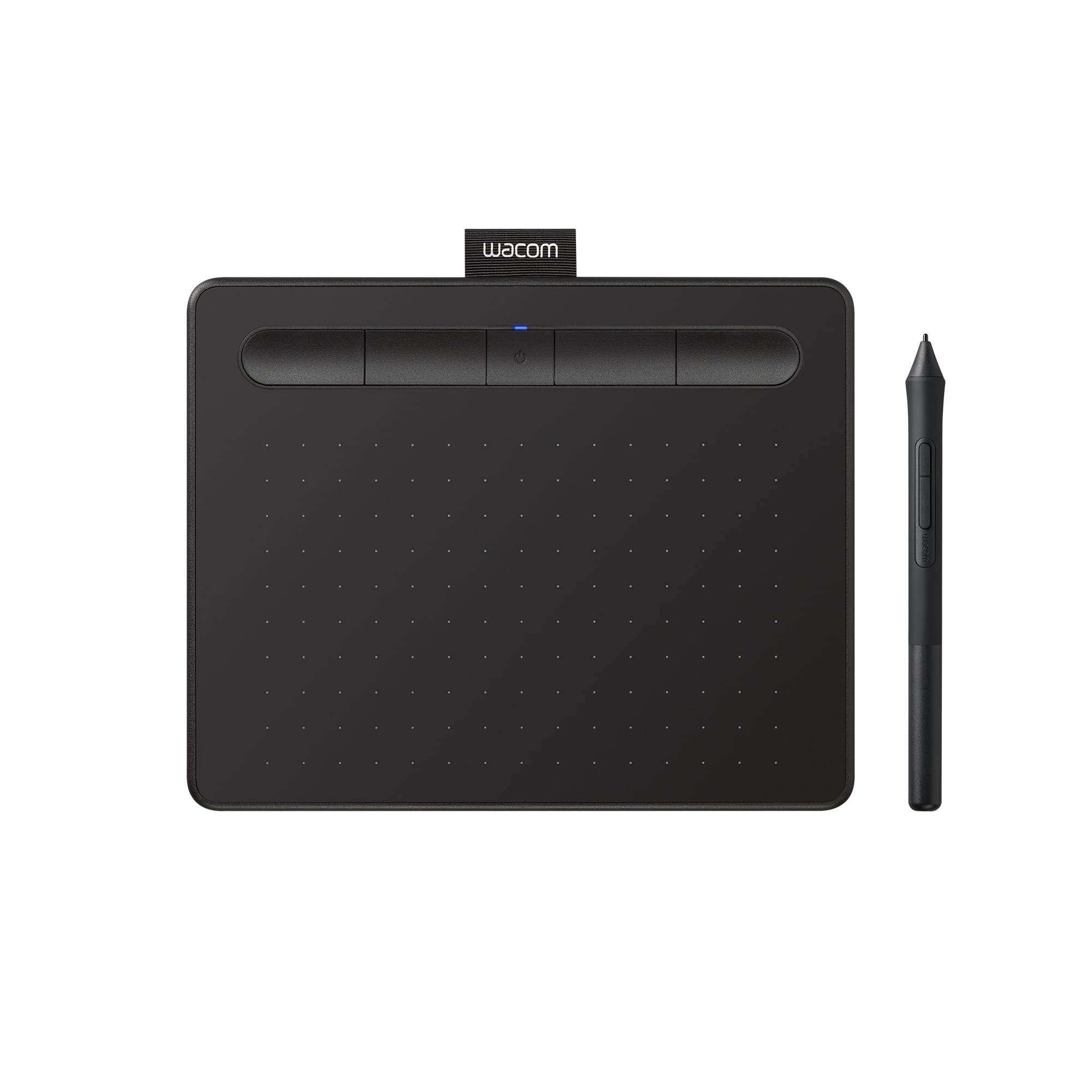
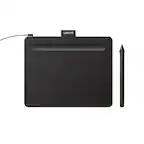
  2. Wacom - Intuos Small Bluetooth Graphics Drawing Tablet, Includes Training & Software; Works w/ Chromebook Mac Android & Windows - Black

    SKU: JXFPXQQ2VZ

    Kids love. Great purchase. Checked out various products and concluded this was our best fit....I love it. it is the best product to use when your editing your photos...Great Product...Great

    Product Description

    A wireless black drawing tablet with pressure-sensitive pen, Bluetooth connectivity, and software for digital creativity.
    See all Drawing Tablets
    Your price for this item is $79.95
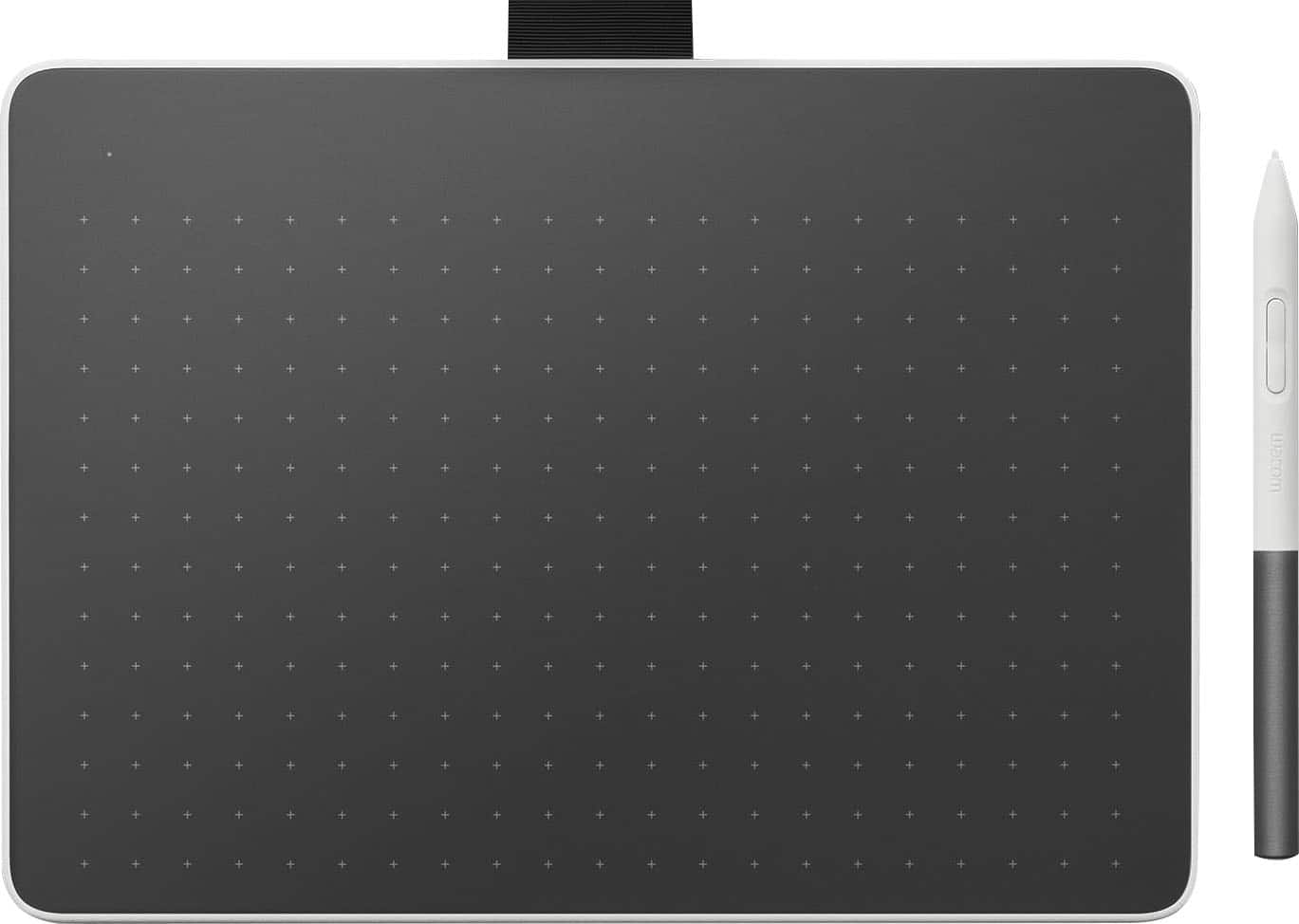
  3. Wacom - One Medium Wireless Pen Tablet for PC, Mac, Chromebook & Android; with Battery-Free Pen, Bluetooth, USB-C - White

    SKU: JXFPXQQ728

    Works Great!...Absolutely love this thing!

    Product Description

    A white Bluetooth drawing tablet offering a natural pen-on-paper feel and broad device compatibility.
    See all Drawing Tablets
    Your price for this item is $149.95
    Save $19
    The previous price was $169.00
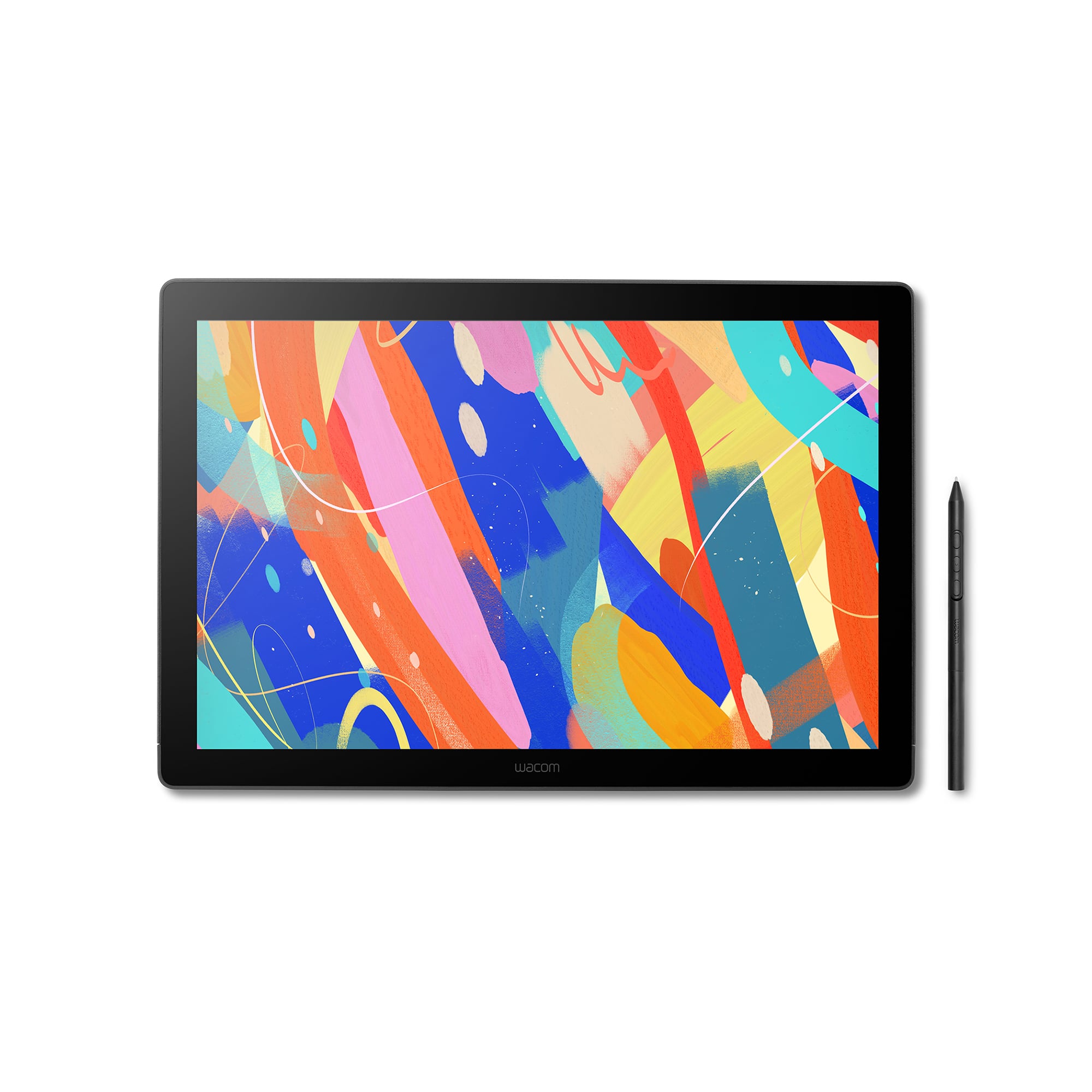
  4. Wacom - Cintiq 16 Drawing Tablet - Black

    SKU: JXFPXQRV68

    Best tool for School...I have used previous Cintiq displays and this one is easily the best one that I have experienced.

    Product Description

    A black drawing tablet featuring a 2.5K display, Pro Pen 3, and vibrant, professional-grade color accuracy.
    See all Drawing Tablets
    Your price for this item is $699.95
  5. Adesso - 10" x 6" Graphic Tablet - Graphics Tablet - 10" x 6" - 5080 lpi Cable - 8192 Pressure Level - Pen - 1 - Mac, PC - Wired - Black

    SKU: J32P877W2H

    Product Description

    A wired black graphic tablet with 8192 pressure levels and programmable hot keys for precise digital art.
    See all Drawing Tablets
    Your price for this item is $92.14
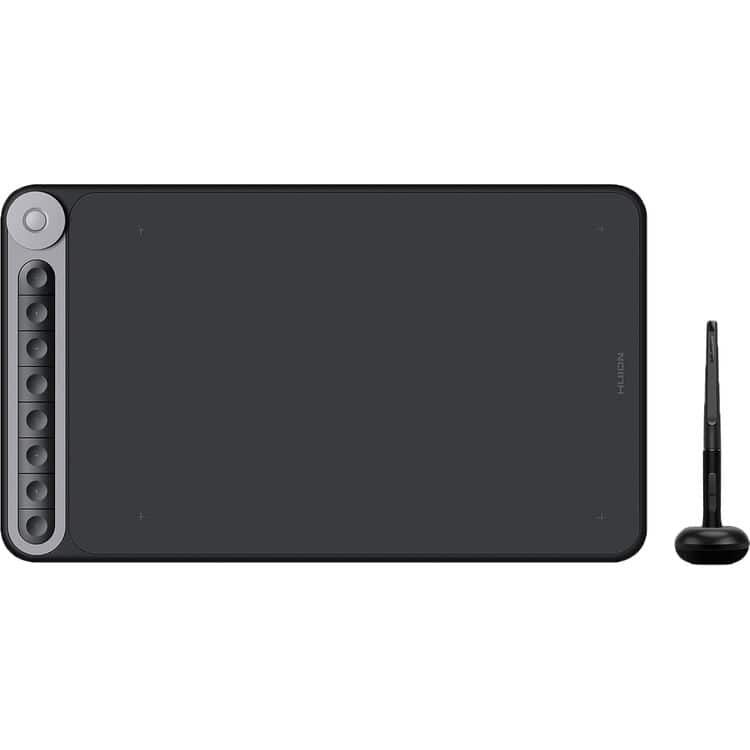
  6. Huion - Inspiroy Dial Q620M Wireless Graphics Drawing Tablet - Black

    SKU: JX6TW8HTSP

    Product Description

    A black wireless graphics tablet with eight programmable keys, a multifunction dial, and battery-free pressure-sensitive pen.
    See all Drawing Tablets
    Your price for this item is $79.00
    Save $30
    The previous price was $109.99
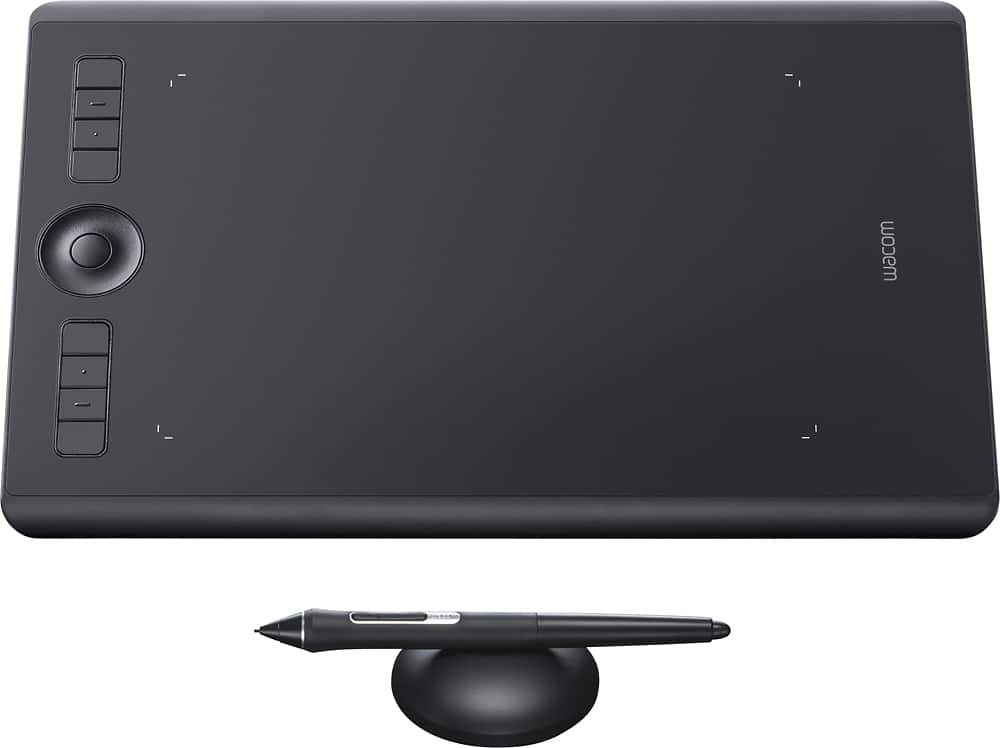
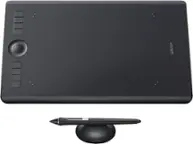
  7. Wacom - Intuos Pro Pen Drawing Tablet (Medium) - Black

    SKU: JXFPXQQ83Z

    Product Description

    A black pen drawing tablet with 8,192 pressure levels, tilt recognition, Bluetooth, and customizable ExpressKeys.
    See all Drawing Tablets
    Your price for this item is $300.99
    Save $79
    The previous price was $379.99
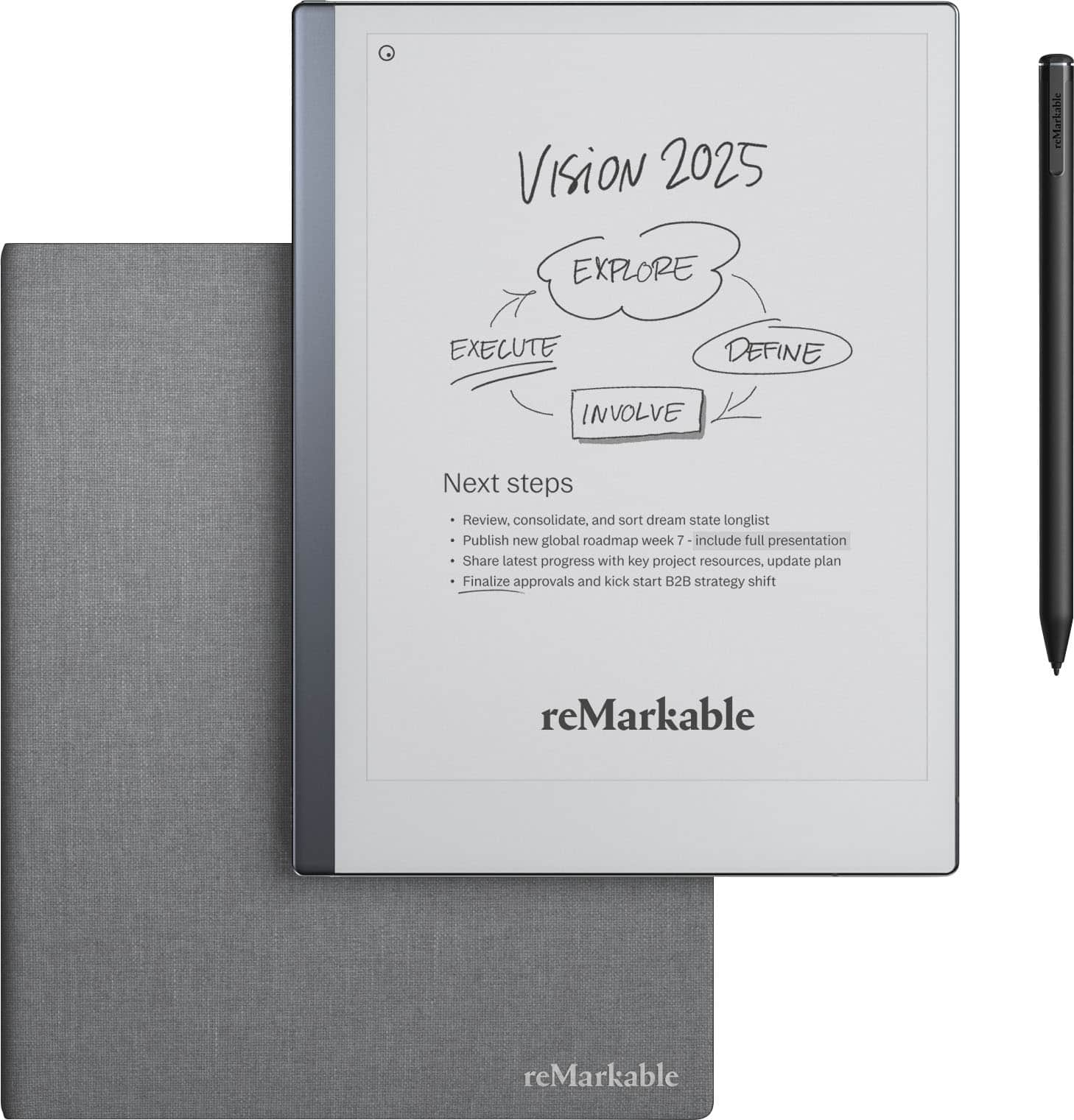
  8. reMarkable - 2 - 10.3” Paper Tablet with Marker Plus and Polymer Weave Book Folio - Gray

    SKU: C4SQZQ4JFJ

    Best one...Great my granddaughter love it she was expecting like this...Love it!...One of my best buys - very light, no glitches Love it

    Product Description

    A gray digital tablet offering a paper-like writing experience with Marker Plus and a stylish polymer weave folio.
    See all Digital Notebooks
    Your price for this item is $512.99
    Save $56
    The previous price was $569.00
  9. Lenovo - Idea Tab Pro - 12.7" 3K Tablet - 8GB RAM - 256GB UFS - with Tab Pen Plus - Luna Grey

    SKU: JJGSQFRVT9

    Best laptop...Great laptop I love it is worth the money I use it for work and personal...Love it...I love this tablet. It was the best purchase I’ve ever made.

    Product Description

    A Luna Grey Android tablet featuring a 12.7" 3K display, 256GB storage, and Tab Pen Plus.
    See all All Tablets
    Your price for this item is $399.00
    Save $60
    The previous price was $459.99
  10. Lenovo - Idea Tab Plus - 12.1" 2.5K Tablet - 8GB RAM - 128GB UFS - MediaTek Dimensity 6400 2025 - Tab Pen Plus - Luna Grey

    SKU: J3GWT6Q65L

    Product Description

    A gray tablet with 2.5K touchscreen, 8GB RAM, 128GB storage, stylus, Dolby Atmos, and 10200mAh battery.
    See all All Tablets
    Your price for this item is $279.99
    Save $70
    The previous price was $349.99
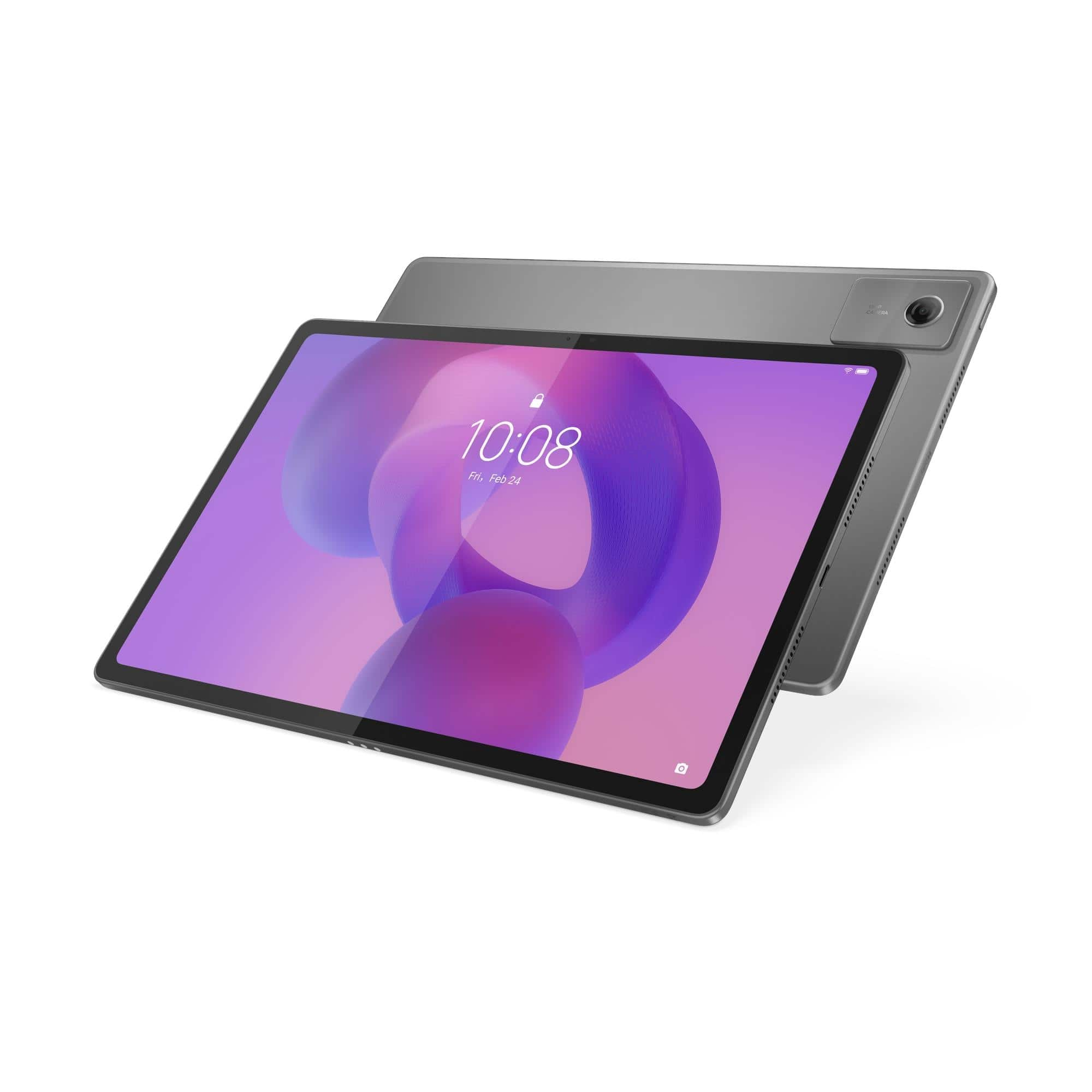
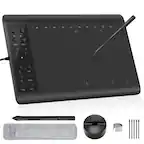
Black Friday Sale On Drawing Tablets offers an opportunity to find creative technology at a lower price while comparing features that can make a meaningful difference in everyday use. Drawing tablets generally fall into two broad categories: pen tablets that connect to a computer and display tablets with a built-in screen. A pen tablet has a smooth active surface that mirrors the movement of the stylus on a separate monitor, making it a practical choice for digital drawing, photo retouching, animation, handwritten notes and online instruction. Models with a built-in display let users draw directly on the image, much like sketching on paper, which can feel especially natural for illustration, character design, lettering and other detailed work. Some compact options are easy to slip into a backpack for a class, studio session or shared workspace, while larger surfaces provide more room for broad strokes and layered projects. When comparing a sale, consider the tablet’s active area rather than its overall footprint, since bezels and shortcut controls can affect how much space is available for drawing. A smaller work surface can be convenient for a laptop setup, while a larger one may reduce the need for constant zooming and panning. Screen resolution, viewing angle, brightness and surface texture matter on display models, and a matte finish can help reduce glare while giving the stylus a more paper-like feel. For shoppers working within a tighter budget, a Cheap Tablet For Drawing can provide a capable starting point for learning digital art, marking up images or experimenting with creative software without committing to a professional studio setup.

The stylus is just as important as the tablet surface. Pressure sensitivity allows a light touch to create a thinner or softer line and a firmer touch to produce a bolder stroke, giving digital work the expressive variation that makes pencil, ink and brush tools feel more responsive. Tilt recognition can add another layer of control for shading and angled brush effects, while programmable buttons on the pen or tablet can place undo, erase, zoom and brush-size controls close at hand. Battery-free pens can be convenient because they do not need regular charging, though shoppers should still check whether replacement nibs and other accessories are easy to find. Compatibility deserves careful attention before checkout. Verify that the tablet works with the intended Windows or Mac computer, and check whether support for an Android device requires a particular cable, adapter or operating system version. It is also useful to confirm compatibility with the creative applications already in use, including illustration, photo-editing, animation, note-taking and three-dimensional design programs. A tablet may require a driver download, an available USB port or a separate power connection, particularly when paired with a larger display. For a desktop setup, look at included cables, stand options and available ports. For a portable setup, consider weight, cable length and whether the tablet can be used comfortably beside a laptop. These details can turn a promising discount into a smooth creative experience rather than an accessory hunt after delivery.

Drawing tablets can suit a wide range of shoppers and make thoughtful gifts for students, hobby artists, photographers, designers, educators and anyone who enjoys making things by hand. A beginner might use one to trace reference shapes, practice digital brush control and discover the difference between layers, masks and undo controls. A student can annotate diagrams, create presentation graphics or build a portfolio from a bedroom desk or school workspace. An experienced illustrator may value a larger display, customizable shortcuts and precise pen performance for long sessions, while a photographer may use the stylus for careful selections, skin retouching and detailed adjustments that are difficult with a mouse. Families can choose an entry-level tablet for creative exploration, especially when children are interested in animation, comics or digital coloring, while more advanced users may appreciate a high-resolution display and an adjustable stand. During the cooler months, a drawing tablet can also bring a satisfying hands-on activity to a home office, kitchen table or quiet corner near a window, turning a blank canvas into a place for sketches, gift designs, greeting cards and personal projects. Black Friday pricing may vary by size, screen type, included accessories and performance level, so compare the original features as well as the advertised savings. Check return policies, warranty coverage and software requirements, and leave room in the budget for a stand, spare nibs, a carrying case or a compatible adapter if those items are not included. The best value is the setup that matches the user’s device, creative habits and comfort preferences, allowing the tablet to become a reliable part of the workflow long after the seasonal promotion ends.

FAQ

Look for features that match your creative workflow, such as a pressure-sensitive pen, customizable shortcut buttons, a responsive active area, tilt support, and compatibility with your preferred computer and creative software.

Many drawing tablets work with widely used illustration, photo editing, animation, and design applications. Check the tablet’s operating system requirements and supported software before choosing one.

A pen tablet has a separate drawing surface that connects to a computer, while a pen display includes a screen that lets you draw directly on the displayed artwork. Both types can support digital illustration, editing, and design.

Many drawing tablets offer programmable buttons on the tablet, stylus, or both. These controls can be assigned to frequently used commands such as undo, zoom, brush adjustments, or switching tools.

Useful accessories may include replacement stylus nibs, a tablet stand, a protective case, a drawing glove, and a USB hub or adapter when needed for your computer setup.