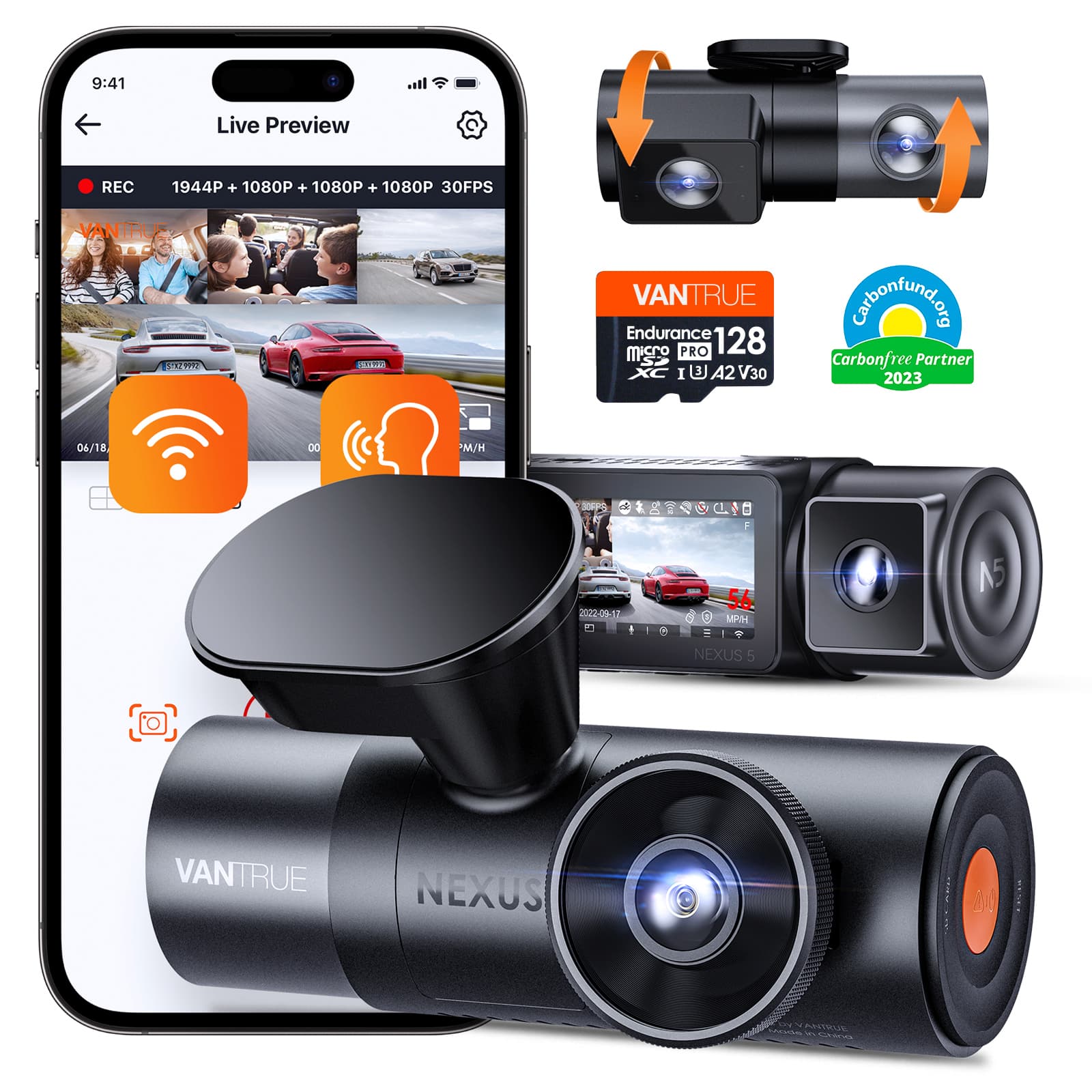
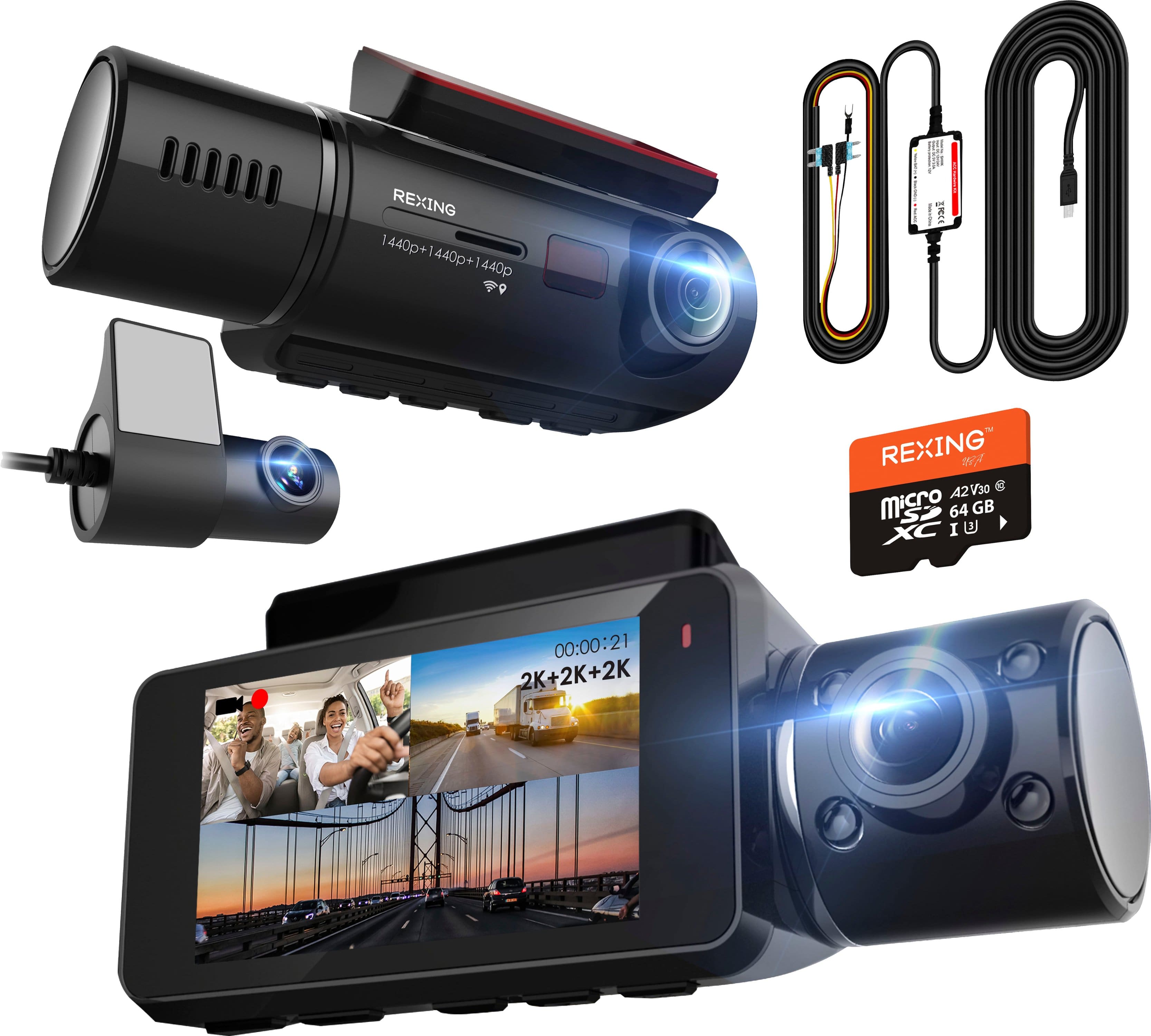
Dash Cam Front And Rear
Find a front and rear dash cam to record the road ahead and behind your vehicle. Compare dual-camera setups by video resolution, field of view, storage requirements, and installation needs to choose a system that fits your vehicle and the way you drive.







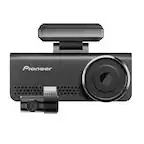
Dash Cam Front And Rear
FAQs
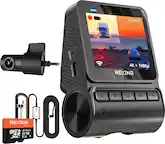
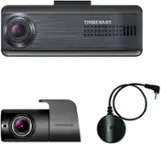
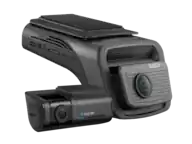
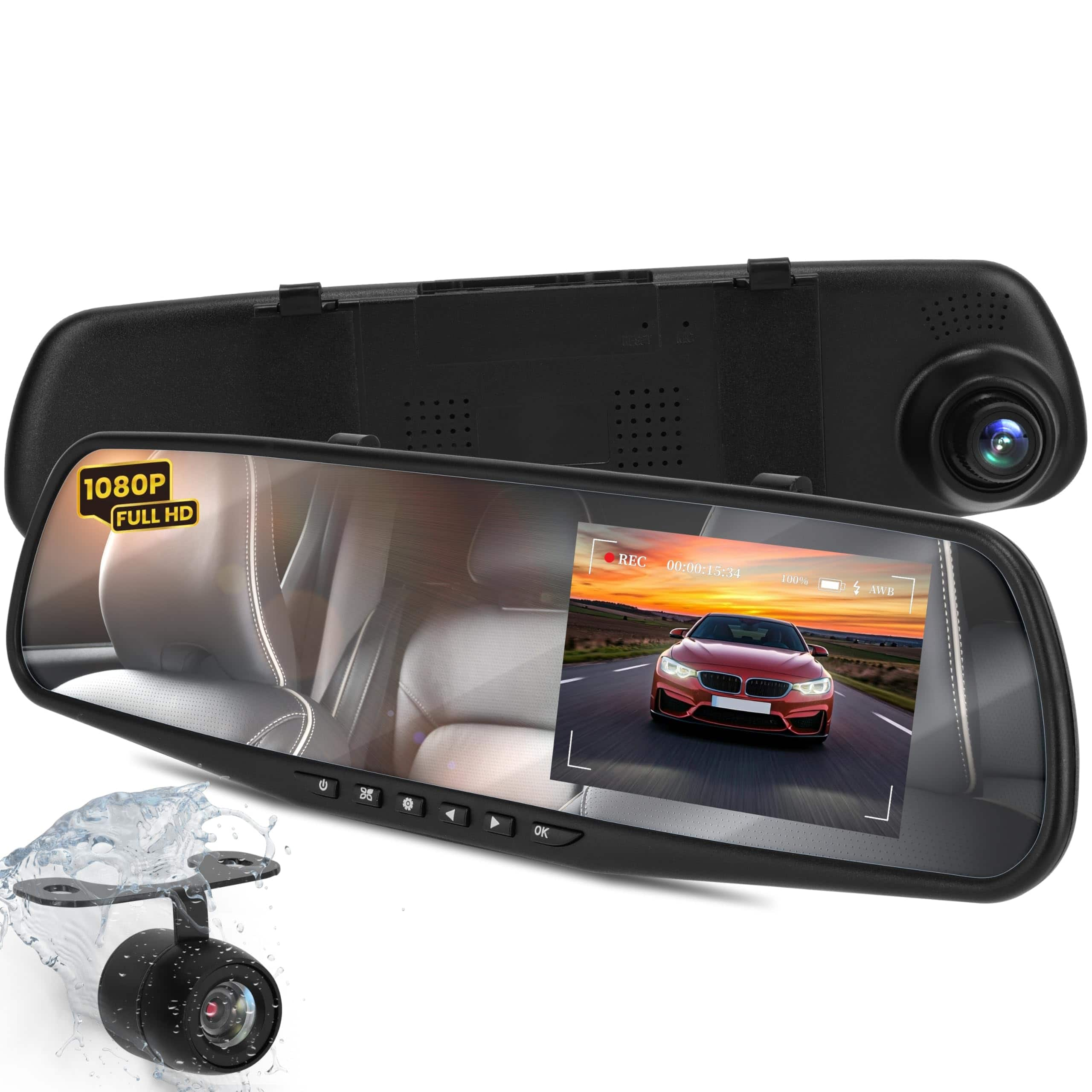
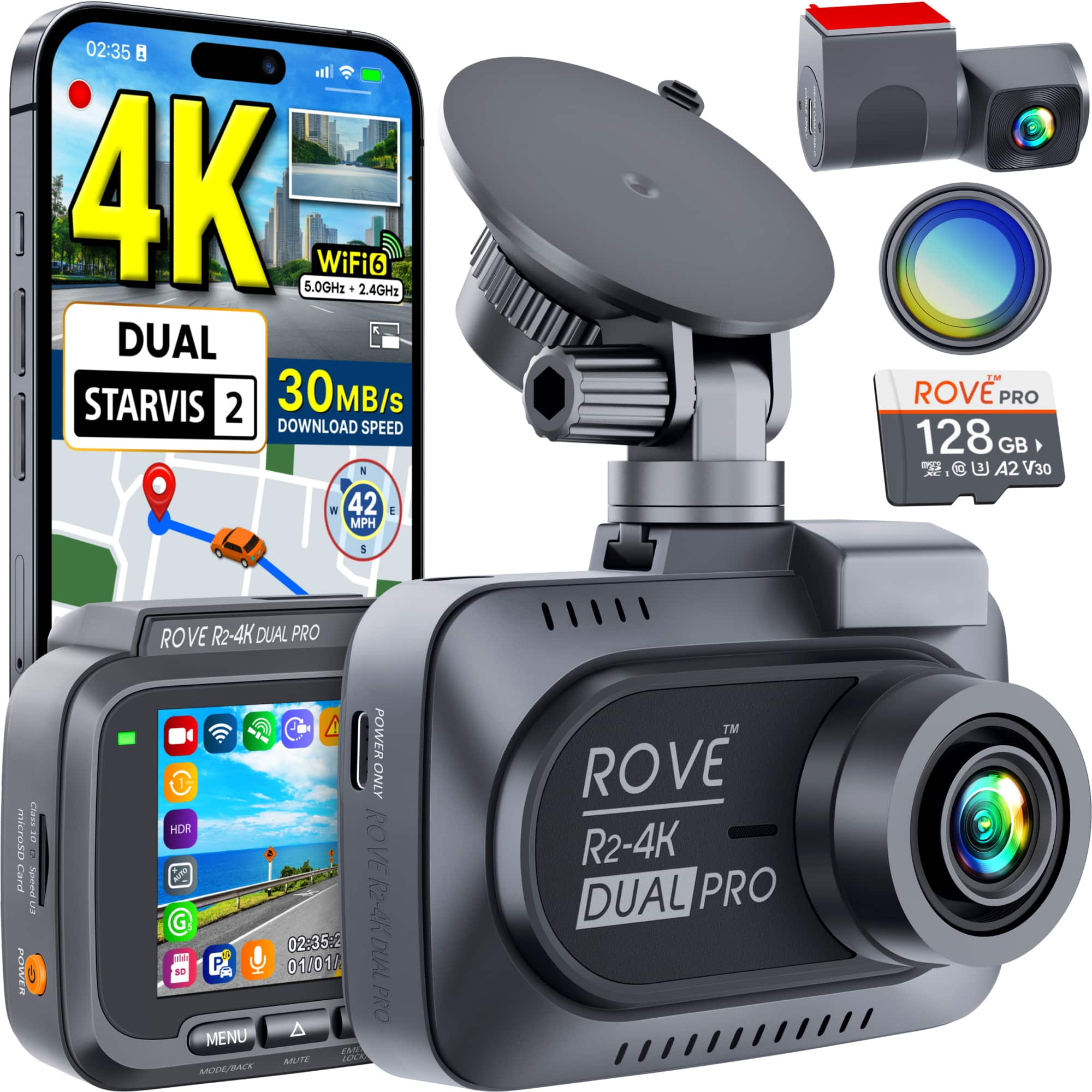
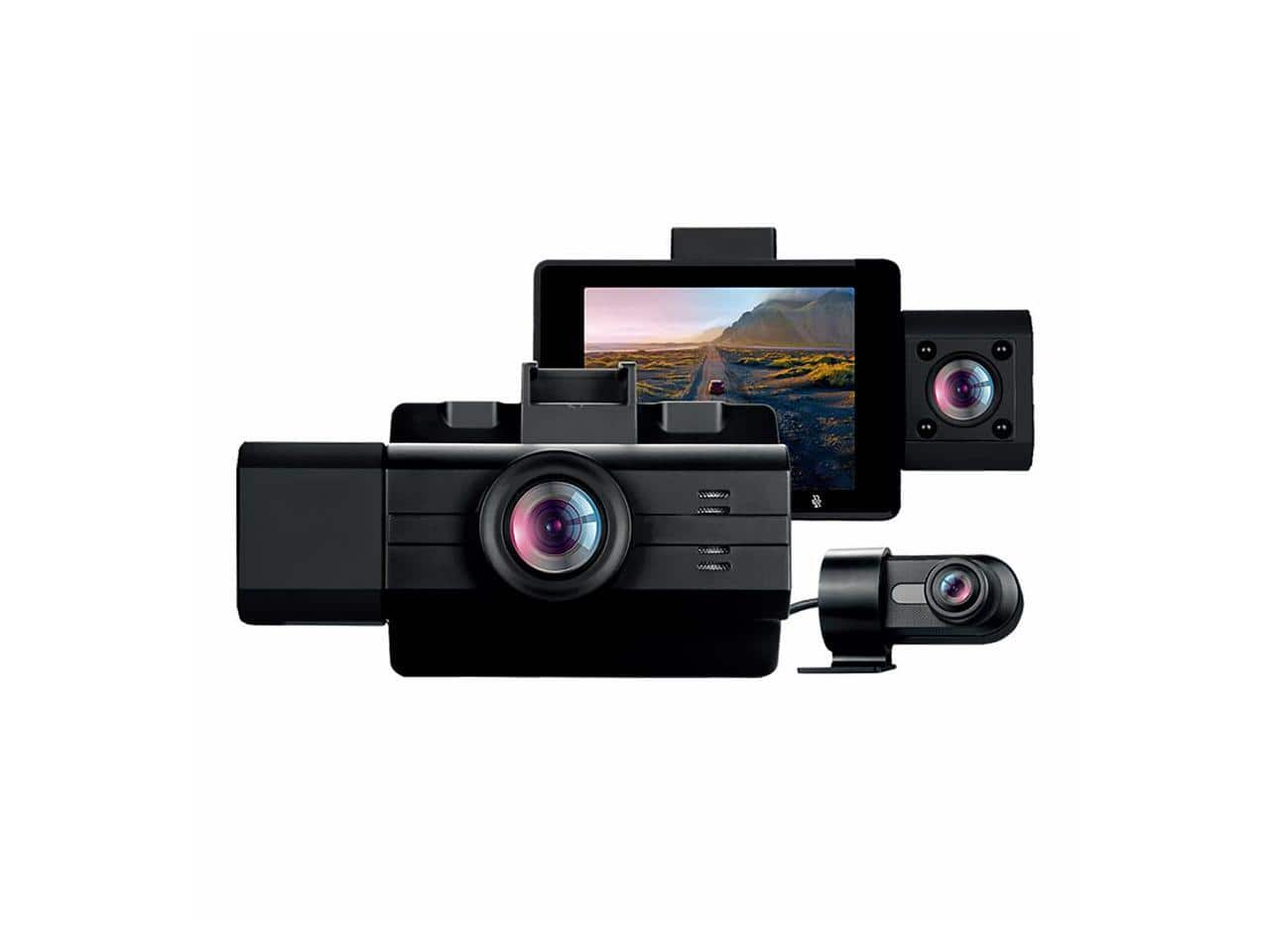
A front and rear dash cam system records video from two cameras: one facing the road ahead and another facing behind the vehicle. Often called a dual-channel dash cam, this setup typically connects a separate rear camera to the main front camera.
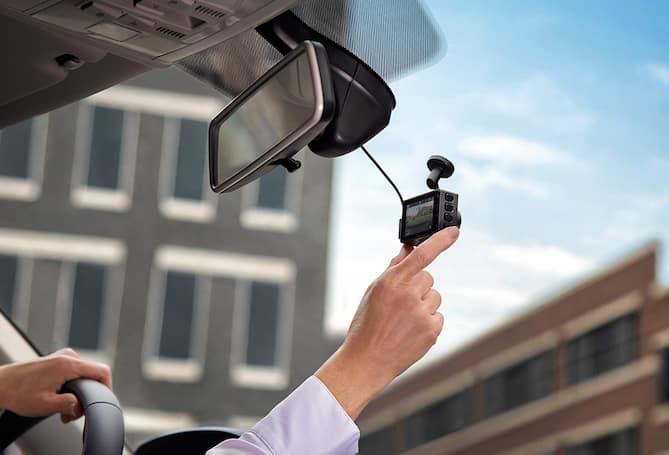
The front camera typically mounts near the windshield, while the rear camera mounts near the rear window. A cable usually connects the two cameras. Depending on the system, power may come from a vehicle accessory outlet or a compatible hardwire kit. Mounting and wiring requirements vary by camera system and vehicle.
Loop recording saves footage in a series of short video files. When the memory card fills up, the system typically overwrites the earliest unprotected recordings to make room for new footage. Protected clips may need to be deleted separately, depending on the camera’s settings.
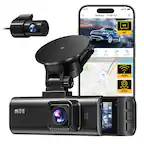
Some front and rear dash cam systems offer Wi-Fi connectivity and a companion smartphone app for viewing or downloading recordings. Other systems require transferring files from a memory card to a compatible device. App features and phone compatibility vary by model.
Some systems include a microphone, usually in the main front camera, that records cabin audio alongside video. Audio recording can often be turned on or off in the camera settings or companion app. A rear camera does not necessarily have its own microphone.