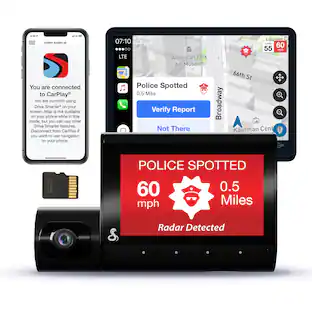
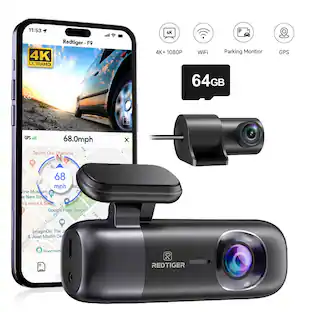
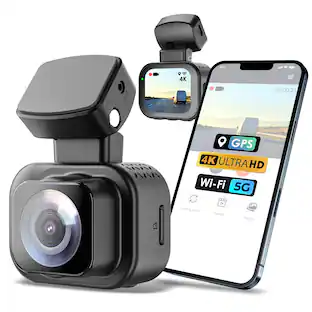
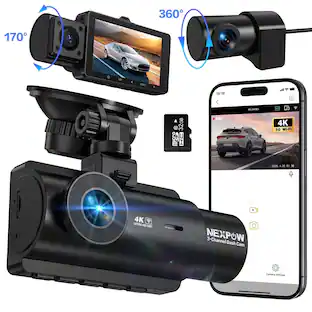
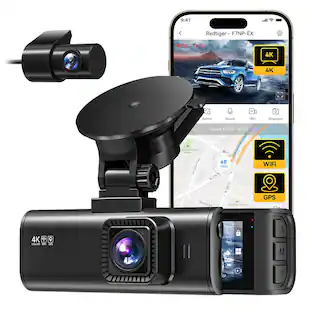
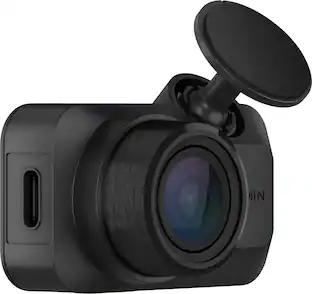
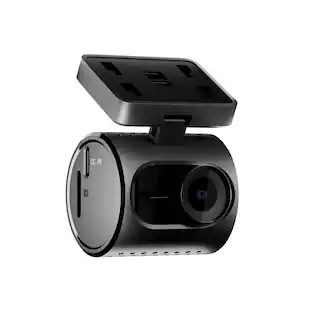
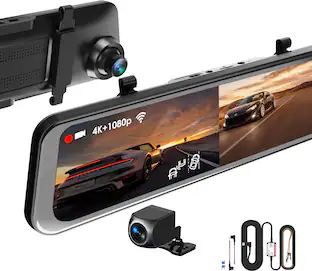
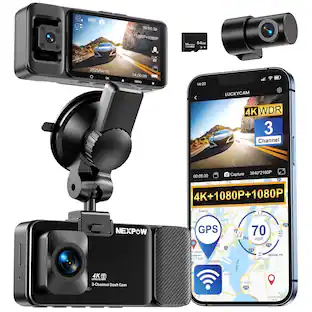
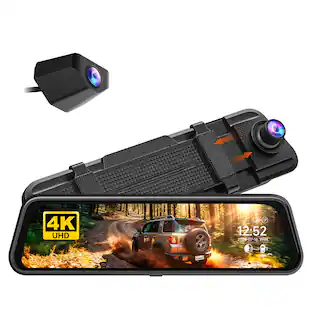
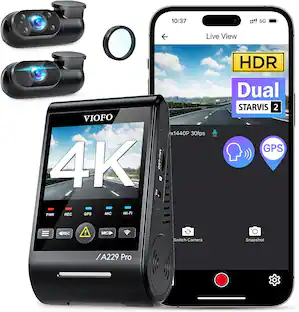
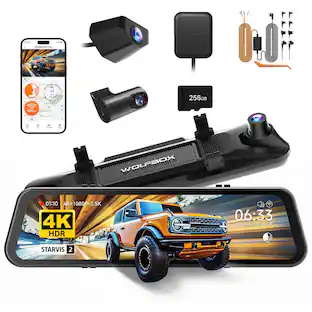
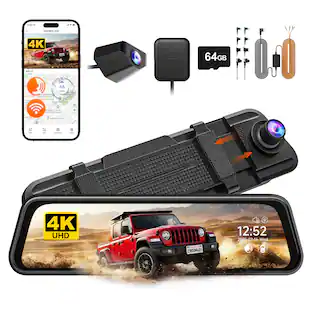
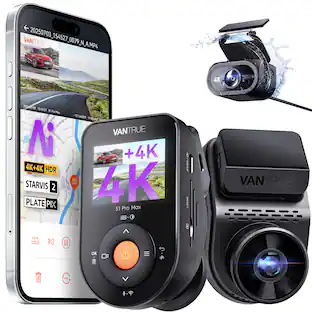
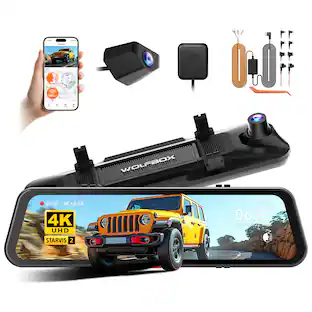
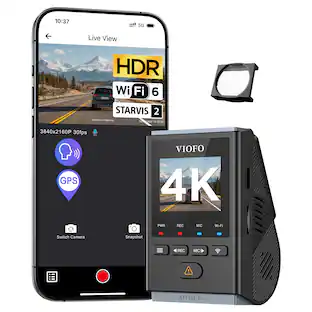
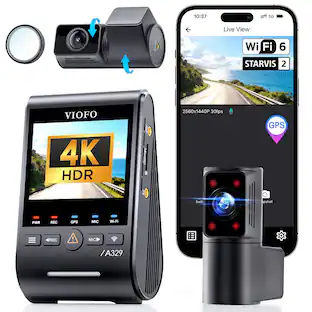
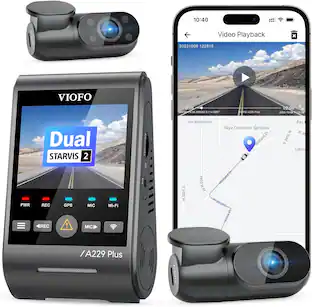
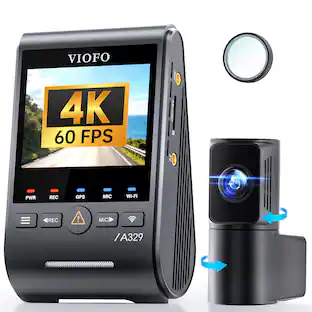
Car Dash Camera with 8MP UHD 4K Video resolution, ADAS enabled, Wide Dynamic Range, 137 Field of View with in-built GPS and Wi-Fi

Car Dash Camera with 8MP UHD 4K Video resolution, ADAS enabled, Wide Dynamic Range, 137 Field of View with in-built GPS and Wi-Fi

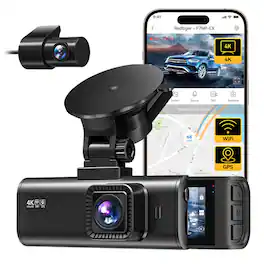
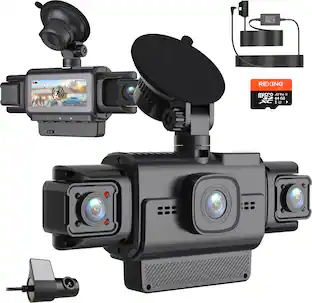
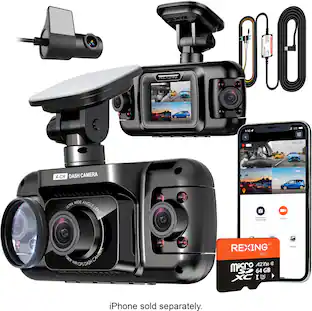
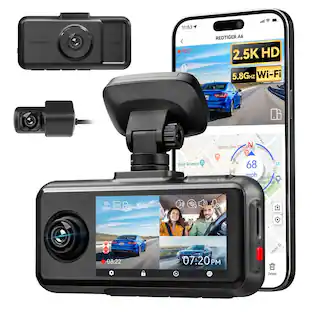
Capture ultra-clear 4K front and 4K rear footage with the Rexing R88 Dual Sony STARVIS 2 Dash Cam. Featuring parking mode for continuous monitoring, it ensures enhanced security. Loop recording and G-sensor impact detection safeguard your vehicle by capturing crucial moments both on the road and while parked. The 5.8GHz WiFi enables seamless video transfer and app control.

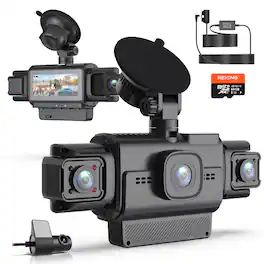
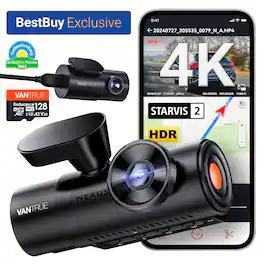
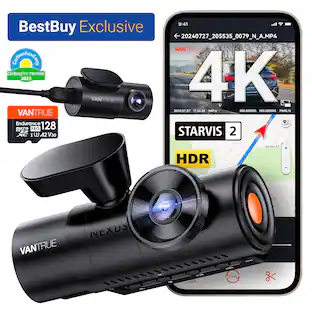
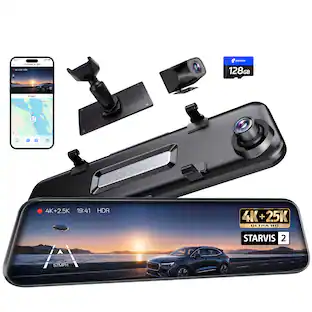
Experience cinematic True 4K HDR front video powered by Sony STARVIS 2 IMX678 sensor and PlatePix™ technology for unmatched license plate clarity day or night. True 3-channel recording (155°+160°+165° ultra-wide lenses) delivers 360° protection, eliminating blind spots for rideshare or family security. 24/7 Parking Guard with enhanced low-light vision keeps watch even when parked. Supercapacitor power ensures safer, longer-lasting operation in extreme heat or cold conditions. Massive storage supports up to 1TB microSD cards for extended recording. Includes 128GB MicroSD Card that features U3 speed (100MB/s read, 90MB/s write). Enjoy quick magnetic installation, hands-free voice control, and crisp anti-glare video with the optional CPL filter.

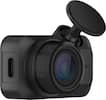
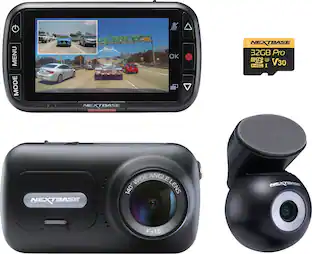
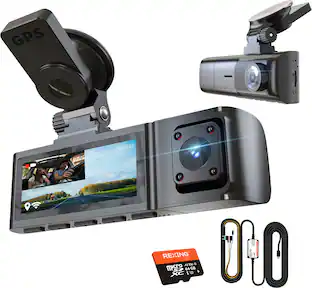
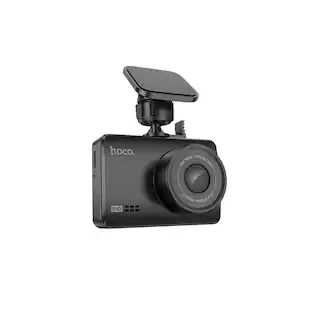
Compact dash camera with 1.5K resolution and a 120 wide-angle view for a clear, wide view of the road. Easy to install and elegantly designed for a seamless fit in any vehicle.
| Pros for Pioneer - Universal Compatibility Car Dash Front and Rear Camera with 8MP UHD 4K Video resolution with in-built GPS and Wi-Fi - Black | |||
|---|---|---|---|
| Cons for Pioneer - Universal Compatibility Car Dash Front and Rear Camera with 8MP UHD 4K Video resolution with in-built GPS and Wi-Fi - Black | |||
| There were no cons for this product— |
The vast majority of our reviews come from verified purchases. Reviews from customers may include My Best Buy members, employees, and Tech Insider Network members (as tagged). Select reviewers may receive discounted products, promotional considerations or entries into drawings for honest, helpful reviews.

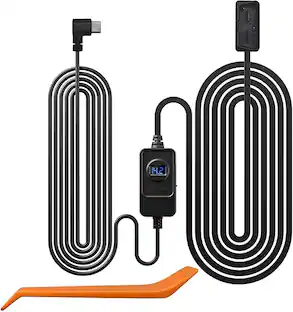
Really nice dash cam. They include everything to get it working, even a 128GB micro SD card (industrial grade). The only thing that was not included was that plastic pudgy to help open up the weather stripping or columns on your car (I've had other older cams that included that) and a permanent way to wire it so you can enable parking features (they only include a cigarette lighter power plug). The main camera takes power from the cigarette lighter adapter, and they use a Type C USB plug, however the back cam plugs into the main one using a nice and long cable with micro USB plugs (don't know why its not type C like the power one). Install was easy and the cable for the rear cam is long, I had extra length I had to tuck in, so length is not an issue. Setup was using their app and it connects to the cam using its own Wi-Fi network, this is where I had some hiccups, It would no connect, no matter what I did using my phone (android), however it did with my iPad. I hope they can do some updates on the software/app side to make it more stable. The main cam itself is nice and has a nice wide screen. You can tune the up and down angle of the lens, but no side (wish you could move the lens 360 degrees to tune your image), so make sure you install it very well centered on your windshield, it attaches via sticky tape (no suction cup, I would have preferred this method). Video quality is very nice, thanks to its Sony Starvis sensor and 4k. Nigh quality is nice too. It also has an included GPS, so no need to get a GPS module. It can record in 1 minute length continuous videos (I hope they update this too giving the option for 3 or 5 minutes too). It also has a lane assist function, but it needs some tuning too, sometimes it fails to alert me and some times it does, its not very consistent, but to me its just a plus, I want it for the peace of mind recording, specially these days with so much insurance fraud and people being just plain bad drivers, if you are looking for a no frills, great video quality dash cam, this is a good one!!
Posted by JamexRZ
The Pioneer4K dash camera (VREC-Z820DC) ships with a front camera, rear camera, USB-A to mini-USB rear camera connector cable, USB-C to USB-A power cord for primary camera, 12V DC power adapter, and two electro-static mounting films. The power adapter isn’t permanently attached to the power cord like many cameras. That leaves it available if needed to charge another USB-A device like a phone. Setting up and installing this Pioneer dash cam was easy and straightforward. I first downloaded and installed Pioneer’s AI Sense app. Then I powered on the camera and completed the initial setup which included setting the time/date, metric or imperial, and a few other basic settings on the device itself through the hardware buttons. Finally, the app had me connect to the camera through Wi-Fi, complete the camera setup, and checked for firmware updates. Next up was the physical installation. I’m relieved Pioneer provided backing films that can go between the camera mount and the windshield. I have window tinting and was concerned about the rear camera tape adhesive possibly damaging the tint. Thankfully, I was able to apply the protective electrostatic film to the glass first and affix the camera onto that rather than on the tint. The film sticks to the tint securely and supports the lightweight rear camera with no problem. Only thing I had to do was work out a few air bubbles. A film is provided for the front camera also, but I affixed that camera directly to the glass. I’m just relieved that if I ever need to remove the rear camera, I don’t have to risk damaging the window tinting. Cable placement could be a little better because the rear camera cable blocks me from accessing the SD card port unless I unplug it. Pioneer provides a lot of slack for the rear camera cable. However, no trim tool is provided. It’s fortunate that I already had one because I definitely needed it. It was easy to hide the wire underneath the trim and around the pillars, but so much slack is provided I had to get creative to hide the excess slack in my sedan. I didn’t install a hardwire kit, nor do I use a constantly powered 12V outlet, so some safety features like parking monitor aren’t available. I’m not too worried about parking monitor for now because I seldom park in high crime areas and haven’t had any issues with vehicle break-ins. I may invest in a hardwire kit if I find myself parking more in questionable areas or lots, especially for lengthy periods such as when I park at airport long term lots. Like most dash cams, this camera records in intervals. The front camera records in 8MP 4K, the rear camera records in 1K. Metadata confirms 4K recording at 30fps on the primary camera. The front camera has an impressively wide field of view. The rear also has a wide field of view and both cameras capture the entire roadway and quite a bit more detail outside the roadway. Video from both cameras is clear and decipherable both day and night. I usually have no issues deciphering plate numbers and road signs on bright light recorded videos and on night videos with good illumination. The dim lighting at night doesn’t seem to negatively impact recording quality and I don’t see any glare in night footage. The wide dynamic range works well at eliminating glare and harsh shadows with the varying lighting conditions. There is no PIP for the rear camera but I can switch the display to the rear camera using the hardware buttons. I can also view live-view footage through the app. Captured video is timestamped with the time and date, speed, and GPS coordinates. The camera has advanced driver assistance system (ADAS) capability that can warn of lane departure, imminent collision and dense traffic. It’s a little inconsistent and doesn’t work more than it does, but luckily I already have the same features OEM in my vehicle which work much better. It’s a helpful safety feature for vehicles that aren’t equipped with it, but it needs some improvement. There were also warnings in the manual about components heating up but neither the camera nor the power adapter has felt excessively hot during the times I used it. The camera screen blanks shortly after powering on which is a feature I actually like because it’s less distracting while driving. As long as I see the green LED, I’m reassured the camera is recording. The camera has been reliable in most operations and with recording during travel. The only significant issue I’ve encountered occurred after I changed the Wi-Fi password. After doing so, the app instructed me to forget the Wi-Fi connection and reconnect with the new password. I did as the app instructed but have been unable to connect to the camera over Wi-Fi since. It doesn’t even show up among the list of available Wi-Fi networks when I scan. I’ve tried various troubleshooting techniques just short of resetting the camera to factory default but haven’t had any luck. I even tried scanning with other devices but still don’t see the camera among available Wi-Fi networks when I scan. That leads me to believe the issue is with the camera rather than my phone. It’s mildly aggravating but I’m not going to worry about it too much for now because I prefer manually downloading footage directly from the SD card anyhow rather than through the app. However, I will have to address it soon because I’m going to need Wi-Fi connectivity for adjusting settings and applying firmware updates. I’m thinking I’ll likely be forced to reset the camera and start from scratch, but I consider that the last resort option and avoiding it until all else fails. But this is the reason I prefer dash cams be equipped with Bluetooth rather than Wi-Fi only. Overall, the Pioneer VREC-Z820DC is a decent 4K dash cam with helpful safety features. Some require installing a hardwire kit but I have all the features I need or plan to use at the moment. The app could definitely use some work because it bricked the first camera I tried and now I am unable to connect to Wi-Fi on the second. So, my verdict is that it is a decent camera, but the app leaves a lot to be desired. Hopefully these issues will get ironed out in future app updates.
Posted by JMan
TLDR: An excellent dash cam, but the ADAS assist system is gimmicky & apps are buggy. PROS: Excellent 4k Video Plenty of Wiring Included Top Rated Sony STARVIS Sensor CONS: ADAS Traffic Assist Buggy Both Android & iOS Apps Buggy Inferior MicroSD Card Included Frustrating Initial Set-Up No Included Hardwire Option on Premium Product INSTALLATION Pioneer deserves major kudos for actually including enough wiring for drivers in the US market. This is the first dash cam I've installed to date that didn't require me to purchase an add-on extension harness to connect either power or the rear camera. Not to mention, Pioneer finally got away from the annoying 1/8" stereo mini plug for power and data and went to a standardized micro USB cable to power the rear camera. Excellent! This VREC-Z820 replaces an older Pioneer dash cam in my 2014 Tundra Double Cab truck. Major props to Pioneer for having more than enough included wiring with the dash cam to install in my truck without issue. Like I just mentioned, unlike my old Pioneer dash cam, I needed nothing extra to install the new VREC-Z820. SET-UP I'm not going to sugar coat it. Pioneer dropped the ball on their apps. Yes, apps is plural, as both the iOS app and Android app are buggy. I first attempted installation with my new Android smartphone. Epic fail. Things were going smoothly until I attempted to change the default Wi-Fi password, as recommended by Pioneer. Not only did my password change not take affect properly, it shut down the entire Wi-Fi radio, forcing me to do a full factory reset and start the process all over. Thinking I would be smarter the 2nd time around. I grabbed my iPad and began installation. Everything started going without issue, but this time I didn't change the Wi-Fi password and luckily it was able to connect to the iPad. Unfortunately, the firmware update was riddle with issues as well. It took a full 6 attempts to get the firmware downloaded off my robust Wi-Fi network and actually installed to the dash cam. Once installed and rebooted the dash cam seemed to function better, but the app reared its ugly head once again. The iOS app doesn't size itself properly to the device's screen, leaving adjustments and settings unreachable on the pages. I had to cycle between my Android phone and my iPad to get all the settings changed that I wanted. Huge pain. The firmware of the dash cam was equally as buggy as the apps. I installed the included Silicon Power microSD card as instructed. After initial boot, the dash cam found the card and attempted formatting. The formatting failed, forcing a dash cam reboot. Upon reboot, the dash cam found the memory card and again initialized a format sequence, this sequence went without issue and the dash cam came to life and began recording. However, remember that initial firmware update I mentioned above? Well ... after installing the said update, the dash cam rebooted and said it found an unformatted microSD card and needed to format the card for use. No sweat. Proceed. That's when the dash cam reported that the microSD card was damaged and unusable, even though it functioned properly less than 5 minutes prior to firmware update. Luckily, my old Pioneer dash cam required the same memory card, so a simple swap between cameras and I was back in business. Taking that same microSD card to a computer, it formats and functions without issue. USE Image quality from 4k front and full HD rear cameras are impressive. Sony STARVIS sensors have long been regarded as some of the best in the business. I am lucky enough to have tested 2 Pioneer dash cams and back-to-back video shows a marked improvement in quality compared to my previous Pioneer. Pioneer touts their Wide Dynamic Range cameras and Sony STARVIS sensors reduce haloing and improve contrast. They are right. Images and video, especially at night, are substantially better than its predecessor. ADAS AI SAFETY FEATURES I find the included AI Safety Features more of a gimmick than actually useful for a number of reasons. First of all, they are not fully baked. Take the Lane Departure Warning system for instance. It often warns me of a lane departure when I'm driving down the middle of my lane. Second, I purposely crossed over the solid, white line on the shoulder of the road several times last night (safely) and the Lane Departure system never once alerted me. Four crosses, four failures. Most annoying is when you are on a major freeway and change lanes to pass the car in front. It seems like the Pioneer never fails to alert of a lane departure when I'm actively trying to change lanes, but fails miserably when I have an actual lane departure. CAMERA ACCESS The one thing I missed most about my old Pioneer dash cam was the fact that to access any videos, you had to remove the microSD card and use it in a computer just access any of the data stored on it. The VREC-Z820 resolves this issue by creating its own Wi-Fi network allowing your phone to access the video directly off of Wi-Fi. I have found that accessing the video via the app works quite well and is mostly reliable whether its on an Android phone or Apple phone. Users can view low-resolution playback directly off their device or choose to download a full high-resolution video file should they so choose. PARKING MODE One of the primary benefits of having a dash cam is the ability to have it keep an eye on your vehicle when you are not around. The VREC-Z820 will do this as well, but unfortunately, will not work with the included accessories. To get Parking Mode to work with the VREC-Z820, buyers are required to purchase a separate, hard-wired wiring harness for installation. This ensures that the VREC-Z820 can draw a constant 12V. This is a fail in my book, as other dash cam providers include this hard-wire kit with purchase, especially when purchasing their premium product offering like this VREC-Z820 is intended to be. FINAL THOUGHT While the Pioneer VREC-Z820 has excellent video quality and easy video retrieval, it is not without its faults. Would I recommend the VREC-Z820? Yes, I would. It is a good product even with its faults. I applaud Pioneer for giving buyers extra features and benefits that some of the competition now want to charge a subscription fee for. Something I would never recommend to buyers. So, while I would recommend the VREC-Z820 to potential buyers, it would be with one caveat. Give Pioneer a little time to get all the bugs worked out of their firmware and apps before purchase to save yourself the frustrations I'm experiencing. While I like the dash cam, the app is dragging the whole ownership experience down. Because of this, the VREC-Z820 only garners a 3/5. If the apps and firmware get fixed, this could be a great piece of kit. RECOMMENDED
Posted by NAMO