Dell Back Up Drive
-
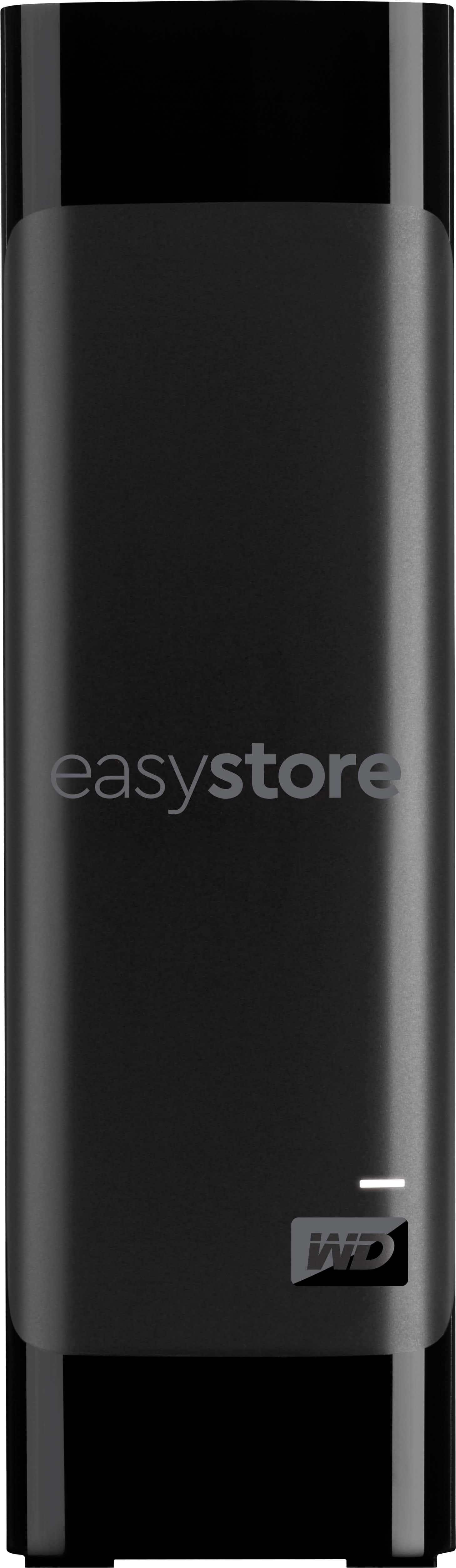
WD - easystore 20TB External USB 3.0 Hard Drive - Black
SKU: JXTHCC7YZ9I love these External Hard Drives that best buy offers. They are a great product....I love this hard drive! its the next best thing before you move up to a full hub storage!...Great Drive
See all External Hard DrivesProduct Description
A high-capacity black external hard drive with 20TB storage, USB 3.0 connectivity, and data encryption.Your price for this item is $879.99 -
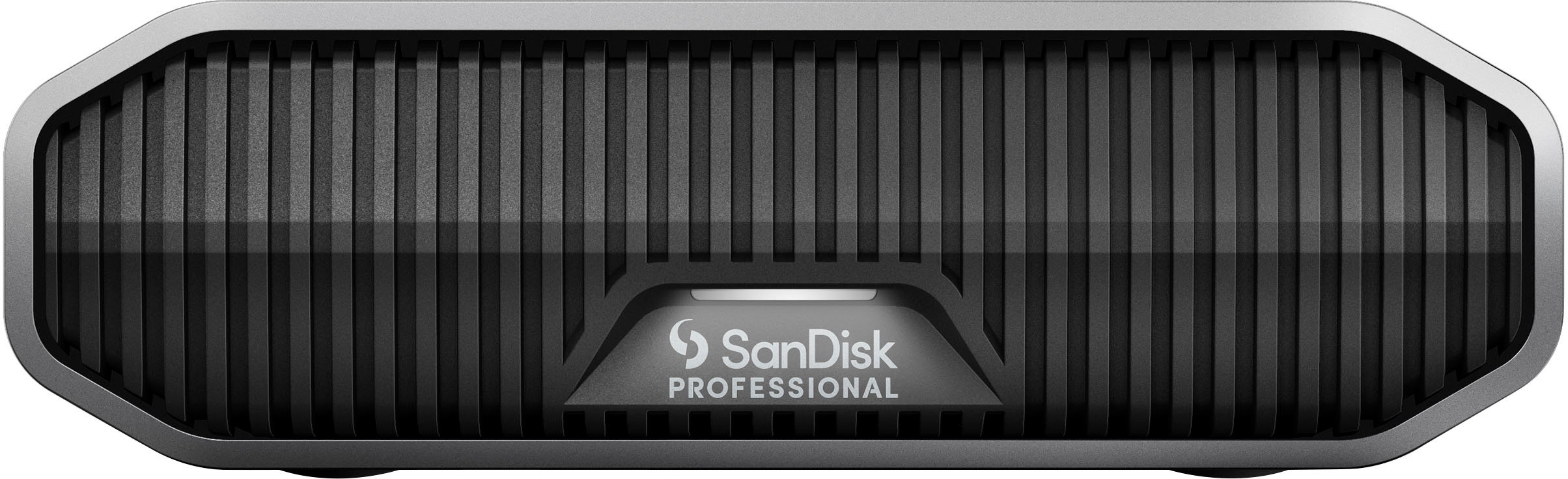
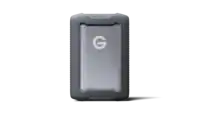
SanDisk Professional - G-DRIVE 22TB External USB-C 3.2 Gen2 Hard Drive - Black
SKU: JXTHCC76ZJSee all External Hard DrivesProduct Description
A high-capacity 22TB external hard drive with USB-C 3.2 Gen2, 7200RPM speed, and durable black aluminum enclosure.Your price for this item is $1,029.99 -
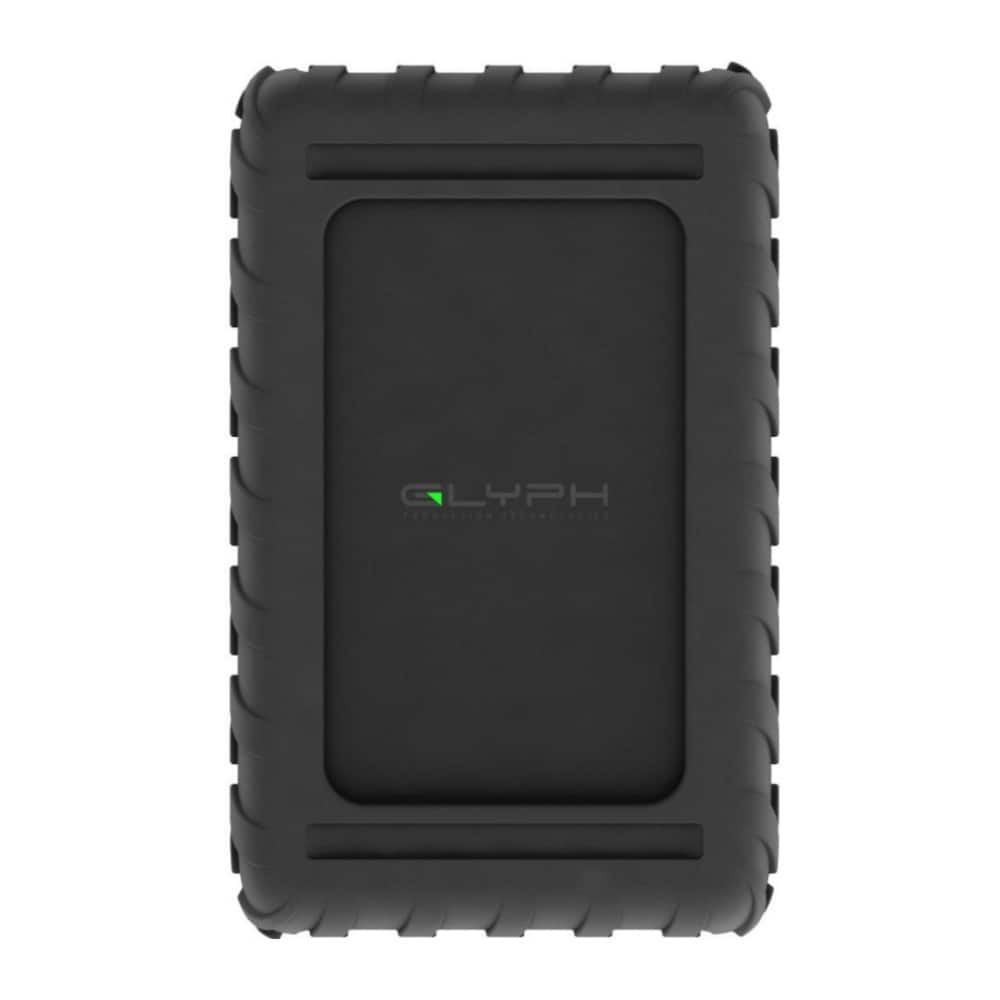
Glyph - Blackbox PRO 7200RPM Enterprise Class USB C 3.2 260 MBPS 24TB Hard Drive - Black
SKU: JX6GX97LG8See all External Hard DrivesProduct Description
A high-capacity black external hard drive offering 24TB storage and fast USB 3.2 Gen 2 connectivity.Your price for this item is $1,399.99
Best Sellers




Related Pages




FAQ
A Dell back up drive is used to securely store copies of your important files, photos, videos, and documents. It helps protect your data from loss due to hardware failure, accidental deletion, or other unforeseen events.
Yes, many Dell back up drives are compatible with both Windows and Mac operating systems. Some drives may need to be reformatted for optimal use with your preferred system.
You can set up automatic backups by using the included Dell backup software or by configuring your operating system's built-in backup utility. Simply connect the drive, follow the on-screen instructions, and schedule your preferred backup intervals.
Absolutely. Dell back up drives are designed to handle large files such as high-resolution photos, videos, and music libraries, making them ideal for creative professionals and media enthusiasts.
Yes, you can use a Dell back up drive to easily transfer files between computers, laptops, or other compatible devices. Simply connect the drive to each device to move or copy your data as needed.