Desktops For Photo Editing
-
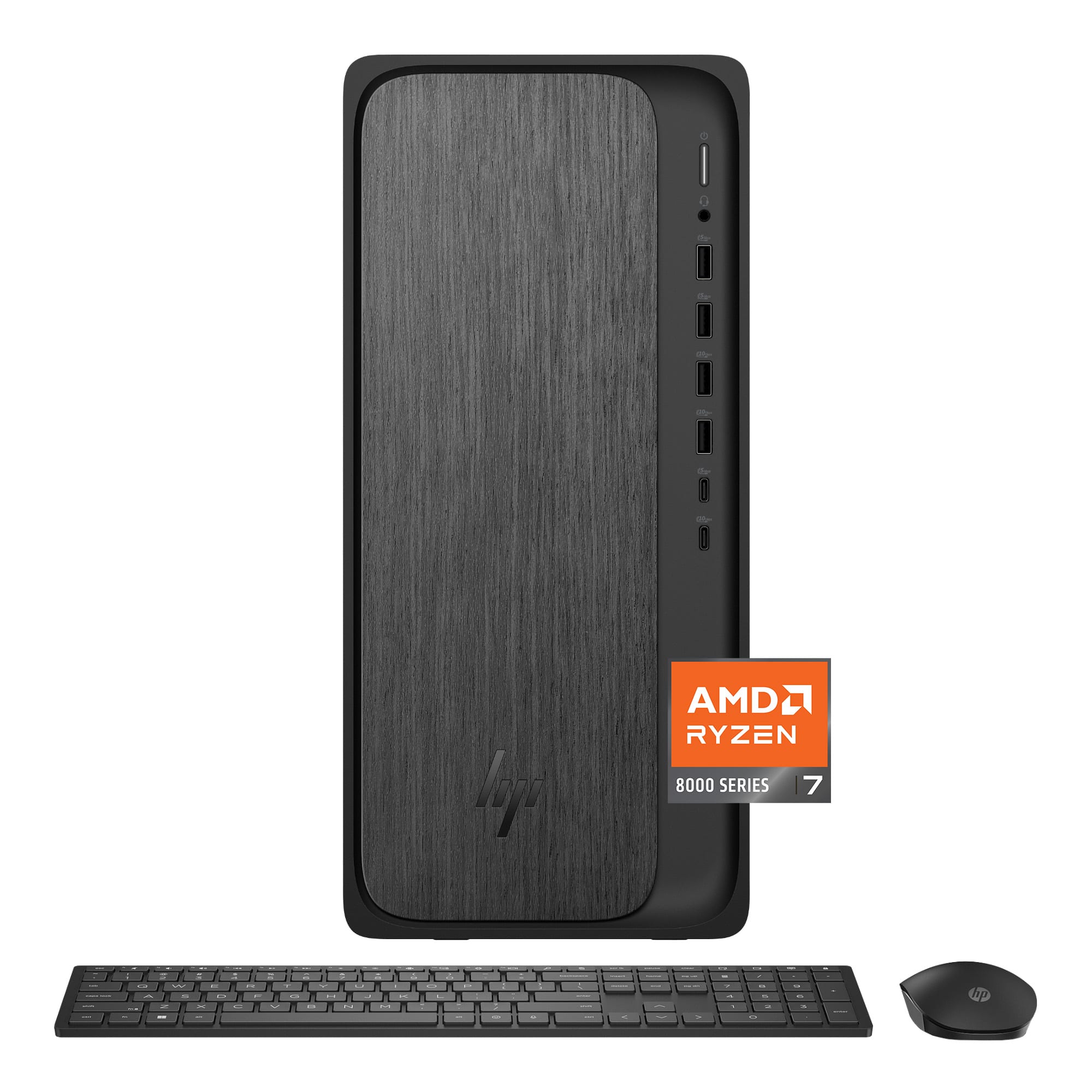
HP - OmniDesk Desktop - AMD Ryzen 7 8700G 2024 - 32GB Memory - 2TB SSD - Gray Wood
SKU: JJGTCLX6G6Great performance and speed. Fantastic storage space. This is truly a Best Buy....I've not been happy with Best Buy in the past but the Garland Best Buy has made me happy with Best Buy
See all Computer TowersProduct Description
A sleek gray wood desktop featuring AMD Ryzen 7, 32GB RAM, 2TB SSD, and Windows 11 Home.Your price for this item is $1,479.00Save $20The previous price was $1,499.00 -
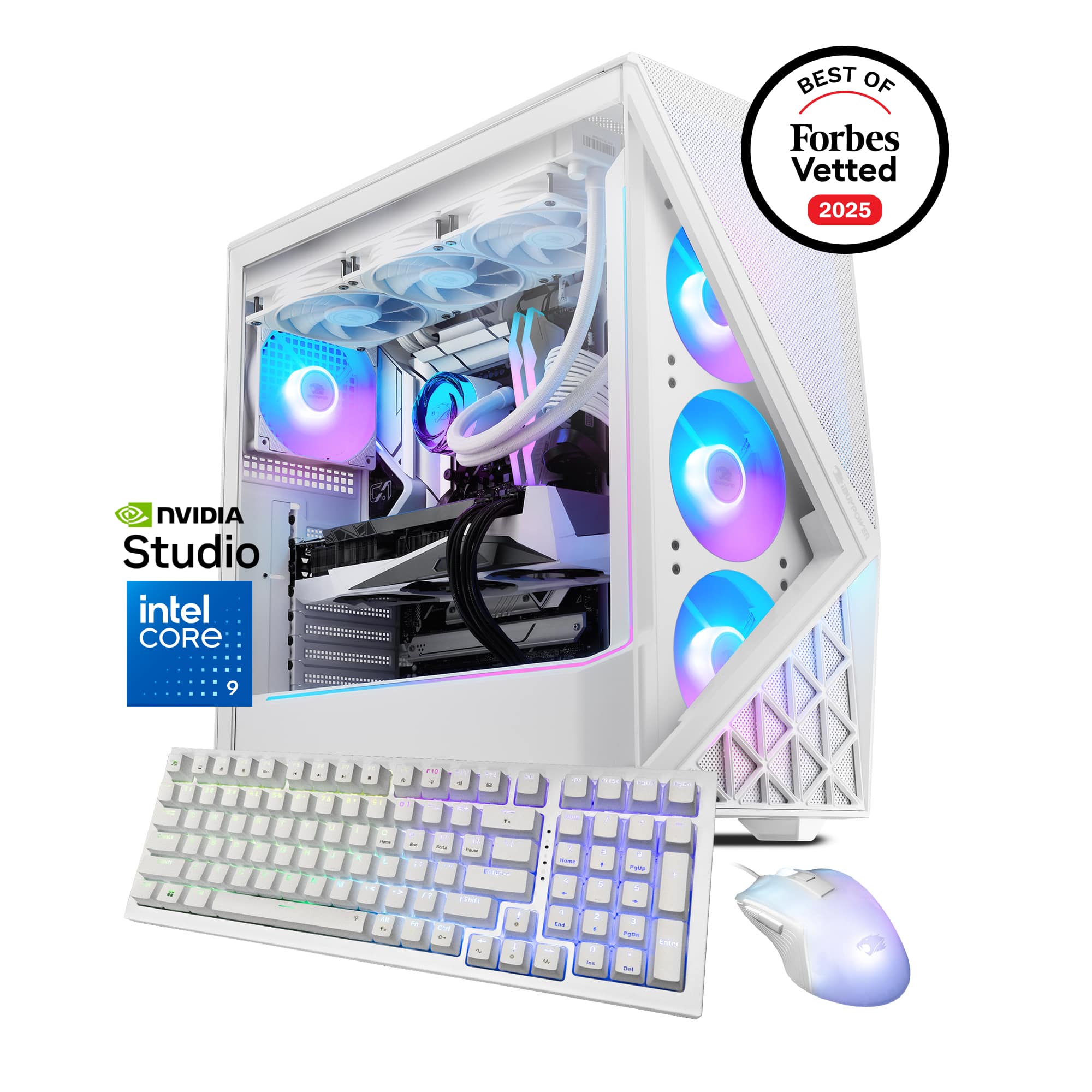
iBUYPOWER - Slate Gaming Desktop PC- Intel Core Ultra 9 285K,NVIDIA GeForce RTX 5070 12GB,32GB DDR5 RGB,2TB NVMe - White
SKU: J3R75JY88VGreat buy! Always a pleasant experience with Best Buy and service...Love it. Great gaming pc. Would highly recommended
See all Gaming DesktopsProduct Description
A high-performance white desktop featuring Intel Core Ultra 9, RTX 5070, 32GB DDR5 RGB, and 2TB SSD.Your price for this item is $2,359.99 -
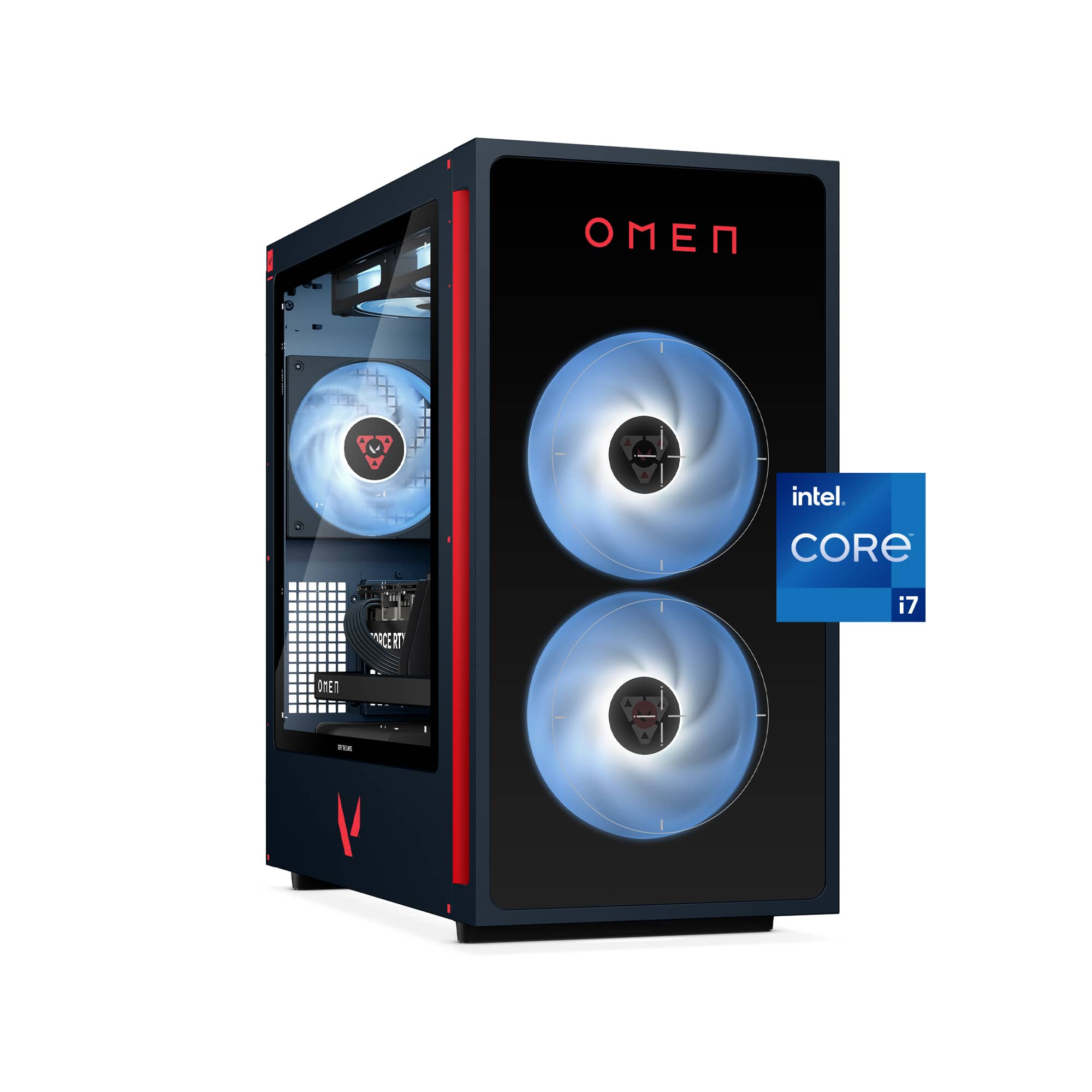
HP OMEN - 35L VALORANT Ltd. Ed. Gaming Desktop - Intel Core i7-14700F 2024 - 16GB Memory - NVIDIA GeForce RTX 5060 Ti - 1TB SSD - Navy
SKU: JJGTCGHQ22love it...The omen Gaming System is the best ever I’ve gotten for my Grandson’s 13th Birthday....Thanks Best Buy.
See all Gaming DesktopsProduct Description
A navy limited edition gaming desktop featuring Intel Core i7, RTX 5060 Ti, and 1TB SSD.Your price for this item is $1,629.99Save $290The previous price was $1,919.99 -
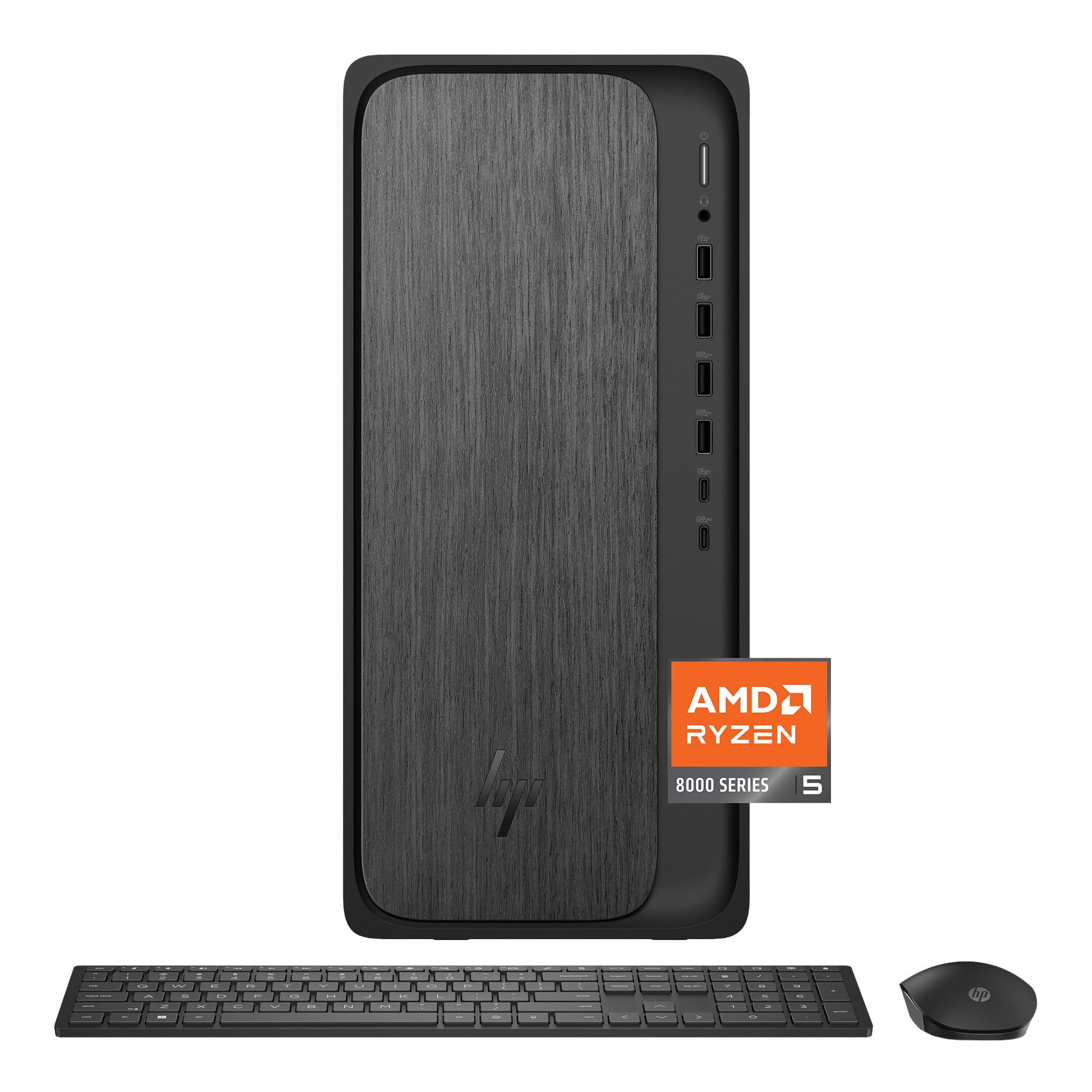
HP - OmniDesk Desktop - AMD Ryzen 5 8500G 2024 - 32GB Memory - 512GB SSD - Gray Wood
SKU: JJGTCLX684Great buy...I love the sleek new look and the speed and ease of the new windows....Great deal
See all Computer TowersProduct Description
A sleek gray wood desktop featuring AMD Ryzen 5, 32GB RAM, 512GB SSD, and Windows 11 Home.Your price for this item is $1,149.00 -
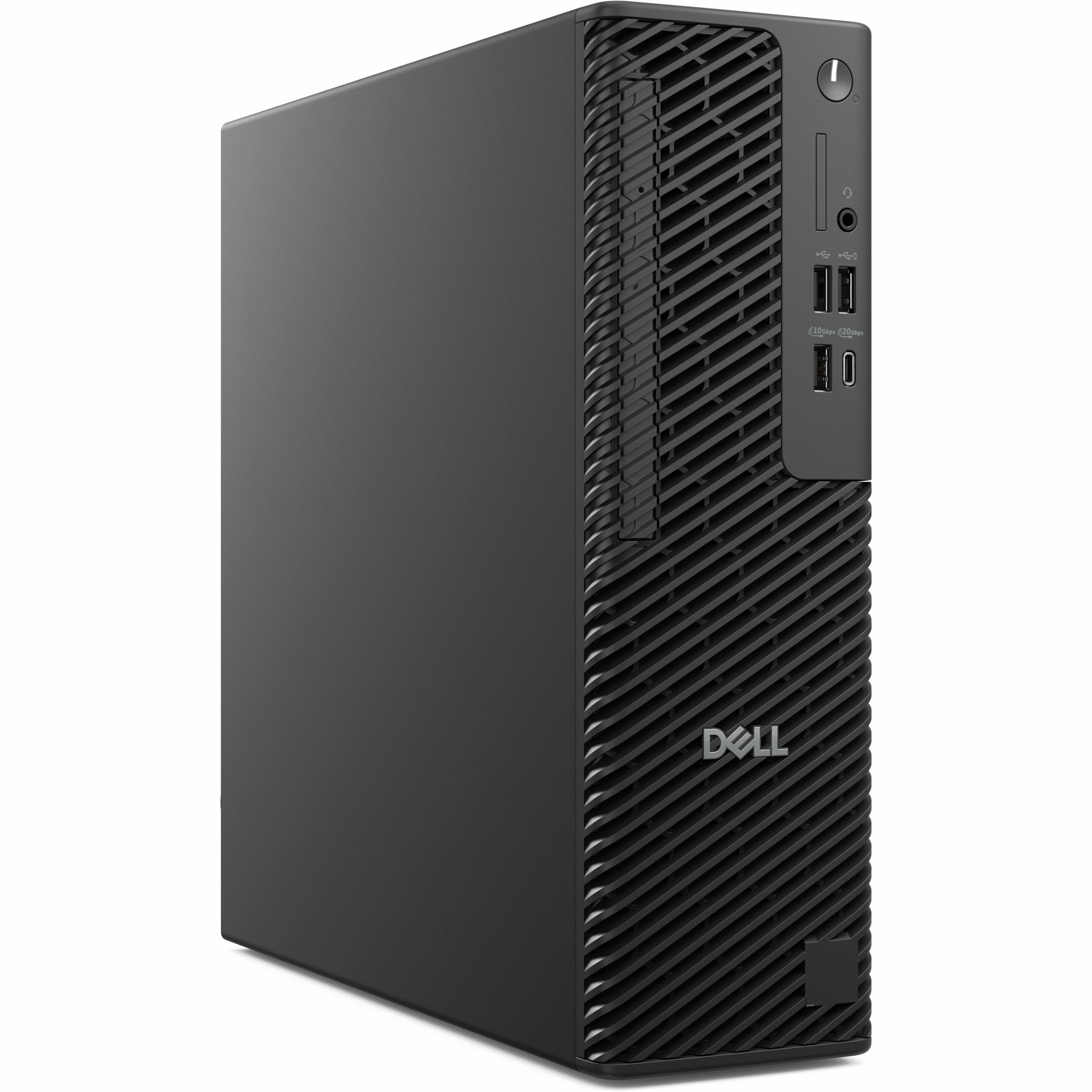
Dell - Pro Max Desktop - Intel Core Ultra 5 - 16GB Memory - 512GB SSD - Black
SKU: J3K4L63PCPSee all Computer TowersProduct Description
A sleek black desktop featuring Intel Core Ultra 5, 16GB memory, 512GB SSD, and Windows 11 Pro.Your price for this item is $2,103.69Save $212The previous price was $2,316.43 -
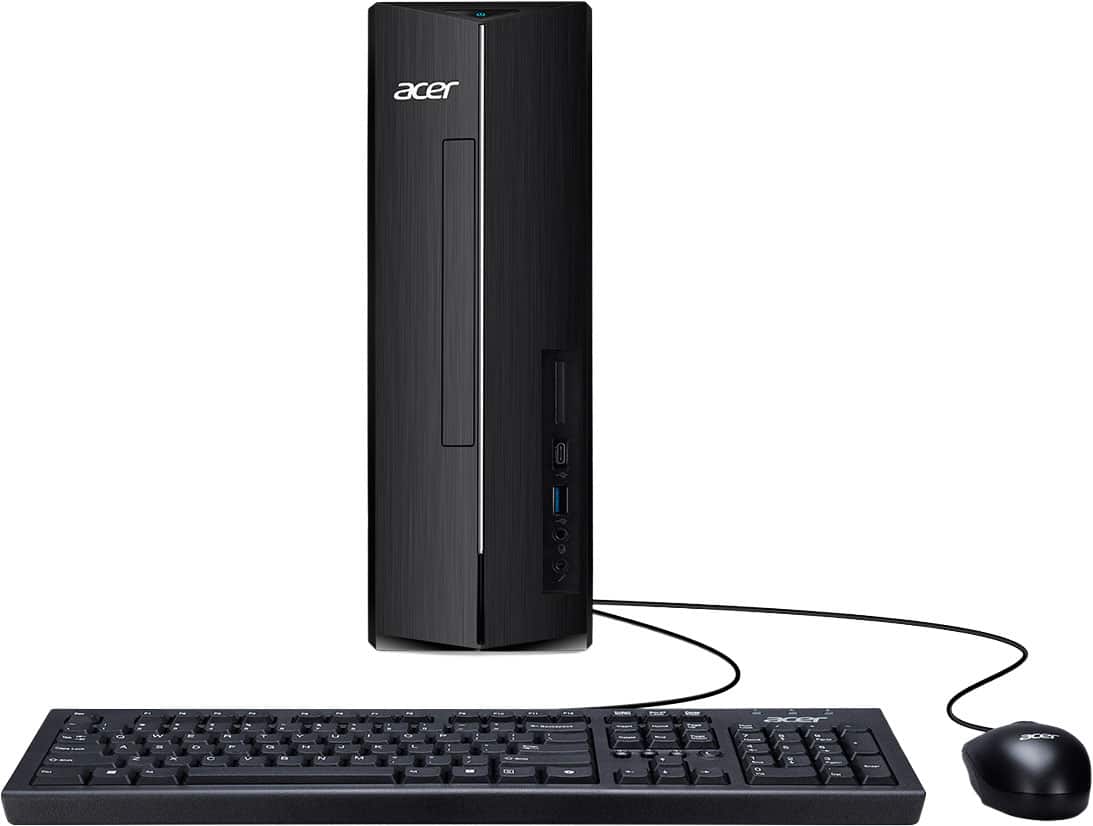
Acer - Aspire Desktop - AMD Ryzen 5 40 Processor 2025 - 8GB LPDDR5 Memory - 512GB Storage - Black
SKU: JJ8V8HYXPSGreat...Great great product. Everything was smooth for as installment and transfer of files....Great for simple things...And the best part, not having to wait 10+ minutes for it to boot up.
See all Computer TowersProduct Description
A sleek black desktop featuring an AMD Ryzen 5 processor, 8GB LPDDR5 memory, and 512GB SSD storage.Your price for this item is $499.99 -
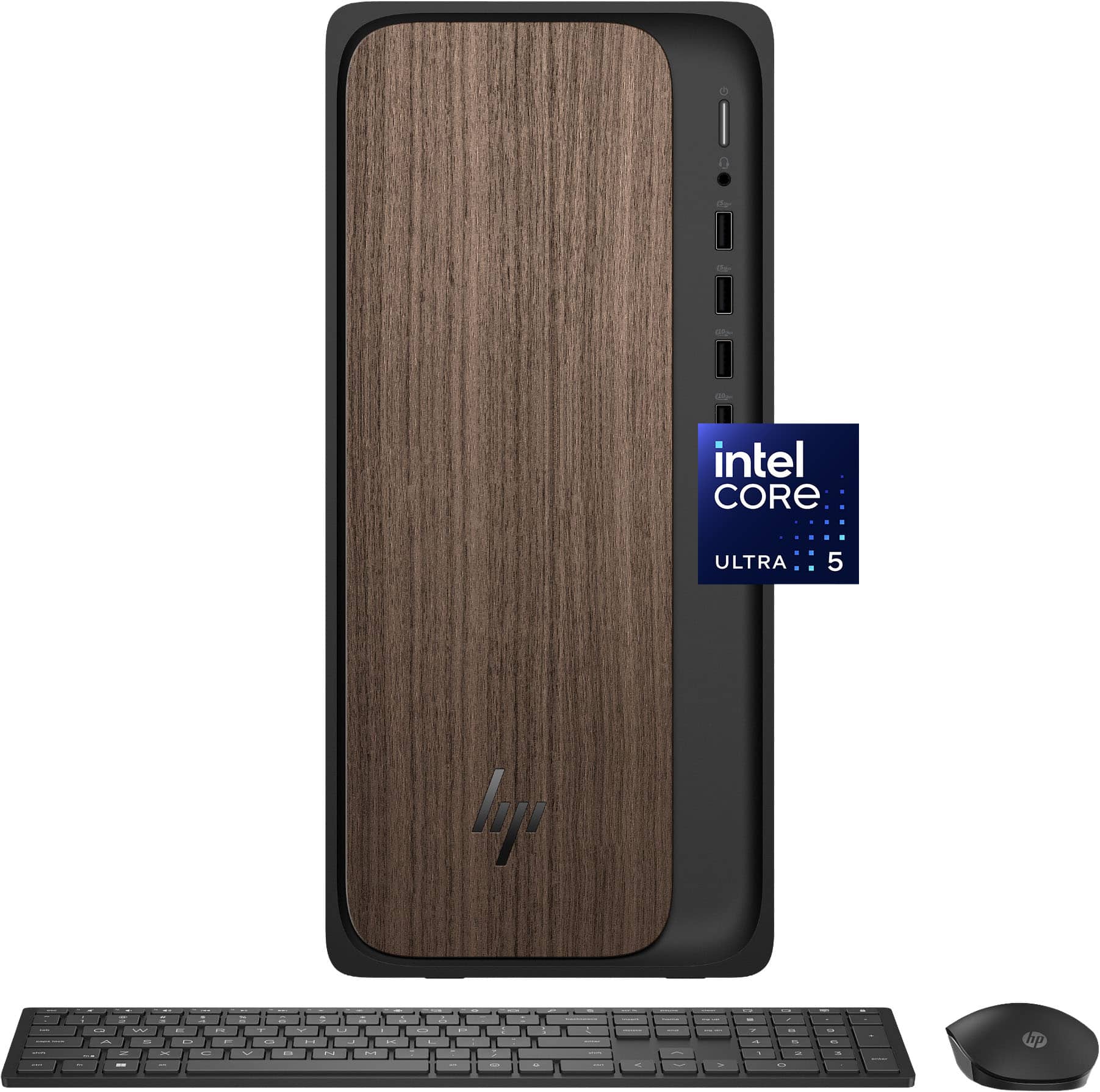
HP - OmniDesk Desktop - Intel Core Ultra 5 225 - 8GB DDR5 Memory - 512GB SSD - Dark Wood
SKU: J3YH84WPTFGreat PC but needed AI to setup...Can't beat this price, got a really good deal on this computer, runs awesome, great specs and it's upgradable
See all Computer TowersProduct Description
A sophisticated dark wood desktop featuring Intel Core Ultra 5, 8GB DDR5 RAM, and 512GB SSD storage.Your price for this item is $789.00Save $210The previous price was $999.99 -
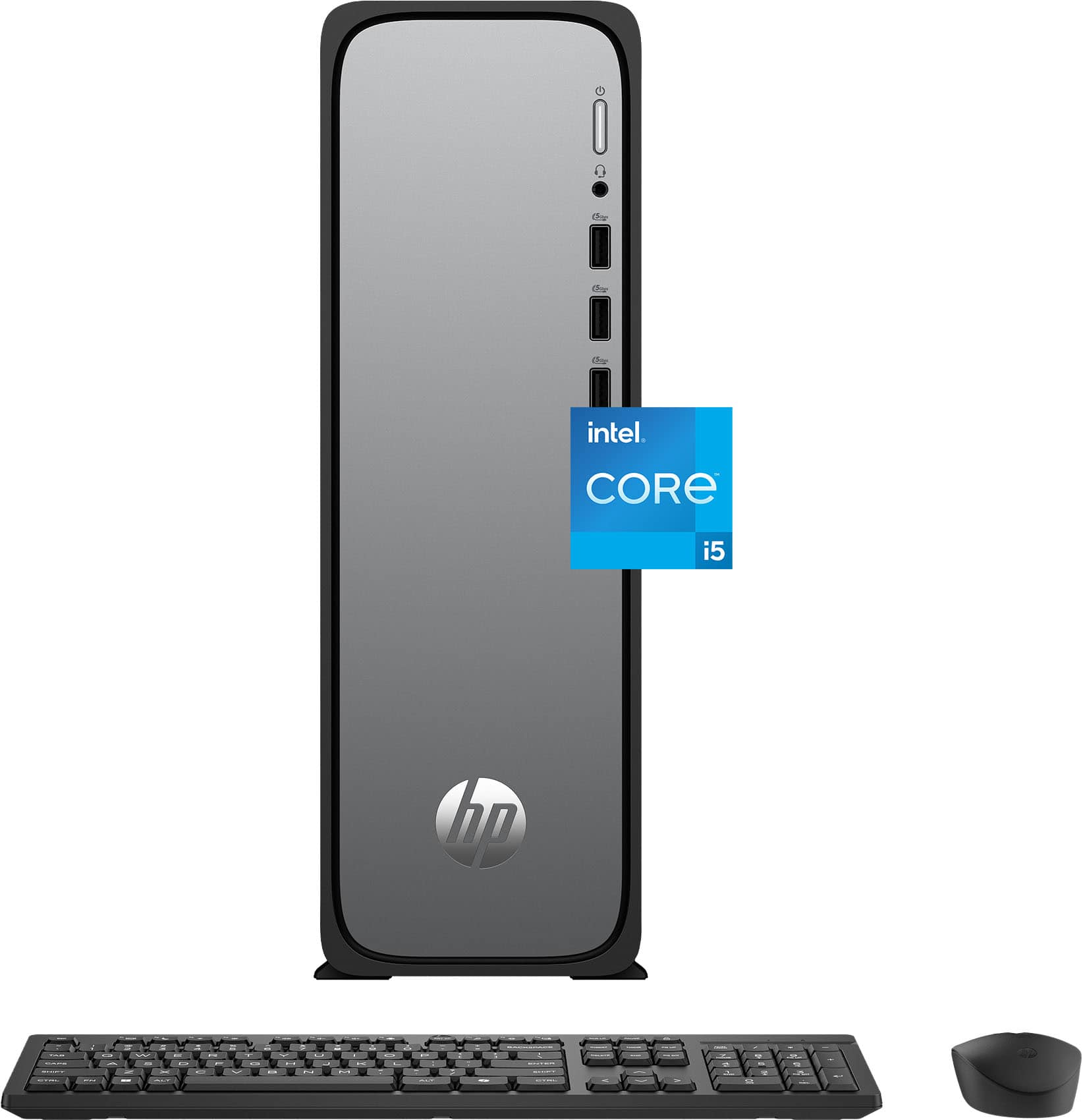
HP - OmniDesk Slim Desktop - Intel Core i5-14400 - 8GB DDR5 Memory - 512GB SSD - Meteor Silver
SKU: J3YH84QY97Great Mini nDesktop
See all Computer TowersProduct Description
A slim Meteor Silver desktop featuring Intel Core i5, 8GB DDR5 memory, 512GB SSD, and WiFi 6.Your price for this item is $889.99
Best Sellers






Related Pages






FAQ
When choosing a desktop for photo editing, look for a powerful multi-core processor, at least 16GB of RAM, a dedicated graphics card, and a high-resolution display. Fast SSD storage will also help speed up file transfers and program loading times.
Yes, a dedicated graphics card can significantly improve performance in photo editing software, especially when working with large files or using advanced editing tools. It ensures smoother rendering and faster processing of effects and filters.
For editing high-resolution photos, it's recommended to have at least 16GB of RAM. If you work with very large files or multitask with other demanding applications, 32GB or more can provide even better performance.
Many all-in-one desktops offer powerful processors, high-quality displays, and dedicated graphics, making them suitable for photo editing. Just ensure the model you choose meets the recommended specs for your editing software.
A display with high resolution (at least Full HD, preferably 4K), accurate color reproduction, and wide viewing angles is ideal for photo editing. Look for monitors with IPS panels and support for wide color gamuts like Adobe RGB or sRGB.