Best Computer For Photo Editing
Find the best computer for photo editing by comparing processor performance, memory and storage with your editing software’s requirements and photo library size. Consider display resolution and color accuracy for detailed image work, and weigh a laptop’s portability against a desktop setup that fits your workspace.
What to look for in a computer for photo editing
Choosing the best computer for photo editing starts with matching its performance, display capabilities and connectivity to your creative workflow.
1. Processor and Graphics
2. Memory and Storage
3. Display Quality
4. Form Factor and Connectivity
-
1

HP - EliteStudio All-in-One Computer 23.8" FHD Intel Core Ultra 7, 64 GB;1 TB SSD
About this product
An AI-enhanced all-in-one PC with Intel Core Ultra 7, 64GB RAM, 1TB SSD, and Windows 11 Pro.
(0)$2,499.00 Your price for this item is $2,499.00 -
2
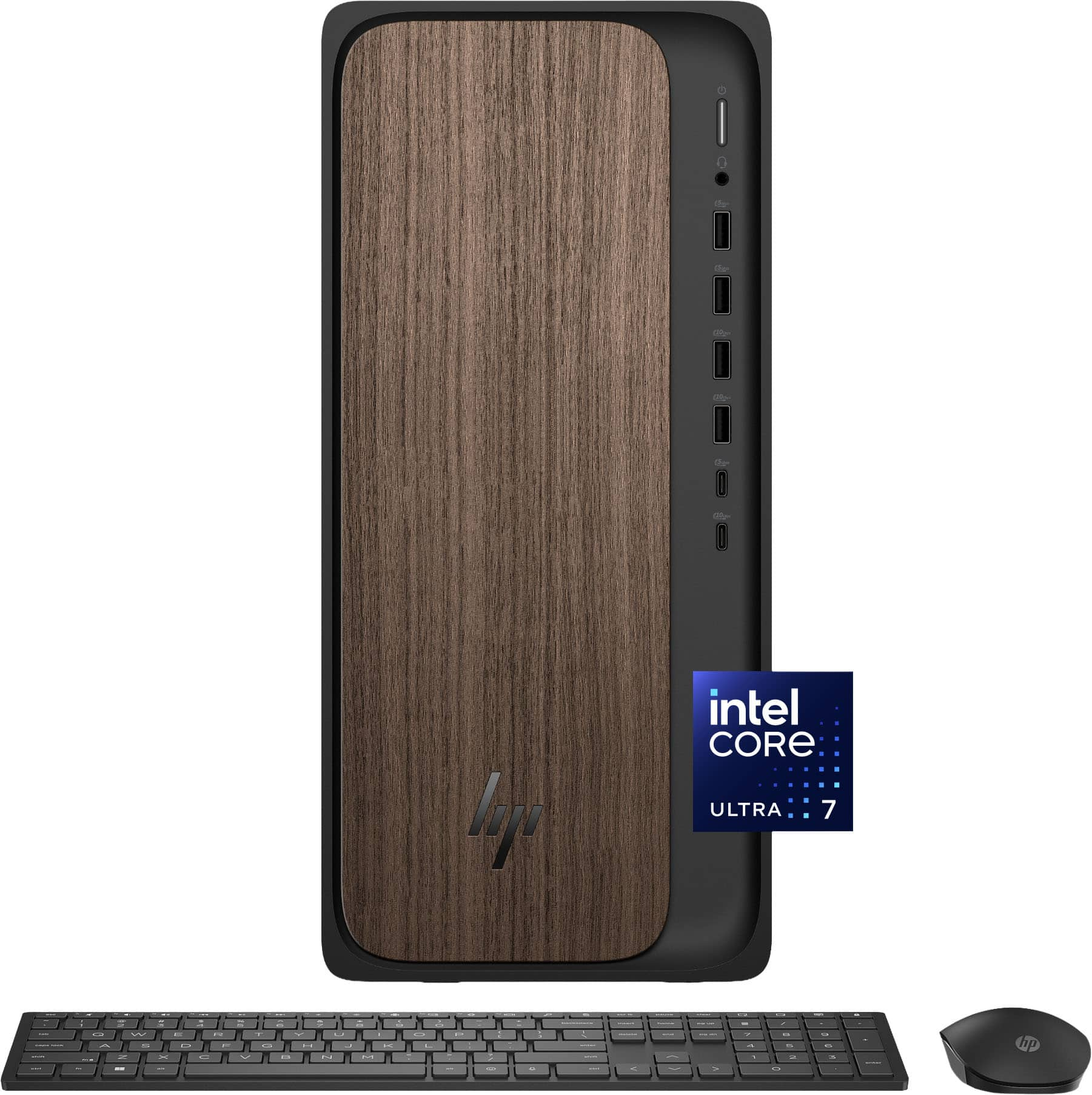
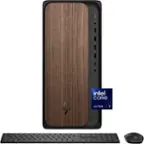
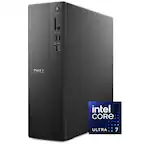
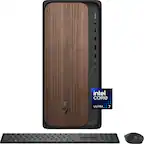
HP - OmniDesk Desktop - Intel Core Ultra 7 265F 2025 - 32GB Memory - NVIDIA GeForce RTX 5060 - 1TB SSD - Dark Wood
About this product
A powerful dark wood desktop featuring Intel Core Ultra 7, 32GB memory, RTX 5060, and 1TB SSD.
What customers like
(122)$2,141.99Your price for this item is $2,141.99SAVE $238.00 -
3
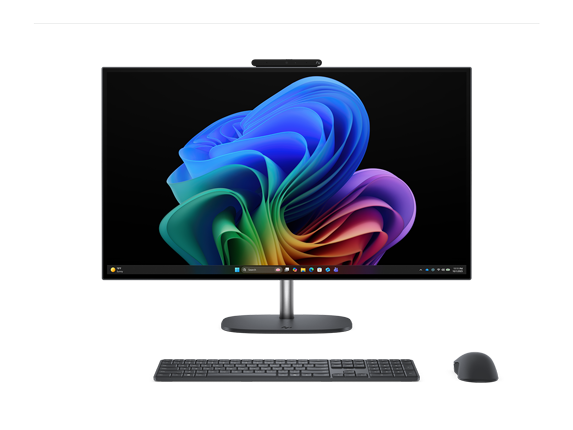
HP - OmniStudio X All-in-One Computer 27" QHD Intel Core Ultra 7, 32 GB;1 TB SSD - Eclipse Gray
About this product
A gray all-in-one desktop with Intel Core Ultra 7, 32GB RAM, 1TB SSD, and QHD display.
(0)$2,299.99Your price for this item is $2,299.99SAVE $800.00 -
4

HP - EliteStudio 8 AiO G1i 23.8" All-In-One - Intel Core Ultra 5 - 16 GB Memory - 512 GB SSD - Pike Silver
About this product
A sleek silver all-in-one PC featuring Intel Core Ultra 5, 16GB RAM, 512GB SSD, and Wi-Fi 7.
(0)$2,029.99 Your price for this item is $2,029.99 -
5
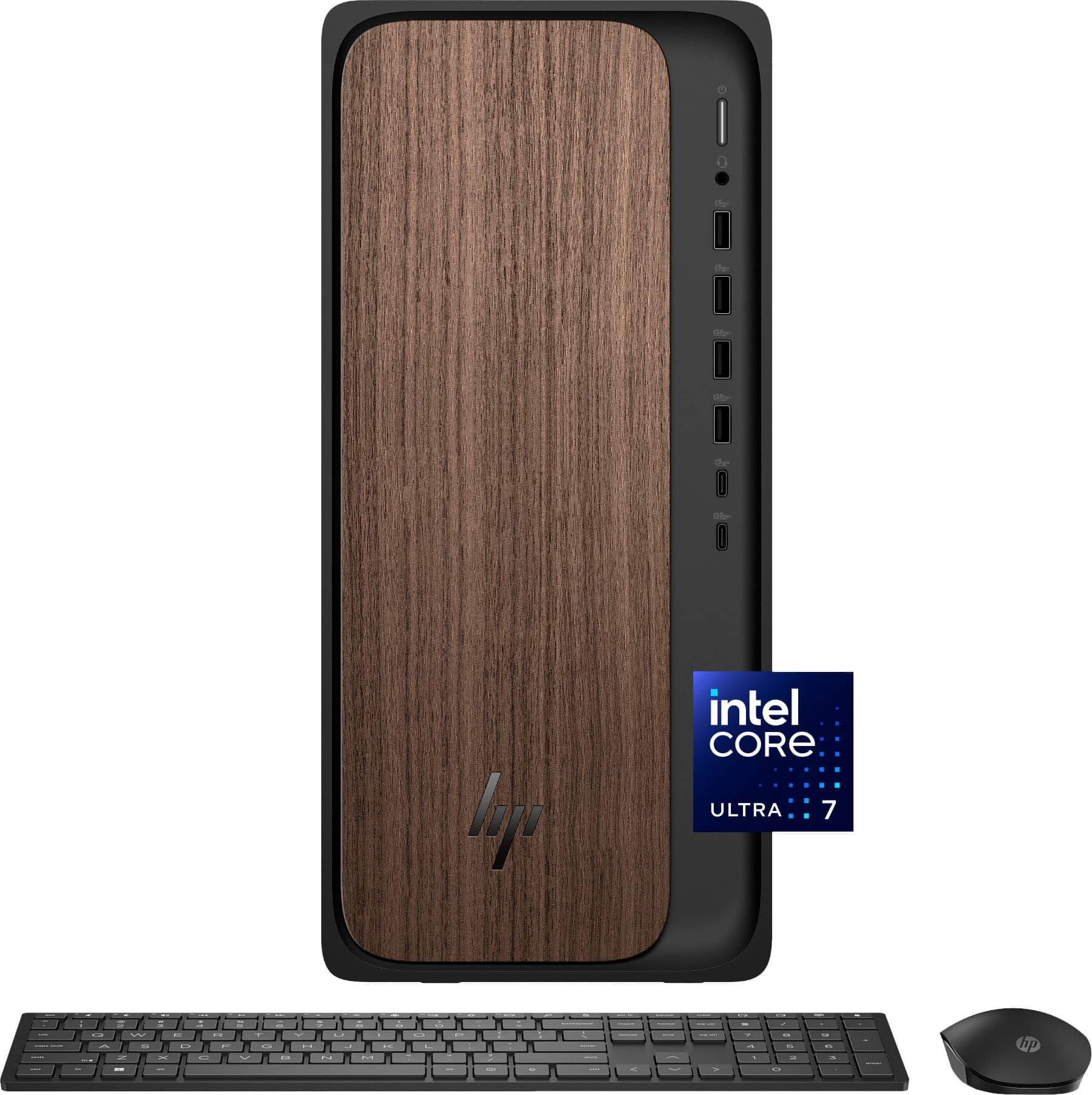
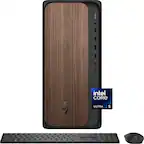
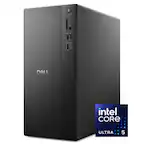
HP - OmniDesk Desktop - Intel Core Ultra 7 265 2025 - 32GB DDR5 Memory - NVIDIA GeForce RTX 4060 - 1TB SSD - Dark Wood
About this product
A dark wood desktop featuring Intel Core Ultra 7, 32GB DDR5 RAM, RTX 4060, and 1TB SSD.
What customers like
(149)$2,349.00 Your price for this item is $2,349.00 -
6
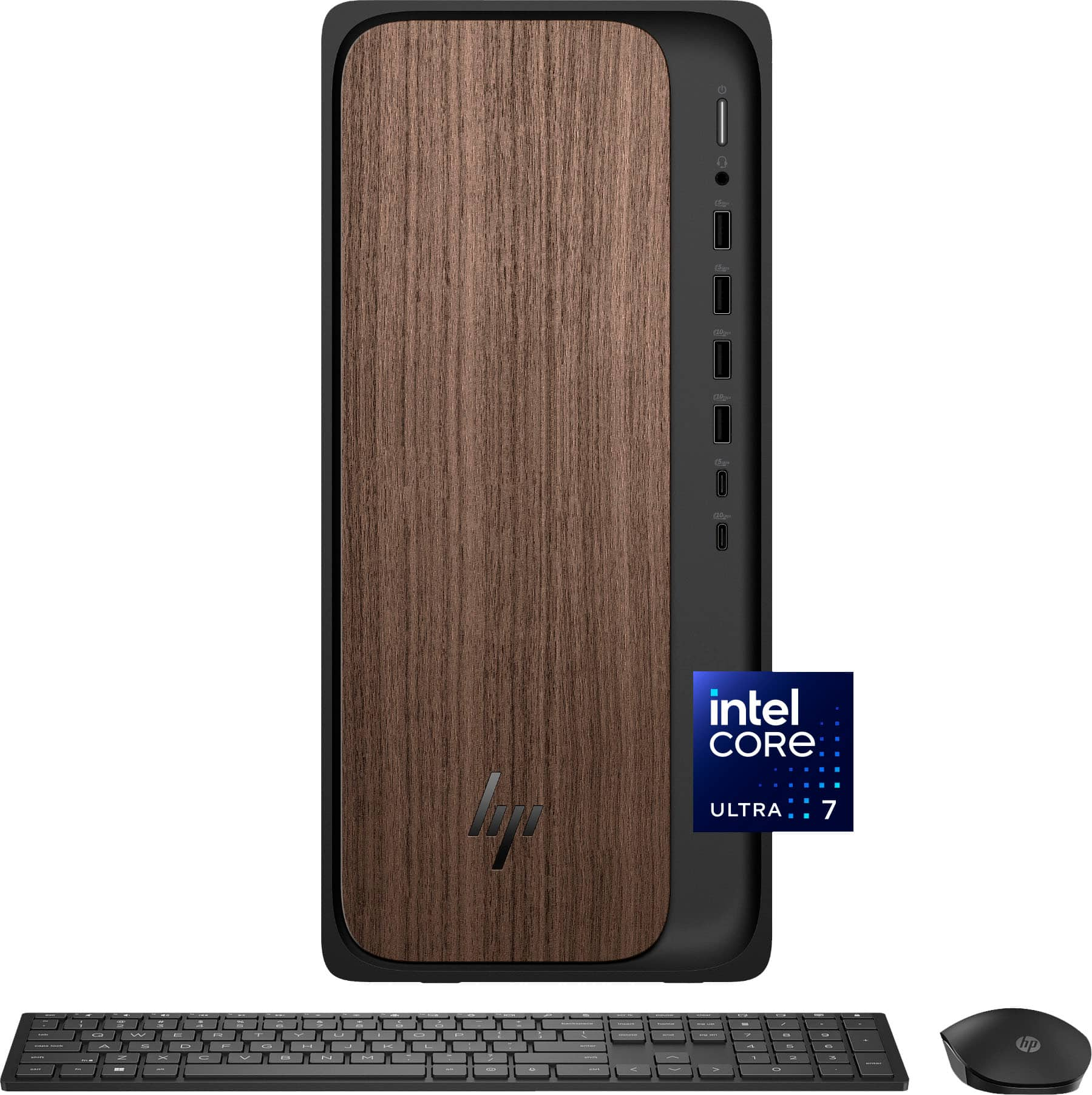
HP - OmniDesk Desktop - Intel Core Ultra 7 265 2025 - 16GB DDR5 Memory - 1TB SSD - Dark Wood
About this product
A sophisticated dark wood desktop featuring Intel Core Ultra 7, 16GB DDR5 memory, and 1TB SSD storage.
What customers like
(946)$949.99Your price for this item is $949.99SAVE $470.00 -
7
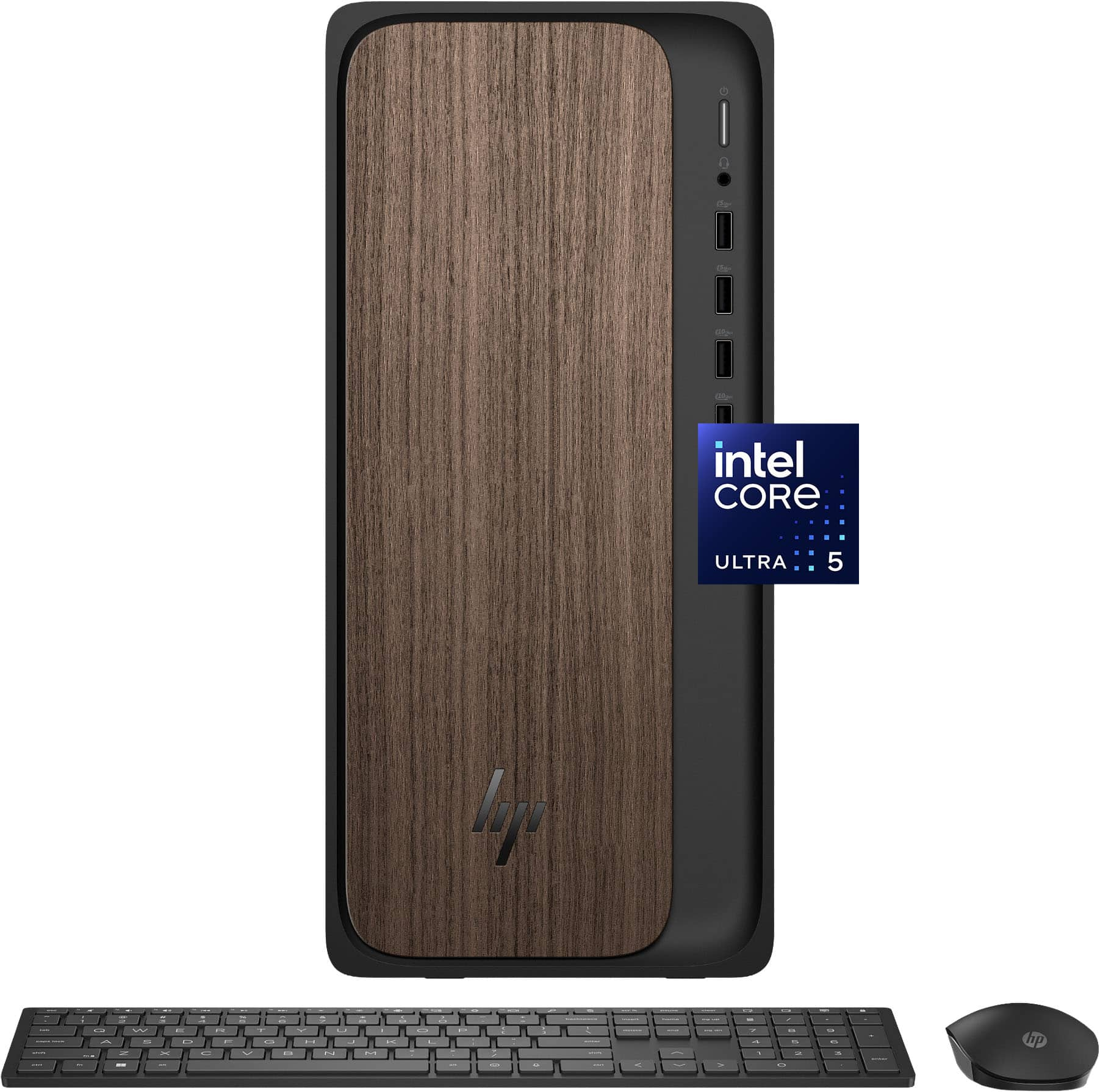
HP - OmniDesk Desktop - Intel Core Ultra 5 225 - 8GB DDR5 Memory - 512GB SSD - Dark Wood
About this product
A sophisticated dark wood desktop featuring Intel Core Ultra 5, 8GB DDR5 RAM, and 512GB SSD storage.
What customers like
(48)$619.99Your price for this item is $619.99SAVE $380.00 -
8

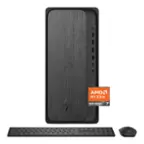
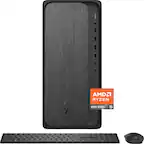
HP - OmniDesk Desktop - AMD Ryzen 7 8700G 2024 - 16GB DDR5 Memory - NVIDIA GeForce RTX 3050 - 1TB SSD - Gray Wood
About this product
A sleek gray wood desktop featuring AMD Ryzen 7, 16GB DDR5 RAM, RTX 3050, and 1TB SSD.
What customers like
(101)$1,369.00Your price for this item is $1,369.00SAVE $480.99 -
9
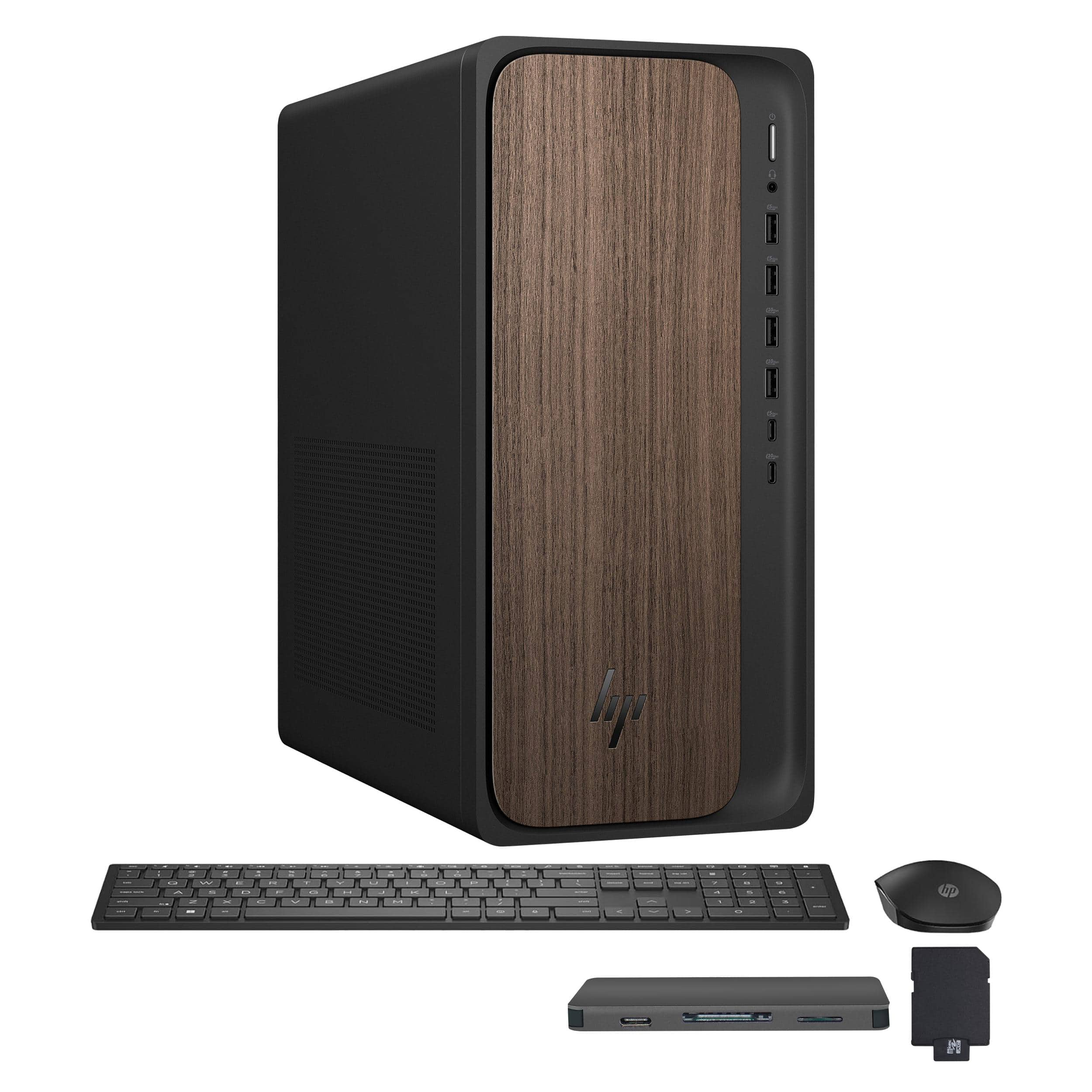
HP - OmniDesk Desktop - Intel Core Ultra 7 265 2025 - 16GB DDR5 Memory - 2TB SSD - Dark Wood
About this product
A dark wood desktop computer with an Intel Core Ultra 7 processor, 16GB DDR5 memory, 2TB SSD, and integrated graphics.
(0)$1,349.00Your price for this item is $1,349.00SAVE $580.00
Best Computer For Photo Editing
FAQs
A laptop combines a built-in display, keyboard and battery for editing in different locations. A desktop supports a dedicated workspace with a separately chosen monitor and peripherals, and many models offer more component upgrade options. Your choice depends on where you edit and how you prefer to organize your workspace.
Compare the processor, memory, storage type and graphics capabilities with the recommended requirements for your photo editing software. A multicore processor, an SSD and a dedicated graphics processor are features worth evaluating, particularly if your workflow includes RAW files, layered projects or GPU-accelerated tools.
Both Windows and macOS support popular photo editing applications. Check compatibility with your preferred software, plug-ins, camera utilities and peripherals before choosing. Your familiarity with the operating system and any devices you already use can also guide the decision.
Look for documented color accuracy, color gamut coverage and support for display calibration. The sRGB color space is commonly used for web images, while Adobe RGB coverage may be relevant to certain print workflows. If you plan to use an external monitor, check the computer’s supported display connections and resolutions.
USB-A and USB-C ports can connect cameras, card readers, external drives and editing accessories. An SD card reader may be convenient if it matches your camera’s memory card format, while HDMI or DisplayPort connections can support an external monitor. Check port specifications because connector shape alone does not indicate data transfer speed or display support.