DJ Audio Interface
-
Behringer - ULTRAGAIN DIGITAL 8-Input/8-Output ADAT Audio Interface - Red/Black
SKU: JXHF6WLCX9See all PreampsProduct Description
An 8-input/8-output red and black audio interface with 24-bit converters and optical connectivity.Your price for this item is $179.00 -
Bundle - Focusrite - Scarlett 2i2 4th Gen USB Audio Interface with Headphones
SKU: JJG2F2V7FQSee all Over-Ear HeadphonesProduct Description
A compact USB audio interface bundle offering upgraded preamps, ultra-low latency, and studio headphones for accurate monitoring.Your price for this item is $299.99 -
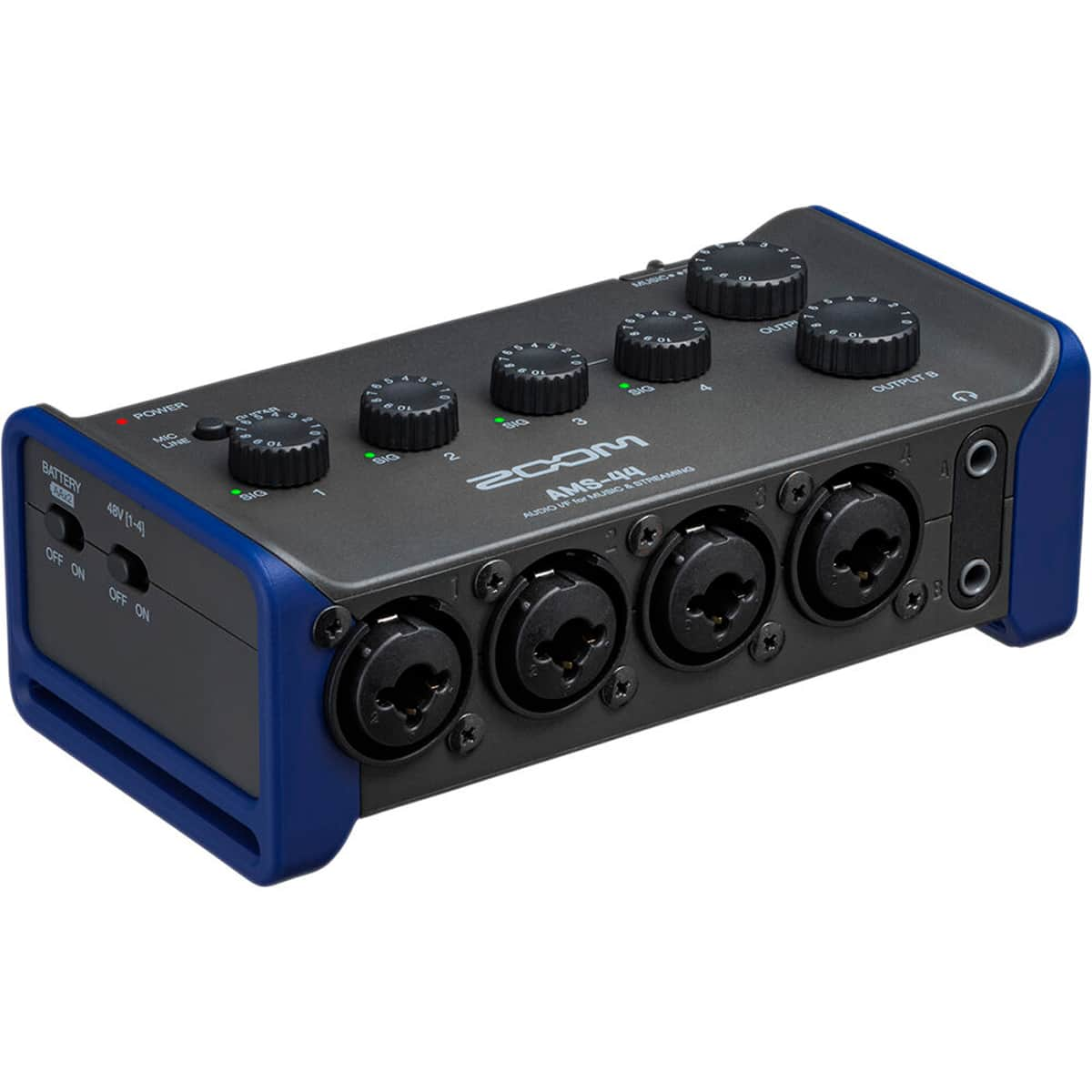
Zoom - AMS-44 4x4 USB Audio Interface for Music and Streaming - Black
SKU: J3K5G4GHRYSee all Voice RecordersProduct Description
A versatile USB audio interface with four inputs, four outputs, loopback, and direct monitoring for multi-platform recording.Your price for this item is $199.99 -
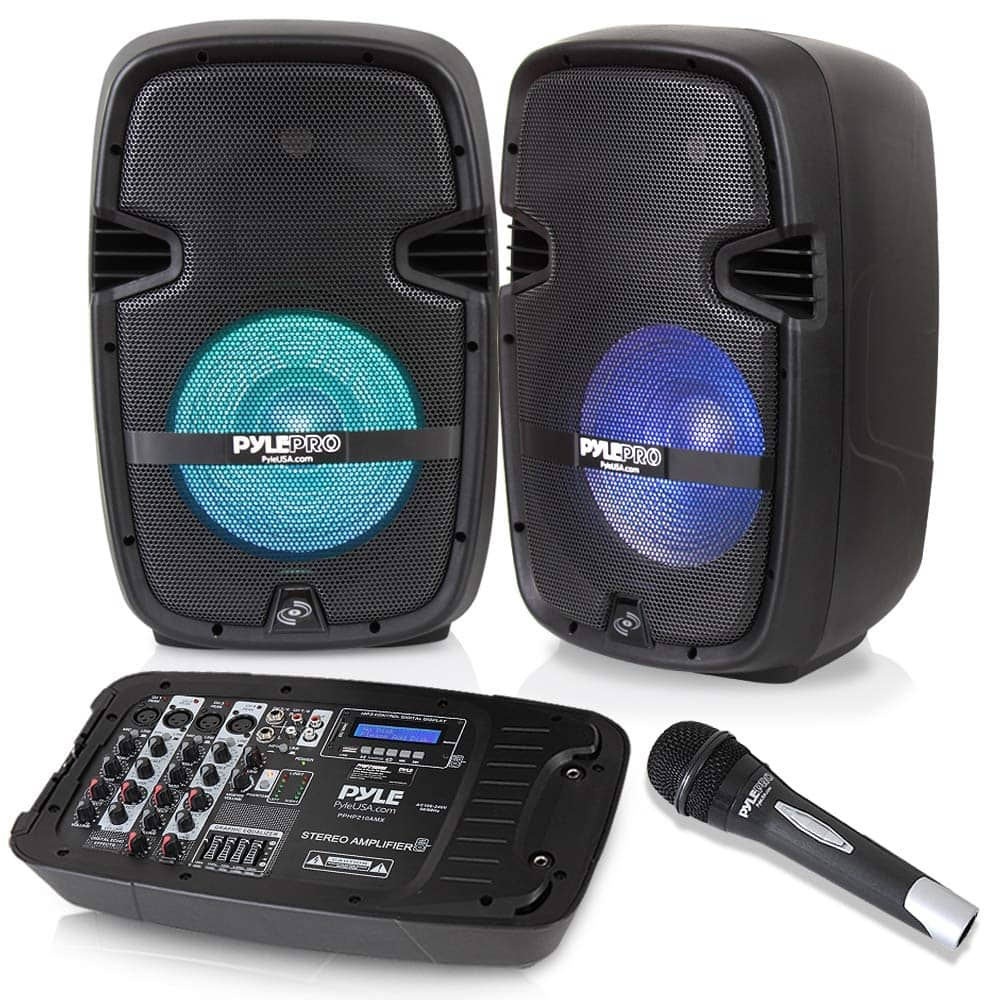
Pyle - PA Speaker DJ Mixer Bundle - 300 W Portable
SKU: J36C98LW9Rthis set has Everything you need to have a great party the microphone included is also great quality...Thank you influenster for sending me this for free I'm so in love it got here right on time for the...
See all Bluetooth & Wireless SpeakersProduct Description
An 8-channel portable PA system with powered mixer and digital LCD, ideal for stage or studio use.Your price for this item is $352.99Save $24The previous price was $376.99 -
Arturia - AudioFuse X8 IN 8-Input ADAT Audio Interface Expander with 96 kHz Converters and Rack-Mount Kit
SKU: JVHJCP4JRJSee all PreampsProduct Description
An aluminum rack-mount expander adding eight 24-bit, 96 kHz analog inputs with ADAT and software control.Your price for this item is $349.00 -
Pyle - PA Speaker DJ Mixer Bundle - Portable
SKU: J36C98LWSCSee all Bluetooth & Wireless SpeakersProduct Description
A portable 8-channel PA speaker bundle with a digital LCD mixer, ideal for stage and studio audio mixing.Your price for this item is $373.99




Best Sellers


Related Pages




FAQ
A DJ audio interface is an external sound card designed to connect your DJ controller or mixer to your computer or other audio equipment. It improves sound quality, reduces latency, and allows you to connect multiple audio sources and outputs, making it essential for professional DJ performances and recording.
Yes, most DJ audio interfaces are compatible with both Mac and Windows operating systems. Always check the product specifications for specific system requirements and ensure you have the latest drivers installed for optimal performance.
Most DJ audio interfaces are designed to work seamlessly with popular DJ software like Serato, Traktor, Rekordbox, and Virtual DJ. Check the product details to confirm software compatibility before purchasing.
DJ audio interfaces typically offer a range of input and output options, including RCA, XLR, 1/4-inch TRS, and USB connections. Some models also feature MIDI connectivity and headphone outputs for monitoring.
To set up a DJ audio interface, connect it to your computer via USB, install any necessary drivers, and link your DJ controller or mixer using the appropriate cables. Then, configure your DJ software to recognize the interface as the primary audio device. Refer to the user manual for detailed setup instructions.