HDD Password
-
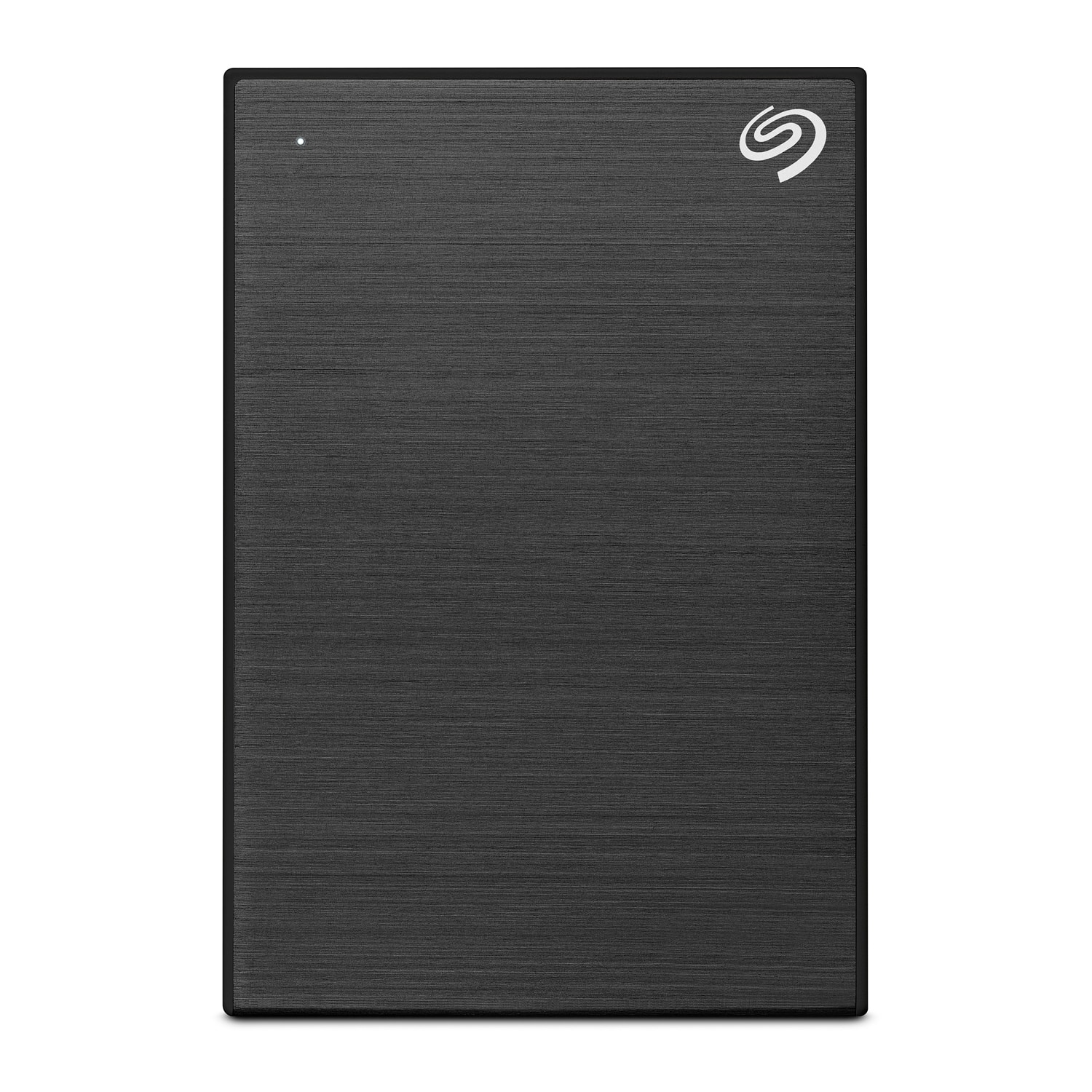
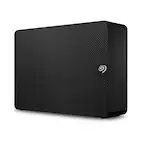
Seagate - One Touch with Password 5TB External USB 3.0 Portable Hard Drive with Rescue Data Recovery Services - Black
SKU: J37C5H4WQ2See all External Hard DrivesProduct Description
A black portable hard drive featuring 5TB storage, USB 3.0 connectivity, and password-activated hardware encryption.Your price for this item is $234.03 -
Seagate - One Touch with Password 4TB External USB 3.0 Portable Hard Drive with Rescue Data Recovery Services - Black
SKU: J37C5H4WRSThis HDD has a great price point for the 4tb capacity.
See all External Hard DrivesProduct Description
A portable black hard drive offering 4TB storage, USB 3.0 connectivity, password protection, and data recovery.Your price for this item is $201.77 -
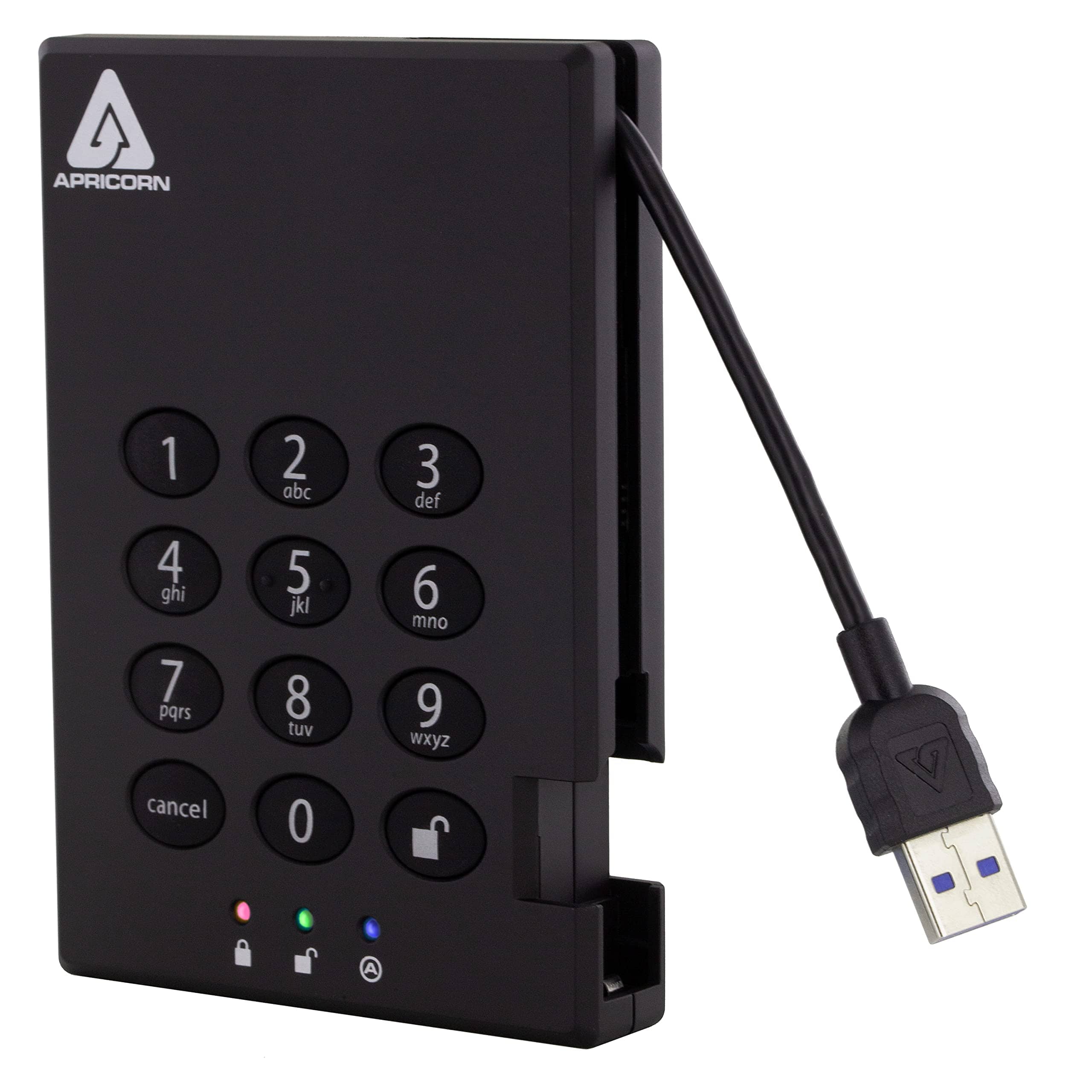
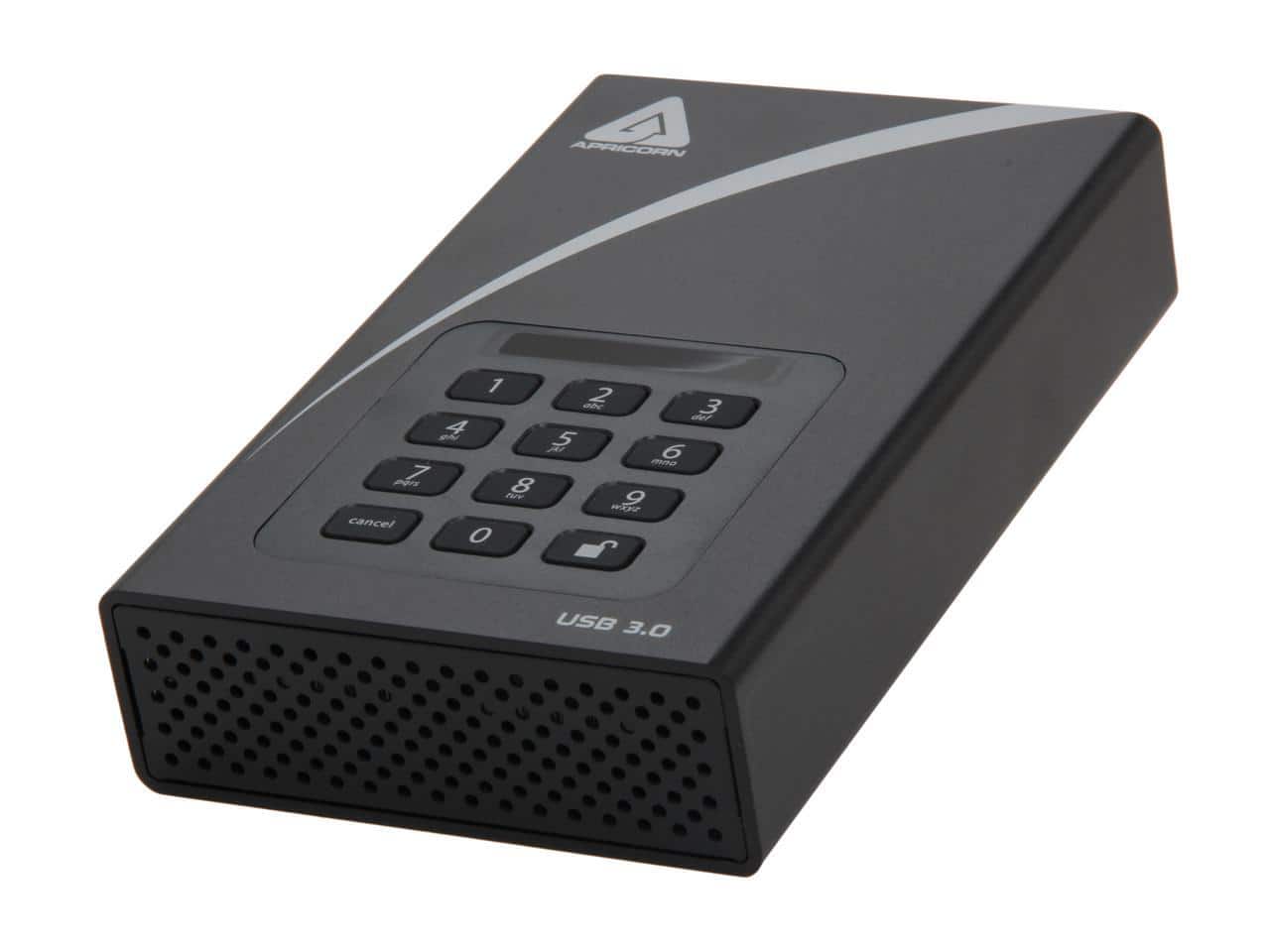
Apricorn - Aegis Padlock A25-3PL256-1000 1 TB External Hard Drive - Black
SKU: JXHJGH5SCZSee all External Hard DrivesProduct Description
A secure black external hard drive featuring 1TB storage, USB 3.0 connectivity, and 256-bit AES encryption.Your price for this item is $235.49 -
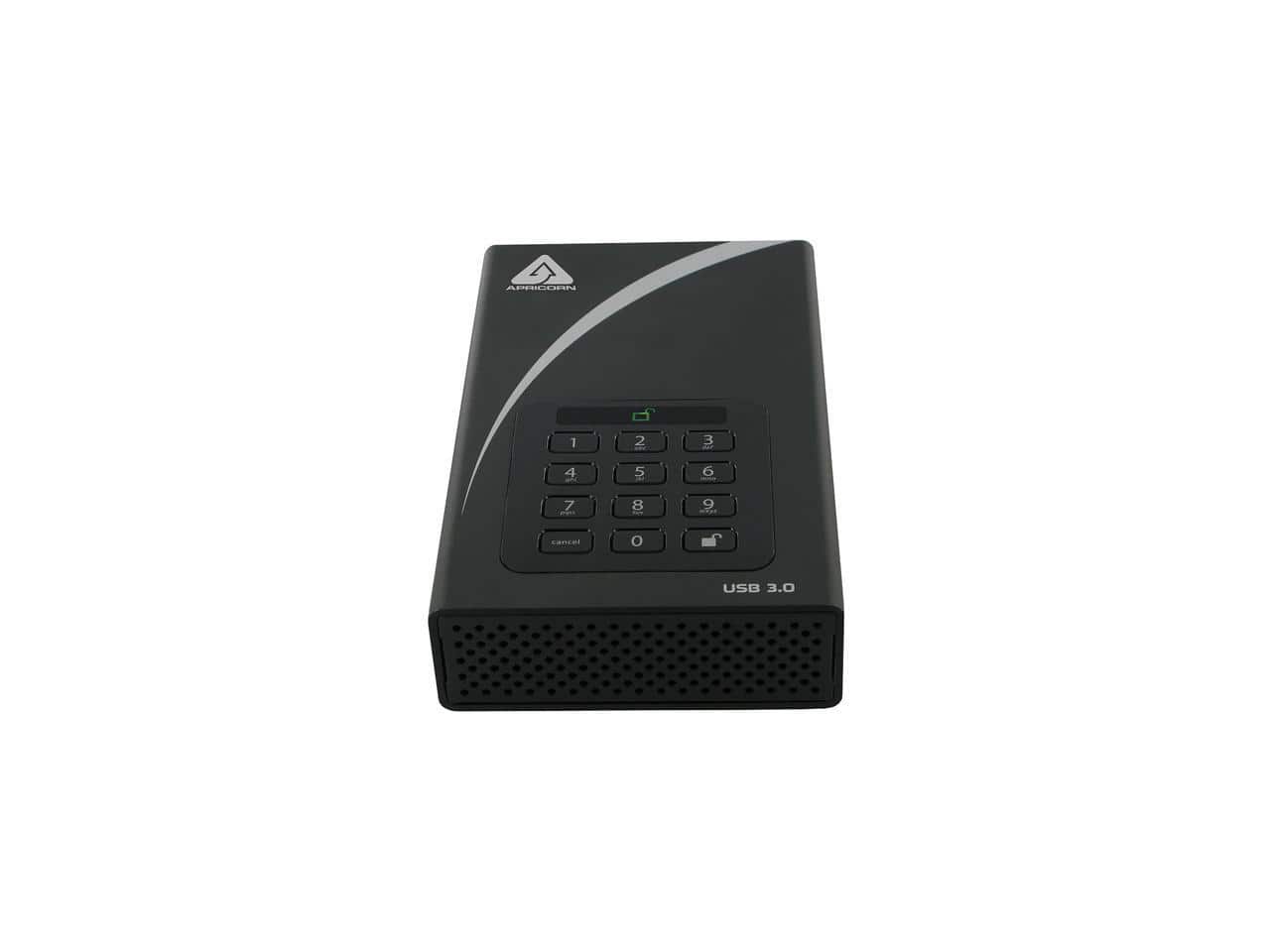
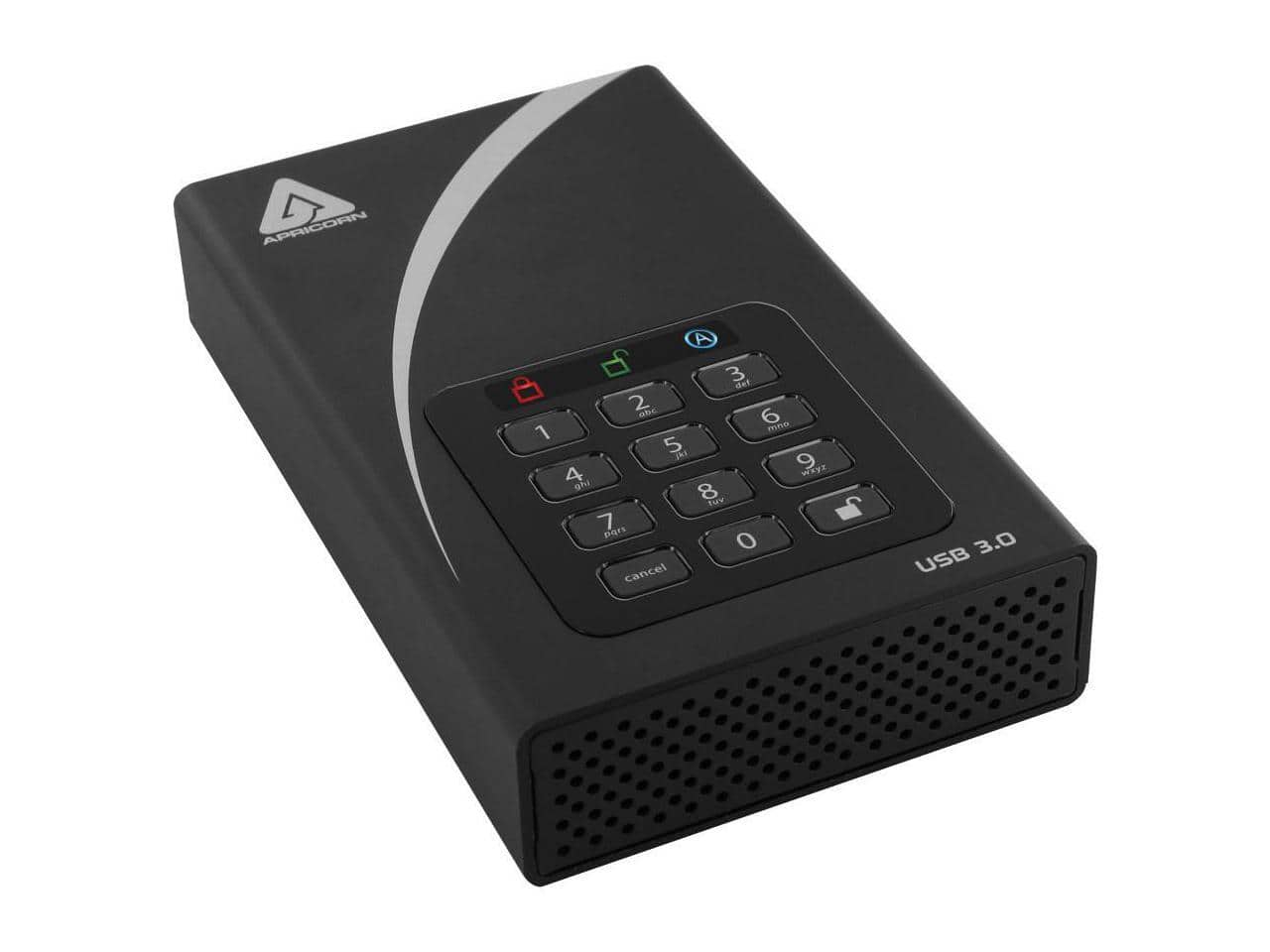
Apricorn - Aegis Padlock DT 6TB USB 3.0 3.5" Encrypted Hard Drive with PIN & 256-bit AES ADT-3PL256-6000 - Black
SKU: JXHJGH59Y5See all Internal Hard DrivesProduct Description
A black external hard drive offering 6TB storage, USB 3.0 connectivity, PIN access, and 256-bit AES encryption.Your price for this item is $612.71 -
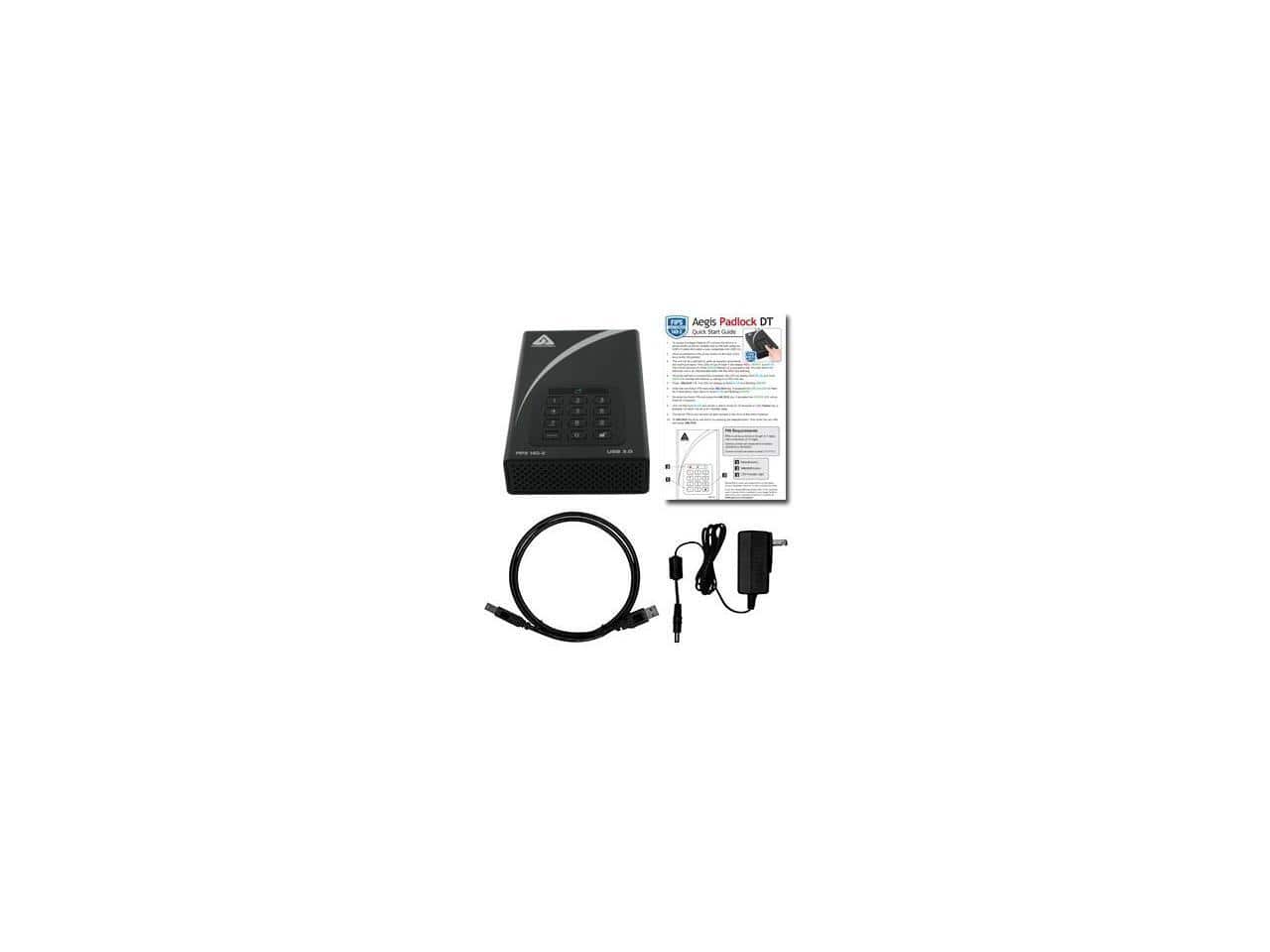
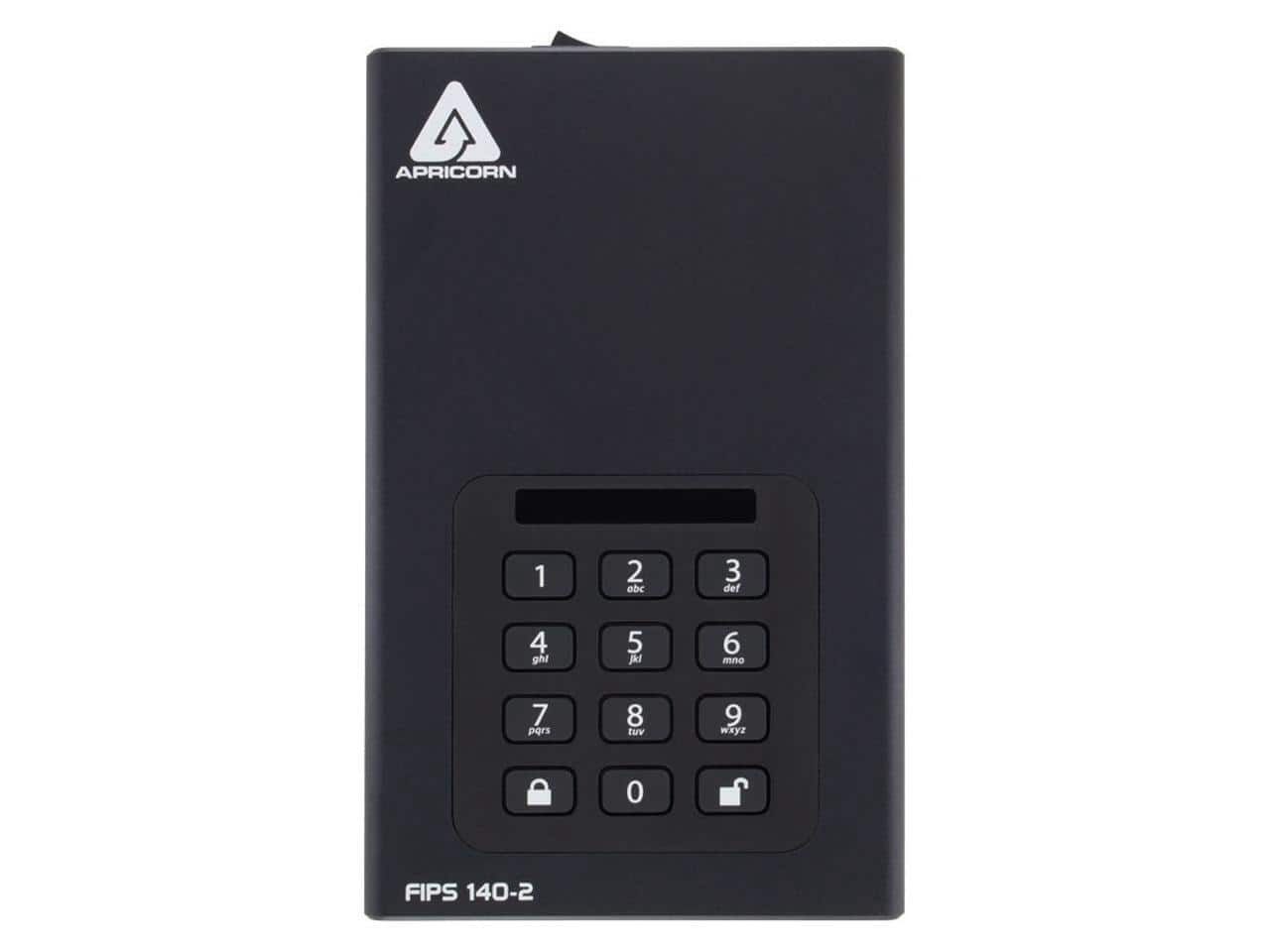
Apricorn - Aegis Padlock DT 6TB USB 3.0 FIPS 140-2 Encrypted Hard Drive with PIN ADT-3PL256F-6000 - Black
SKU: JXHJGH59S8See all Internal Hard DrivesProduct Description
A black external hard drive offering 6TB storage, USB 3.0 connectivity, and FIPS 140-2 PIN encryption.Your price for this item is $617.99 -
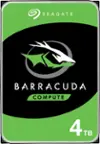
Seagate - Barracuda 4TB Internal Hard Drive for Desktops
SKU: J37C5HK32ZGreat value for the money....Great storage solution
See all Internal Hard DrivesProduct Description
A high-capacity 4TB internal HDD with 190MB/sec transfer speed, 256MB cache, and secure erase features.Your price for this item is $159.99Save $30The previous price was $189.99 -
Apricorn - Aegis Padlock DT ADT-3PL256-12TB 12TB Hard Drive - USB 3.0 - 256-bit Encryption - Black
SKU: JXHJGH5633See all Internal Hard DrivesProduct Description
A black external hard drive featuring 12TB storage, USB 3.0 connectivity, and 256-bit encryption.Your price for this item is $795.99Save $1The previous price was $796.99 -
Apricorn - Aegis Padlock DT 2TB USB 3.0 3.5" External Hard Drive 256-bit AES Encryption ADT-3PL256-2000 - Black
SKU: JXHJGH5SJGSee all Internal Hard DrivesProduct Description
A secure black external hard drive featuring 2TB storage, USB 3.0 connectivity, and 256-bit AES encryption.Your price for this item is $369.48 -
Apricorn - Aegis Padlock Dt Fips Adt-3Pl256f-4000 4 Tb Desktop Hard Drive - 3.5" External - Black
SKU: JXHJGH59P7See all Internal Hard DrivesProduct Description
A secure black 4TB external desktop hard drive with FIPS encryption, ideal for data protection needs.Your price for this item is $421.49Save $9The previous price was $430.50 -
Apricorn - Aegis Padlock DT FIPS 20TB Desktop Hard Drive External ADT3PL256F20TB - Unknown
SKU: JXHJGH5RX8See all External Hard DrivesProduct Description
An external desktop hard drive offering 20TB storage, FIPS security, and USB power for data protection.Your price for this item is $1,132.99Save $135The previous price was $1,267.99

Best Sellers
Related Pages


FAQ
An HDD password is a security feature that allows you to set a password on your hard disk drive (HDD) to prevent unauthorized access to your data.
To set up an HDD password, you typically need to access your computer’s BIOS or UEFI settings during startup and navigate to the security section to enable and set the password.
HDD passwords are most commonly used with internal hard drives through BIOS settings, but some external drives come with built-in password protection software.
Setting an HDD password does not impact the performance or speed of your hard drive; it simply adds a layer of security during system boot-up.
No, an HDD password restricts access at the hardware level, while disk encryption scrambles the data on the drive, making it unreadable without the correct decryption key.