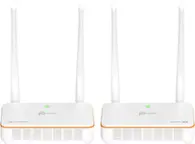
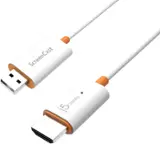
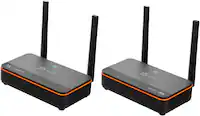
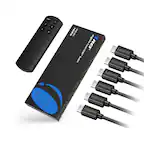
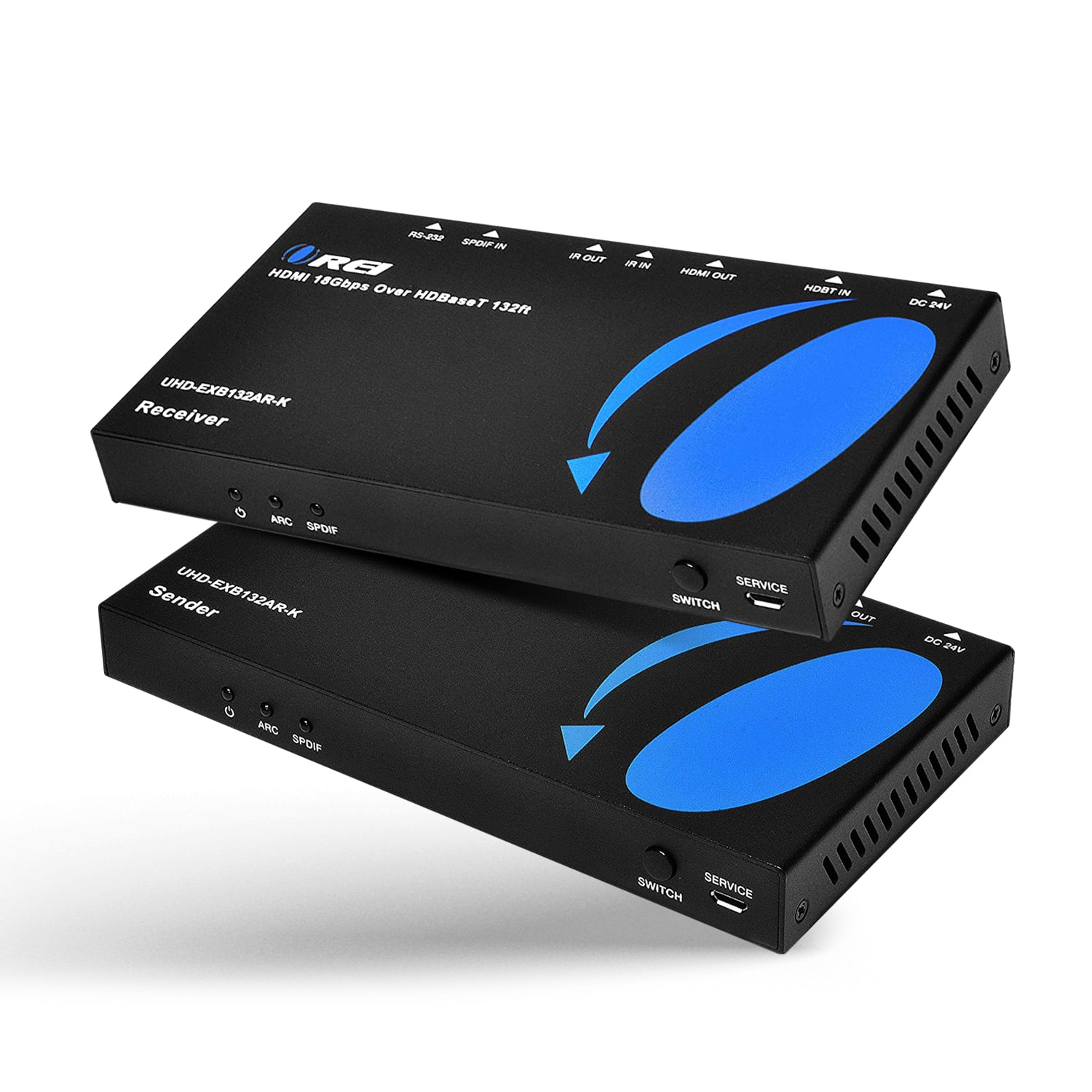
HDMI Wireless Transmitters
HDMI wireless transmitters send audio and video from a compatible source device to a TV, monitor, or projector without a long HDMI cable between them. Compare wireless HDMI options by supported resolution, transmission range, and latency to suit your space and viewing needs, and check device compatibility and whether a receiver is included.

![J-Tech Digital - 4K 30Hz Wireless HDMI Extender (Transmitter Only for JTECH-WEX4K-100R Receiver] - Black](https://pisces.bbystatic.com/image2/BestBuy_US/images/products/0ade9357-7324-49b7-8989-13b5fb428f94.png;maxHeight=144;maxWidth=200?format=webp)


HDMI Wireless Transmitters
FAQs
A wireless HDMI transmitter sends audio and video from an HDMI source to a compatible receiver connected to a TV, monitor, or projector. It replaces the HDMI cable between the source location and the display location, though each unit still needs its own connections.
Common HDMI sources include laptops, desktop computers, Blu-ray players, game consoles, and cable or satellite boxes. Compatibility depends on the transmitter’s connection requirements and support for the source device’s video format and content protection.
Not necessarily. Many wireless HDMI systems use a direct wireless connection between a transmitter and receiver rather than your home Wi-Fi network. Network requirements vary, so review the system’s connection method before choosing one.
Depending on the design, transmitters and receivers may draw power through a USB connection or a separate power adapter. Check the power requirements for both units, since an HDMI connection alone may not provide the power they need.
Wireless HDMI typically uses a transmitter connected to an HDMI source and a receiver connected to a display. Screen casting uses compatible software or built-in wireless features to share content from a phone, tablet, or computer with a receiving device or display.