Interactive Pen Displays Reviews
-
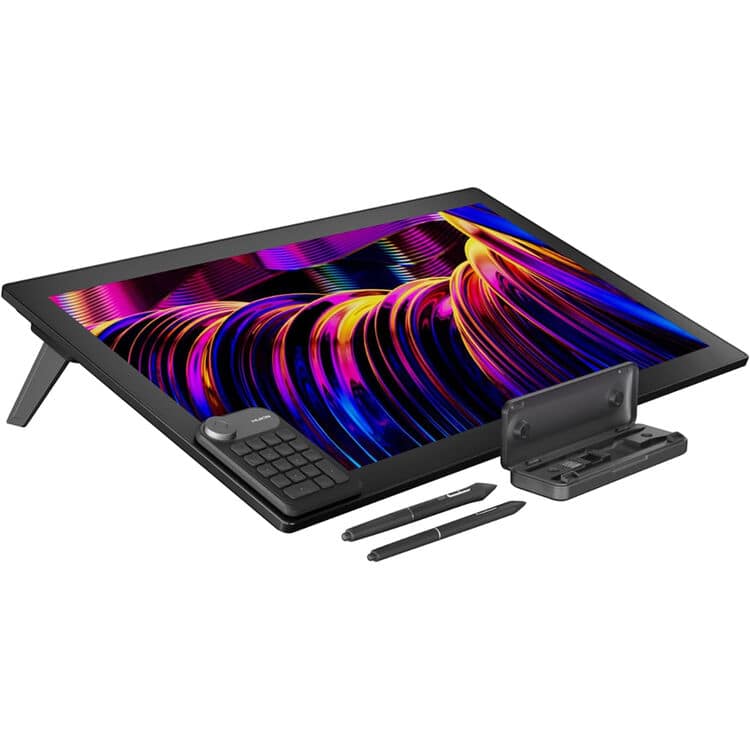
Huion - Kamvas Pro 27 4K UHD Multi-Touch Pen Display - Cosmo Black
SKU: J32HY6T93ZSee all Drawing TabletsProduct Description
A professional-grade black pen display offering 4K UHD clarity, multi-touch, and ultra-precise color accuracy for creators.Your price for this item is $1,599.00 -
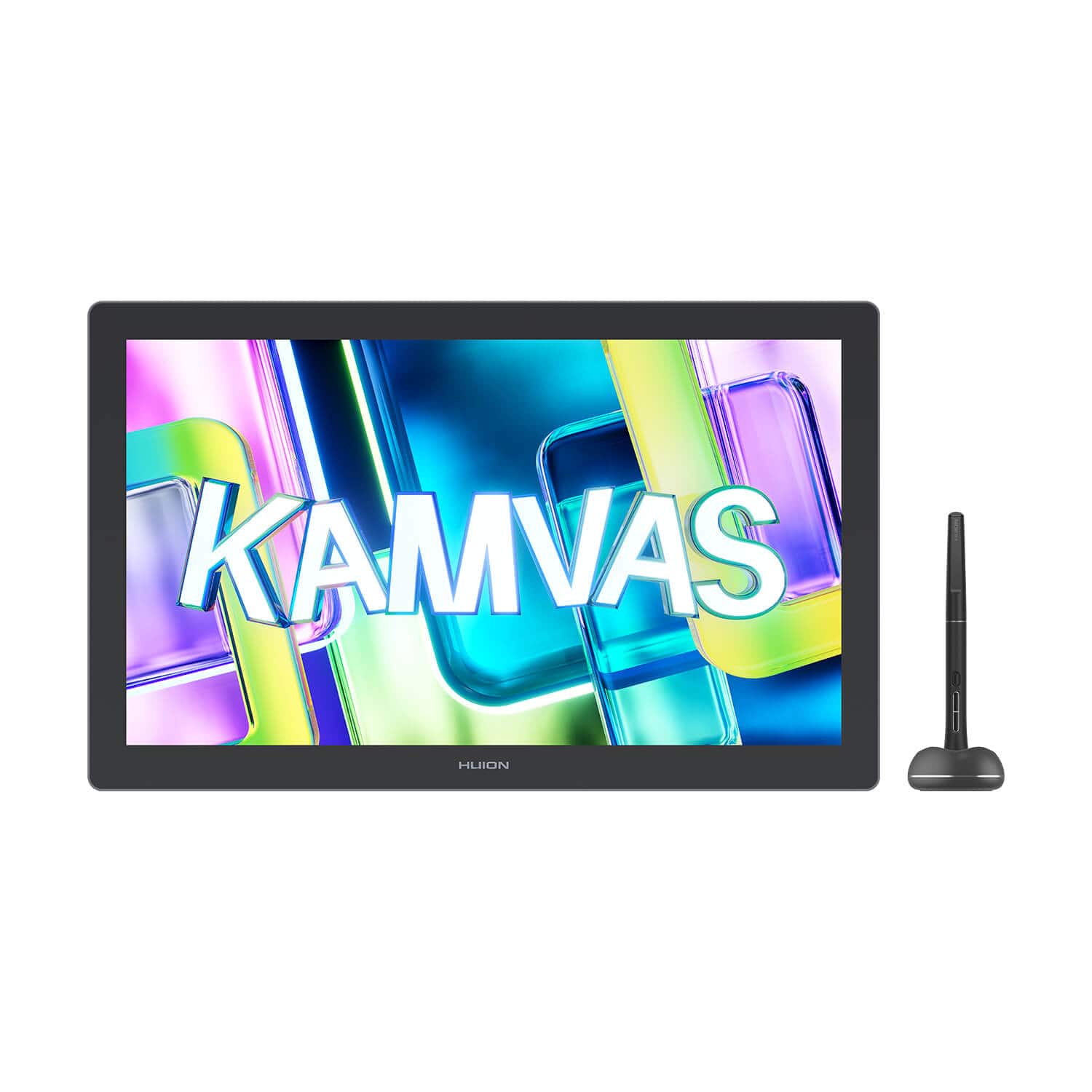
Huion - Kamvas 22 (Gen 3) 21.5" 2.5K QHD 90Hz Creative Pen Display with PenTech 4.0 - Dark Gray
SKU: J32HY6T9KLSee all Drawing TabletsProduct Description
A dark gray creative pen display with 2.5K QHD, 90Hz, laminated anti-glare glass, and pressure-sensitive stylus.Your price for this item is $599.00 -
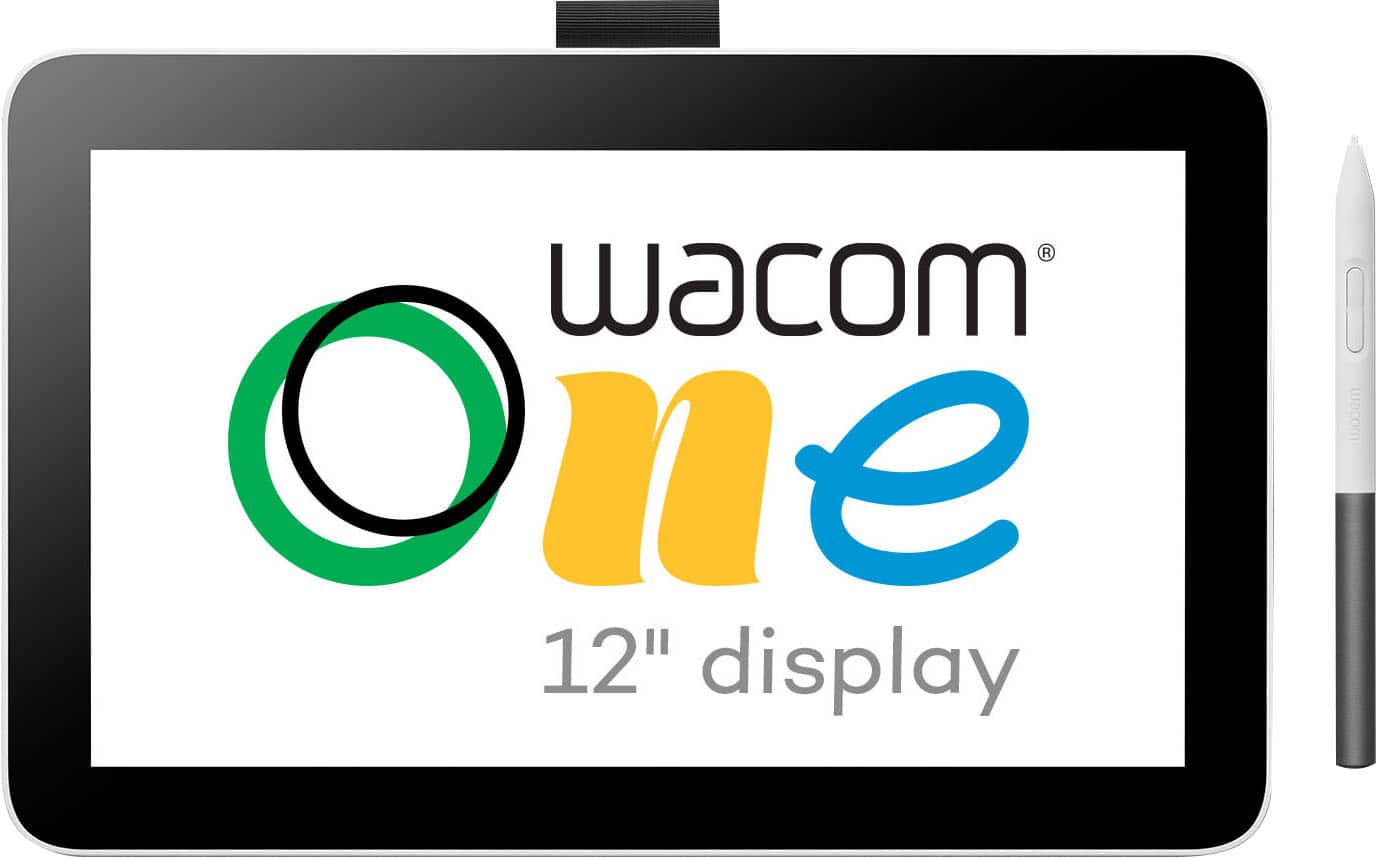
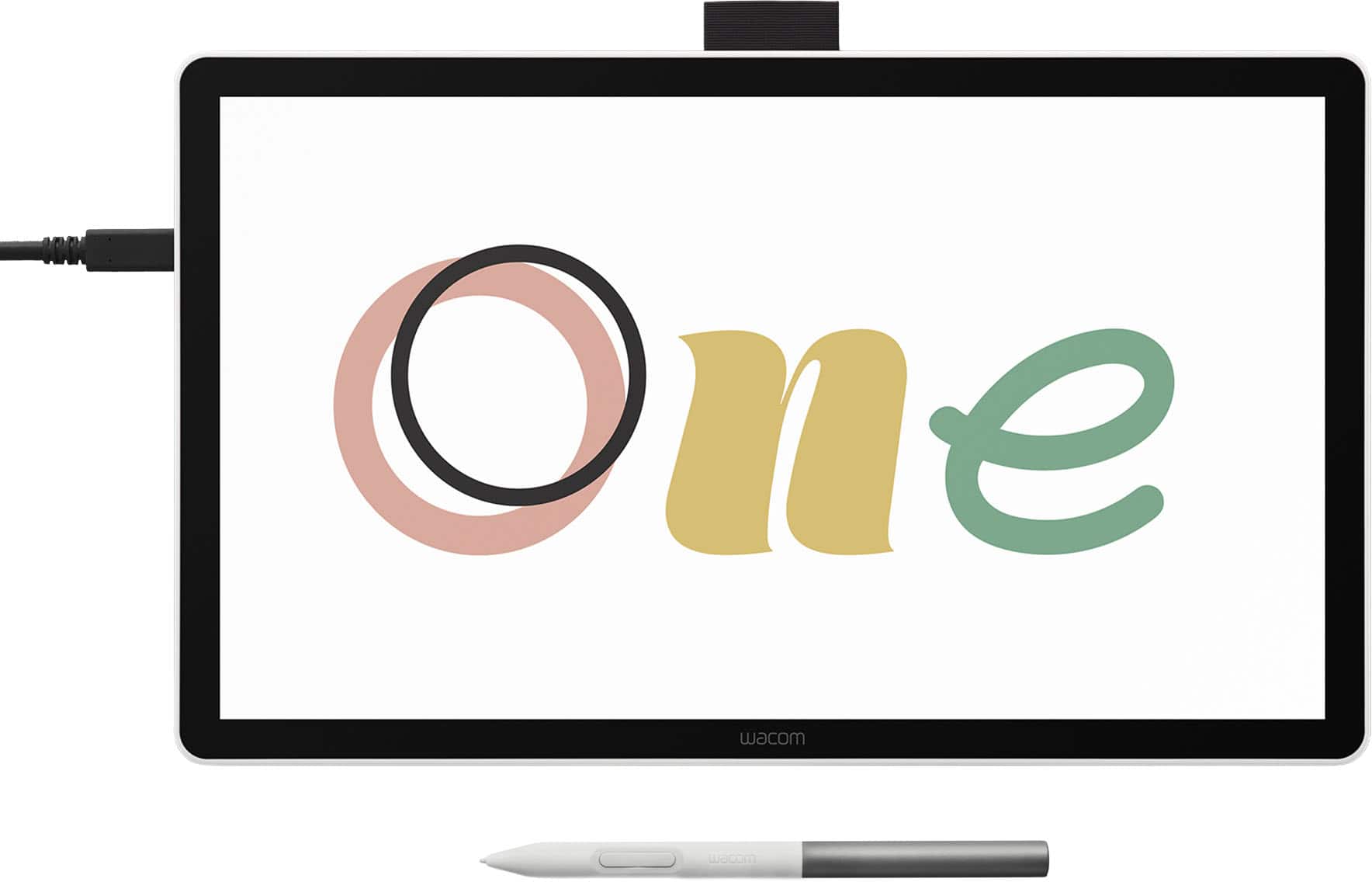
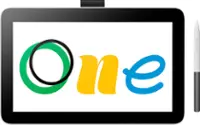
Wacom - One 12 (2023 Version) 11.6” Pen Display Drawing Tablet - White
SKU: JXFPXQQ7HHSee all Drawing TabletsProduct Description
A lightweight white pen display tablet offering a natural drawing experience on an 11.6" HD screen.Your price for this item is $299.95 -
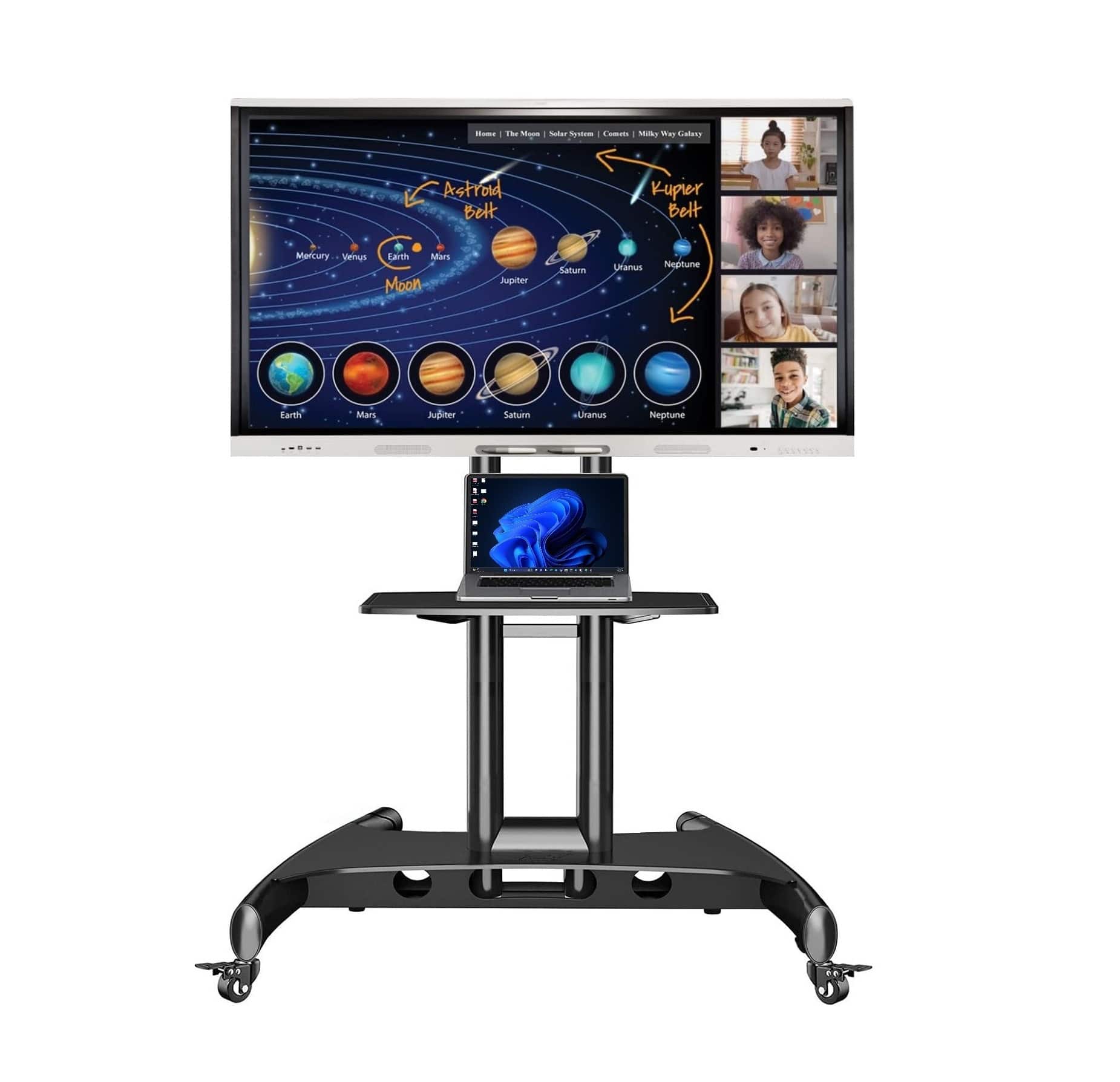
Smart Tech - Smart Board MX255-V5 Interactive Display With Mobile Stand
SKU: JXC5LSWKCPSee all Whiteboards & Presentation SuppliesProduct Description
An interactive display with IQ technology, high-resolution imaging, and a mobile stand for dynamic presentations.Your price for this item is $3,165.95 -
Wacom - One 14 (2025) Pen Display Drawing Tablet - White
SKU: JXFPXQRFVGWacom One14 is Great....Overall I think it's a great drawing tablet....Great drawing tablet for a student/beginner
See all Drawing TabletsProduct Description
A white pen display drawing tablet featuring a 14" anti-glare LCD screen with 98% sRGB color coverage.Your price for this item is $249.95Save $50The previous price was $299.95 -
Wacom - Cintiq Pro 27 Creative Pen Drawing Tablet with Touch Display - Black
SKU: JXFPXQQJCGSee all Drawing TabletsProduct Description
A professional black drawing tablet featuring a high-resolution touch display and advanced Pro Pen 3 performance.Your price for this item is $3,499.95 -
Wacom - Cintiq 16 Drawing Tablet - Black
SKU: JXFPXQRV68I have used previous Cintiq displays and this one is easily the best one that I have experienced....Best tool for School
See all Drawing TabletsProduct Description
A black drawing tablet featuring a 2.5K display, Pro Pen 3, and vibrant, professional-grade color accuracy.Your price for this item is $699.95 -
Wacom - Cintiq Pro 22 Creative Pen Drawing Tablet with Touch Display - Black
SKU: JXFPXQRVZLSee all Drawing TabletsProduct Description
A professional black drawing tablet featuring a 4K touch display and customizable Pro Pen 3 for artists.Your price for this item is $2,999.95 -
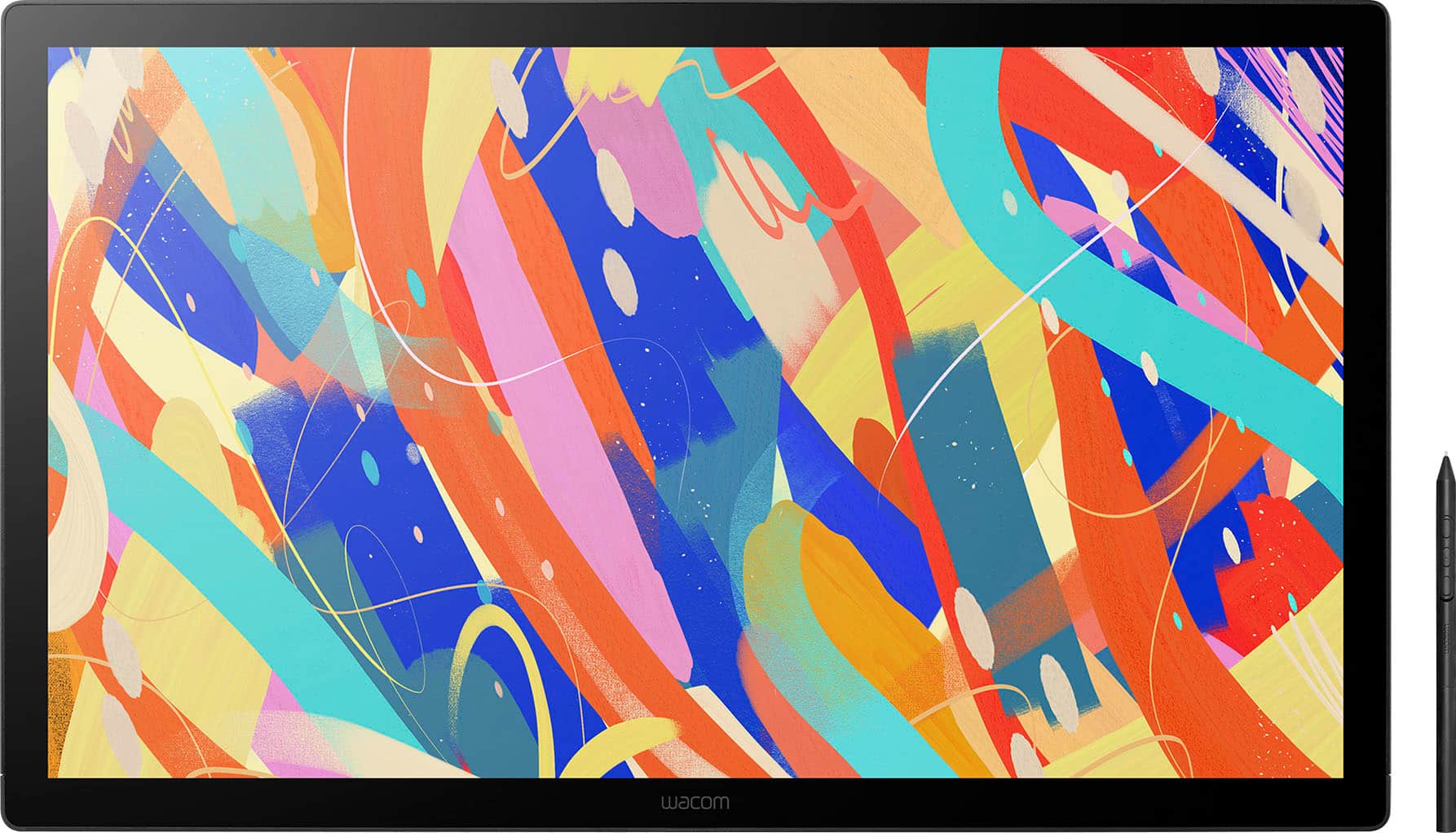
Wacom - Cintiq 24 Drawing Tablet - Black
SKU: JXFPXQRV8FLove the tablet!...I love this product. Is it good centique for artists like me? But it is in an investment.
See all Drawing TabletsProduct Description
A professional black drawing tablet with a 23.8" WQHD display, anti-glare glass, and Pro Pen 3 support.Your price for this item is $1,299.95 -
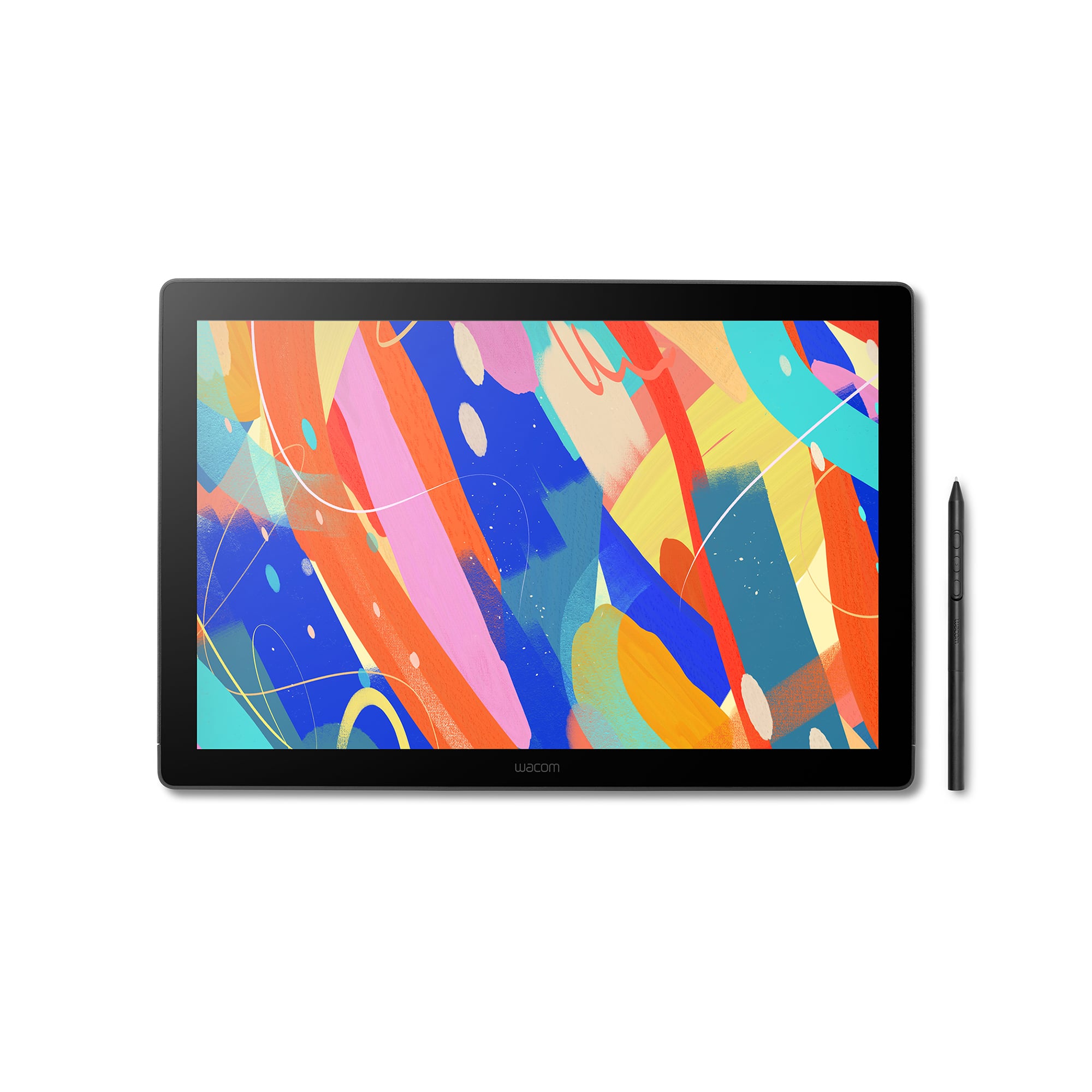
Wacom - Movink 13" Creative Pen Drawing Tablet with Touch Display - Black
SKU: JXFPXQRVQPSee all Drawing TabletsProduct Description
A lightweight black drawing tablet with OLED touch display and sturdy magnesium alloy exterior for creative professionals.Your price for this item is $499.95Save $100The previous price was $599.95

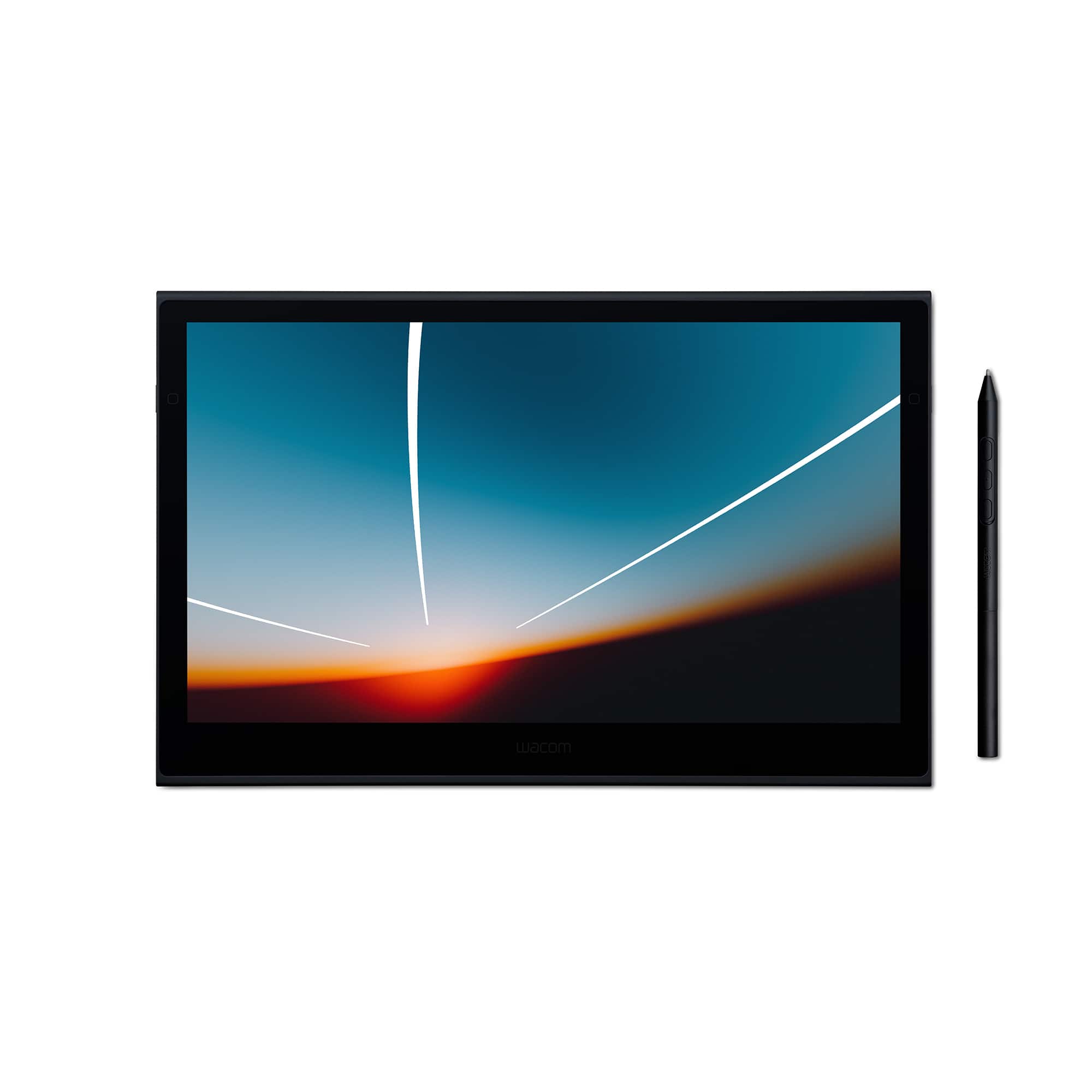
Best Sellers

Related Pages




FAQ
An interactive pen display is a screen that allows you to draw, write, or interact directly on the surface using a special pen or stylus. It connects to your computer and functions as both a monitor and a digital drawing tablet, making it ideal for artists, designers, and professionals who need precision input.
Interactive pen displays are popular among digital artists, graphic designers, animators, educators, and architects. They are also useful for students, professionals, and anyone who wants to take handwritten notes, annotate documents, or create digital artwork.
Key features to consider include screen resolution, color accuracy, pressure sensitivity, tilt recognition, compatibility with software, and connectivity options. Some models also offer customizable shortcut buttons and multi-touch capabilities for added convenience.
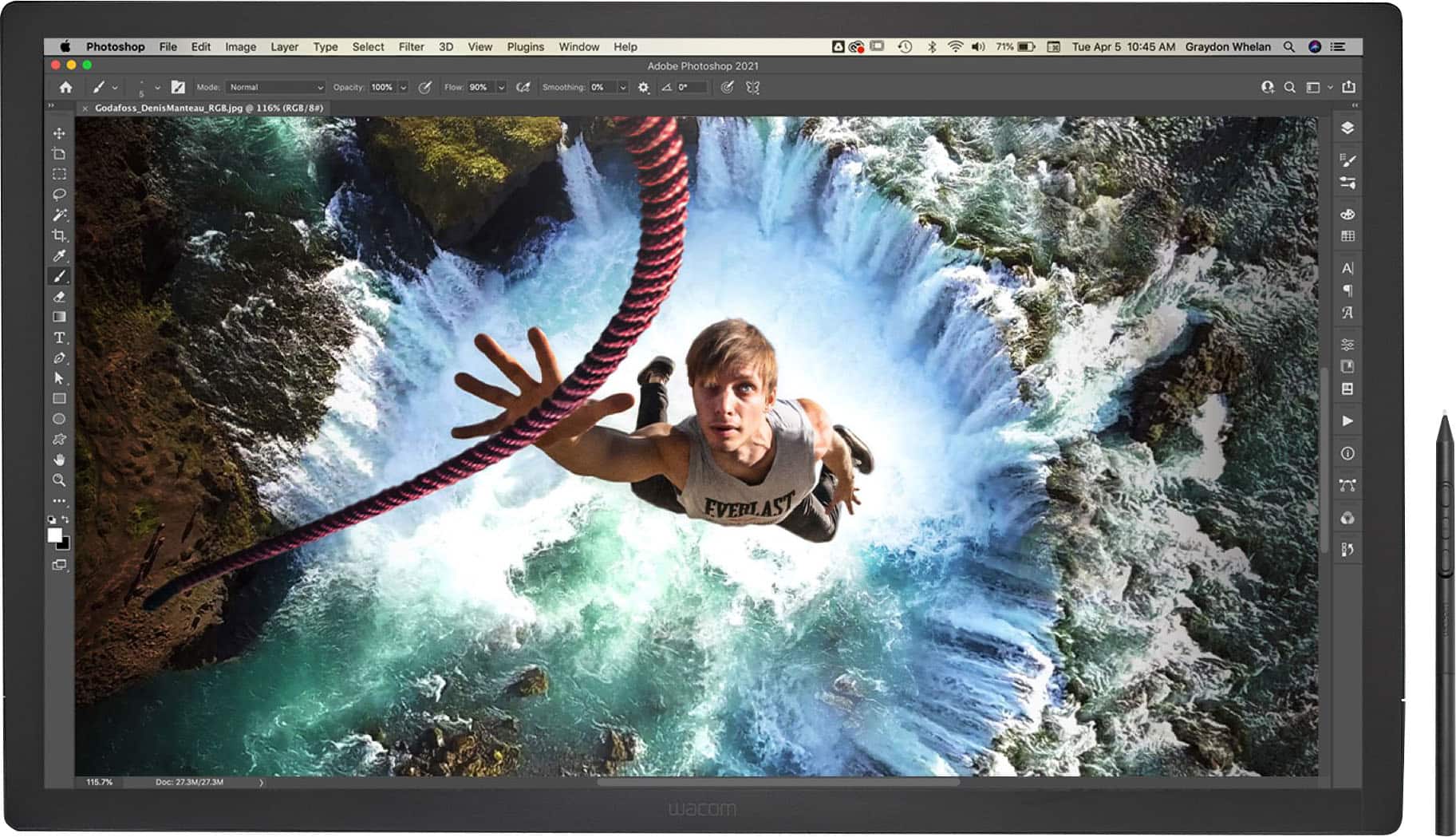
Yes, most interactive pen displays are designed to work seamlessly with popular creative software such as Adobe Photoshop, Illustrator, Corel Painter, and many others. Always check the product specifications for compatibility with your preferred programs.
To keep your interactive pen display in top condition, regularly clean the screen with a soft, lint-free cloth and avoid using harsh chemicals. Store the pen securely when not in use, and ensure all cables are connected and managed properly to prevent damage.