iPad Printers
-
Epson - PictureMate PM-400 - C11CE84201 Wireless Photo Printer - White
SKU: J7JTY3S7QHPictures are great quality. Love it for scrapbooking...Love love love...Love it!...Love
See all Photo PrintersProduct Description
A compact white wireless photo printer that produces vibrant, borderless prints from smartphones, tablets, or memory cards.Your price for this item is $309.40Save $28The previous price was $338.01 -
Canon - PIXMA iP110 Wireless Inkjet Printer - Black
SKU: J7C86SGS4TThe Canon ip110 is a great portable printer....Quick and easy to setup, speedy printing, and great results - in a size you can take almost anywhere....Did I mention great photos?...Great printer with...
See all Inkjet PrintersProduct Description
A wireless black inkjet printer that enables mobile and cloud printing with an auto document feeder.Your price for this item is $399.99Save $50The previous price was $449.99 -
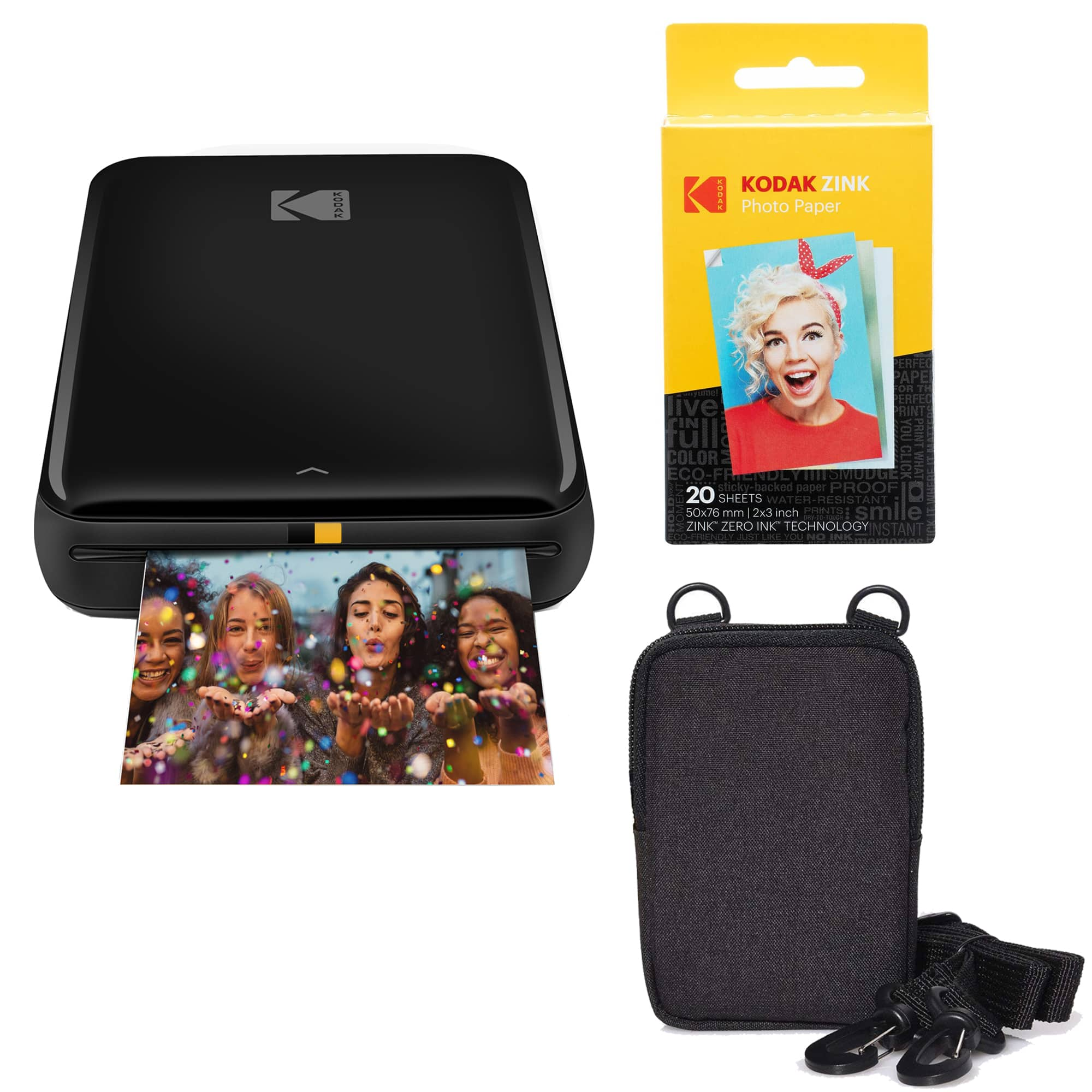
Bundle - Kodak - Step Mobile Instant Photo Printer 2x3" & Photo Paper Go for iOS & Android - Black
SKU: J3688YC4SFSee all Instant Photo PrintersProduct Description
A black instant photo printer with ZINK ink-free printing, Bluetooth connectivity, rechargeable battery, and peel-and-stick photos.Your price for this item is $94.99 -
Bundle - Canon - PIXMA G6020 MegaTank Wireless All-in-One Printer
SKU: JJGYT42Z7LSee all Inkjet PrintersProduct Description
An all-in-one wireless printer with MegaTank high-yield ink, 350-sheet capacity, and mobile device compatibility.Your price for this item is $289.95 -
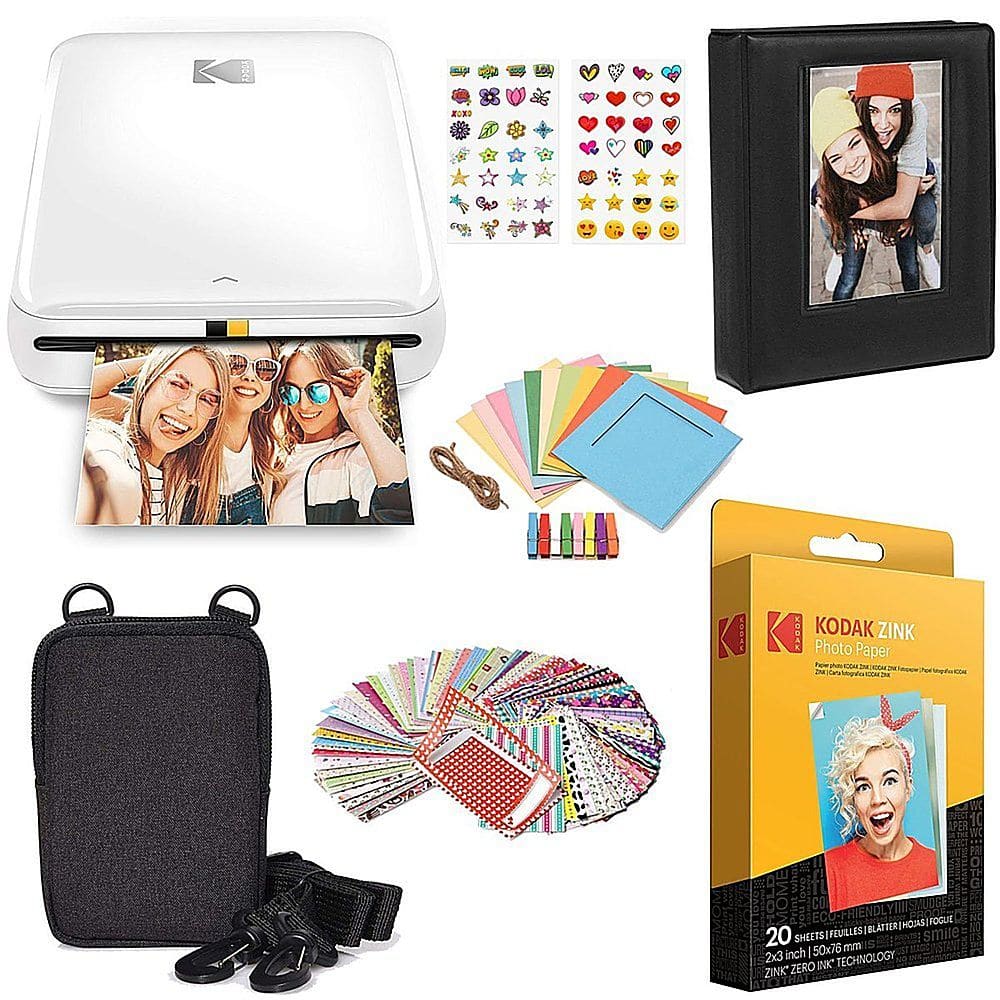
Kodak - Step Instant Photo Printer with 2" x 3" Zink Photo Paper, Deluxe Case, Album & More - White
SKU: J3688Y2HYPSee all Instant Photo PrintersProduct Description
A compact white photo printer using Zink technology, featuring Bluetooth connectivity and customizable editing via app.Your price for this item is $119.99 -
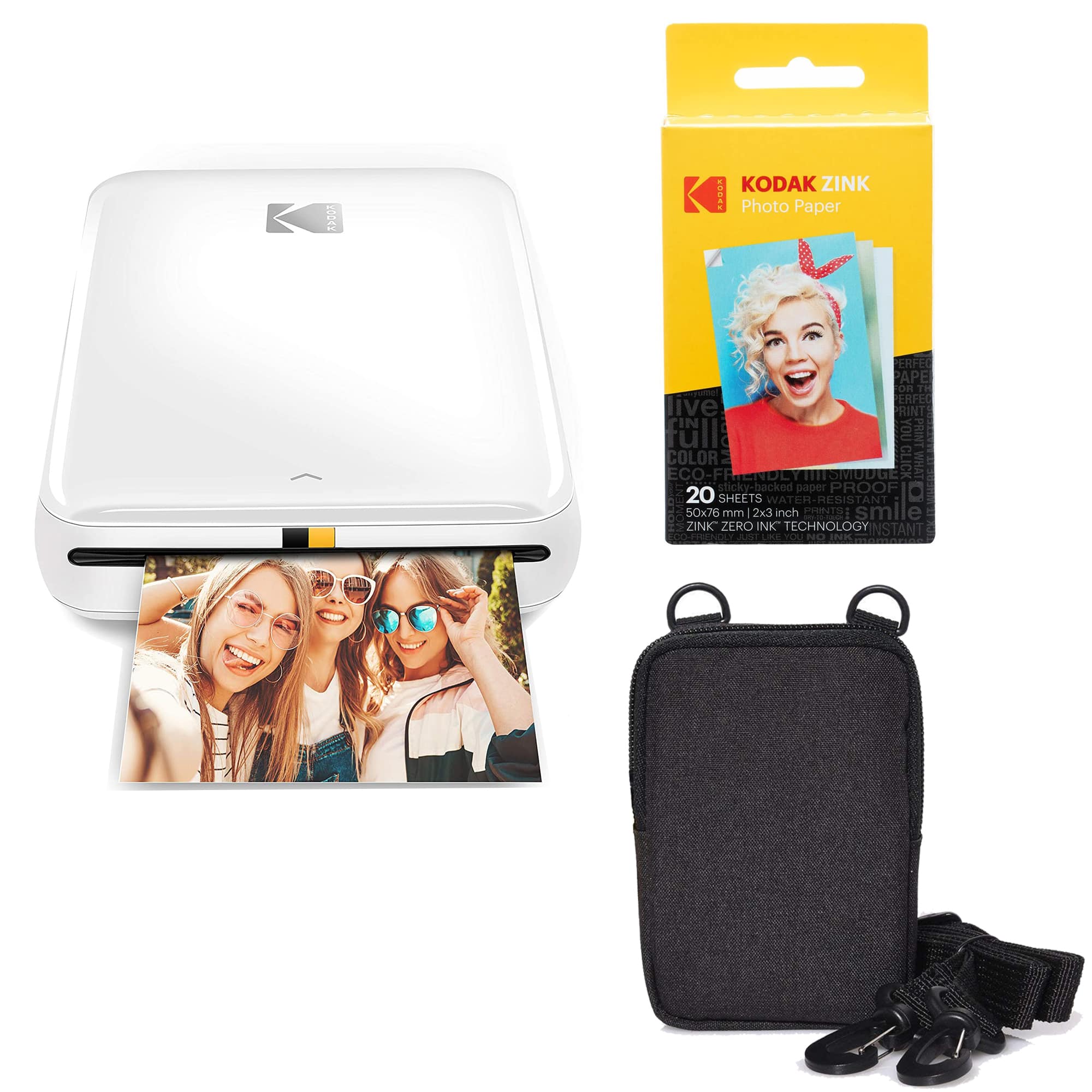
Bundle - Kodak - Step Mobile Instant Photo Printer 2x3" & Photo Paper Go for iOS & Android - White
SKU: J3688YC493See all Instant Photo PrintersProduct Description
A white instant photo printer with Bluetooth, rechargeable battery, ZINK ink-free printing, and included photo paper.Your price for this item is $94.99 -
Phomemo - Q02E TagPod Mini Sticker Printer with 3 Rolls of Paper - White
SKU: CZS64ZTZSJSee all Label MakersProduct Description
A compact white Bluetooth mini printer that instantly prints notes, labels, photos, and stickers from your phone.Your price for this item is $34.99Save $3The previous price was $37.99 -
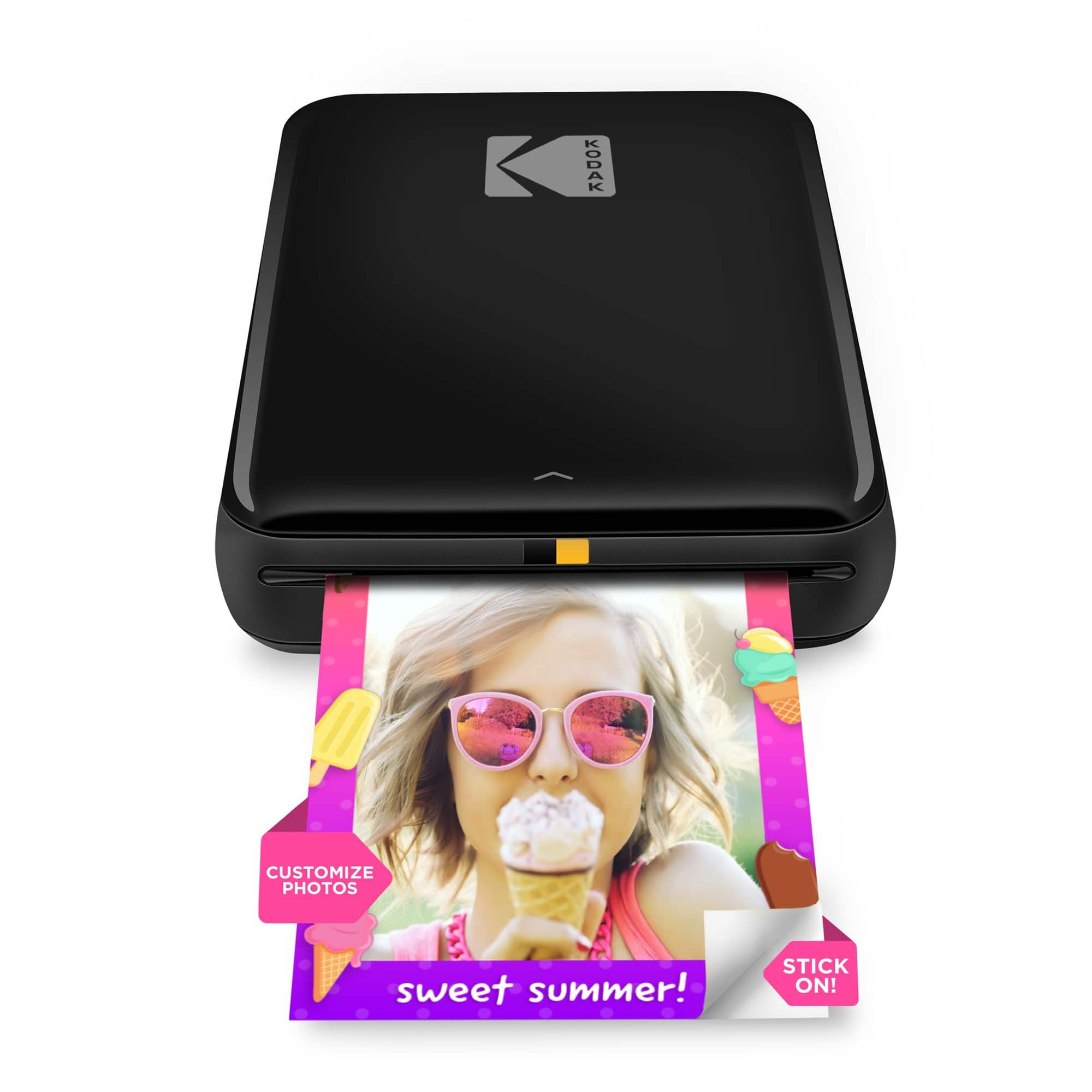
Kodak - Step Mobile Instant Photo Printer 2x3", Compatible with iOS, Android & Bluetooth - Black
SKU: J3688YCX98See all Instant Photo PrintersProduct Description
A compact black wireless printer that creates smudge-proof, peel-and-stick 2"x3" photos from your mobile device.Your price for this item is $79.99




Best Sellers




Related Pages


FAQ
When choosing a printer for your iPad, look for models that offer wireless connectivity, such as AirPrint compatibility, Wi-Fi Direct, or Bluetooth. These features make it easy to print directly from your iPad without needing additional apps or cables.
Most modern printers support AirPrint, which allows you to connect your iPad to the printer over the same Wi-Fi network. Simply select the print option from your app, choose the AirPrint-enabled printer, and follow the on-screen prompts to print.
Yes, you can print photos directly from your iPad using an AirPrint-enabled or wireless printer. Just open your Photos app, select the photo you want to print, tap the share icon, and then choose 'Print' to select your printer and print your image.
Many printer manufacturers offer dedicated apps that provide additional features, such as scanning, advanced print settings, or cloud printing. Check the App Store for your printer brand’s app to enhance your iPad printing experience.
You can print a wide range of documents from your iPad, including emails, web pages, PDFs, photos, and files from cloud storage apps. Most common file types are supported by AirPrint and manufacturer apps.