Apple iOS Printers
-
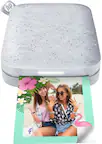
HP - Sprocket Studio Plus WiFi Photo Printer, Compatible with iOS and Android - White
SKU: J3688Y2K6QSee all Photo PrintersProduct Description
A portable white photo printer offering wireless connectivity, Bluetooth, and crisp dye-sublimation prints from your smartphone.Your price for this item is $149.99 -
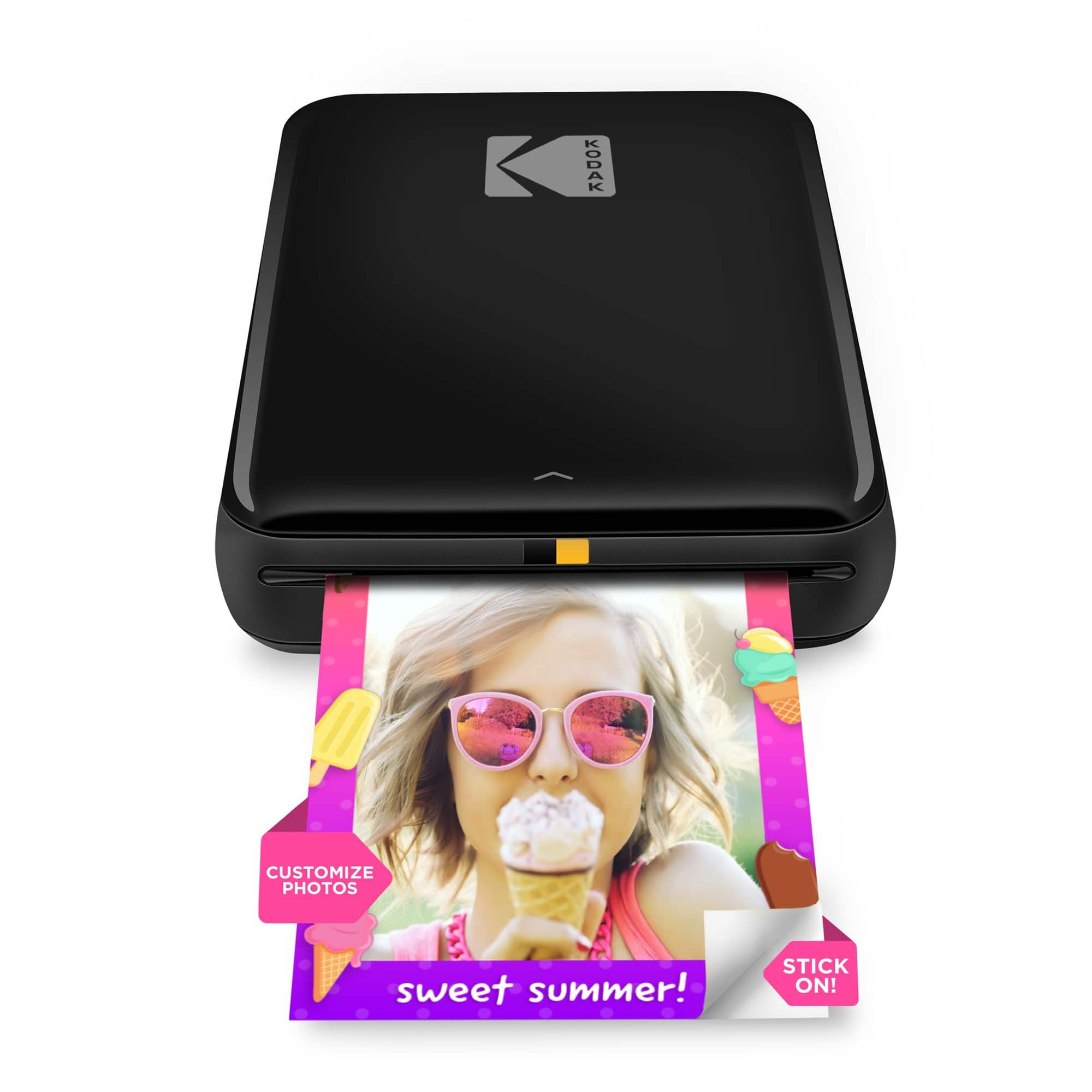
Kodak - Step Mobile Instant Photo Printer 2x3", Compatible with iOS, Android & Bluetooth - Black
SKU: J3688YCX98See all Instant Photo PrintersProduct Description
A compact black wireless printer that creates smudge-proof, peel-and-stick 2"x3" photos from your mobile device.Your price for this item is $79.99 -
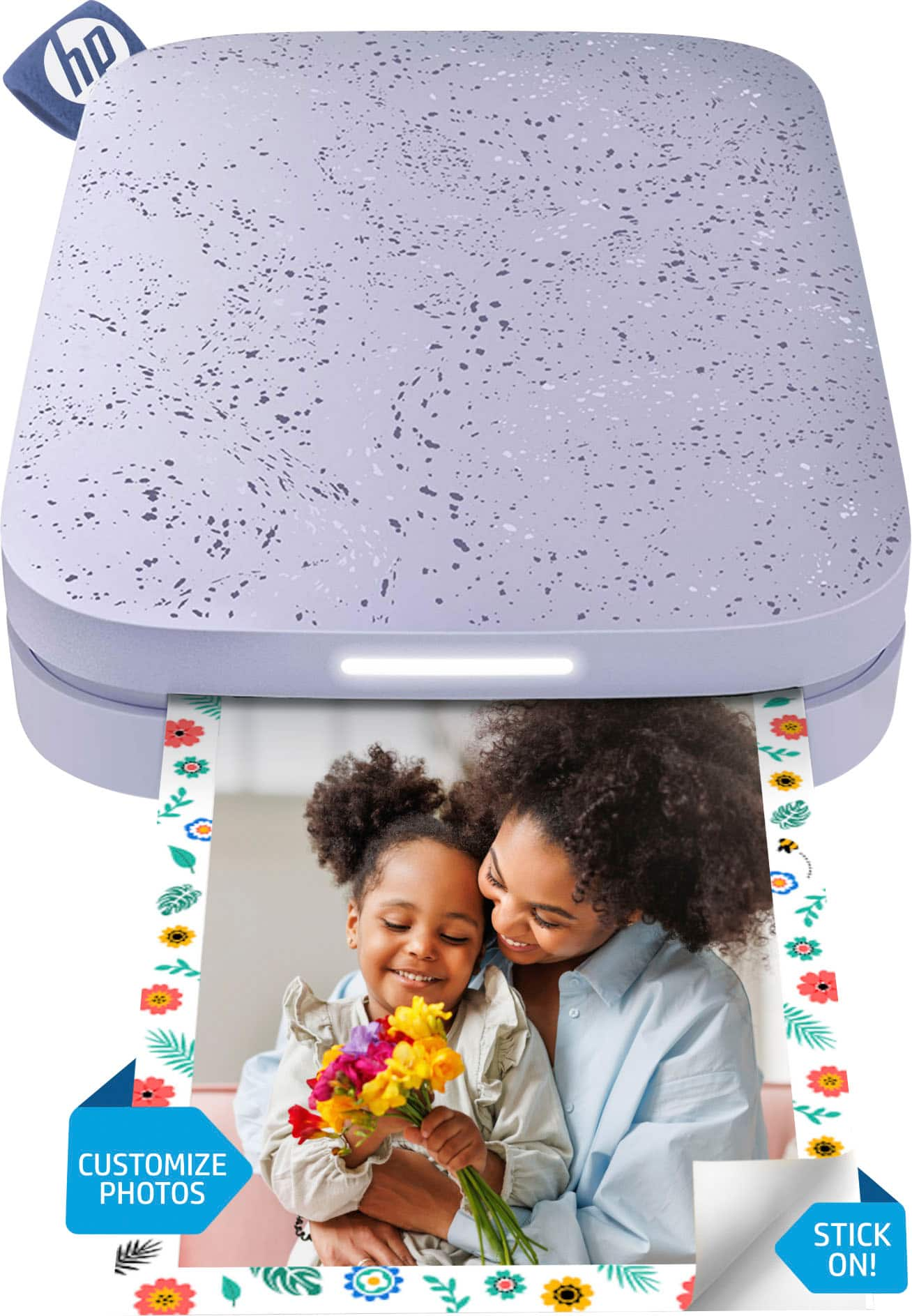
HP - Sprocket Portable 2" x 3" Instant Photo Printer, Prints From iOS or Android Devices - Lilac
SKU: JJ8QRK2YJTGood one and easy to use……..Having best color options…… The sticker option is great...Best photo printer to make scrap books for memories....I love being able to make collages with my phone app.
See all Instant Photo PrintersProduct Description
A compact lilac wireless photo printer that instantly prints 2" x 3" photos from iOS or Android devices.Your price for this item is $89.99 -
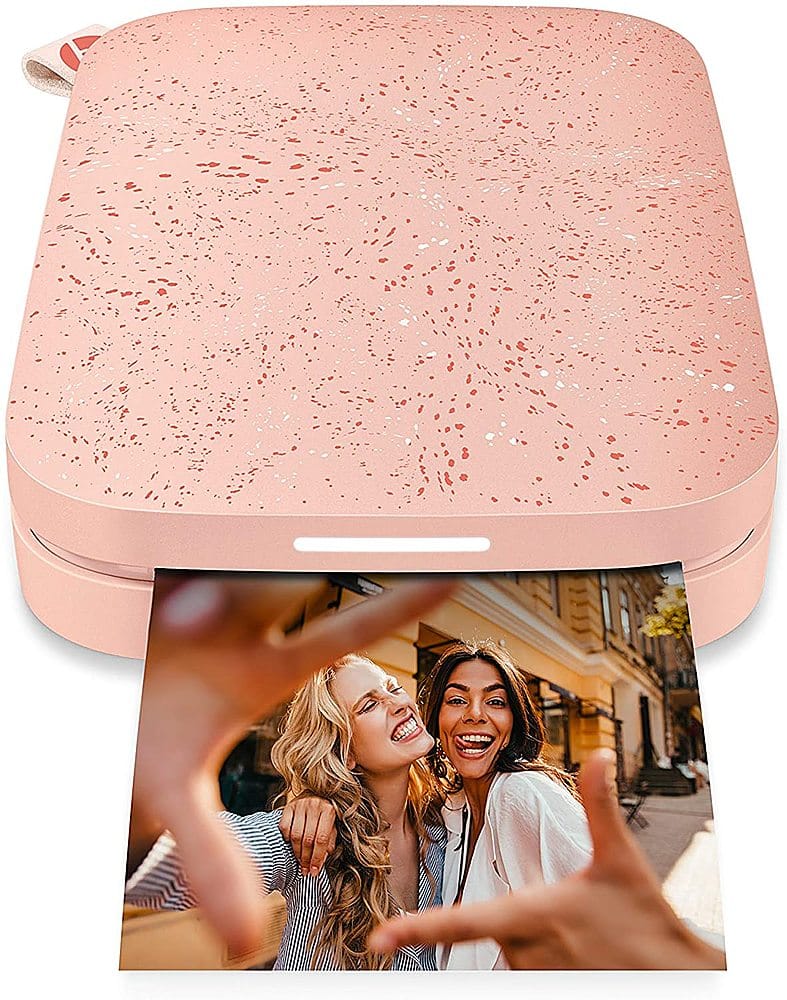
HP - Sprocket Portable 2" x 3" Instant Photo Printer, Prints From iOS or Android Devices - Blush Pink
SKU: JJ86HHH8H7I love this printer- second one I buy- easy to use and great for journaling...Love this mini printer !! Easy to use and the pictures come out great...In love
See all Instant Photo PrintersProduct Description
A blush pink portable photo printer that wirelessly prints 2" x 3" photos from iOS or Android devices.Your price for this item is $89.99 -
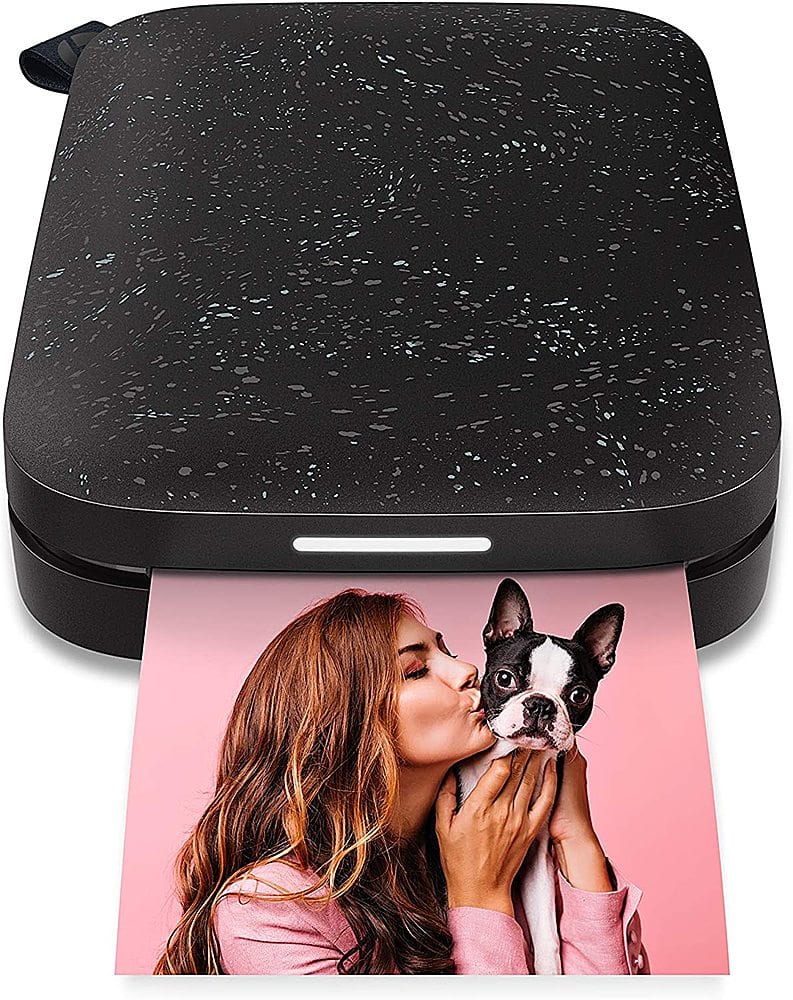
HP - Sprocket Portable 2" x 3" Instant Photo Printer, Prints From iOS or Android Devices - Black Noir
SKU: JJ86HHX8ZTLove Best buy...I love this and use it every where. been on of the best buy.
See all Instant Photo PrintersProduct Description
A compact black wireless photo printer that instantly prints 2" x 3" photos from iOS or Android devices.Your price for this item is $89.99

Best Sellers




Related Pages



FAQ
Printers compatible with Apple iOS devices typically support AirPrint, Apple's wireless printing technology. This allows you to print directly from your iPhone or iPad without needing additional drivers or software.
To connect your iPhone or iPad to a wireless printer, ensure both devices are on the same Wi-Fi network. Then, select the print option from your app, choose your printer from the list, and follow the on-screen instructions to complete the print job.
Yes, you can print both photos and documents from your iOS device using compatible printers. Most AirPrint-enabled printers support a variety of file types, including PDFs, Word documents, and high-resolution images.
For most AirPrint-enabled printers, you do not need to install any additional apps to print from your Apple device. However, some printer manufacturers offer dedicated apps with extra features, such as scanning or advanced print settings.
Yes, many multifunction printers (MFPs) are compatible with iOS devices. These printers can print, scan, and copy, and often allow you to scan documents directly to your iPhone or iPad using the manufacturer's app or AirPrint features.