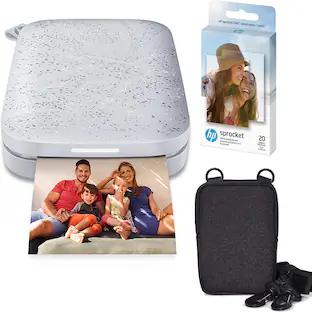
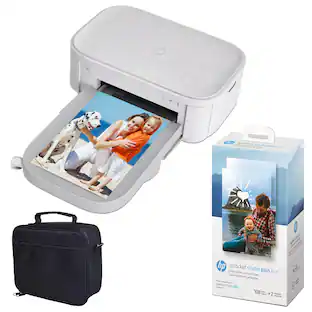
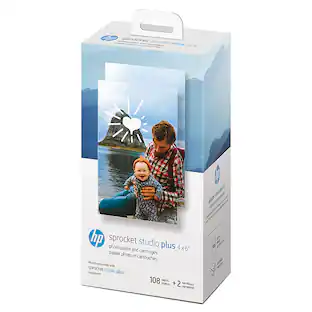
HP - Sprocket Studio Plus WiFi Photo Printer, Compatible with iOS and Android - White
Reviews coming soon
About this product
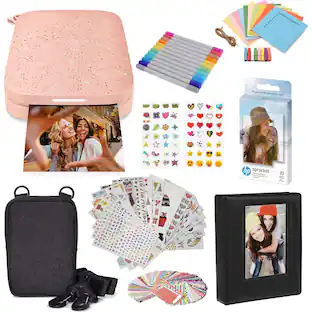
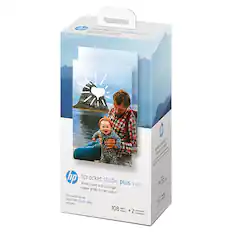
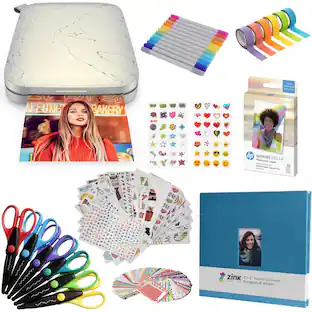
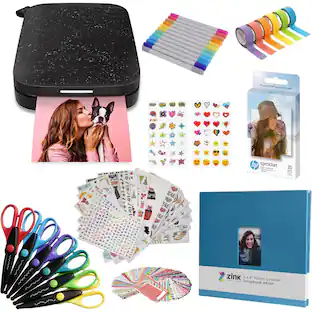
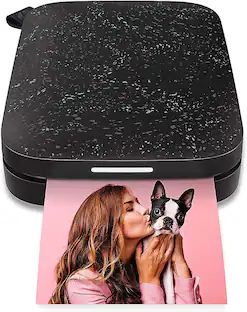
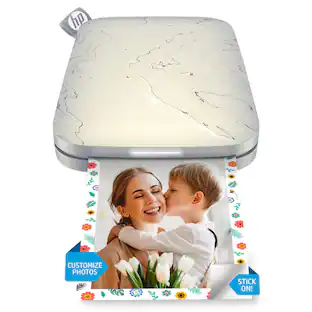
Get everything plus more with the HP Sprocket Studio Plus Photo Printer. This all-in-one portable printer is the perfect device for printing all those amazing photos you have on your phone. Set up the printer in seconds, download the easy-to-use HP Sprocket app, and connect your smartphone to the printer via Wi-Fi. Now you are all set without a moment wasted. Take pictures, customize them in the photo-editing app, and see your beautiful, captured moments come to life as they are printed. The HP Sprocket Photo Printer Studio Plus creates crisp, detailed prints that you will want to share with friends and family.
New Model Compatibility
Compatible only with HP Sprocket Studio Plus Photo Paper and Cartridges
Customize your creations
Add your own style to each photo by decorating it with stickers, frames, filters, and more before you print them out.
Instant printing
Designed for efficiency and convenience, this printer will produce dry-to-the-touch 4x6” photos in an instant directly from your smartphone
Wi-fi compatibility
Download the user-friendly hp sprocket app to your smartphone and easily connect your mobile device to wi-fi-enabled printer in mere seconds
Picture-perfect photo features
The HP Sprocket studio plus gives you several different and unique ways to take a photo. don’t miss out on the chance to make a collage, do a photobooth, create a photo id, and so much more
- NetworkingWireless, Not ApplicableENERGY STAR CertifiedNoPrinter TypePrinterPrinter Resolution (Color)Up to 300
Reviews
This product doesn't have any reviews yet.

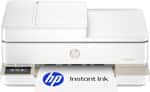
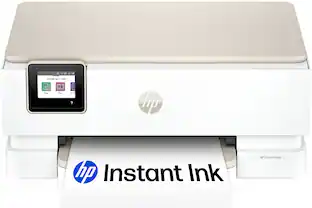
- HP - Envy 6165 Wireless AI-Enabled All-in-One Inkjet Printer with 6 months of Instant Ink - White$79.99The price was $159.99
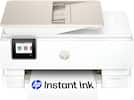
- HP - Envy Photo 7975 Wireless AI-Enabled All-in-One Inkjet Printer w/ 3 Months of Instant Ink - White$159.89The price was $239.89
Compare similar products

Get everything plus more with the HP Sprocket Studio Plus Photo Printer. This all-in-one portable printer is the perfect device for printing all those amazing photos you have on your phone. Set up the printer in seconds, download the easy-to-use HP Sprocket app, and connect your smartphone to the printer via Wi-Fi. Now you are all set without a moment wasted. Take pictures, customize them in the photo-editing app, and see your beautiful, captured moments come to life as they are printed. The HP Sprocket Photo Printer Studio Plus creates crisp, detailed prints that you will want to share with friends and family.

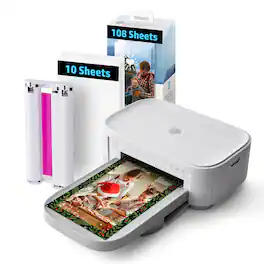
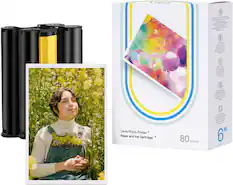
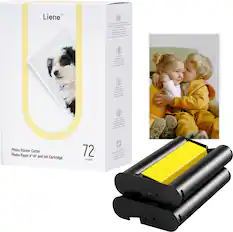
The Liene 4×6 Photo Printer lets you turn your favorite moments into stunning, long-lasting prints anytime, anywhere. Compatible with iPhone, Android & PC, this compact and portable photo printer delivers lab-quality prints with rich colors and sharp details—perfect for gifting, scrapbooking, or decorating your space.
Get everything plus more with the HP Sprocket Studio Plus Printer. This all-in-one printer is the perfect device for printing all those amazing photos you have on your phone. Set up the printer in seconds, download the easy-to-use HP Sprocket app, and connect your smartphone to the printer via Wi-Fi. Now you are all set without a moment wasted. Take pictures, customize them in the photo-editing app, and see your beautiful, captured moments come to life as they are printed. The HP Sprocket Studio Plus Printer creates crisp, detailed prints that you will want to share with friends and family.

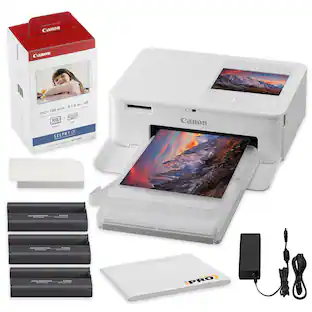
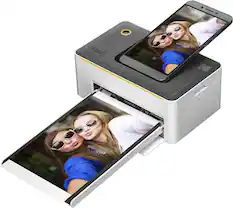
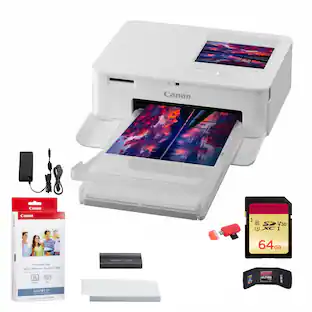
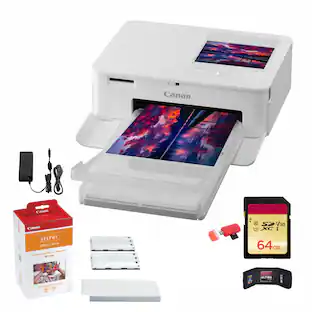
Introducing the SELPHY CP1500 Wireless1 Compact Photo Printer, the perfect portable photo printer for printing at home and on the go. Easily print with AirPrint2, the SELPHY Layout app3, your camera memory card4,or USB so your memories are ready to share wherever you are! Choose the right size for the right photo - from 4"x6", 2.1"x 2.1" square to mini label stickers, all made to last up to 100 years5 and are even water and marker resistant! Take the SELPHY CP1500 almost anywhere with the optional battery pack, and add fun effects with the updated (v3.0) SELPHY Photo Layout app, and just have a good time printing photos with your friends.
| Pros for HP - Sprocket Studio Plus WiFi Photo Printer, Compatible with iOS and Android - White | |||
|---|---|---|---|
| There were no pros for this product— | There were no pros for this product— | There were no pros for this product— | Print Quality, Ease of use, Overall Performance, Size, Connectivity |
| Cons for HP - Sprocket Studio Plus WiFi Photo Printer, Compatible with iOS and Android - White | |||
| There were no cons for this product— | There were no cons for this product— | There were no cons for this product— | Battery |
Specs
Be the first to ask a question.
We’ll try to get your question answered within 24 hours by a Best Buy customer or brand representative.


More to consider
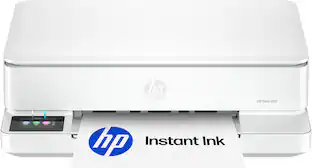 $79.99The price was $159.99
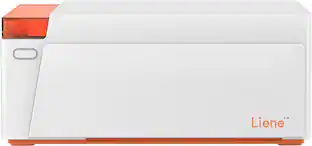 Top Deal$139.99The price was $169.99
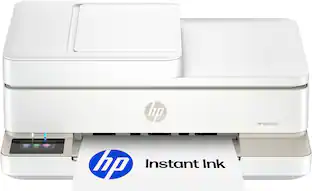 $109.99The price was $179.99
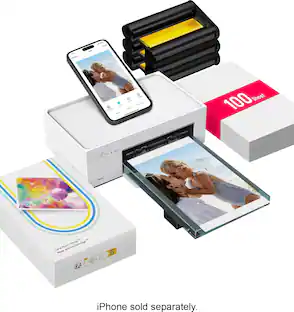


Explore tech essentials Sponsored
 Top Deal$349.99The price was $479.99
 $119.89The price was $219.89

Discover related products
 $12.99The price was $13.99
 $249.00The price was $275.00
 $30.99The price was $32.99











Keep exploring
 $264.95The price was $274.95
 $264.95The price was $298.95
 $103.99The price was $109.99