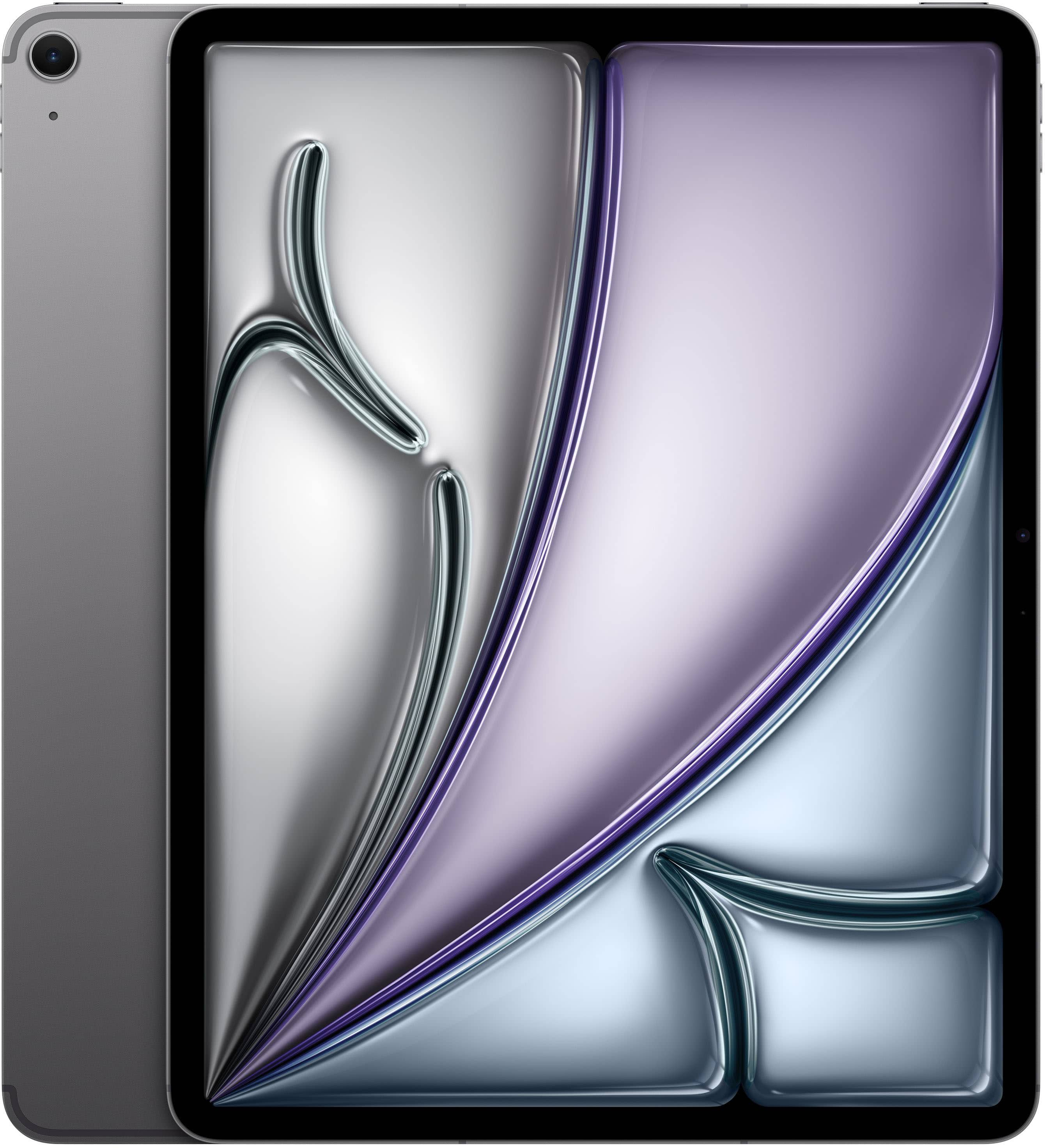
iPad Pro 4th Generation
Compare available iPad Pro 4th Generation listings by storage capacity, Wi-Fi or cellular connectivity, and condition to find an option that fits your needs. Confirm the screen size and exact model in each listing, especially if you plan to use an existing case, keyboard, or Apple Pencil.



iPad Pro 4th Generation
FAQs
iPad Pro (4th generation) tablets run iPadOS, which supports apps, multitasking and Apple services. Available features depend on the installed iPadOS version, and you can check for compatible updates in Settings under General, then Software Update.
Find the tablet’s model number in Settings under General, then About, and compare it with the accessory’s compatibility information. Apple Pencil, keyboard and case compatibility depends on the exact iPad model, so the generation name alone may not be enough.
Wi-Fi models connect to the internet through wireless networks, including compatible mobile hotspots. Wi-Fi + Cellular models can also connect through a supported carrier’s cellular network with an activated data plan.
You can transfer files using a compatible USB cable, cloud storage services or AirDrop with a compatible Mac. The Files app also lets you access supported external drives and connected cloud storage accounts.
iPadOS includes multitasking features that let you work with multiple supported apps onscreen. The available controls and layouts depend on your iPad model, installed iPadOS version and the apps you use.