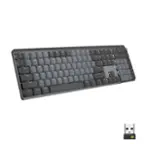
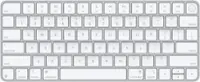
/
Keyboard For Mac Users
Keyboards for Mac users offer a seamless typing experience designed to complement your Apple setup. Whether you’re working, creating, or staying connected, finding the right keyboard can make all the difference in comfort and productivity. Explore a wide variety of keyboards tailored for Mac compatibility, making it easy to choose the perfect fit for your workspace and lifestyle. Elevate your workflow with options that blend style, functionality, and convenience for every Mac user.
Read More-
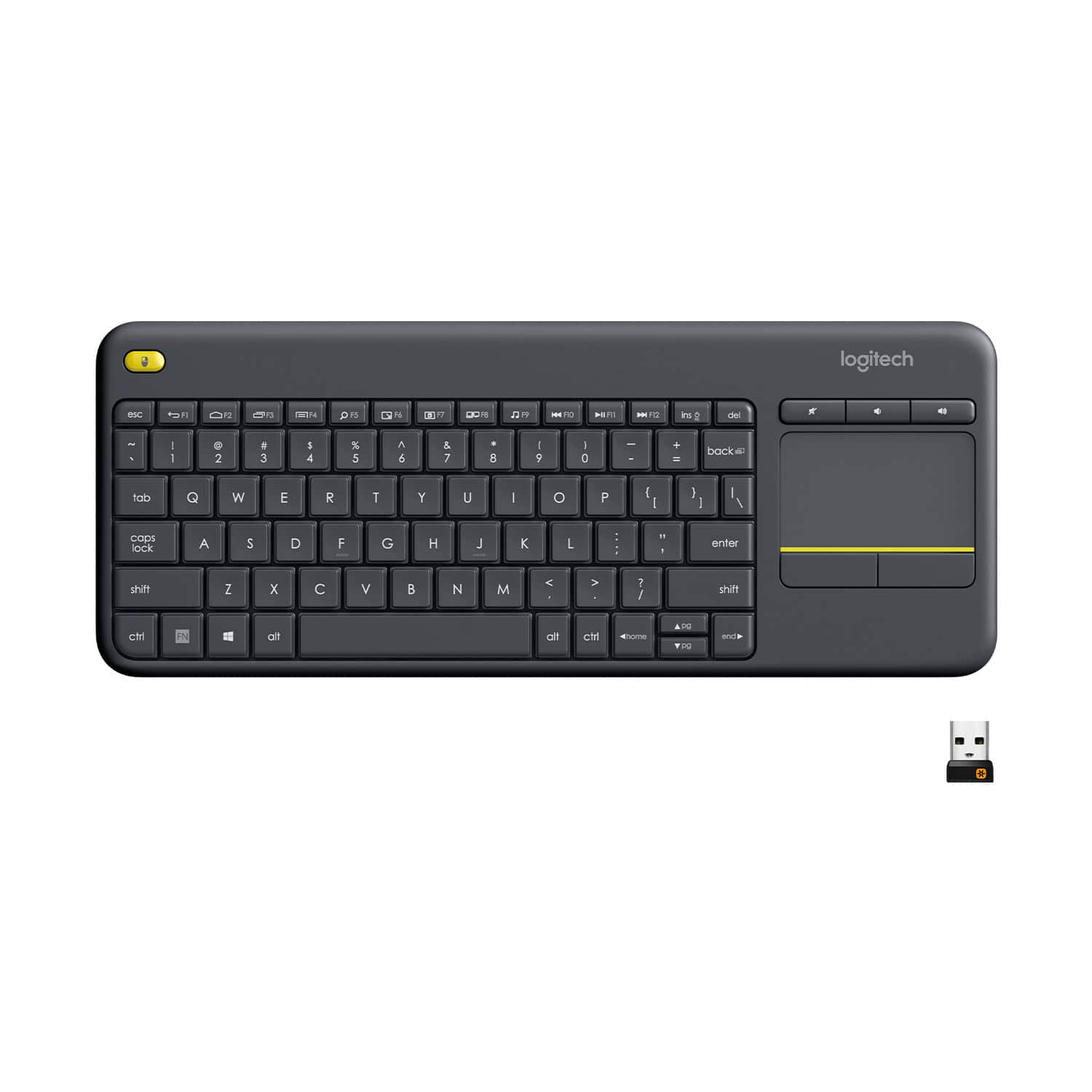
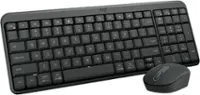
Logitech - K400 Plus TKL Wireless Membrane Keyboard for PC/TV/Laptop/Tablet with Built-in Touchpad - Black
SKU: J7H7ZYCY97Love it great value for the price. I love my local Best Buy store...Da best!!...Great freaking keyboard!! Love all options!!!!!!!!
See all Wireless & Bluetooth KeyboardsProduct Description
A black wireless tenkeyless keyboard with built-in touchpad, quiet membrane keys, and 32.8-foot range.$34.99 Your price for this item is $34.99 -
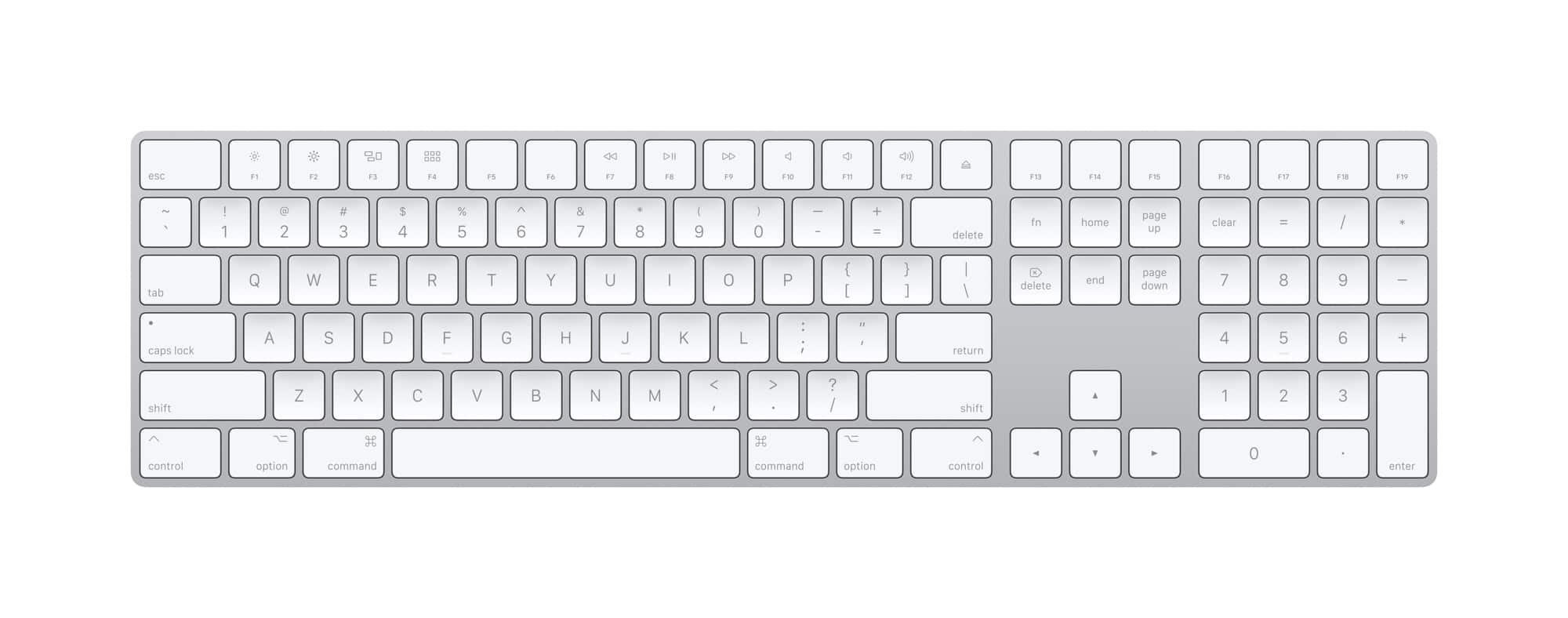
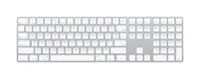
Apple - Magic Keyboard full size with Numeric Keypad (Lightning Port) - Silver/White
SKU: JJGCQ8J9KQThis works great and love the smooth typing. The best keyboard you can get for your apple devices....Great keyboard...Best keyboard for apple products by far. Love the layout.
See all Wireless & Bluetooth KeyboardsProduct Description
A wireless silver and white keyboard with numeric keypad, scissor keys, and rechargeable battery for comfortable typing.$129.99 Your price for this item is $129.99 -
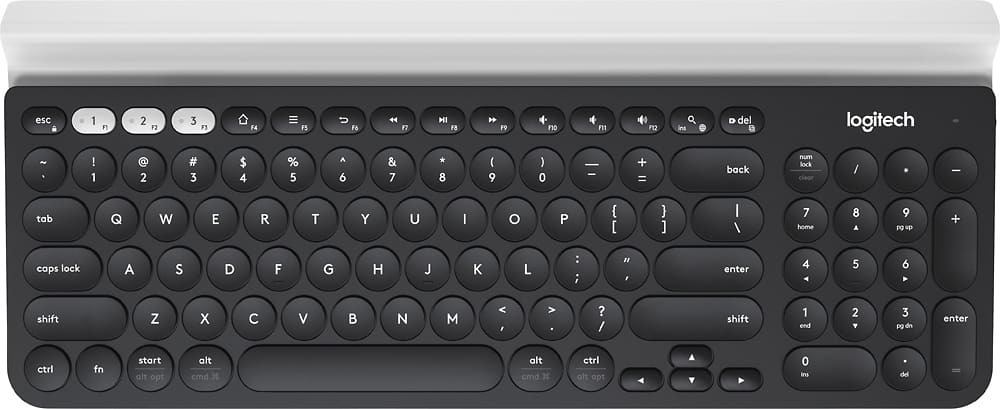
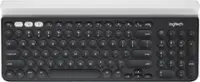
Logitech - K780 Full-size Wireless Scissor Keyboard - Graphite
SKU: J7H7ZYC46YLove this keyboard....It's quiet, keys are extremely comfortable and I love having the number pad....All the functions on the keyboard works great.
See all Wireless & Bluetooth KeyboardsProduct Description
A full-size graphite wireless keyboard with scissor keys, device cradle, and multi-platform USB/Bluetooth connectivity.$73.99 Your price for this item is $73.99Save $9Was $83.06The previous price was $83.06 -
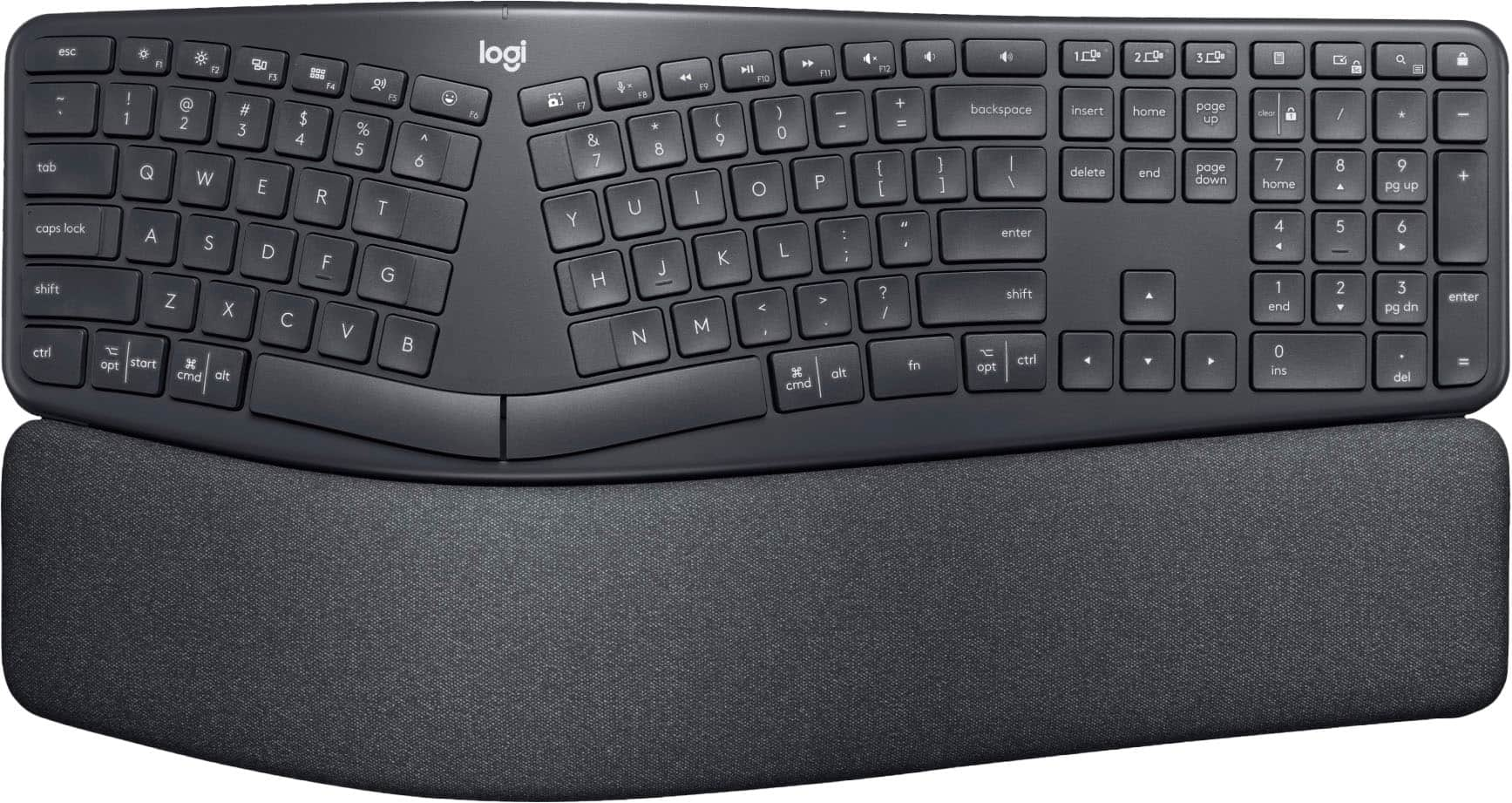
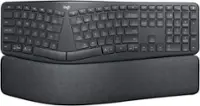
Logitech - ERGO K860 Ergonomic Full-size Wireless Scissor Keyboard for Windows and Mac with Palm Rest - Black
SKU: J7H7ZYXTHTOne of the best ergonomic keyboards ever! Very light touch and great for fast typists. I love it!...Love it!...Great ergonimics, super comfortable and responsive keys. Best keyboard every
See all Wireless & Bluetooth KeyboardsProduct Description
An ergonomic black wireless keyboard with a curved keyframe, pillowed palm rest, and quiet, responsive keys.$149.99 Your price for this item is $149.99 -
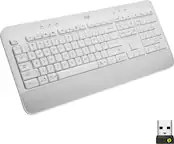
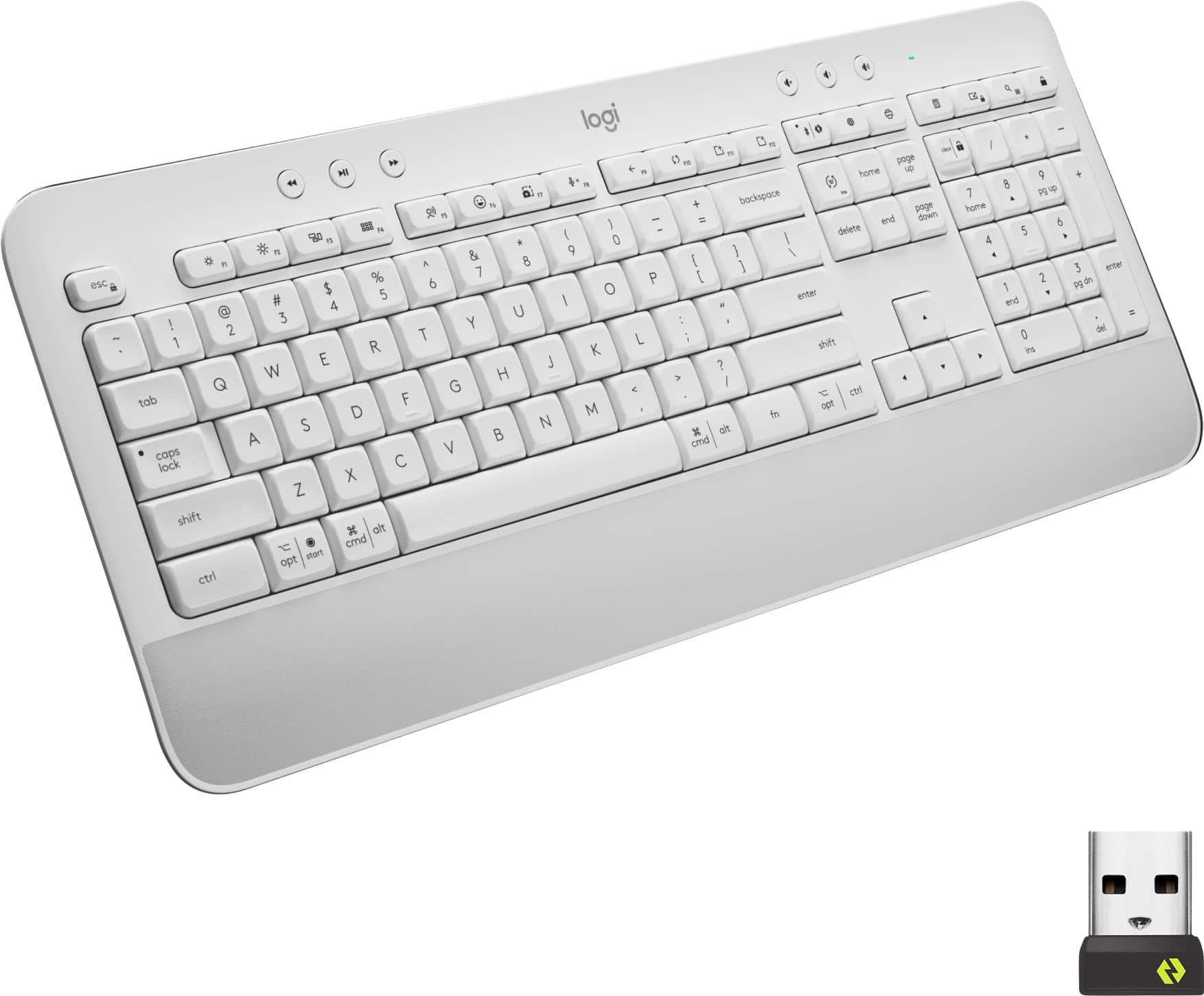
Logitech - Signature K650 Full-Size Wireless Keyboard for PC/Window/Mac with Wrist Rest - Off-White
SKU: J7H7ZY8988See all Wireless & Bluetooth KeyboardsProduct Description
An off-white wireless keyboard with soft-touch palm rest, deep-cushioned keys, and 24 customizable shortcuts.$62.99 Your price for this item is $62.99 -
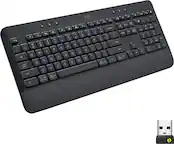
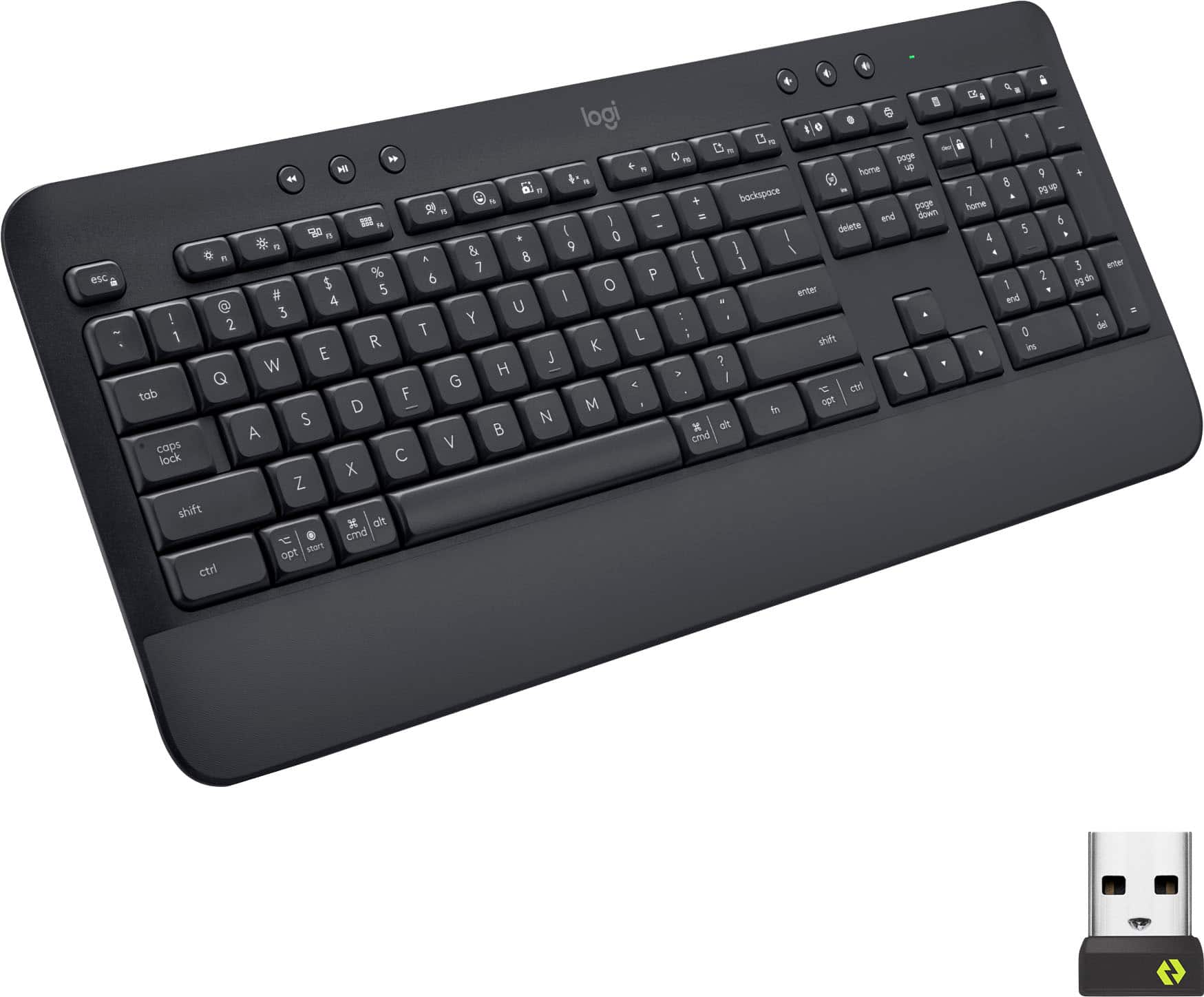
Logitech - Signature K650 Full-Size Wireless Keyboard for PC/Window/Mac with Wrist Rest - Graphite
SKU: J7H7ZY89CVGreat basic keyboard - gets the job done...Great keyboard, works well, nice and quiet....This is a great replacement. I have not had any issues with it....Work great on Bluetooth!
See all Wireless & Bluetooth KeyboardsProduct Description
A full-size graphite wireless keyboard with soft-touch palm rest, deep-cushioned keys, and 24 shortcut commands.$53.95 Your price for this item is $53.95Save $12Was $66.03The previous price was $66.03 -
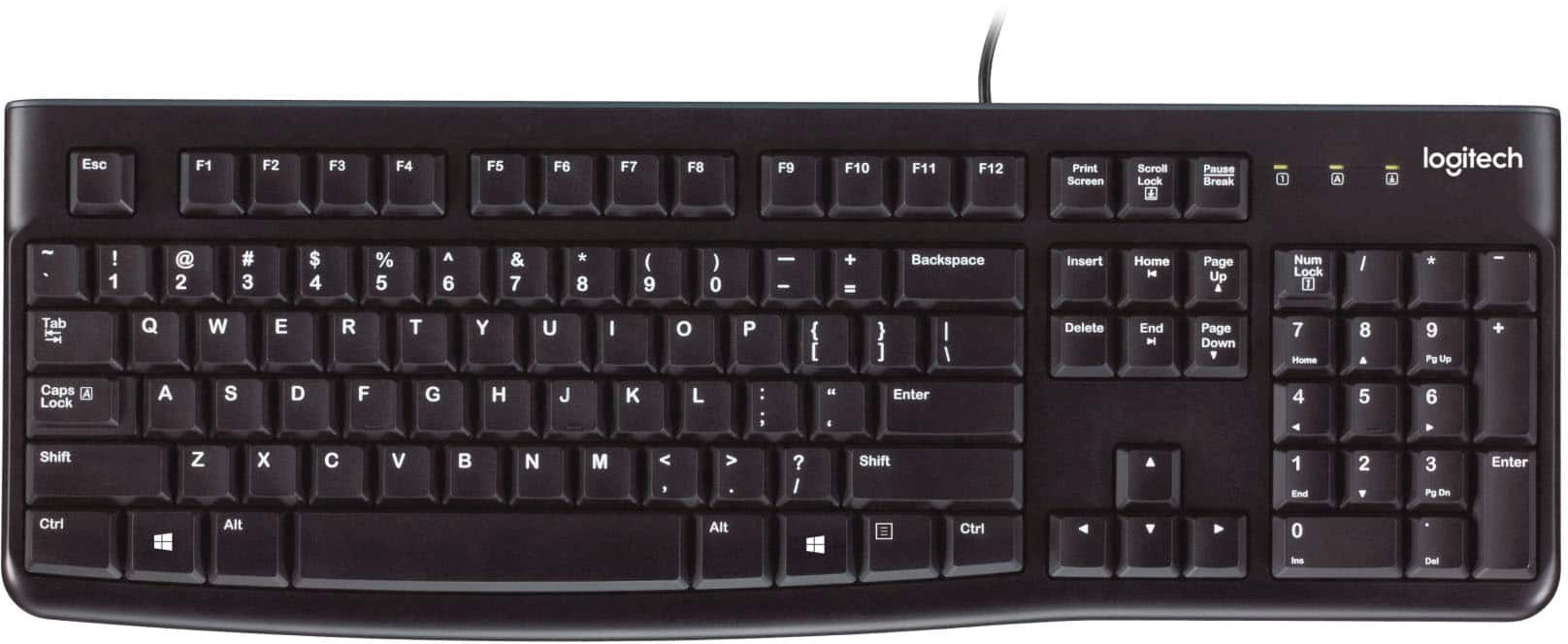
Logitech - K120 Full-size Wired Membrane Keyboard for PC with Spill-Resistant Design - Black
SKU: J7H7ZLVX49Great price, quality and service! I love Best Buy!!!!...This is the best keyboard i've ever owned. Love it....Great value keyboard...Love the Keyboard
See all Wired & USB KeyboardsProduct Description
A black full-size wired membrane keyboard featuring spill resistance, quiet low-profile keys, and plug-and-play USB connectivity.$12.99 Your price for this item is $12.99 -
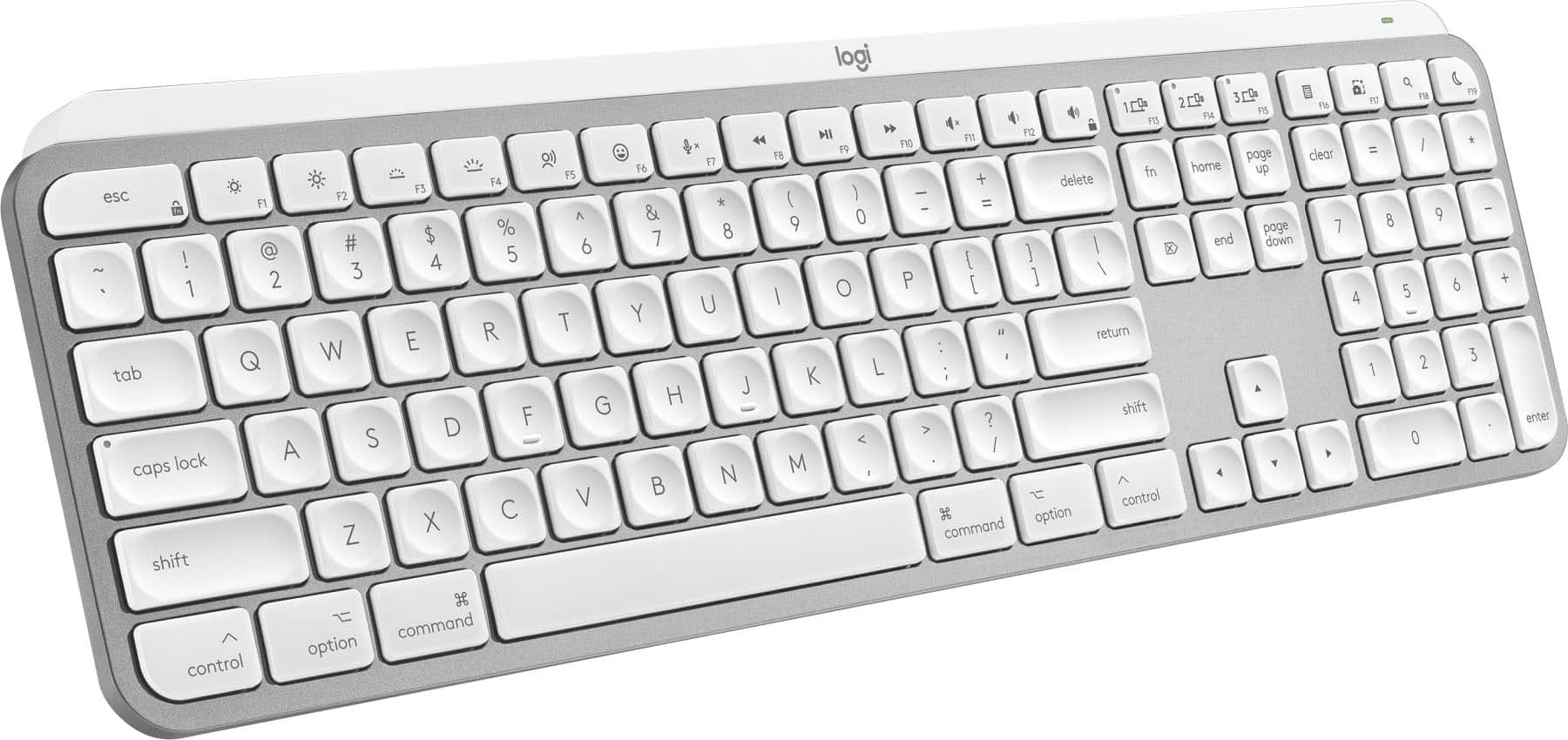
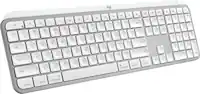
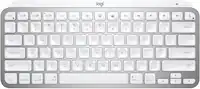
Logitech - MX Keys S for Mac Advanced Full-size Wireless Scissor Keyboard with Backlit keys for MacBook, iMac, iPad - Pale Gray
SKU: J7H7ZYG283Best Keyboard Ever!!!...Best Keyboard Ever!!! Smooth doesn't make loud noises....The best Keyboard,
See all Wireless & Bluetooth KeyboardsProduct Description
A low-profile pale gray wireless keyboard with Mac-specific keys, smart backlighting, and customizable Smart Actions.$129.99 Your price for this item is $129.99 -
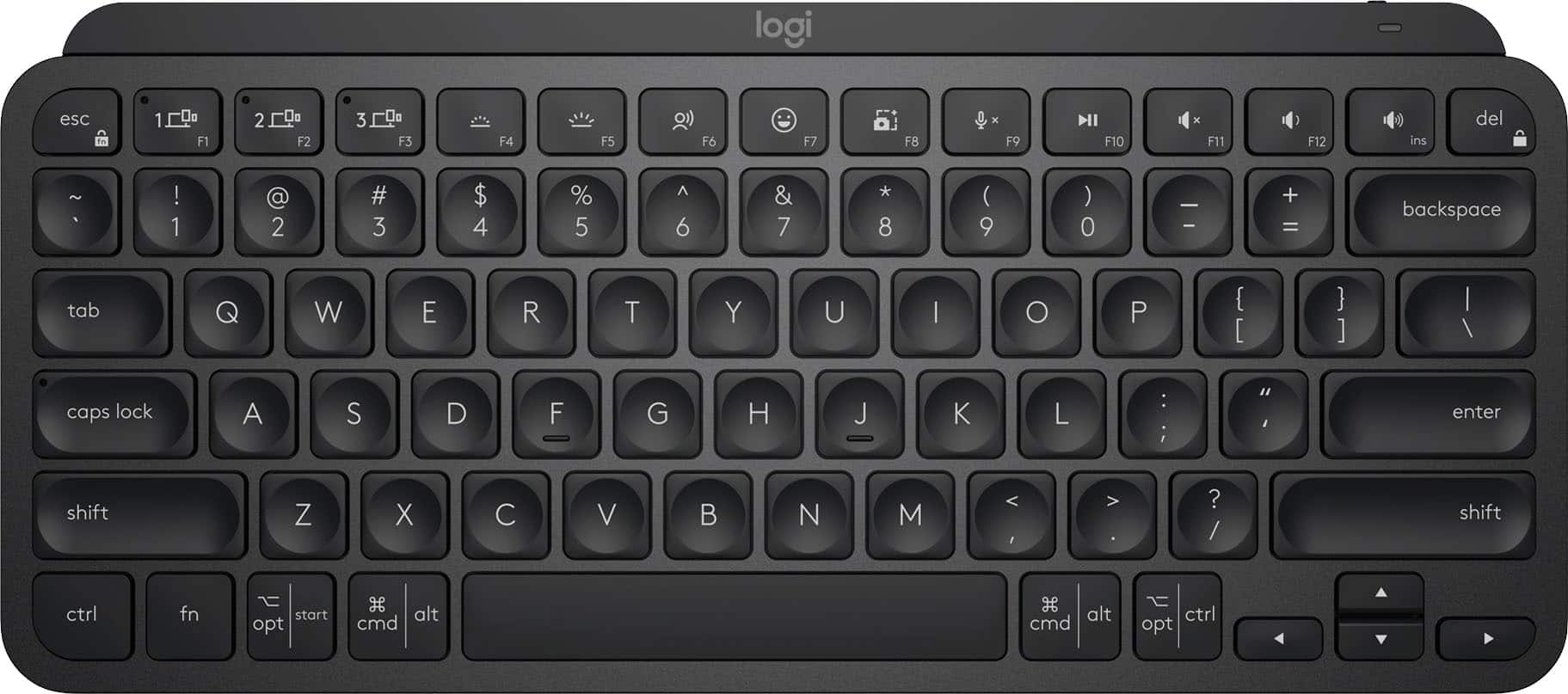
Logitech - MX Keys Mini TKL Wireless Bluetooth Scissor Keyboard with Backlit Keys - Black
SKU: J7H7ZY34YTBest Purchase...Best keyboard purchase ever! Love it and great pair with MX Mouse!...LOVE BEST BUY!...Always great help. Friendly. Great selection of computer products. Like Best Buy.
See all Wireless & Bluetooth KeyboardsProduct Description
A compact black wireless keyboard featuring backlit scissor keys, Bluetooth connectivity, and smart workflow shortcuts.$99.99 Your price for this item is $99.99 -
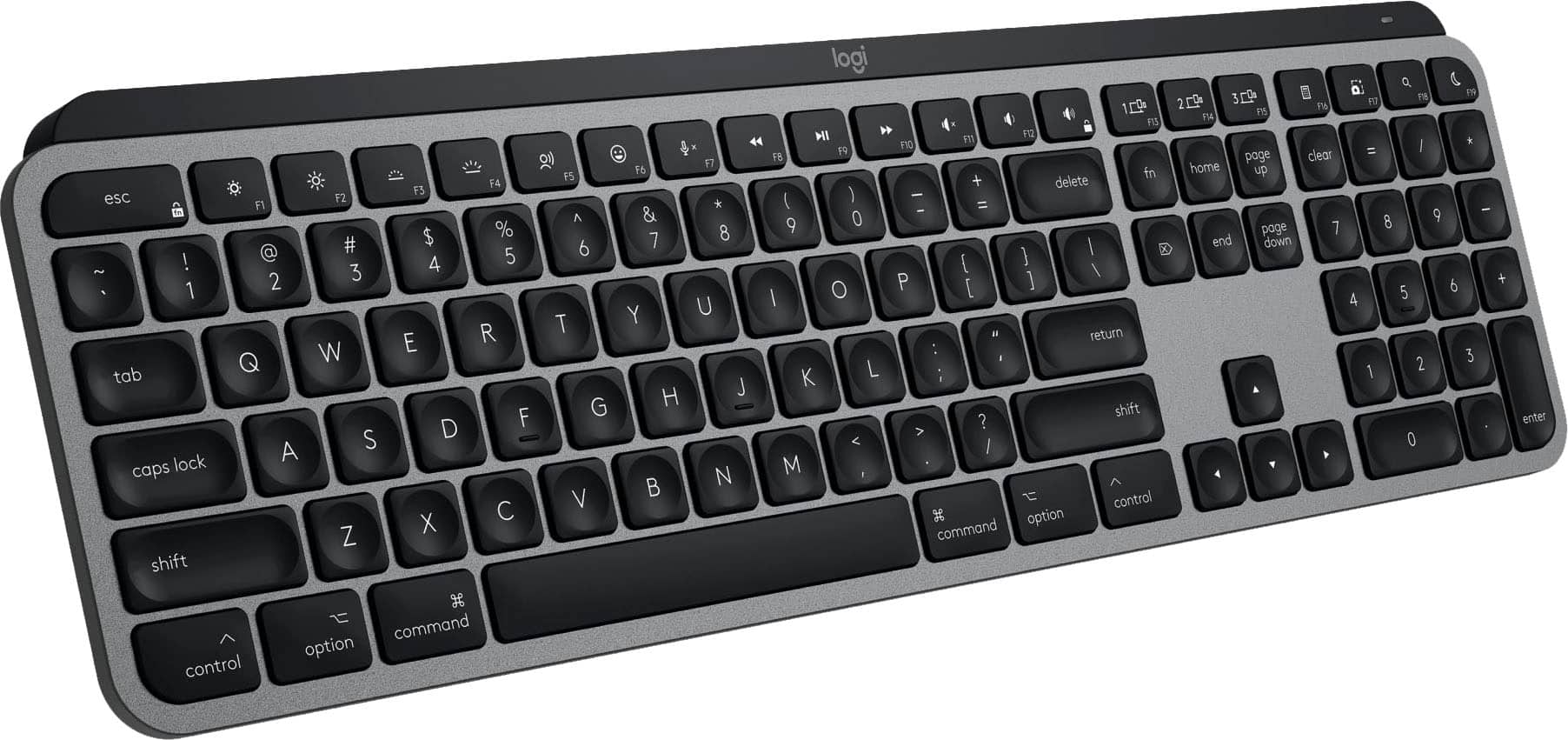
Logitech - MX Keys S for Mac Advanced Full-size Wireless Scissor Keyboard with Backlit keys for MacBook, iMac, iPad - Space Gray
SKU: J7H7ZYG2GXBest keyboard...I love this keyboard, keystrokes are comfortable and typing is natural and smooth....The best keyboard you will ever own....This is the second Logitech keyboard i buy and to be fully honest,...
See all Wireless & Bluetooth KeyboardsProduct Description
A full-size wireless keyboard in space gray with Mac-specific keys, smart backlighting, and scissor switches.$129.99 Your price for this item is $129.99
- 1
- 2
- ...
- 14
Choosing a keyboard for Mac users starts with matching the layout and connection style to the way the computer is used each day. A keyboard can become the quiet center of a home office, creative workstation, classroom desk or shared family computer, so comfort and compatibility matter just as much as appearance. Look for a Mac-friendly layout with familiar Command, Option and Control keys, along with clearly labeled shortcuts that make it easy to copy, paste, switch applications, adjust volume and control media without reaching for a mouse. Some keyboards are designed primarily for macOS, while others support multiple operating systems and include a switch for changing between Mac and Windows key functions. This flexibility can be useful for households with more than one computer or for anyone who moves between a Mac desktop, a work laptop and a tablet. Connection options also deserve attention. Bluetooth models help keep a desk free of extra cables and are convenient for clean, minimalist setups, while wired keyboards provide a direct connection without pairing, charging or replacing batteries. Wireless keyboards with rechargeable batteries can be especially practical for everyday use, provided the charging method and battery life fit the routine. A person who types for several hours at a time may appreciate a low-profile design with quiet, laptop-style keys, while someone who enjoys a more pronounced keystroke may prefer mechanical switches that provide tactile feedback with every press. Key feel is personal: some people like a soft, nearly silent tap for late-night writing, while others find a firmer response helps them type accurately during long stretches of email, coding or document work.
Size and arrangement can make a noticeable difference in how a workspace feels. Compact keyboards leave more room for a mouse, drawing tablet, notebook or coffee mug, and they are easier to carry between a home office and a flexible work area. Tenkeyless and other space-saving layouts typically remove the dedicated number pad while retaining the main letter keys and navigation controls. Full-size keyboards include a number pad, which can be valuable for spreadsheets, accounting, inventory entry, data analysis and anyone who enters prices or figures repeatedly. Low-profile keyboards often create a streamlined look that complements a slim desktop display, while ergonomic options may use a split design, curved layout or cushioned wrist support to encourage a more natural hand position. Backlighting can help when the room is softly lit during the cooler months or when a shared living space needs to stay dim, and adjustable brightness allows the keyboard to remain comfortable in both a bright daytime office and a quiet evening workspace. Pay attention to the physical details that are easy to overlook, including adjustable feet, key stability, wrist support, resistance to smudges, and whether the keyboard sits securely instead of sliding across the desk. For a Mac desktop setup, a keyboard with a matching finish and a compact footprint can help create a tidy, intentional workstation; for a portable setup, a lightweight wireless model may slip easily into a backpack alongside a laptop. Those shopping for an accessible setup may also want to consider large, high-contrast legends, quieter operation, dedicated shortcut keys or an ergonomic profile that reduces the need for awkward reaches. Users comparing desktop accessories may also find helpful options by browsing Keyboards For iMac when selecting a keyboard for an all-in-one computer.
A keyboard for Mac users can also make a thoughtful gift for a student settling into a new study space, a remote worker refreshing a desk, a writer preparing for a long project or a family member whose older keyboard has become worn and unreliable. The best choice depends on the recipient’s habits rather than on appearance alone. Someone who works with numbers may value a full-size layout, while a frequent traveler may prefer a compact keyboard that takes up little space in a carry-on. A designer, editor or developer may enjoy precise switches and easy access to function shortcuts, whereas a busy household may benefit from quiet keys that do not fill the room with clicking during video calls or early-morning work. Multi-device pairing can simplify life for people who alternate between a desktop and mobile devices, letting them move from drafting an email to responding on a tablet without maintaining separate keyboards. Security-conscious Mac owners may look for convenient biometric login support where available, while those who spend long hours typing may prioritize a comfortable wrist angle and consistent key response. It is also worth checking the keyboard’s stated macOS compatibility, supported Bluetooth version, included charging cable, battery requirements and available layout options before making a purchase. Consider how much desk space is available, whether a number pad is truly needed, how often the keyboard will be moved and whether a wired or wireless connection better suits the room. During the transition between warmer and cooler seasons, a dependable keyboard can support everything from school assignments and home projects to budgeting, gaming, creative work and relaxed evening browsing. With the right size, key feel, shortcut layout and connectivity, a Mac-compatible keyboard can make everyday interactions feel smoother, more comfortable and more natural from the first cup of coffee through the final task of the day.
Best Sellers
Related Pages
FAQ
Mac users should look for keyboards with macOS-specific key layouts, including Command, Option, and Control keys. Compatibility with macOS shortcuts, reliable Bluetooth or USB-C connectivity, and a comfortable typing experience are also important features.
Most modern keyboards can connect to Mac computers, but not all will have the correct key labels or full compatibility with macOS shortcuts. It's best to choose a keyboard specifically designed for Mac or one that offers macOS support.
Yes, you can use a Windows keyboard with your Mac. However, some keys may be mapped differently. For example, the Windows key usually functions as the Command key on a Mac. You may need to adjust your Mac's keyboard settings for optimal use.
Apple-specific keyboards are designed to work seamlessly with macOS, offering dedicated function keys for system controls like brightness and volume. They also provide the familiar layout that matches what’s shown on your screen and ensures full shortcut compatibility.
Yes, most wireless keyboards—whether Bluetooth or using a USB receiver—work well with Macs. Ensure the keyboard is compatible with macOS and follow the pairing instructions provided by the manufacturer for smooth connectivity.
-
black
-
white
-
grey
-
space gray
-
graphite
-
silver
-
red
-
brown
-
pale gray
-
macaron
-
off-white
-
space black
-
black keys
-
dark gray/gray
-
jet black
-
light gray/white
-
pink
-
silver/white
-
white keys
-
yellow
-
black willow
-
black and grey
-
blast yellow
-
blue
-
brown switch
-
daisy mint
-
gray/black
-
heartbreaker rose
-
lilac
-
luna gray
-
mist
-
off-white
-
pink blossom
-
red switch
-
rose
-
sand
-
off-white
-
computer accessories & peripherals
-
computer keyboards
-
computers & tablets
-
mice, keyboards & accessories
-
wireless & bluetooth keyboards
-
wired & usb keyboards
-
wired & usb keyboards,computers & tablets
-
pc gaming
-
pc gaming accessories
-
wireless & bluetooth keyboards,computers & tablets
-
gaming keyboards
-
all best buy essentials
-
all pc gaming accessories
-
best buy brands
-
best buy essentials
-
tablet accessories
-
wired & usb keyboards,name brands
-
connectivity
-
key feel
-
battery life
-
size
-
keyboard quality
-
overall performance
-
design
-
ease of use
-
ease of use
-
noise level
-
typing experience
-
build quality
-
compatibility
-
portability
-
weight
-
comfort
-
ergonomics
-
tactile feedback
-
backlight quality
-
feel
-
fingerprint reader
-
touch id
-
wireless
-
color
-
price
-
rgb lighting
-
setup
-
volume control
-
wrist rest
-
wrist support
-
backlight
-
bluetooth
-
customization
-
key size
-
layout
-
media knob
-
number pad
-
numeric keypad
-
performance
-
polling rate
-
range
-
sound quality
-
spill resistance
-
switch sound
-
touchpad
-
typing comfort
-
typing feel
-
usb
-
usb-c
-
wired
-
black
-
space gray
-
graphite
-
white
-
silver
-
pale gray
-
macaron
-
off-white
-
space black
-
dark gray/gray
-
jet black
-
light gray/white
-
silver/white
-
black keys
-
black willow
-
blast yellow
-
brown
-
brown switch
-
daisy mint
-
heartbreaker rose
-
lilac
-
luna gray
-
mist
-
off-white
-
pink blossom
-
red switch
-
rose
-
sand
-
white keys
-
yellow
-
black and grey