Laptop To Monitor Connector
-
Insignia™ - DisplayPort to HDMI Adapter - Black
SKU: J2FPJK92J4Great price and product...Great price and product I like going to best buy regularly nice people...Great! Worked exactly for what I needed it for....Best Buy's house brand is very reliable and I am glad...
See all Monitor & Video AdaptersProduct Description
A black DisplayPort to HDMI adapter supporting 4K Ultra HD with a flexible braided cable and easy setup.Your price for this item is $16.99 -
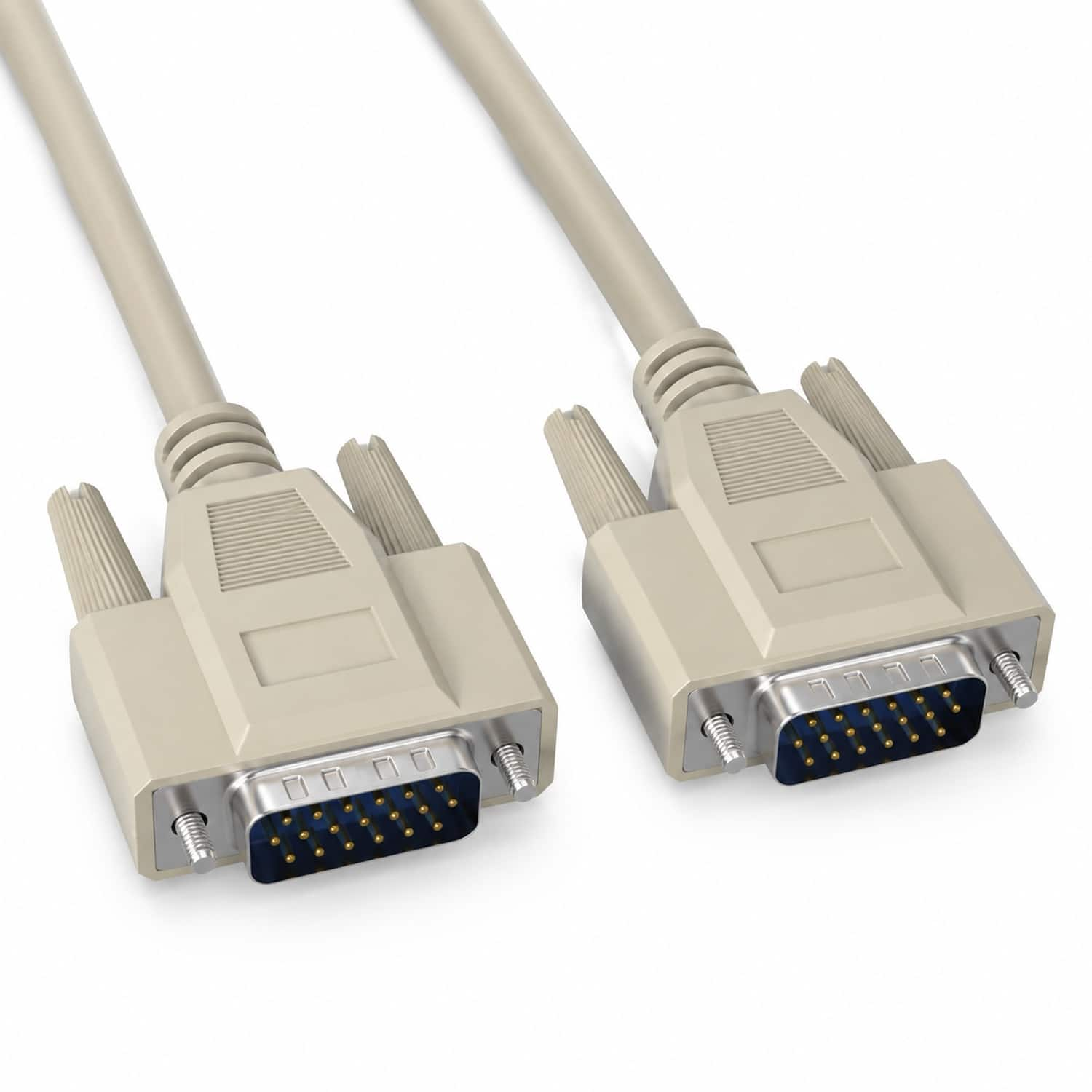
Sanoxy - 6ft DB15 M/M Computer Cable Compatible for your desktop and laptop computers to Monitor - Beige
SKU: J3HXSWWS3HSee all Monitor & Video CablesProduct Description
A beige DB15 male-to-male serial cable with molded strain relief for reliable computer-to-monitor connections.Your price for this item is $14.99 -
Cable Leader - DisplayPort to DVI-D Cable, 1080p Full HD Male to Male for PC, Laptop to DVI Monitor or Display - Black
SKU: J39TZ8RRJ5See all Monitor & Video CablesProduct Description
A black cable that connects a DisplayPort source to a DVI-D monitor for Full HD digital video.Your price for this item is $18.49 -
Cable Leader - DisplayPort to DVI-D Cable, 1080p Full HD Male to Male for PC, Laptop to DVI Monitor or Display - Black
SKU: J39TZ8RQSVSee all Monitor & Video CablesProduct Description
A black cable that connects DisplayPort-equipped devices to DVI-D monitors for crisp 1080p Full HD video.Your price for this item is $19.99 -
Cable Leader - DisplayPort to DVI-D Cable, 1080p Full HD Male to Male for PC, Laptop to DVI Monitor or Display - Black
SKU: J39TZ8RQSTSee all Monitor & Video CablesProduct Description
A black DisplayPort to DVI-D cable delivering 1080p Full HD video with gold-plated, latching connectors.Your price for this item is $16.99 -
Cable Leader - DisplayPort to DVI-D Cable, 1080p Full HD Male to Male for PC, Laptop to DVI Monitor or Display - Black
SKU: J39TZ8RRJ3See all Monitor & Video CablesProduct Description
A black DisplayPort to DVI-D cable delivering 1080p Full HD video with gold-plated, latching connectors.Your price for this item is $16.99 -
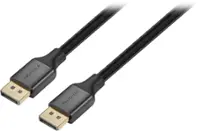
Insignia™ - 6-Foot 16K DisplayPort Cable - Black
SKU: J2FPJK9PL3Been great so far, local best buy employee told me insignia is going away though, not sure if that's...To go with the gamer pc, this cable worked to free up the best resolution, best game experience,...
See all Monitor & Video CablesProduct Description
A black braided cable supporting 16K Ultra HD at 60Hz with up to 80 Gbps data transfer.Your price for this item is $29.99 -
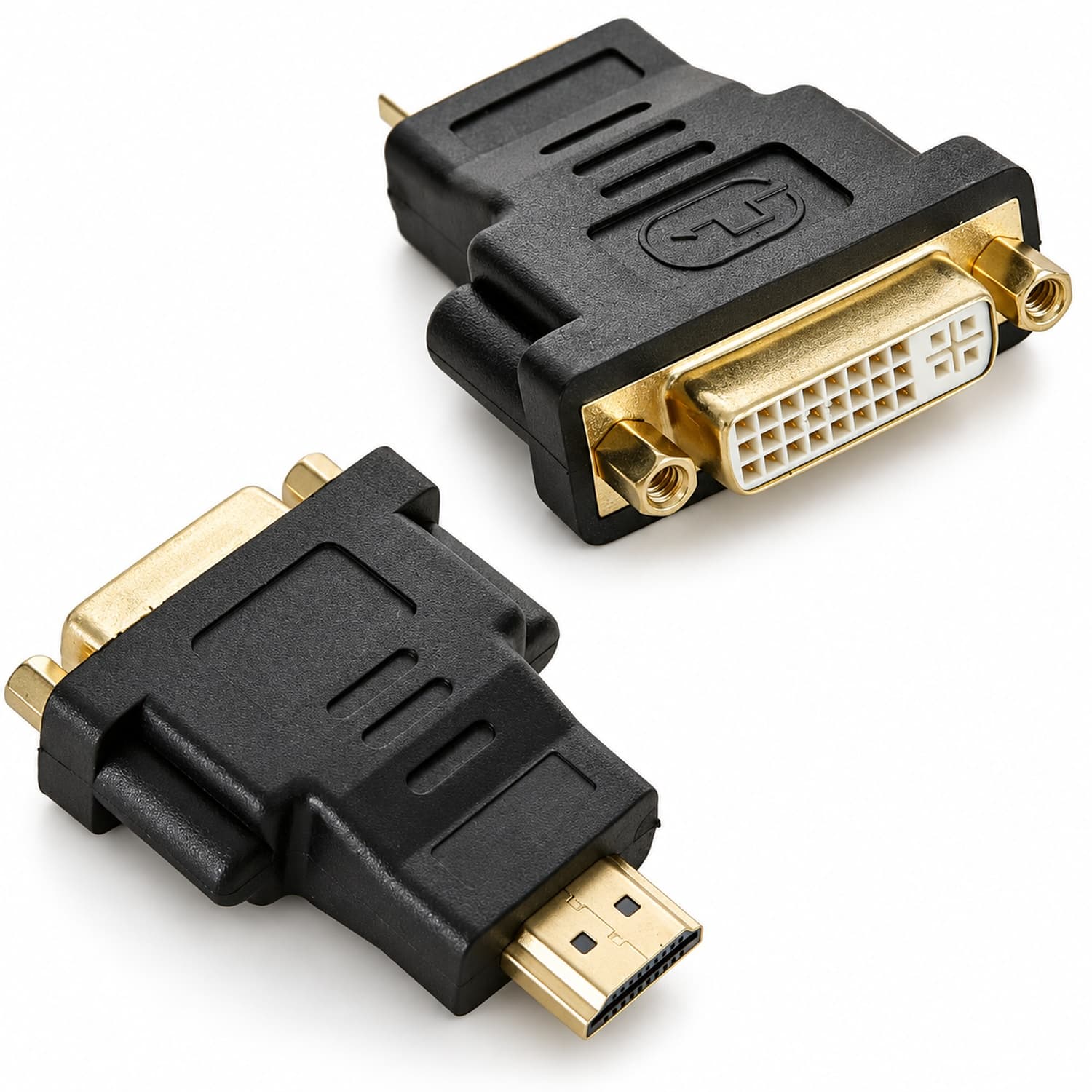
Sanoxy - DVI Female To HDMI Male Connector Adapter Converter 1080P PC Desktop TV Laptop
SKU: J3HXSWWH2TSee all Monitor & Video AdaptersProduct Description
A gold-plated adapter that connects DVI devices to HDMI displays, supporting up to 1080p Full HD video.Your price for this item is $14.99 -
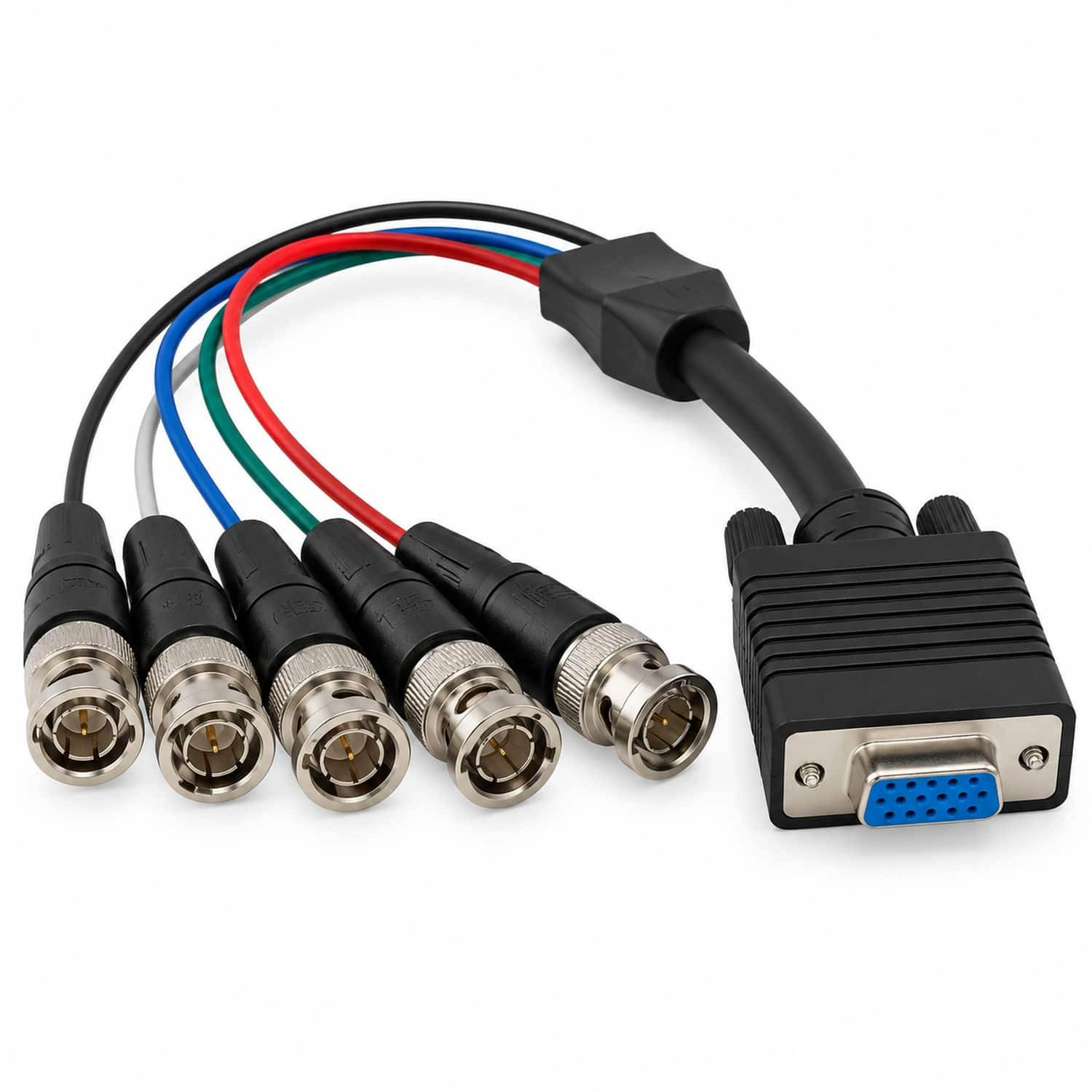
Sanoxy - 1ft VGA HD15 Female to 5-BNC RGBHV Male Monitor Cable - Black
SKU: B8SKTQ6GKKSee all Monitor & Video CablesProduct Description
A black VGA monitor cable with a female HD15 connector and five male BNC RGBHV connectors.Your price for this item is $22.99 -
Insignia™ - 6 ft. Mini DisplayPort to HDMI Cable - Black
SKU: J2FPJK92XQA very high quality from a trusted Best Buy store in NC...Best brand for cable...Great Product
See all Monitor & Video CablesProduct Description
A black braided cable that connects Mini DisplayPort devices to HDMI displays, supporting 4K Ultra HD.Your price for this item is $19.99




Best Sellers


Related Pages




FAQ
The right connector depends on the ports on your laptop and monitor. Common options include HDMI, DisplayPort, USB-C, Mini DisplayPort and VGA.
Yes, if the laptop’s USB-C port supports video output through DisplayPort Alt Mode or Thunderbolt. A USB-C monitor cable or compatible adapter may be required.
You may be able to connect them with a compatible HDMI-to-DisplayPort adapter or cable. Check whether the adapter supports the required signal direction.
HDMI, DisplayPort and USB-C connections can carry audio when supported by the laptop, monitor and selected display settings. VGA generally carries video only.
Connect the appropriate cable or adapter, select the monitor’s matching input source, and use your laptop’s display settings to choose duplicate, extend or second-screen-only mode.