Mavic Pro Micro Sd
-
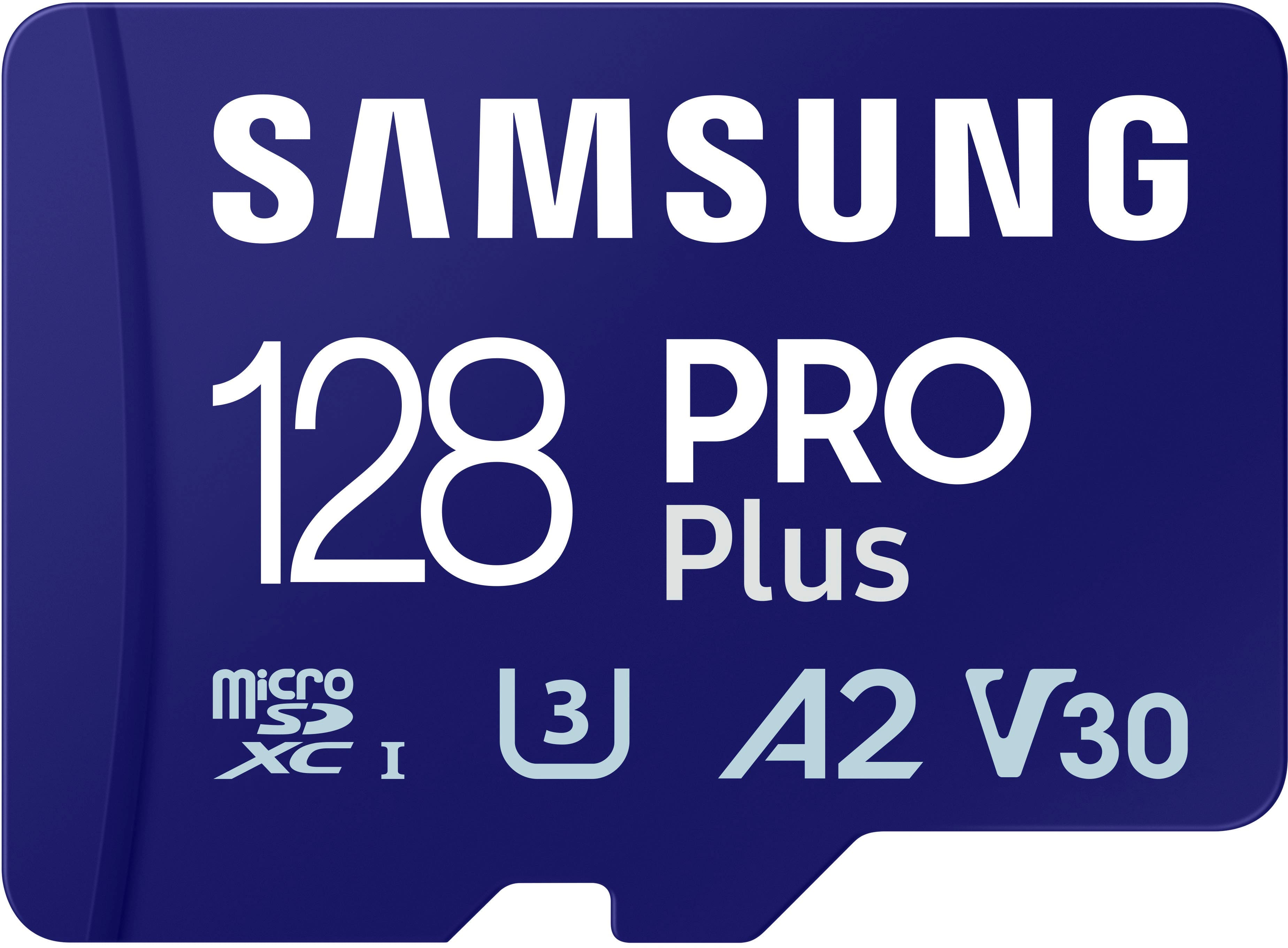
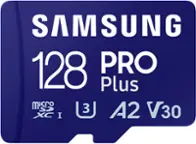
Samsung - Pro Plus 128 GB microSDXC Memory Card
SKU: J3ZYG2PH6CWorked great lightning fast. Replaced old tech, very happy 😊...Great product...Great
See all microSDXCProduct Description
A high-speed 128GB microSDXC card with adapter, ideal for 4K video, gaming, and expanded storage.Your price for this item is $49.99 -
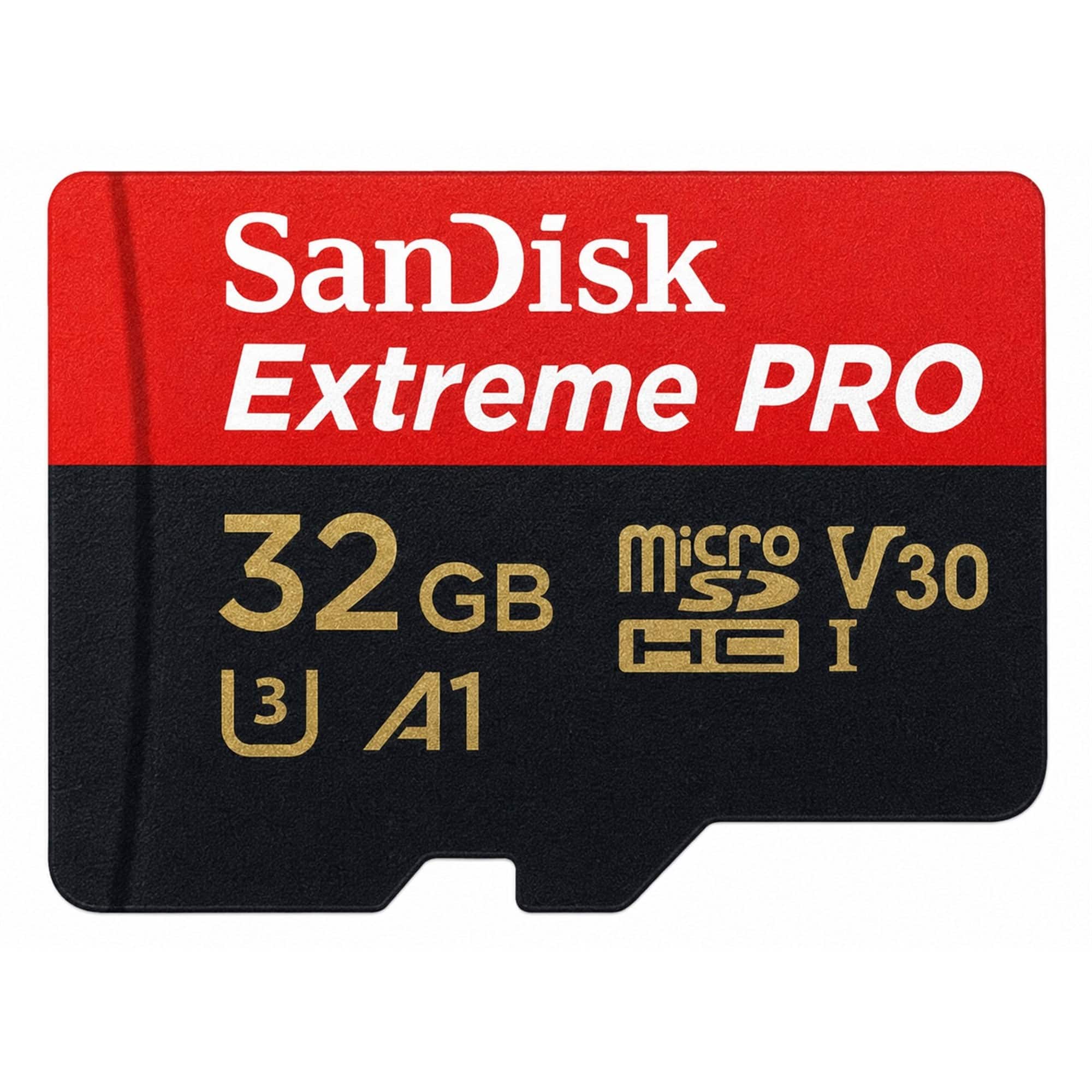
SANDISK - Extreme Pro 32GB microSDHC Memory Card with SD Adapter up to 100 MB/s, Class 10
SKU: JXJ62CPFHRBest card for Steam Deck...Best card you can buy for Steam Deck. Wish they made a 4TB version....great product, great deliveryfit our requirements
See all microSDHCProduct Description
A black microSDHC card with 32GB storage, 100MB/s read speed, and includes a full-size SD adapter.Your price for this item is $34.98 -
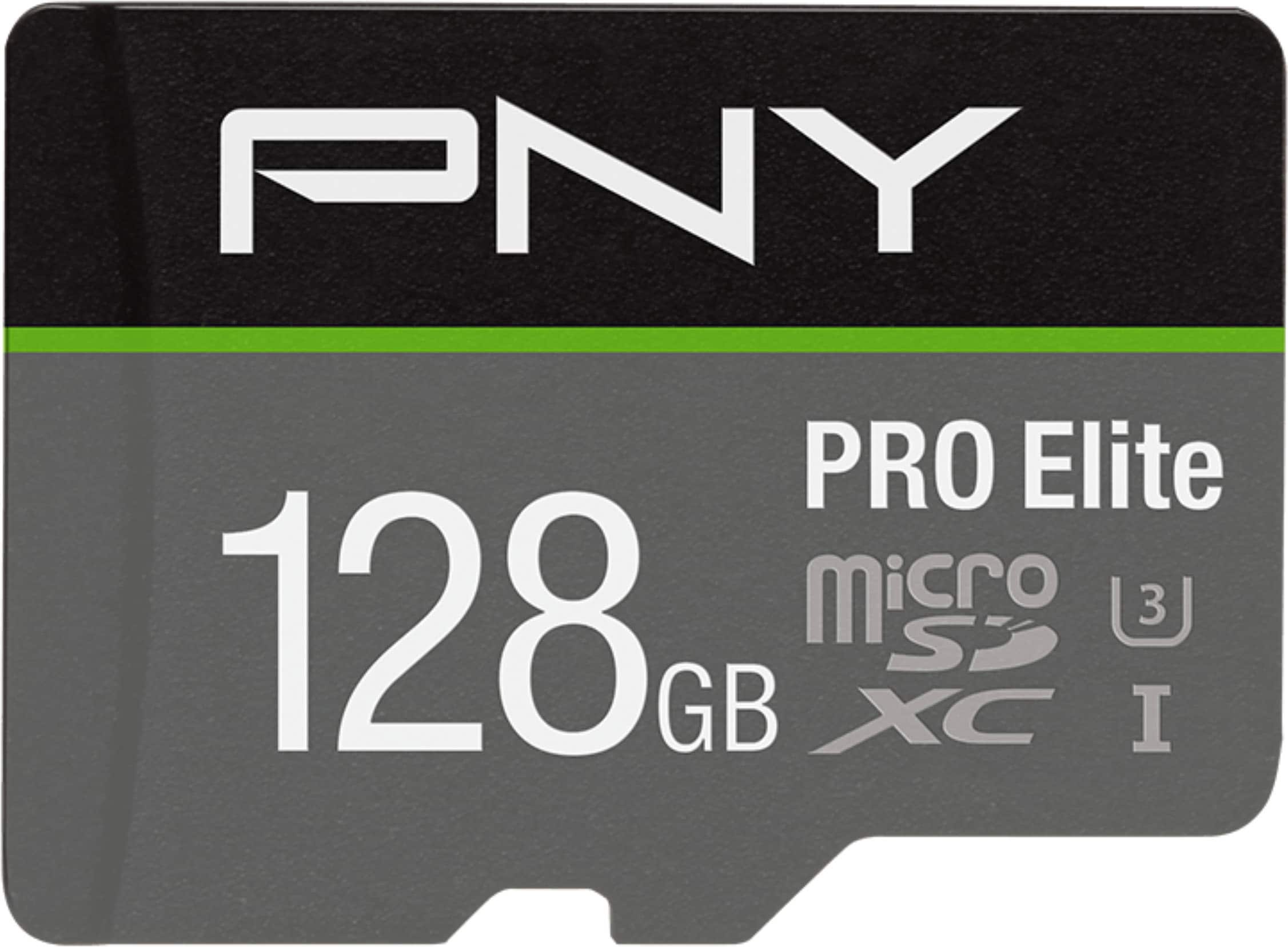
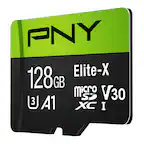
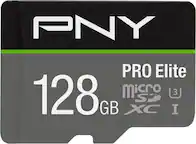
PNY - 128GB PRO Elite Class 10 U3 V30 A2 microSDXC Flash Memory Card
SKU: JXF2C47KG4Great...great...a great product i liked it alot buy it for your camera
See all microSDXCProduct Description
A black, water-resistant microSDXC card offering 128GB storage with up to 100MB/s read speed.Your price for this item is $35.99Save $19The previous price was $54.99 -
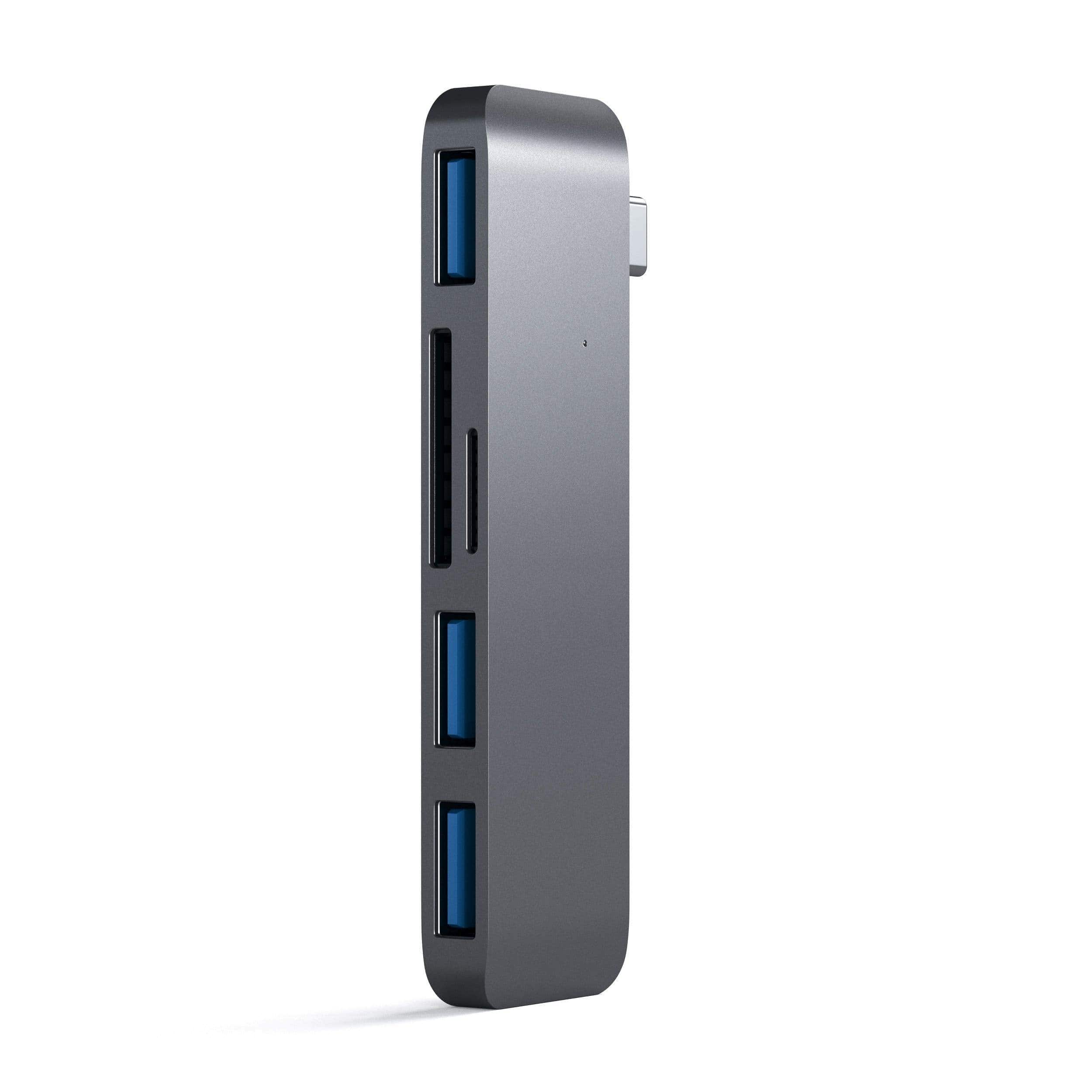
Satechi - Aluminum USB-C 3-in-1 Combo Hub - 3 USB 3.0 Ports & Micro/SD Card Reader for MacBook Pro/Air, iPad Pro & Air - Space Gray
SKU: J3KXL7XLH3Great item’
See all Memory Card Readers & AdaptersProduct Description
An aluminum space gray hub that adds three USB 3.0 ports plus SD and Micro SD card readers.Your price for this item is $27.99Save $12The previous price was $39.99
Best Sellers



Related Pages



FAQ
The Mavic Pro drone works best with high-speed microSD cards that support UHS-I and have a minimum write speed of U3 or Class 10, ensuring smooth video recording and fast data transfer.
To install a microSD card, power off your Mavic Pro, locate the microSD card slot on the side of the drone, gently insert the card with the label facing up, and push until it clicks into place.
Yes, microSD cards used in the Mavic Pro can typically be used in other compatible devices such as cameras, smartphones, and tablets, as long as the format is supported.
You can format the microSD card using the DJI GO 4 app or directly from your computer. Make sure to back up any important data before formatting, as this process will erase all files on the card.
The Mavic Pro saves photos in JPEG and DNG (RAW) formats, and videos in MP4 or MOV formats, all of which are stored on the microSD card.