Memory Cards For Tablets
-
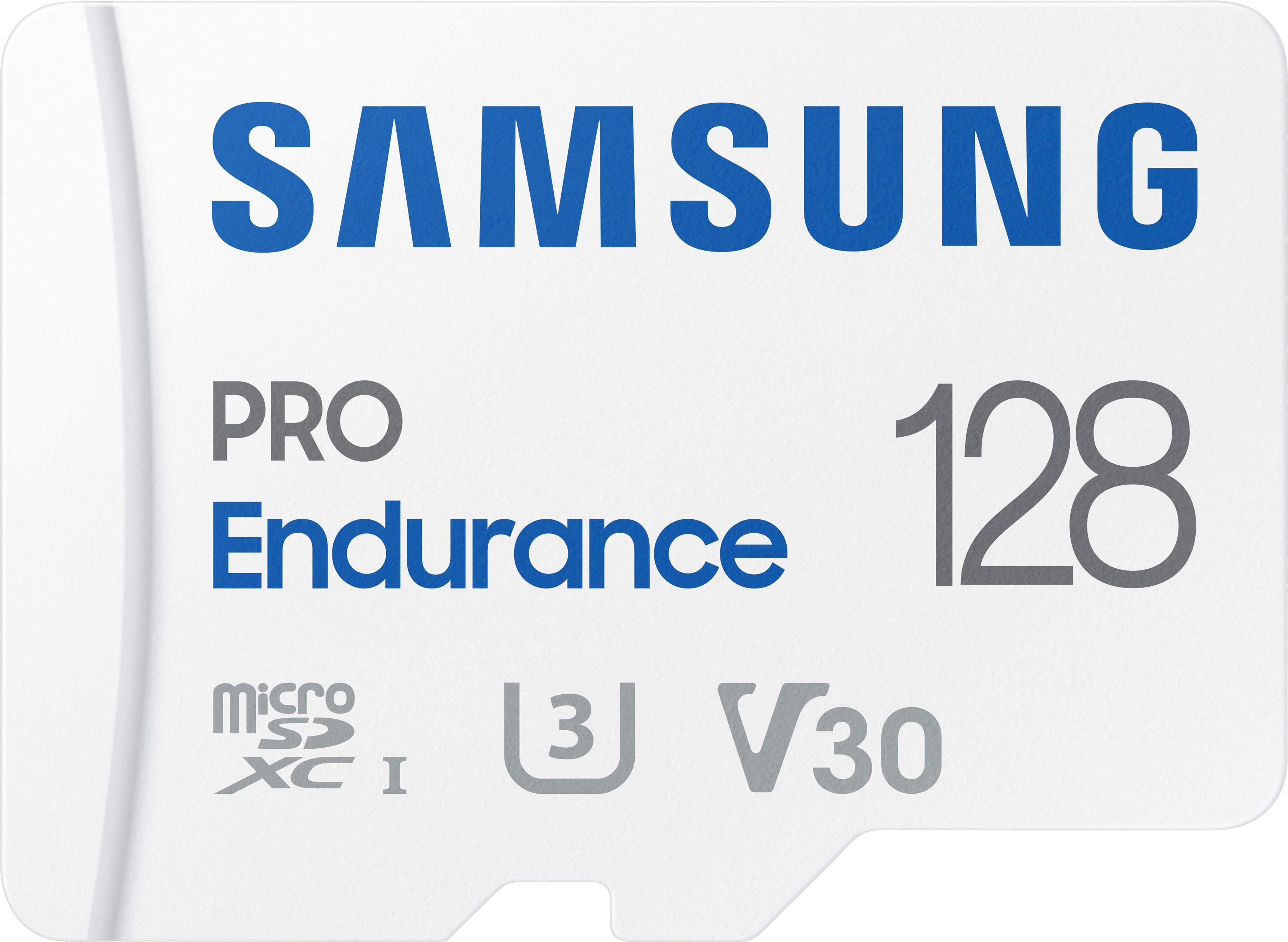
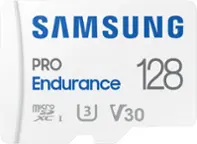
Samsung - PRO Endurance 128GB microSDXC SD Memory Card
SKU: J3ZYG2JZWKCalled Best buy for a reason...Great product, no issues, best price around by far great service...Best quality and price. Great for dash cam and cameras.
See all microSDXCProduct Description
A durable white microSDXC card offering 128GB storage, water resistance, and fast FHD/4K recording performance.Your price for this item is $76.99 -
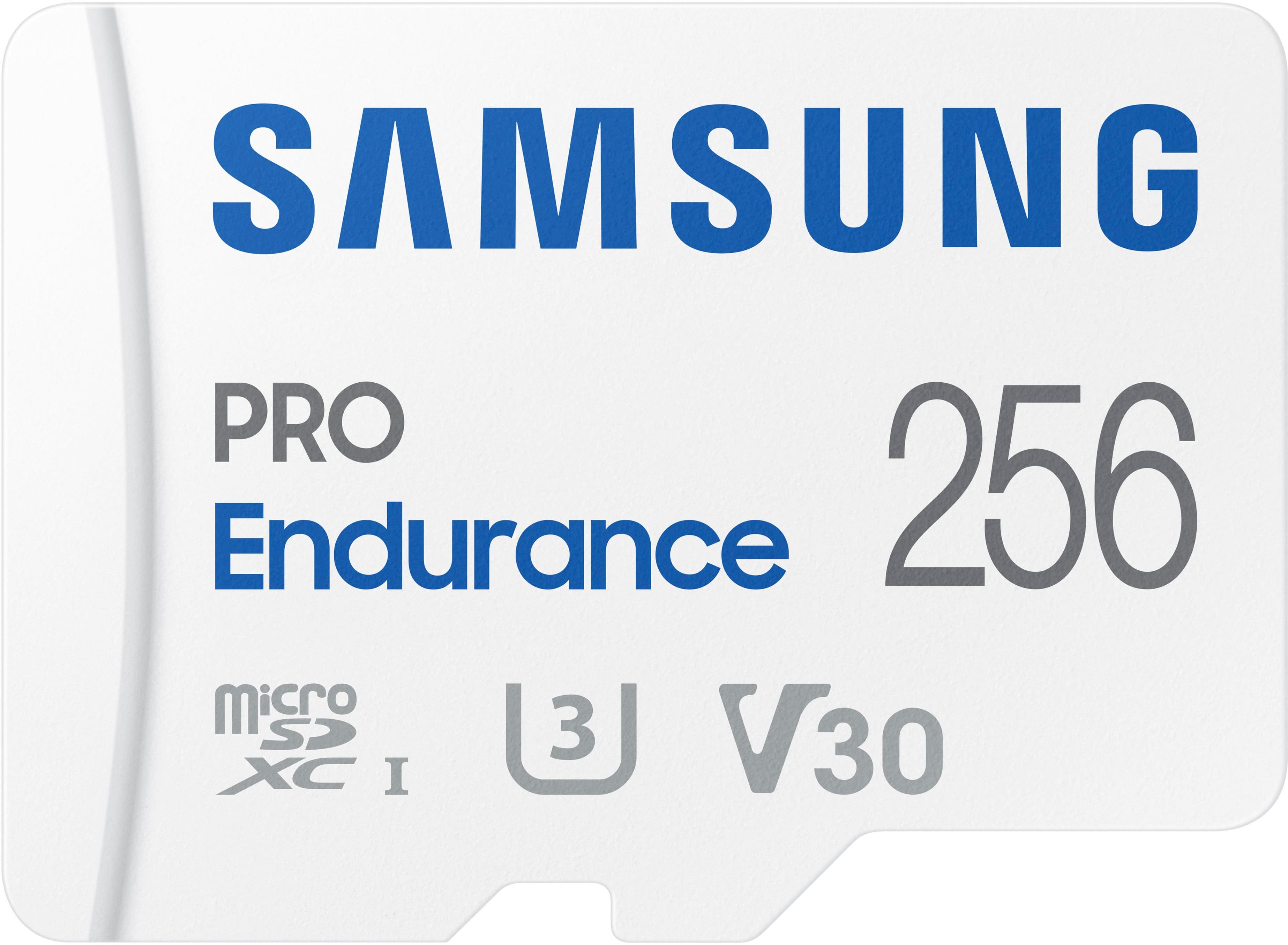
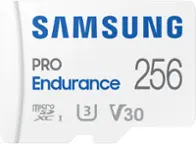
Samsung - PRO Endurance 256GB MicroSDXC Memory Card
SKU: J3ZYG2JZK7It works as advertised no problems, great buy at the bargain price at Best buy....The Samsung Micro SD card's is the best you can buy!...Great Micro SD
See all microSDXCProduct Description
A durable white microSDXC card offering 256GB storage, water resistance, and fast FHD/4K recording performance.Your price for this item is $153.99 -
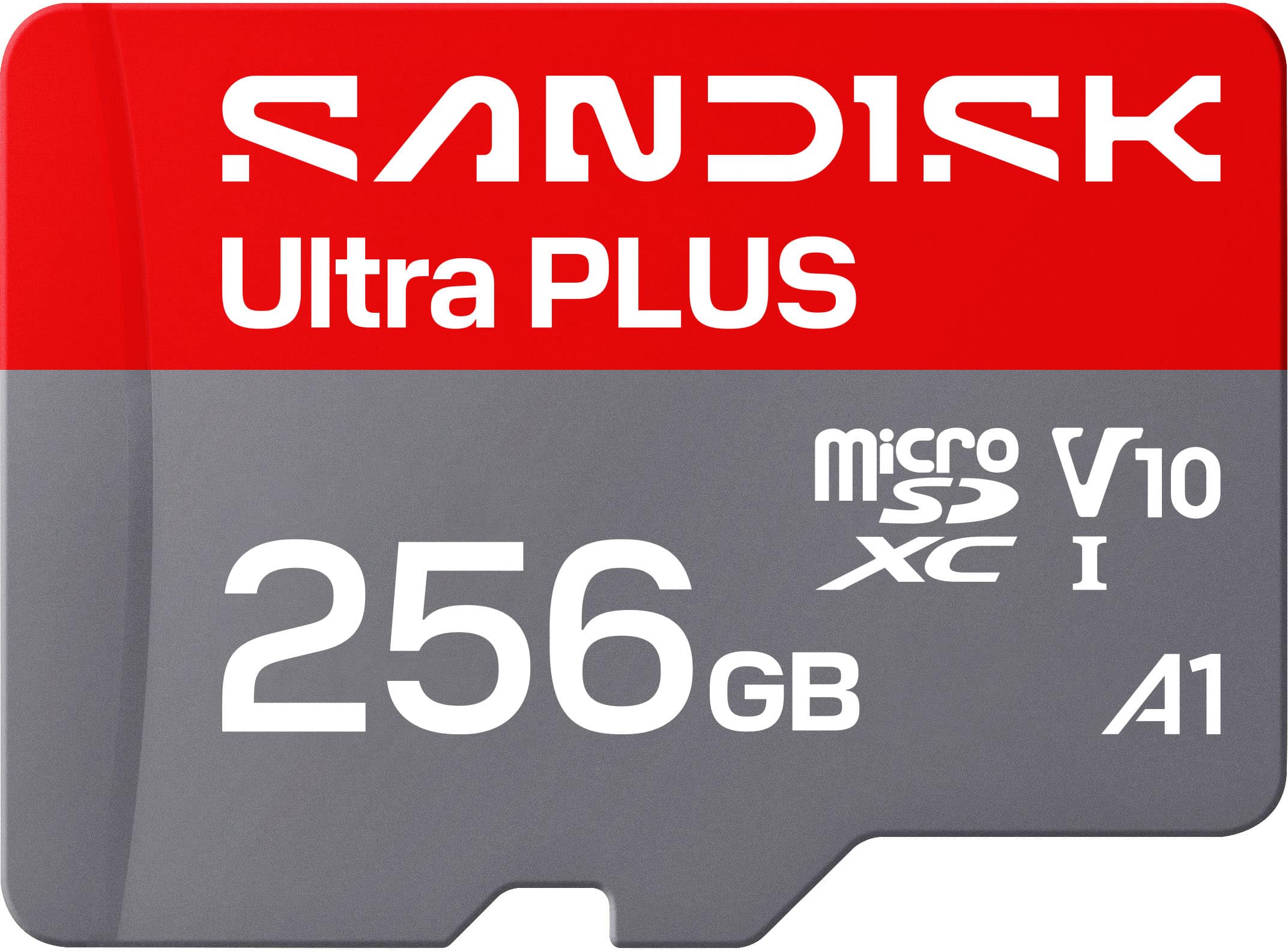
SANDISK - 256GB Ultra PLUS microSD UHS-I Memory Card, Read Speeds up to 200MB/s
SKU: JXJ62CQL8QIt works great, and Best Buy had a very good price....Working great with our doorbell camera. No issues make sure its formatted for your device....Best value the 512 card was not a good value.
See all microSDXCProduct Description
A silver microSDXC card offering 256GB storage, 200MB/s read speed, and rugged, waterproof durability.Your price for this item is $89.99 -
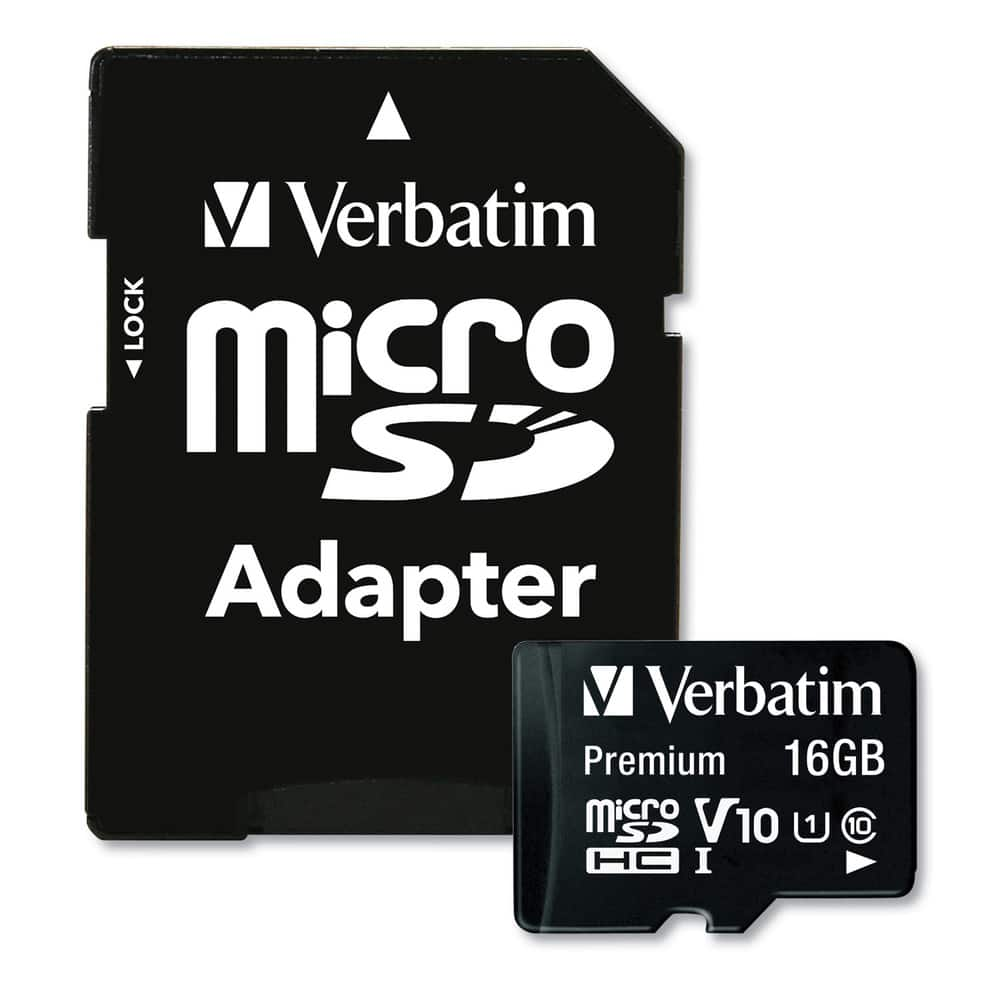
Verbatim - 44082 16GB Premium microSDHC Memory Card with Adapter
SKU: J72FJTH3LJSee all microSDHCProduct Description
A durable 16GB microSDHC card with adapter, offering UHS-I speed and water resistance for secure storage.Your price for this item is $23.98 -
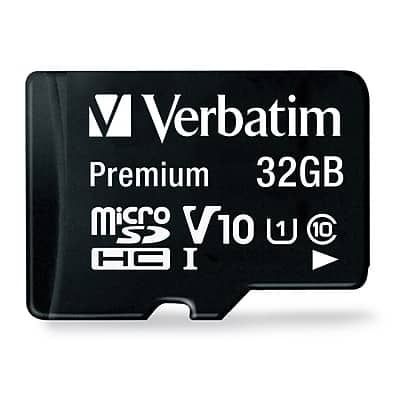
Verbatim - Premium 32GB microSDHC Memory Card with Adapter, Class 10, UHS-I, V10
SKU: J72FJTH3LLSee all microSDHCProduct Description
A durable 32GB microSDHC card with adapter, Class 10, UHS-I, V10, waterproof and shockproof.Your price for this item is $18.41Save $21The previous price was $39.99 -
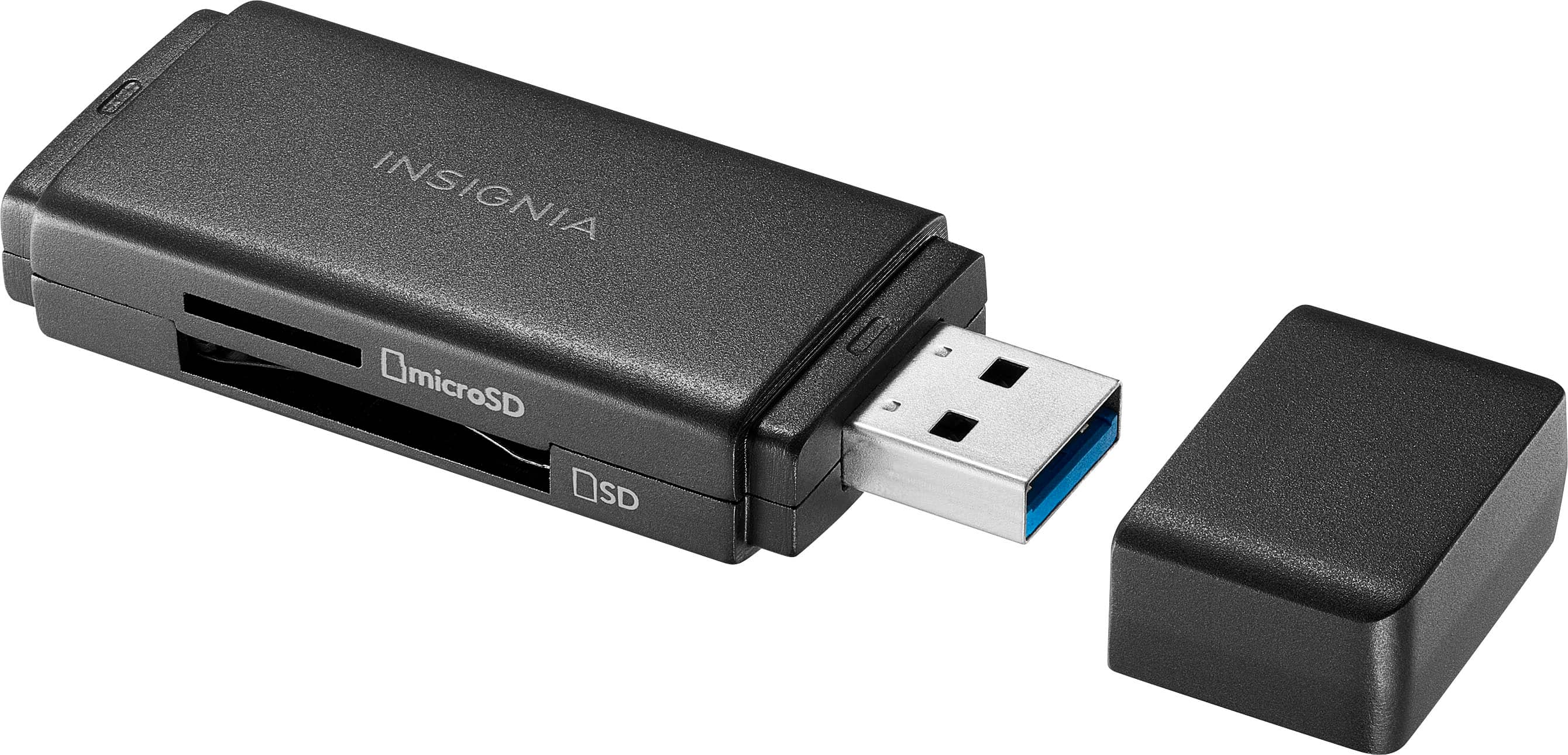
Insignia™ - USB 3.0 SD and microSD Memory Card Reader - Black
SKU: J2FPJKS8QJGreat product, easy to use,worked as advertised and as always great customer service from Best Buy....Great...Best connector memry card to TV and one of cheap and great
See all Memory Card Readers & AdaptersProduct Description
A compact black USB 3.0 card reader for fast SD and microSD file transfers and backups.Your price for this item is $19.99 -
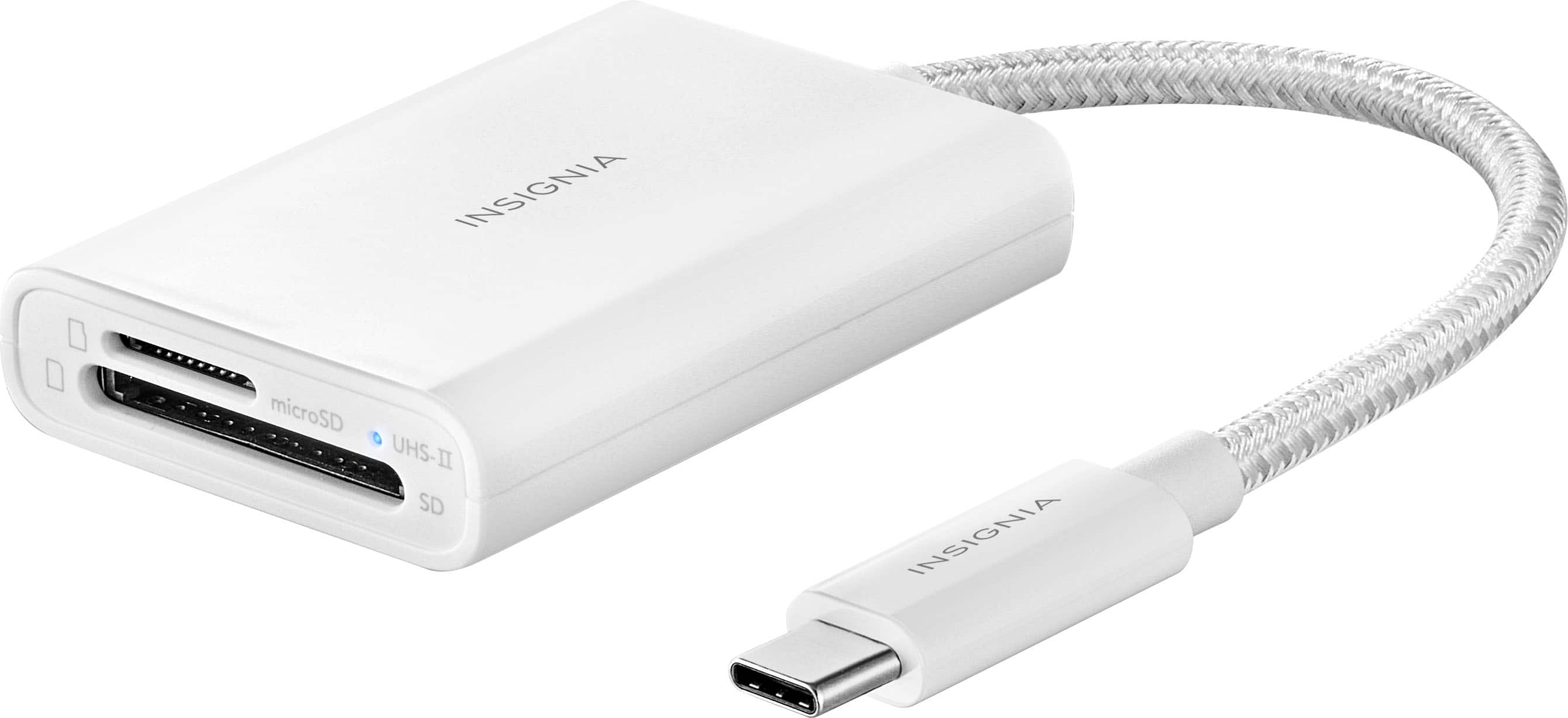
Insignia™ - USB-C-to-SD/microSD Dual-Slot Card Reader - White
SKU: J2FPJKS3W9Works great! Easy to use and buying thru best buy was easy also....Works great...Best thing I’ve bought to transfer my photos
See all Memory Card Readers & AdaptersProduct Description
A compact white USB-C card reader with dual SD/microSD slots and a blue LED indicator.Your price for this item is $27.99 -
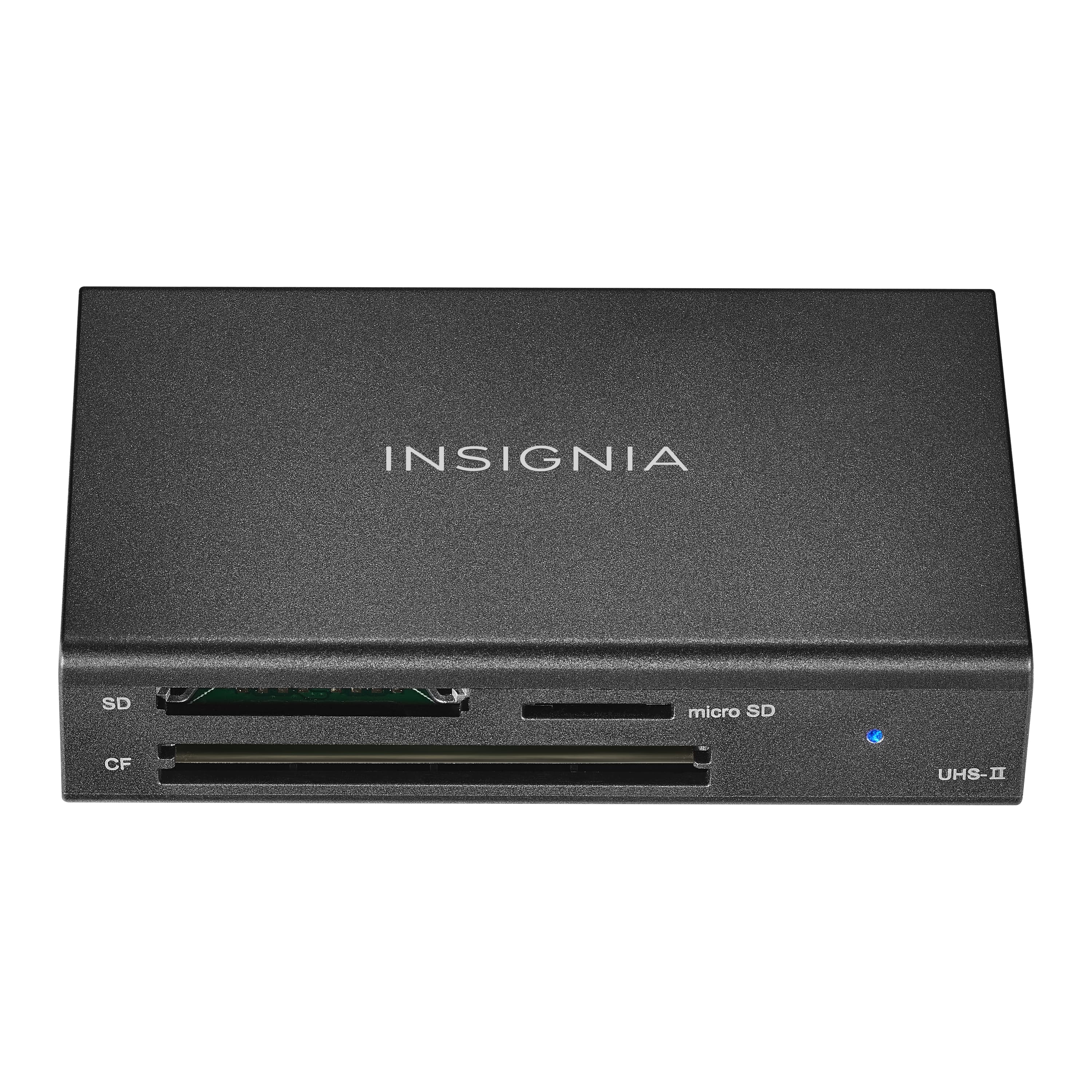
Insignia™ - USB-C to SD, microSD and CompactFlash Memory Card Reader - Black
SKU: J2FPJK97HLGreat employees...I love shopping at Best Buy....Great group....Best buy best place for camera needs...Works great. Best Buy is the best place to buy items for a camera, especially in my area.
See all Memory Card Readers & AdaptersProduct Description
A black USB-C memory card reader supporting SD, microSD, and CompactFlash cards with included USB cable.Your price for this item is $39.99
Best Sellers

Related Pages

FAQ
Most tablets support microSD or microSDXC memory cards. It's important to check your tablet's specifications to ensure compatibility with the memory card type you choose.
To install a memory card, locate the memory card slot on your tablet—usually found on the side or under a removable cover. Gently insert the card with the label facing up, then push it in until it clicks into place. Refer to your tablet’s user manual for specific instructions.
Yes, many memory cards can be used in multiple devices such as tablets, smartphones, digital cameras, and laptops, as long as the devices support the same card format. Always safely remove the card before switching devices to prevent data loss.
You can store photos, videos, music, documents, and app data on your tablet's memory card. Some tablets also allow you to move apps to the memory card to free up internal storage.
Keep your memory card away from extreme temperatures, moisture, and magnetic fields. Always handle it by the edges and avoid touching the gold contacts. Regularly back up your data and safely eject the card before removing it from your tablet.