Memory Cards For Android Phones
-
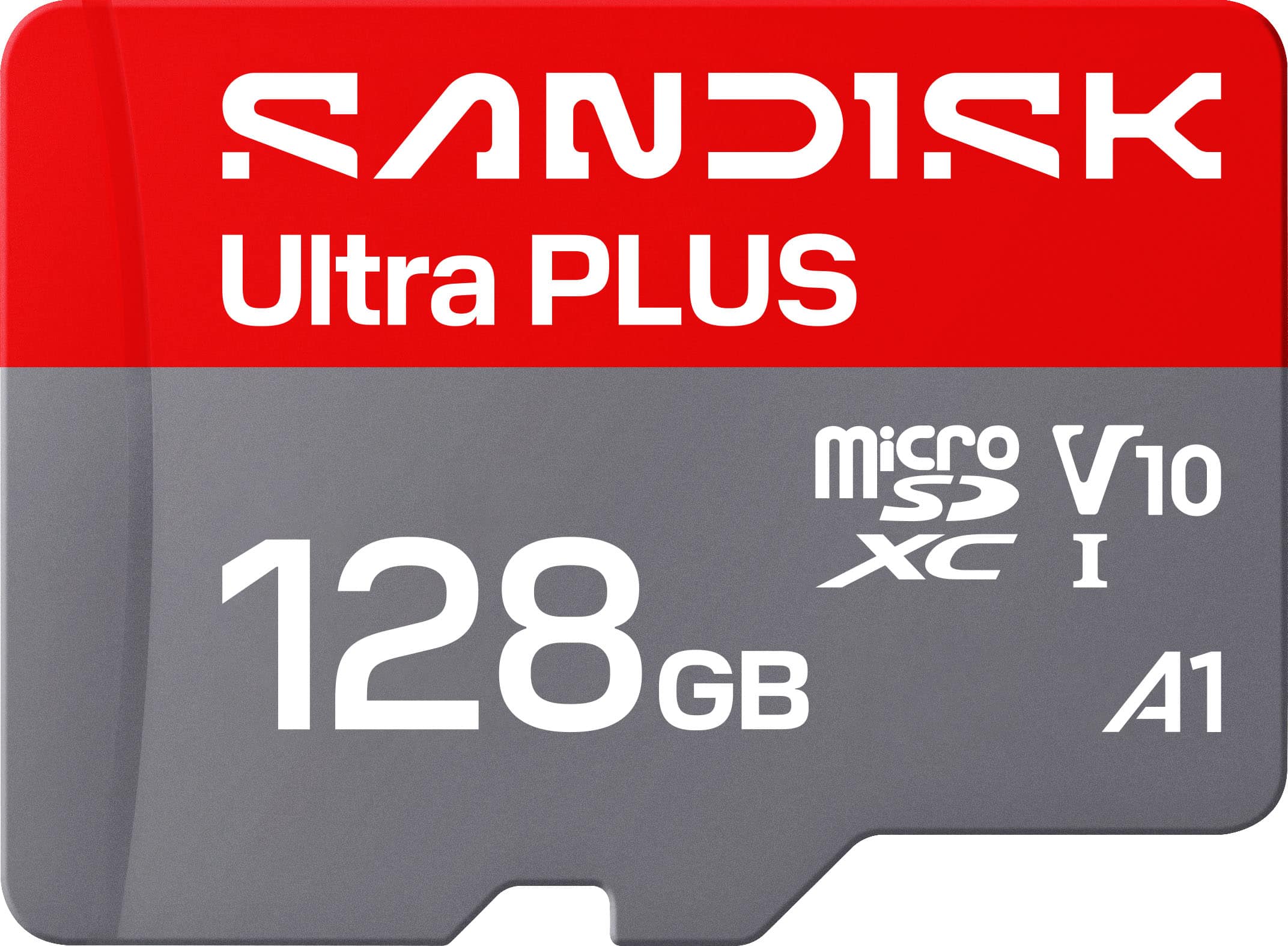
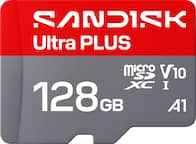
SANDISK - 128GB Ultra PLUS microSD UHS-I Memory Card
SKU: JXJ62CQP6RGreat Price...Best Buy had the best deal on it and had it ready for pick up in no time!...Best Buy goodie’s...This works great in my car camera....I had great customer service when I purchased it, I also...
See all microSDXCProduct Description
A silver 128GB microSDXC memory card with 200MB/s read speeds, A1 app performance, and rugged protection.Your price for this item is $49.99 -
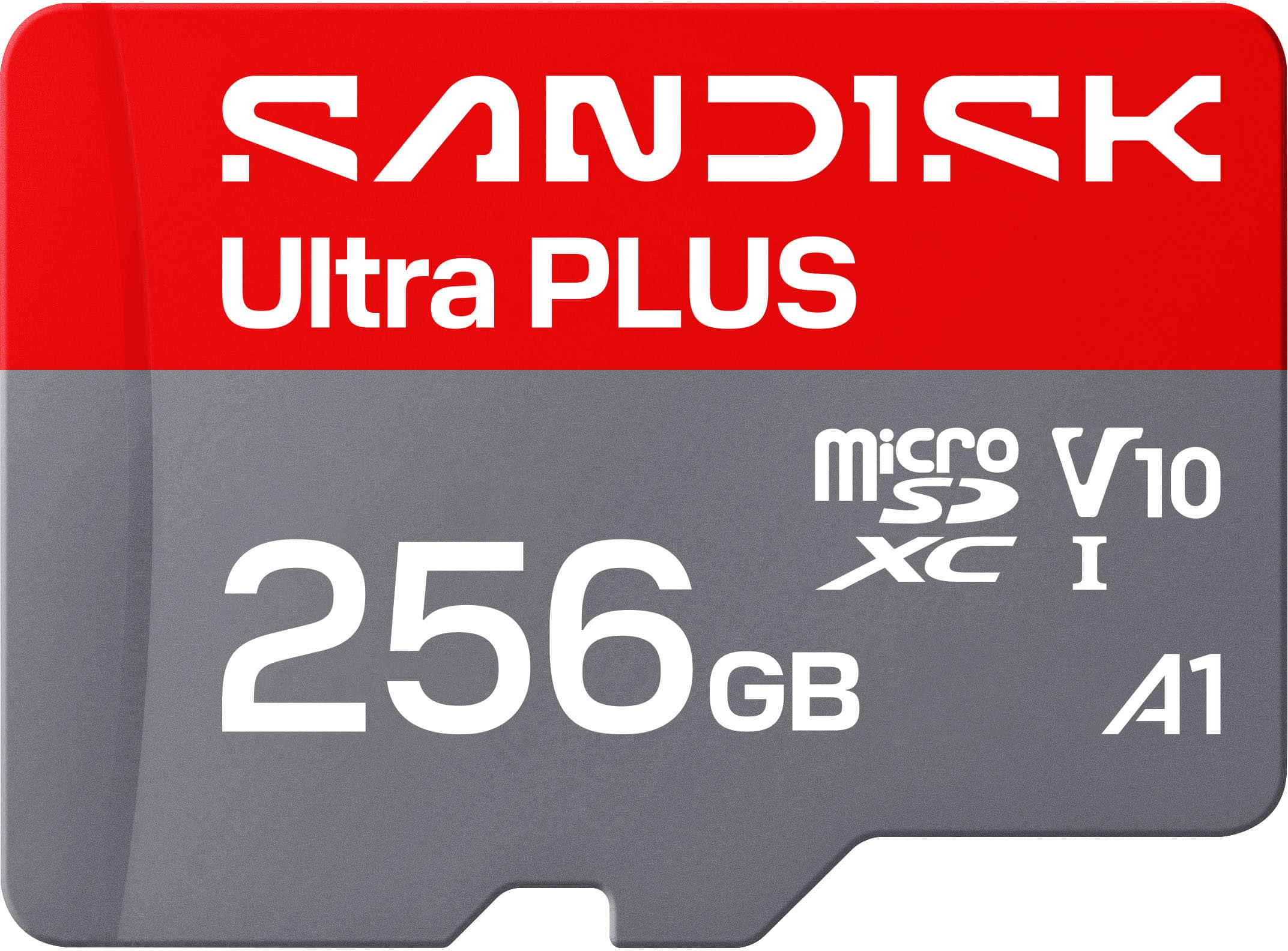
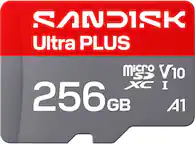
SANDISK - 256GB Ultra PLUS microSD UHS-I Memory Card
SKU: JXJ62CQL8QWorking great with our doorbell camera. No issues make sure its formatted for your device....It works great, and Best Buy had a very good price....Best value the 512 card was not a good value.
See all microSDXCProduct Description
A silver microSDXC memory card with 200MB/s read speeds, A1 app performance, and comprehensive protection against damage.Your price for this item is $84.99
Best Sellers
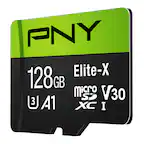
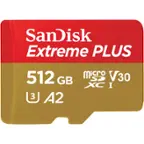
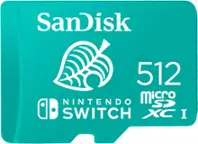
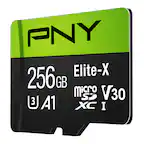
Related Pages




FAQ
Most Android phones are compatible with microSD or microSDXC memory cards. Always check your device’s specifications to confirm which type and maximum capacity it supports.
To install a memory card, power off your phone, locate the SIM/memory card slot (often on the side or under the back cover), insert the card with the label facing up, and push it in until it clicks. Then, turn your phone back on and follow any on-screen prompts.
Yes, many Android phones allow you to move apps, photos, videos, and other files to a memory card to free up internal storage. This option is usually found in your phone’s storage settings.
The main differences are storage capacity and compatibility. microSD cards offer up to 2GB, microSDHC cards range from 2GB to 32GB, and microSDXC cards start at 32GB and go higher. Always verify which formats your device supports.
Before removing a memory card, go to your phone’s settings and select 'Unmount' or 'Eject' the card to prevent data loss. Once unmounted, power off your phone and gently remove the card from its slot.