Memory Cards For Galaxy S5
-
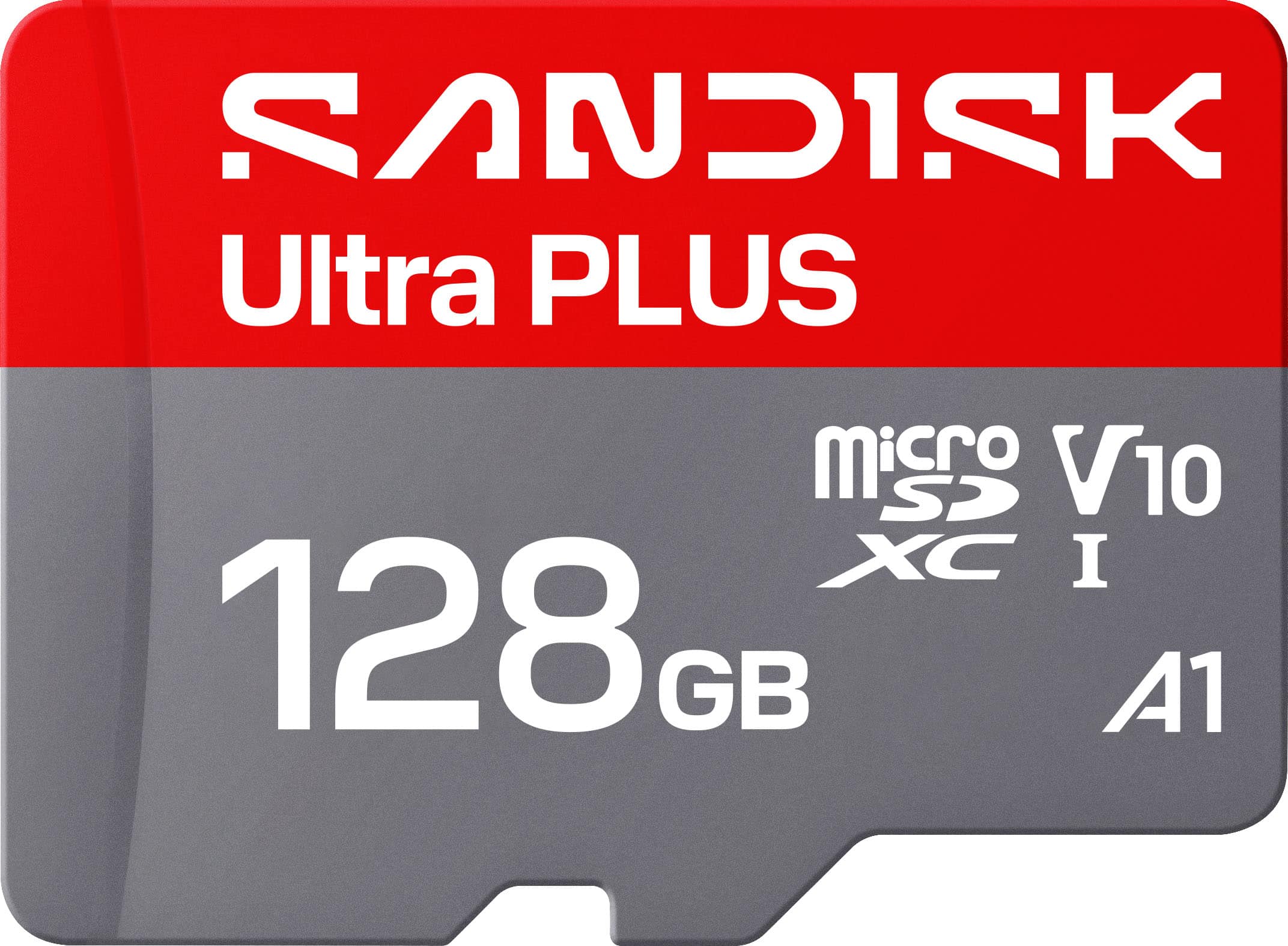
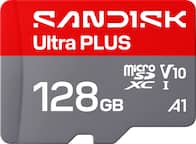
SANDISK - 128GB Ultra PLUS microSD UHS-I Memory Card
SKU: JXJ62CQP6RI had great customer service when I purchased it, I also purchased Sonos speakers, a new TV, and a sound...Best Buy had the best deal on it and had it ready for pick up in no time!...This works great...
See all microSDXCProduct Description
A silver 128GB microSDXC memory card with 200MB/s read speeds, A1 app performance, and rugged protection.Your price for this item is $49.99 -
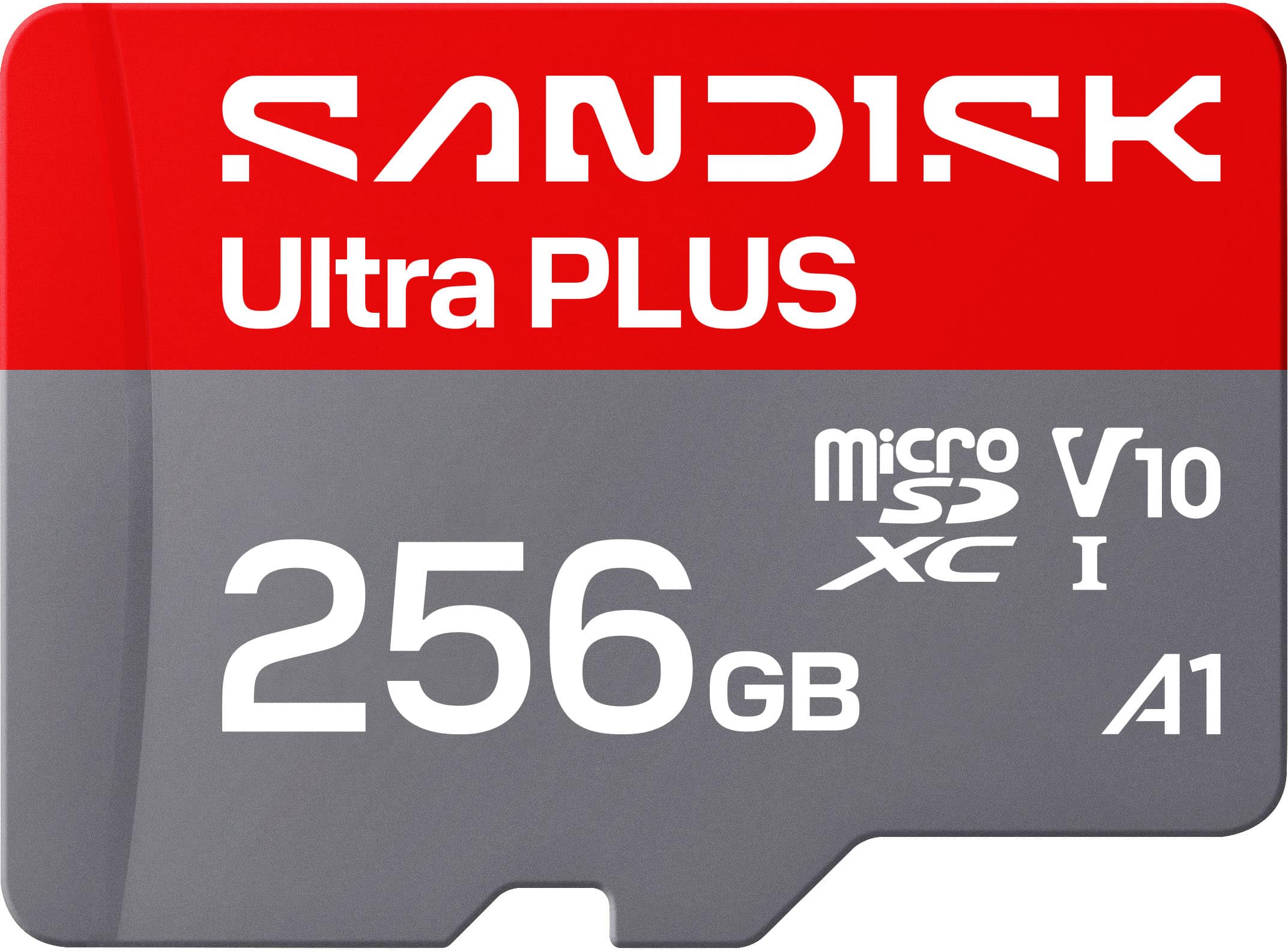
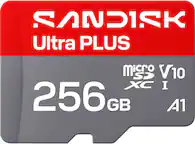
SANDISK - 256GB Ultra PLUS microSD UHS-I Memory Card
SKU: JXJ62CQL8QIt works great, and Best Buy had a very good price....Working great with our doorbell camera. No issues make sure its formatted for your device....Best value the 512 card was not a good value.
See all microSDXCProduct Description
A silver microSDXC memory card with 200MB/s read speeds, A1 app performance, and comprehensive protection against damage.Your price for this item is $84.99 -
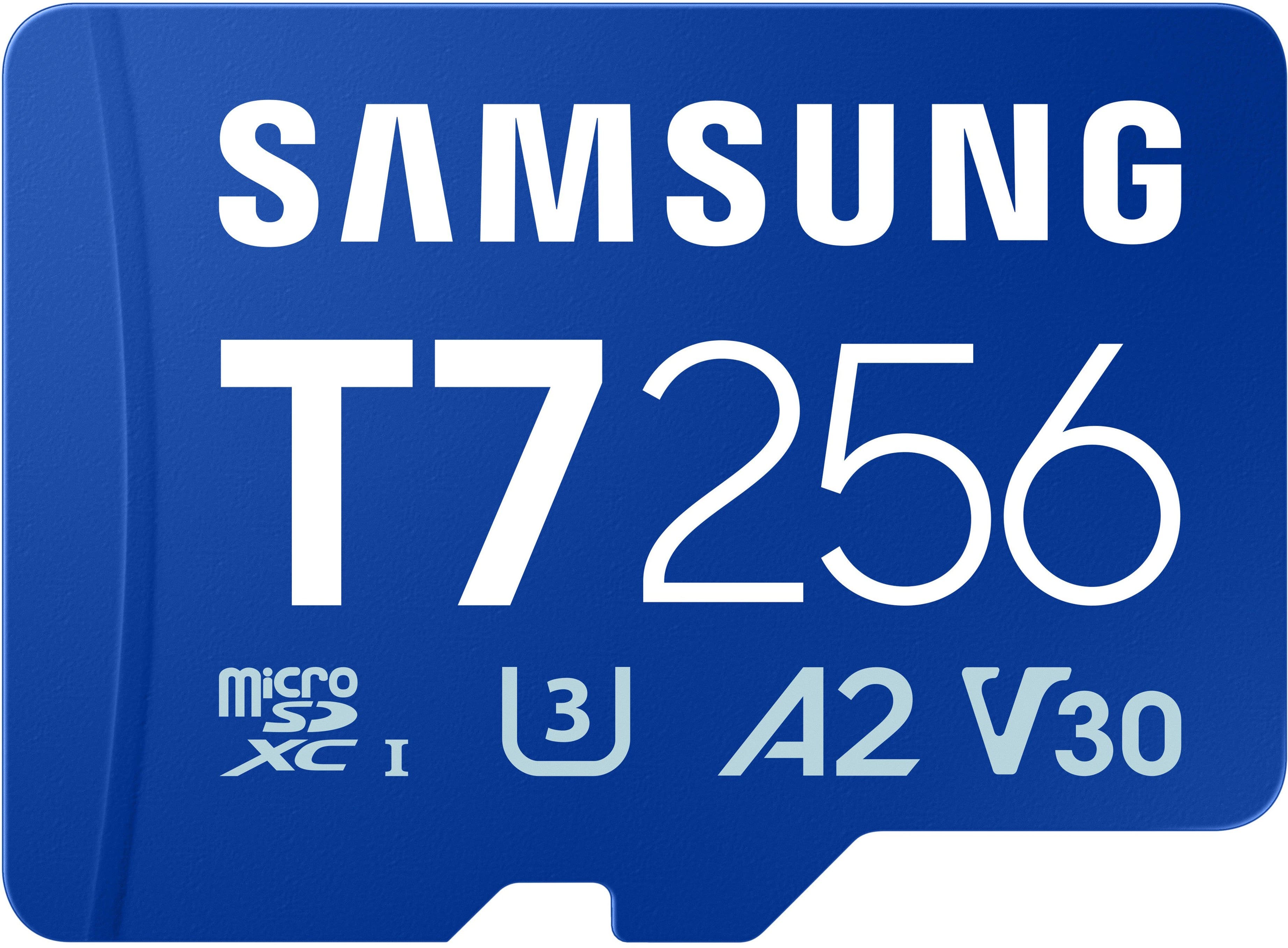
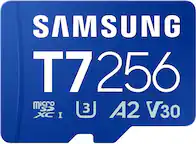
Samsung - microSDXC T7 256GB, Transfer Speeds Up to 170 MB/s (MB-MB256T/WW)
SKU: JJGRF3SK9Lbest data storage i love it...Love the different styles n models of Samsung and how they keep track of your data....Best for people who live to organize their data....Great awesome thank you Samsung is...
See all microSDXCProduct Description
A blue water-resistant microSDXC card offering 256GB storage, 170 MB/s transfer speeds, and A2 app performance.Your price for this item is $119.99 -
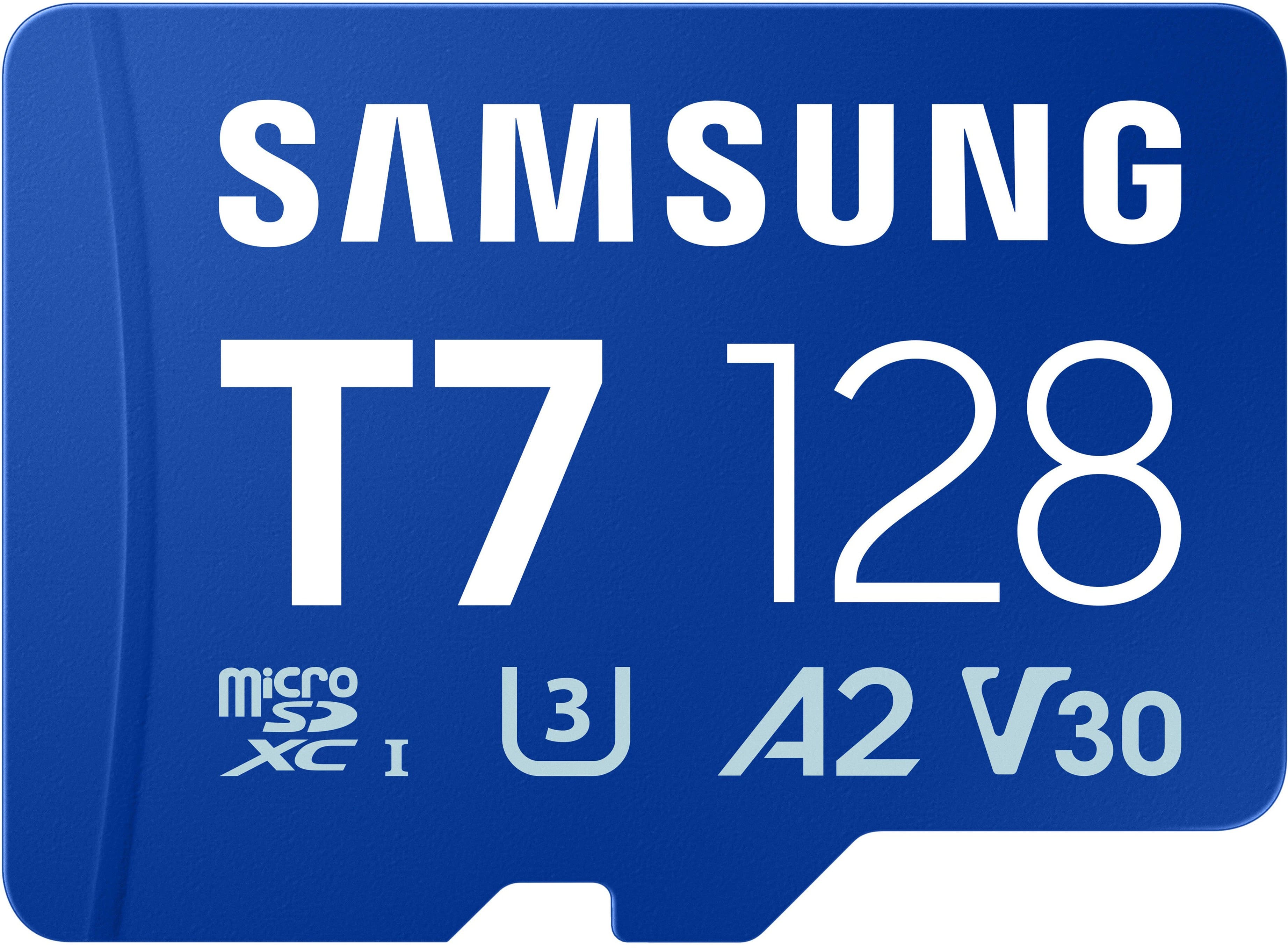
Samsung - microSDXC T7 128GB, Transfer Speeds Up to 170 MB/s (MB-MB128T/WW)
SKU: JJGRF3SKSTLove it...I like it and love it and I wish these new phones still held them for the extra storage....Great and holds lots of memories I love it and enjoy how much I can save
See all microSDXCProduct Description
A blue microSDXC card offering 128GB storage, up to 170 MB/s transfer speeds, and water resistance.Your price for this item is $79.99
Best Sellers


Related Pages


FAQ
The Samsung Galaxy S5 supports microSD and microSDHC/microSDXC memory cards. Make sure to choose a microSD card for compatibility with your device.
To insert a memory card, power off your Galaxy S5, remove the back cover, and carefully slide the microSD card into the designated slot next to the SIM card. Replace the cover and power the device back on.
Yes, the Galaxy S5 allows you to move certain apps and app data to the memory card. Go to Settings > Application Manager, select the app, and tap 'Move to SD card' if the option is available.
Using a memory card typically does not affect your phone’s performance. However, using a high-quality, high-speed card can help ensure smooth access to stored photos, videos, and files.
To format a memory card, go to Settings > Storage > Format SD card. This will erase all data on the card, so be sure to back up any important files before formatting.