Memory Card For Smartphones
-
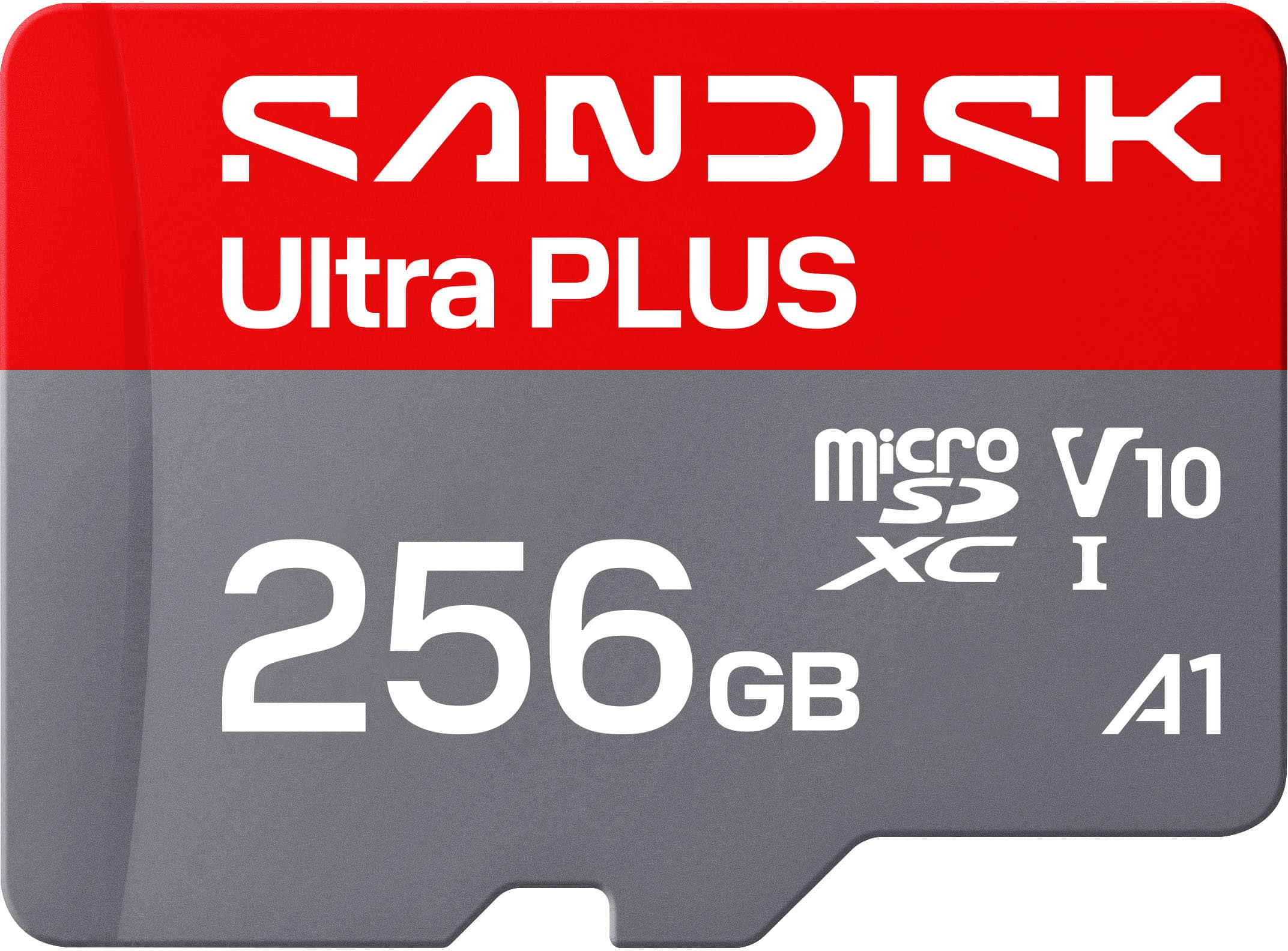
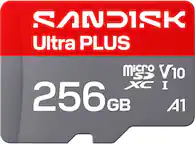
SANDISK - 256GB Ultra PLUS microSD UHS-I Memory Card
SKU: JXJ62CQL8QWorking great with our doorbell camera. No issues make sure its formatted for your device....It works great, and Best Buy had a very good price....Best value the 512 card was not a good value.
See all microSDXCProduct Description
A silver microSDXC memory card with 200MB/s read speeds, A1 app performance, and comprehensive protection against damage.Your price for this item is $84.99
Best Sellers



Related Pages





FAQ
Most smartphones are compatible with microSD or microSDHC memory cards. Always check your device's specifications to ensure compatibility before purchasing.
To install a memory card, locate your phone’s memory card slot—usually found under the back cover or in a side tray. Gently insert the card with the correct orientation and close the slot securely. Restart your phone if necessary to recognize the new card.
Yes, many smartphones allow you to transfer apps, photos, videos, and other files to a memory card through the device’s storage settings. This helps free up internal storage space.
Most Android smartphones support memory cards, while iPhones do not have memory card slots. If you use an iPhone, consider cloud storage or compatible external storage solutions.
Before removing a memory card, use your phone’s settings to unmount or safely eject the card. This prevents data loss or corruption. Once unmounted, you can physically remove the card from the slot.