Micro Sd Cards For Galaxy S5
-
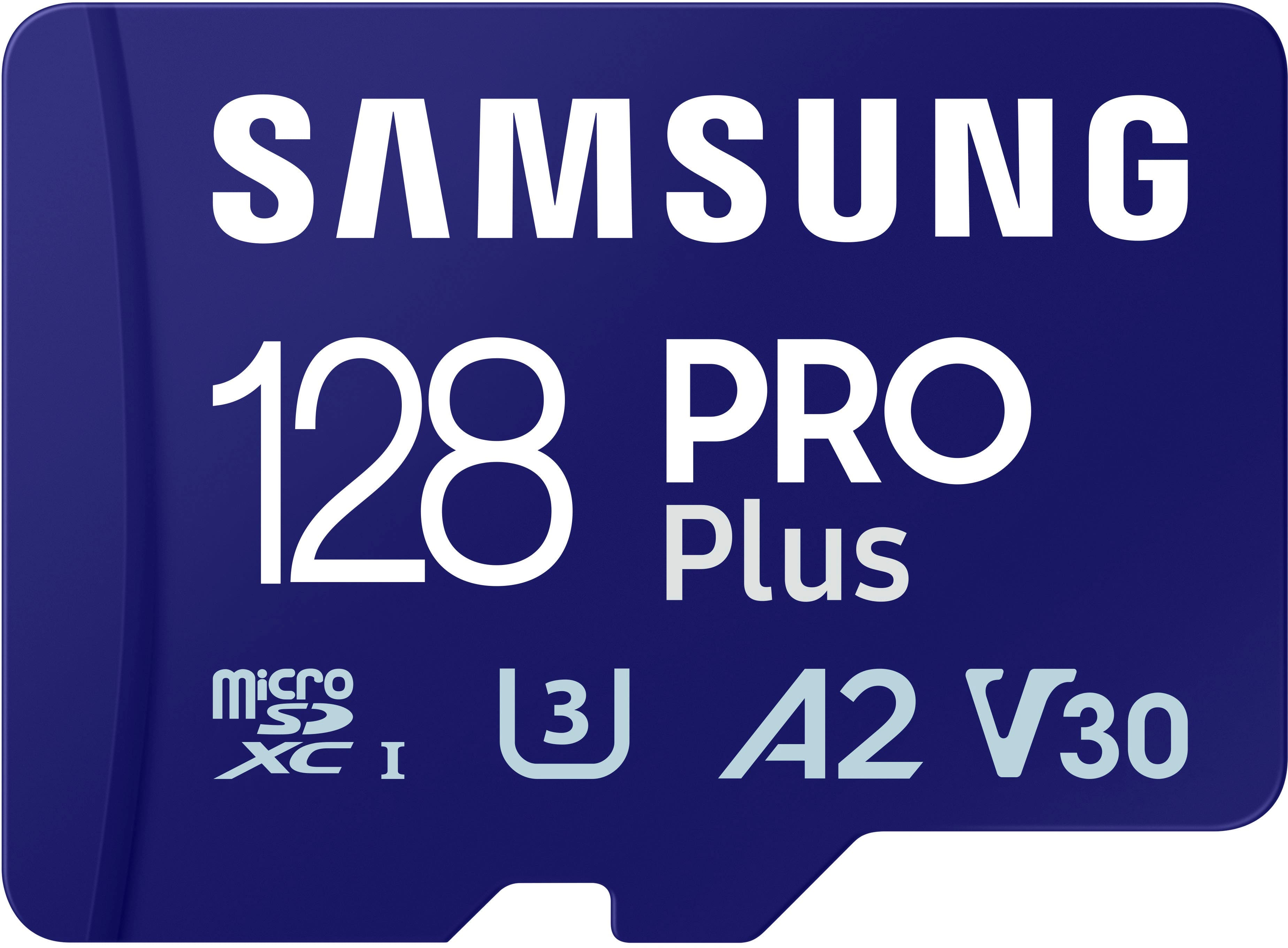
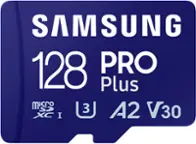
Samsung - Pro Plus 128 GB microSDXC Memory Card
SKU: J3ZYG2PH6CGreat...Worked great lightning fast. Replaced old tech, very happy 😊
See all microSDXCProduct Description
A high-speed 128GB microSDXC card with adapter, ideal for 4K video, gaming, and expanded storage.Your price for this item is $49.99 -
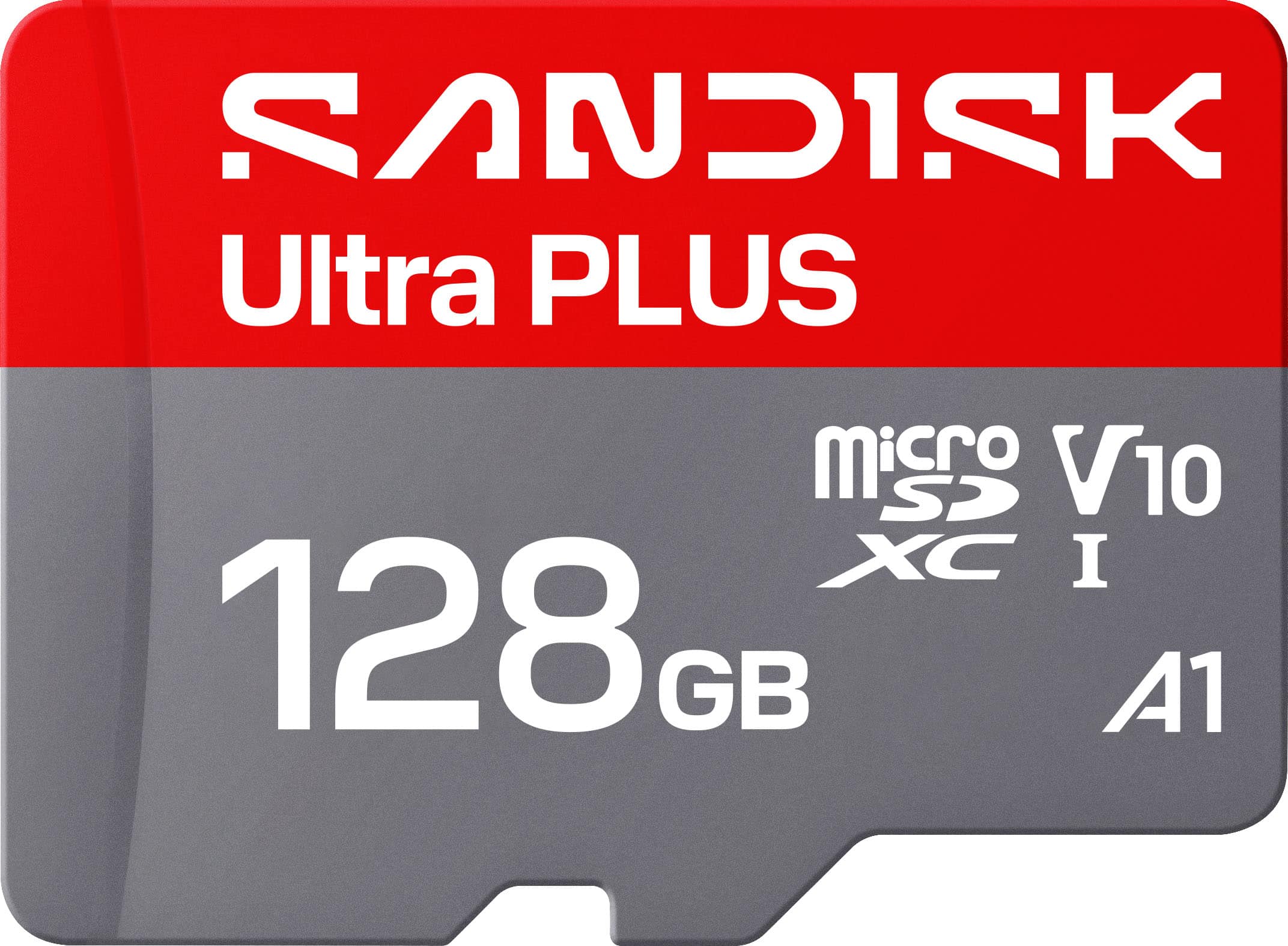
SANDISK - 128GB Ultra PLUS microSD UHS-I Memory Card, Read Speeds up to 200MB/s
SKU: JXJ62CQP6RI had great customer service when I purchased it, I also purchased Sonos speakers, a new TV, and a sound...Best Buy had the best deal on it and had it ready for pick up in no time!...This works great...
See all microSDXCProduct Description
A silver microSDXC card offering 128GB storage, 200MB/s read speed, and robust waterproof durability.Your price for this item is $54.99 -
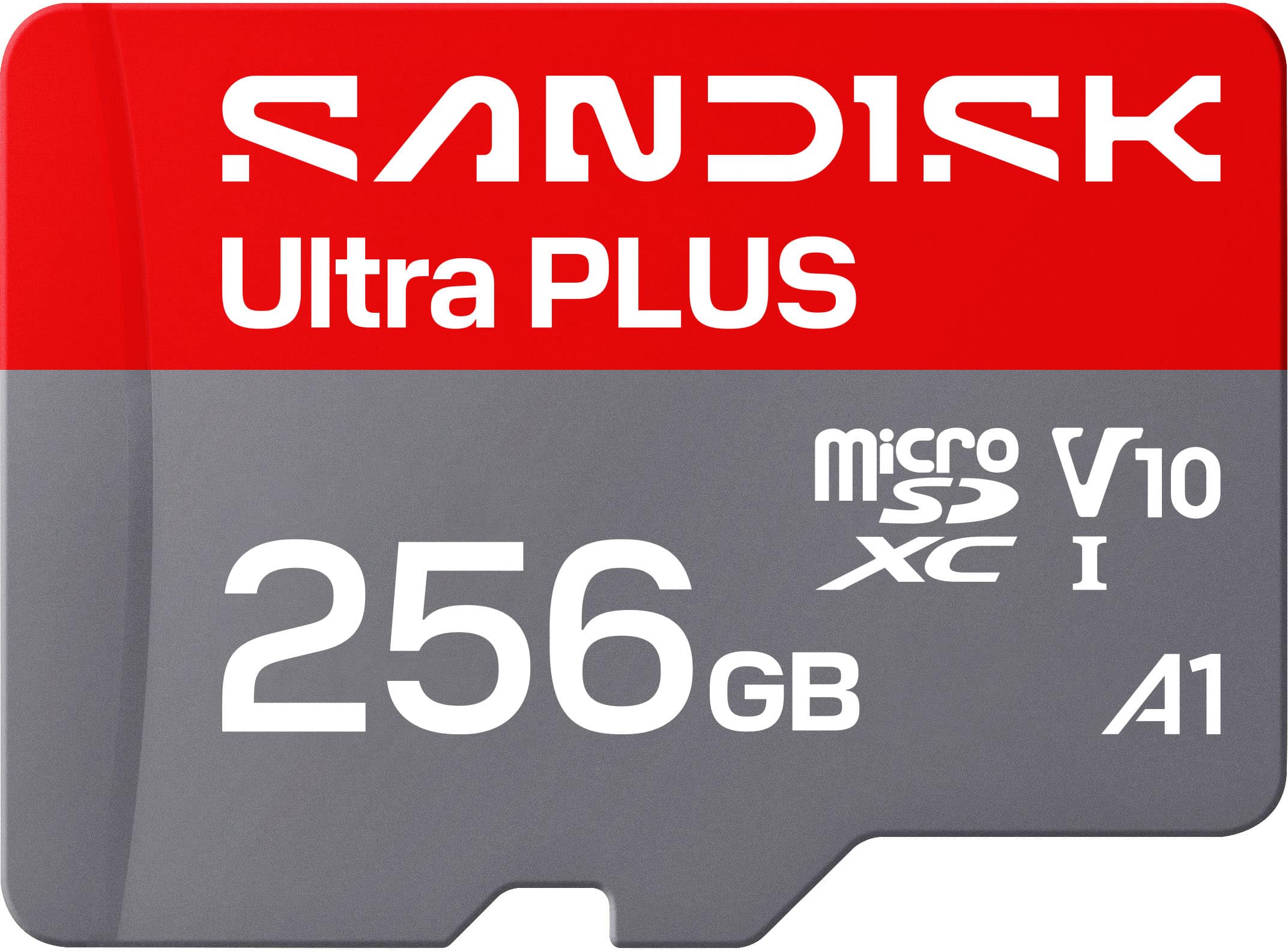
SANDISK - 256GB Ultra PLUS microSD UHS-I Memory Card, Read Speeds up to 200MB/s
SKU: JXJ62CQL8QIt works great, and Best Buy had a very good price....Working great with our doorbell camera. No issues make sure its formatted for your device....Best value the 512 card was not a good value.
See all microSDXCProduct Description
A silver microSDXC card offering 256GB storage, 200MB/s read speed, and rugged, waterproof durability.Your price for this item is $89.99 -
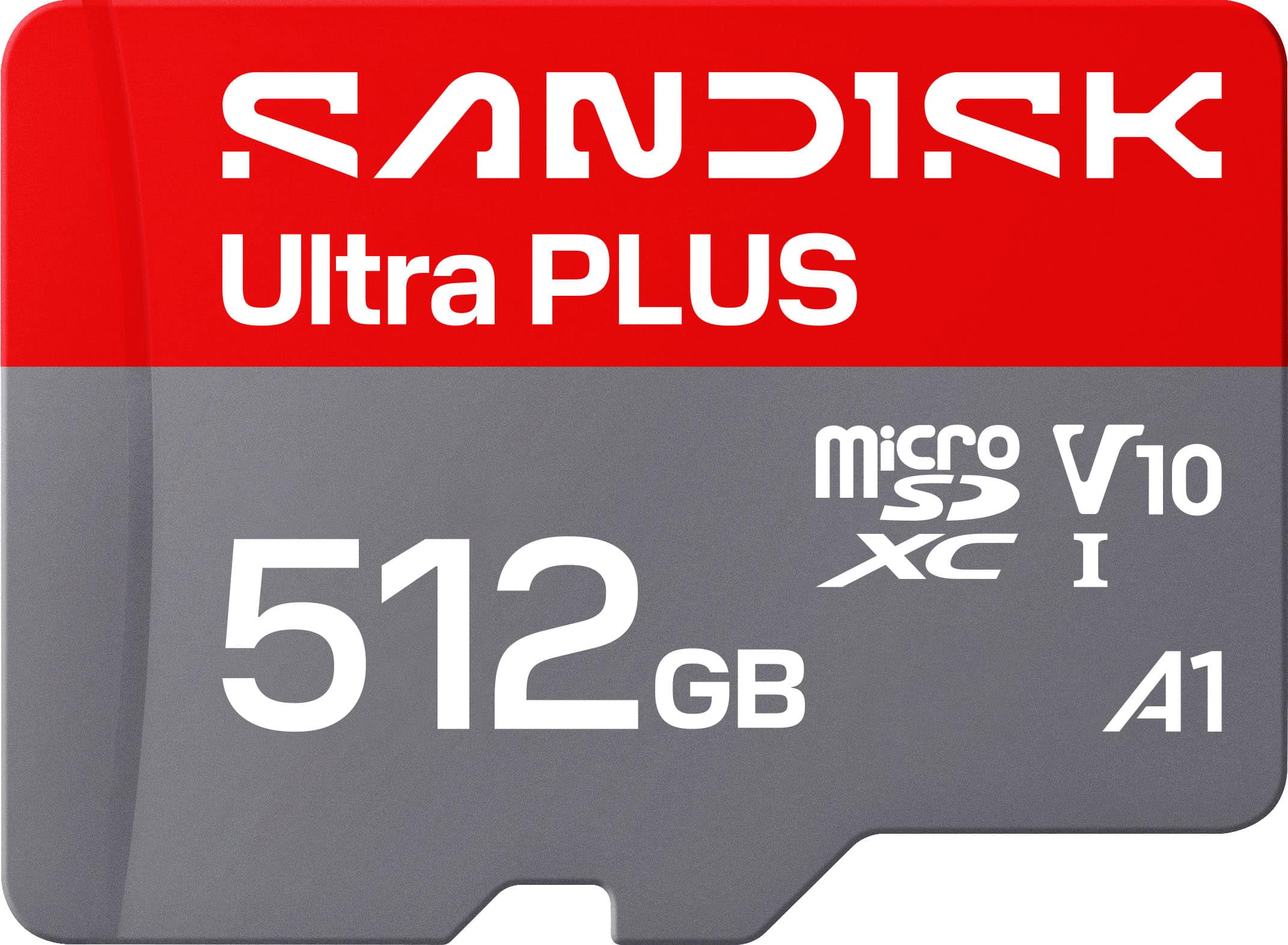
SANDISK - 512GB Ultra PLUS microSD UHS-I Memory Card, Read Speeds up to 200MB/s
SKU: JXJ62CQLG4Great chips use them all the time reliable inexpensive...Great product and holds a good amount of storage would reccomend
See all microSDXCProduct Description
A silver microSD card offering 512GB storage, 200MB/s read speed, and robust water-resistant durability.Your price for this item is $179.99 -
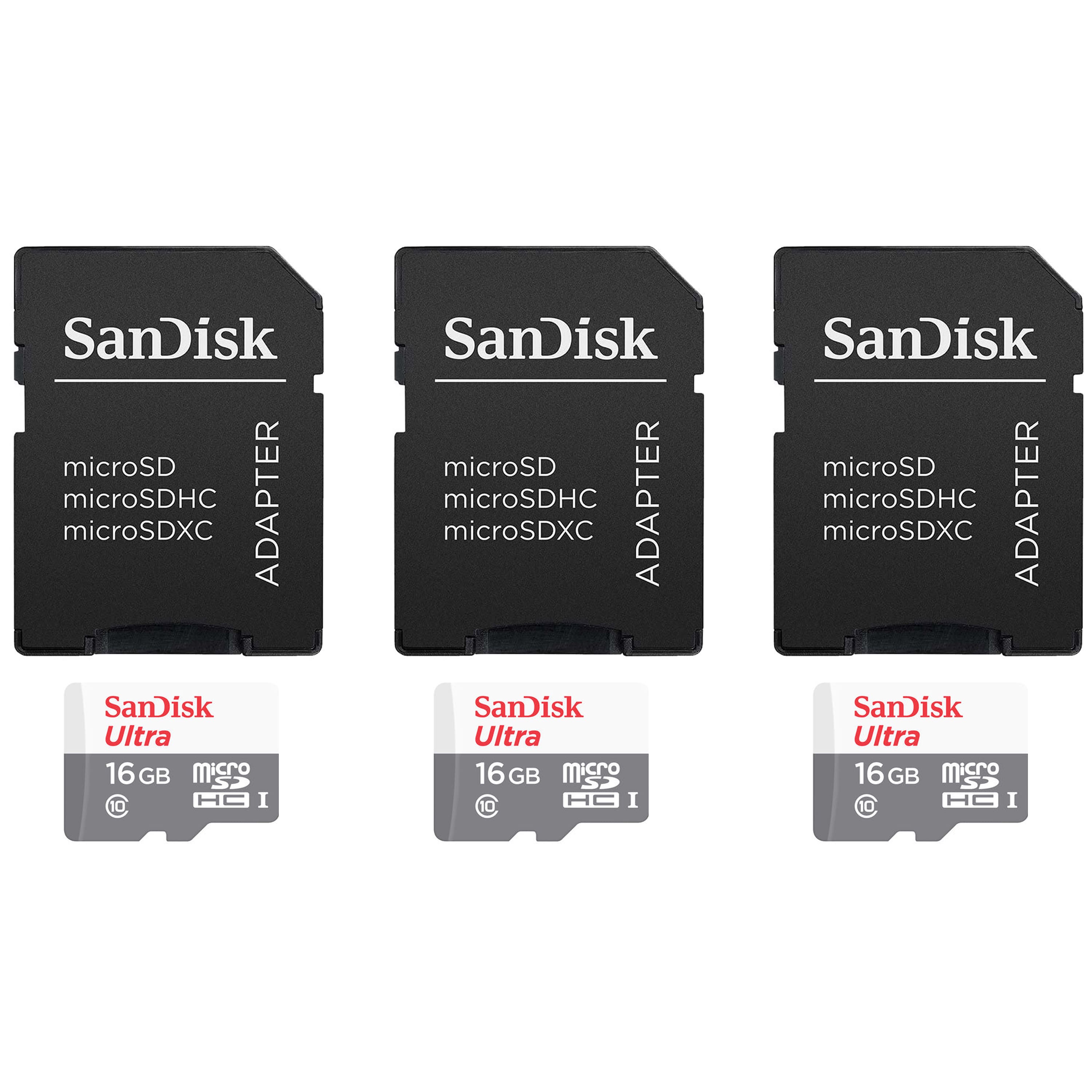
3 Units SanDisk 16GB Ultra UHS-I microSDHC Memory Card with SD Adapter
SKU: JX7QW55HZ6See all Secure Digital (SDHC, SDXC)Product Description
A durable 16GB microSDHC card with SD adapter, offering fast 120MB/s transfer and A1 app performance.Your price for this item is $48.98 -
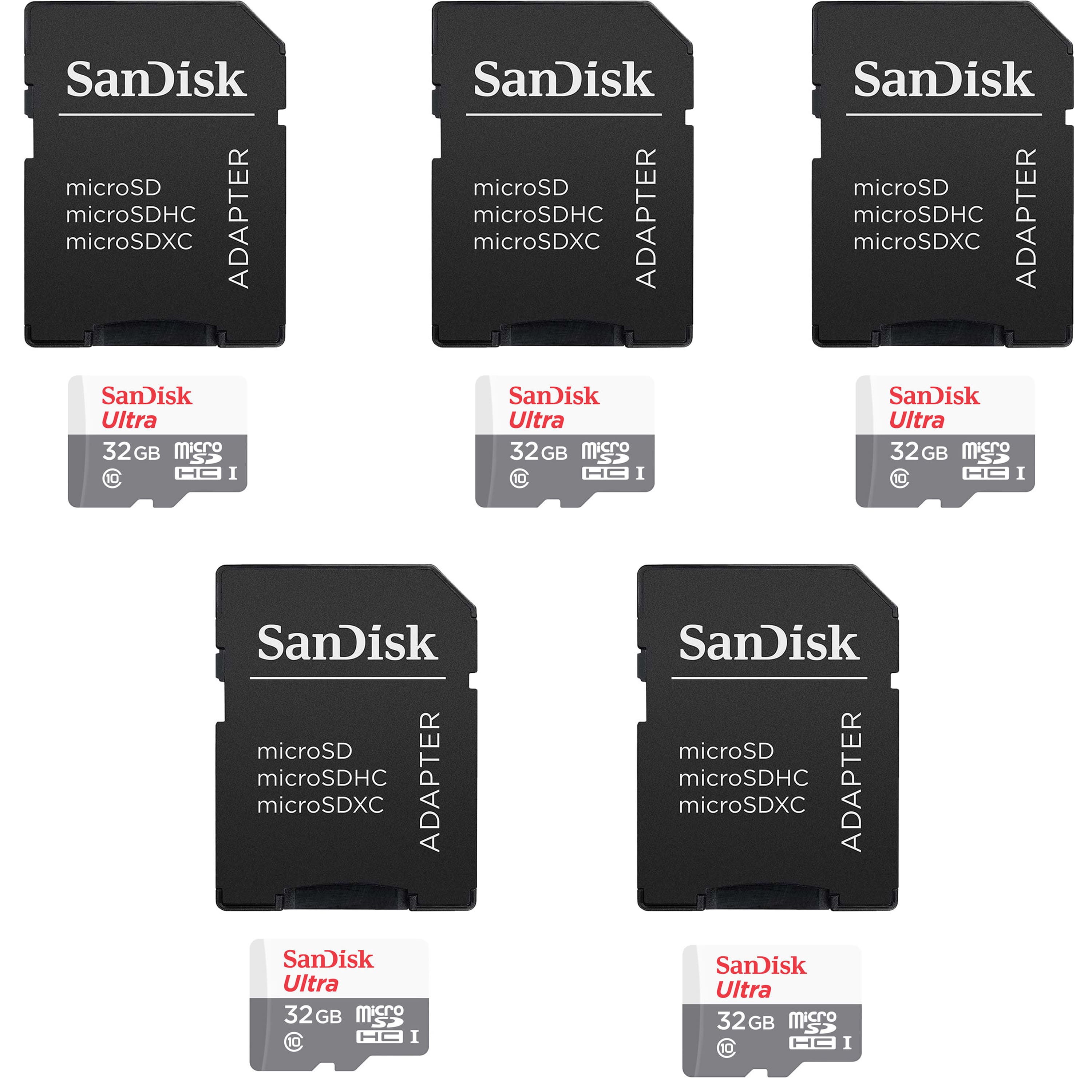
5 Units SanDisk 32GB Ultra UHS-I microSDHC Memory Card with SD Adapter
SKU: JX7QW55H5JSee all Secure Digital (SDHC, SDXC)Product Description
A durable 32GB microSDHC card with SD adapter, offering fast 120MB/s transfer and A1 app performance.Your price for this item is $93.98 -
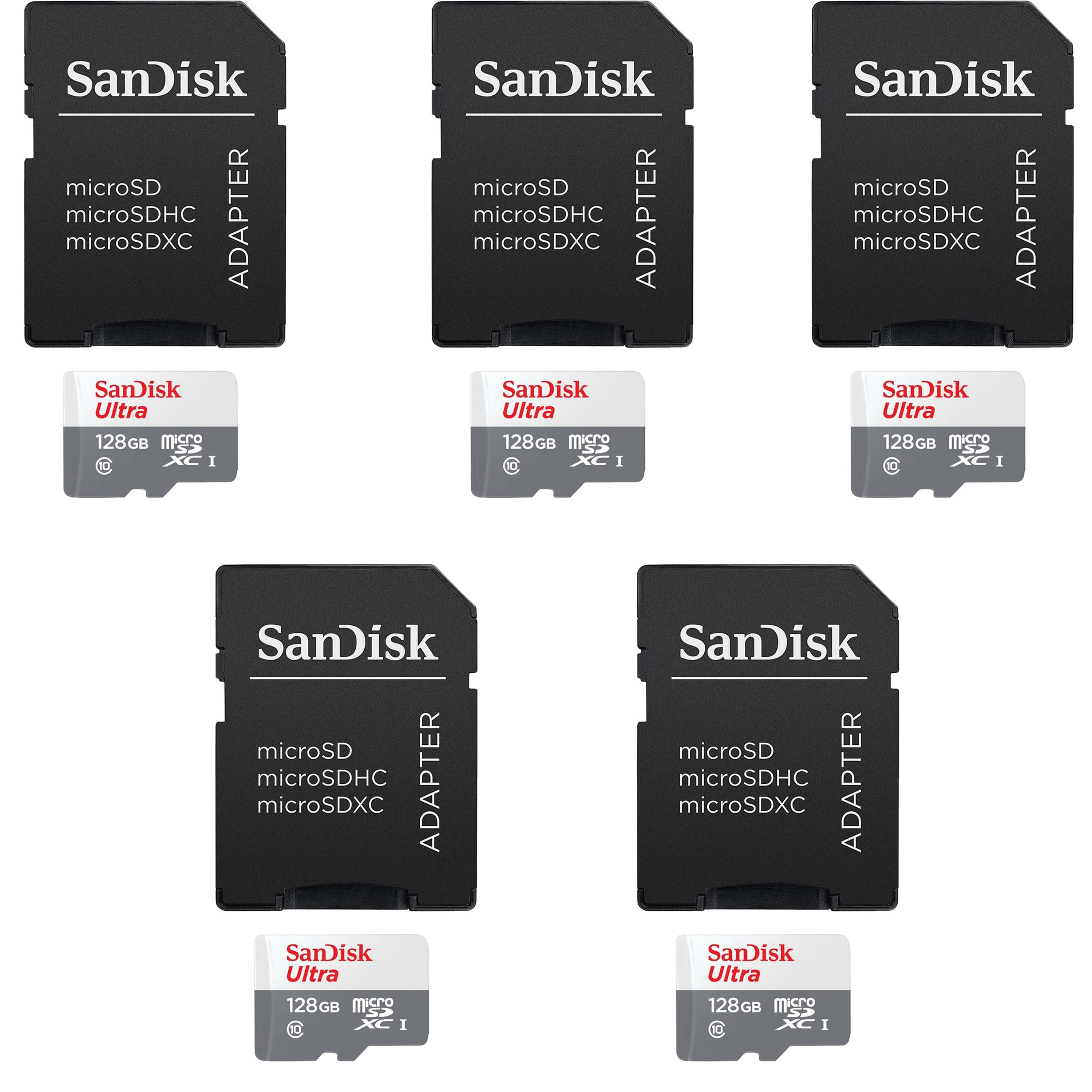
5 Units SanDisk 128GB Ultra UHS-I microSDHC Memory Card with SD Adapter
SKU: JX7QW55HF8See all Secure Digital (SDHC, SDXC)Product Description
A durable 128GB microSDXC card with 120MB/s transfer speed, A1 app performance, and SD adapter included.Your price for this item is $149.98 -
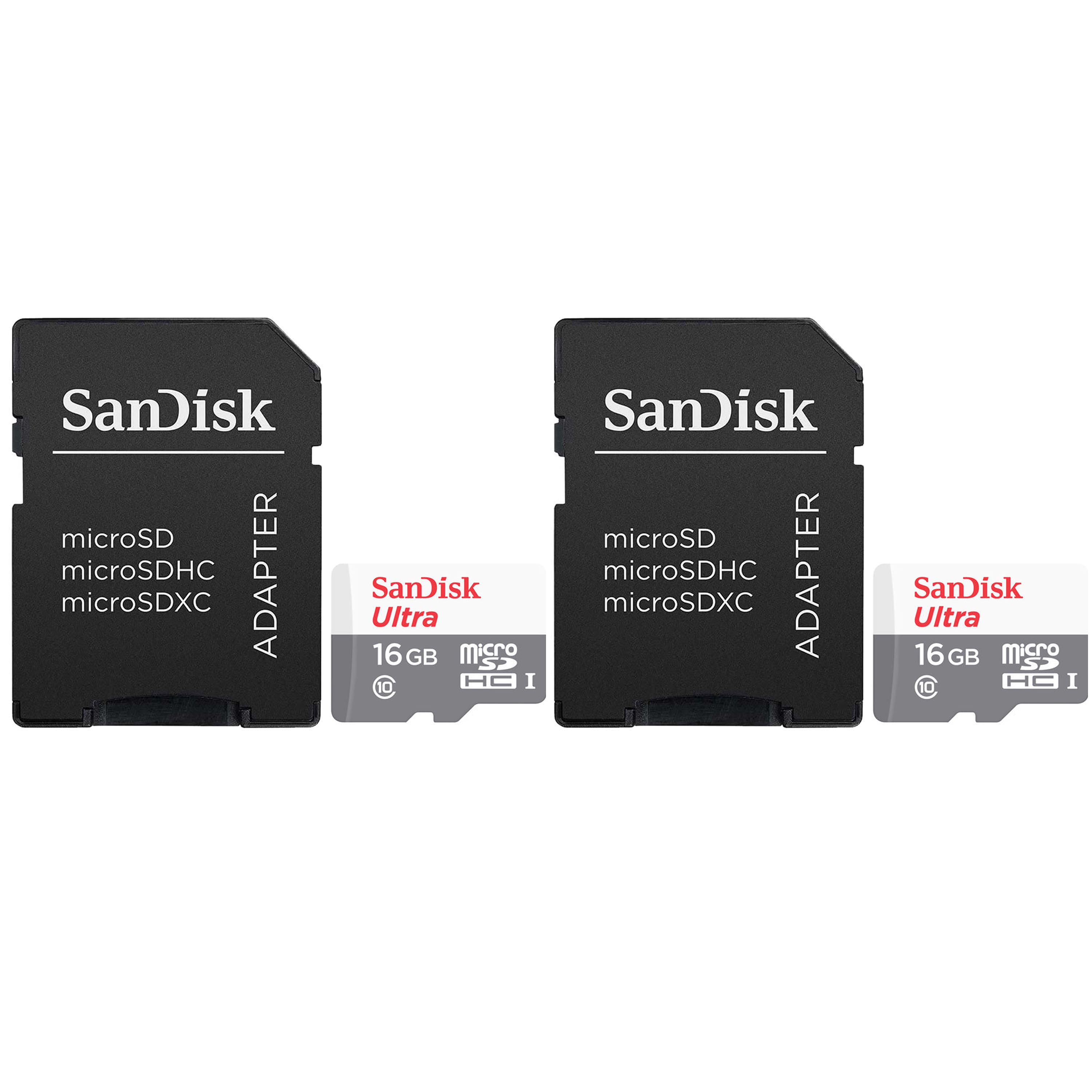
2 Units SanDisk 16GB Ultra UHS-I microSDHC Memory Card with SD Adapter
SKU: JX7QW55HK4See all Secure Digital (SDHC, SDXC)Product Description
A durable 16GB microSDHC card with SD adapter, offering fast transfers and reliable Full HD video recording.Your price for this item is $34.98 -
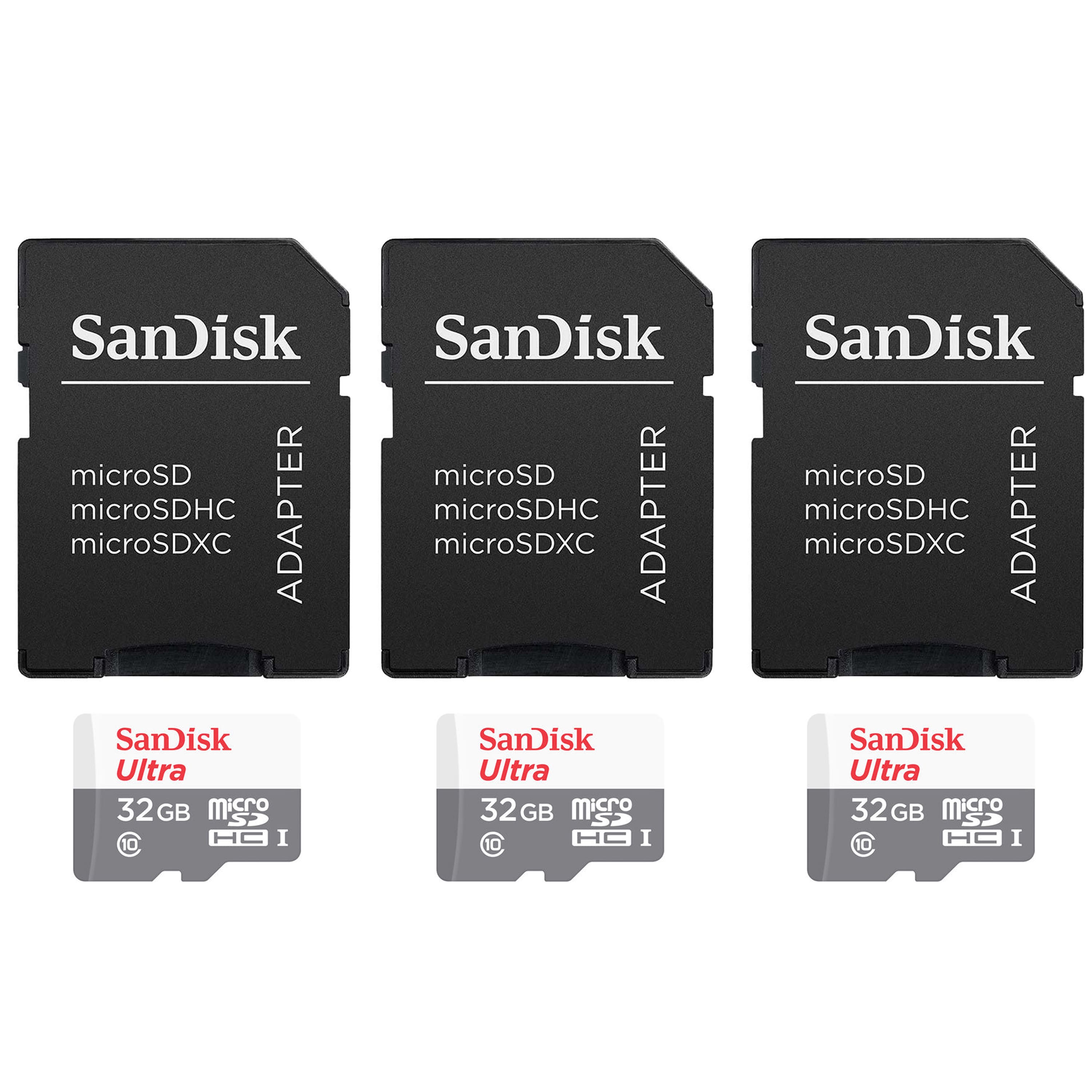
3 Units SanDisk 32GB Ultra UHS-I microSDHC Memory Card with SD Adapter
SKU: JX7QW55H4KSee all Secure Digital (SDHC, SDXC)Product Description
A durable 32GB microSDHC card with SD adapter, offering fast 120MB/s transfer and A1 app performance.Your price for this item is $57.98 -
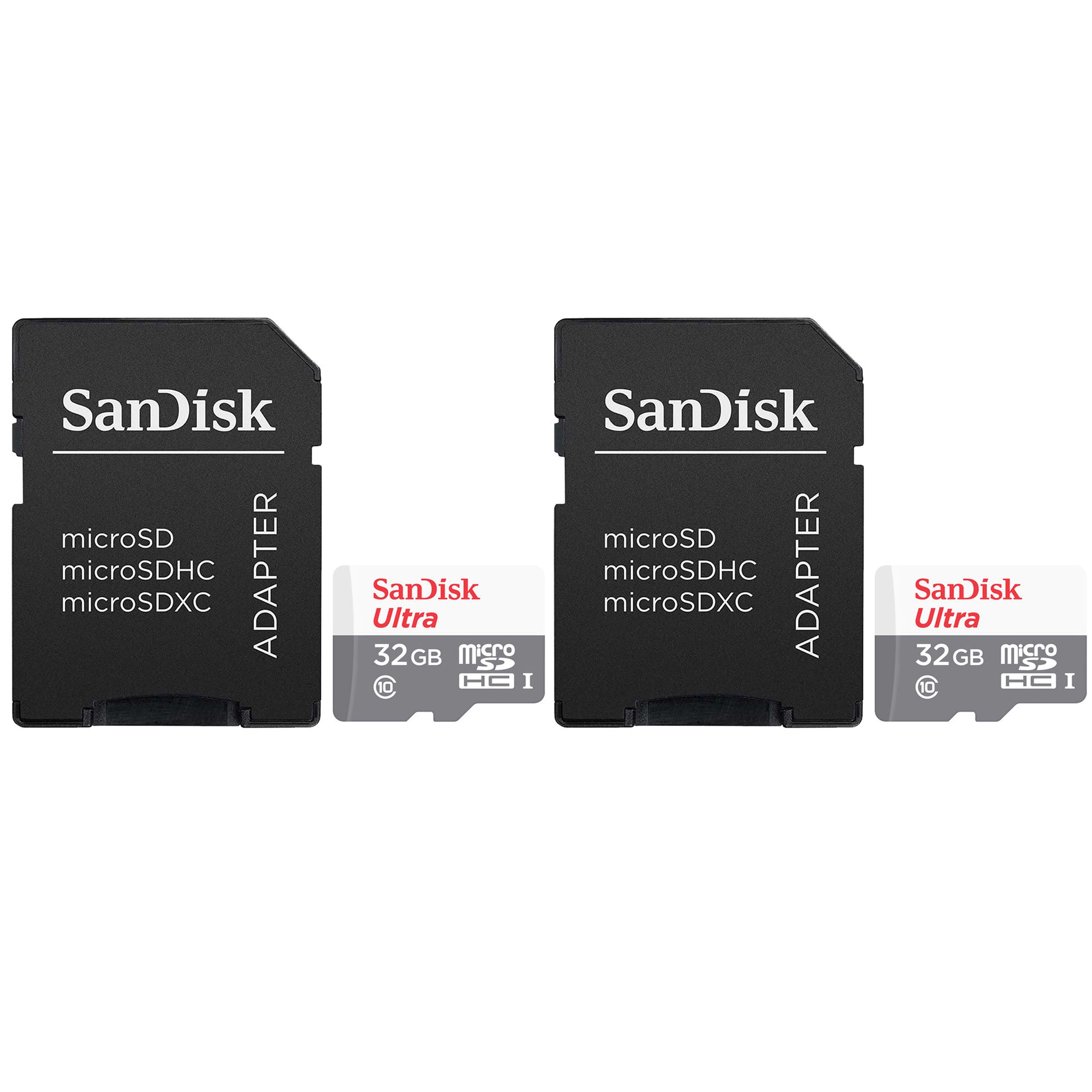
2 Units SanDisk 32GB Ultra UHS-I microSDHC Memory Card with SD Adapter
SKU: JX7QW55H4CSee all Secure Digital (SDHC, SDXC)Product Description
A durable 32GB microSDHC card with SD adapter, offering fast 120MB/s transfer and A1 app performance.Your price for this item is $42.98
Best Sellers

Related Pages


FAQ
Yes, the Samsung Galaxy S5 supports micro SD cards, allowing you to expand your device's storage for photos, videos, apps, and more.
To insert a micro SD card, power off your Galaxy S5, remove the back cover and battery, then insert the card into the micro SD slot. Replace the battery and cover, then power the device back on.
Yes, the Galaxy S5 allows you to move certain apps, photos, videos, and other files to the micro SD card through the device's storage settings.
The Galaxy S5 supports common file formats such as FAT32 and exFAT for micro SD cards, which are ideal for storing photos, videos, and documents.
To format a micro SD card, go to Settings > Storage > SD Card, then select 'Format SD card.' This will erase all data on the card and prepare it for use with your device.