Sd Cards For Galaxy Note 4
-
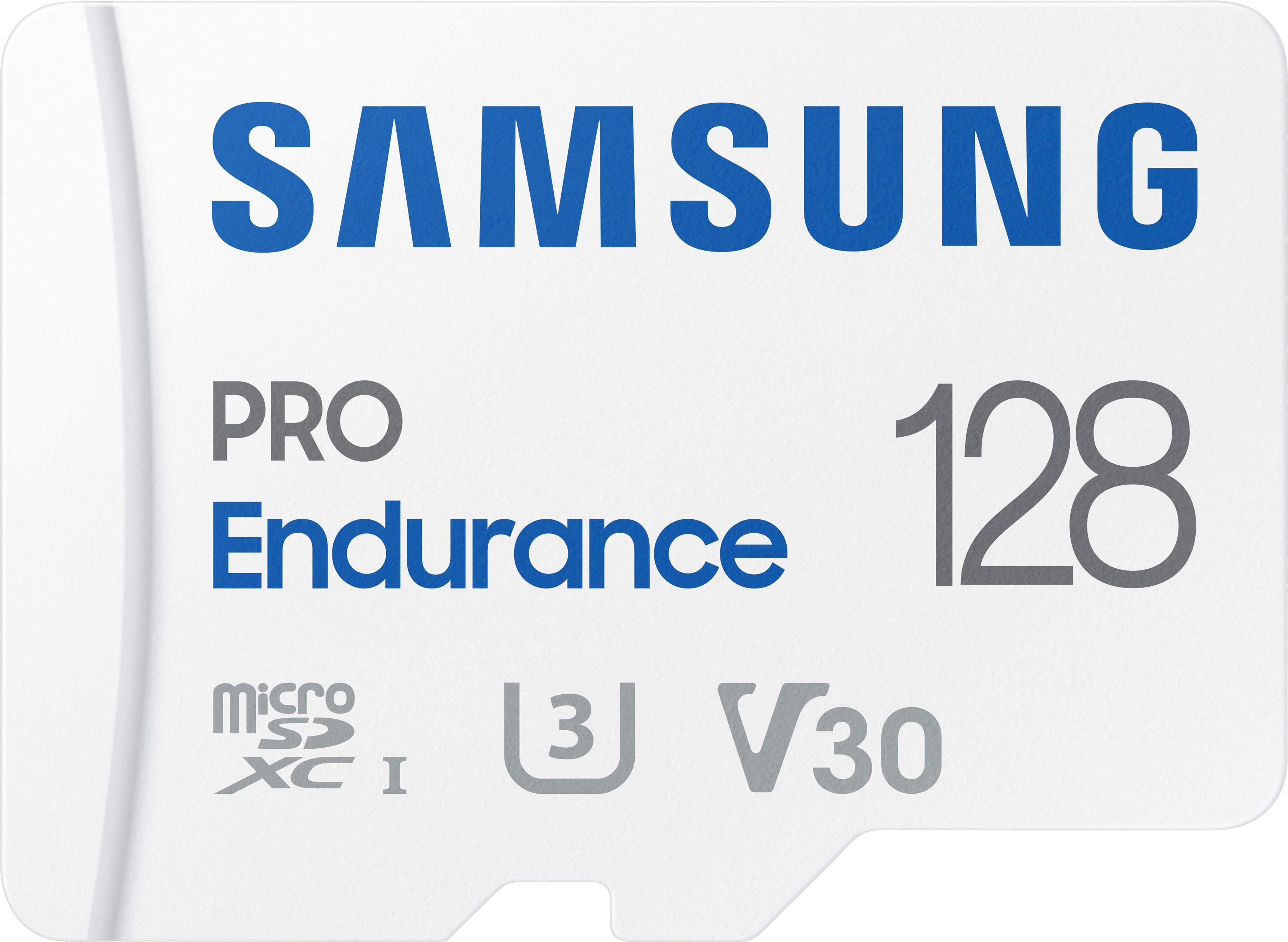
Samsung - PRO Endurance 128GB microSDXC SD Memory Card
SKU: J3ZYG2JZWKCalled Best buy for a reason...Great product, no issues, best price around by far great service...Best quality and price. Great for dash cam and cameras.
See all microSDXCProduct Description
A durable white microSDXC card offering 128GB storage, water resistance, and fast FHD/4K recording performance.Your price for this item is $76.99 -
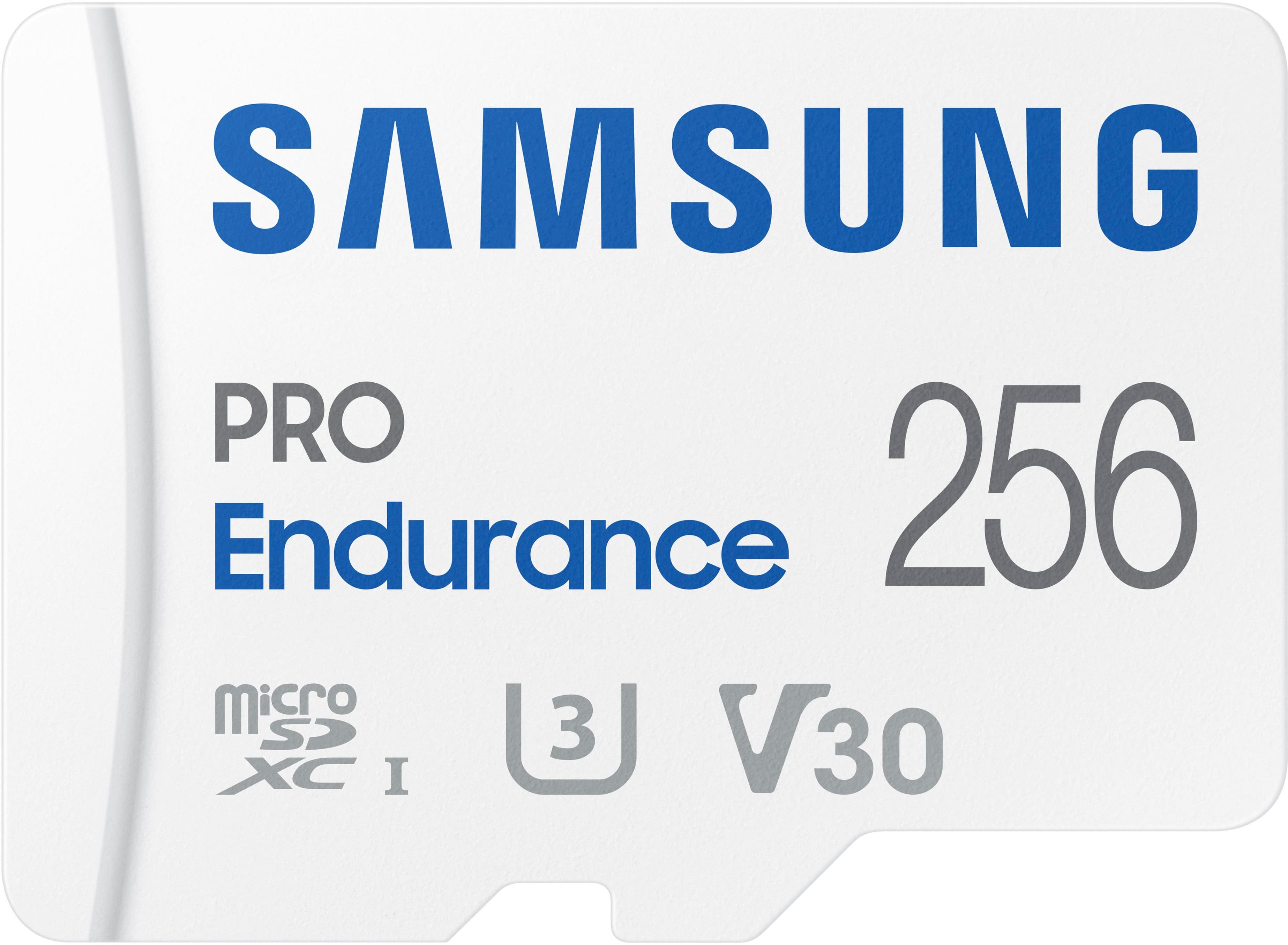
Samsung - PRO Endurance 256GB MicroSDXC Memory Card
SKU: J3ZYG2JZK7It works as advertised no problems, great buy at the bargain price at Best buy....Great Micro SD...The Samsung Micro SD card's is the best you can buy!
See all microSDXCProduct Description
A durable white microSDXC card offering 256GB storage, water resistance, and fast FHD/4K recording performance.Your price for this item is $153.99 -
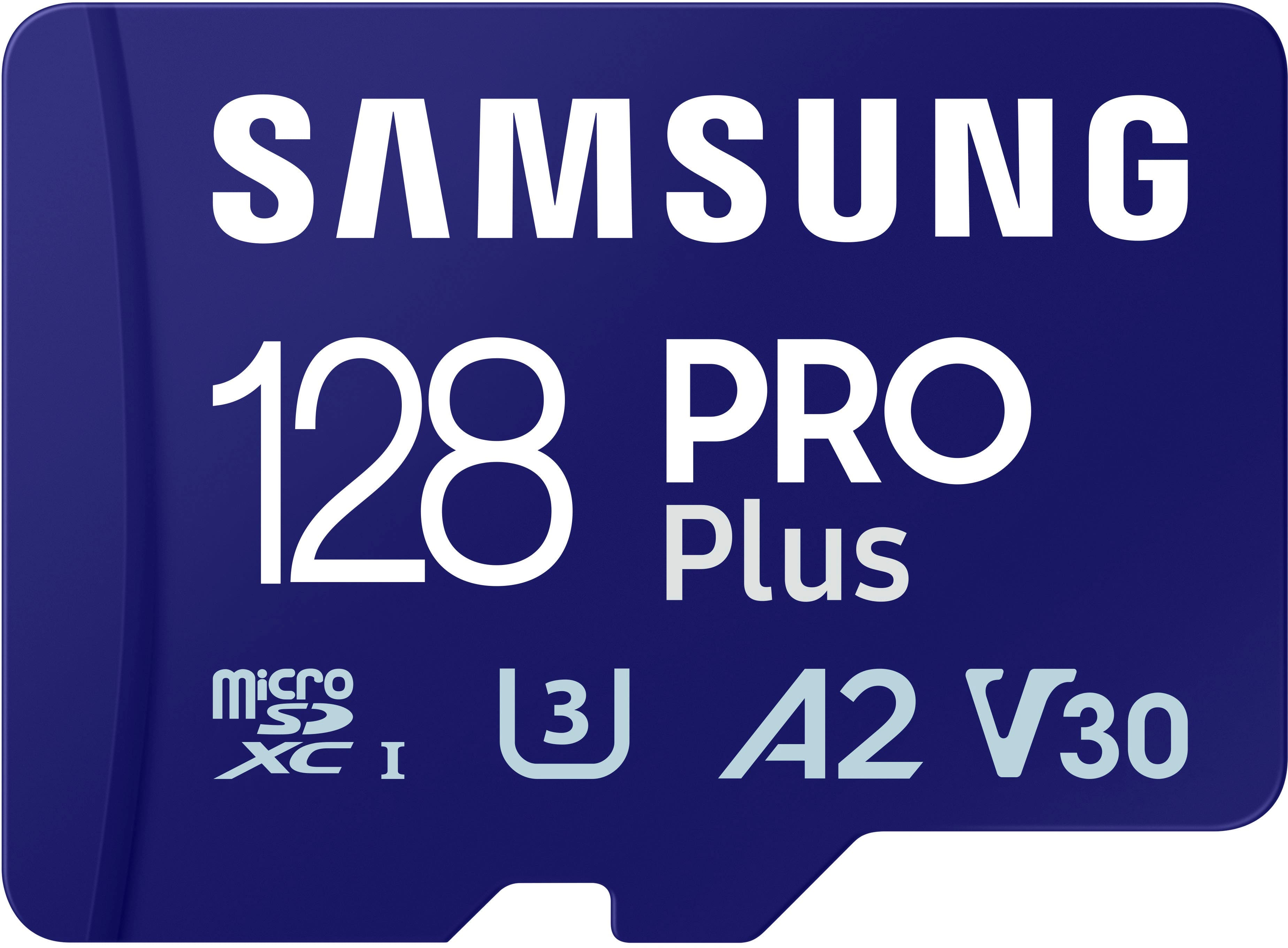
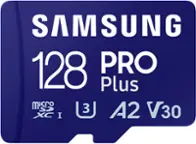
Samsung - Pro Plus 128 GB microSDXC Memory Card
SKU: J3ZYG2PH6CBEST OVER ALL...I absolutely love this SD Card I use it with my Nintendo switch and it read and write my games flawlessly...Great
See all microSDXCProduct Description
A high-speed 128GB microSDXC card with adapter, ideal for 4K video, gaming, and expanded storage.Your price for this item is $49.99 -
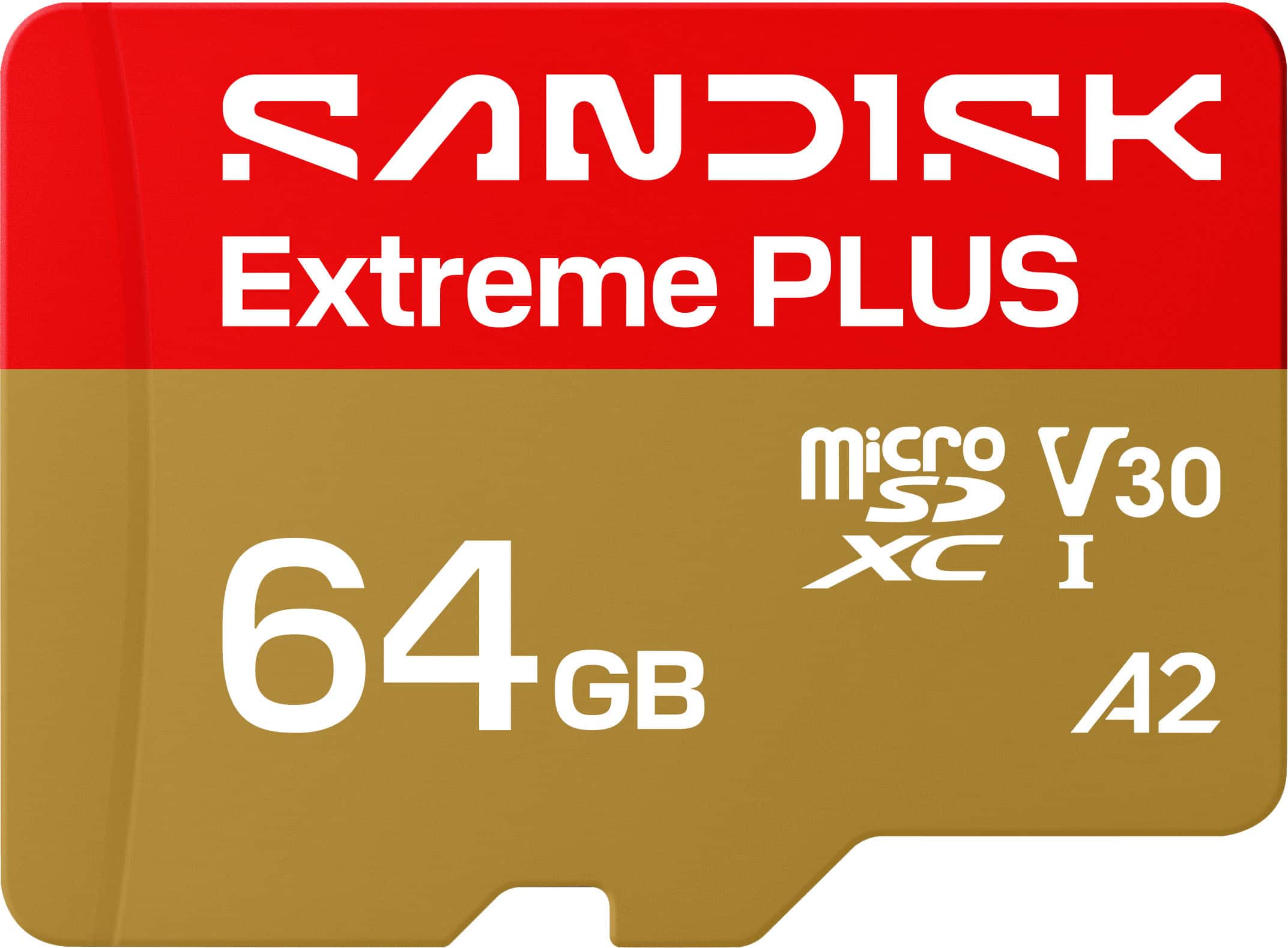
SANDISK - 64GB Extreme PLUS microSDXC UHS-I Memory Card, R/W Speeds Up to 200/90MB/s, 5K/4K UHD Videos
SKU: JXJ62CQG88Great Value for the Storage Space. Nice fit for the cost....Quality seems great.
See all microSDXCProduct Description
A high-speed, water-resistant microSD card offering 64GB storage and smooth 4K UHD video recording.Your price for this item is $49.99 -
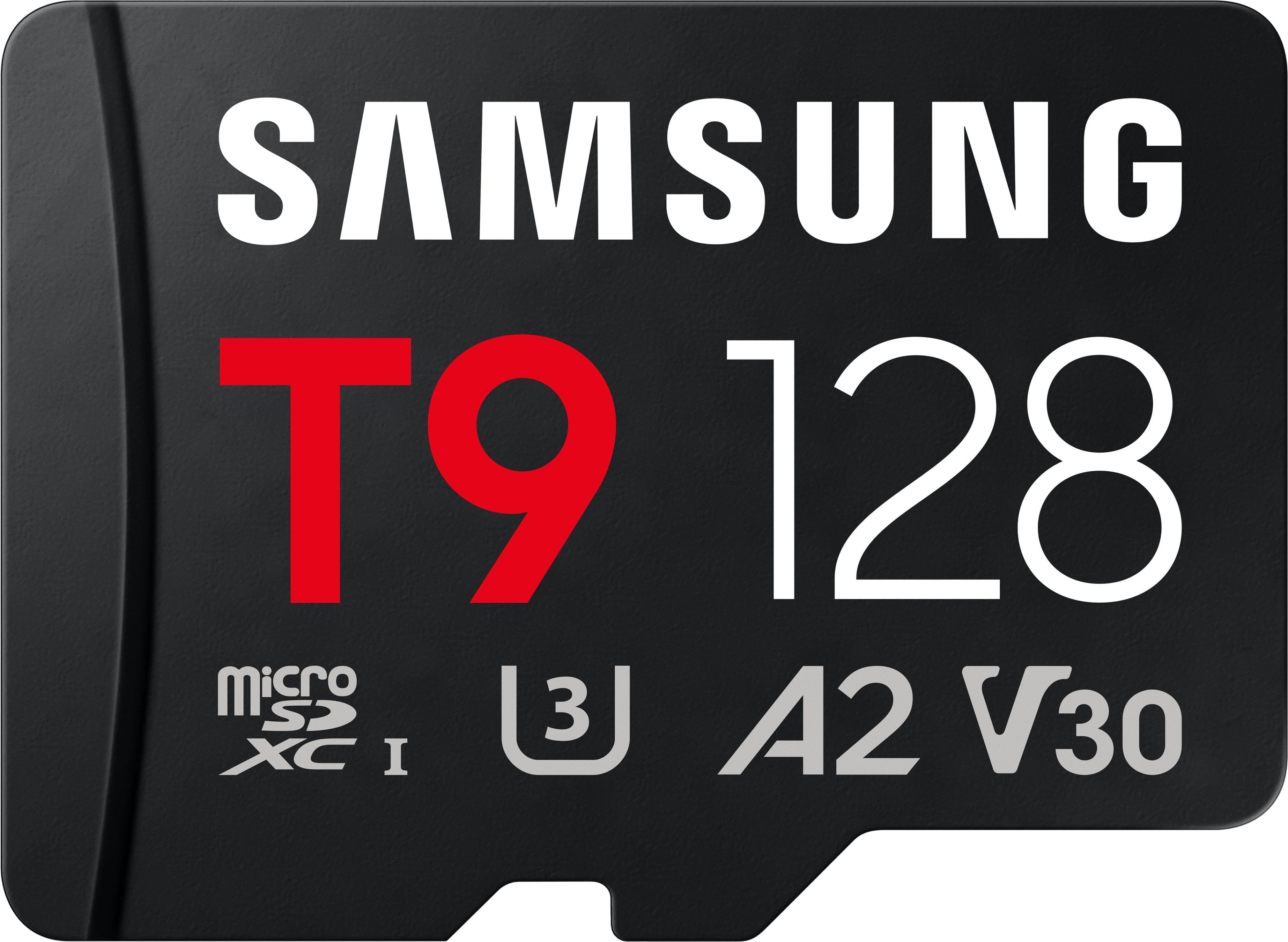
Samsung - microSDXC T9 128GB, Read/Write Speeds Up to 200/130 MB/s (MB-MH128T/WW)
SKU: JJGRF39K24Great capacity...Best memory ever! Nothing beats it!...the best impression and the best option
See all microSDXCProduct Description
A black microSDXC card offering 128GB storage, water resistance, and up to 200/130 MB/s read/write speeds.Your price for this item is $99.99 -
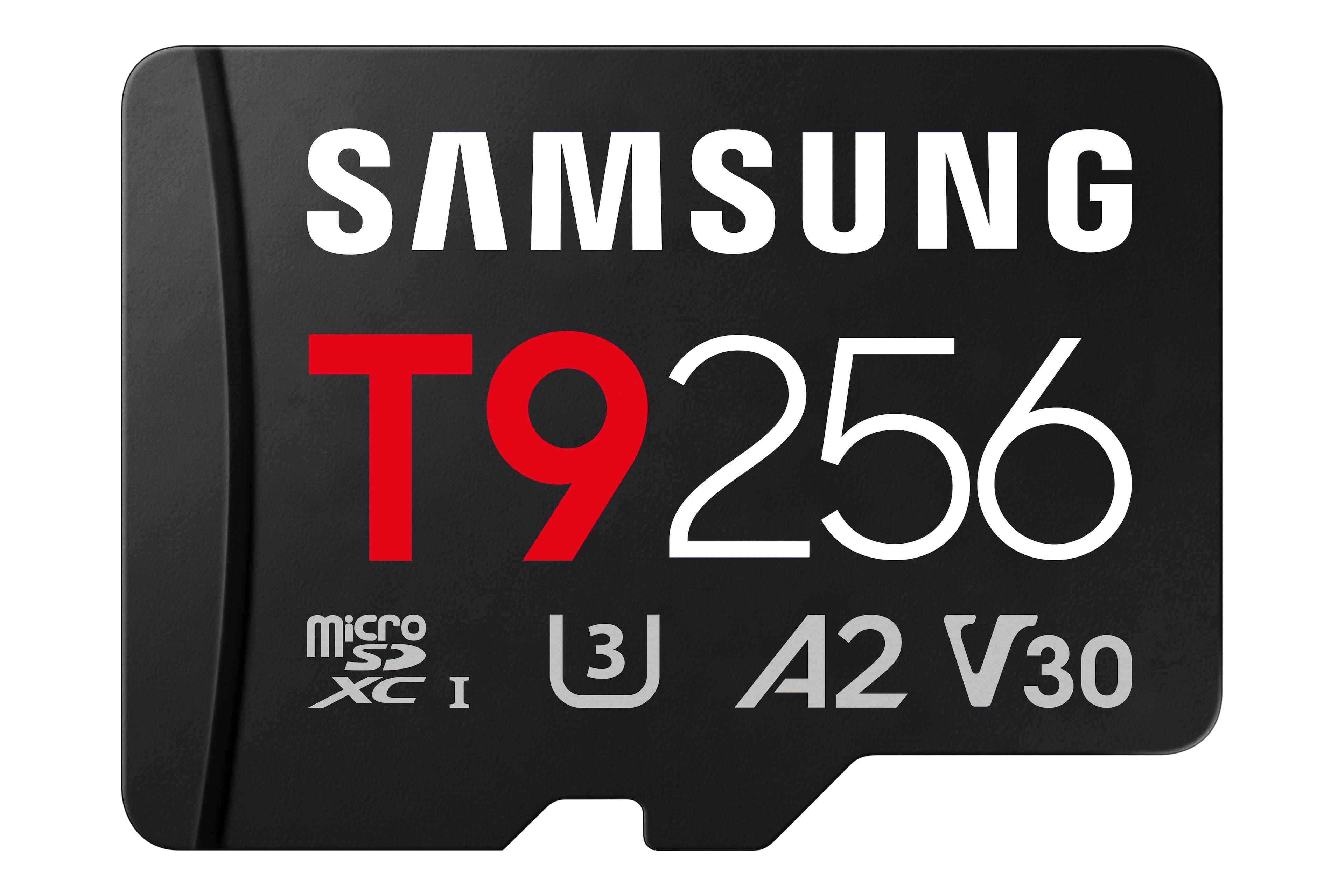
Samsung - microSDXC T9 256GB, Read/Write Speeds Up to 200/130 MB/s (MB-MH256T/WW)
SKU: JJGRF39KX6Great features...Plenty of storage,great item.4⁴i love it ,best so far....I love my memory it's the best can do without it it's fast I love it every moment of I can do without...it it's fast I love it...
See all microSDXCProduct Description
A black microSDXC card offering 256GB storage, water resistance, and fast 200/130 MB/s read/write speeds.Your price for this item is $149.99
Best Sellers



Related Pages
FAQ
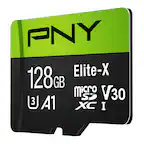
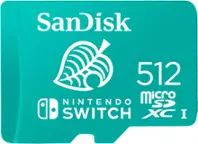
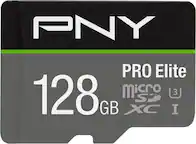
The Galaxy Note 4 uses a microSD card, also known as a microSDHC or microSDXC card depending on the card’s specifications.
Power off the Galaxy Note 4, remove the back cover and battery if necessary, then place the microSD card into the dedicated card slot with the contacts facing the correct direction. Reinstall the battery and cover before turning on the phone.
Open Settings, select Storage, choose the SD card, and follow the on-screen formatting instructions. Formatting erases the data stored on the card, so back up important files first.
Yes. Use the phone’s My Files app or a compatible file manager to select photos and videos, then choose the option to move or copy them to the SD card.
Before removing the card, open Settings, select Storage, and choose Unmount SD card. After it is unmounted, power off the phone and remove the card.